

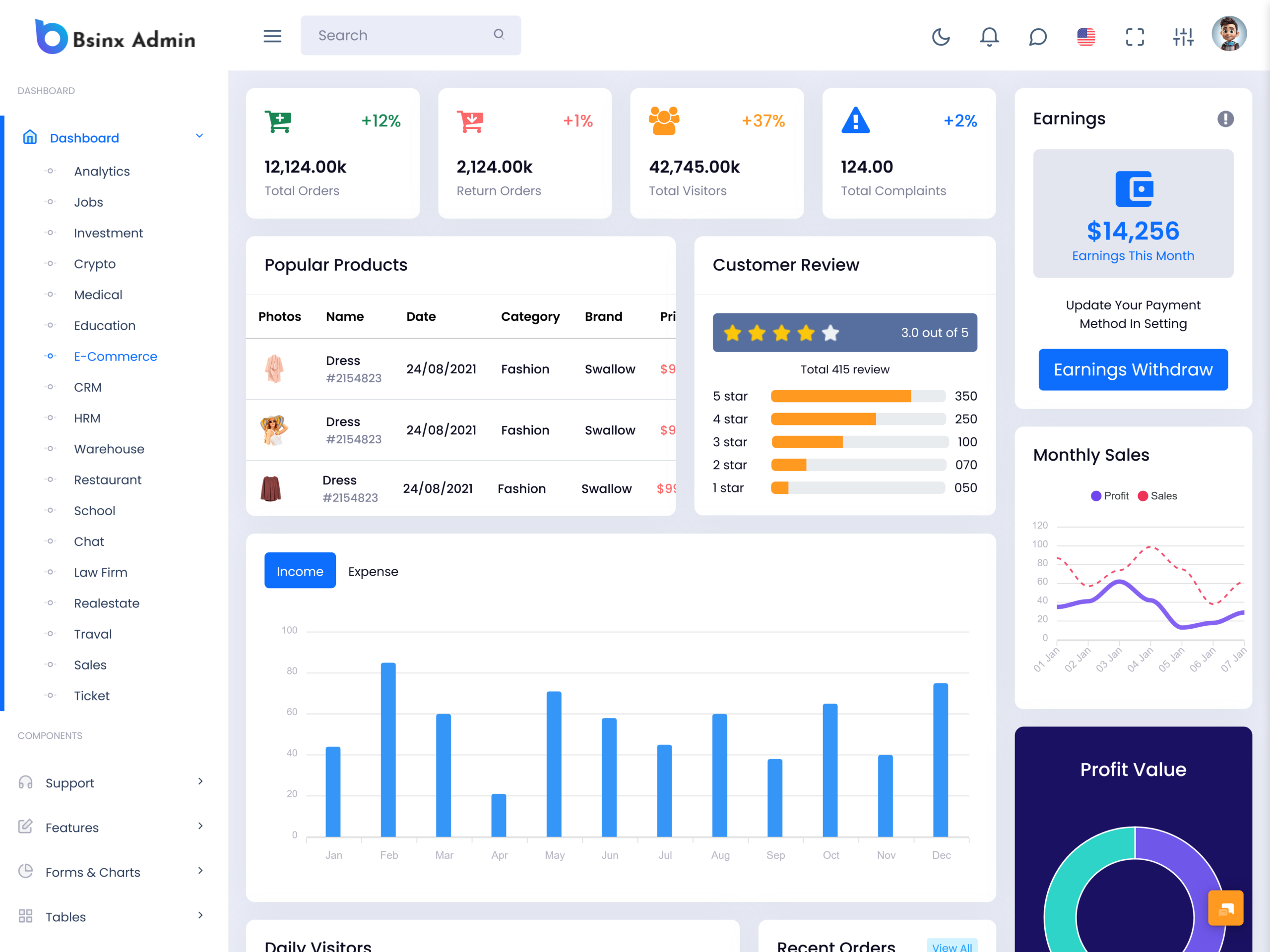
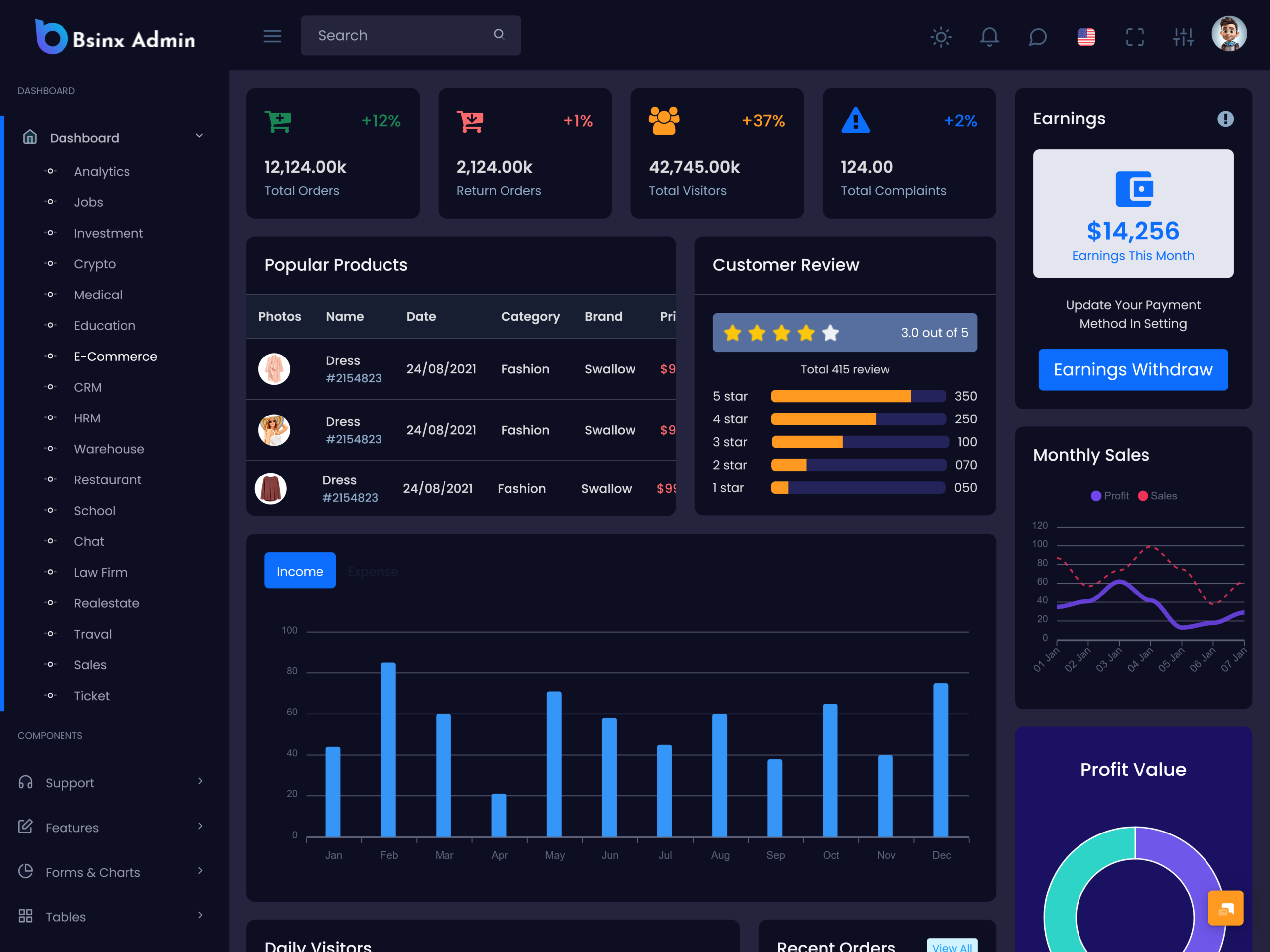
Running an online store involves much more than uploading products and accepting orders. Store owners…
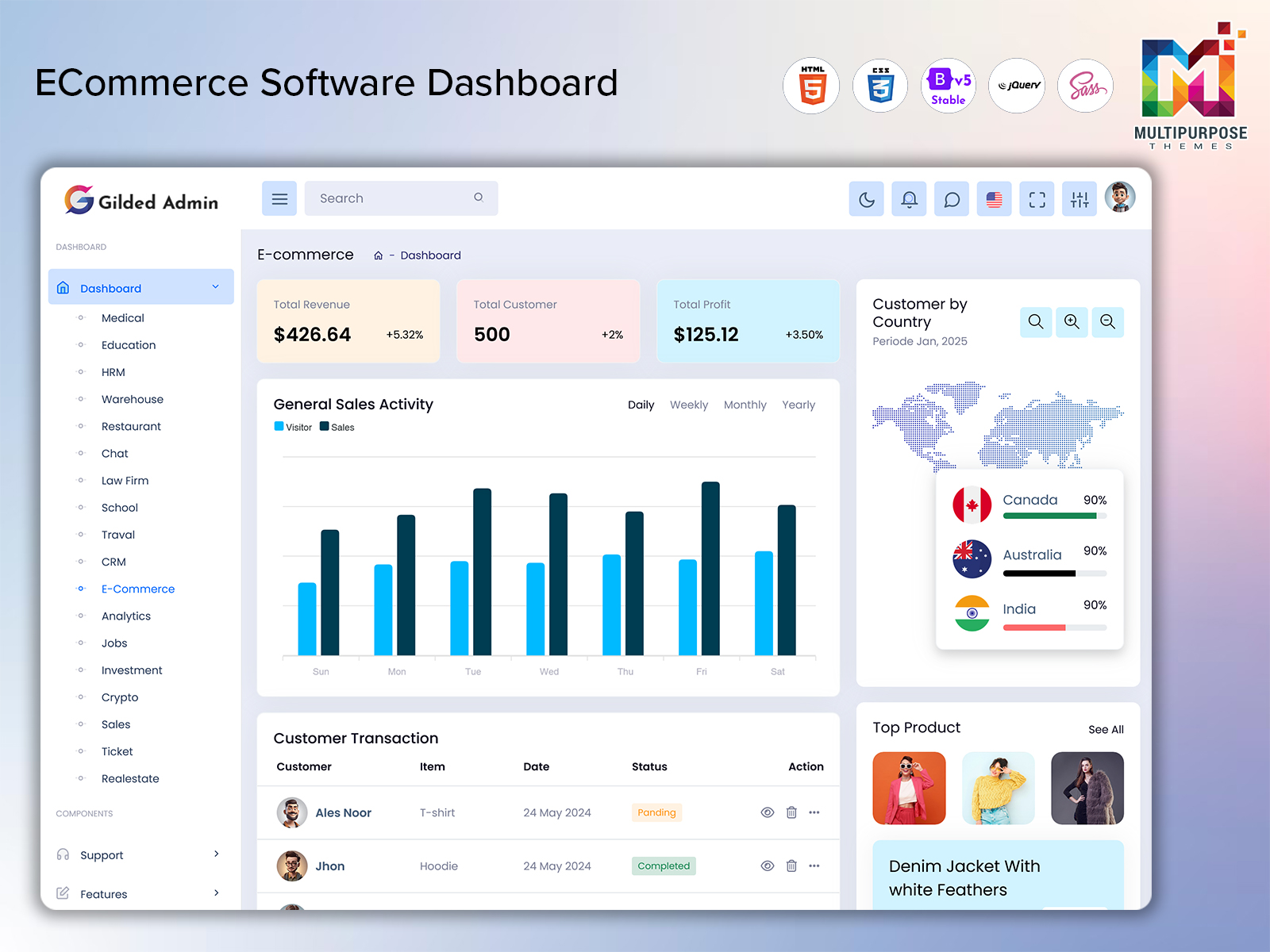
ECommerce Software Dashboard for Complete Store Control in 2026
Reading Time: 7 minutes
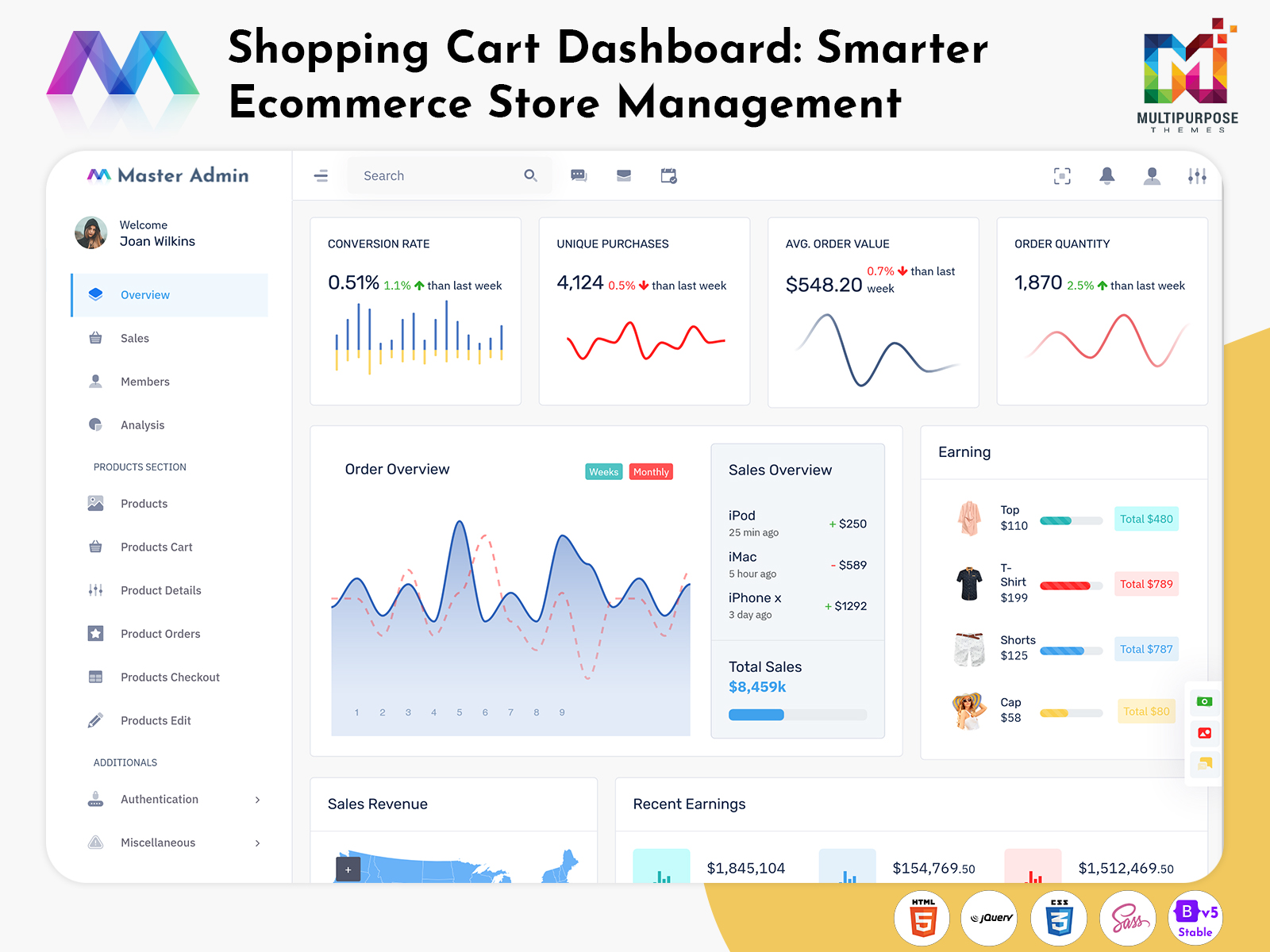
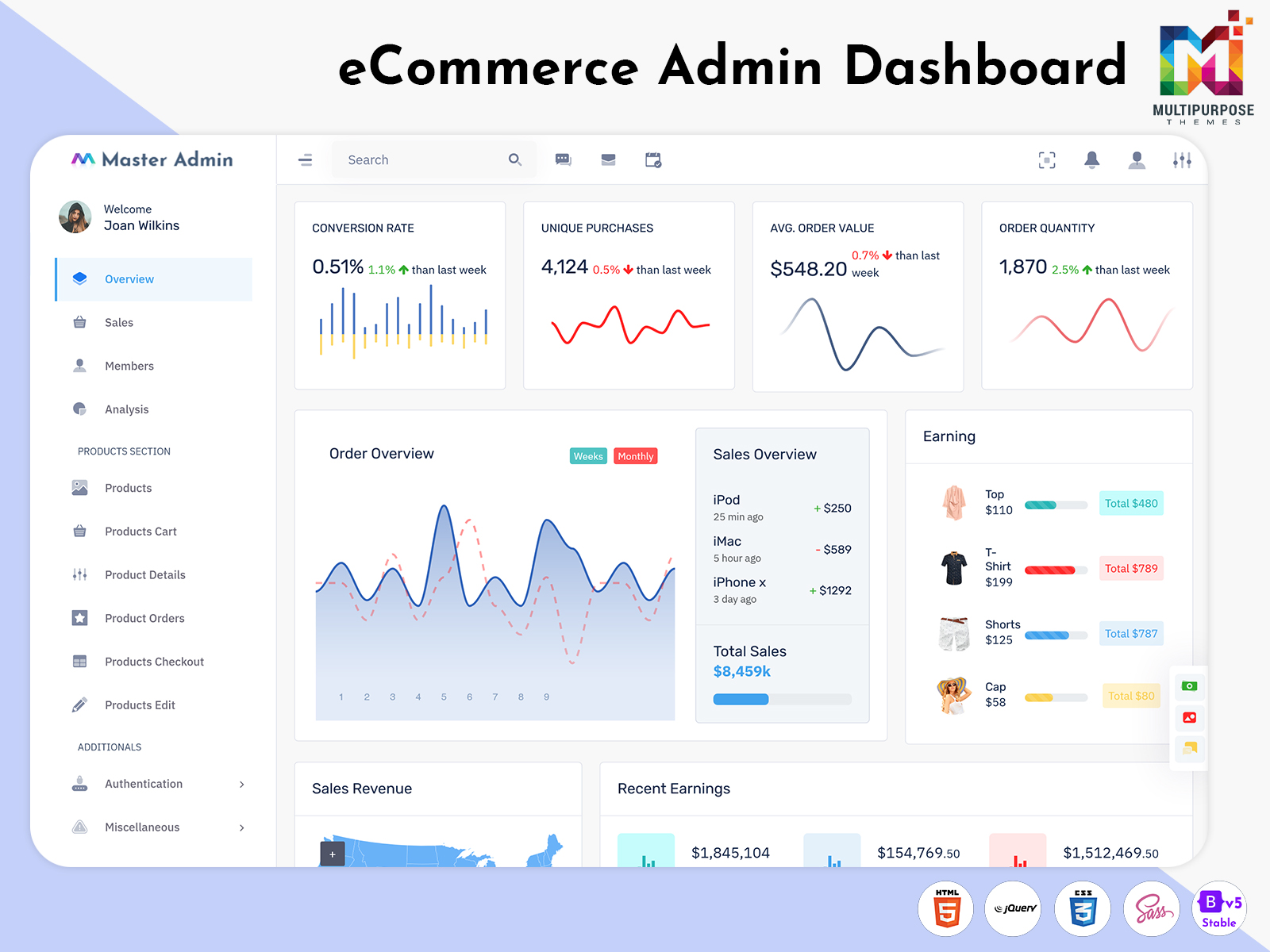
The online retail industry depends heavily on efficient management systems that can handle multiple business activities from one location. An eCommerce Software Dashboard allows businesses to monitor orders, customers, products, shipping activities, and revenue performance without unnecessary complications. With growing competition in digital commerce, companies require organized tools that support smooth operations and help teams work more effectively throughout the day.
Watch Full Video
A modern ecommerce Admin Template provides a structured environment for managing store activities while maintaining a professional user experience. Many businesses choose solutions developed with eCommerce Bootstrap 5 Dashboard technology because of their flexibility and responsive design. Integrated reporting, inventory tracking, and customer management capabilities help organizations improve productivity. A reliable dashboard solution supports better planning, faster decision-making, and long-term business growth.
Explore Modern eCommerce Management Platforms
Modern digital retail depends on centralized systems that unify operations across sales, inventory, and customer handling. An ecommerce Admin Dashboard provides a structured environment where businesses can monitor performance and manage daily workflows efficiently. These platforms are often built using ecommerce Admin Template frameworks that support scalability and flexibility. Many organizations adopt Ecommerce Templates and eCommerce Web Application solutions to streamline operations and reduce manual effort.
A well-planned eCommerce Software Dashboard enhances visibility through clear metrics and intuitive navigation. With strong eCommerce Dashboard Design and responsive eCommerce Bootstrap 5 Dashboard integration, companies can improve productivity, simplify control, and maintain consistency across different devices and store channels and overall efficiency.
Payment Integration Options in eCommerce Web Applications
Payment processing is a key element of any online business system. A reliable eCommerce Web Application supports multiple payment options such as credit cards, debit cards, UPI, wallets, and net banking. This flexibility allows customers to complete transactions easily, improving satisfaction and reducing cart abandonment. Secure payment handling also builds trust and encourages repeat purchases from users.
Modern ecommerce Admin Template systems integrate advanced payment gateways to ensure safe and smooth transactions. Features like automated confirmations, refund handling, and multi-currency support help businesses operate globally. These systems also reduce manual intervention and improve transaction accuracy, making financial operations more efficient and reliable for both businesses and customers.
VIEW DEMO BUY NOW
Features of Modern eCommerce Admin Template
1. Centralized Order Management System
An ecommerce Admin Dashboard helps manage all orders in one place. It tracks order status, shipping updates, and delivery progress efficiently. This improves workflow speed and reduces manual effort, allowing businesses to handle customer orders smoothly and accurately.
2. Smart Inventory Control System
Inventory tracking becomes simple with ecommerce Admin Template systems. It updates stock levels in real time, prevents overselling, and sends alerts for low stock. This helps businesses maintain proper product availability and ensures smooth supply chain management across all operations.
3. Advanced Analytics and Reporting Tools
eCommerce Dashboard provides clear reports on sales, customers, and product performance. It helps businesses understand trends and make better decisions. Visual charts and data insights improve planning, allowing companies to track growth and optimize strategies effectively.
4. Customer Relationship Management System
CRM tools in eCommerce Web Application store customer data, purchase history, and interactions. This helps support teams provide personalized service, solve issues faster, and improve customer satisfaction. It also builds stronger long-term relationships with users.
5. Responsive Multi-Device Accessibility
eCommerce Bootstrap 5 Dashboard works smoothly on mobile, tablet, and desktop devices. It allows users to manage business operations anytime, anywhere. This flexibility improves productivity and ensures consistent performance across all devices without system limitations.
Advanced Reporting Features in eCommerce Bootstrap Dashboards
Data analysis plays a major role in improving online business performance. An eCommerce Bootstrap 5 Dashboard provides advanced reporting tools that display sales data, customer behavior, and product performance in a visual and easy-to-understand format. These insights help businesses identify trends and make informed strategic decisions that support growth and profitability.
A well-designed eCommerce Software Dashboard Design offers real-time charts, graphs, and performance summaries. This allows managers to track key metrics such as revenue, conversions, and order trends without manual effort. By using these reporting features, businesses can improve planning, optimize operations, and respond quickly to market changes, resulting in better efficiency and long-term success.
Product Catalog Management in eCommerce Admin Panels
Managing product data efficiently is essential for any online store. An ecommerce Admin system helps organize product listings, categories, pricing, and descriptions in a structured way. This ensures customers always see accurate and updated information, improving their shopping experience and trust in the platform.
Ecommerce Templates and Ecommerce Website Template solutions support bulk editing, inventory syncing, and product categorization. These features reduce manual work and improve operational efficiency. A well-organized product catalog helps businesses maintain consistency, enhance product visibility, and improve overall store performance in competitive digital markets.
Real-Time Notifications in eCommerce WebApp Dashboard
Real-time notifications help businesses stay updated with important store activities. An eCommerce WebApp Dashboard sends instant alerts for new orders, payments, stock changes, and customer interactions. This ensures that administrators can respond quickly and avoid delays in business operations.
Modern ecommerce Admin Dashboard systems allow customizable notifications based on priority levels. This helps teams focus on important tasks and improve workflow efficiency. Instant updates enhance communication between departments and ensure smooth coordination, resulting in faster response times and better operational control.
VIEW DEMO BUY NOW
Advantages of eCommerce Admin Dashboard Solutions
1. Improved Business Efficiency
ecommerce Admin Dashboard reduces manual work by centralizing all operations. It helps manage orders, inventory, and customers from one system. This increases productivity and saves time, allowing businesses to focus more on growth and strategic planning.
2. Real-Time Decision Making
Live data updates help businesses make faster decisions using eCommerce Software Dashboard tools. Sales, stock, and customer activity are updated instantly. This improves accuracy, reduces risks, and supports better planning in fast-changing online business environments.
3. Better Customer Experience
eCommerce Admin Panel Features help support teams access customer data quickly. This improves response time and service quality. Personalized support increases satisfaction, builds trust, and encourages customers to return, improving long-term business relationships.
4. Scalable Business Operations
ecommerce Admin Template systems support business growth without performance issues. They handle increasing users, products, and transactions easily. This scalability helps businesses expand smoothly into new markets while maintaining stable and efficient operations.
5. Simplified Management Process
eCommerce Bootstrap Ui Kit and dashboards simplify daily tasks with easy navigation. Users can manage everything from a single interface. This reduces complexity, saves time, and makes store management easier even for non-technical users.
Security Features Required in eCommerce Admin Dashboard Platforms
Security is essential for protecting sensitive business and customer data. An ecommerce Admin Dashboard includes authentication systems, encrypted communication, and role-based access control. These features prevent unauthorized access and ensure safe data handling across all operations.
Regular updates and monitoring tools help detect threats early and maintain system stability. Secure backup systems ensure data recovery in case of failures. Strong security measures build trust with customers and ensure smooth and reliable business operations in a competitive digital environment.
Customization Benefits of eCommerce Bootstrap 5 Admin Dashboard
Customization allows businesses to design dashboards according to their specific requirements. An eCommerce Bootstrap 5 Admin Dashboard provides flexible layouts, reusable components, and modular design structures that can be adapted easily.
Using eCommerce Bootstrap Ui Kit elements, developers can create unique interfaces quickly. This improves usability and ensures better workflow alignment. Customization helps businesses scale their systems according to growth needs while maintaining consistency in design and functionality across different modules.
Performance Optimization for eCommerce Web Applications
Performance is a key factor in user experience and business success. A well-optimized eCommerce Web Application ensures fast loading, smooth navigation, and stable performance even under high traffic conditions. This helps improve user satisfaction and operational efficiency.
Techniques such as caching, image optimization, and database tuning improve system speed and reliability. A strong ecommerce Admin Template structure also supports scalability. Better performance ensures smooth operations, reduces downtime, and helps businesses grow without technical limitations.
Conclusion
Modern eCommerce systems rely on powerful dashboards to manage business operations efficiently. These tools combine payment processing, reporting, inventory control, and security into a single platform, improving productivity and reducing complexity.
A well-designed ecommerce Admin Template supports long-term business growth by offering flexibility, customization, and real-time insights. With scalable and efficient systems, businesses can improve customer experience, streamline operations, and stay competitive in the evolving digital marketplace.
FAQs
1. What is a ecommerce admin dashboard template used for?
It is used to manage products, orders, customers, and analytics in one system. MultiPurpose Themes provides ready-made ecommerce Admin Dashboard solutions that help developers build fast, scalable, and modern web applications with ease.
2. Which is the best ecommerce admin dashboard template in 2026?
The best template includes responsive design, analytics tools, and reusable components. MultiPurpose Themes offers Ecommerce Bootstrap 5 Dashboard solutions that are optimized for performance, flexibility, and modern UI development needs.
3. Can I use ecommerce admin templates for client projects?
Yes, developers commonly use them for client projects. MultiPurpose Themes provides Ecommerce Templates that are customizable, time-saving, and suitable for building professional ecommerce Admin Panel Features for different industries.
4. Are ecommerce dashboards mobile responsive?
Yes, modern dashboards are fully responsive across all devices. MultiPurpose Themes ensures Ecommerce Web Application designs adapt smoothly to mobile, tablet, and desktop screens for better usability and performance.
5. What features are included in ecommerce admin dashboards?
They include order tracking, inventory control, analytics, reports, and customer management. MultiPurpose Themes builds eCommerce Software Dashboard systems that simplify business operations and improve efficiency.
6. What is the difference between ecommerce dashboard and admin panel?
A dashboard shows analytics while an admin panel manages operations. MultiPurpose Themes integrates both into a single eCommerce Dashboard Design for better control and simplified business management.
7. Are ecommerce admin templates good for beginners?
Yes, they are beginner-friendly with ready UI components. MultiPurpose Themes offers Ecommerce Website Template solutions that reduce coding effort and help beginners build projects faster.
8. Can ecommerce dashboards be customized easily?
Yes, they are highly flexible and editable. MultiPurpose Themes provides eCommerce Bootstrap Ui Kit based systems allowing full customization of layout, colors, and modules.
9. Where can I download ecommerce admin dashboard templates?
You can download ready-made dashboards for development use online. MultiPurpose Themes offers Ecommerce Admin Dashboards and Ecommerce Templates designed for professional and scalable projects.
10. Why choose multipurpose themes for ecommerce dashboard development?
Because they offer speed, flexibility, and modern UI design. MultiPurpose Themes delivers Ecommerce WebApp Dashboard solutions that support scalable business growth and efficient development workflows.

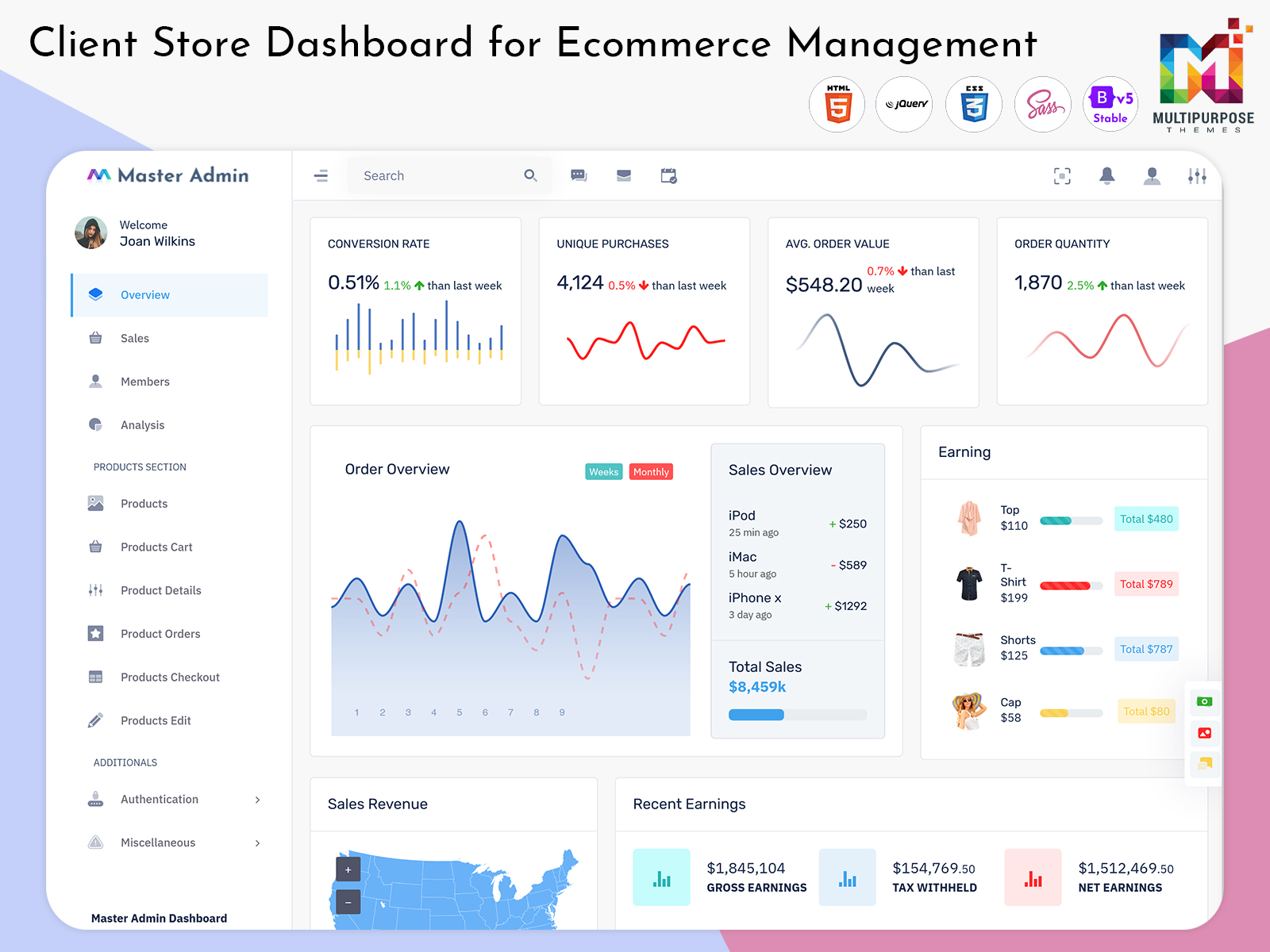
Related Posts


This Post Has 0 Comments