Understanding the E-commerce Dashboard For an expanding company, the management of such operations may become…
Client Store Dashboard for Ecommerce Management
Reading Time: 8 minutes
Running an online store involves much more than uploading products and accepting orders. Store owners have to keep an eye on customer activity, product movement, order status, stock availability, sales performance, and many other parts of the business. When these details are spread across different screens or reports, daily management can become time-consuming. An Ecommerce Dashboard brings important store information into a more organized workspace.
A useful dashboard does not simply show numbers on a screen. It helps users understand what those numbers mean and where attention may be needed. A store manager can review current activities, notice changes, and move toward the relevant information without searching through several unrelated sections. This makes the dashboard a practical part of everyday store management.
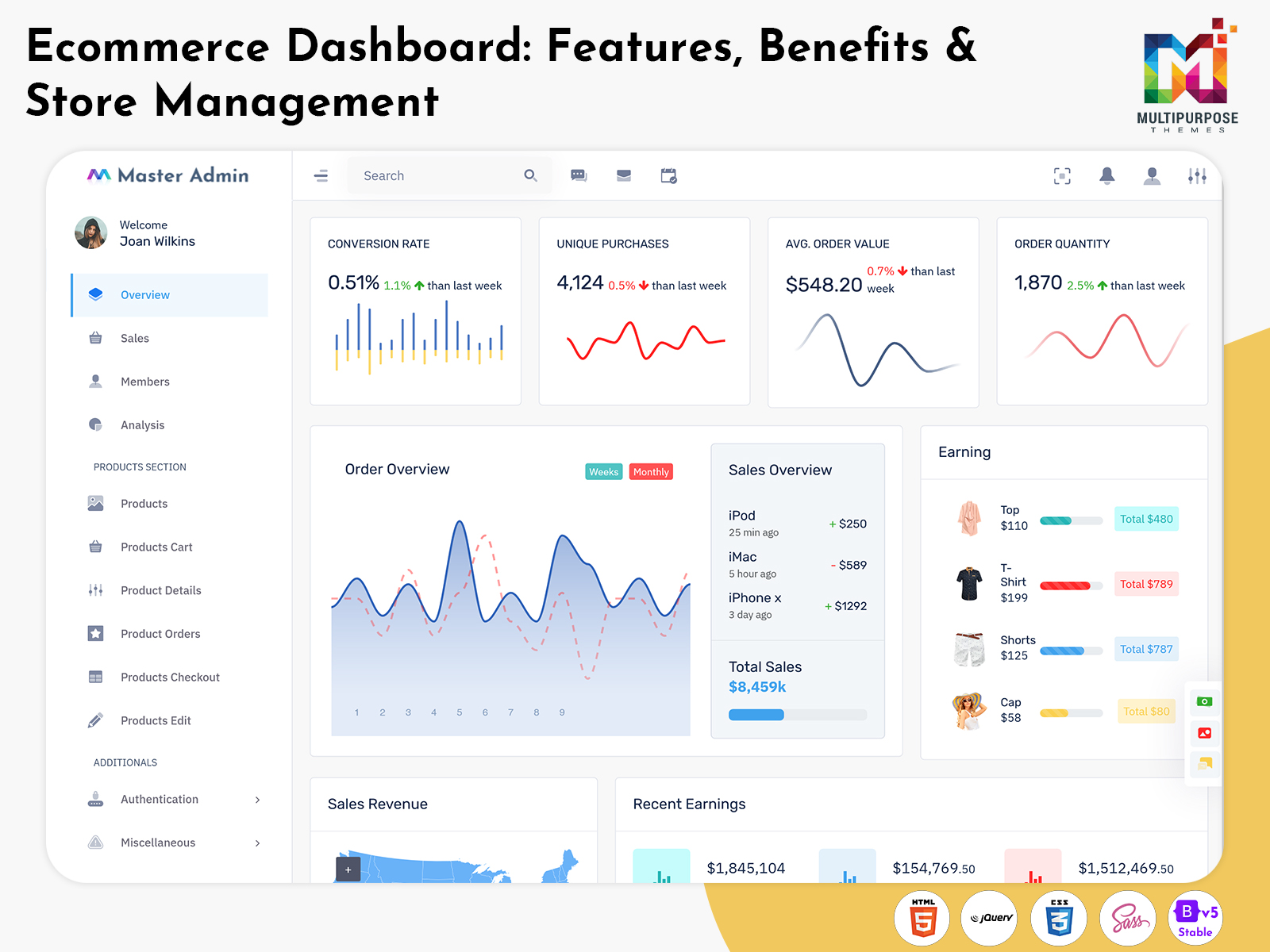
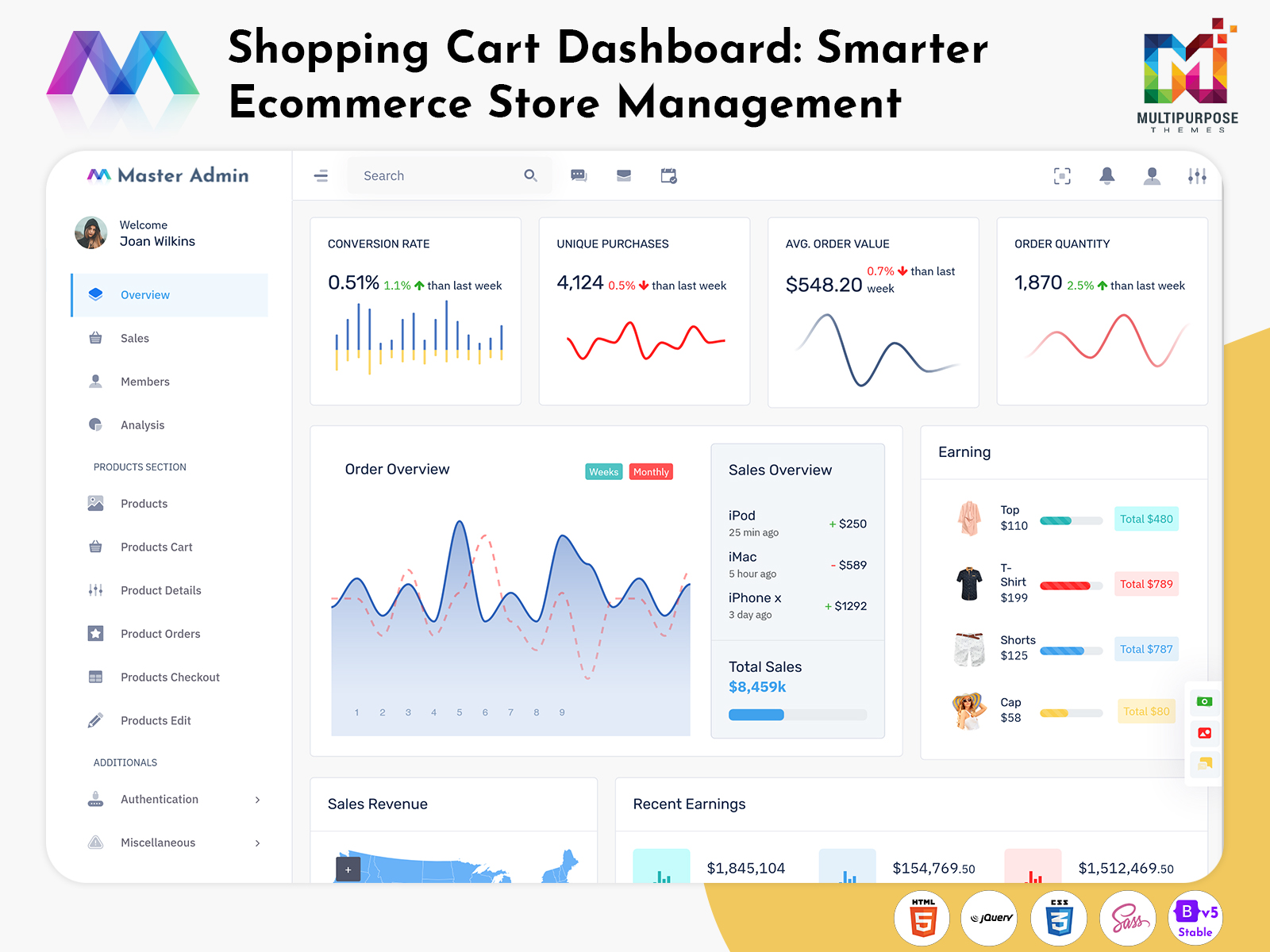
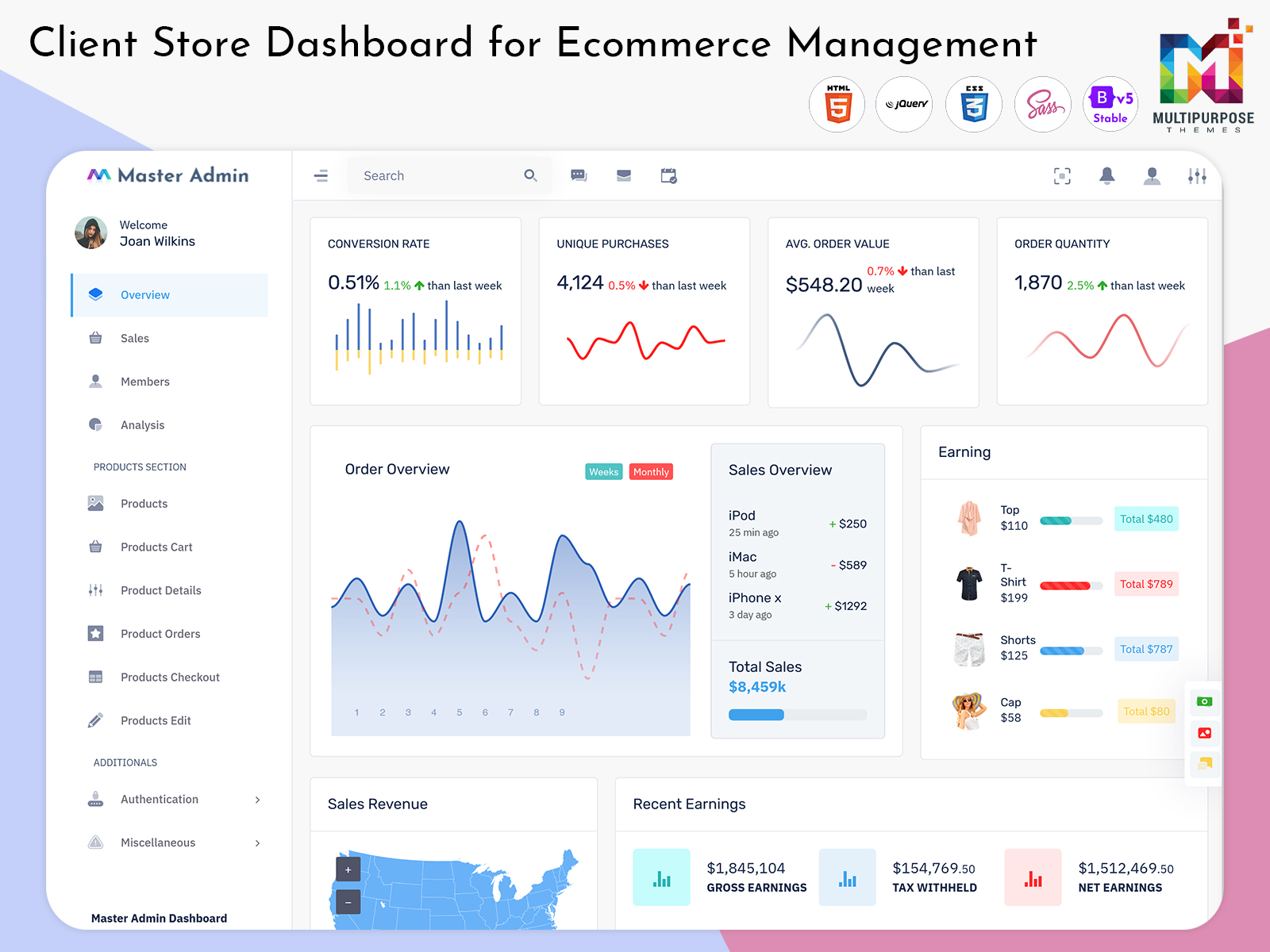
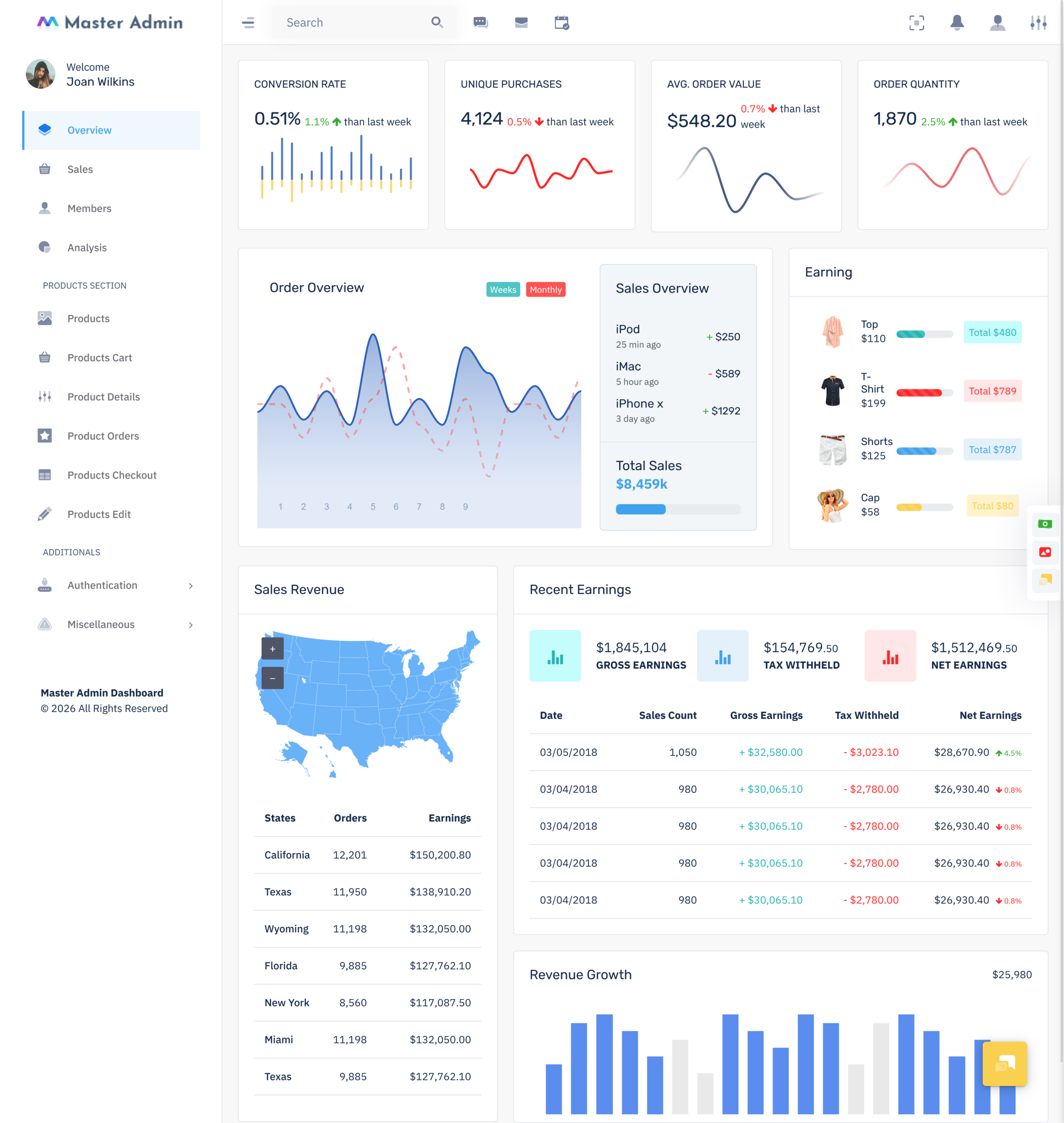
For businesses looking for a ready-made solution, Cartiy offers an ecommerce-focused dashboard interface that can provide a dedicated environment for monitoring store activities. A Shopping cart dashboard can also be useful for businesses that want greater visibility into purchasing-related activity, while a Client store dashboard can make information easier to manage for businesses or agencies handling different online stores.
Watch Full Video
What is an Ecommerce Dashboard?
An Ecommerce Dashboard is a centralized interface that presents important information related to an online store in an organized and easy-to-understand format. Instead of depending on separate reports for every activity, users can access different areas of their store through one administrative workspace. Depending on the dashboard, this may include information related to orders, products, customers, sales activity, shopping behavior, and other business operations.
The main value of an Ecommerce Dashboard is convenience. Online stores can generate a large amount of information every day. Looking at individual records one by one does not always provide a useful picture of the business. A dashboard arranges selected information into sections, cards, tables, charts, and other visual elements so users can review the overall situation more comfortably.
For example, a store manager may want to know whether today’s business activity is moving normally or whether something requires attention. Rather than checking several independent reports, the manager can begin with the dashboard and identify the areas that deserve a closer look. This makes routine store monitoring more straightforward.
A Shopping cart dashboard can have a more specific focus on the purchasing journey. It can help users review activity associated with carts, orders, checkout behavior, and other stages between product selection and purchase completion. This type of view can be useful for businesses that want to understand how customers interact with their store before an order is finalized.
A Client store dashboard can be helpful when a business manages ecommerce operations for different clients or store categories. It can provide a familiar administrative environment while allowing information to be viewed according to the requirements of an individual store.
The purpose of an E-Commerce Admin Dashboard is therefore not simply to make an online store look professional. Its real purpose is to make store information easier to access and understand. When important information is arranged properly, users can spend less time searching and more time managing their business.
In simple terms, an Ecommerce Dashboard acts as a central working area for online store administration. It gives users a clearer way to view business activity and helps turn scattered store information into something more practical for everyday use.
VIEW DEMO BUY NOW
Features of Ecommerce Dashboard
1. Order Activity Overview
An Ecommerce Dashboard can provide a convenient view of order-related activity without requiring users to open every individual record. Store teams can identify different order stages and understand which transactions are progressing normally and which may require attention. This gives daily order management a more organized structure.
2. Product Information Management
Products are at the center of every online store, so their information needs to remain easy to access. A dashboard can provide dedicated areas for product details, categories, pricing information, and related records. This allows store administrators to review their catalogue without navigating through unrelated business sections.
3. Customer Activity View
Understanding customers becomes easier when useful information is presented together. A dashboard can provide a practical view of customer records, purchase-related activity, and engagement information. Store teams can use this information to understand their audience and provide more relevant service throughout the customer relationship.
4. Sales Performance Display
A dashboard can turn sales information into an easier visual reference for store managers. Instead of relying only on long reports, users can review selected sales figures and compare activity across relevant periods. This can help them recognize changes in business performance and decide where further analysis may be useful.
5. Stock Awareness
Product availability can directly affect an online store’s ability to complete sales. A dashboard can make inventory information easier to review by highlighting products that may require replenishment or closer monitoring. Having this information readily available helps store teams pay attention to stock conditions before they interfere with customer purchases.
6. Shopping Activity Tracking
A Shopping cart dashboard can provide visibility into what happens around the purchasing stage. Users may be able to review active cart activity, incomplete purchases, checkout-related information, and other customer actions. This gives businesses another way to understand how visitors move from browsing products toward placing an order.
7. Responsive Dashboard Interface
Store administration may take place from different devices during the working day. A responsive E-Commerce Admin Dashboard can adjust its layout for desktops, tablets, and smaller screens. This makes important information easier to access when users are away from their primary computer and need to review store activity quickly.
How Ecommerce Dashboards Improve Online Store Decision-Making
Managing an online store involves making small decisions throughout the day. A store owner may need to decide which products should receive more attention, when inventory should be reordered, which orders need urgent action, or whether a recent promotion is actually generating results. Without a clear view of store activity, these decisions can depend heavily on assumptions. An Ecommerce Dashboard provides a more organized way to understand what is happening across the business.
One of the biggest advantages of using a dashboard is that it brings business signals closer to the people who need them. Instead of waiting for a weekly report, users can review current information and notice changes in store activity. For example, if a particular product starts receiving more orders than usual, the team can check its stock position and prepare accordingly. Similarly, if cancellations rise unexpectedly, the team can investigate possible issues with pricing, delivery, or product availability.
A Shopping cart dashboard can also help businesses understand what happens before customers complete a purchase. Customers may add products to their carts but leave without placing an order. When this behavior is visible, store managers can study possible reasons behind it and improve parts of the purchasing journey. This creates an opportunity to make the buying process more convenient rather than simply focusing on completed sales.
For businesses working with several stores, a Client store dashboard can make information easier to organize. Each store may have different products, customers, and operational priorities, but a structured interface can provide a consistent way to review performance. This is especially useful for teams that manage ecommerce activities for clients and need quick access to relevant store information.
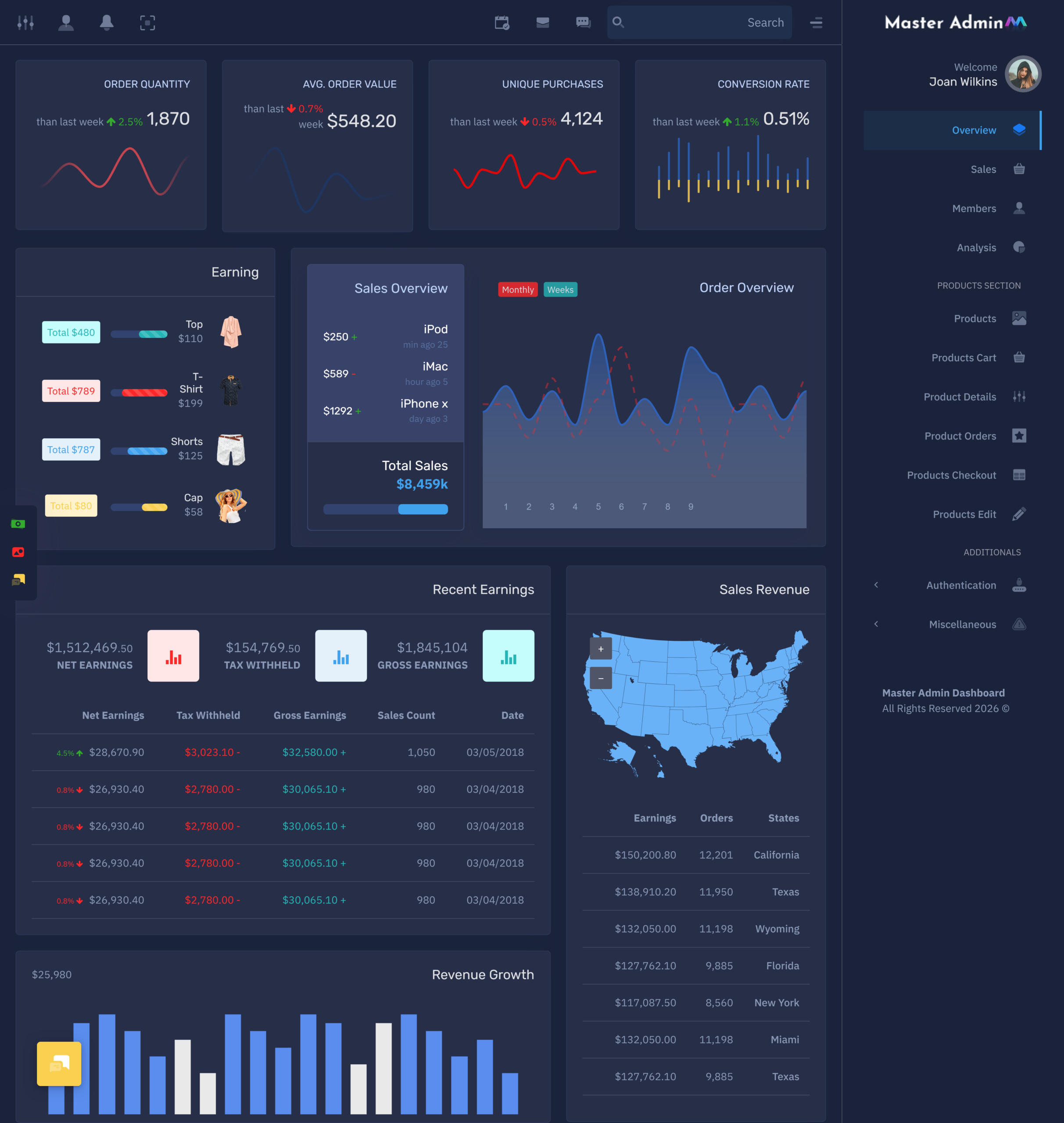
Cartiy is one example of a ready-made dashboard option created around ecommerce management. Its dashboard is positioned for sales administration and provides a visual environment for reviewing store-related information.
An E-Commerce Admin Dashboard can therefore support more than simple reporting. It can become a practical decision-making workspace. By presenting useful information in a simple format, it helps users spend less time searching for data and more time understanding what that data means for their business. This can make everyday ecommerce management more focused, responsive, and efficient.
VIEW DEMO BUY NOW
Benefits of Ecommerce Dashboard
1. Saves Valuable Management Time
An Ecommerce Dashboard brings frequently required information into a single working environment. Users do not have to move repeatedly between separate reports to understand basic store activity. This can shorten routine checking time and allow store managers to concentrate on customer service, sales planning, and other important business responsibilities.
2. Makes Store Information Easier to Understand
Large amounts of ecommerce data can become confusing when presented without structure. A dashboard gives related information its own visual space, helping users understand important business activity more comfortably. This clearer presentation can make everyday monitoring less difficult, especially when a store handles many products and transactions.
3. Helps Teams Work More Efficiently
Online stores often involve different people handling different responsibilities. Sales, customer support, product management, and other teams may need access to store information. A well-organized dashboard gives users a common reference point and can reduce unnecessary communication when checking routine business information.
4. Supports Faster Responses
When an important change becomes visible, the business can investigate it sooner. For example, unusual order activity or changing product demand may deserve immediate attention. A dashboard gives users an early view of these changes, helping them respond to situations before they have a larger effect on store operations.
5. Provides a Better Administrative Experience
Managing an online store should not require users to constantly search for basic information. An E-Commerce Admin Dashboard can create a more structured administrative environment where related activities are grouped together. This makes the interface easier to navigate and gives administrators a clearer starting point for their daily work.
6. Useful for Growing Stores
As a business gains more customers, products, and transactions, its management requirements naturally increase. A flexible dashboard can provide a structured environment that continues to remain useful as activity expands. This makes it a practical option for businesses that expect their online operations to become more demanding over time.
7. Helps Businesses Understand Customer Activity
Customer behavior can provide useful clues about the performance of an online store. A Shopping cart dashboard can help businesses observe purchasing-related activity and recognize patterns that may otherwise be difficult to notice. These observations can support improvements in product presentation, customer service, and the overall shopping experience.
Conclusion
An Ecommerce Dashboard can make online store management more practical by bringing important business information into one organized environment. Instead of treating orders, products, customers, and shopping activity as completely separate areas, a dashboard provides a central place where users can review what is happening across their store.
The value of a dashboard goes beyond attractive charts or modern interface elements. Its real benefit comes from helping people understand information quickly and use it during everyday work. A Shopping cart dashboard can give greater visibility into purchasing activity, while a Client store dashboard can provide a convenient workspace for businesses managing different ecommerce operations.
For businesses looking for a ready-made solution, Cartiy is an ecommerce-focused dashboard option that provides a structured interface for sales administration and store-related monitoring. MultiPurpose Themes also presents Cartiy among its ecommerce admin template offerings
The right E-Commerce Admin Dashboard should match the needs of its users rather than simply contain the largest number of features. When the layout, information, and workflow are suitable for the business, the dashboard can make daily administration more organized, easier to follow, and more efficient.
VIEW DEMO BUY NOW
FAQs
1. What is an Ecommerce Dashboard used for?
A Multi Purpose Themes Ecommerce Dashboard is used to organize important online store information in one administrative interface. Depending on the template or system, users can review areas such as orders, products, customers, sales activity, shopping behavior, and other store-related information without moving between many unrelated screens.
2. Is an Ecommerce Dashboard useful for a small online business?
Yes. A small business can benefit from having important store information arranged in one place. Even when the number of products or orders is limited, a clear dashboard can make routine monitoring easier. As the business expands, having an organized administrative interface can become even more useful.
3. What is the purpose of a Shopping cart dashboard?
A Multi Purpose Themes Shopping cart dashboard focuses more closely on purchasing-related activity. It can help businesses review what happens around carts, checkout activity, and orders. This can give store managers a better understanding of customer purchasing behavior and help them pay attention to areas where shoppers may not complete their purchases.
4. What is a Client store dashboard?
A Client store dashboard is an administrative interface that can help businesses or agencies manage information related to an individual online store. It can be particularly useful when multiple ecommerce clients or store operations are being handled, as it provides a more structured way to review information for each business.
5. Why should businesses consider a ready-made Ecommerce Dashboard?
A Multi Purpose Themes ready-made Ecommerce Dashboard can provide a professionally structured interface without requiring a business to start with a completely empty administrative screen. It gives users a prepared environment containing relevant dashboard elements, which can be useful for businesses and teams looking for a faster way to establish an ecommerce management interface.
6. Is Cartiy suitable for ecommerce dashboard requirements?
Cartiy is positioned as an ecommerce-focused admin template for sales administration. Its dashboard provides areas for viewing store-related information such as orders, revenue, visits, sales activity, and product performance. Businesses and developers can consider it when looking for a ready-made ecommerce dashboard interface.
7. What should I consider before choosing an E-Commerce Admin Dashboard?
Consider whether the dashboard matches your store’s actual requirements, whether the interface is easy for your team to understand, whether it provides the information you regularly need, and whether its layout works well across different devices. A suitable E-Commerce Admin Dashboard should make store administration more convenient instead of adding unnecessary complexity.

Related Posts