

Therefore the CRM Dashboard is a working space where one can store, view and move…

CRM Dashboard: Manage Customer Relationships and Sales Efficiently
Reading Time: 5 minutes
A CRM Dashboard can help your team keep track of customer and sales information in one place making work smoother. They can follow customer activity, sales. See what the data is telling them.
A good CRM Dashboard can help your sales team, customer support team and business managers take care of customer relationships.
Watch Full Video
What is a CRM Dashboard?
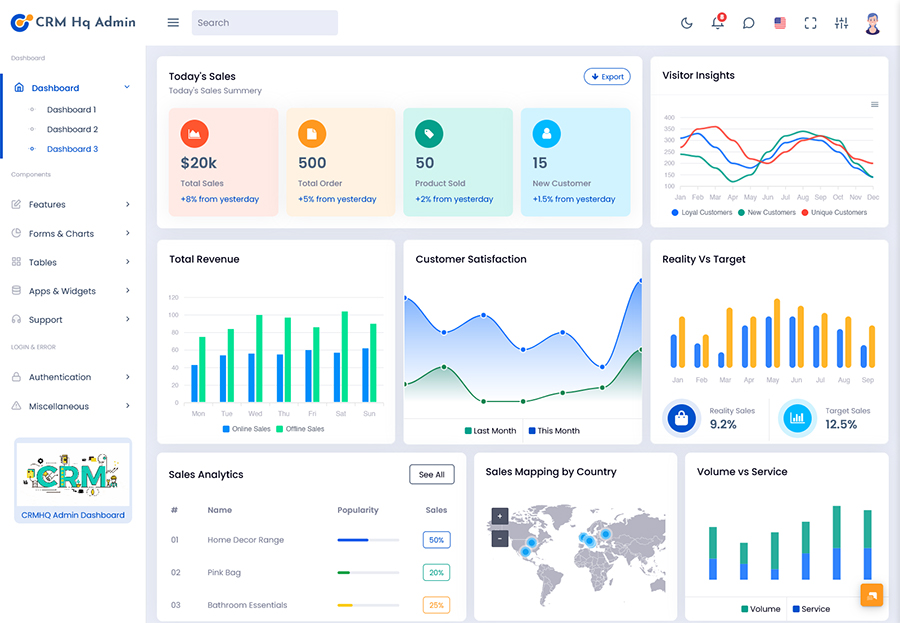
CRM dashboard contains leads, contacts, opportunities, sales, and activities.
CRM dashboard assists you in keeping an eye on all that is important regarding your customers.
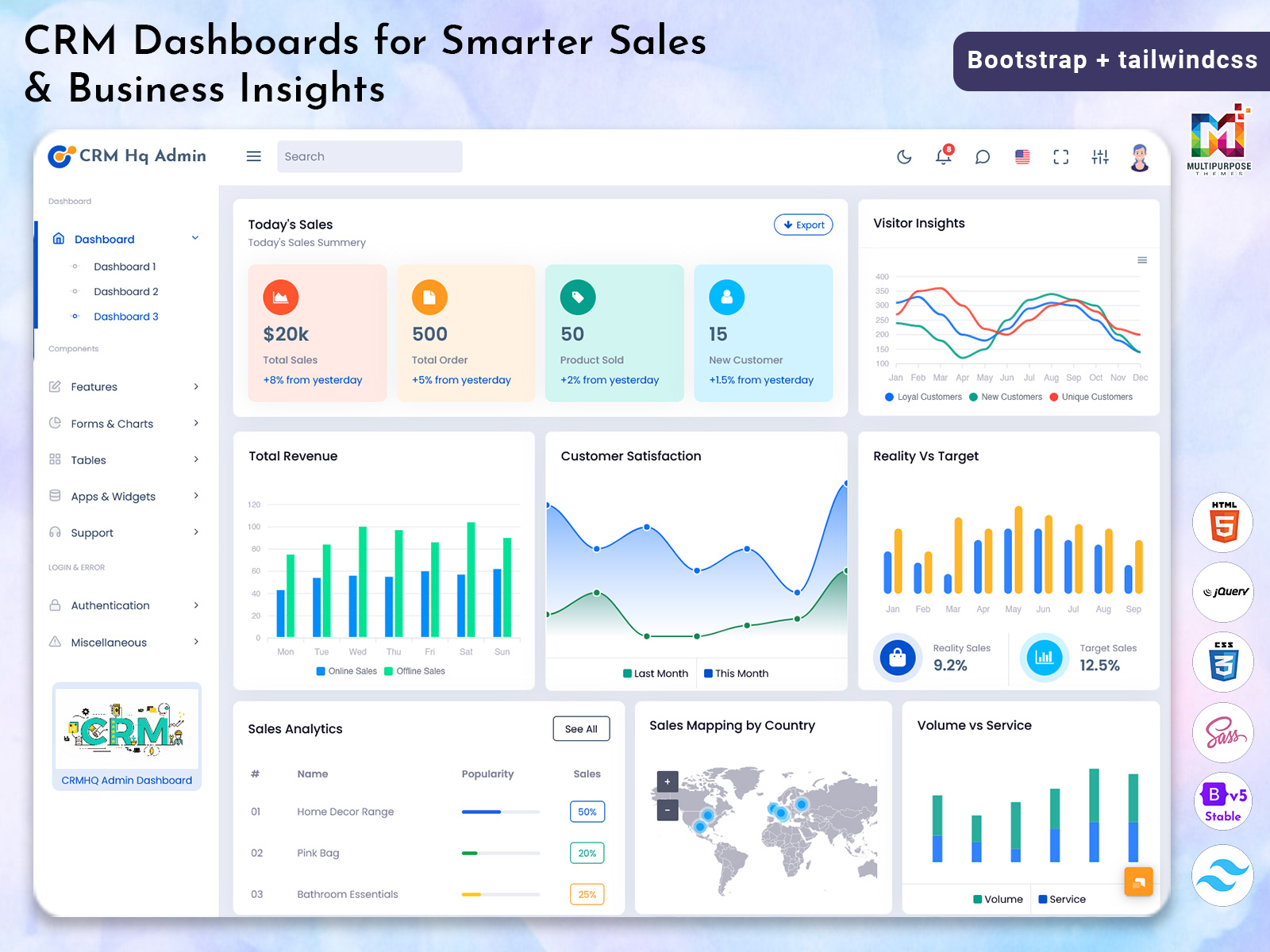
It may assist people in viewing all the necessary data through charts, tables, cards, and activities.
It can help people see all the information they need quickly using charts, tables, cards and activity.
A CRM Dashboard can be changed to fit your business taking into account user roles and team processes.
Lead Management
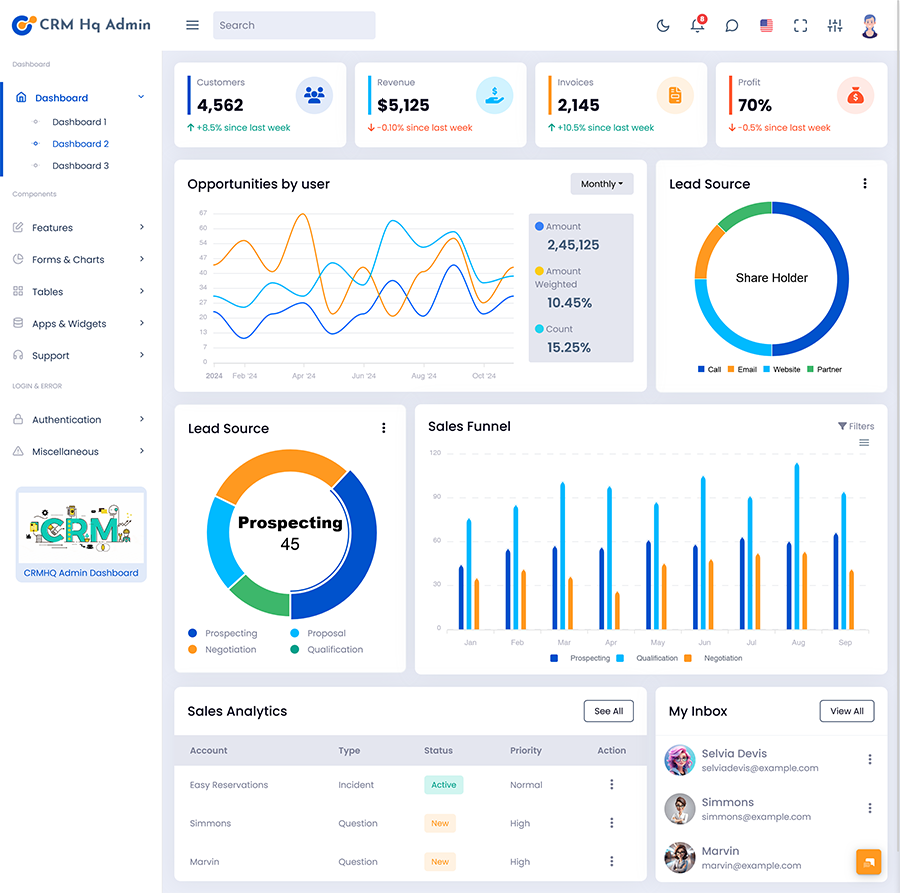
Lead Management tools will help your team take care of customers. The CRM Dashboard will show details about your leads such as where they came from what stage they are in and who is handling them.
This will help find out which leads need attention.
Contact Management
Contact Management will help store. Take care of customer information. Users will be able to see details about the contact, their past interactions, communications and opportunities.
Keeping contacts organised will help your team understand what is going on.
Sales Pipeline Management
Sales pipelines will help sales reps and managers see how their deals are moving forward. They will be able to see where they need to put effort.
VIEW DEMO BUY NOW
Task and Follow Up Management
Many CRM systems will have tools for managing tasks. This will help users handle calls, meetings, emails and other things related to customers. Having all the tasks in one place will help with prioritising.
Customer Interaction History
A CRM Dashboard may have access to customer interaction history. This includes calls, emails, meetings and notes. This will help your team understand what has happened before.
Sales Reports
Sales reports will help you see sales data. A CRM Dashboard will help your team see how money they have made the rate at which sales are happening sales targets and the pipeline.
How a CRM Software Dashboard Can Help
A CRM Software Dashboard will help keep your customer and sales data organised.
This can help your team:
- See customer and lead details
- See opportunities in the sales pipeline
- See follow up tasks
- See sales performance and conversion rates
- Find areas that need attention
- Give insights for managers.
The CRM Dashboard should give information to help users make decisions.
VIEW DEMO BUY NOW
What to Track in your CRM Dashboard
Depending on your goals, your sales process and how you manage customers will decide what you need to track.
Lead Conversion Rate
This shows how many leads have been converted or have reached a stage. This can help your team understand how good the sales process is.
Sales Pipeline Value
This will help you see how valuable your opportunities are. You will be able to see how opportunities you have in each part of the pipeline. This will help managers understand how sales are going.
Sales Revenue
Revenue will help your team understand how much they have made from sales. This can help give context.
Customer Acquisition Cost
This will give an idea of how much it costs to get a customer. This can be used with sales and marketing data.
Follow Up
Track how many tasks have been done. See tasks and scheduled interactions.
Benefits of Using a CRM Dashboard
Customer Data
A CRM Dashboard will give you all your customer data, interactions and sales in one place.
Sales Visibility
Sales pipeline and reports will help your team understand how their opportunities are moving forward.
Team Organisation
Task management and follow up tools will help sales and customer support teams manage customer related tasks.
Data Driven Decisions
Charts and reports will help you understand sales trends, interactions and how your business is doing.
Consistent Communication with Customers
Having access to customer data and interactions will help your team stay informed. This will help them answer questions.
Who Can Use a CRM Dashboard?
A CRM Dashboard can help everyone in your company.
- Sales Teams can manage leads, opportunities follow up and sales.
- Customer Support Teams can see customer details and interactions.
- Marketing Teams can understand where their leads are coming from and how their campaigns are affecting customers.
- Sales Managers can track how their pipeline, team and key metrics are moving forward.
- Business Owners can see summaries of customers and sales to help with planning.
The data should be suitable for the roles of each team and what Sales Teams, Customer Support Teams, Marketing Teams, Sales Managers and Business Owners can see.
CRM Admin
The CRM Admin will help manage the system. Their job includes:
- Managing users (adding or removing users and giving permissions).
- Customising (changing lead fields).
- Setting up workflows and sales stages.
- Making sure data is clean.
- Setting up reports and dashboards.
Having admin tools will help keep your CRM updated with your changing needs.
Choosing a CRM Dashboard Template
Using a template can help make your CRM faster. When choosing a template think about:
- Navigation – Menus should be easy to navigate with labels. The layout should be the throughout.
- Useful Data – Pick charts and tables that help you see your sales numbers and customer interactions. Don’t make it too busy.
- Responsive – The CRM Dashboard should work on desktops, tablets and phones.
- Personalisation – The template should be able to change to fit your workflows, customer fields, sales stages and reports.
- Reusable – Using building blocks will help keep a look. This will make it easier to update.
- Security – The system should be safe with login and permission settings to protect customer data.
Best Practice for Creating a CRM Dashboard
A dashboard will give information to help with common tasks.
- Show metrics and the most used actions.
- Keep a layout.
- Use labels and charts.
- Add search, sort and filter if needed.
- Highlight. Key changes in status.
- Customise for user roles.
- Ask users to review the design.
Conclusion
A designed CRM Dashboard will help your business keep their customer data in order. It will help track sales and give an overview of how they’re doing. The management tools, customer data, sales pipeline follow ups and analytics will help create a way to take care of customer relationships.
When choosing a dashboard or template think about how easy to use it’s the metrics available how personalisable it is, how it looks on devices and how secure it is. Choosing a dashboard will give you a starting point, for managing your customers and helping with work.
VIEW DEMO BUY NOW
FAQs
1. What is a CRM Dashboard?
A Multipurpose Themes CRM Dashboard is a screen that helps keep customer, sales and interaction data in order. This can be viewed using charts, tables, cards and activity.
2. What should a CRM Dashboard include?
A CRM Dashboard will include lead management, contact data, sales pipelines, task management, customer interactions and sales reports.
3. What is a CRM Software Dashboard?
A Multipurpose Themes CRM Software Dashboard will help show customer relationship data in a clear and easy to read way.
4. Who uses a CRM Dashboard?
Sales Teams, Customer Support Teams, Marketing Teams, Sales Managers and Business Owners will use dashboards to see data.
5. What does a CRM Admin do?
The CRM Admin will help manage the setup of the system. They will manage user permissions, data fields, workflows and other admin work.
6. Can a CRM Dashboard be personalised?
Yes. Depending on the system or template the Multipurpose Themes CRM Admin can personalise the dashboard. They can change the layout, metrics, charts, data fields and workflow.
7. What is a CRM Dashboard Template?
A made interface that can be changed by developers. This can be used in customer relationship management applications.
8. Why is having a design
Having a design will help make sure the Multipurpose Themes dashboard can be seen on different screen sizes. This will mean the right data can be seen.

Related Posts

This Post Has 0 Comments