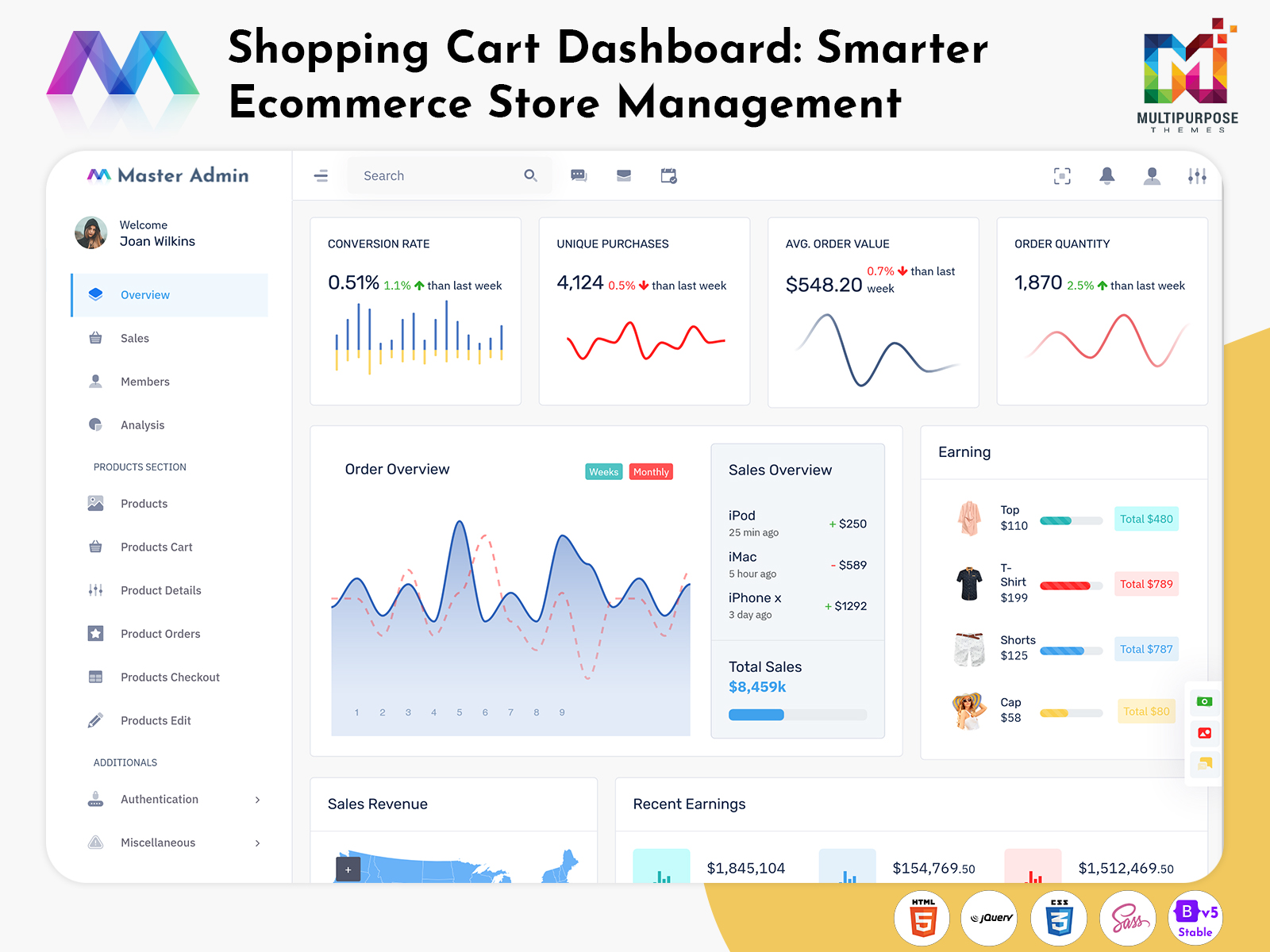
Understanding the E-commerce Dashboard For an expanding company, the management of such operations may become…
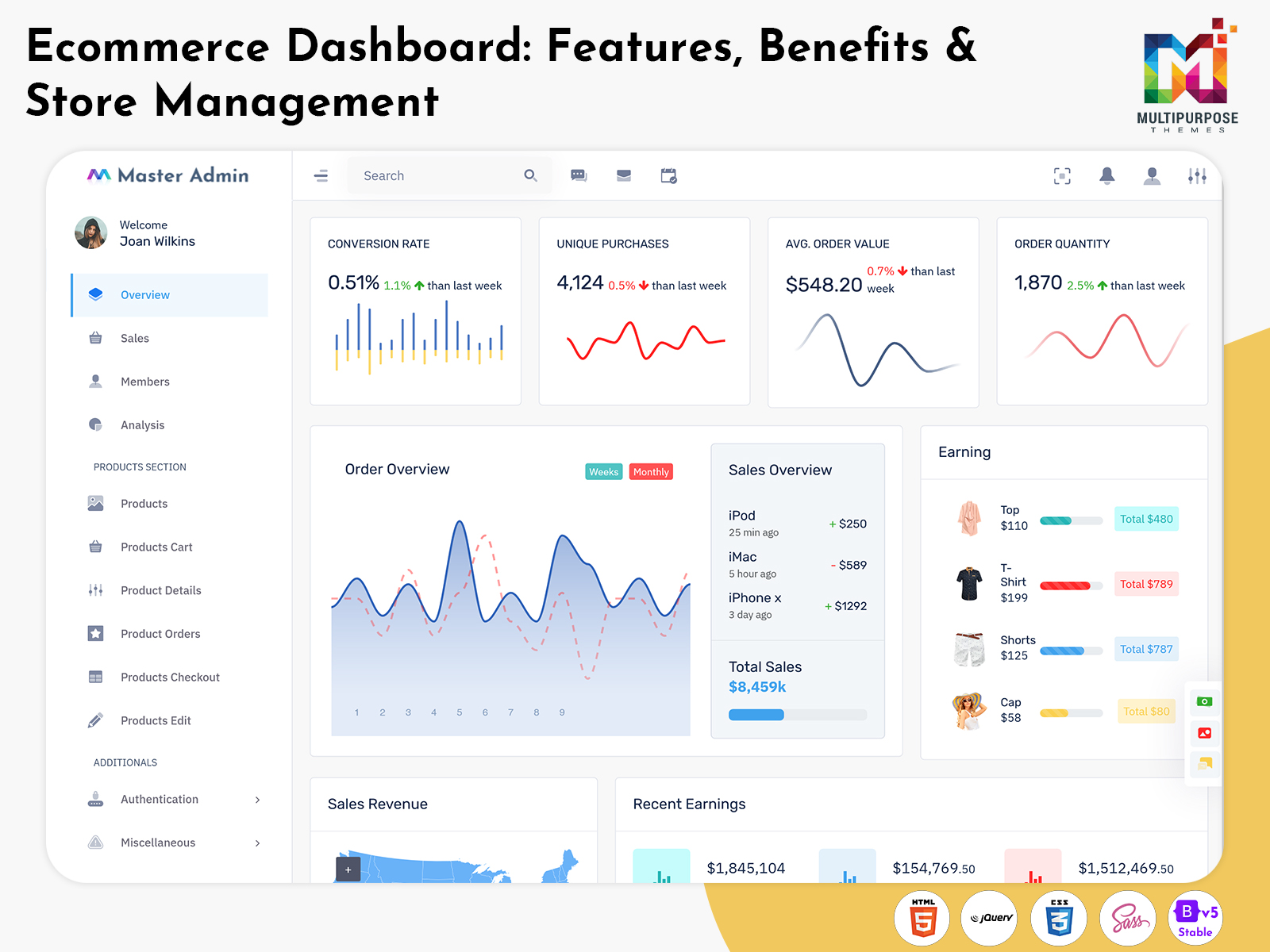
Ecommerce Dashboard: Features, Benefits and Store Management
Reading Time: 10 minutes
What is an E-commerce Dashboard?
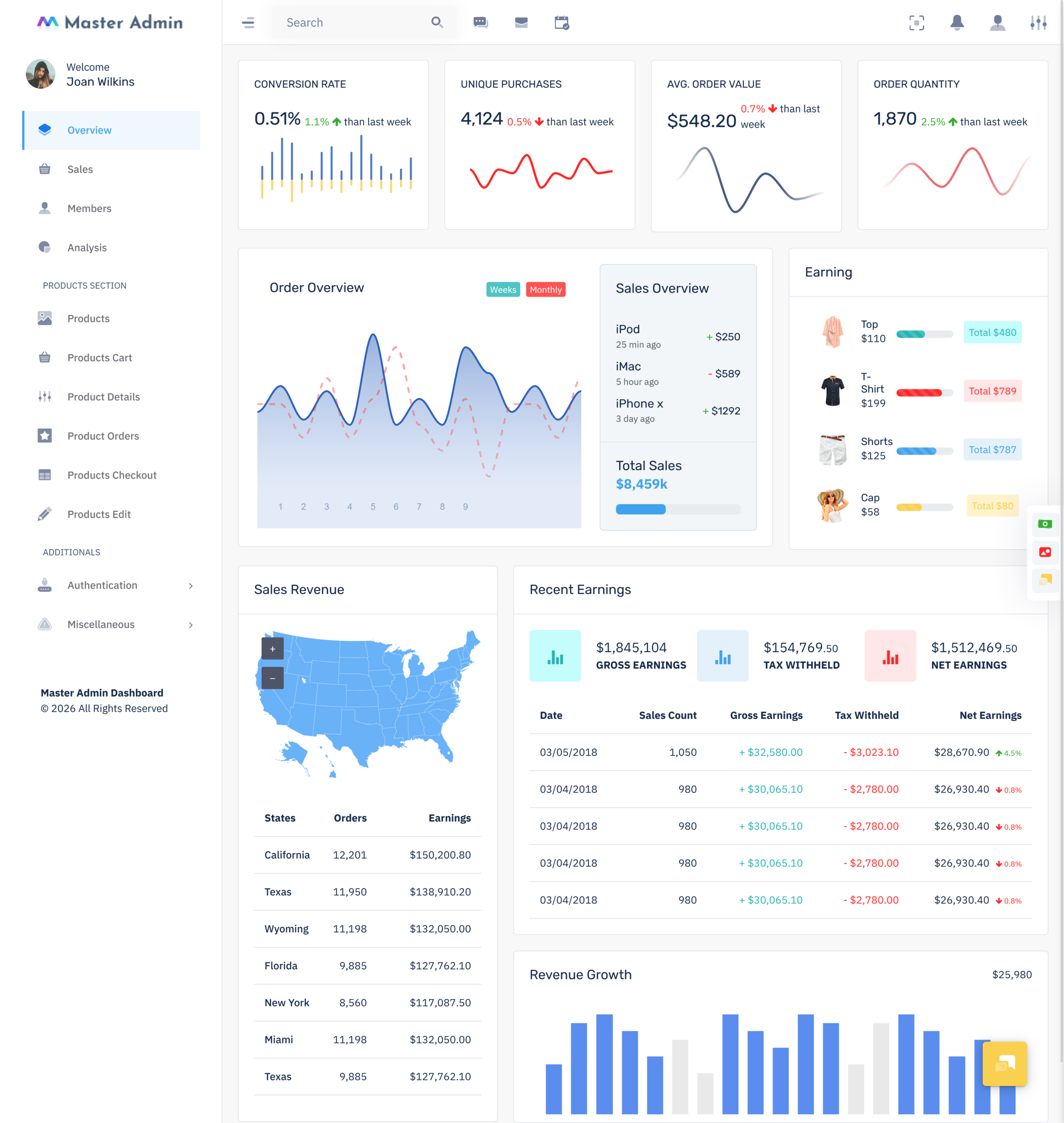
An E-commerce Dashboard is a digital management interface designed to help online businesses view and manage important store information from a structured workspace. Instead of checking individual pages for products, customers, orders, payments, and business activity, administrators can access these areas through a connected dashboard environment.
Watch Full Video
An ecommerce Admin Dashboard is mainly used behind the online store. Customers see the storefront where they browse products and place orders, while administrators work with the backend interface where those activities are managed. This difference makes the dashboard an important part of an ecommerce system because the customer-facing website and administrative side have very different requirements.
A well-organized dashboard can display information according to the role of the person using it. A store owner may want an overview of current sales and business activity, while a product manager may need to work mainly with catalog information, pricing, and stock records. A support team may require customer and order details instead. The dashboard can provide separate areas for each requirement.
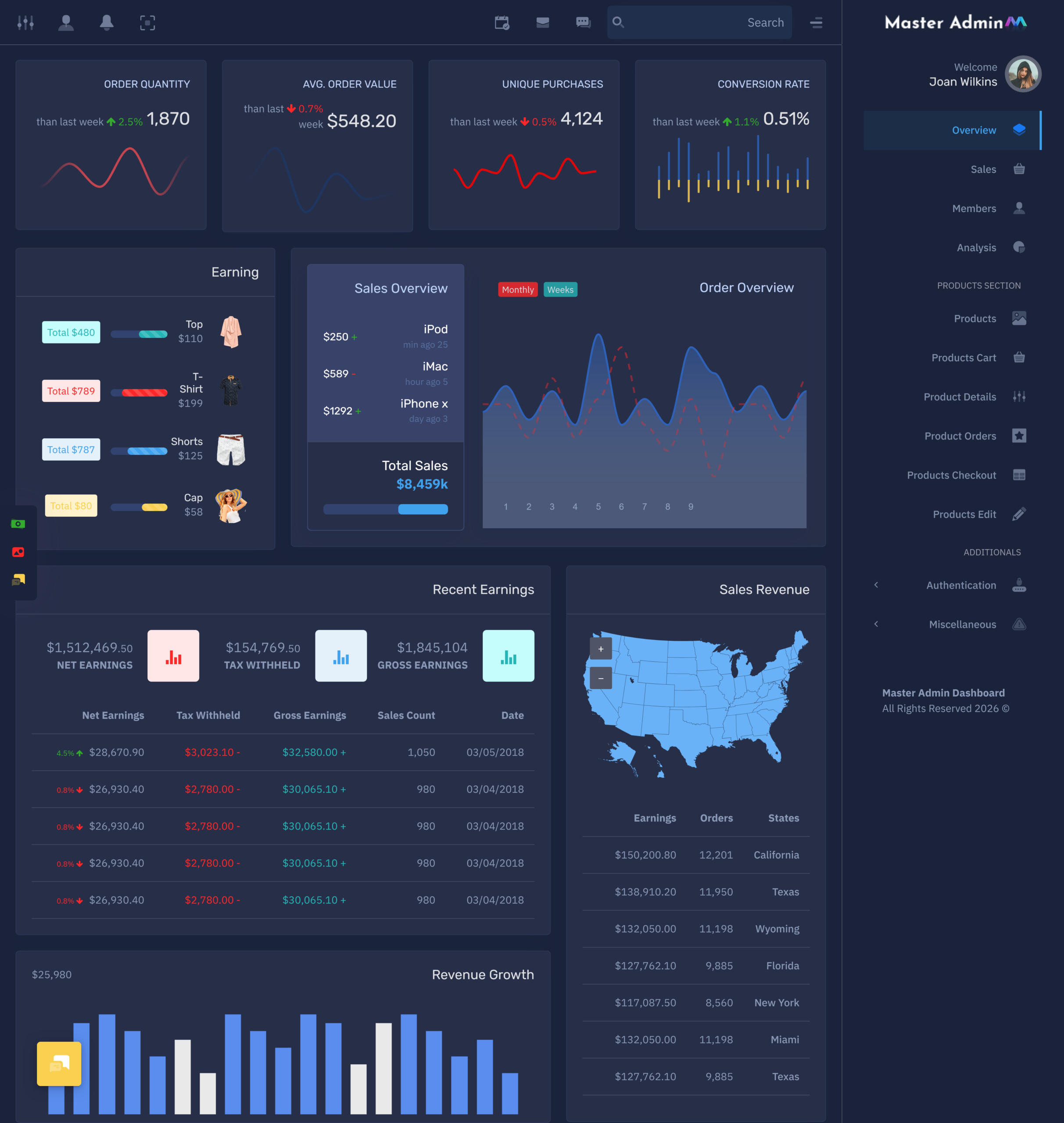
The term ecommerce Admin Template refers to a ready-made interface that provides the visual structure and components needed for an ecommerce management system. Instead of designing every table, form, card, menu, and dashboard section from the beginning, developers can start with an existing interface and customize it according to the project.
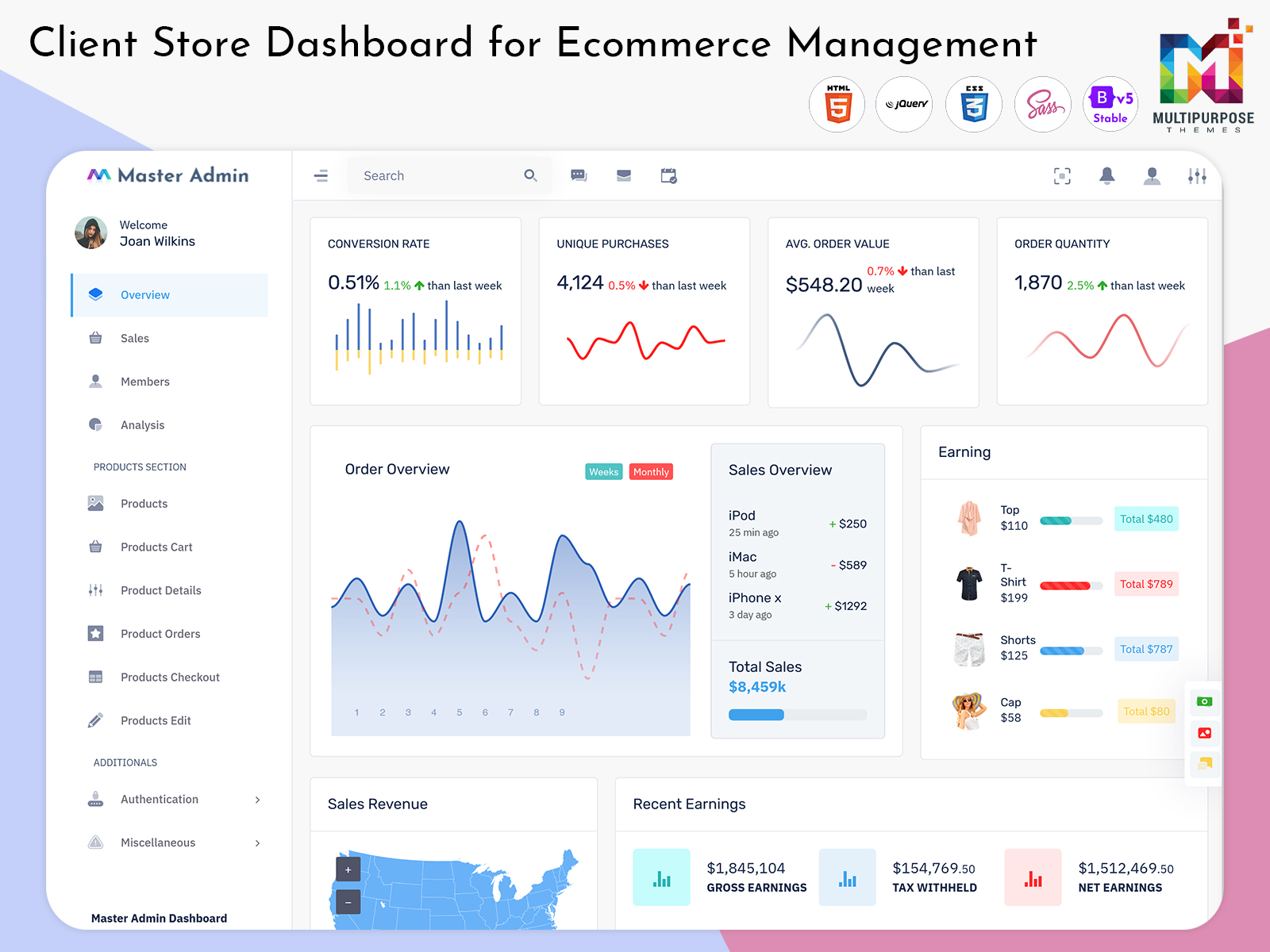
A Client store dashboard can be particularly useful when an agency, business group, or service provider manages information for different online stores. The interface can be organized around a specific client’s products, orders, customers, and reports rather than mixing information from unrelated stores.
The value of an E-commerce Dashboard is not limited to displaying sales numbers. It provides a working environment for managing the information behind an online store. Product records can be maintained, orders can be reviewed, customers can be examined, and reports can be accessed from dedicated sections.
In simple terms, an E-commerce Dashboard gives the people running an online store a practical place to manage what happens behind the storefront. Its layout, navigation, permissions, and data presentation determine how comfortably administrators can work with the growing amount of information generated by an ecommerce business.
How an E-commerce Dashboard Connects the Different Parts of an Online Store
An online store may appear simple from the customer’s side: select a product, add it to the cart, provide details, and complete the purchase. Behind that experience, however, many records are created and updated. Product information, customer details, order status, payment information, stock records, and shipping details may all be connected to the same transaction.
An E-commerce Dashboard gives administrators a place to work with these connected records. For example, when an administrator opens an order, the relevant product and customer information can be available within the same administrative environment. This makes it easier to understand an order as a complete transaction rather than as an isolated entry.
The product side can also be connected with order activity. A product may have its own information such as name, category, price, variants, images, and availability. Once customers begin purchasing it, administrators may need to review the associated orders and customer activity. A properly structured dashboard can provide separate screens while keeping these areas logically connected.
Customer information is another important part of the picture. An administrator may need to see previous orders, account details, purchase records, or support-related information. A customer-focused section can provide this information without forcing users to search through individual transactions.
The dashboard can also separate operational records from analytical information. Detailed order pages are useful when a specific transaction needs attention, while summary views are useful when administrators want to understand the broader store situation. This combination allows the same system to support both individual record management and larger business reviews.
For businesses operating more than one store, the Client store dashboard concept can add another layer of organization. Instead of presenting every store’s information together, the interface can allow users to work within the relevant client or store environment. This can be useful for ecommerce agencies and businesses handling several brands.
A good dashboard therefore acts as a connection point between different parts of ecommerce management. It does not need to show every available piece of information on the first screen. Instead, it should make the relationship between products, customers, orders, and store records easy to navigate.
VIEW DEMO BUY NOW
Features of an E-commerce Dashboard
1. Product Catalog Management
A product management section allows administrators to create and maintain store listings. It can include product names, descriptions, images, categories, pricing, variants, availability, and other catalog details. A structured product area makes it easier to keep store information consistent when products are added or updated.
2. Order Workspace
An order workspace can organize transactions according to their current status and relevant details. Administrators can open individual orders to review customer information, purchased products, payment details, delivery information, and other records. This creates a dedicated area for handling transaction-related work.
3. Customer Profiles
Customer profiles can bring accounts and purchase information into a dedicated view. Depending on the system, administrators may access contact details, previous orders, addresses, account activity, and other authorized records. This helps store teams understand individual customer histories without searching through multiple order entries.
4. Inventory View
Inventory-related screens can provide information about product availability and stock records. Administrators can review which products require attention, update quantities, and examine product-level availability. This feature can become especially useful when a store has a large catalog with many individual products or variants.
5. Payment and Transaction Records
An ecommerce dashboard can include sections for payment status and transaction history. Administrators can review completed, pending, failed, or other transaction states according to the payment system being used. Keeping transaction information accessible from the administration area makes financial record checking more structured.
6. Product Category Management
Category management allows administrators to organize products into meaningful groups. They can create categories, update names, arrange product relationships, and maintain the structure used throughout the online store. A clear category system also makes a large product catalog easier for administrators to manage.
7. Sales and Store Reports
Reporting tools can present selected ecommerce information in tables or visual formats. Rather than opening individual records, users can review grouped information according to dates, products, categories, or other available filters. Reports can be useful when preparing internal reviews or examining a specific period.
8. User and Permission Management
An ecommerce system may have several people working on administration. Role and permission controls can determine which areas each user can access. For example, a product manager may not need access to financial settings, while an administrator may require broader permissions across the system.
VIEW DEMO BUY NOW
Benefits of an E-commerce Dashboard
1. More Structured Store Management
An E-commerce Dashboard places major store functions into defined administrative sections. Products, orders, customers, inventory, and reports can each have their own workspace, giving administrators a clearer structure for handling different types of ecommerce information.
2. Easier Record Investigation
When an order or customer requires attention, administrators can move from a summary view into relevant detailed records. This makes it easier to investigate individual transactions, product information, or customer history without manually collecting details from unrelated sections.
3. Better Control Over Store Access
Role-based permissions allow businesses to decide which users can view or manage particular parts of the store. This is useful when multiple employees, departments, agencies, or partners work within the same ecommerce administration system.
4. Improved Catalog Organization
A dedicated product environment gives administrators a clearer place to manage names, categories, prices, variants, images, and availability. This becomes increasingly valuable as the product catalog grows and individual product records become more difficult to maintain manually.
5. Clearer Store-Level Reporting
Dashboard reports can arrange selected information according to useful filters and periods. Instead of examining every transaction separately, administrators can work with grouped records that provide a more convenient view of store activity and support regular internal reporting.
6. More Practical Multi-Store Handling
A Client store dashboard can provide a separate administrative environment for businesses managing multiple stores or clients. Store-specific information can be kept distinct, helping teams work with the correct catalog, orders, customers, and reports without unnecessary mixing of data.
7. Easier Interface Customization
An ecommerce Admin Template provides a foundation that developers can adapt to project requirements. Navigation, pages, components, tables, forms, and dashboard sections can be adjusted to match the workflows and branding of the intended ecommerce application.
Managing Different Store Activities Through One Dashboard
An ecommerce business rarely has only one type of administrative task. On one day, a team may need to update product information; on another, it may need to investigate an order or review customer records. A useful dashboard should accommodate these changes without forcing users to work through the same path for every activity.
This is where clear navigation becomes important. Product management should feel separate from customer management, while related information should still be reachable when necessary. For example, an administrator reviewing an order may need to open the customer’s profile or inspect a purchased product. The interface should make those connections easy to follow.
Search and filtering can also change the way administrators work with large stores. A store with hundreds or thousands of products cannot rely on users scrolling through long lists. Filters can narrow information by category, status, date, customer, or other available fields.
The same principle applies to orders. A business may need to locate a particular transaction, review orders from a selected period, or identify orders according to their current status. An administrative interface that provides these options can make large datasets much easier to work with.
This approach gives the ecommerce dashboard a practical role beyond displaying statistics. It becomes a workspace where administrators can move between related records, narrow information, and complete different types of store management tasks without losing context.
What to Look for in an Ecommerce Admin Template
Choosing an ecommerce Admin Template should involve more than selecting a visually attractive dashboard. The interface needs to provide a suitable foundation for the type of ecommerce application being developed. A fashion store, marketplace, electronics business, subscription platform, and multi-client ecommerce service may all require different administrative sections.
The navigation structure is one important consideration. Users should be able to understand where products, orders, customers, reports, settings, and other areas are located. A complicated menu can make even a feature-rich dashboard difficult to work with.
Customization is another important factor. Developers may need to change dashboard cards, tables, forms, colors, navigation, pages, and components to fit a specific project. A template becomes more useful when its structure can be adapted instead of forcing the application into a fixed layout.
Responsive behavior should also be considered because administrative users may access their systems from different screen sizes. Tables, forms, charts, menus, and product information should remain usable when the available screen space changes.
The right template should therefore provide a practical starting point for the actual application. Its value comes from how easily the prepared interface can be shaped around the store’s requirements.
Ecommerce Dashboard – Multipurpose Themes
Multipurpose Themes offers a professional and responsive Ecommerce Dashboard designed to help businesses and developers manage online stores efficiently. It provides ready-to-use dashboard layouts and components for managing products, categories, orders, customers, inventory, sales, and other essential ecommerce activities. With a clean interface and flexible design, the dashboard can be customized to suit different ecommerce projects and business requirements. Whether you are building a new online store, a multi-store management system, or a client-based ecommerce application, Multipurpose Themes provides a ready-made foundation that can help simplify the development process.
Conclusion
An E-commerce Dashboard provides a structured environment for managing the information behind an online store. From product catalogs and customer profiles to orders, inventory, transactions, reports, and user permissions, the administrative interface can bring different areas of ecommerce management into a connected workspace.
The right eCommerce Admin Panel Features should reflect how the store actually operates. Product managers may require detailed catalog tools, support teams may need customer and order information, while administrators may need broader access to reports and settings. A well-organized dashboard can accommodate these different requirements through dedicated sections and permissions.
An ecommerce Admin Template can provide the starting structure for such an application. Developers can customize the interface according to the store’s products, workflows, branding, user roles, and reporting requirements. For businesses handling multiple stores or clients, a Client store dashboard can further separate information and create a more focused management environment.
A useful dashboard is ultimately about making the backend easier to understand and work with. When related information is organized logically and users can move from broad views to detailed records, the administration side of an online store becomes more practical for everyday use.
VIEW DEMO BUY NOW
Frequently Asked Questions
1. What should an ecommerce Admin Dashboard include?
A MultiPurpose Themes ecommerce Admin Dashboard should include the sections required to manage the specific online store. Common areas include product management, orders, customers, inventory, categories, transactions, reports, user permissions, and settings. The exact features should depend on the business model. A small store may require a simpler interface, while a marketplace or multi-store business may need more advanced management and reporting sections.
2. What are the most important eCommerce Admin Panel Features?
The most useful eCommerce Admin Panel Features depend on the store’s requirements, but important areas commonly include product catalog management, order handling, customer profiles, inventory information, transaction records, reports, search and filters, and role-based access. Instead of selecting features simply because they are available, businesses should consider which functions their administrators actually use when managing the store.
3. How is an ecommerce Admin Template different from a normal admin template?
A MultiPurpose Themes ecommerce Admin Template is designed around the requirements of online store management. It may provide layouts and components for products, orders, customers, inventory, sales records, and ecommerce-related reports. A general admin template can provide basic dashboard components, but an ecommerce-focused template starts with a structure that is more closely connected to online retail management.
4. What is a Client store dashboard used for?
A Client store dashboard can be used when a business or agency manages ecommerce information for different clients or online stores. It can provide a dedicated environment where users can work with the correct products, orders, customers, and reports for a particular store. This separation can be useful when several ecommerce projects are handled through the same broader management system.
5. Can an ecommerce dashboard manage multiple products and categories?
Yes, a MultiPurpose Themes ecommerce dashboard can be designed to manage large product catalogs containing multiple categories, brands, variants, and other product attributes. Search and filtering functions become particularly useful as the number of products increases. Administrators can locate specific products or groups of products without having to manually browse the entire catalog each time they need to make an update.
6. Can different employees have different access to an ecommerce dashboard?
Yes. A MultiPurpose Themes ecommerce dashboard can use role-based permissions to provide different levels of access. For example, a catalog manager may work with products and categories, while a customer support employee may need access to customer and order information. Administrators can receive broader access to settings and reports. This structure helps businesses organize responsibilities within the same system.
7. How do I choose the right ecommerce Admin Template for my project?
Start by identifying the users, store functions, product structure, and administrative tasks the application needs to support. Then evaluate the template’s navigation, available ecommerce components, customization options, responsive layout, tables, forms, reports, and permission-related screens. The goal should be to select a foundation that can be adapted to the actual store rather than choosing a template only because its visual design looks attractive.

Related Posts