

Educational institutions today require efficient digital solutions to manage academic activities, student records, faculty operations,…
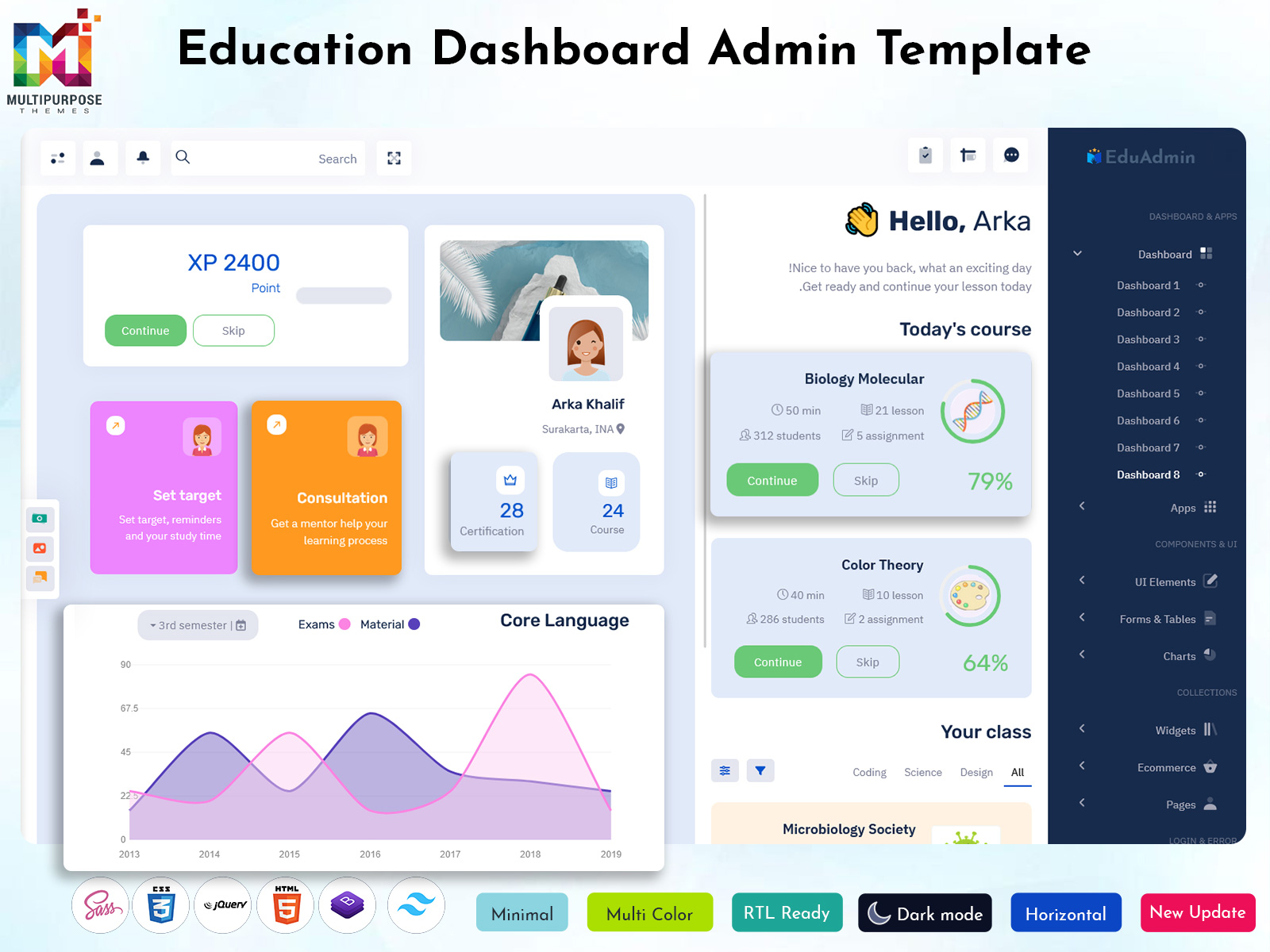
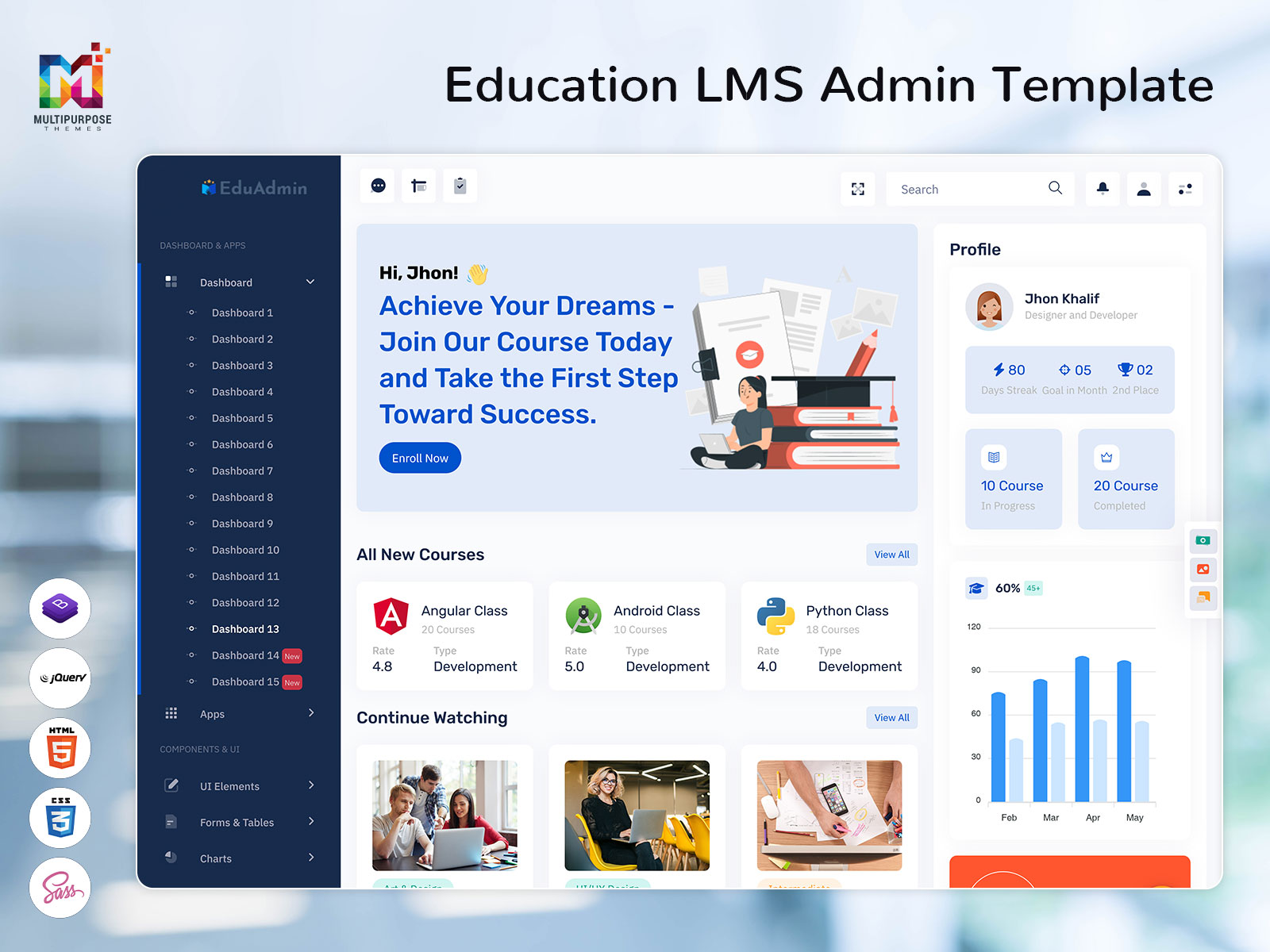
Modern LMS Dashboard UI for Courses & Students
Reading Time: 2 minutes
Managing online courses, students, and instructors can be difficult without the right system. An Learning Management System / LMS Dashboard helps schools, institutes, and online educators manage everything from one simple platform.
This Education Bootstrap 5 Admin Dashboard gives a clear view of courses, student progress, and learning activity in real time.
Education LMS Dashboard – Watch Video
What Is an LMS Dashboard?
An Education Dashboard is a web-based admin panel used to manage online learning systems. It allows admins and instructors to create courses, manage users, track progress, and analyze learning performance.
All important information is shown in a clean and easy-to-understand layout.
Key Features of an Online Education Dashboard
Course Management
Create, update, and organize courses and learning materials easily.Student Management
Manage student profiles, enrollment, and learning activity.Progress Tracking
Track course completion, test scores, and learning progress.Instructor & Role Management
Assign roles and manage access for teachers and admins.Reports & Analytics
View performance data with charts and simple reports.Responsive & User-Friendly UI
Works smoothly on desktop, tablet, and mobile devices.
Use Cases of an LMS Admin Dashboard
Schools and colleges managing online classes
Coaching institutes running digital courses
Corporate teams handling employee training
EdTech startups building learning platforms
Who Should Use an Education Software Dashboard?
Educational institutes
Online course creators
Corporate training teams
LMS developers
EdTech startups
If learning and training are part of your business or institution, an LMS Dashboard is a smart solution.
Why Use a Modern LMS Dashboard?
A modern Learning Dashboard saves time and keeps learning organized. It helps instructors track student progress, improves engagement, and makes course management simple.
With a clean design and real-time data, learning platforms become more effective and user-friendly.
👉 Call to Action
Want to see how this LMS Dashboard works in real time?
👉 Watch the full demo and subscribe to our YouTube channel for more admin dashboard and UI template videos.

Related Posts


This Post Has 0 Comments