Educational institutions today require efficient digital solutions to manage academic activities, student records, faculty operations,…
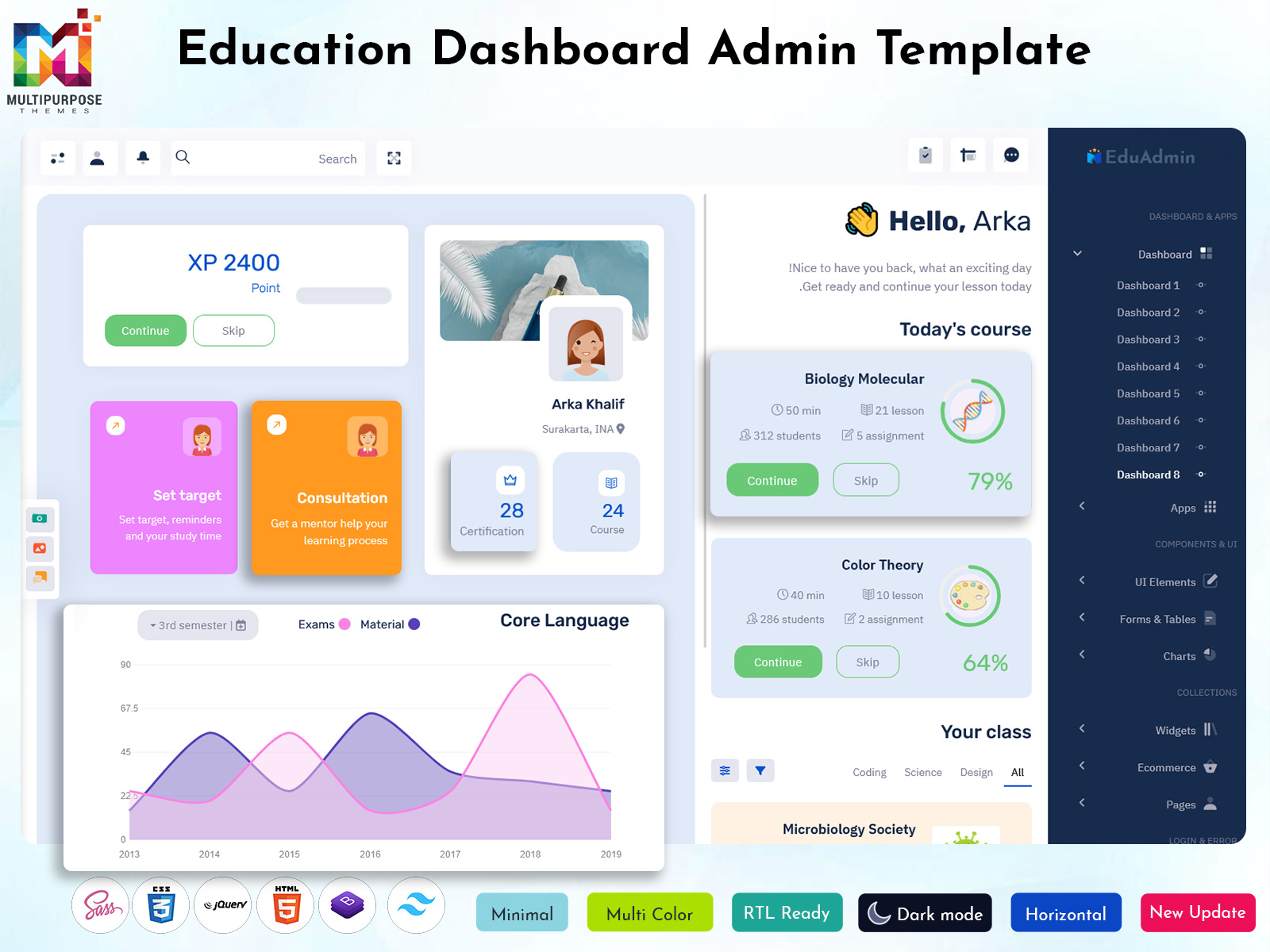
Modern LMS Dashboard UI for Courses & Students
Reading Time: 4 minutes
Managing courses students and instructors can be hard without the right system. An Learning Management System or LMS Dashboard makes it easier for schools, institutes and online educators to manage everything from one platform.
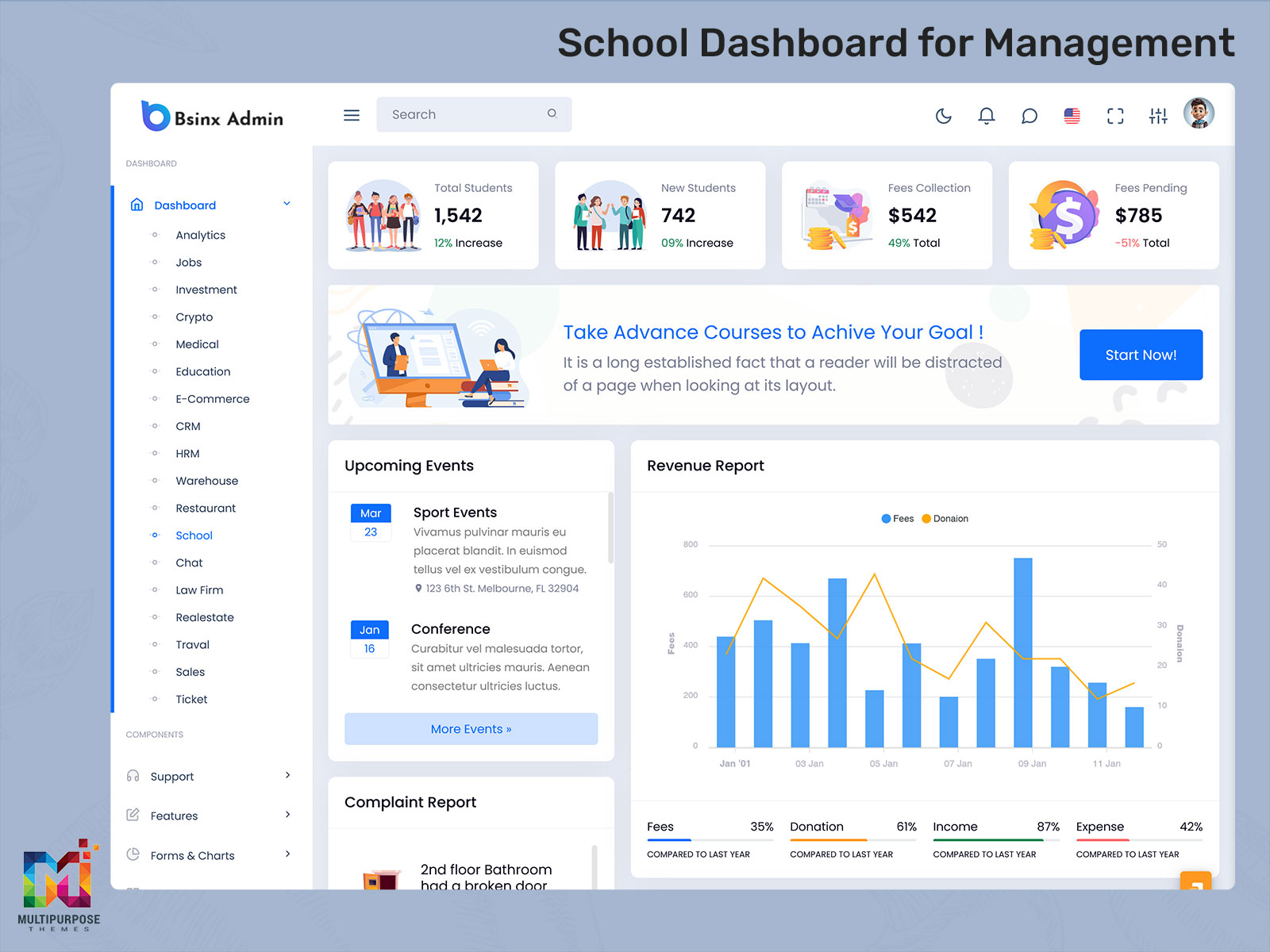
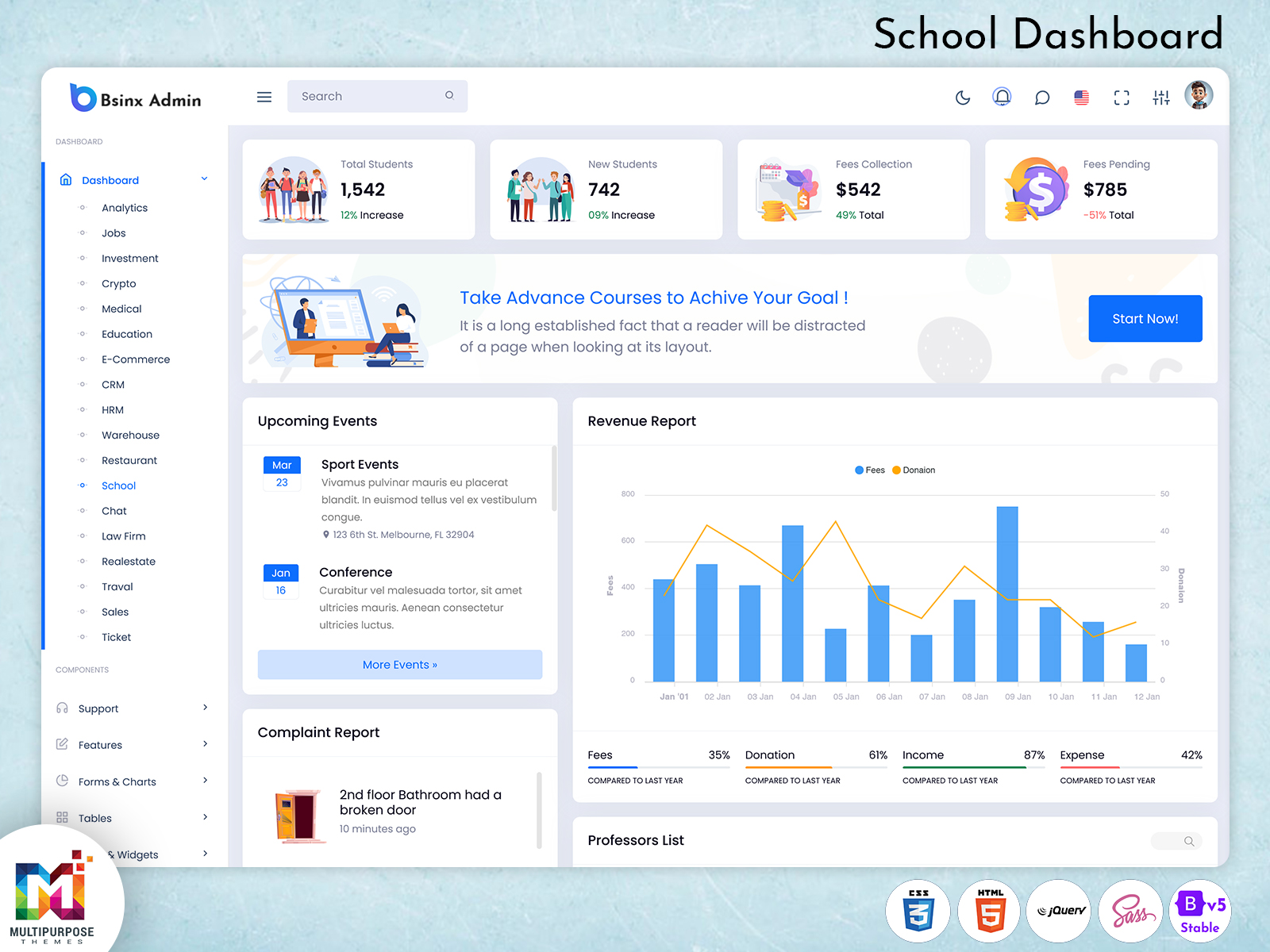
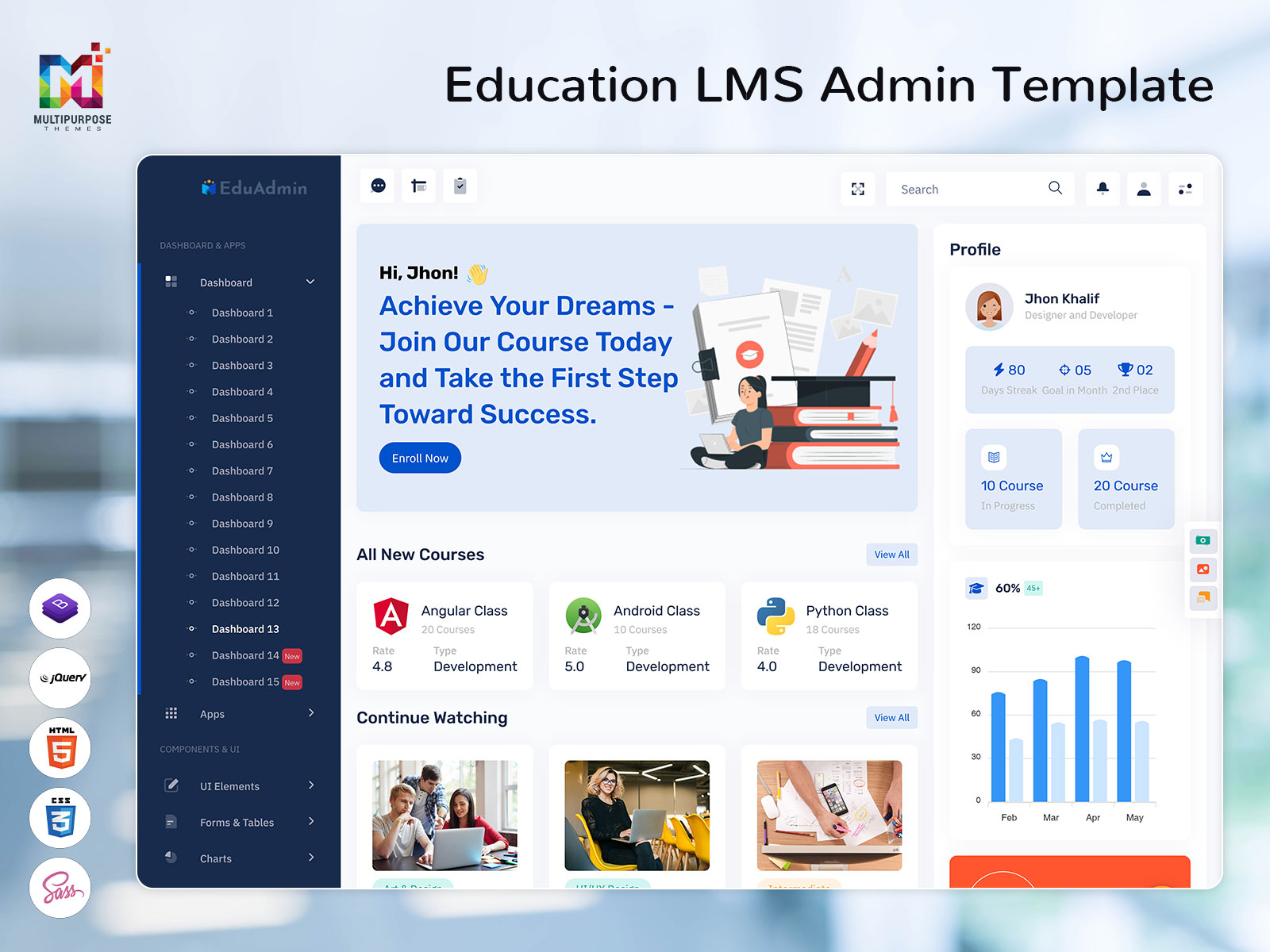
This Education Bootstrap 5 Admin Dashboard gives a view of courses, student progress and learning activity in real time.
Education LMS Dashboard – Watch Video
Benefits of Using an LMS Dashboard
A well-designed LMS Dashboard helps simplify daily learning management tasks and gives administrators and instructors a clear view of educational activities.
- Centralized Learning Management: Manage courses, students, instructors and learning materials from one platform.
- Better Student Monitoring: Review student progress, course completion and assessment results.
- Simplified Course Organization: Keep course content and learning resources organized and easy to access.
- Improved Communication: Support coordination between students, instructors and administrators.
- Data-Driven Decisions: Use reports and analytics to understand learning performance and identify areas for improvement.
What Is an LMS Dashboard?
Education Dashboard is an admin panel that helps manage learning systems. Education Dashboard lets administrators and teachers create courses manage users track progress and analyze learning performance.
All important information is shown in an easy-to-understand layout.
Important Dashboard Sections
A modern Education Dashboard can include several sections that help users navigate learning activities efficiently.
- Overview: Display key information about courses, students, instructors and learning activity.
- Course Catalog: Organize available courses, categories and learning materials.
- Student Records: View student profiles, enrollment details and progress.
- Assessments: Manage quizzes, assignments and test results.
- Calendar and Schedule: Organize classes, deadlines and upcoming learning activities.
- Notifications: Keep users informed about course updates, announcements and important tasks.
Key Features of an Online Education Dashboard
Course Management
- Create, update and organize courses and learning materials easily.
Student Management
- Manage student profiles, enrollment and learning activity.
Progress Tracking
- Track course completion, test scores and learning progress.
Instructor & Role Management
- Assign. Manage access for teachers and admins.
Reports & Analytics
- View performance data with charts and simple reports.
Responsive & User-Friendly UI
- Works smoothly on desktop, tablet and mobile devices.
Tips for Designing an Effective LMS Dashboard
When developing an LMS Dashboard, focus on usability, accessibility and clear presentation of information.
- Keep Navigation Simple: Use clear menus and labels so users can find important sections quickly.
- Prioritize Important Data: Highlight course progress, upcoming tasks and key learning metrics.
- Use Clear Visuals: Present statistics and reports with readable charts and organized layouts.
- Support Different Devices: Ensure the dashboard adapts to desktop, tablet and mobile screens.
- Maintain Consistency: Use consistent colors, typography, spacing and interface elements throughout the dashboard.
- Consider User Roles: Provide relevant features and access based on whether the user is an administrator, instructor or student.
Use Cases of an LMS Admin Dashboard
- Schools and colleges managing classes
- Coaching institutes running digital courses
- teams handling employee training
- EdTech startups building learning platforms
LMS Dashboard for Different User Roles
An LMS Dashboard can support different workflows depending on the user’s role in the learning platform.
- Administrators: Manage users, courses, permissions and overall platform activity.
- Instructors: Create learning materials, organize classes and monitor student performance.
- Students: Access courses, view assignments, track progress and check learning schedules.
- Training Managers: Organize employee training programs and review completion status.
Who Should Use an Education Software Dashboard?
- Educational institutes
- Online course creators
- Corporate training teams
- LMS developers
- EdTech startups
If learning and training are part of your business or institution an LMS Dashboard is a solution.
Why Use a Modern LMS Dashboard?
A modern Learning Dashboard saves time. Keeps learning organized. It helps instructors track student progress improves engagement and makes course management simple.
With a design and real-time data learning platforms become more effective and user-friendly.
Call to Action
Want to see how this LMS Dashboard works in time?
👉 Watch the demo and subscribe to our YouTube channel for more admin dashboard and UI template videos.
buy now
Conclusion
A modern LMS Dashboard provides a centralized way to manage courses, students, instructors and learning activities. With useful features, clear navigation and responsive design, an Education Dashboard can help schools, training teams and online educators organize learning more effectively. Choosing an adaptable dashboard design also gives developers a practical foundation for building user-friendly learning platforms.
Frequently Asked Questions (FAQs)
1. What is an LMS Dashboard?
An LMS Dashboard is a centralized interface for managing courses, students, instructors, learning materials and progress within a Learning Management System.
2. What are the main features of an LMS Dashboard?
Common features include course management, student records, progress tracking, instructor management, reports, analytics and responsive navigation.
3. Who can use an Education Dashboard?
Schools, colleges, online educators, coaching institutes, corporate training teams and EdTech startups can use an Education Dashboard to organize learning activities.
4. How does an LMS Dashboard help instructors?
It helps instructors organize courses, manage learning materials, monitor student progress and review assessment results.
5. Can an LMS Dashboard track student progress?
Yes. An LMS Dashboard can display course completion, test scores and other learning activity to help instructors monitor student progress.
6. Is an LMS Dashboard suitable for mobile devices?
A responsive LMS Dashboard can adapt to desktop, tablet and mobile screens, allowing users to access learning information across devices.
7. What is an Education Bootstrap 5 Admin Dashboard?
An Education Bootstrap 5 Admin Dashboard is an administrative interface built with Bootstrap 5 components to help manage educational activities such as courses, students and instructors.
8. What should developers consider when choosing an LMS Dashboard template?
Developers should consider responsive design, clear navigation, role-based access, course management features, progress tracking and customization options.

Related Posts