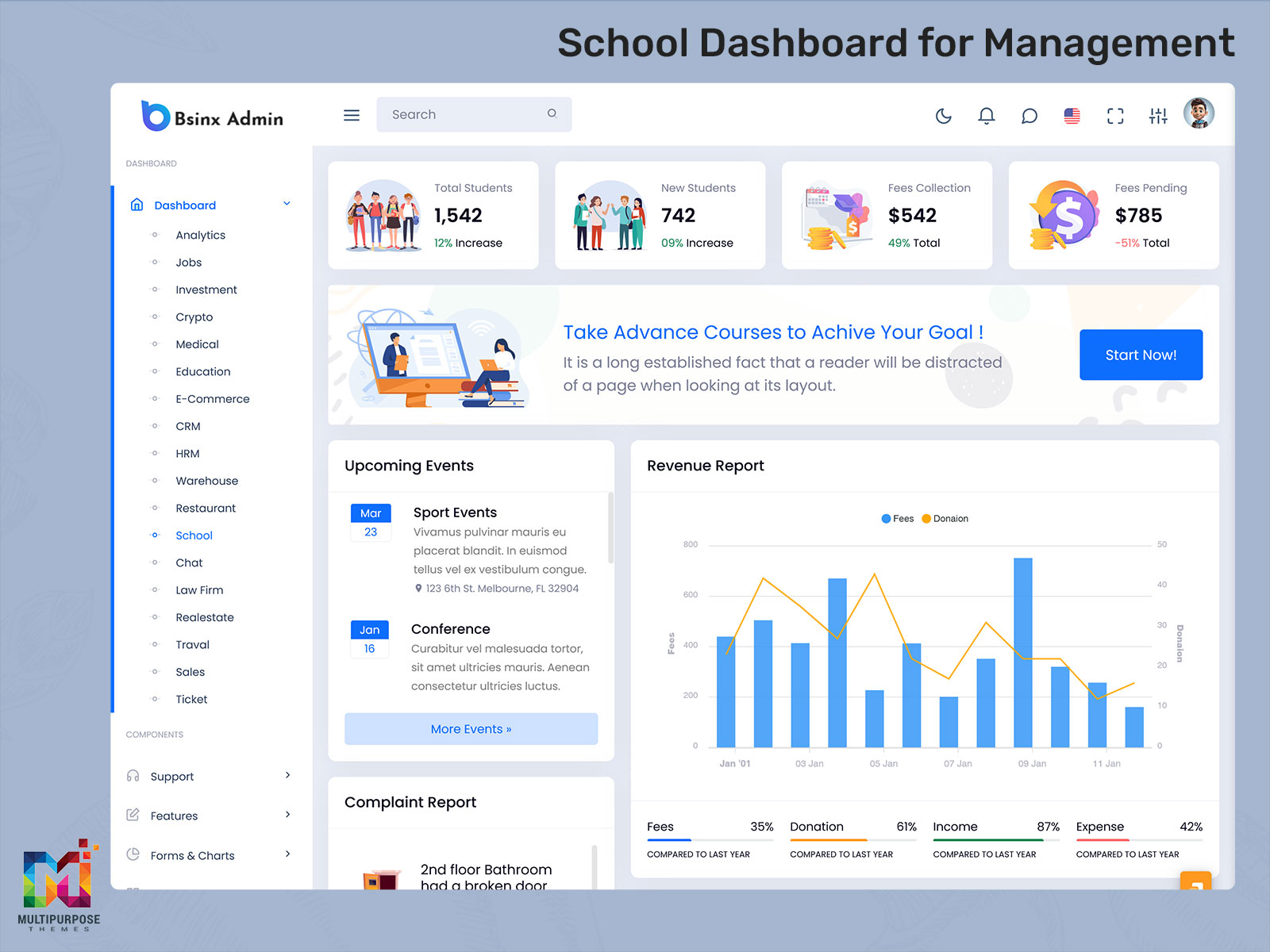
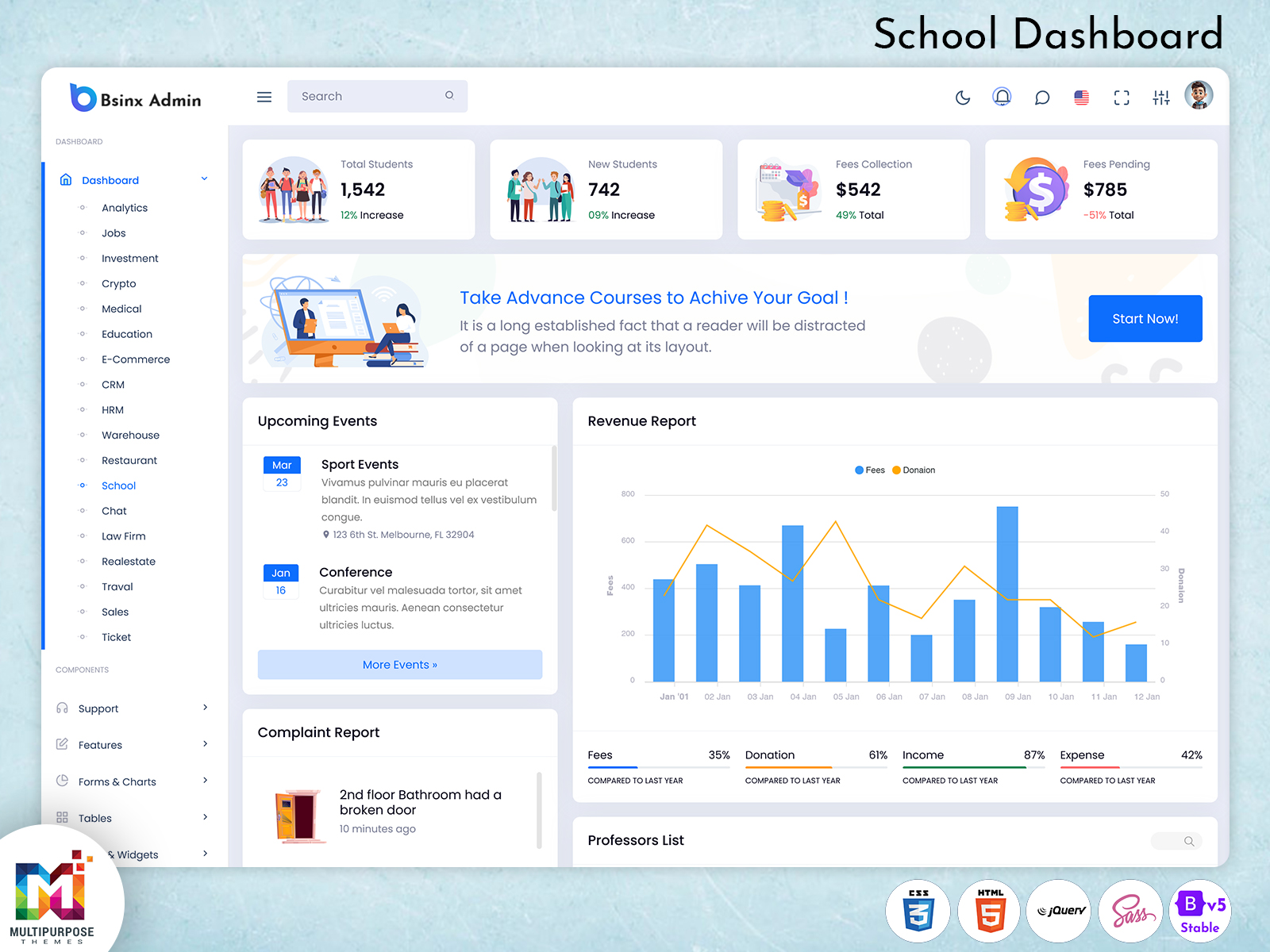
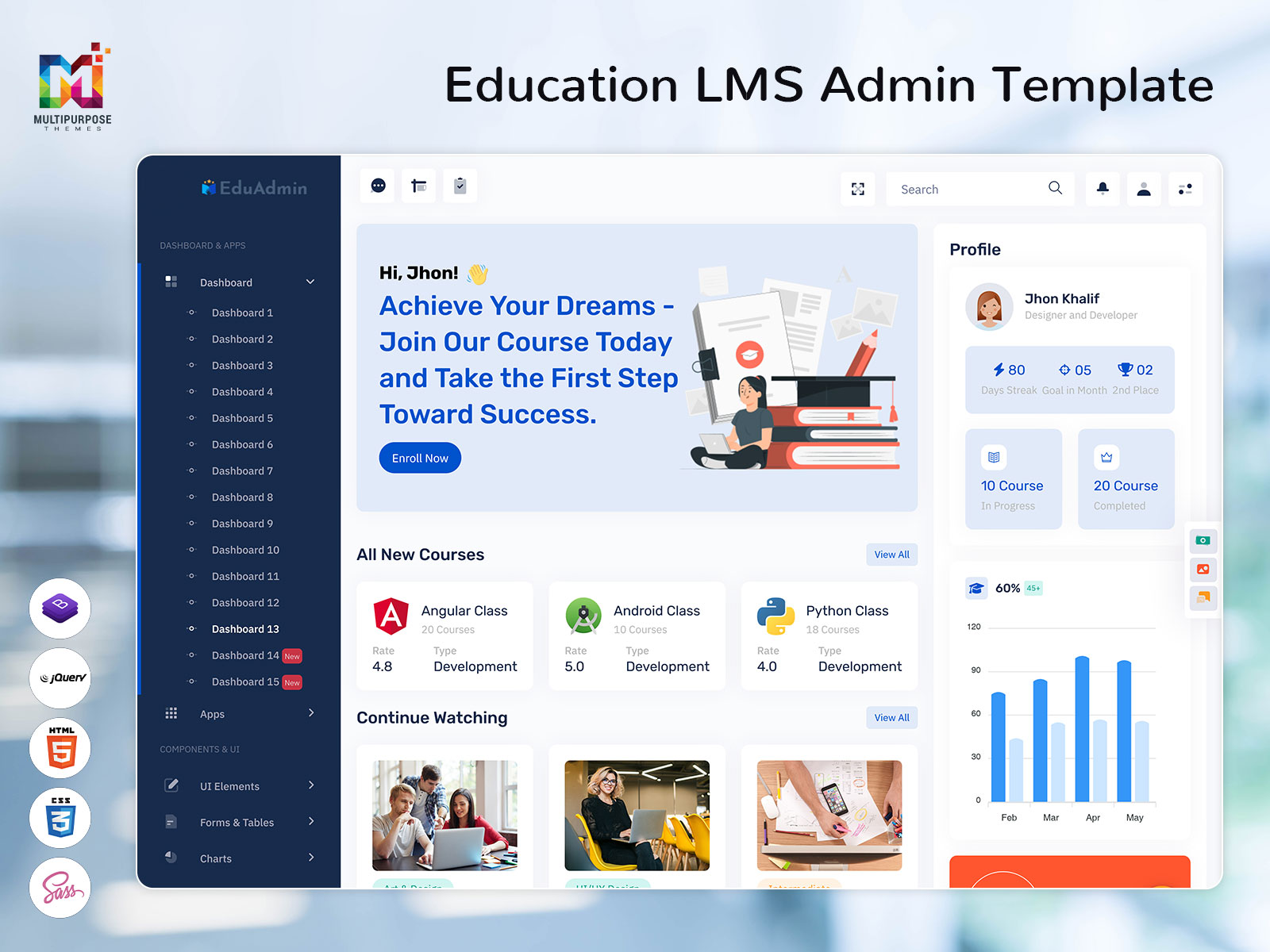
Educational institutions today require efficient digital solutions to manage academic activities, student records, faculty operations,…
LMS Dashboard – Essential Best Practices for Designing an Effective Interface
Reading Time: 6 minutes
An LMS Dashboard is the first thing that any user will notice. Instead of checking multiple sections of the online learning system, users will not need to do this anymore as they will get all the necessary updates by viewing the LMS Dashboard.
As far as students are concerned, the dashboard can present their enrolled courses, assignments, class timetable, learning status, marks, and other activities. The teacher uses this dashboard to manage the course, check on assignments, track the student’s performance, and classroom activity. On the other hand, the administrator needs a broader perspective of the entire platform and its activities.
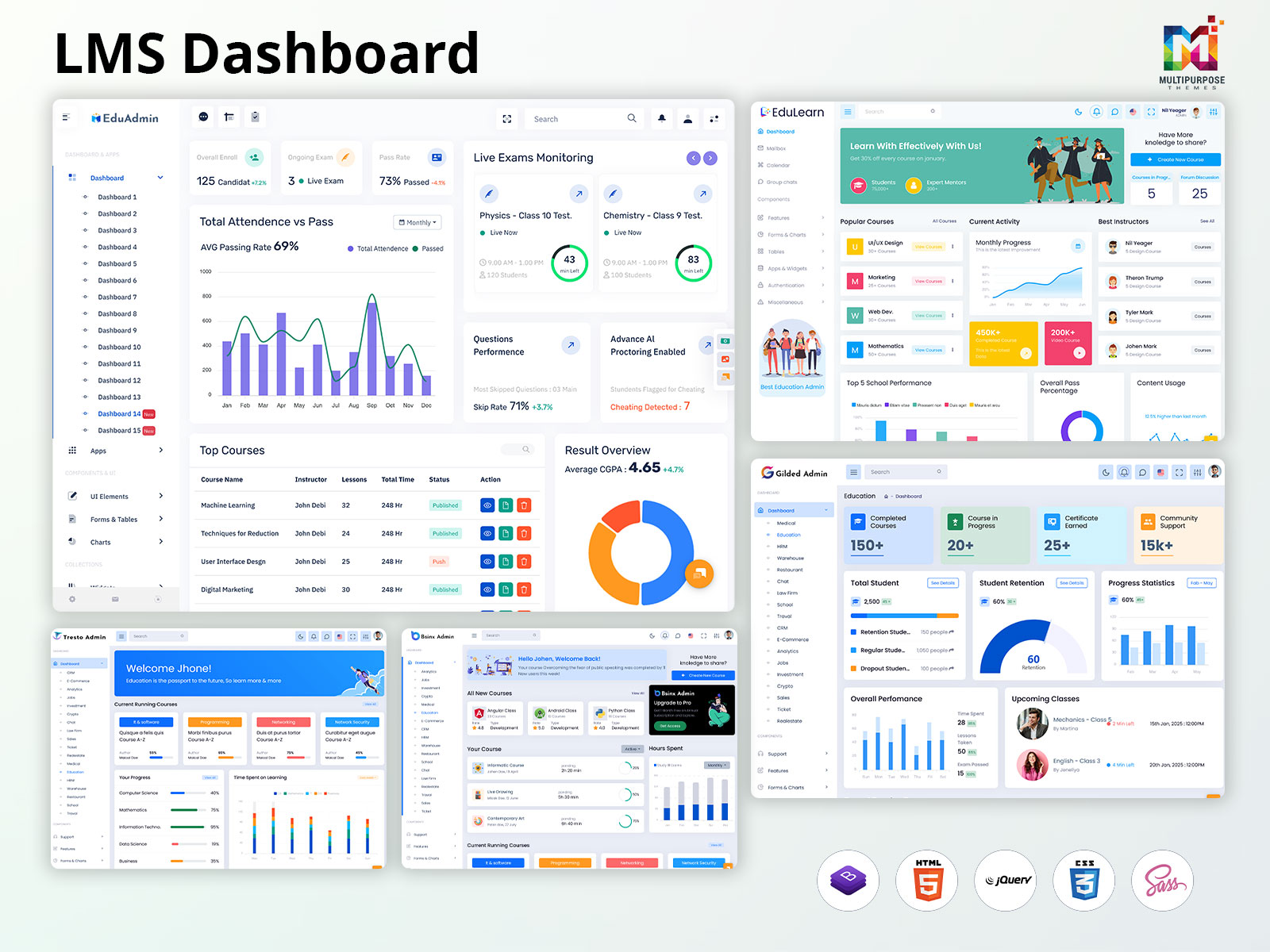
With a well-designed LMS Dashboard UI, all the above details are presented in an organized way. The use of cards, tables, charts, progress bars, alerts, and quick actions helps the users to access information on what they do without having to go through numerous websites.
The LMS Dashboard Template comes with a ready-made interface that the developers are free to customize according to their learning platform needs. It may comprise reusable components, layouts, navigation items, charts, tables, and other items required for creating a working dashboard.
For larger learning platforms, an LMS Admin Dashboard can provide administrators with a centralized view of important system information. From managing users and courses to reviewing platform activity and reports, the dashboard can bring essential administrative tasks together in one workspace.
The basic purpose of the LMS dashboard is to make it easy for people to access, understand, and use the relevant data associated with learning and management. When the appropriate data is provided at the appropriate place, it becomes easier for the users to do their job without any difficulty.
Design Your LMS Dashboard Around User Needs
An efficient LMS dashboard needs to be user-centric as it will be used by people. Students, teachers, and administrators utilize learning systems differently from one another, and thus the same information being displayed to all runs the risk of making the dashboard less functional and harder to understand.
Most students require access to information on their courses, assignments, scores, upcoming classes, and progress in learning. Teachers will have the need to manage classes, assess submissions, monitor performance of students and manage upcoming events. Administrators will mostly require an overview of users, enrollments, courses, and other activities in the site.
Understanding these different requirements helps you decide what information should appear first on the dashboard. For example, a student should be able to see pending assignments and course progress without searching through multiple pages, while a teacher may need quick access to student performance and recent submissions.
This is where a well-planned LMS Dashboard UI becomes important. The layout should make frequently used information easy to find and keep less important details within secondary sections. Clear navigation, useful summary cards, progress indicators, tables, and notifications can help users understand their current activities without making the interface feel crowded.
An LMS Dashboard Template can provide a strong starting point for this type of design. Developers can customize the available components and create different views according to user roles. An LMS Admin Dashboard, for example, can focus on user management, course activity, enrollments, and reports, while student and teacher dashboards can provide more focused information.
In order for the LMS dashboard to be user-friendly, it has to cater to the needs of the end user. The purpose of the LMS dashboard is not to provide all data that is possible to be displayed, but rather to ensure that the most relevant information is made easily accessible to the user.
Explore EduAdmin
Watch Demo Video
Explore Dashboard Design
Dashboard: 1
BUY NOW DEMO
Dashboard: 2
BUY NOW DEMO
Dashboard: 3
BUY NOW DEMO
Dashboard: 4
BUY NOW DEMO
Dashboard: 5
BUY NOW DEMO
Dashboard: 6
BUY NOW DEMO
Dashboard: 7
BUY NOW DEMO
Dashboard: 8
BUY NOW DEMO
Dashboard: 9
BUY NOW DEMO
Dashboard: 10
BUY NOW DEMO
Dashboard: 11
BUY NOW DEMO
Dashboard: 12
BUY NOW DEMO
Dashboard: 13
BUY NOW DEMO
Dashboard: 14
BUY NOW DEMO
Dashboard: 15
BUY NOW DEMO
Explore Our LMS Solutions and Services
At Multi-Purpose Themes, we provide modern and flexible digital solutions designed for different business and learning requirements. Our range of ready-to-use themes and templates helps organizations create professional websites, dashboards, and online platforms without building everything from scratch.
In the education and eLearning industries, we provide specialized LMS solutions that integrate important teaching and management functions in one system. Our LMS Dashboard user interface allows users to oversee courses, pupils, educators, lessons, and homework using a coherent interface.
The LMS Dashboard templates are created with adaptability in mind so that they can be implemented in schools, colleges, universities, training centers, online colleges, and business learning management systems. An LMS Admin Dashboard makes it possible for administrators to administer users, subjects, reports, alerts, and actions on the platform which ultimately helps the students have seamless access to the subjects.
Multi-Purpose Themes offers solutions that will help you build a website that will fit your industry or case study with an emphasis on responsive design, reusable widgets, and real-life solutions. If you require an educational website, eLearning platform or full LMS interface, we are here to help!
Create a Clear Visual Hierarchy in Your LMS Dashboard
A properly built LMS interface helps to locate crucial information fast. Clarity in labelling, an appropriate choice of font sizes as well as the number of spaces between different parts of the text ensures that the key indicators such as course progression, tasks performed, activities of learners had great impact.
Our LMS Dashboard Template uses similar fonts and colors in order to create a clear interface that is easy to scan. For the LMS Admin Dashboard template, visual hierarchy ensures that administrators can find relevant information in a simple way.
Explore EduLearn Admin
Explore Dashboard Design
Dashboard
BUY NOW DEMO
Highlight the Key Metrics That Matter in Your LMS Dashboard
When implementing a successful LMS Dashboard, it is important to focus on the parameters that provide valuable data on learning. Instead of cluttering information on the dashboard, it is better to focus on the vital parameters such as completion rates, progress, engagement, grades, assignments, and upcoming deadlines for training.
These statistics would be helpful for teachers and instructors to know how their students are performing and if any further assistance is required from their end. In this regard, an LMS Admin Dashboard can offer a more comprehensive insight into all of these areas.
Our LMS Dashboard UI shows information using simple cards, charts, progress bars and summaries of activity. Including details, like goals, patterns or comparisons helps users see if their performance is getting better or if something needs focus.
By focusing on relevant metrics, an LMS Dashboard Template can turn complex learning data into simple, actionable insights while keeping the overall interface clean, informative, and easy to use.
Explore Other LMS Dashboards
Gilded Admin
BUY NOW DEMO
Tresto Admin
BUY NOW DEMO
BsinX Admin
BUY NOW DEMO
Create a Responsive LMS Dashboard for Every Device
A modern LMS Dashboard should deliver a smooth experience across desktops, tablets, and smartphones. Our LMS Dashboard UI uses responsive layouts that automatically adjust content, navigation, buttons, typography, and spacing for different screen sizes.
With a mobile-friendly LMS Dashboard Template, learners can access courses, track progress, complete assignments, and view important updates anytime, while administrators can manage essential activities through a responsive LMS Admin Dashboard.
Smart Customization for a Flexible LMS Dashboard
At Multi-Purpose Themes, we provide flexible LMS Dashboard customization to help businesses and educational platforms create an experience that fits their specific needs. Users can organize relevant widgets, apply smart filters, and focus on the information most important to them.
Our customizable LMS Dashboard UI can be adapted for learners, instructors, and administrators, with options to manage courses, assignments, student groups, analytics, and activities. This flexibility makes our LMS Dashboard Templates suitable for different learning environments while keeping the interface simple and easy to use.
Enable Real-Time Feedback for Better Learning
At Multi-Purpose Themes, we offer LMS dashboard services that streamline the process of tracking student activities thanks to real-time tracking, information about the advancement in different tasks, quizzes, and results. Visual user interfaces indicate how learners are progressing in the learning process and what needs to be improved.
Our customizable LMS Dashboard UI will enable us to bring out the useful resources and activities. With the help of constantly updated data, our LMS Dashboard Templates will make your learning process engaging and reliable.
Final Thoughts on Building an Effective LMS Dashboard
Creating an effective LMS Dashboard is about combining simplicity, functionality, and flexibility. From clear navigation and key learning metrics to responsive design, smart customization, and real-time feedback, every element should make the learning experience easier and more engaging.
At Multi-Purpose Themes, we provide flexible and customizable LMS Dashboard UI solutions designed to meet different learning and business requirements. Our LMS Dashboard Templates can be adapted for learners, instructors, and administrators, helping organizations create a modern and user-friendly learning platform.
A great dashboard should also evolve with its users. Regular feedback, testing, and customization can help improve usability over time and ensure your LMS Admin Dashboard continues to deliver the right information and experience.
Whether you are developing an online academy, educational organization, training website, or corporate learning platform, choosing the right dashboard may allow you to ease your daily activities and increase engagement of users. A properly designed interface can help students track their achievements, facilitators to control educational processes and supervisors track the performance of the whole platform in one place.
The idea is not just to offer more content, but to offer the right kind of content in a clear manner. Using flexible layouts, easy navigation, responsive elements, and customization options, an LMS can evolve as your needs expand.
Choosing an scalable LMS Dashboard Template can help organizations save time on development while still creating a learning experience that feels consistent. When the design and functionality are balanced right the LMS Dashboard Template becomes a valuable part of your overall digital learning strategy.

Related Posts