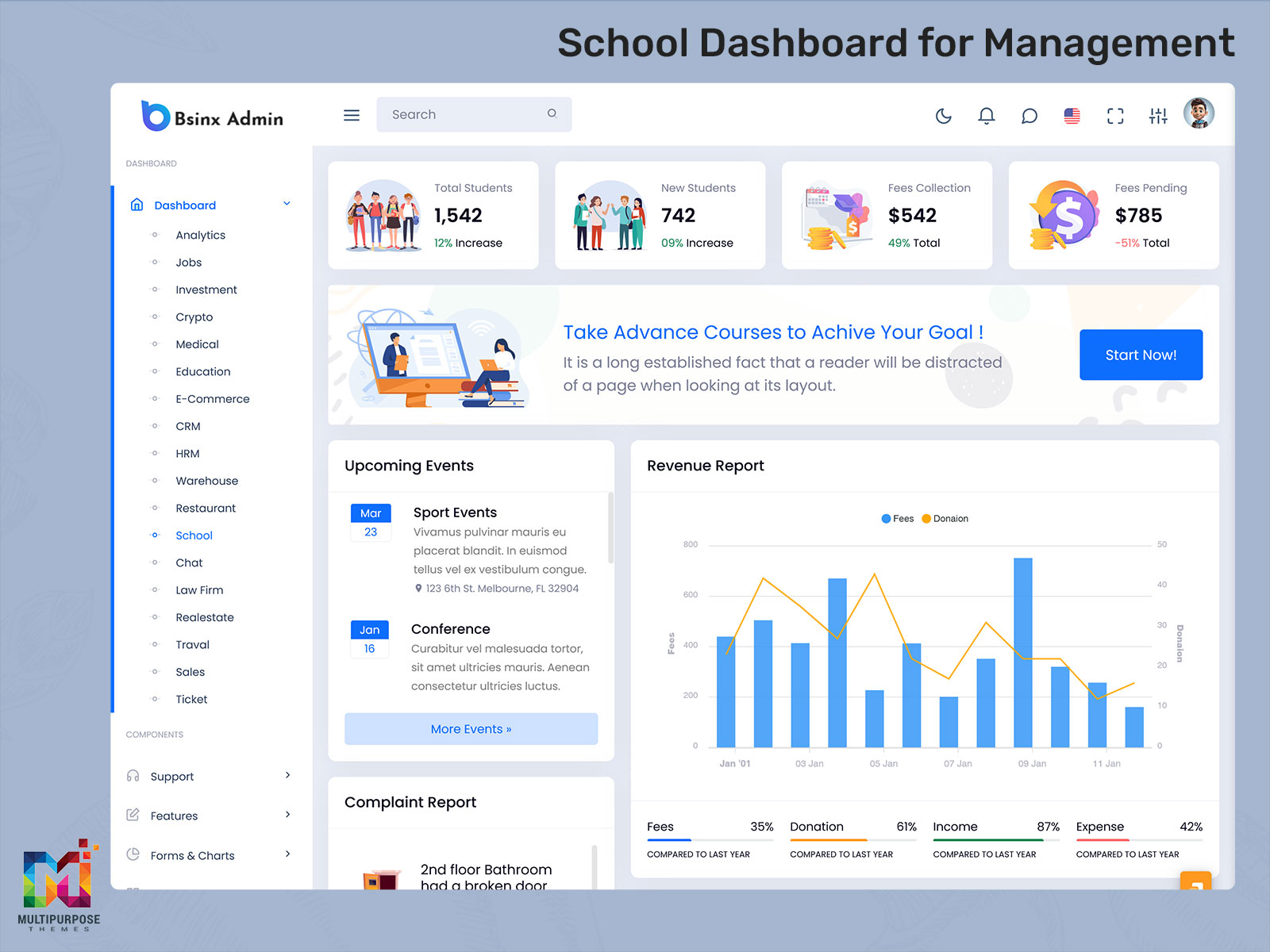
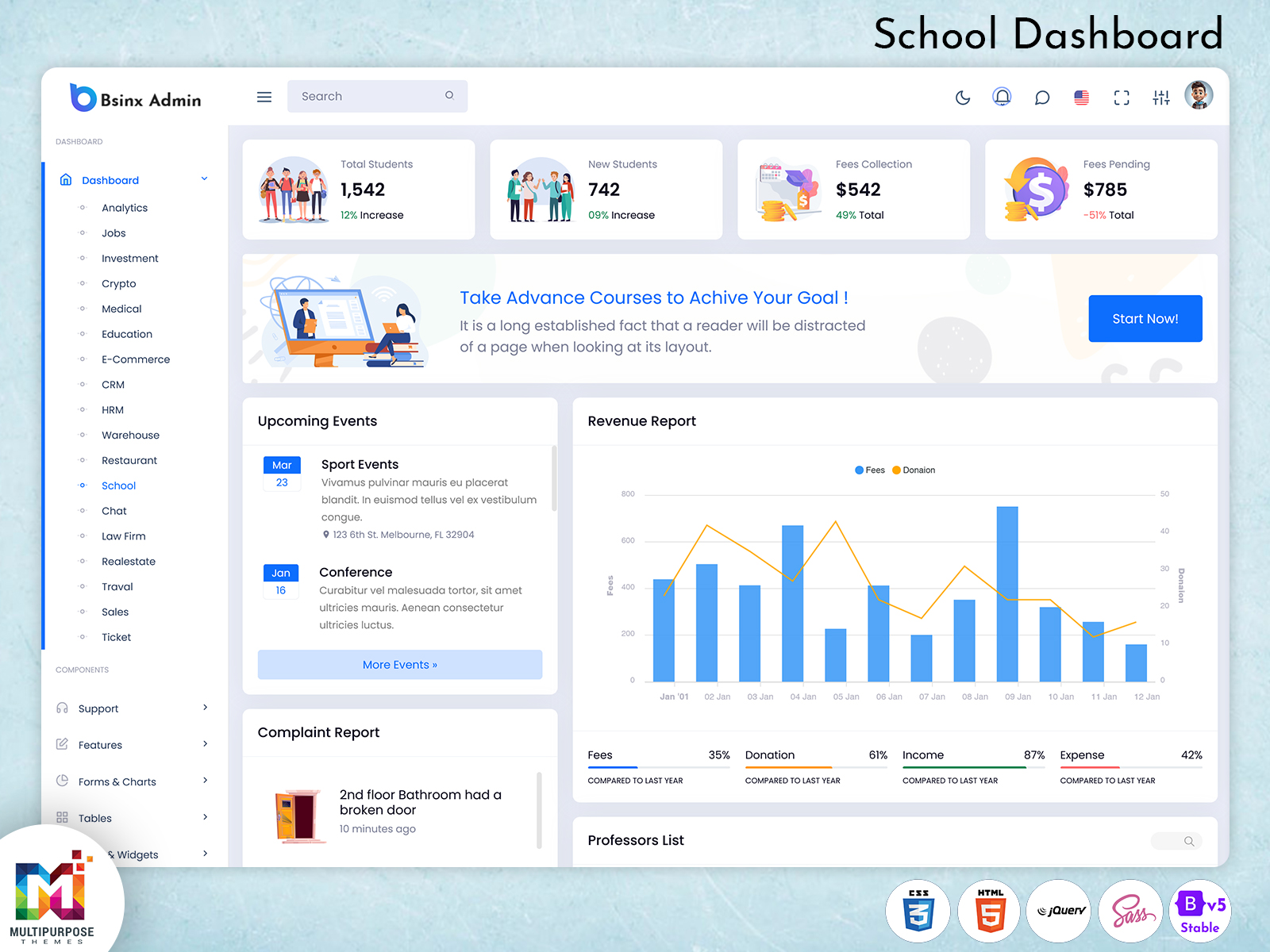
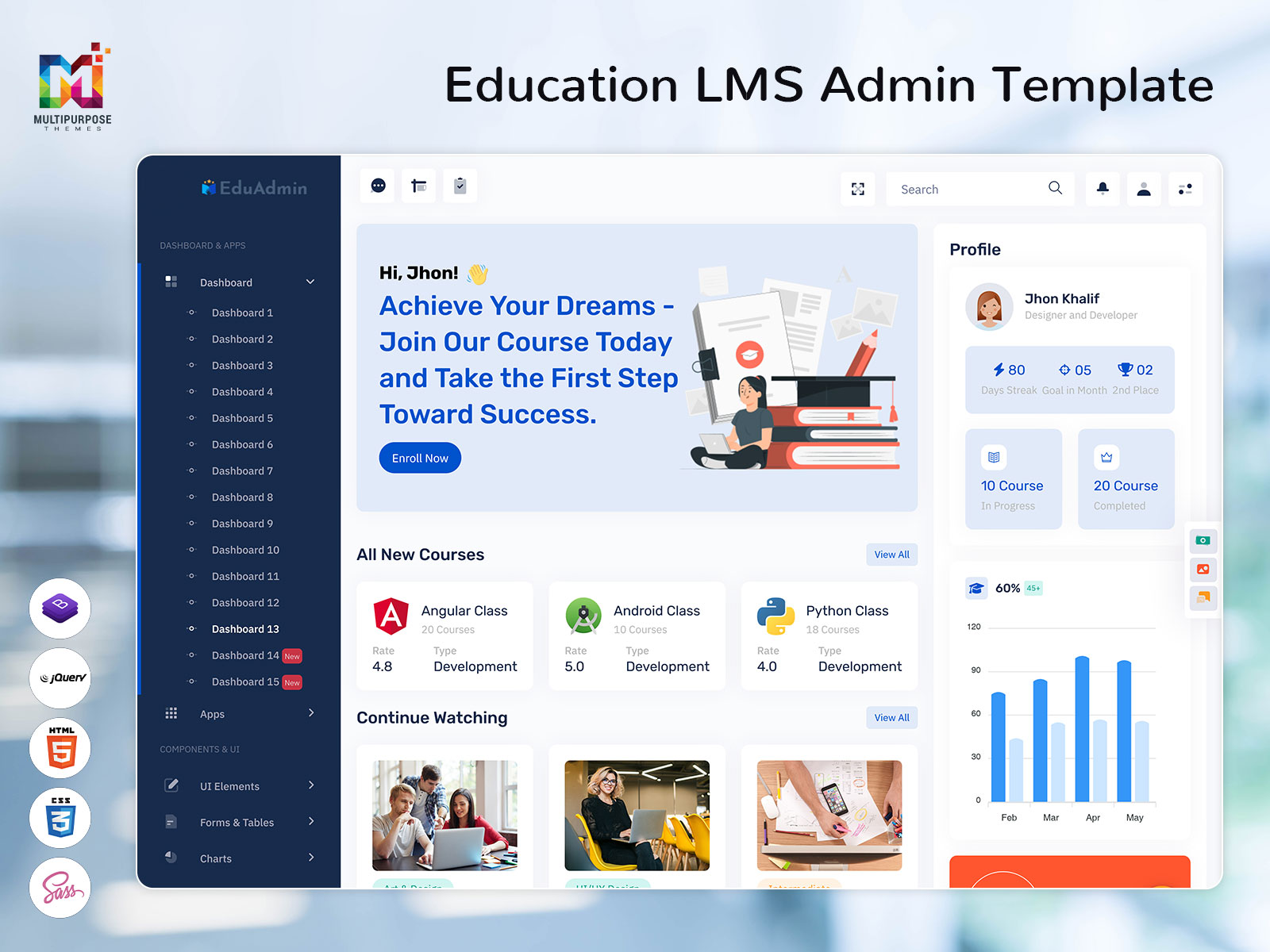
Educational institutions today require efficient digital solutions to manage academic activities, student records, faculty operations,…
Why Your LMS Dashboard Looks Like a 1990s Spreadsheet (And How to Fix It)
Reading Time: 6 minutes
A learning management system brings together a lot of information—from student progress and course activity to assessments, enrollments and performance data. Without an interface however even useful information can become hard to find and hard to understand. This is where a designed LMS Dashboard makes a difference.
An effective dashboard gives educators and administrators a view of the information they need helping them keep track of learning activity and handle important tasks more easily. A clean LMS Dashboard UI organizes data into sections while meaningful visual elements help important insights stand out. For developers an adaptable LMS Dashboard Template offers a starting point, for building professional learning platforms without having to design the whole interface from scratch.
Multi Purpose Themes focuses on creating responsive dashboard solutions that mix functionality with a simple user experience. With the right dashboard structure an LMS can make complex information easier to navigate and give users a productive way to handle daily learning operations.
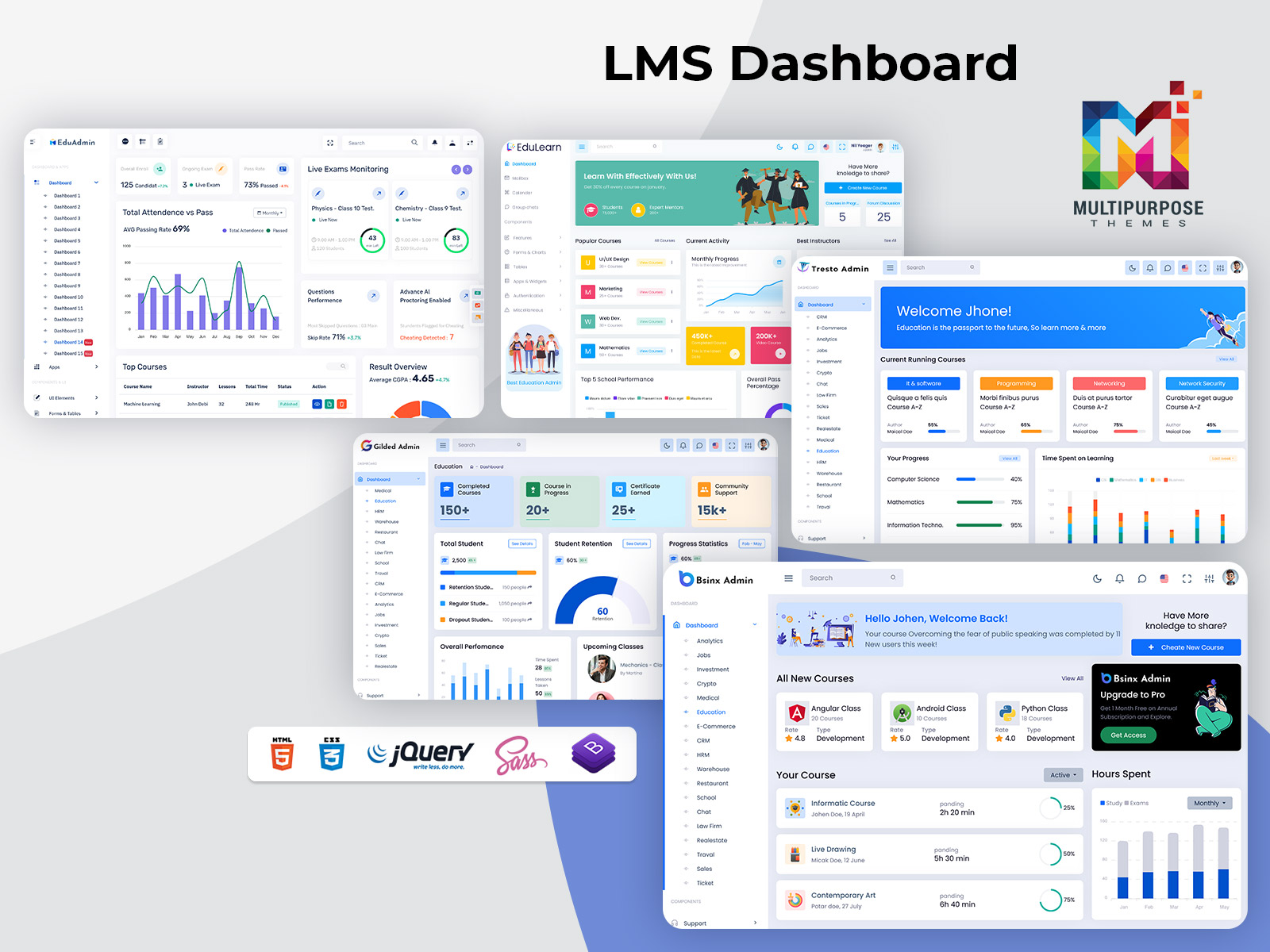
Explore LMS Dashboards of Admin Templates
EduAdmin – LMS Dashboard
BUY NOW DEMO
EduLearn Admin – Education Dashboard
BUY NOW DEMO
Gilded Admin – Learning Dashboard
BUY NOW DEMO
Tresto Admin – Online Course Dashboard
BUY NOW DEMO
BsinX Admin – Elearning Dashboard
BUY NOW DEMO
The Real Challenge Behind LMS Dashboards
Online learning is growing fast. Lms platforms have become a vital part of education and training. However simply adding features does not always make the experience better. When LMS Dashboards are full of data, hard menus and extra steps teachers can have a time finding the information that they really need.
An LMS Dashboard should serve as a workspace where teachers and administrators can quickly see how learners are doing check course activity look at performance and spot areas that need help. The real problem is not having the data. Showing that data in a way that helps with daily decisions.
A focused LMS Dashboard UI solves this by putting the important information first and keeping navigation simple. Key metrics, learner actions and course insights should be easy to find without having to move through screens. A well‑designed LMS Dashboard Template can give this structure from the beginning making it easier to manage learning tasks and keeping the experience clear and friendly.
What Makes an LMS Dashboard Effective
An effective LMS Dashboard should help educators understand course performance and take action without effort. Three qualities stand out: clarity, speed and actionable information.
Clarity means that key data—like course completion rates, assignment activity, learner engagement and assessment results—are easy to find. Educators should get a picture of the current learning status without having to click through several screens.
Speed makes the experience smooth and efficient. A designed LMS Dashboard Template should load quickly and organize information into clear manageable sections. This way educators can focus on students of waiting for data or struggling with a cluttered interface.
Actionable information turns data into real decisions. For example knowing that assessment scores are low is useful.. Knowing which questions or topics are causing difficulties gives a clearer path forward. When an LMS Dashboard UI connects performance data, with insights educators can respond to learners more quickly and manage their courses with more confidence.
Turning Learning Data Into Better Decisions
An LMS generates valuable information every day, but data is only useful when it can be understood and applied. A well-designed LMS Dashboard brings important learning metrics together and presents them in a way that supports practical decisions. Educators can review learner progress, course activity, and assessment performance without sorting through unnecessary information. Clear visualizations and organized sections make it easier to recognize changes and areas that require attention. With a thoughtful LMS Dashboard UI, complex learning data becomes easier to interpret, helping educators spend less time searching for information and more time improving the learning experience.
Visuals That Make LMS Data Easier to Understand
visuals help users understand learning data without having to read through long reports. An LMS Dashboard can use progress indicators, status colors, timelines and simple charts to make course completion, learner activity and performance easier to understand.
The main point is to focus on information that helps with decisions. Putting many charts and widgets on an LMS Dashboard UI can cause the same confusion, as a text-heavy interface. Instead a thought out LMS Dashboard Template should focus on the metrics that educators and administrators need the most. The outcome is a more focused dashboard that turns learning data into helpful insights without making the user feel overwhelmed.
Other Dashboards of Education
CRMi Admin University/School Dashboard
BUY NOW DEMO
VoiceX Admin University Dashboard
BUY NOW DEMO
Key Features of an LMS Dashboard
A modern LMS Dashboard should combine essential learning information with a clear interface that helps educators, administrators, and learners work efficiently.
- Clear Dashboard Overview
Get a quick view of enrollments, course activity, learner progress, assignments, and other important metrics without navigating through multiple screens. - Learner Progress Tracking
Monitor course completion, assessment results, attendance, and individual learner activity to understand progress and identify areas that may need attention. - Interactive Analytics
Use charts and visual reports to understand performance trends, engagement levels, course activity, and other learning data more easily. - Role-Based Dashboard Views
Present relevant information based on user responsibilities. Students can focus on their progress, instructors on class performance, and administrators on broader LMS activity. - Responsive LMS Dashboard UI
A responsive interface keeps essential features accessible across desktops, tablets, and smartphones, providing a consistent experience across devices. - Course & Assignment Management
Organize courses, assignments, deadlines, and learning activities from a centralized dashboard, making routine management more convenient. - Real-Time Activity Updates
Keep track of recent submissions, learner activities, and course updates so educators can respond to important changes promptly. - Flexible LMS Dashboard Template
A customizable structure allows developers to adapt layouts, components, and dashboard sections to suit different educational platforms and workflows. - Reusable UI Components
Ready-made cards, tables, charts, forms, notifications, and other interface elements help create consistent LMS pages while reducing repetitive development work. - Modern Admin Dashboard
A well-organized LMS Admin Dashboard gives administrators a centralized view of platform activity, helping them manage learning operations with greater clarity and efficiency.
Flexible Customization for Every LMS Role
Different users work with different priorities, so an LMS dashboard should not force everyone into the same view. An instructor may need quick access to attendance, assignments, and learner progress, while an administrator may focus on enrollment, course performance, and broader platform activity. A flexible LMS Dashboard Template makes it easier to organize these key areas around specific roles and workflows.
Multi Purpose Themes provides customizable dashboard layouts that allow relevant widgets and information to be arranged according to project requirements. Role-based views can further simplify the experience by presenting students, instructors, and administrators with information that is relevant to their responsibilities. A student can focus on personal progress and upcoming activities, while instructors can access class-level insights and administrators can review broader performance data.
The goal of customization is not to add complexity, but to create a workspace where each user can quickly find what matters. A well-planned LMS Dashboard UI keeps this flexibility organized, giving different users a focused experience while maintaining a consistent overall design.
Mobile Access and Real-Time Learning Insights
Learning takes place beyond just the desk, which is why the LMS Dashboard needs to offer a seamless experience through laptops, tablets, and smartphones. A responsive LMS Dashboard UI ensures that users can access everything from navigation to information and even perform certain tasks without any problem.
Real-time information brings value. When course activity, submissions, attendance or learner progress are updated away educators can notice changes early and step in when support is necessary. Learners can also watch their progress and get the latest course details without waiting for updates that come too late.
Together, responsive design and timely data make an Online Course Dashboard more practical for everyday learning management.
It is not all learning that happens on the desk, and thus, the LMS Dashboard has to be very easy to use on laptops, tablets, and even phones. The responsive design of the LMS Dashboard interface ensures that one can navigate, get the necessary features and information on smaller screens too.
Real-time information is an additional element that contributes to a better learning experience. Educators can recognize any changes that occur once the course activity, submissions, attendance, and learners’ progress is updated in real time. In turn, learners will be able to track their progress and get latest information about the course without depending on delayed information.
An effective LMS Dashboard should work with the tools that educators already use. Connections with calendars, communication platforms, grade books and virtual learning tools can cut down on repeated data entry. Make sure important activities are all linked in one process. This makes the dashboard more than a place to see reports—it turns into a real work area for handling daily learning tasks.
The future of LMS platforms is also becoming more focused, on data. Intelligence and predictive analytics can help spot learning trends point out students who might need more help and give useful information from course activity. As these technologies keep improving their job is changing dashboards from showing information to helping people know what the data might mean next.
A flexible LMS Dashboard Template can offer the structure needed to bring these tools and ideas together in a clear well-organized screen.

Related Posts