

Keeping track of customer information gets harder as a business deals with more questions, chats,…
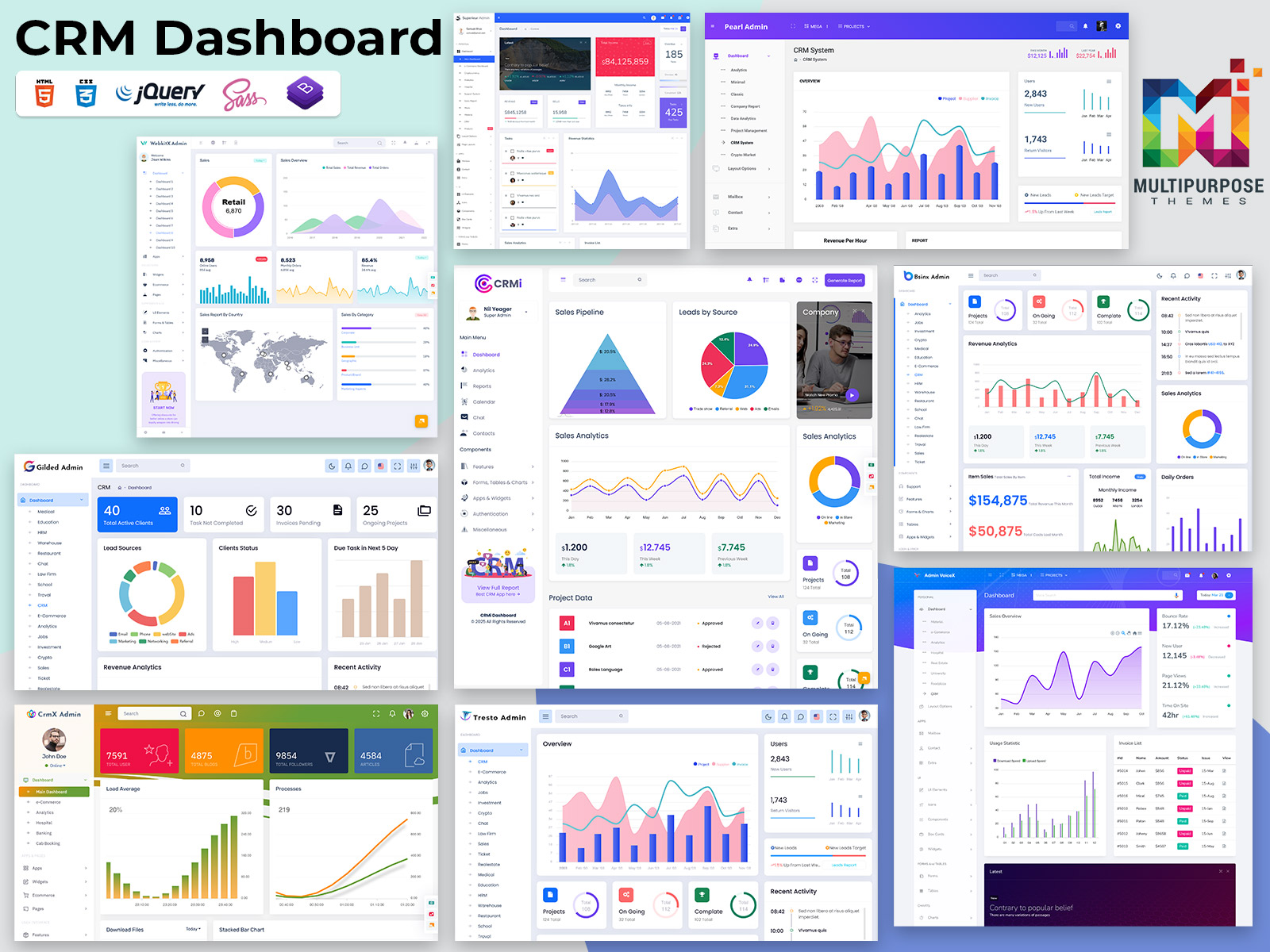
The CRM Dashboard That Actually Makes Your Sales Team Want to Use Your CRM
Reading Time: 6 minutes
A CRM should make sales teams more productive not add another layer of complexity to their work. I have seen that when updating records feels slow important information is difficult to find or the interface becomes difficult to navigate sales teams naturally look for alternatives such as spreadsheets and manual notes. In cases the real challenge lies in the CRM dashboard itself.
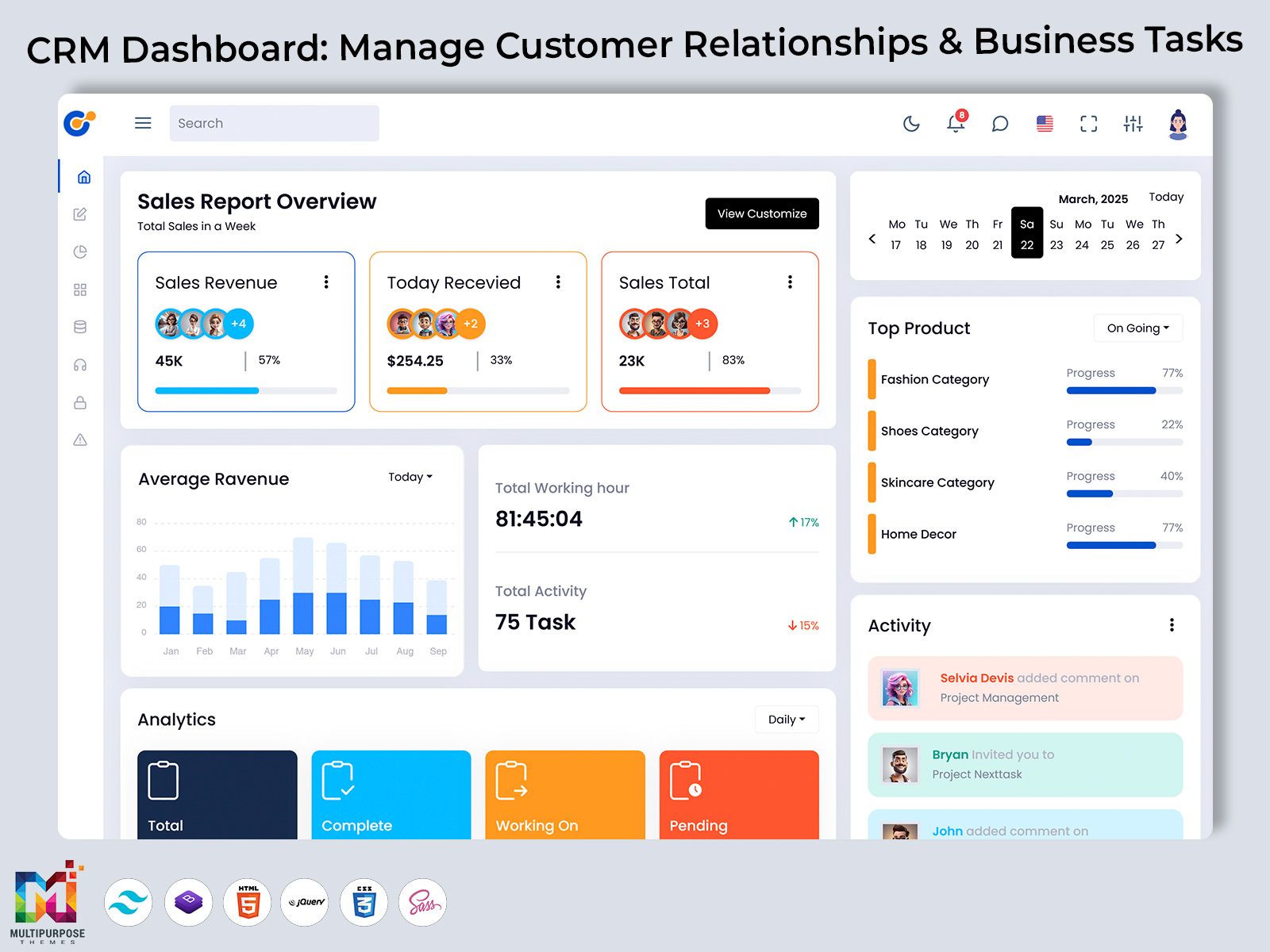
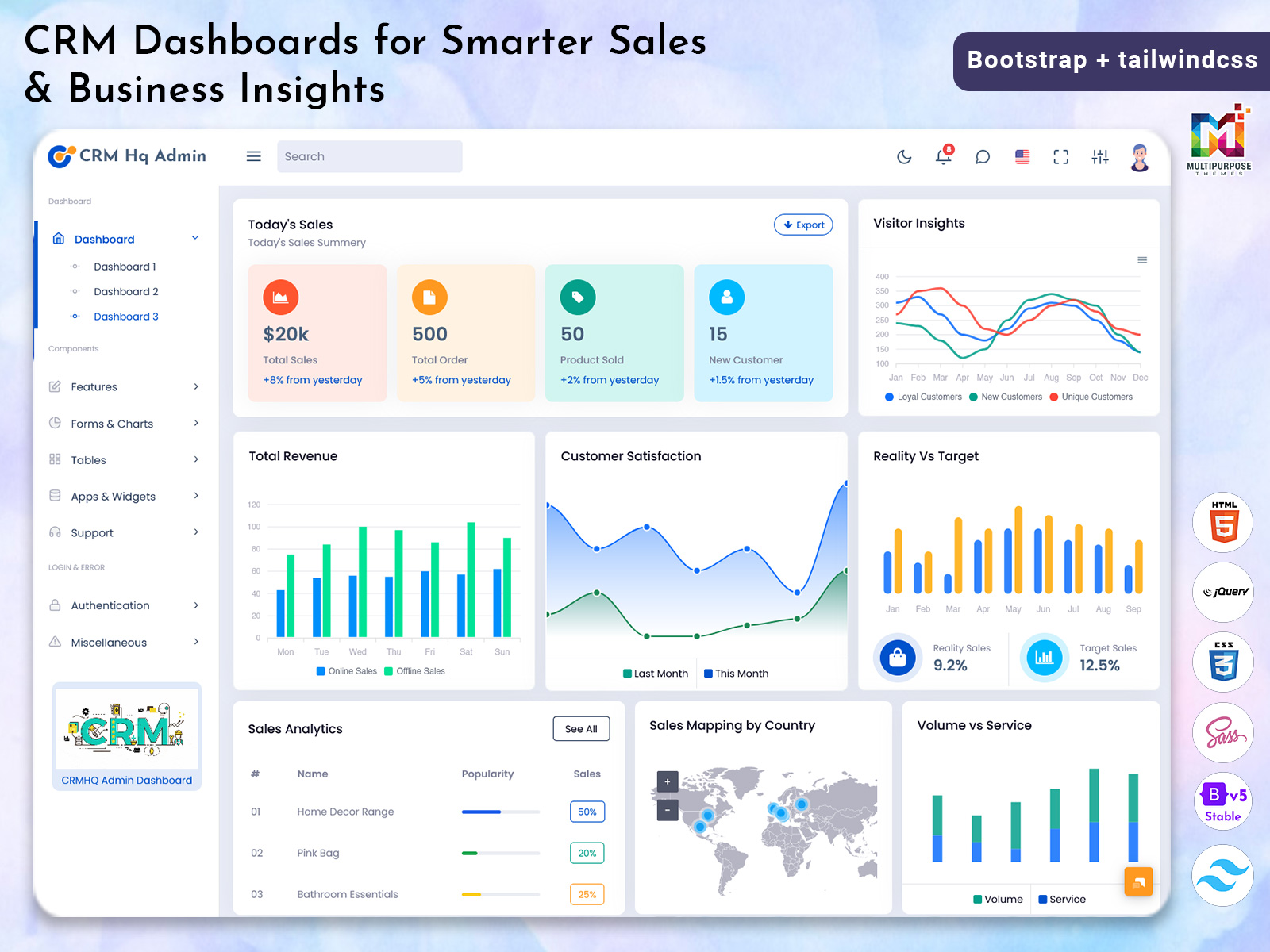
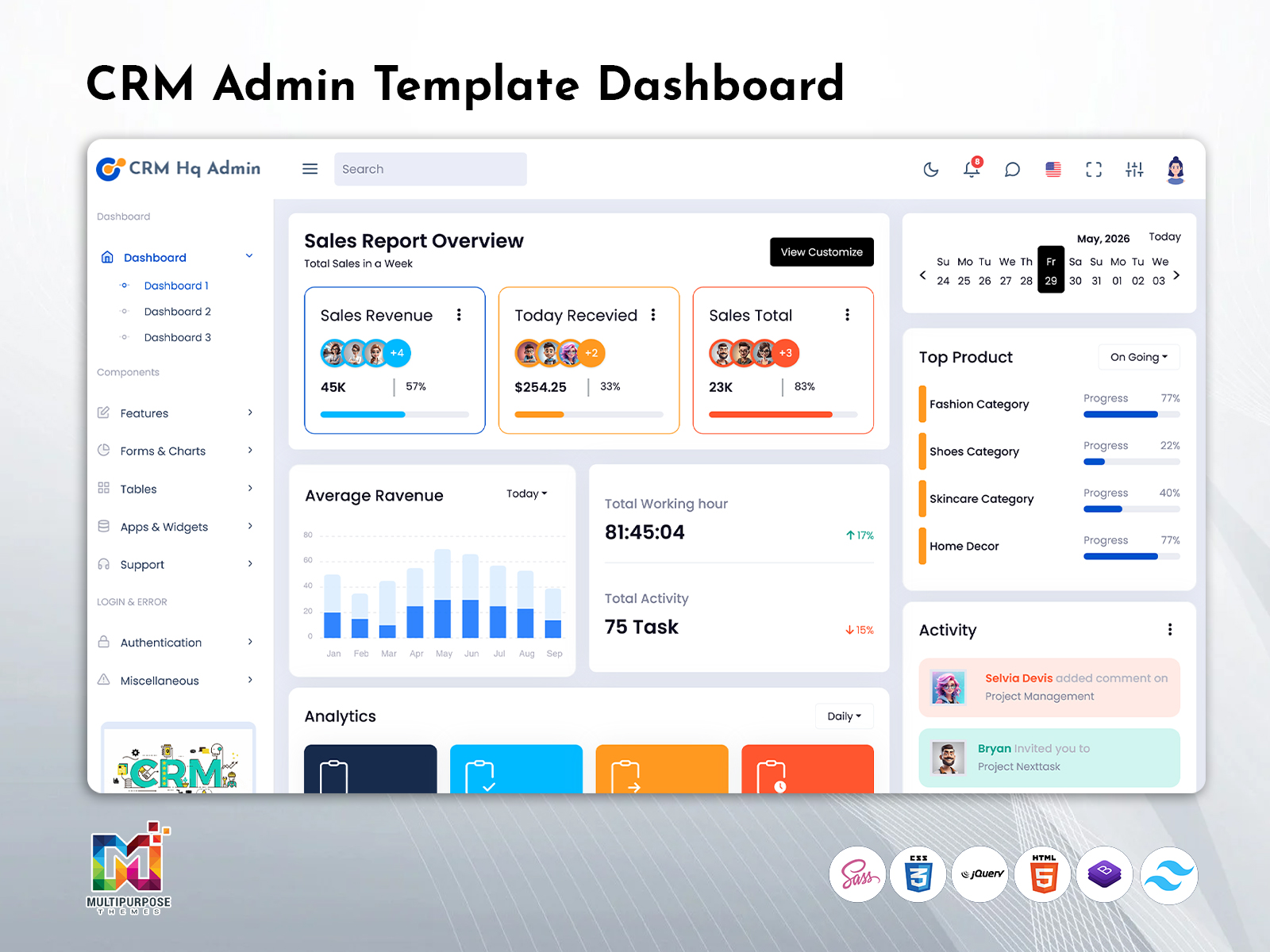
As the workspace the dashboard should give users an immediate view of customer activity sales opportunities, tasks and performance, without overwhelming them with unnecessary information. A structured CRM dashboard template brings these elements together through a clear interface, logical navigation and meaningful analytical charts that turn business data into useful insights. With the dashboard experience sales teams can spend less time managing the system and more time building customer relationships following opportunities and moving deals forward. Multi Purpose Themes provides designed dashboard solutions that combine practical functionality with a clean professional user experience.
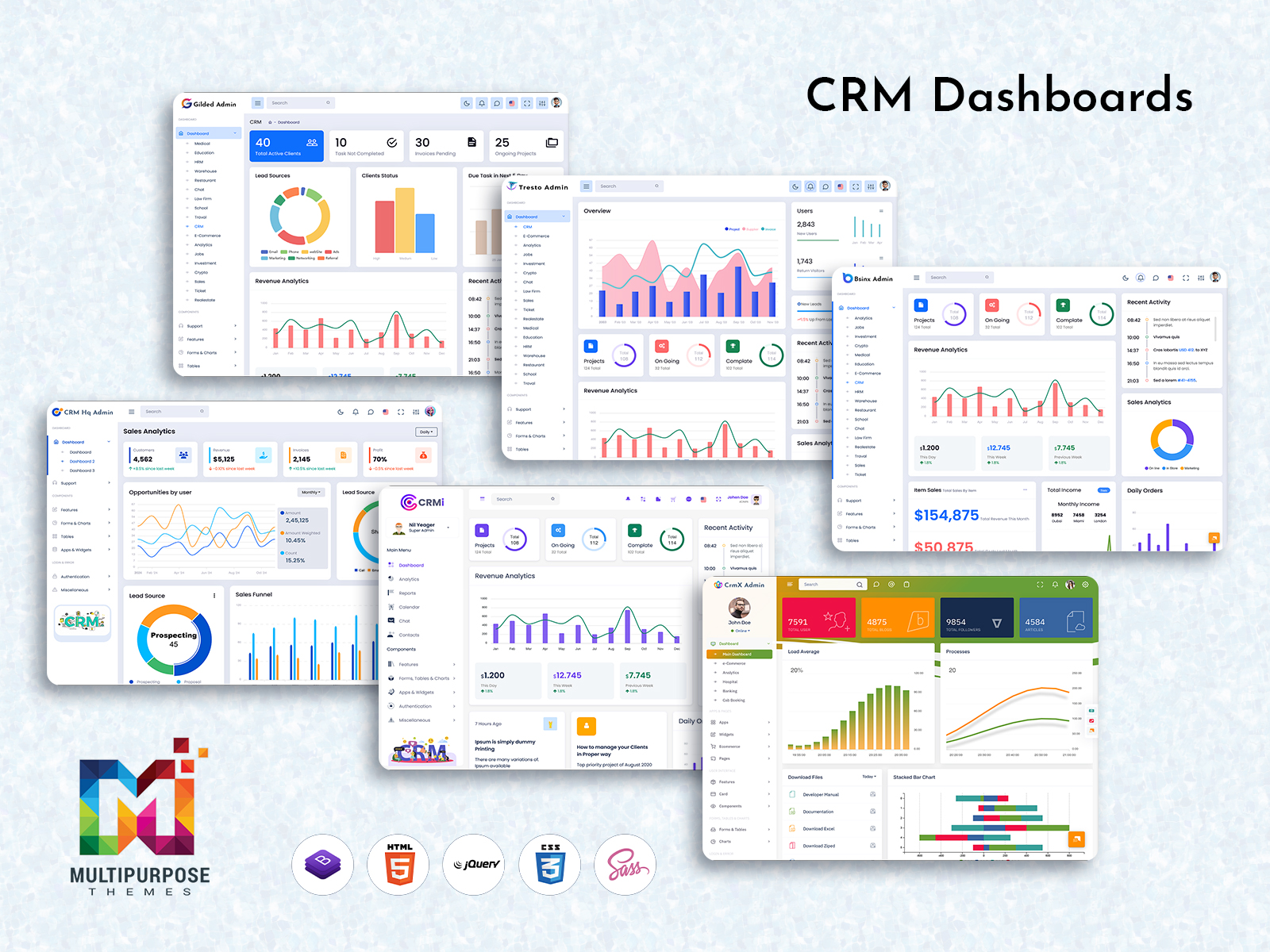
Explore a Unique Multi-Admin CRM Dashboard Design
CRMi Admin – CRM Dashboard
BUY NOW DEMO
CrmX Admin – CRM Dashboard
BUY NOW DEMO
Gilded Admin – CRM Dashboard
BUY NOW DEMO
Tresto Admin – CRM Dashboard
BUY NOW DEMO
BsinX Admin – CRM Dashboard
BUY NOW DEMO
Superieur Admin – CRM Dashboard
BUY NOW DEMO
VoiceX Admin – CRM Dashboard
BUY NOW DEMO
WebkitX Admin – CRM Dashboard
BUY NOW DEMO
Fab Admin – CRM Dashboard
BUY NOW DEMO
Why Most CRM Dashboards Fail
A CRM can be a business tool but a poorly designed dashboard can make even the most capable system hard to use. Many CRM Dashboard Templates try to show everything on one screen—pipeline values, revenue forecasts, activity logs, lead scores, contact lists deal stages and performance metrics. Of helping users work faster this too much information can make the interface feel full and hard to move around.
Think about a sales representative who just needs to look at three high-priority deals. If those opportunities are hidden under widgets hard to read charts and metrics that do not relate to their daily work time is wasted looking instead of selling. That tiny bit of difficulty can add up to a problem when it happens again and again during the day.
A good CRM Dashboard uses a way. It gives users access to the information that is important, for their job keeps extra details easy to find and gets rid of unnecessary busy pictures. Clear layout focused Analytical Charts and a smart dashboard setup help sales teams understand their important tasks fast and go from knowing to doing with trouble. The aim of a CRM dashboard is not to show more—it is to make the right information easier to use.
Key Features at a Glance
- Action-focused Dashboard: Highlights tasks, follow-ups, and active opportunities.
- Clear Analytics: Uses Analytical Charts to make trends and performance easier to understand.
- Responsive Design: Keeps essential CRM functions accessible across different screen sizes.
- Role-based Views: Presents relevant information according to each user’s responsibilities.
- Flexible Customization: Allows teams to adapt dashboard elements without creating unnecessary complexity.
- Simple Navigation: Keeps important customer and sales information within easy reach.
A CRM Dashboard Focused on Sales Goals
Sales people don’t need a screen with every number. They need access to the details that help them push deals forward—opportunities that need action late follow-ups, big customers and how far they are from meeting their goals. These important items should be clear the moment they open the CRM Dashboard without having to look through reports or company-wide numbers.
Many CRM systems show business numbers before the tasks that are most important to sales people. Even though team results and past data are useful they should help with the sales process of taking attention away. A good CRM Dashboard Template focuses more on goals and useful information in the middle of the experience.
Things like today’s calls next follow-ups, active deals deals close to being finished and how much of the target is done should be easy to see at a glance. Other reports and charts can still be there when more checking is needed but they should not make the main area too busy. By showing the information, in the right place a CRM Software Dashboard helps sales people stay on track work better and spend more time on building relationships and moving deals along.
From Data to Action: How a CRM Dashboard Helps Teams Work Smarter
A CRM becomes valuable when teams can turn customer data into action. A designed CRM Dashboard brings the information needed for daily decisions into one focused workspace helping users understand what is happening and what needs attention next.
Of searching through multiple reports sales representatives can quickly review active opportunities pending follow-ups, customer activity and sales progress. Managers can use Analytical Charts and performance metrics to identify trends compare results and understand where attention may be needed. This creates a connection between everyday activity and business performance.
The right CRM Dashboard Template also reduces complexity. A clean Dashboard Layout keeps information visible without overwhelming users, with every available metric. When the interface is responsive and easy to navigate teams can access their CRM whether they are working from a desktop, tablet or mobile device.
The goal is not to display data. It is to make useful information easier to understand and act upon. With a dashboard experience businesses can improve visibility across their workflows while giving employees a practical tool they can rely on throughout the day.
Make the First Screen Count
The first screen of a CRM should instantly show sales representatives what they need to focus on. When users log in they should not have to dig through widgets reports or past data to figure out what comes next. The CRM Dashboard must make follow-ups upcoming calls, active opportunities, pending proposals and other top tasks easy to see.
This is where a smart Dashboard Layout makes a difference. Of treating every metric as equally important the interface should highlight the information that drives immediate action. A reminder to call a prospect or a message about a renewal matters more to a sales rep than a general pipeline number with no clear next step.
A built CRM Dashboard Template should answer one simple but key question: “What needs my attention right now?” Once that is clear supporting details, like pipeline health, sales trends and Analytical Charts can add the picture needed for smart decisions. This keeps the dashboard clean cuts down on clicking and creates a workspace that actually helps sales teams do their jobs better—rather than just showing a bunch of data.
Why CRM Dashboard Performance Matters
The performance of a system directly affects how often people use a CRM. A CRM Dashboard that takes long to load can make simple tasks such as checking a follow‑up reviewing an opportunity or updating a customer record frustrating. Over time this friction can discourage use and lead teams to rely on separate tools or manual processes.
A fast and responsive dashboard creates an experience from the moment users log in. The important information should become available quickly. Secondary content such as reports and Analytical Charts can load afterward without delaying essential tasks. A well‑optimized CRM Dashboard Template should also avoid interface elements and present information in a way that keeps everyday interactions efficient.
Performance is not simply a consideration; it contributes to the overall usability of the CRM. When sales teams can access customer information, update records and review their priorities without delays they are more likely to keep the system current. Better adoption leads to complete CRM data giving managers and teams a more reliable foundation, for tracking performance and making informed business decisions.
Mobile-First CRM Dashboard
CRMs have many functions that take place outside of the desk, therefore, the Responsive CRM Dashboard should perform equally well on the mobile version. The appropriate CRM Dashboard Template will ensure that all necessary data and functionalities can be accessed quickly, which will help the user make changes to the deals, contact the leads, and log activities without having to go through a cluttered interface.
Customization Without Complexity
Each sale job has its own priority, but excessive personalization may become an obstacle for CRM functioning. Multi Purpose Themes offers a compromise by developing CRM Dashboard Templates that are able to fit to various users’ roles while staying coherent from the user experience point of view. Users can use the template as a basis for dashboard creation for representatives, accountants, or administrators, at the same time being able to change the template’s parts depending on their needs. The template allows the user to have all the necessary freedom without making the interface inconsistent and confusing for newbies.
Turn CRM Data Into Clear Insights
A good CRM Dashboard should do more than just show numbers—it should help people understand what those numbers really mean. Multi Purpose Themes uses Analytical Charts, progress indicators, comparisons and visual status cues to give users a quick view of performance. Of just listing sales figures the dashboard can show how close a team is to hitting goals, spot changes, in trends and point out areas that need focus. This makes business data easier to grasp. Helps teams spot chances to improve or problems that could grow if not addressed early.
The Real Test of a CRM Dashboard
What defines a good CRM Dashboard is how smoothly the integration process goes for the team. Once the sales people find themselves referring to it, using its information to make decisions and direct their actions, the dashboard is effective. The aim of Multi Purpose Themes is not to develop CRM tools that the team feels forced to use but those they feel confident to use.

Related Posts


This Post Has 0 Comments