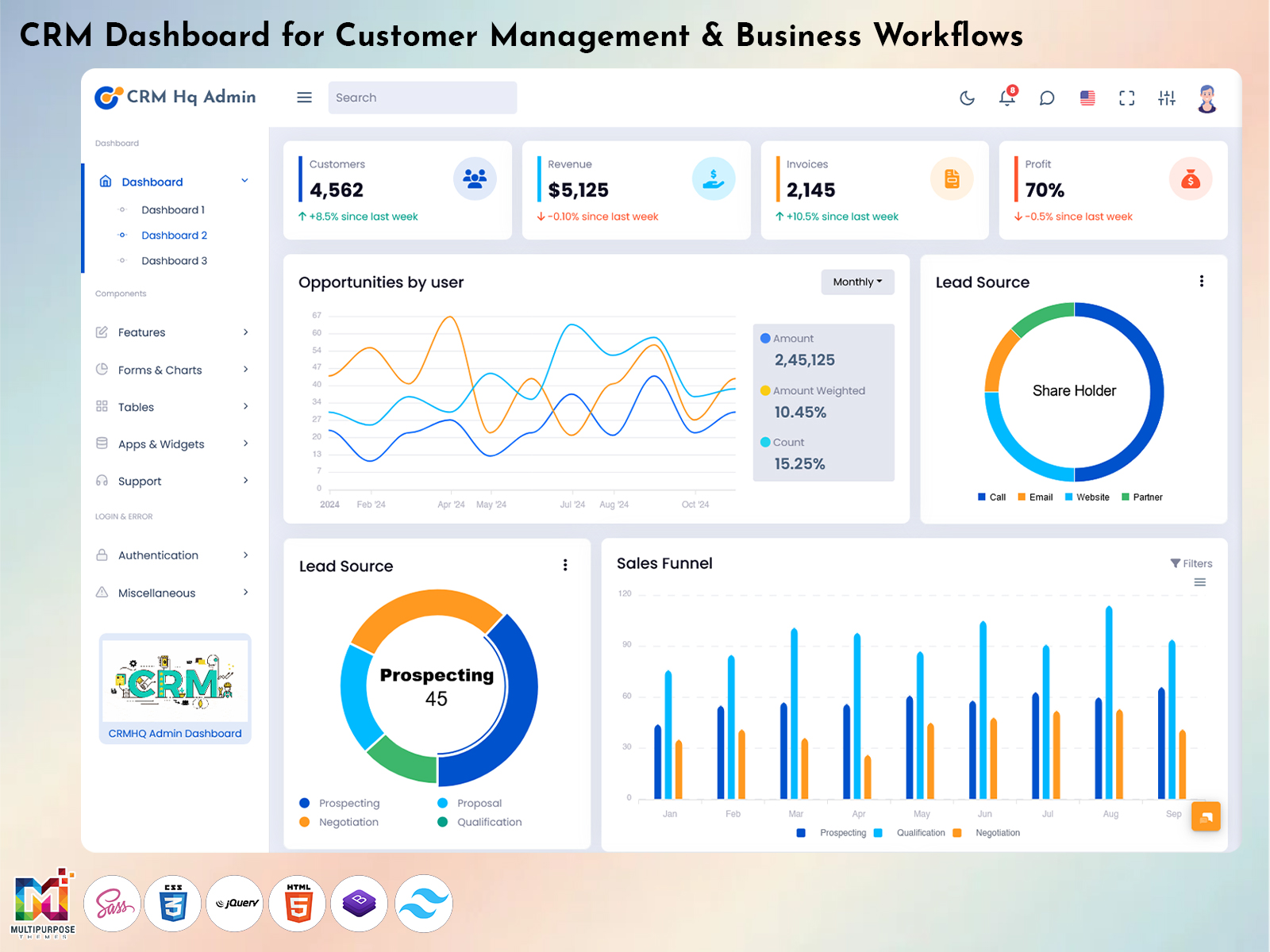
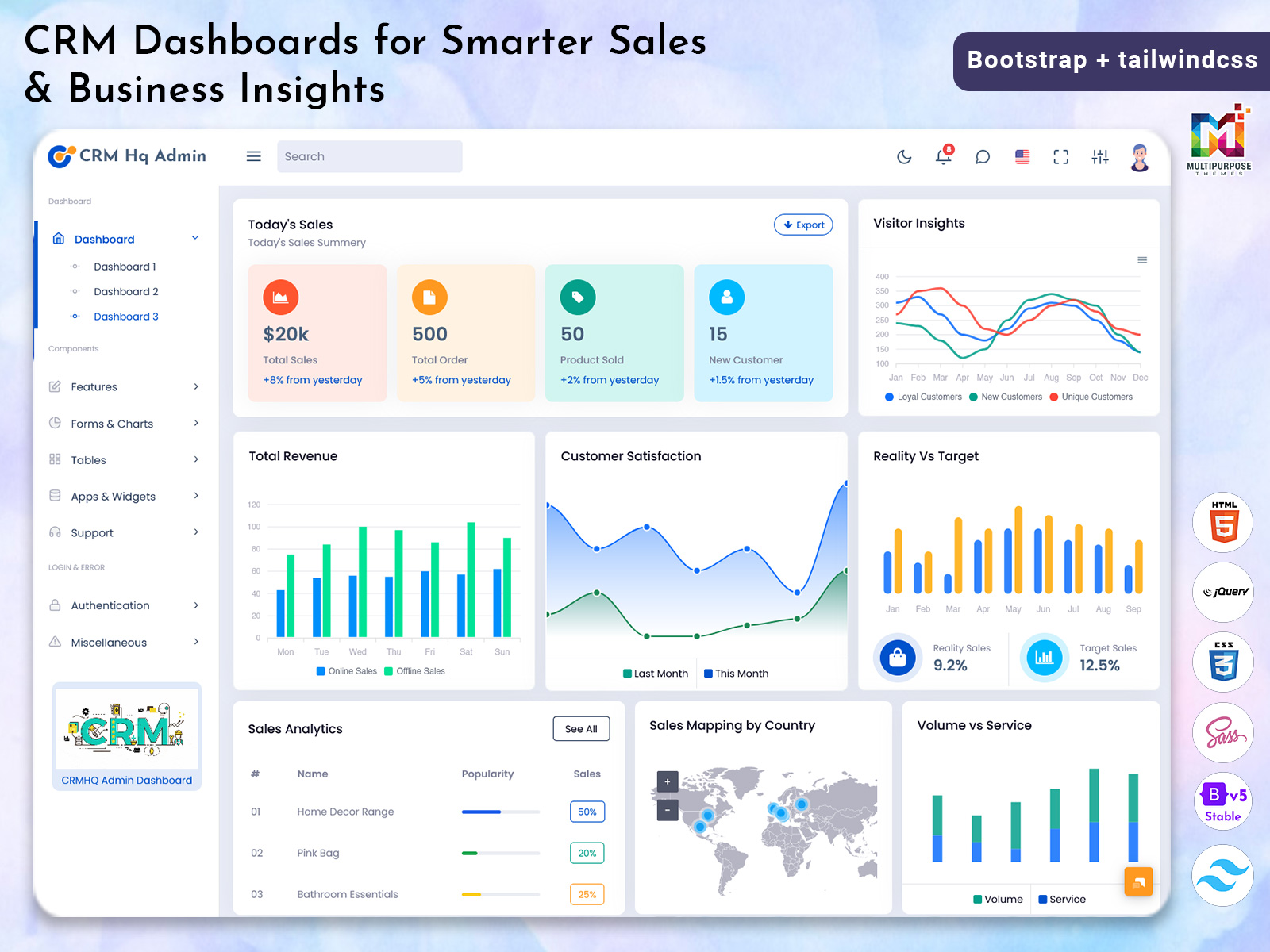
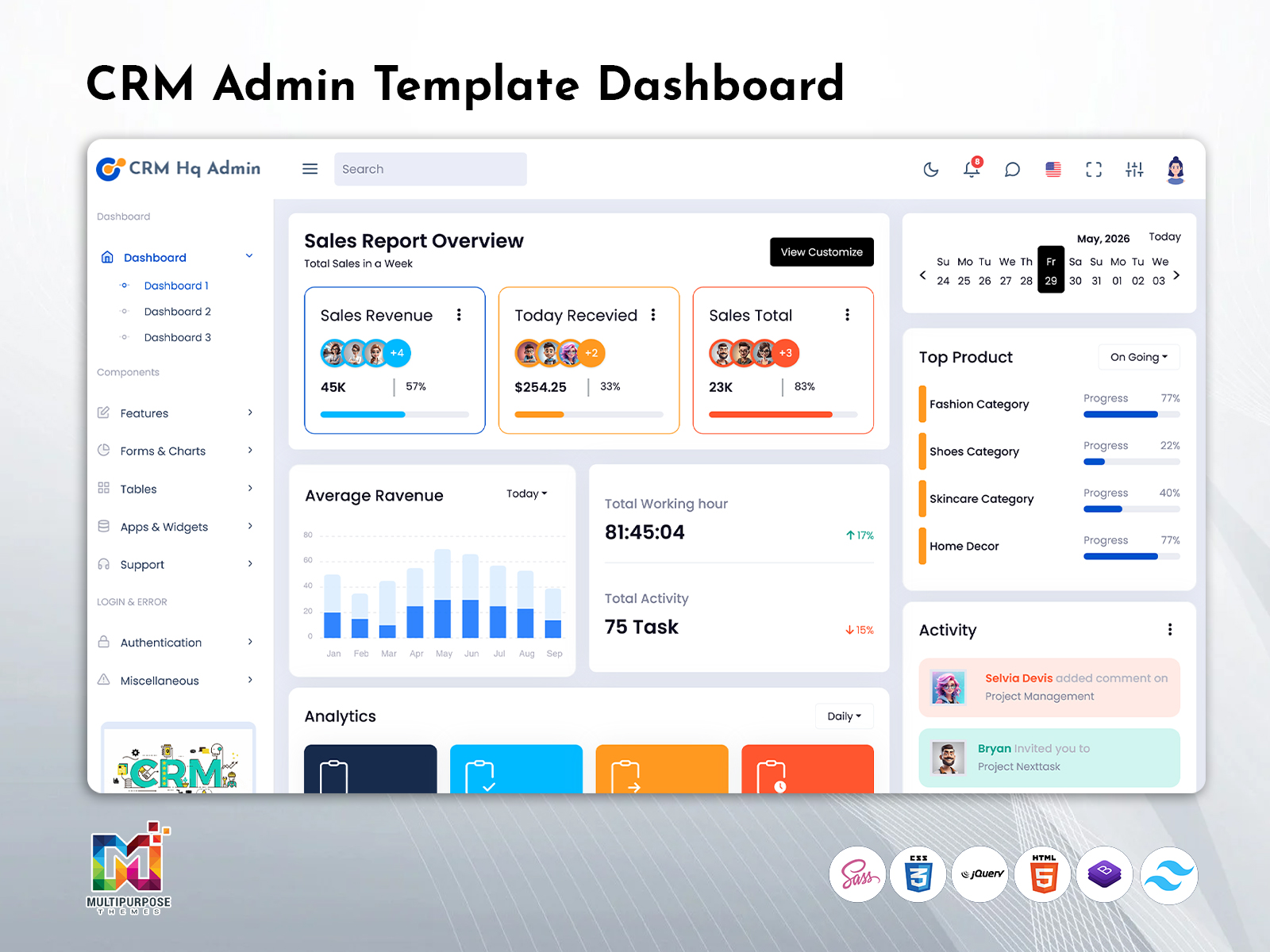
Therefore the CRM Dashboard is a working space where one can store, view and move…
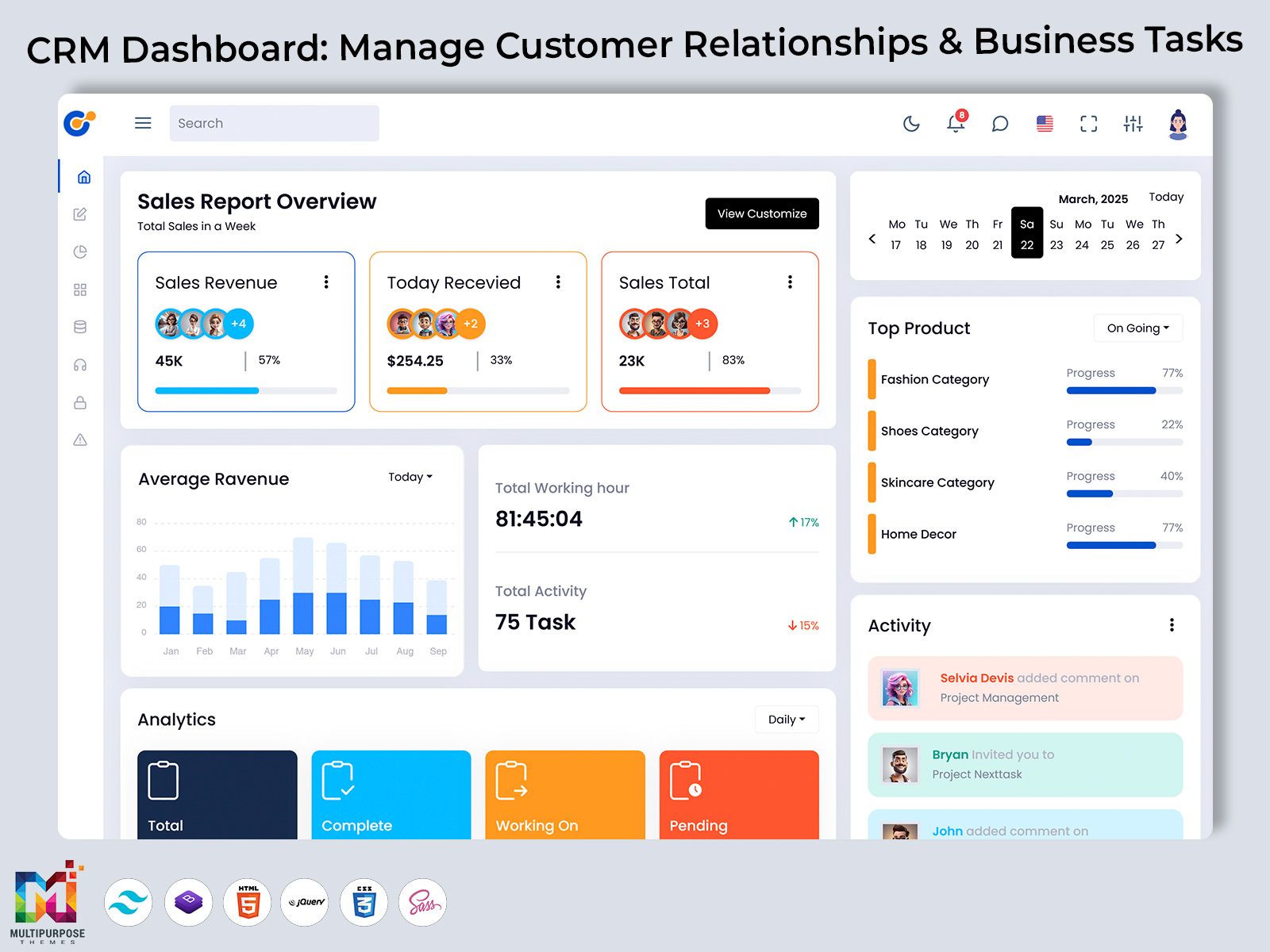
CRM Dashboard: Manage Customer Relationships & Tasks
Reading Time: 8 minutes
Keeping track of customer information gets harder as a business deals with more questions, chats, sales chances, follow-ups and support requests. When these details are scattered across spreadsheets, emails, notes and different programs teams can easily miss things. A good CRM Dashboard brings all these activities into one organized place where people can see what needs attention and handle their daily jobs more smoothly.
Watch Full Video
A dashboard is not a set of graphs and numbers. Its real purpose is to help people understand what is happening in the business without spending much time looking through lots of data. Sales people can check what they need to do, managers can watch how the team is doing and support teams can keep customer issues in order. This makes the connection between customer work and internal tasks much better.
What is a CRM Dashboard?
A CRM Dashboard is a tool that shows important customer, sales, communication and company information in a clear way. It acts like a place where users can check current activities, find things that need to be done, look at customer details and understand how the business is moving without opening many different screens.
For example a sales person might need to know which leads need a follow-up, which sales chances are moving forward and which customer messages are waiting for a reply. By checking different lists by hand the dashboard can put these details into clear parts. This makes daily tasks easier to plan and lowers the chance of missing something
The dashboard can also help managers see how work is going across a team. They might want to check assigned leads, completed jobs, tasks that are not done customer requests or sales progress. Putting this information together gives managers a picture instead of making them collect updates from different people.
Another important job of a CRM Dashboard is to keep information organized. Customer data often has names, contact details, past chats, purchases, needs, notes and follow-up details. A clean layout makes these records easier to find and understand. Employees can spend time looking for details and more time talking to customers.
The value of a dashboard also depends on how the information is shown. If the screen is too full it can cause problems than it solves. Good CRM Dashboards put details where users can find them quickly while less important things stay available but do not take over the main space.
For companies that are growing this kind of tool can become a part of daily work. It gives a shared view of customer-related jobs. Helps different teams work together. Whether used by a sales group or a big company a well-planned dashboard can make customer work more organized, clear and easy to handle.
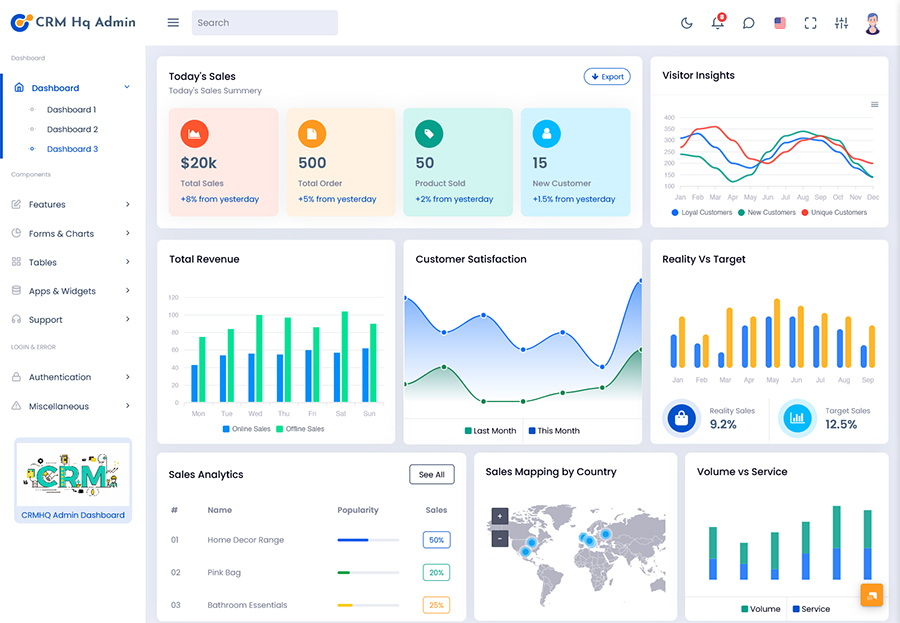
Features of a CRM Dashboard
A CRM Dashboard should help with the real tasks that employees do every day instead of just showing nice pictures. Its features should let users find data, finish tasks watch progress and respond to customers at the time.
1. Customer Profile Management
Customer details can be kept in profiles that have contact information, notes, conversation history, needs and other important facts. This gives workers a place to check before talking to a customer and helps keep the conversation going when someone else takes over.
2. Activity and Follow-Up Tracking
Follow-ups are important in customer work. A dashboard can show what calls, meetings, reminders, emails and other things are coming up. Employees can see what is not done and plan their day based on what matters instead of relying only on memory or separate notes.
3. Lead Organization
Not every inquiry is the same. A CRM system can sort leads by stage, source, priority or the person in charge. This makes it easier for sales people to see which chances need action and which can wait.
4. Team Workload Visibility
Managers often need to see how tasks are spread among workers. A CRM Admin dashboard can show assignments, what is done and what is not. Customer-related jobs. This helps bosses see which people are overworked and move work around when needed.
5. Filtering
As customer records grow, finding an entry can take time. Search and filter tools let users narrow down data based on things like customer type, status, who’s in charge, date, priority or stage of activity. This makes handling amounts of data easier.
6. Performance Monitoring
Managers need more than customer details to see how the business is doing. Performance sections can show numbers and help leaders compare what is happening now with business goals. This gives a base for checking progress and seeing what needs attention.
7. Notifications and Reminders
Important jobs can be missed when people have a lot to do. Notifications and reminders can show tasks, overdue actions, new assignments or changes that need a reply. This keeps time- work in view all day.
8. Role-Based Access
Not everyone should see the things. A CRM Admin can control who sees what. This makes the work environment more secure. Keeps the dashboard focused on what each person needs.
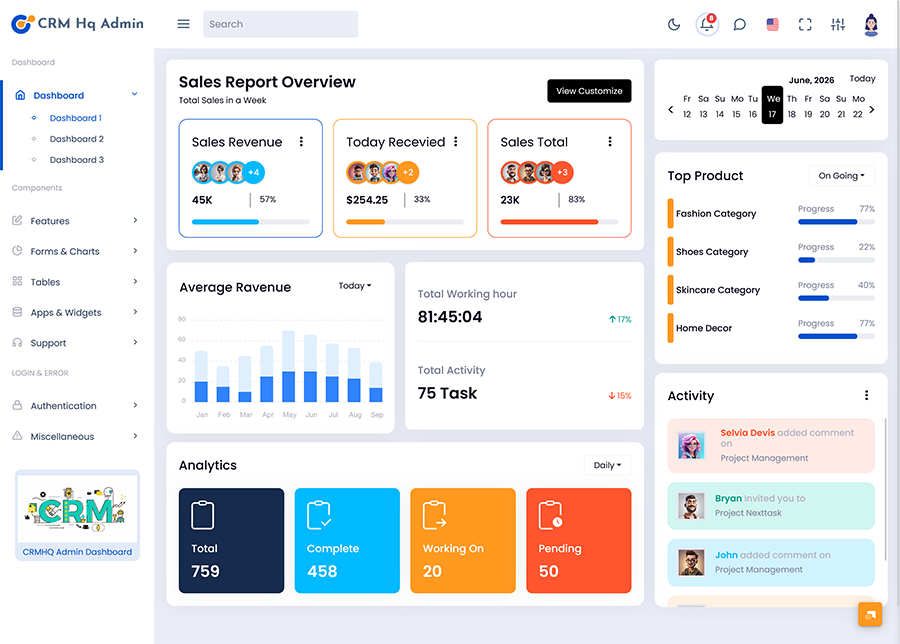
Why a CRM Dashboard is Important for Todays Businesses
A CRM Dashboard becomes very useful when customer work grows beyond what employees can manage with spreadsheets or separate tools. The problem is not always the amount of information. The bigger issue is knowing which information matters at the time.
A sales person might have active leads but only a few need immediate action. A support worker might have customer questions but needs to answer the most important one first. A manager might want to see why some sales are not moving. A organized dashboard helps each person focus on what is important for their current job.
Another benefit is consistency. If workers use ways to record customer work important details might get lost. A shared CRM system encourages teams to use the way to record data assign tasks, update statuses and keep customer history.
The dashboard can also make communication between departments better. Sales, marketing, account management and support teams may talk to the customers at different times. When information is in one place workers can see what happened before starting a conversation.
For business leaders the dashboard gives a way to move from guesses to facts. Of just hearing updates managers can check the data and see changes in workload customer activity or sales results. This helps make decisions about planning and using resources.
The best CRM Dashboards are made for people and their work not for data. They should help users see what is happening know what needs attention and take the step without too much trouble.
Benefits of a CRM Dashboard
1. Better Customer Information Access
A CRM Dashboard keeps customer details in an organized place. Workers can check chats, contact information, needs and what is still to do without searching through many files. Faster access to the information can make customer conversations more helpful and the same for everyone.
2. Improved Daily Task Management
Employees often have things to do at once. A dashboard can bring appointments follow-ups, assigned jobs and what is not done into one view. This makes it easier to plan the day see what is urgent and lower the chance of missing something
3. Stronger Team Coordination
When customer data and jobs are in a shared space workers can see who is doing what. This reduces talks and makes it easier for bosses to manage work when roles change.
4. Faster Business Decisions
Managers can use the organized data on the dashboard to see changes in customer activity, workload sales chances and performance. Of waiting for manually made reports they can check the data and act quickly when a process needs changes.
5. More Consistent Customer Service
Customers want businesses to remember talks and know what they need. A central CRM system gives workers access to history making it easier to continue conversations without asking the questions over and over.
6. Easier Growth Management
As the number of customers and people grows, keeping track of everything by hand gets harder. CRM Dashboards provide a place that can manage customer data while helping teams stay organized in their daily work.
7. Clearer Management View
Business owners and managers need to see more than workers. A CRM Dashboard can summarize what is happening, who is doing what and how the business is moving. This makes it easier to see patterns and talk about plans.
Who Can Use a CRM Dashboard?
A CRM Dashboard can help businesses in areas because customer relationship management is needed in almost every part of a company that deals with customers. Sales teams can use it to organize leads and chances while account managers can keep track of customers and what they need.
Customer support workers can use the tool to manage service requests and follow-up tasks. Marketing teams might find it useful to have customer details when planning campaigns or looking at responses. Managers and business owners can use the view to see team work and how the business is doing.
Agencies, software companies, consulting groups, shops, service providers, sellers and growing startups can all use a CRM setup according to their needs. The important thing is not the industry itself. Whether the company needs a way to manage customer data and related jobs in a better way.
Choosing the Right CRM Admin Interface
How well a CRM Dashboard works depends on how it fits the people who use it. A complicated dashboard might have features but still be frustrating if users can’t find what they need quickly.
Navigation should be simple important actions should be easy to see and information should be grouped the way. Customization is also important because every business has names, for things different ways of working, different customer groups and different reporting needs.
A good interface should also work comfortably across screen sizes. Employees may use desktop monitors in offices while managers or field teams may need access from smaller devices. A responsive design can make the same workspace easier to use in working situations.
Security should also receive attention especially when the dashboard contains customer information. Access controls, user permissions and appropriate authentication practices can help businesses manage who can view or modify information.
Conclusion
A CRM Dashboard is more than a screen for displaying business numbers. It can become a workspace for organizing customer information coordinating employees tracking responsibilities and understanding business activity. When the interface is designed around workflows employees can find relevant information faster and managers can gain a clearer understanding of what is happening across the organization.
A planned CRM Software Dashboard can also support better communication between departments by giving teams a common place to work with customer-related information. At the time a flexible CRM Admin environment can help organizations adapt the system as their teams, customers and processes change.
The goal should not be to place every metric on one screen. Instead an effective dashboard should present the information at the right time and make everyday work easier. That practical approach can make CRM Dashboards valuable for businesses that want organization, smoother customer management and better operational visibility.
Frequently Asked Questions
1. Can a CRM Dashboard be customized for a business?
Yes. A Multi Purpose Themes CRM Dashboard can be adapted according to the business workflow, customer categories, employee responsibilities, reporting requirements and terminology used by the organization. Customization can make the interface more relevant because users see information connected to their responsibilities instead of unnecessary sections.
2. Is a CRM Dashboard useful for a business?
Yes. Small businesses can benefit from a dashboard even when they have a number of employees. It can help organize customer information follow-ups, sales opportunities and daily activities from a stage. Starting with an organized system can also make future growth easier to manage.
3. Can different employees have dashboard access?
Yes. A Multi Purpose Themes CRM Admin system can use role-based permissions to provide levels of access. For example sales representatives may need customer and opportunity information while managers may require performance and team-level information. This keeps the workspace relevant while supporting information control.
4. Does a CRM Software Dashboard replace spreadsheets?
It can reduce the need for spreadsheets used for customer tracking follow-ups, sales activities and internal reporting. However businesses may still use spreadsheets for purposes. The main advantage of a CRM system is that customer-related information and workflows can be managed in a structured and connected environment.
5. What information should appear on a CRM Dashboard?
The information should depend on the business and the users. Commonly useful areas include customer records, assigned activities, follow-ups, lead status sales opportunities, team responsibilities, notifications and performance information. The dashboard should prioritize information rather than filling the screen with unnecessary statistics.
6. Can CRM Dashboards help managers monitor team performance?
Yes. Managers can use Multi Purpose Themes CRM Dashboards to review assigned activities, completed work, pending responsibilities, opportunity movement and other relevant indicators. This can provide a picture of team workload and progress. It also gives managers information, for coaching, planning and allocating responsibilities.
7. What makes a CRM Dashboard easy for employees to use?
Simple navigation, logical information grouping, readable data presentation, useful search options, clear actions and minimal unnecessary clutter can make a dashboard easier to use. Employees should be able to understand where to find information and what action to take without spending time learning the interface.

Related Posts