

What is CRM Dashboard? A CRM Dashboard is a centralized interface that helps businesses monitor…
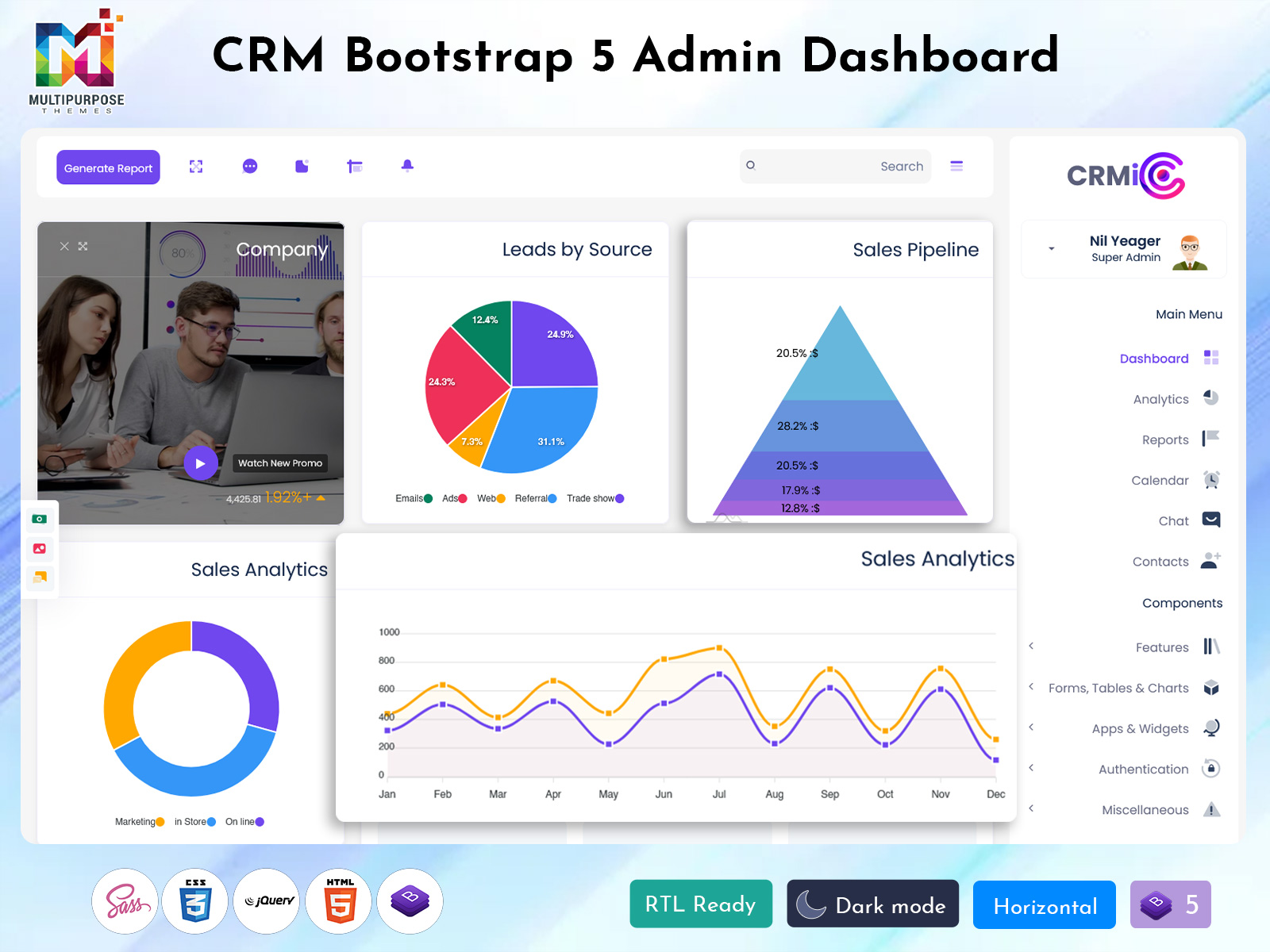
Modern CRM Software Dashboard for 2026 with Modular Architecture
Reading Time: 7 minutes
In today’s fast-moving digital world, businesses need smarter tools to manage customer relationships. This is where a CRM Software Dashboard becomes very important. It acts like the control center of your business, helping you track customer data, sales performance, and team activities in one place.
A well-designed CRM Dashboard gives you a clear view of everything happening inside your business. From lead tracking to customer communication, every detail is organized in a simple and visual format. This makes it easier for teams to understand data and take quick decisions.
With the rise of modern web technologies, companies are now using advanced tools like Bootstrap 5 Admin Template, interactive UI components, and flexible Dashboard Template designs to build powerful CRM systems.
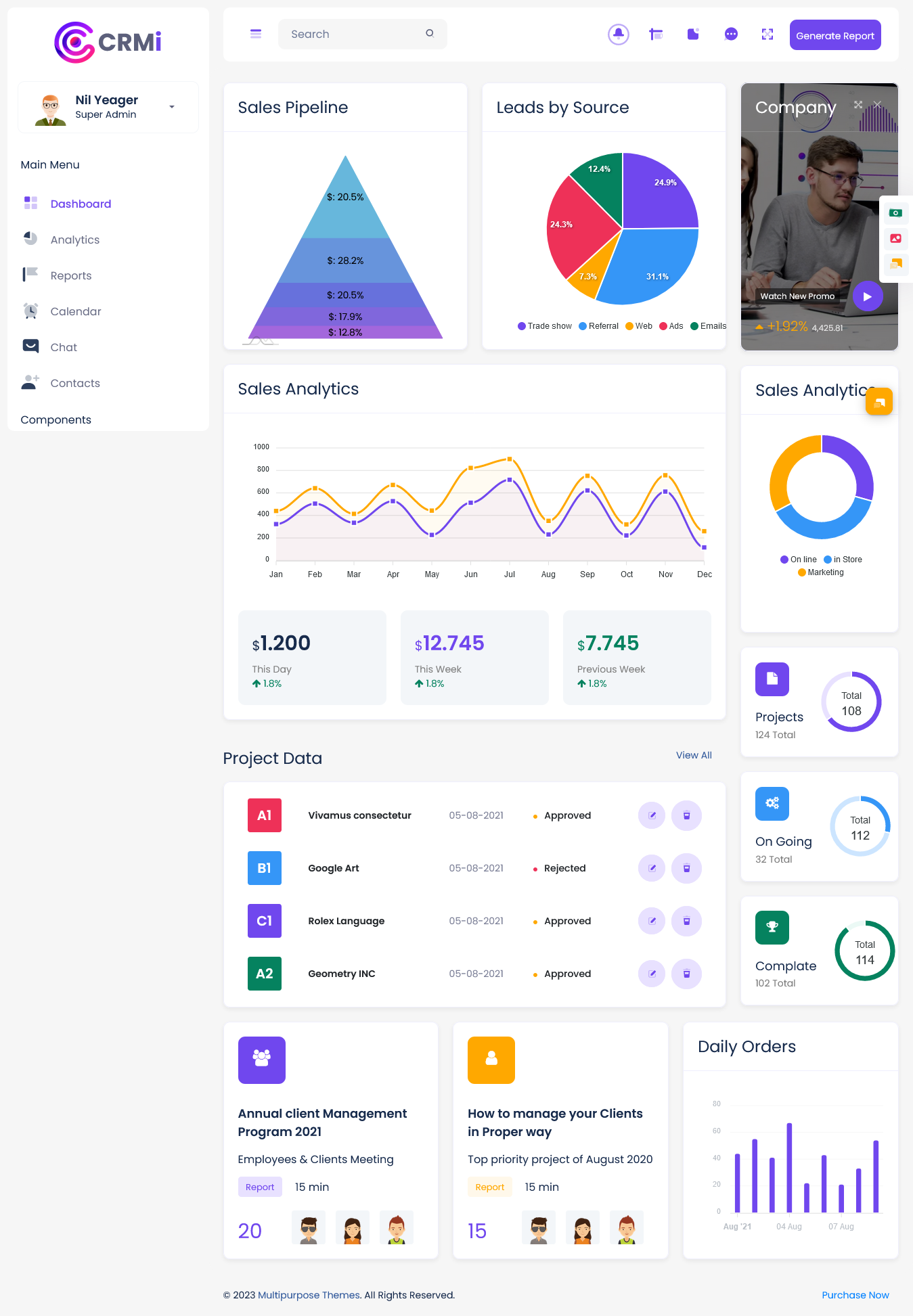
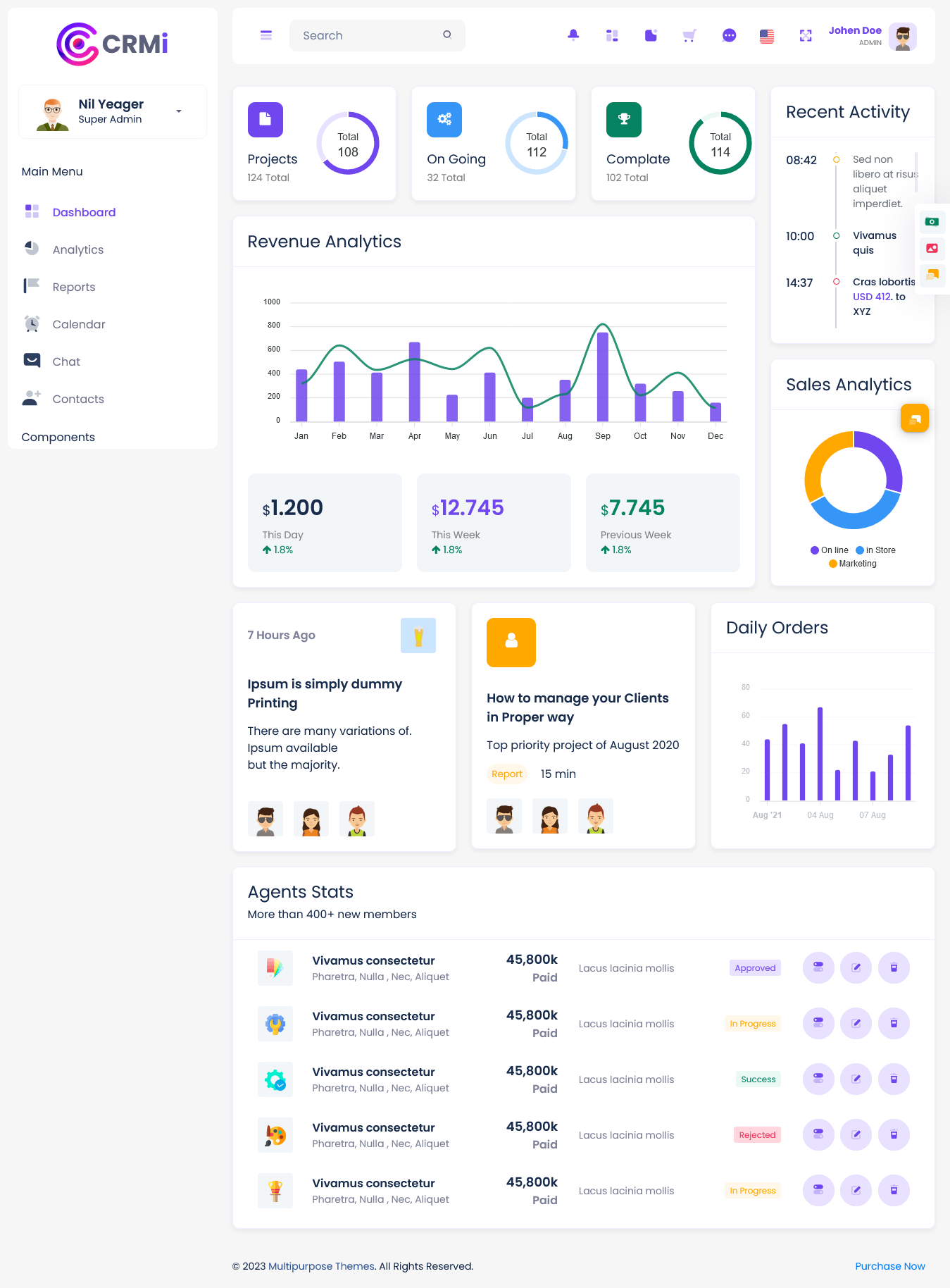
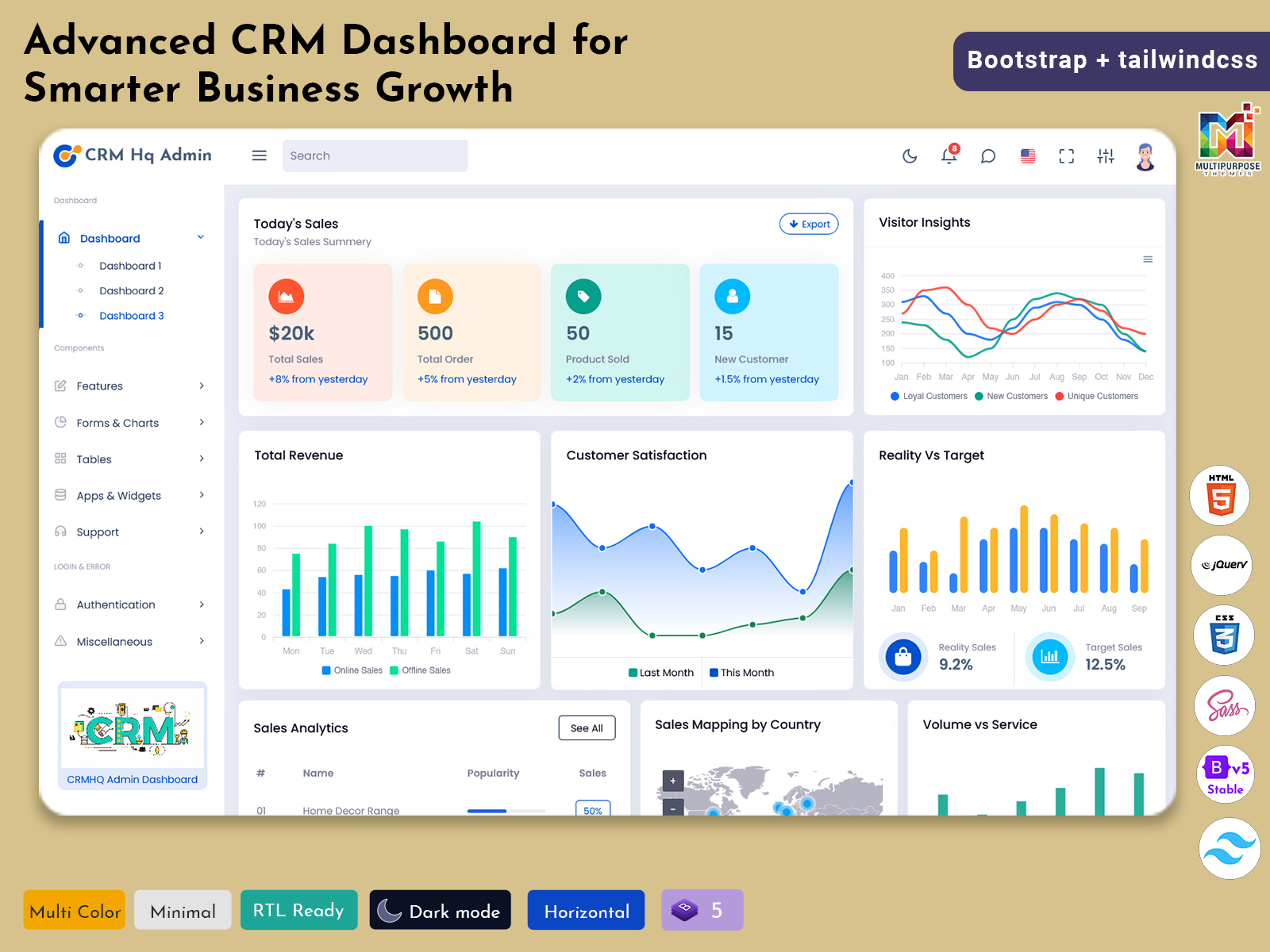
CRMi Admin – CRM Dashboard
Dashboard: 1
BUY NOW DEMO
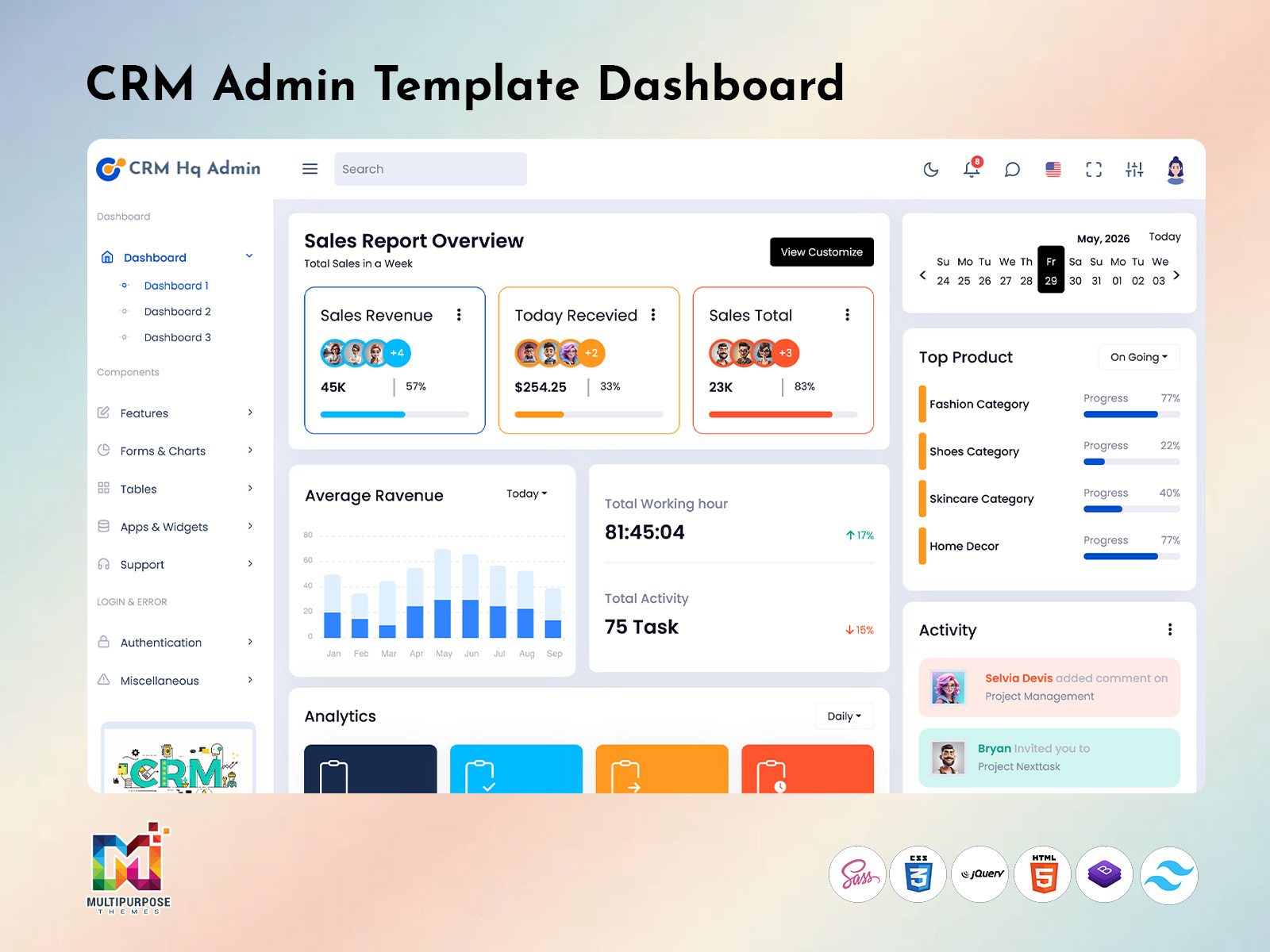
Dashboard: 2
BUY NOW DEMO
What is a CRM Software Dashboard?
A CRM Software Dashboard is a visual interface that displays important business data in real time. It helps businesses manage customer interactions, sales pipelines, and performance metrics easily.
Instead of checking multiple reports, users can see everything on one screen. A CRM Dashboard usually includes charts, graphs, tables, and activity panels that show real-time updates.
For example, a sales manager can quickly check total leads, conversion rates, and revenue without opening different pages. This saves time and improves productivity.
A modern Admin Template plays a big role in designing such dashboards. It provides ready-made layouts and UI components, making development faster and more efficient.
Watch Video
Importance of CRM Dashboard in Business
A CRM Software Dashboard is not just a design element; it is a powerful business tool. It helps organizations stay organized and make better decisions.
Businesses deal with a large amount of customer data every day. Without a proper system, it becomes difficult to manage this data. A CRM Dashboard solves this problem by organizing everything in a structured way.
It improves communication between teams. Sales, marketing, and support teams can all access the same data. This ensures everyone is on the same page.
Using a Dashboard Template, companies can create user-friendly dashboards that are easy to understand, even for non-technical users. This increases adoption across teams.
Role of CRM Admin Template in Dashboard Design
A CRM Admin Template is the foundation of any CRM system. It provides pre-built pages, layouts, and UI elements that help developers build dashboards quickly.
Instead of starting from scratch, developers can use an Admin Template to save time and effort. These templates include ready-to-use components like forms, tables, charts, and navigation menus.
A good CRM Admin Template ensures consistency across the dashboard. All pages follow the same design pattern, which improves user experience.
It also supports features like authentication, user roles, and permissions. This makes it easier to manage access within the CRM system.
When combined with a Bootstrap 5 Admin Template, the dashboard becomes fully responsive and works smoothly on all devices.
Benefits of Using Dashboard Template
A Dashboard Template makes the development process faster and more efficient. It provides a structured layout that can be customized based on business needs.
One of the biggest advantages is time-saving. Developers do not need to design everything from scratch. They can simply customize the existing template.
Another benefit is consistency. A Dashboard Template ensures that all pages have a uniform look and feel. This improves usability and user satisfaction.
Modern templates also support advanced features like charts, notifications, and real-time updates. This makes the CRM Dashboard more interactive and useful.
By using a Bootstrap 5 Admin Template, developers can create responsive dashboards that work perfectly on mobile, tablet, and desktop devices.
Interactive Features of CRM Dashboard
Modern CRM Software Dashboard systems are more advanced than traditional dashboards. They offer interactive features that help users explore data easily.
Users can filter data based on different parameters. For example, they can view sales data by date, region, or product. This helps in better analysis.
Interactive charts and graphs make it easier to understand complex data. Instead of reading long reports, users can quickly understand trends through visuals.
Real-time updates are another important feature. A CRM Dashboard can show live data, helping teams respond quickly to changes.
Notifications and alerts also improve efficiency. Users get instant updates about important activities, such as new leads or completed tasks.
Bootstrap 5 Admin Template for CRM Dashboard
The Bootstrap 5 Admin Template is one of the most popular tools for building modern CRM dashboards. It provides a powerful front-end framework for creating responsive and user-friendly interfaces.
Bootstrap 5 uses a flexible grid system that helps developers design layouts easily. It also includes pre-built components like buttons, forms, modals, and navigation bars.
One of the biggest advantages of using a Bootstrap 5 Admin Template is responsiveness. The dashboard automatically adjusts to different screen sizes, ensuring a smooth experience on all devices.
It also supports customization. Developers can easily change colors, fonts, and layouts to match their brand identity.
With Bootstrap 5, CRM dashboards become faster, cleaner, and more modern.
Modular Architecture in CRM Software Dashboard
Modern CRM Software Dashboard systems are built using modular architecture. This means the system is divided into smaller parts, each handling a specific function.
For example, there can be separate modules for sales, marketing, customer support, and reporting. Each module works independently but connects with others through APIs.
This approach makes the system more flexible and scalable. Developers can update one module without affecting the entire system.
A modular Dashboard Template also improves performance. Each component loads only when needed, making the dashboard faster.
It also makes maintenance easier. Bugs can be fixed in individual modules without impacting the whole system.
Data Visualization in CRM Dashboard
Data visualization is a key feature of any CRM Dashboard. It helps users understand complex data in a simple way.
Charts, graphs, and tables are commonly used to display data. These visuals make it easier to identify trends and patterns.
For example, a sales chart can show monthly revenue growth. A pie chart can display customer distribution by region.
Modern Dashboard Template designs use advanced libraries to create interactive visuals. Users can click on charts to get more detailed information.
This improves decision-making and helps businesses plan better strategies.
CRM Dashboard for Different Teams
A CRM Software Dashboard is useful for different teams within an organization. Each team can use it based on their needs.
Sales teams use the dashboard to track leads, deals, and revenue. They can monitor their performance and identify opportunities.
Marketing teams use it to analyze campaigns, track conversions, and measure ROI. This helps them improve their strategies.
Customer support teams use the dashboard to manage tickets and monitor response times. This improves customer satisfaction.
Management teams use the CRM Dashboard to get an overall view of business performance. They can make informed decisions based on real-time data.
Mobile-Friendly CRM Dashboard
In today’s world, mobility is very important. A modern CRM Software Dashboard must work smoothly on mobile devices.
With a Bootstrap 5 Admin Template, developers can create fully responsive dashboards. These dashboards adjust automatically to different screen sizes.
Mobile-friendly dashboards allow users to access data anytime, anywhere. Sales teams can update leads on the go. Managers can check reports from their smartphones.
This improves productivity and ensures continuous access to important data.
Security in CRM Software Dashboard
Security is a major concern for any CRM system. A CRM Software Dashboard must protect sensitive customer data.
Modern Admin Template designs include built-in security features. These include user authentication, role-based access, and data encryption.
Only authorized users can access specific data. This ensures that sensitive information is protected.
Regular updates and security checks are also important. This helps prevent data breaches and keeps the system safe.
Customization in CRM Dashboard Template
Every business has different needs. A Dashboard Template should be flexible enough to support customization.
Developers can modify layouts, add new features, and integrate third-party tools. This makes the CRM Dashboard more useful for specific business requirements.
Customization also helps in branding. Companies can design dashboards that match their brand identity.
With a Bootstrap 5 Admin Template, customization becomes easier and faster.
Future of CRM Software Dashboard
The future of CRM Software Dashboard is very exciting. New technologies are making dashboards smarter and more powerful.
Artificial intelligence is being integrated into CRM systems. It can analyze data and provide insights automatically.
Chatbots are also becoming popular. They help users interact with the CRM system using simple commands.
Automation is another important trend. Tasks like data entry and follow-ups can be automated, saving time and effort.
As technology continues to evolve, CRM Dashboard systems will become more advanced and user-friendly.
Conclusion
A CRM Software Dashboard is an essential tool for modern businesses. It helps manage customer data, track performance, and improve decision-making.
With the help of CRM Admin Template, Admin Template, and Dashboard Template, businesses can build powerful and user-friendly dashboards quickly.
Using a Bootstrap 5 Admin Template, developers can create responsive and modern interfaces that work on all devices.
From interactive features to modular architecture, CRM dashboards are evolving rapidly. They are becoming smarter, faster, and more efficient.
In the end, a well-designed CRM Dashboard not only improves business operations but also enhances customer relationships. It is a must-have tool for any business looking to grow in today’s competitive market.
Frequently Asked Questions (FAQs)
1. What is a CRM Software Dashboard?
A CRM Software Dashboard is a visual interface that displays customer data, sales performance, and business activities in one place. It helps teams track, manage, and analyze information easily in real time.
2. Why is a CRM Dashboard important for businesses?
A CRM Dashboard helps businesses organize customer data, monitor performance, and make faster decisions. It improves team collaboration and ensures that all departments work with the same updated information.
3. What is a CRM Admin Template?
A CRM Admin Template is a ready-made design structure used to build CRM dashboards. It includes pre-built components like charts, tables, and forms, making development faster and easier.
4. How does a Dashboard Template help in CRM development?
A Dashboard Template saves time by providing a ready layout for building dashboards. It ensures consistency, improves user experience, and allows developers to focus more on features instead of design.
5. Why use a Bootstrap 5 Admin Template in CRM?
A Bootstrap 5 Admin Template helps create responsive and modern dashboards. It ensures that the CRM dashboard works smoothly on mobile, tablet, and desktop devices with a clean UI.
6. Can a CRM Software Dashboard be customized?
Yes, a CRM Software Dashboard can be fully customized. Businesses can modify layouts, add features, and integrate tools based on their specific needs using flexible admin templates.
7. Is a CRM Dashboard useful for small businesses?
Yes, a CRM Dashboard is very useful for small businesses. It helps manage customer data, track sales, and improve efficiency without needing complex systems or large teams.

Related Posts


This Post Has 0 Comments