

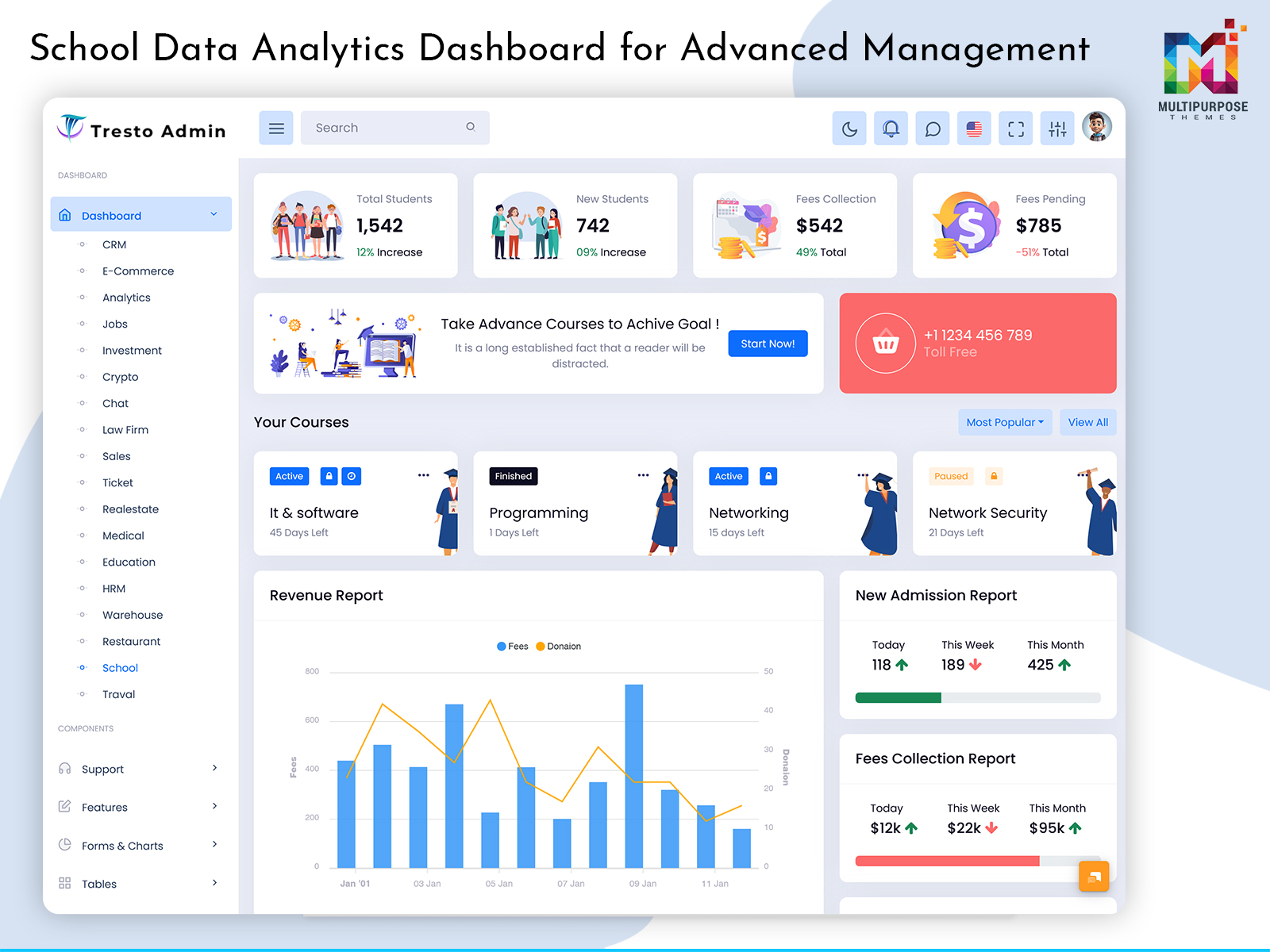
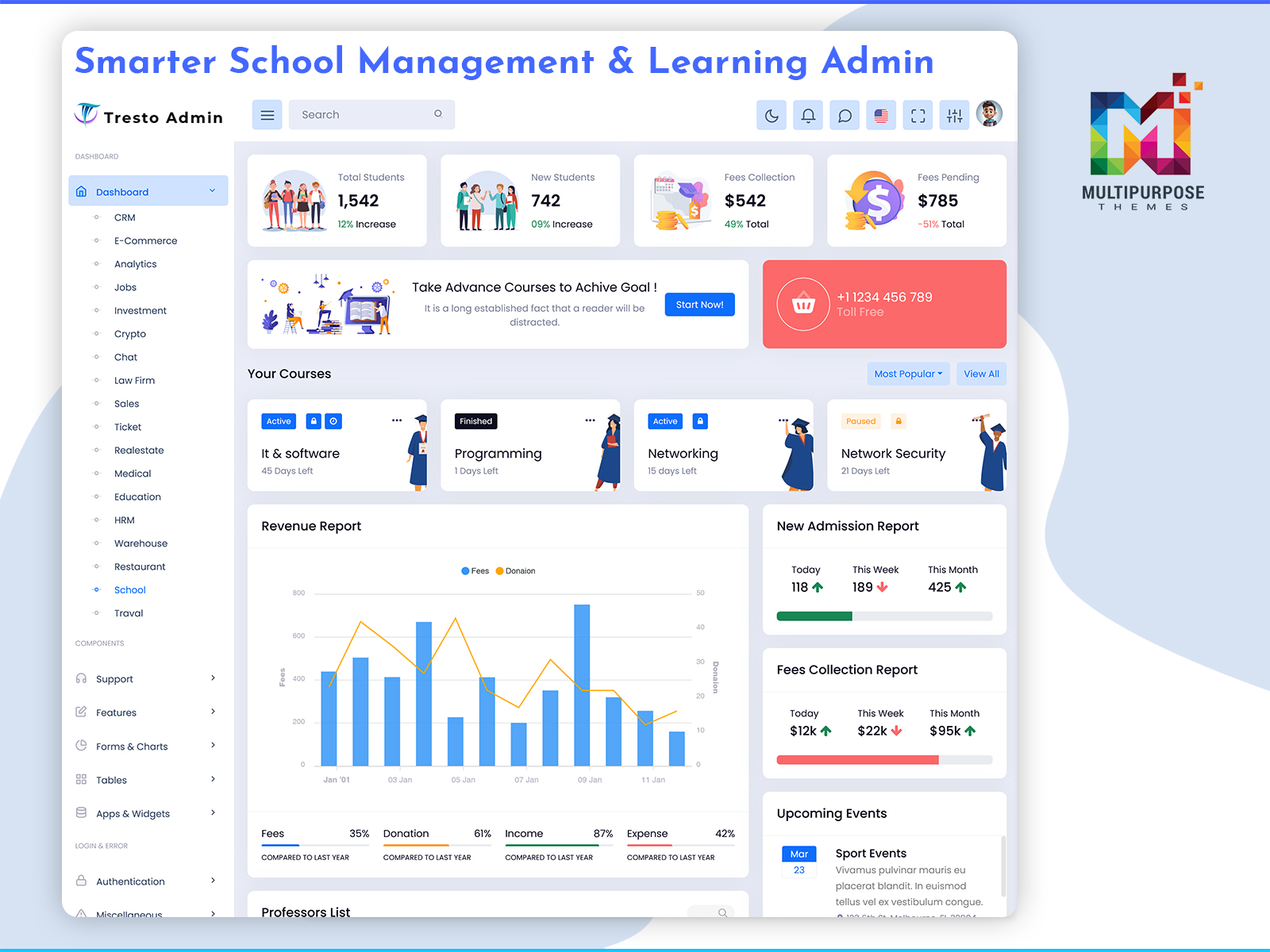
A School Dashboard is a virtual platform where essential information about the school can be…
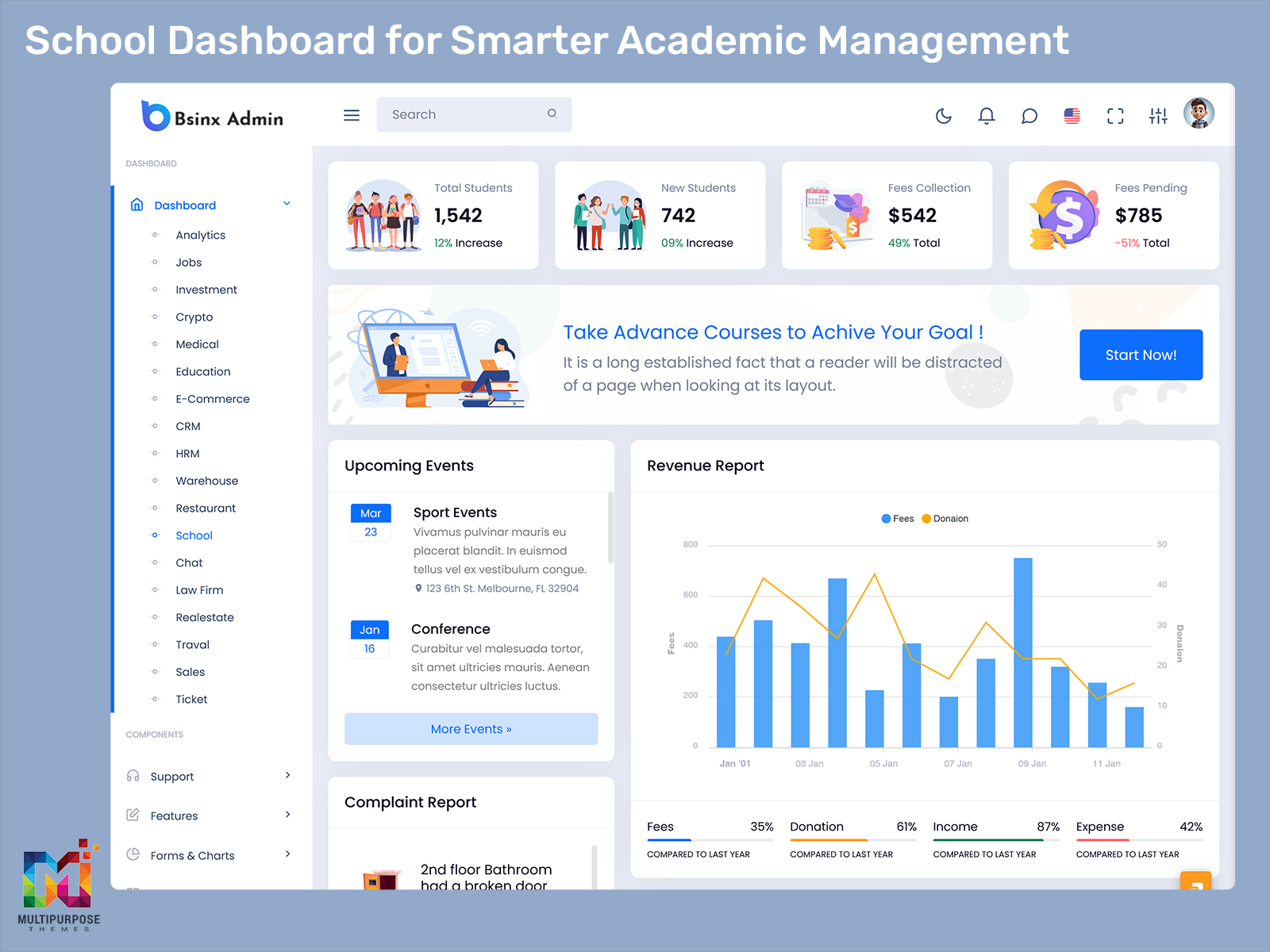
School Dashboard: Bringing Daily Activities In One Place
Reading Time: 11 minutes
A school runs with lots of activities. The teachers plan their classes for the students to join them. The coordinators organize the schedule in such a way that everything goes fine. The administrators monitor student data and other important information. The teachers plan their classes for the students to join them. The coordinators organize the schedule in such a way that everything goes fine. The administrators monitor student data and other important information. Management watches over the school to make sure everything is going well. Each part plays a role in how the school works every day. Each one of them has their own set of responsibilities but it can be challenging to combine the information for these processes.
Watch Full Video
A School Dashboard can gather all of these activities in a well-structured digital space. By looking at processes, teacher responsibilities, attendance management and management reports as separate segments the dashboard will connect them. Each part will work on its own. Will also link to the others. This way one area can show how it affects the others. It helps everyone see the picture. Teachers can check attendance while also seeing student progress. Administrators can pull reports that include both data and teacher duties. The system makes it easier to connect the dots. It improves communication. It helps make decisions.
This is especially useful for different users of the system who might need to have a separate view on the same data. A teacher can require a section dedicated to classroom processes while a principal or administrator can need a management dashboard. Students might require a personal section without the administrative functions.
It is important to understand that a dashboard is not about giving numbers. It is about changing the information to fit what users need. It is, about making sure the information matches their jobs and what they do every day.
What Is a School Dashboard?
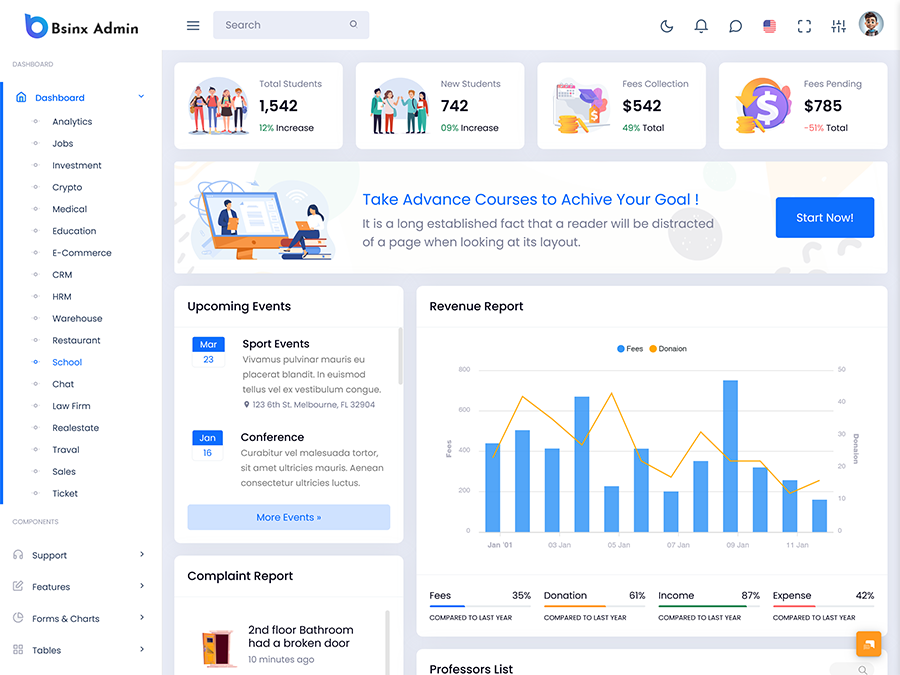
A School Dashboard refers to a management system that combines all of the relevant activities in a structured manner. Teachers, administrators, coordinators, managers and other authorized users can use it to view the information that’s relevant, to their activities. The information helps them focus on what they do.
In essence, the dashboard can build a space between different segments of an educational organization. Of making each user view the same data the interface will transform in accordance with their role to highlight relevant segments. For instance, a teacher can utilize a dashboard that will provide them with relevant classroom tools while administrators can use an interface that will have a section dedicated to the school’s management.
To illustrate, a Teacher Dashboard can provide educators with tools and processes that they need for their daily activities. Depending on the software, these can include the list of classes, subjects, academic records, communication tools, and pending tasks.
A Student Performance Dashboard, on the other hand, can be used to gather the relevant data about learners’ progress. In this case, the organized information will be beneficial to observe the overall performance and pick the students that require improvement.
A similar approach can be used in an Attendance Management Dashboard that will compile the data about learners’ visits to classes. In this instance, the data will be organized to produce statistics about attendance and allow the users to identify possible issues.
At the same time, an interface such as a School Analytics Dashboard can be used to gather relevant information about the processes within the educational institution. In this case the management can review the data. Focus, on specific segments to identify improvement areas.
It is worth noting that the effectiveness of such an interface is determined not only by its layout but by the accuracy of data, authorization rules, connection to other programs, and the overall organization of the processes.
VIEW DEMO BUY NOW
Converting School Information Into Action
It is evident that schools generate a vast amount of data and the challenge is not to collect it but rather to utilize it. To offer an example, a school might monitor the attendance rates and collect information about student absences. While it is beneficial for the staff to see the data, it will be more useful if the interface will tie it to relevant processes. In other words, a better view and accessibility to data will be provided when the attendance rates are linked to the necessary tasks and processes. This way, the staff will know which records to file or which students to contact.
A similar approach can be used in a school to find out how students are doing. For example a teacher can look at the grades. Notice that many students have difficulty with a particular subject.
If the Student Performance Dashboard provides tools to view the data in context, it will be easier to identify the necessary measures to improve the situation. This feature will essentially transform the data into action.
It is worth noting that a school dashboard can also be used to manage the tasks. For instance, if a certain segment of the staff is assigned a responsibility, the interface will allow them to see the progress and deadlines. It will give a picture of the tasks that are finished the ones that are still, on the line and the ones that are coming up.
A dashboard can provide multiple levels of access without complicating the interface. In this case, a teacher can access the classroom tools, coordinators can view their segments, and administrators can see the overall data in a well-structured manner. Each user will provide a dashboard with the necessary tools without seeing the ones that they do not need.
This feature is crucial when speaking about school dashboards as it is important to provide the necessary data without giving away sensitive information. The layout and authorization settings will depend on the organization and the educational institution’s policies. A properly designed dashboard will facilitate the processes and make it easier for users to complete their tasks.
Features of a School Dashboard
1. Views Based on Roles
people working in a school have different responsibilities. In this case, a dashboard can provide a set of tools and data depending on the user’s role. For instance, a Teacher Dashboard can provide a list of classroom tools while an administrator can view the management segment. Such an approach will limit the unnecessary data and facilitate the users’ experience.
2. Organizing Student Progress
A Student Performance Dashboard can be utilized to view the learner’s progress in the classroom. In this case, the data can be organized in a manner that will facilitate the processes. For instance, multiple students’ progress can be compared or evaluated for a particular subject or period.
3. Managing Attendance Workflows
An Attendance Management Dashboard can be used to see the attendance records. The data will be organized in a manner that will identify the key issues and provide the necessary tools for follow-up. In this case, the view can be filtered in terms of classes, dates, and other criteria to see the statistics and spot the problems.
4. School-Level Analysis
A School Analytics Dashboard can be used to view the information that is relevant to the management. In this case, the data will be organized to see the trends and spot the areas of improvement.
5. Managing Teacher Tasks
A dashboard can provide a set of tools and tasks for teachers to see what they are responsible for. In this case, an interface can be built depending on the subjects, classes, communication tools, student data, and other segments that are relevant to educators.
6. Filtering
As the data increases, a dashboard will require advanced filters to ensure that users can find what they need fast. In this case, a search option can be provided to navigate the interface and see the necessary records and segments.
7. Alerts and Task Awareness
Alerts can be a useful feature in a dashboard to ensure that users are aware of new developments. By providing the same level of alerts for all segments, the interface will differentiate between the tasks and updates that require action.
8. A Flexible Interface
A dashboard can be accessed on multiple devices by teachers and administrators. In this case, the interface will provide a responsive design that will adjust to the screen size. It will be important to consider the dashboard’s usability on various screens as some tasks may require a more detailed view.
VIEW DEMO BUY NOW
Creating Views Without Separate Systems
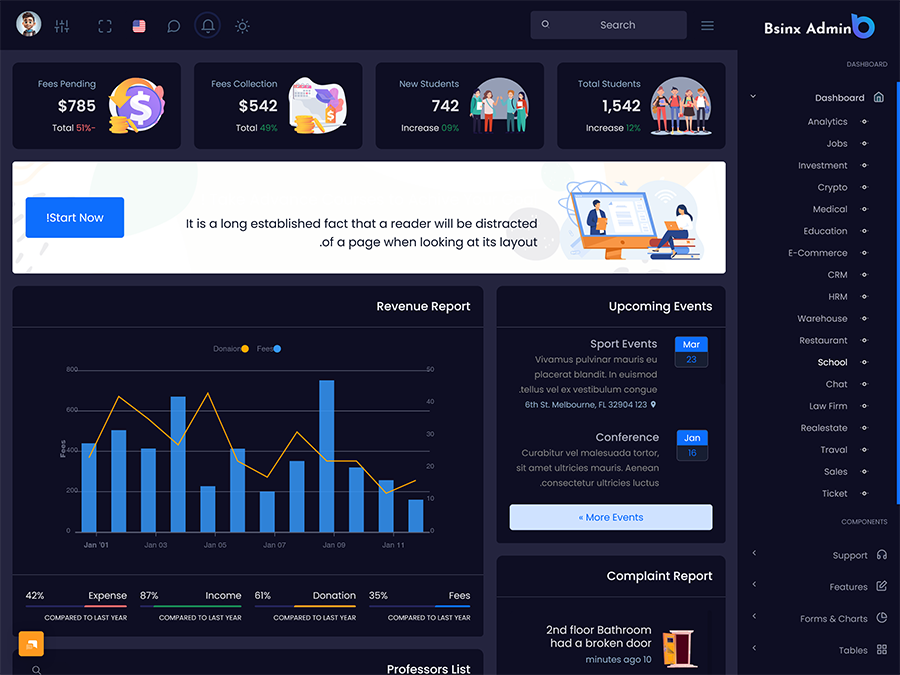
One of the main advantages of a School Dashboard is its ability to provide multiple views within the same system.
A teacher, for instance, does not need to see the data in the manner that an administrator would see it. It will complicate the process and reduce efficiency. In addition, it may provide access to the information that the user does not need to see. Instead, the system can provide a different experience for different roles within the same system.
Teachers, for instance, can access the dashboard and only view the classroom tools, records, student data, and communication features. Coordinators, on the other hand, can have a different set of views and access the tools that are relevant to their segment. In essence, the dashboard will function as a unit but provide different interfaces for different users.
A similar approach can be used when speaking about students. In this case, a dashboard can provide the necessary tools and data that are relevant to the user without giving away sensitive information. In other words, a student can access the academic data and school-related information without viewing the segments that are only available to teachers and administrators.
Another important feature is the data. It is important to note that school-related data is constantly changing and, therefore, a dashboard may need to provide historical data for context. In essence, if a user views the current data, there may not be enough context to understand what it means. When the system provides access to the history of changes and updates, it will be easier to view the trends and spot the changes. In cases when the data is available, it will be possible to see the trends and updates without using additional filters.
It is worth noting that a dashboard can also provide the communication tools to facilitate the exchange of information between teachers and other segments. An administrator, for instance, can make a change that will affect the teachers’ segment. There are alerts and tools to note the updates and make the necessary adjustments. Similarly, a teacher can submit an application to the coordinator or administrator that will require their attention. In essence, a dashboard can be used to facilitate the communication and information exchange between different segments of the school. It is important to note that a dashboard’s design will be affected by the organization of the school. In other words, it will be necessary to consider how the communication currently takes place and how exactly the data is organized before developing new tools.
Benefits of a School Dashboard
1. Better Work for Each Role
A dashboard can provide a list of tools and data relevant to the users. Teachers, administrators, and coordinators can access their segments without going through the unnecessary data.
2. Focused Attention on Students
A Student Performance Dashboard can be used to view the learners’ progress in the classroom. In this case, the data will be organized in a manner that will facilitate the processes. It will be easier to view the changes and identify the students that need improvement.
3. Attendance Checks
An Attendance Management Dashboard can be used to observe the attendance records. It will be easier to filter the data and check for issues without having to sort through irrelevant information.
4. Clearer Views for Management
A School Analytics Dashboard, in turn, can be used to see the overall data and organization. Management will be able to view the trends and spot the areas of improvement.
5. Less Administrative Hassle
With the data sorted, it will be easier for teachers and other segments to navigate the processes. It will be easier to view the relevant tools and eliminate the unnecessary steps for completing the tasks.
6. More Consistent Access to Information
A dashboard can provide a consistent interface for different users and their roles. In other words, teachers and administrators can learn the system and be more productive as there will not be drastic changes when switching between different segments.
7. Support for Future Growth
A dashboard will support the expansion and changes that a school may undergo in the future. It will provide a consistent experience without altering the tools and providing an insight into the overall data. It will be easier to add new segments, authorization settings, and alter the interface depending on the needs of the school.
How Multipurpose Themes Supports School and Education Dashboard Projects
Multipurpose Themes develops made admin dashboard and web application templates for various industries. The education section provides dashboards that can be utilized for learning-related applications, and the rest of the templates offer layouts, UI components, charts, tables, applications, and responsive structures that developers can use for their projects. The EduAdmin-related templates serve the needs of education and learning applications. They offer dashboard interfaces and UI components that can be used as a foundation for developing school management systems. By utilizing the provided code, developers can modify the templates to suit the needs of their school management software regarding interface, brand image, functionality, and tech stack. The final product will still require a back-end, data, authorization features, tech stack, and other considerations depending on the needs of the project.
Conclusion
A School Dashboard can be used to facilitate the processes in an educational institution when it serves the purpose of the users. Teachers, students, coordinators, and other segments do not require the same data and tools, and an effective dashboard will organize the information to suit their requirements. A Teacher Dashboard, for instance, can provide educators with a space to complete their daily activities. A Student Performance Dashboard, on the other hand, can organize the relevant data in a manner that will help the teachers to view the progress of their students.
Similarly, an Attendance Management Dashboard can be used to view the attendance records and facilitate the follow-up process. Finally, a School Analytics Dashboard can be used to see the data in a manner that will highlight the trends that require improvement. It is important to recognize that the benefits of such a system are determined by the connections between different segments. With the right navigation, authorization, tools, and data provided by the dashboard, a school can develop a well-structured management system.
For organizations that consider developing a made dashboard template, it is essential to consider the layout, data, and necessary tools that will be used to develop the interface. The system will have to be flexible and organized to suit the needs and authorization rules of the education organization.
VIEW DEMO BUY NOW
Frequently Asked Questions
1. What should a School Dashboard include for teachers and administrators?
A Multipurpose Themes School Dashboard is a tool that provides relevant information and processes depending on the users. Teachers, for instance, will benefit from a list of tools and tasks that are relevant to the classroom while administrators will see a list of management-related tasks. Other features, such as navigation, search and filters, notifications, and authorization will help the users to interact with the data.
2. How does a Teacher Dashboard help educators manage their work?
A Teacher Dashboard can be used to compile the tools and processes that are relevant to the educators. Depending on the software, teachers can see a list of their classes, students, academic records, communication tools, and pending tasks to facilitate their work. It is important to provide the tools in accordance with the school’s processes rather than adding unnecessary functions.
3. What is the purpose of a Student Performance Dashboard?
A Multipurpose Themes Student Performance Dashboard is utilized to view the data about learners’ progress in the school or classroom. In this case, the data will be organized to help the educators to track the changes to the student’s performance in the academic setting and identify the areas that require improvement.
4. Can an Attendance Management Dashboard help schools follow up on absences?
Yes, an Attendance Management Dashboard can be utilized to view the attendance records. The data can be filtered and organized to view the statistics and identify the issues that require improvement. In accordance with the software, users can also see the necessary tools to address the concerns.
5. What information can be shown in a School Analytics Dashboard?
The information displayed on a School Analytics Dashboard will vary depending on the data and goals of the system. In general, it can be used to view the relevant data and statistics about the school’s processes. It should highlight the important trends and provide access to the necessary tools for management to facilitate improvement.
6. Can a School Dashboard be customized for types of schools?
A Multipurpose Themes School Dashboard can be developed to suit the needs of different educational institutions. It can be adapted for schools, secondary schools, colleges, coaching institutes, and other types of organizations. Each school will have its own set of data and processes that will have to be considered when developing the interface.
7. What should I consider before choosing a School Dashboard Template?
Consider the layout, data, tools, and components of the School Dashboard and determine if they suit your application’s needs. Additionally, analyze the responsiveness of the design, customization features, browsers’ compatibility, documentation, and other aspects. Most importantly, make sure that the structure of the dashboard will be able to support your processes regarding teachers, students, attendance, analytics, and other segments without requiring significant modifications.

Related Posts


This Post Has 0 Comments