

Modern recruitment operations are becoming smarter with Job Employment Dashboard solutions that help businesses manage…
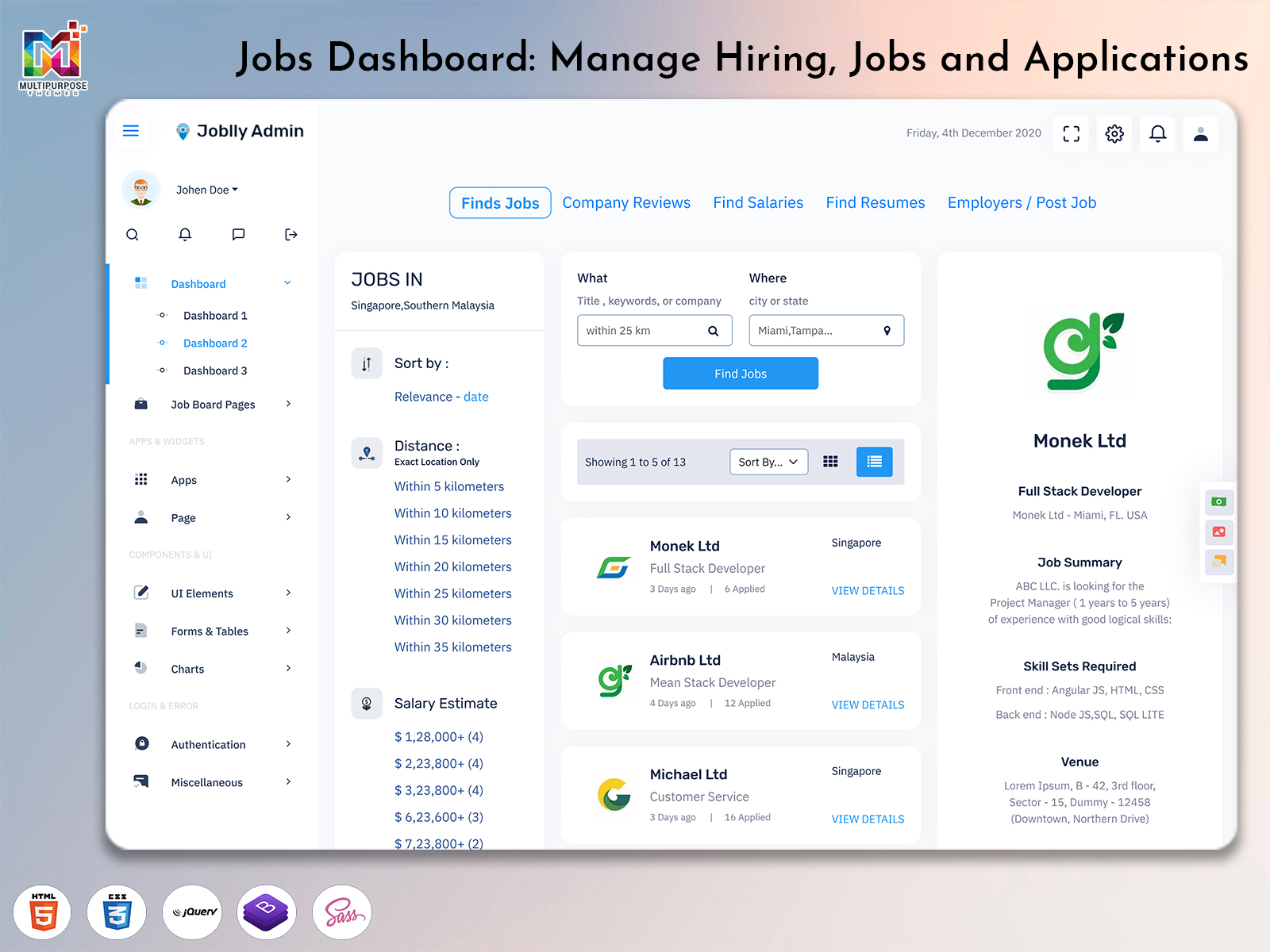
Jobs Dashboard: Build a Hiring Platform with Job Board Tools
Reading Time: 5 minutes
Introduction
Finding and managing people for your company can be much simpler with a Jobs Dashboard. This tool helps you handle all your job postings, application details, candidate data and the entire hiring process all, in one place. This tool makes it easier for your teams to keep everything organized and move forward smoothly.
Watch Full Video
Having a clear Jobs Dashboard can help your team and developers create a hiring platform. By having a Job Board HTML Template you can easily see how you are getting on with your hiring. This gives you the front-end design you need to create a great job site.
Whether you are building a hiring site or a job listing site or a management tool having a great Jobs Dashboard can help. This will make your hiring team work faster. It will improve the experience, for job seekers.
What is a Jobs Dashboard?
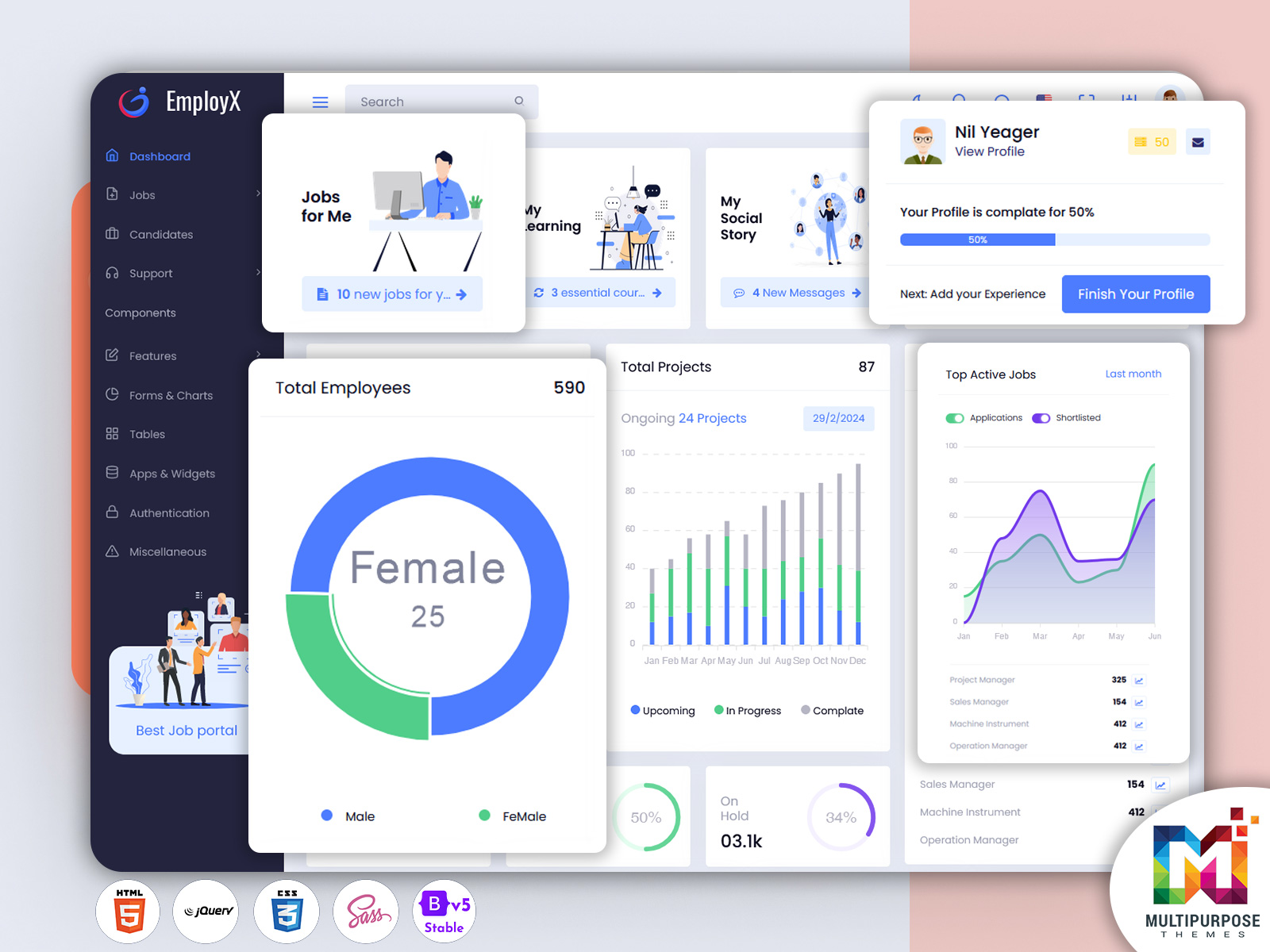
I like the Jobs Dashboard. With the Jobs Dashboard I can manage the job postings, applications and the recruitment process. The Jobs Dashboard gives a way to look at hiring information. Helps managers and hiring teams finish tasks faster. It allows them to track what is happening with each job see how many people have applied and check the status of each application. With everything, in one place teams can make decisions quickly. Stay organized. I find the dashboard helps me stay organized. The dashboard makes it easier to keep up with all the details. It helps you move forward with hiring. This way you can focus on finding the people.
A Job Portal Admin Dashboard may include tools to add jobs, view applications, manage candidate data and track what is going on.
Developers can use a Job Board HTML Template to create the front-end of your hiring site. This will provide you with designs for your layouts, reusable components and responsive design.
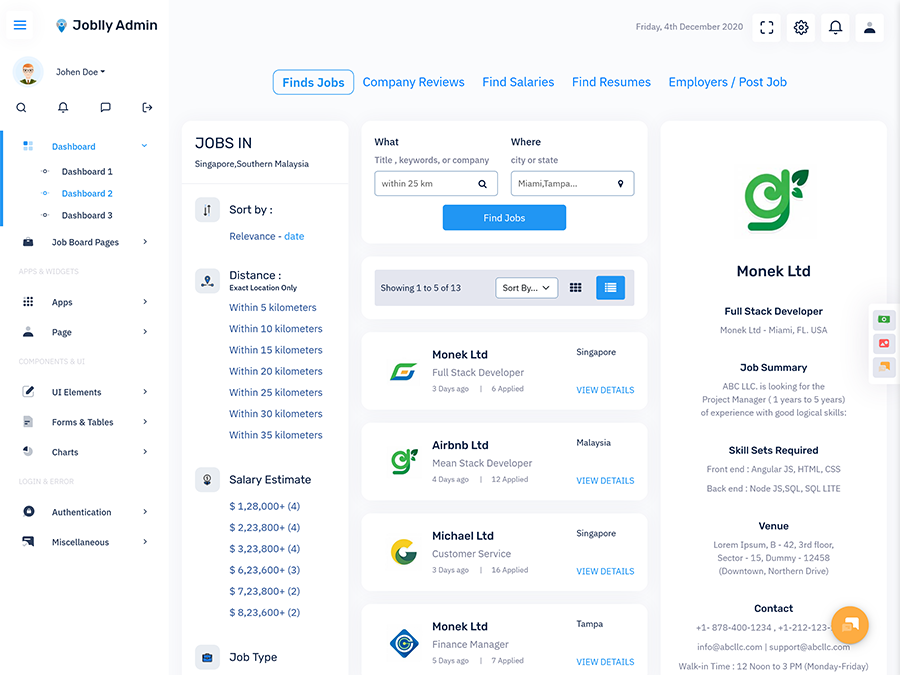
Features of a Job Board Dashboard
Your Job Board Dashboard should include:
- Manage Jobs – Create new jobs, edit existing jobs, publish and unpublish.
- Manage Candidates – View candidates who have applied. Including their resume and application.
- Track Applications – See where your applications are at. Whether they’re pending, accepted or rejected.
- Manage Employers – Manage employer accounts and company information.
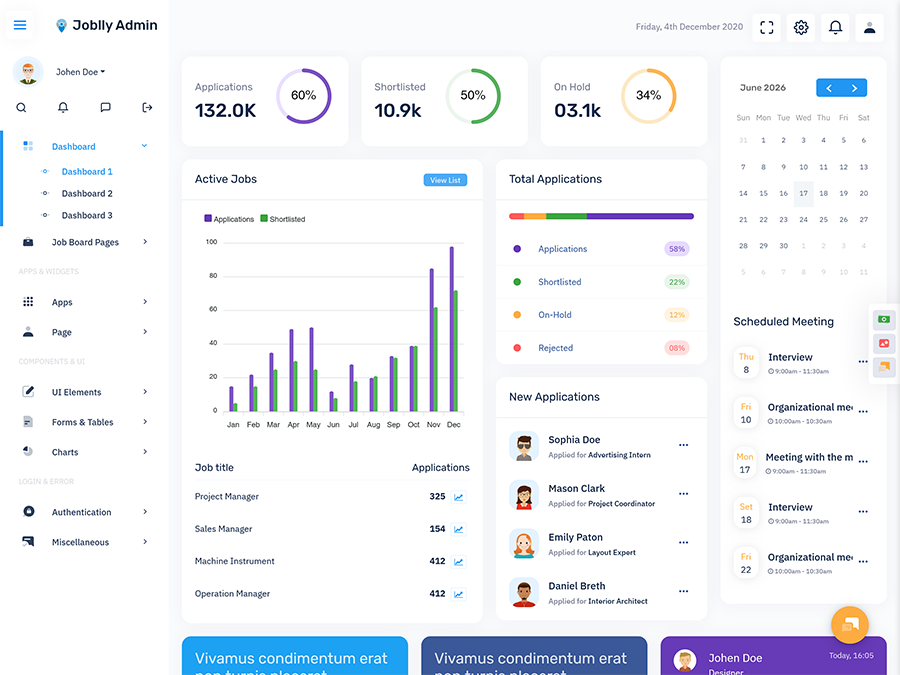
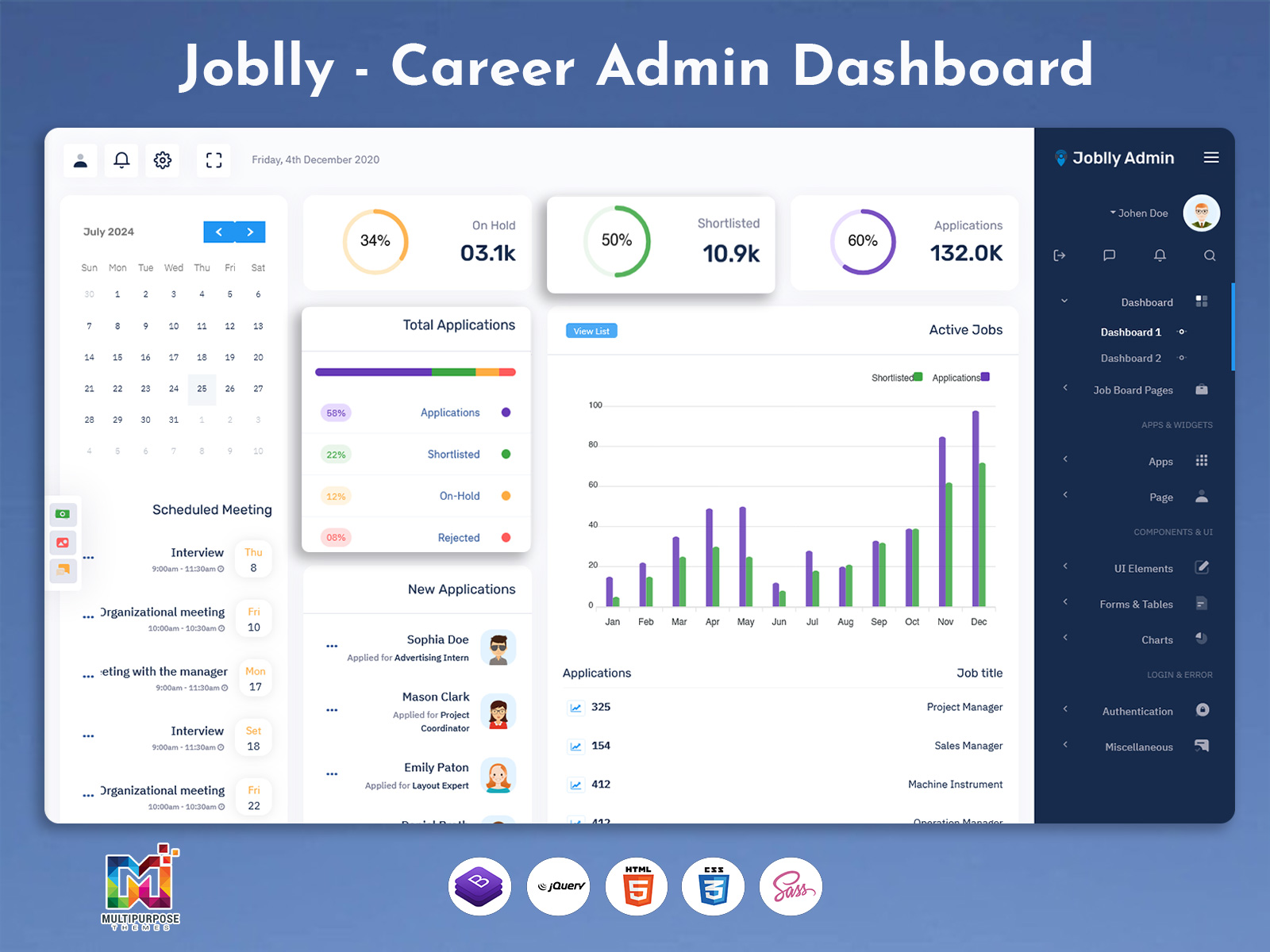
- Recruitment Analytics – See how many people have viewed this job, how many have applied and how you are doing with your hiring.
- User Management – Manage user access on your site.
- Alerts – Get alerts when there are updates.
- Responsive – Can be used on desktops, tablets and mobile phones.
Having all these features will help keep your hiring organised.
Why Use a Job Board HTML Template?
Creating a job site from scratch can take time. However, using a Job Board HTML Template will help you get started quicker. This will give you a base to build your site.
With a good template you can:
- Speed up the development process – Pre-built layouts and components.
- Have a consistent theme – All pages will have the same design.
- Use layouts – Your site will work on all screen sizes.
- Easy to customise – Change colours, components and layouts.
- Use code – Reusable components will make it easier to develop.
You will still need to create the end store and login features.
VIEW DEMO BUY NOW
Job Board Dashboard Template
A Job Board Dashboard Template will help your hiring team manage their jobs. With tools to manage job posts and candidate data.
Your hiring team can:
- Create new jobs. Edit existing jobs.
- View Resumes.
- Select candidates for this stage.
- See where applications are at.
- Manage employer and company information.
- View reports on your hiring.
With a clean dashboard you can easily find the information you need.
Job Board Software Dashboard
A Job Board Software Dashboard will help you manage your hiring site. This can help with managing jobs, employers, candidates and site activity.
Depending on your needs it may include:
- Approve and verify job posts.
- Manage employers.
- Manage candidate information.
- Track application status.
- Manage Memberships.
- View reports on jobs and applications.
This can be very useful for agencies, company job sites and online job platforms.
Job Portal Admin Dashboard
A Job Portal Admin Dashboard will help managers manage their site. This can help with managing users, ensuring quality job posts and tracking site activity.
Common tasks managers will do include:
- Managing hiring and candidate accounts.
- Verify job posts.
- View reported posts and user issues.
- Manage categories, locations and job types.
- View usage and hiring reports.
- Customise who can use the dashboard.
With a clean dashboard everything will be organised.
Key Metrics to Track on a Jobs Dashboard
Tracking hiring metrics will help your team see how your jobs and hiring are doing. This can include charts, tables and brief summaries.
- Active Jobs – How many jobs are active.
- Total Applications – How many people have applied.
- Application Rate – How many people have viewed and applied.
- Candidates Selected – How many people have been selected to move forward.
- Interviews – How many interviews have been done.
- Time to Hire – How long it takes to hire.
- Employer Activity – What employers are doing.
These should reflect your hiring goals.
Who Can Use a Job Board Dashboard?
A Job Board Dashboard can help:
- Hiring Agencies – Manage jobs and candidates for clients.
- HR Departments – Keep hiring organised for your company.
- Job Site Owners – Manage jobs, users and site.
- Developers – Create job sites and job listing platforms.
- Startups – Create custom hiring sites.
- Freelancers & Companies – Create job site solutions for clients.
It can be customised to match your hiring style and site needs.
How to Choose the Right Job Board Dashboard Template
Consider what features and design you want.
Look for a template with:
- Easy to use.
- Responsive design.
- Job and candidate pages.
- Charts, tables and reports.
- Reusable components.
- Consistent design.
- Matches your development style.
This can help your developers create a nice looking dashboard.
Top Tips for Creating a Jobs Dashboard
A Jobs Dashboard should be easy to use. This will help you easily understand your hiring data.
- Easy to Navigate – Group your tools.
- Highlight Key Information – Highlight applications, top jobs and urgent tasks.
- Easy to Read Charts – Easy to read charts.
- Consistent Design – Buttons, forms, tables and indicators all match.
- Responsive – Ensure your key tools work well on phones.
- Consider Users – Show the tools for each role.
This will help create an easy to use site.
Conclusion
A designed Jobs Dashboard will help keep all your jobs, applications, employer accounts and hiring metrics in one place. This will help your hiring teams, HR teams and job site managers.
Using a Job Board HTML Template or Job Board Dashboard Template will help your developers create a hiring site with a good design. The features and customisations of a Job Board Software Dashboard can be customised to match your hiring methods and business needs.
Take a look at our dashboard templates to get started on your job site or hiring tool.
VIEW DEMO BUY NOW
Frequently Asked Questions
1. What is a Job Board Dashboard Template?
A Multipurpose Themes Job Board Dashboard Template is a pre-designed interface for managing job listings, candidate applications, employer accounts and recruitment activity.
2. What is included in a Job Portal Admin Dashboard?
It may include job posting management, user administration, candidate and employer profiles, application tracking, moderation tools and recruitment reports.
3. Can I use a Job Board HTML Template to build a complete job portal?
A Multipurpose Themes Job Board HTML Template provides the front-end interface. A complete job portal generally also requires backend services, a database, authentication and other application functionality.
4. Who can benefit from a Job Board Software Dashboard?
Recruitment agencies, HR teams, job portal owners, developers and businesses building online hiring platforms can benefit from a recruitment dashboard.
5. Is a Jobs Dashboard useful for mobile devices?
A responsive Jobs Dashboard can adapt to mobile, tablet and desktop screens, allowing users to access recruitment information across devices.

Related Posts

This Post Has 0 Comments