

Running a hospital is a job. It includes all the tasks that need to be…
Hospital Dashboard: Features, Benefits and Uses in Healthcare
Reading Time: 5 minutes
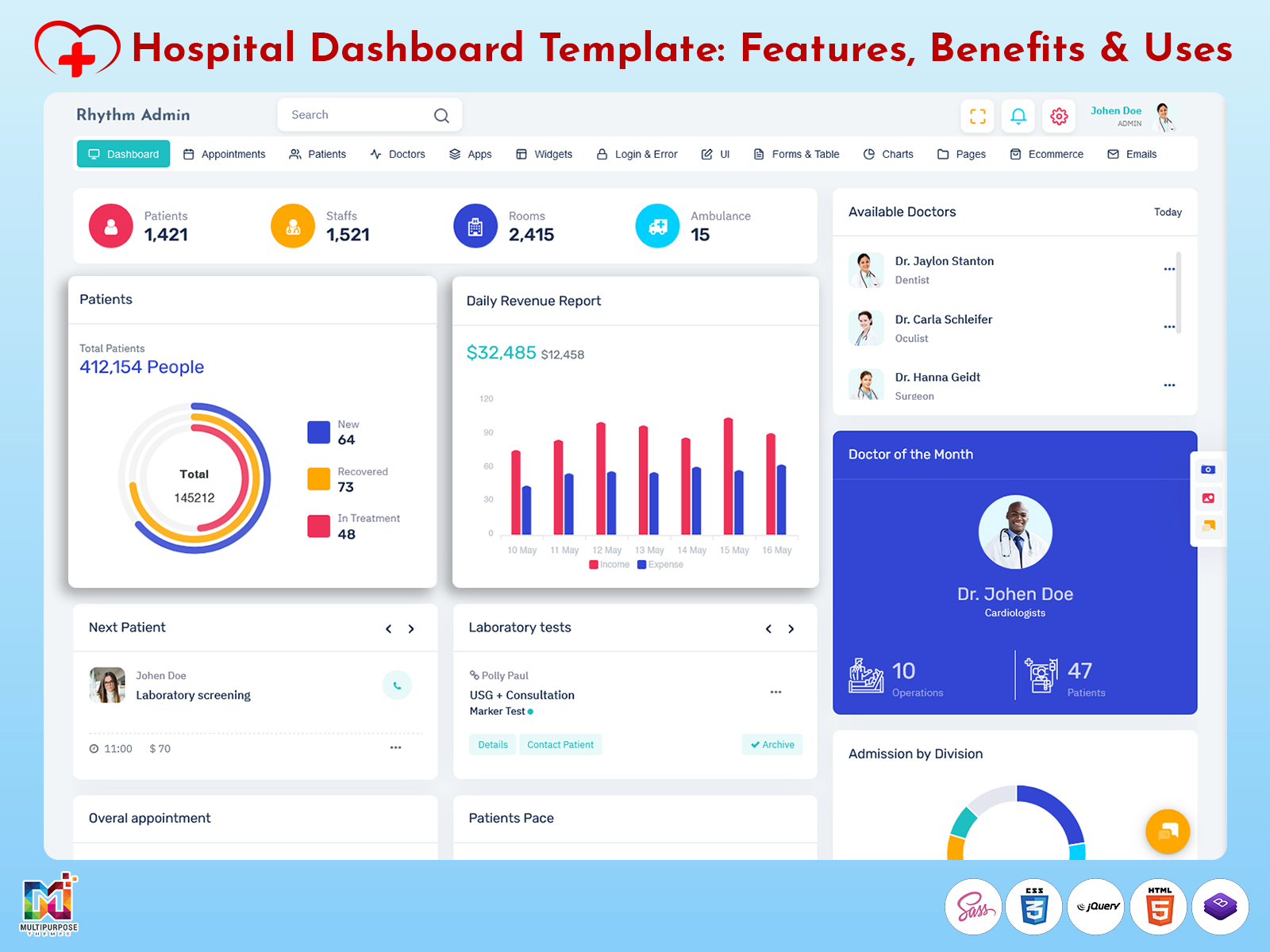
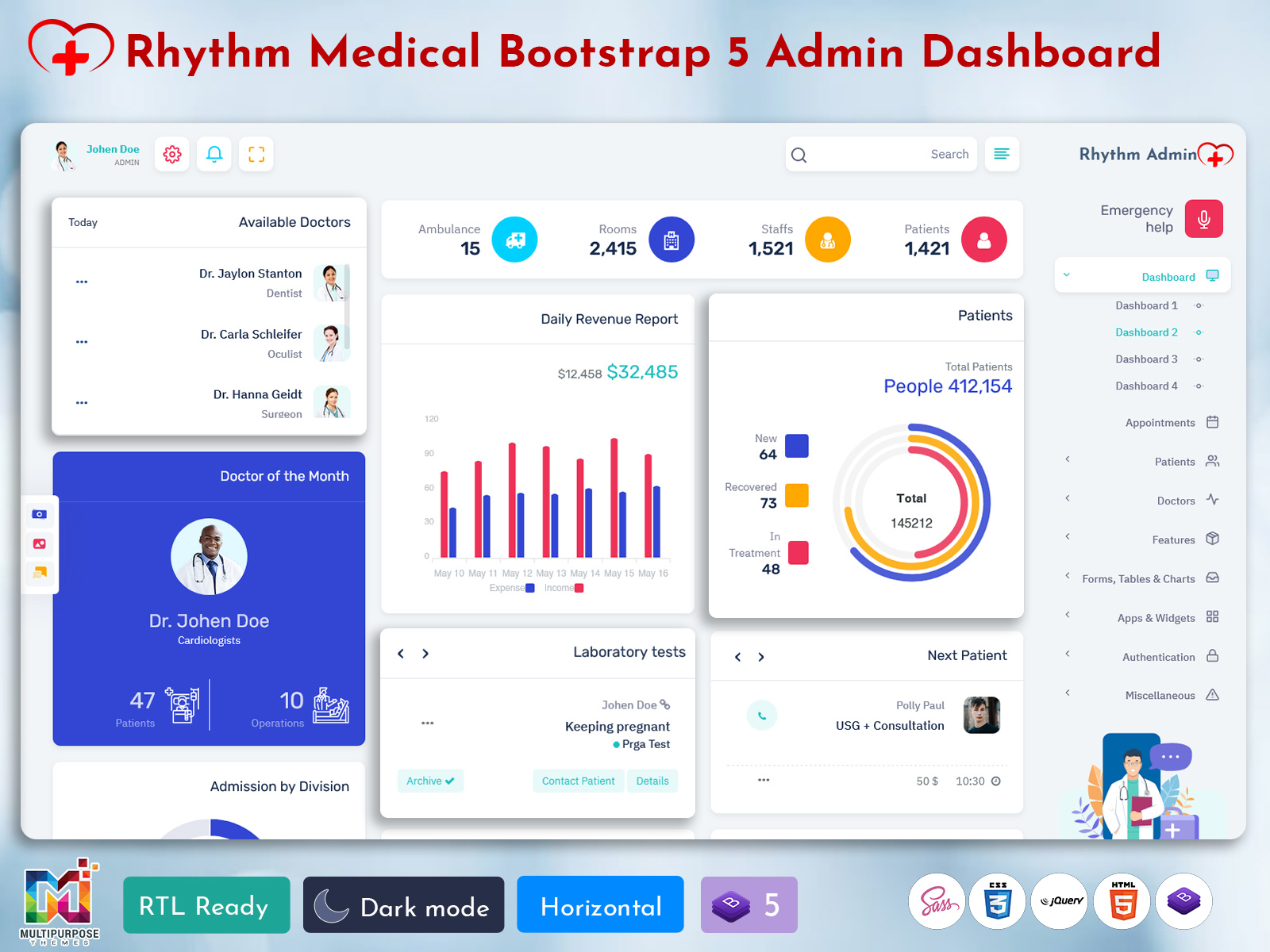
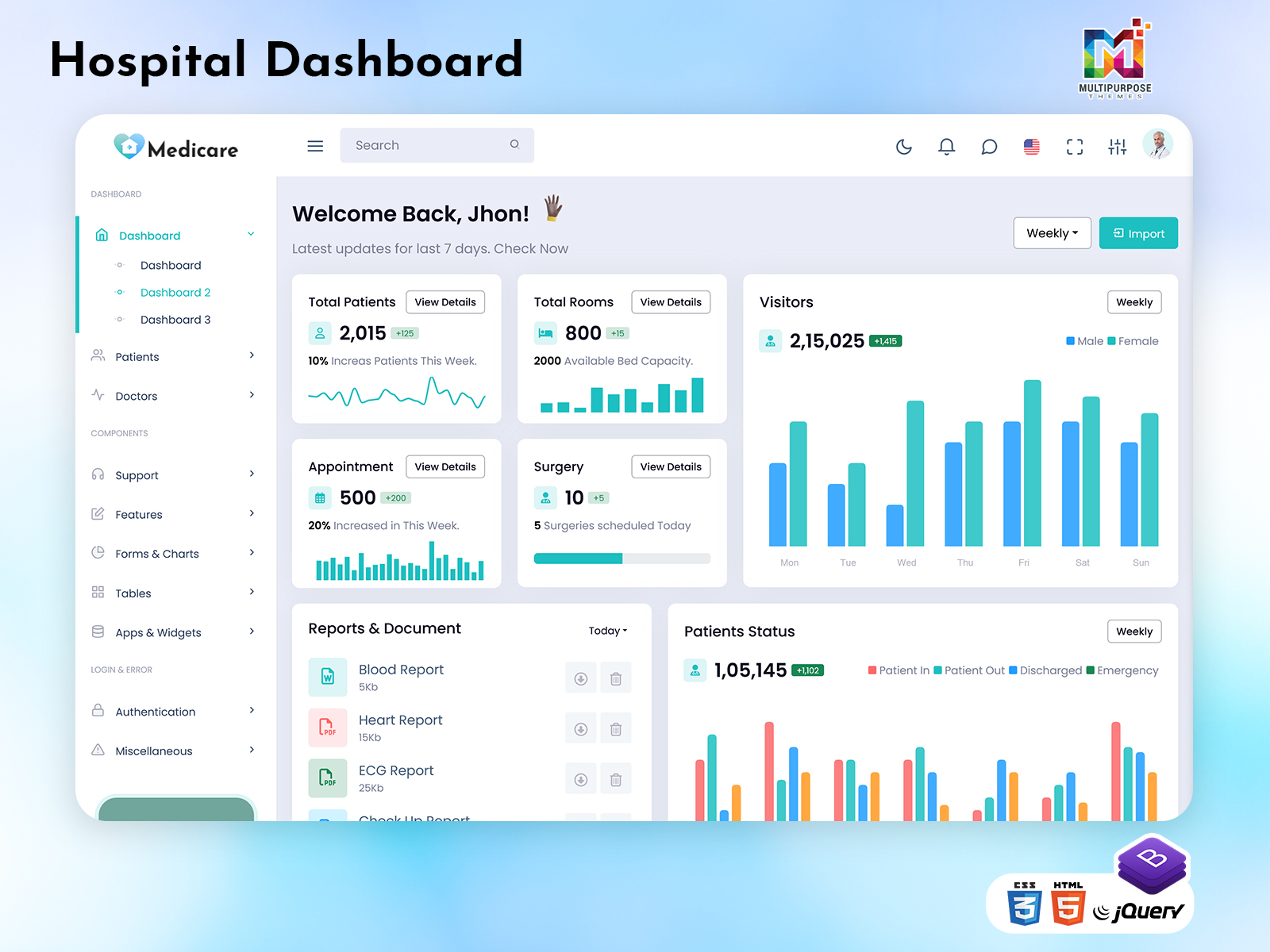
Hospital Dashboard is a page that shows information of hospital. It can show data on records, appointment, staff, billing and department updates on the page in a manner which is easily viewable by the user.
Watch Full Video
Why use a Hospital Dashboard?
Hospitals have a lot of data to hold. You can store the data easily in a Hospital Dashboard. Doctors, Nurses, Administrators and Support Staff can keep abreast with the information.
What info can I show?
1. Patient Information
- Name
- Contact Information
- Date Registered
- Medical History
2. Appointments
- Who is coming
- When the Doctor will Come
3. Beds/Rooms
- Available beds/rooms
- Booked beds/rooms
4. Staff
- When staff are working
5. Billing
- How much money has been paid
6. Reports
- Lab Results
- Test Results
- Treatments
7. Performance
- How many patients are in
- How busy each department is
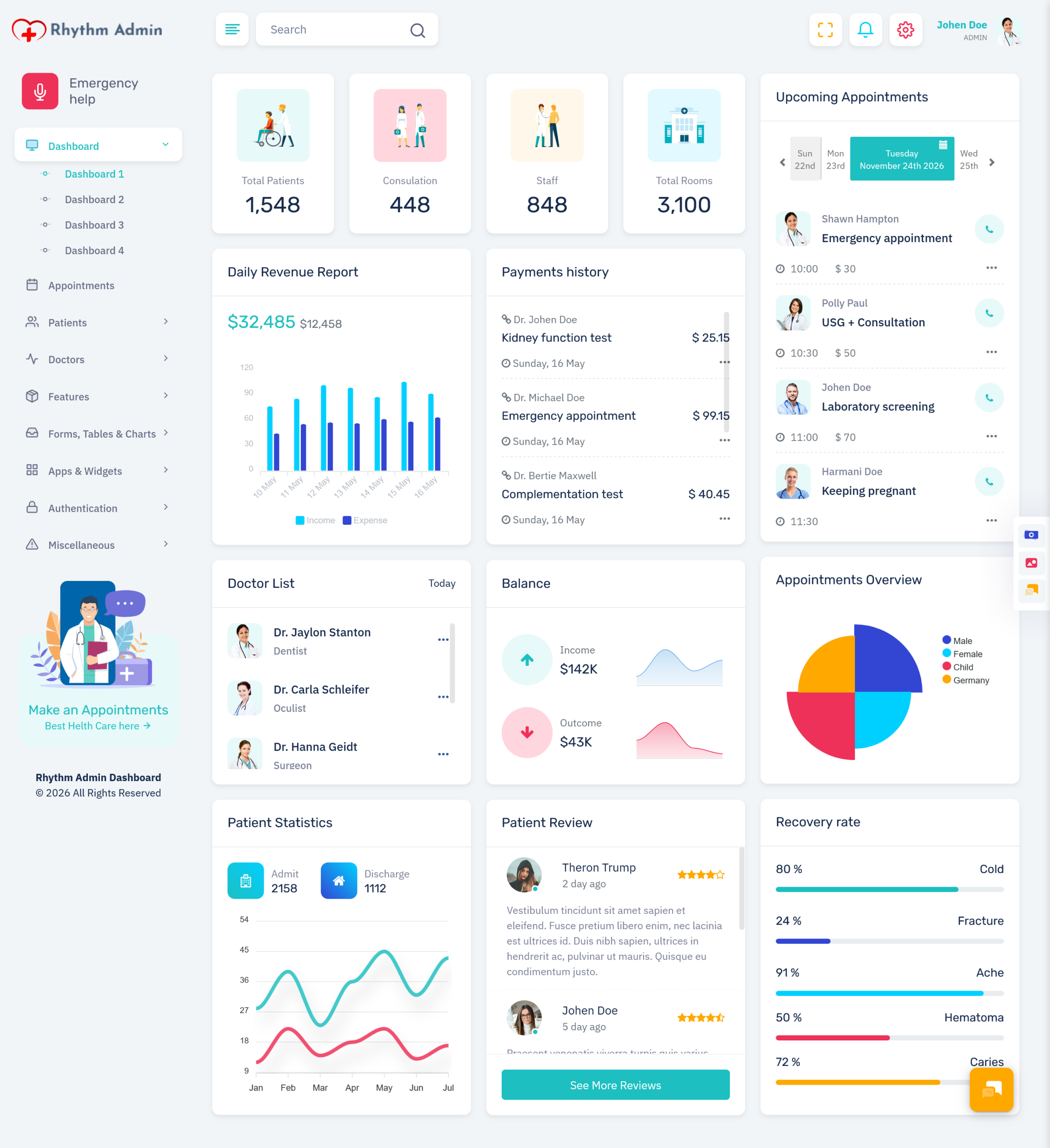
You can often display it in charts, graphs, tables and cards.
VIEW DEMO BUY NOW
Why use a Medical Dashboard?
Hospitals have teams like Reception, Doctors, Nurses and Billing. And using a Hospital Dashboard can help break down the barriers.
Benefits
- View Data
- Saves time switching between systems
- Communication between teams
- Provides a greater understanding of the hospital’s operation
- Improves beds/staff.
How can this improve management?
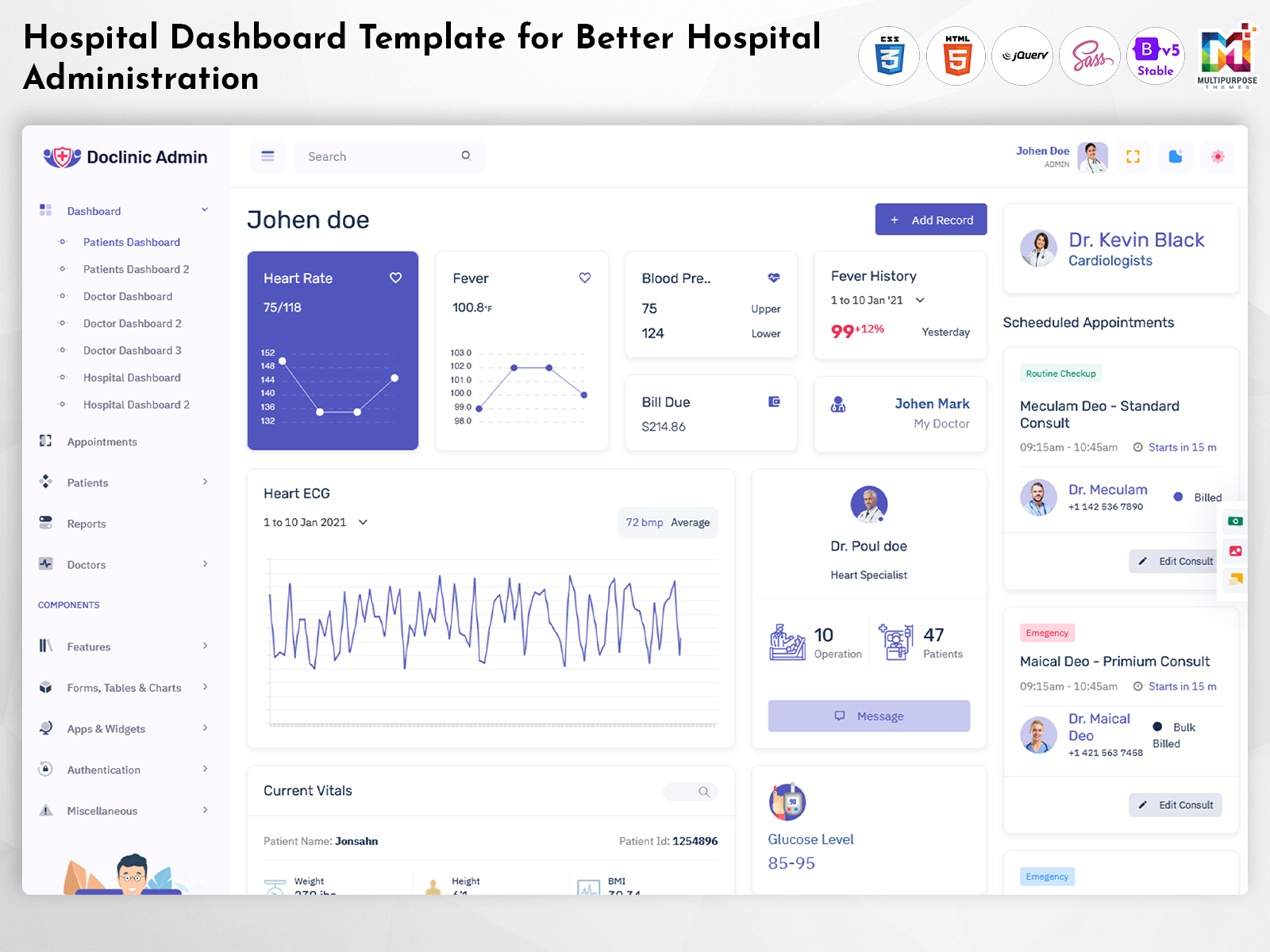
It can be viewed in respect of each patient. This information can include record, medical history, test results and appointment history. This lets staff know at a glance the patients journey.
How can this improve appointments?
In the appointments you will be able to see who is attending, when they are attending and which doctor. It will also show you how many appointments you have got booked and missed, plus how many appointments you have for the day in hand. This allows the Receptionist and Managers to plan their day.
How can this improve staff/department management?
Staff are able to see when people are working, where they are and what work they are doing. This can assist managers in their decision making.
How can this improve beds?
This section will tell you what beds are available, what type of room the patient is in, when they are leaving and what beds have been booked, that will save the Administrator allocating beds.
In what ways will this enhance billing?
This will be shown in the billing area which invoices have already been sent. This will allow to billing to go faster.
In what way can this enhance reports?
More sections for a report can be included. These can be; lab reports, scans, notes on the patient’s treatment. This can be accessed by authorised staff to ensure the data is kept safe.
What kinds of dashboards are there?
Different dashboards can be created depending on the role of the user.
- Hospital Admin Dashboard – Hospital view.
- Patient Management Dashboard – Records and history.
- Doctor Dashboard – Doctor availability and patients.
- Appointment Dashboard – Track Appointments.
- Pharmacy Dashboard – Monitor medicines stock and orders.
Who are the potential users of the Hospital Admin Template?
- Hospitals/Clinics – To manage tasks.
- Healthcare Companies – Provide tools.
- Developers – To create hospital systems.
- Diagnostic/Lab Centres – To manage data.
- Health Startups – To create health platforms.
What should a Hospital Admin Template include?
- User Friendly
- Easy to navigate
- friendly (tablet)
- Organised with charts and summaries.
- Customisable.
- Secure with access.
- Consistent.
How can using a Hospital Dashboard improve processes?
Get everything on one screen. When a patient calls and wants to make an appointment the staff can see at a glance when the Doctor is free, the patient history, and when the Doctor is available. This can save time and help reduce mistakes.
Does this replace care?
1. Does it replace Doctors/Nurses?
No, the Dashboard is simply giving them information and allowing them to concentrate on the patients.
VIEW DEMO BUY NOW
Essential Components of a Modern Hospital Dashboard
A modern Hospital Dashboard should make important healthcare information easy to access and understand. The layout can be divided into different sections so that users can find the information they need without navigating through unnecessary pages.
Some useful components include:
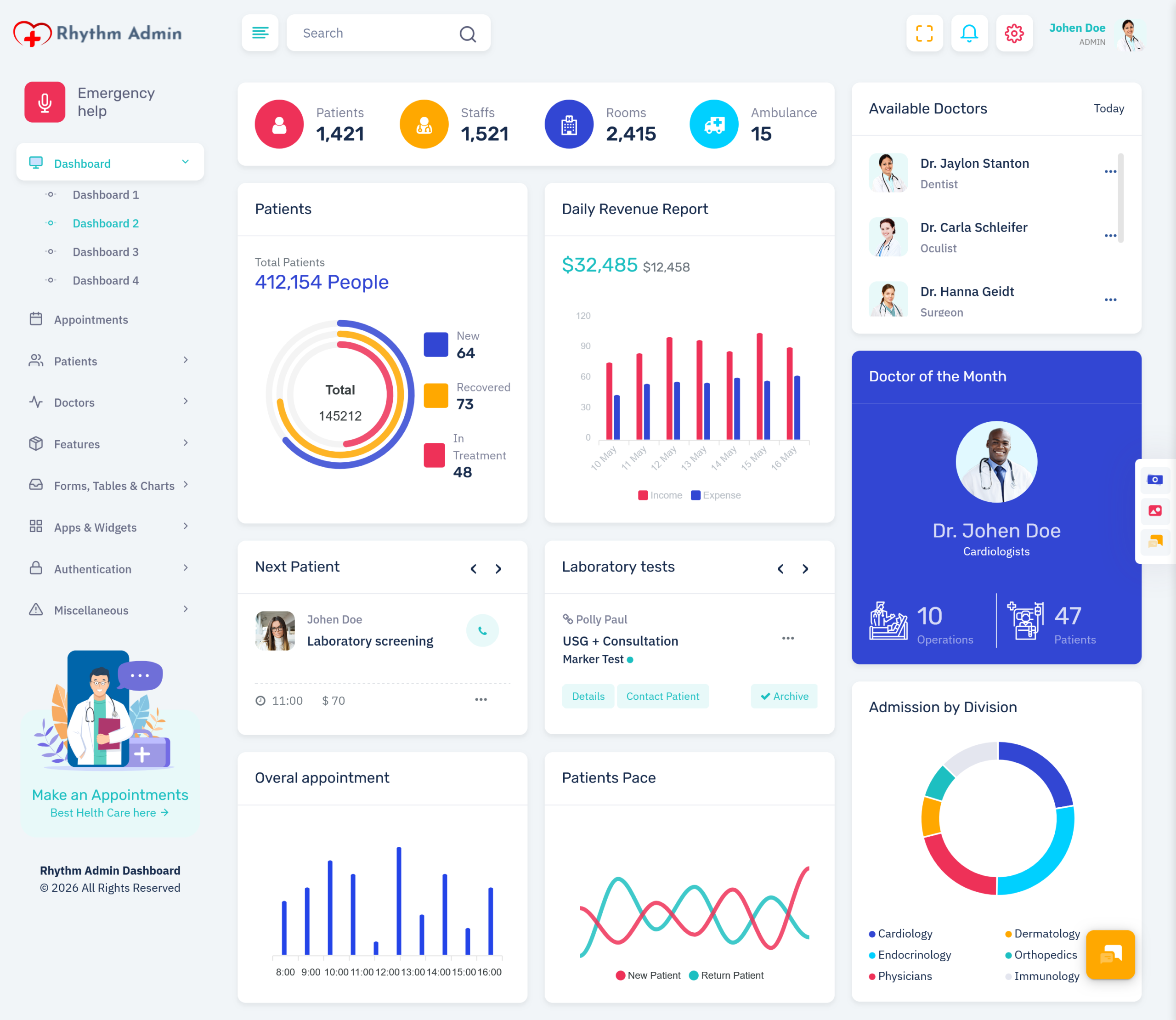
1. Dashboard Overview Cards
Overview cards provide a quick summary of important hospital activities. They can display information such as:
- Total registered patients
- Today’s appointments
- Available hospital beds
- Total doctors and staff
- Pending payments
- Completed consultations
These cards help administrators understand the current status of different hospital activities at a glance.
2. Patient Registration Panel
Patient registration is one of the first steps in hospital administration. A dedicated registration panel can display patient names, registration dates, contact information and other basic details.
A well-organised registration interface can help reception teams enter and review patient information more easily.
3. Doctor Availability Section
Knowing which doctors are available is useful when managing consultations and appointments. This section can show doctor profiles, assigned departments, consultation timings and availability status.
It helps reception teams coordinate appointments according to the available schedules.
4. Emergency and Priority Information
Hospitals may need to review urgent operational information quickly. A dedicated dashboard section can display priority notifications and important updates for authorised staff.
The information shown should be relevant to the user’s responsibilities and should not replace established emergency procedures.
Conclusion
A Hospital Dashboard can make the operations of a modern hospital run smoothly. Select a template.
VIEW DEMO BUY NOW
FAQs
1. What is a Hospital Dashboard?
A Multipurpose Themes Hospital Dashboard is a screen which can show information about the hospital. This includes records, appointments, staff, billing and updates about the various departments. This way the user can easily view this data.
2. What should I include on a Hospital Dashboard?
- Appointment Booking
- Doctor Profiles
- Staff Records
- Beds
- Billing
- Data Visualisation
This can aid in managing workload in the hospital.
3. What is the Difference Between Hospital Dashboard & Medical Dashboard?
There will be a Multipurpose Themes Hospital Dashboard that will be dedicated to hospital and admin tasks. The Medical Dashboard can have healthcare data, patient data and medical tasks. There could be some common features but purpose-wise they are different.
4. Who is eligible for a Hospital Admin Dashboard?
With the Hospital Admin Dashboard, Admins, authorised personnel, and healthcare managers may monitor the hospital’s operations.
5. Can a Hospital Admin Template help Developers?
Of course! Using a Hospital Admin Template is an option. With a template, you can use a pre-designed layout and UI to make a hospital system or medical app.
6. Why is it important to have a Hospital Dashboard?
The responsive design of the Multipurpose Themes Hospital Dashboard will respond to the different sized screens. This can be used on the desktops, tablets and mobile phones.
7. How can a Hospital Dashboard help manage information?
Health records have become a major part of hospitals and comes in all shapes and forms. A Hospital Dashboard can help control information. It can be sectioned into different categories such as profiles, registration, appointments and medical history. This can then be accessed by authorised users to protect the information.

Related Posts

This Post Has 0 Comments