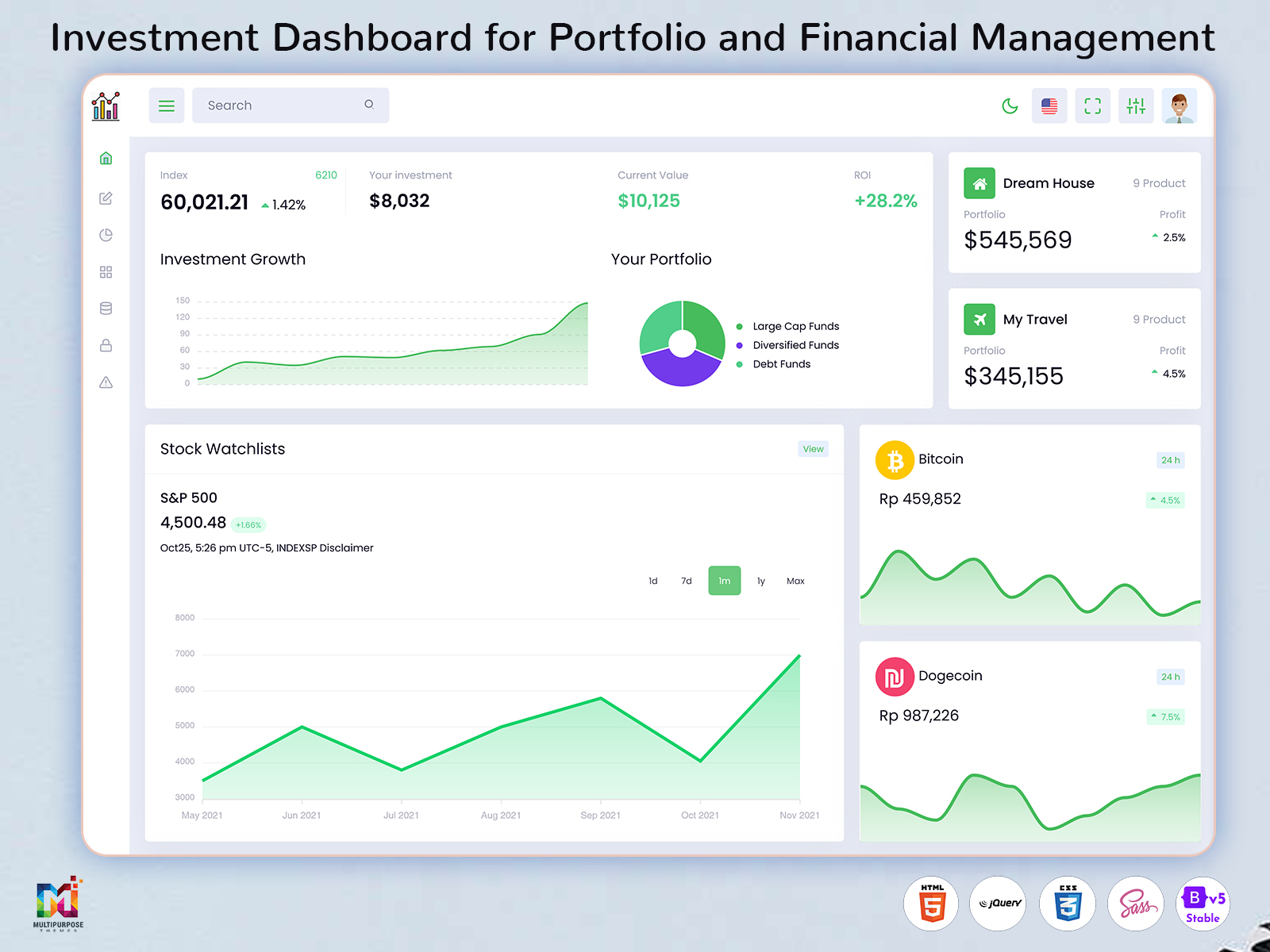
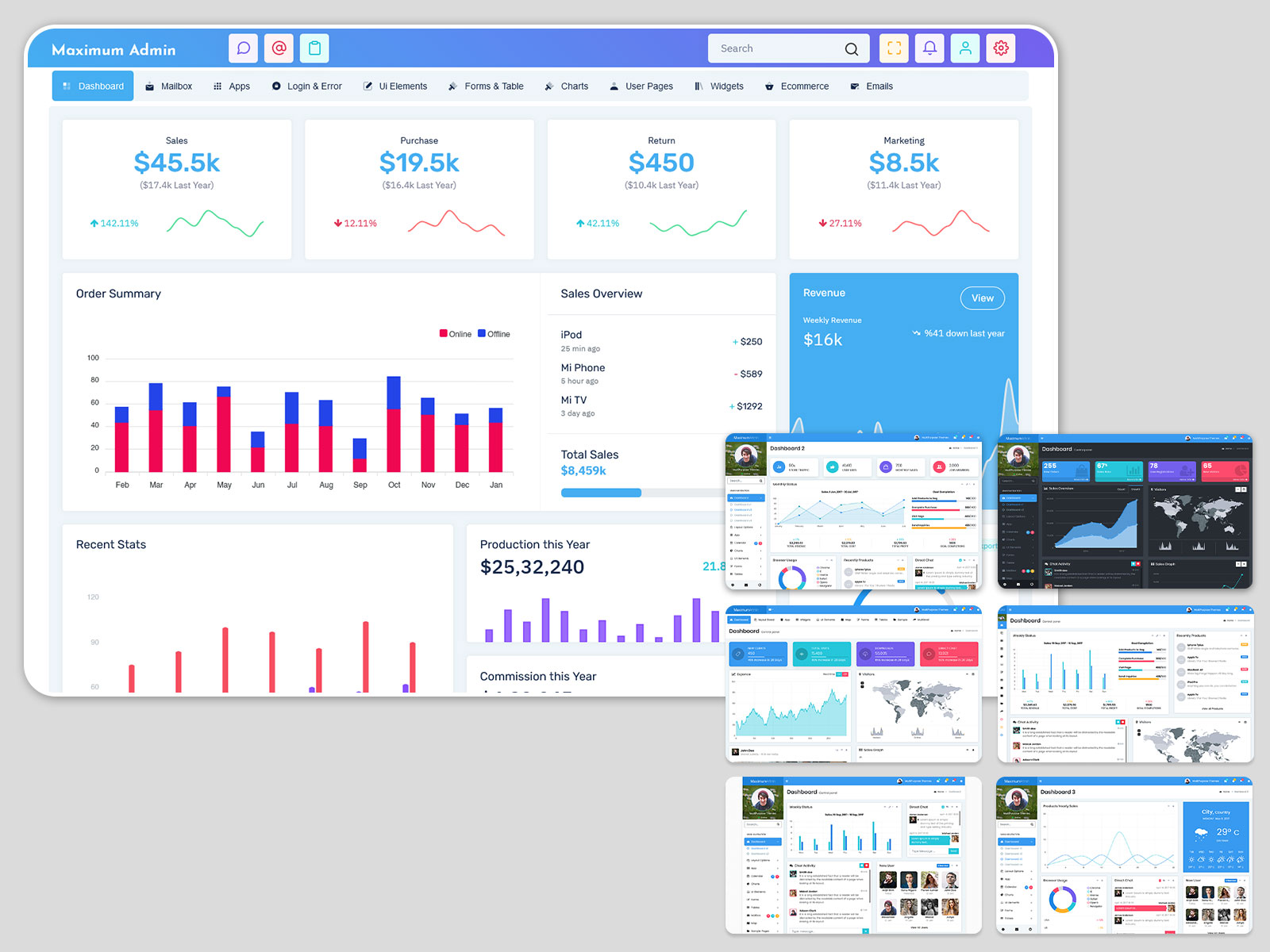
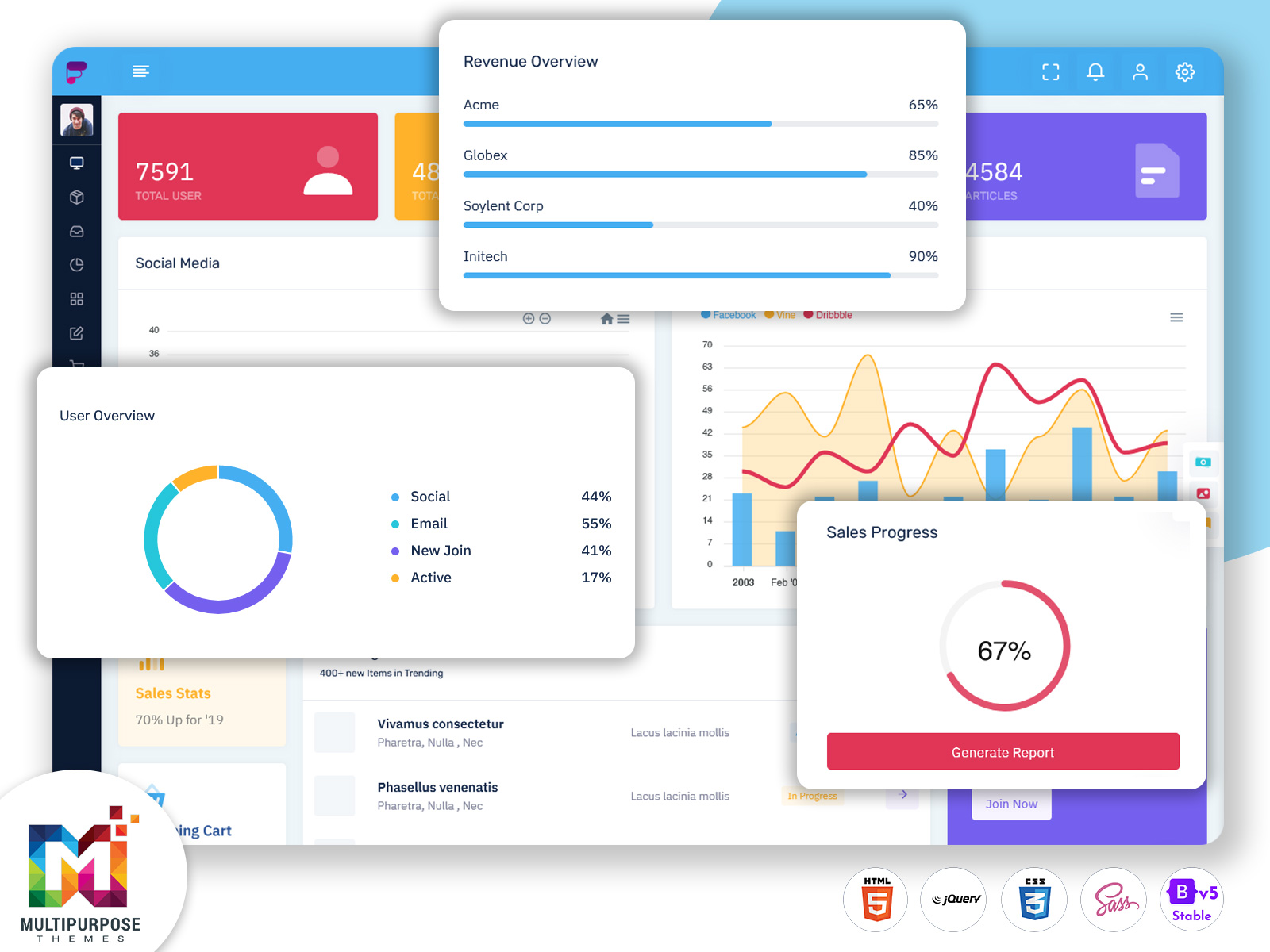
The management of investments requires a processing of data. Information pertaining to the records of…
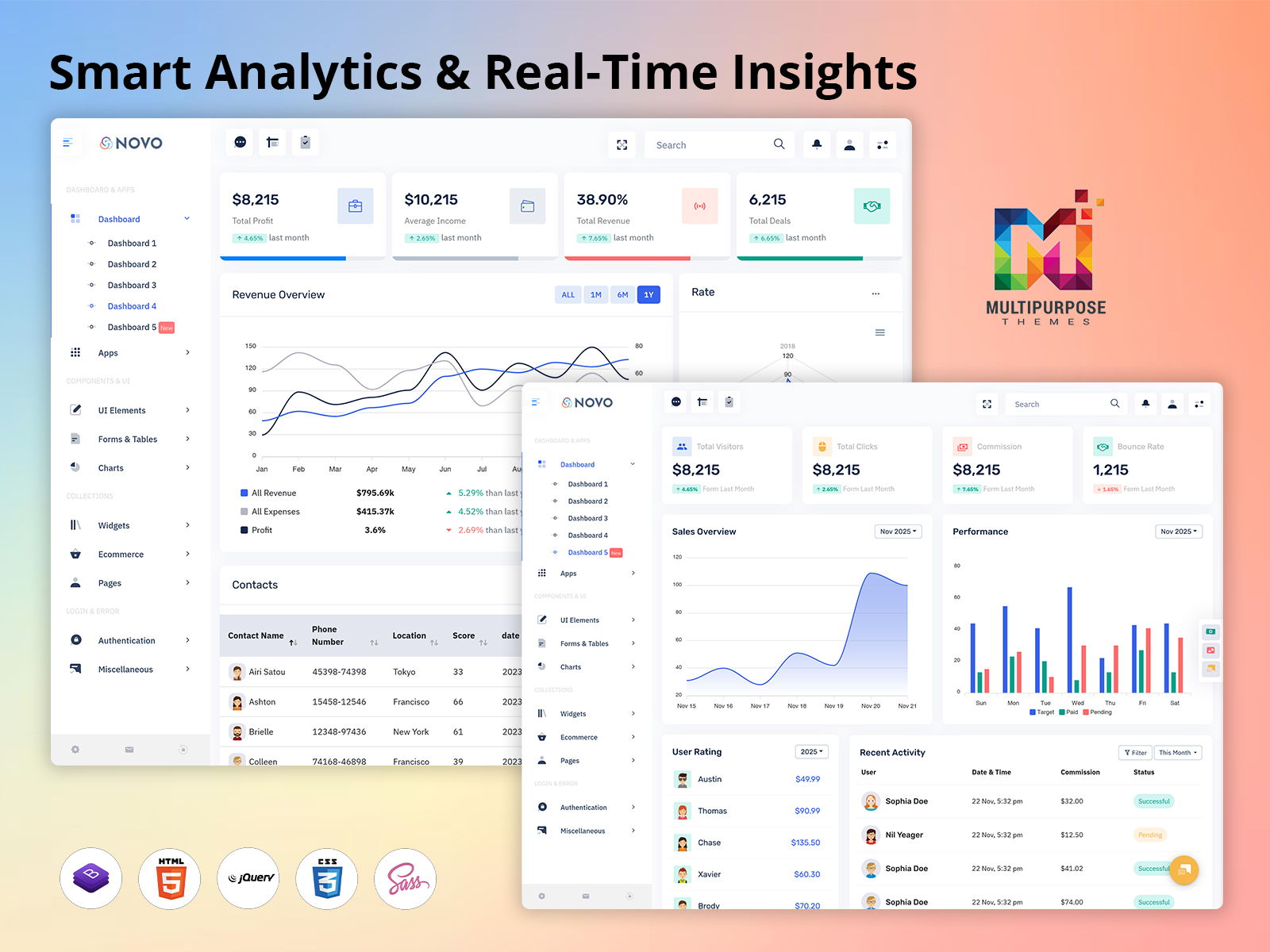
Admin Dashboard – Upgraded with Smart Analytics & Real-Time Insights
Reading Time: 6 minutes
When it comes to business information management, works of people involved, it has become rather complex to track everything as separate tools are used for performing all operations. The UI of a well-crafted Admin Dashboard projects crucial data on one page, which makes monitoring of operations, realizing performance level, and running daily activities more comfortable.
Multi-Purpose Themes offers advanced dashboard template designs that cater to specific business and application needs. Our dashboards consist of clean design layouts, responsive elements, and valuable data visualization features that allow developers to develop professional admin interface designs with ease.
Whether you are building a SaaS platform, an eCommerce application, a CRM system, a business management tool, an analytics platform or an internal web application, a well‑structured Bootstrap Admin Panel can offer a base. With cards, charts, tables, forms, navigation items and other UI components businesses can build an organized setting, for handling their most essential data.
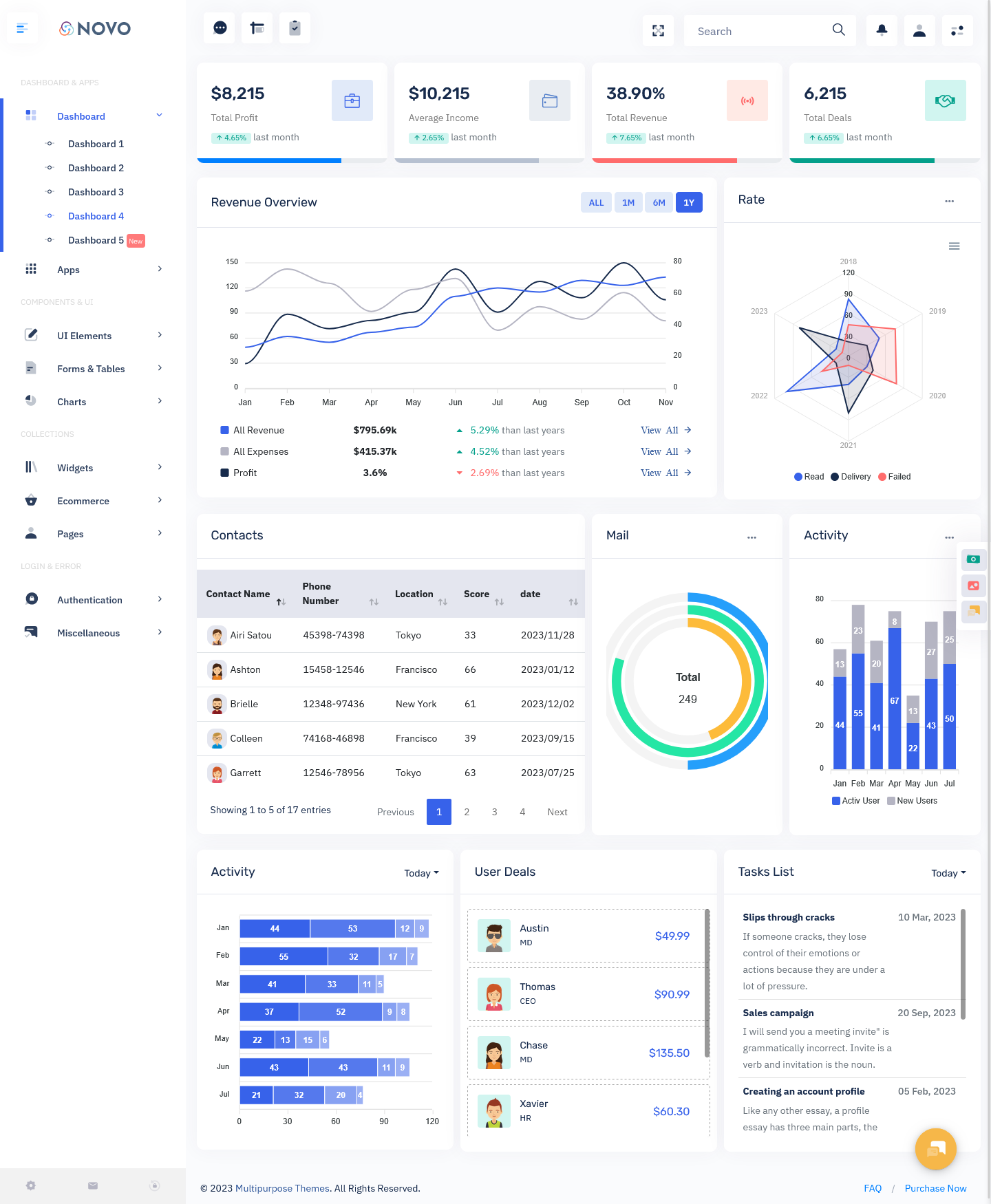
Explore New Dashboard of Novo Admin
BUY NOW DEMO
Key Features
1. Real-Time Dashboard Overview
The dashboard overview gives administrators a quick look at important business information from one central screen. Key statistics, performance indicators, recent activities, and other essential data can be displayed through cards and visual summaries. This makes it easier to understand the current status of your application without opening multiple pages. With a clean Admin Dashboard UI, users can quickly find the information they need and focus on important tasks. The organized layout also provides a strong foundation for applications that require regular monitoring and reporting.
2. Advanced Data Visualization
Complex business data becomes easier to understand when it is presented visually. Our Bootstrap Admin Template includes flexible areas for charts, graphs, progress indicators, and other visualization components. These elements can be used to display sales trends, user activity, revenue data, project progress, or application statistics. Visual reports help administrators compare information and identify changes more easily than working with large amounts of raw data. The responsive chart layouts also help maintain a consistent experience across different screen sizes.
3. User and Role Management
User management is an essential part of any contemporary admin panel. An organized Bootstrap Admin Panel provides specific areas for user records, account details, roles, privileges, and all settings related to access. One can manage users in the correct way and implement workflows that suit their requirements, making it straightforward. The use of tables, forms, drop-down lists, and status indicators allows for smooth management of users. This feature could be applied for SaaS applications, in-house business systems, e-commerce platforms, and other online applications that have a big number of users and administrators.
4. Reports and Performance Tracking
An Admin Dashboard should make reports simple to find and easy to read. Special areas for reports can show how a business is doing, what the applications are doing, sales details, money information or other specific project numbers. Using the Bootstrap Admin Theme developers can put together tables, graphs, options to filter and quick info boxes to build clear reporting pages. People can look at the data, see how things change over time and get more details when they need to. This makes the dashboard data into help, for keeping track of daily business activities.
5. Responsive and Mobile-Friendly Layout
The software needs to be compatible with desktops, tablets, and mobile phones. The Bootstrap Admin Theme comes with responsive design features which make it possible to reposition dashboard elements based on screen sizes. It is easy to change positions for the cards, the navigation bars, and other elements without making it hard for the user to access them. Responsive Admin Dashboard UI is very important for users who need to keep track of the application and the company news while using various devices.
6. Reusable UI Components
The development of each dashboard component from the very beginning can be time-consuming. Our Bootstrap Admin Template has useful components like buttons, cards, forms, navigation components, alerts, tables, and additional commonly used UI components. The developers can mix and match and modify these components to fit the objectives of their project. Such reusable UI elements allow you to keep a uniform design in the application.
7. Easy Customization and Scalable Design
Every project requires a different set of specifications; therefore, the admin panel has to be flexible enough so that it scales along with the application. The Admin Panel provided by us is fully customizable where developers can personalize layout, color scheme, fonts, navigation, dashboard elements, and UI elements as per their needs. New elements can be added to the interface as and when required, and the existing elements can be customized without having to make changes to the entire design.
Explore Other Dashboards of Novo Admin
Dashboard: 1
BUY NOW DEMO
Dashboard: 2
BUY NOW DEMO
Dashboard: 3
BUY NOW DEMO
Latest Upgraded Dashboard
BUY NOW DEMO
Who Can Use This Admin Dashboard?
SaaS and Web Applications
An adaptable Admin Dashboard UI is essential for SaaS solutions and web applications that rely on operators to monitor users, specific application workflows, subscriptions, reports, and system settings. A good dashboard can combine these functions in one place, allowing better control of the application and simplifying everyday tasks.
Business Management Systems
Firms are able to make use of the Bootstrap Admin Panel for managing key details relating to their business operations like employees, projects, tasks, reports, and performance statistics. Rather than keeping different systems for different processes, one can integrate all the necessary tools in a single administration panel.
eCommerce Platforms
For eCommerce applications the dashboard can be set up to show orders, products, customers, sales data, inventory information and other details related to the store. A responsive Bootstrap Admin Template offers developers a to-use structure that can easily fit the unique workflow of an online store.
Analytics and Reporting Applications
Applications that work with large amounts of data can benefit from an admin interface focused on charts, tables, filters, and performance summaries. A Bootstrap Admin Theme provides reusable UI elements that can be arranged to create clear reporting screens and make complex information easier to review.
Project and Team Management
Project-based applications can use the dashboard to organize tasks, deadlines, team activities, project status, and progress information. With tables, cards, status indicators, and activity sections, managers can create a practical workspace for keeping track of ongoing work.
Internal Admin Systems
Organizations can also use an Admin Dashboard UI for internal tools such as employee management, reports, communication, settings, and workflow monitoring. The customizable structure makes it possible to create an interface around internal processes instead of adapting business operations to a fixed dashboard layout.
Custom Web Applications
The Bootstrap Admin Template can also serve as a starting point for custom web applications with unique requirements. Developers can customize navigation, layouts, components, colors, typography, charts, and tables to create an admin interface that matches the application’s functionality and design.
Conclusion
Conclusion
A proper Admin dashboard UI allows for managing application data, monitoring the work of the application, and obtaining necessary information all in one place. The usage of organized layouts, responsive components, charts, tables, and reusable UI will allow the administrator to complete simple tasks easily.
Multi-Purpose Themes provides a Bootstrap Admin Panel & Bootstrap Admin Template that helps developers start from a flexible template and customize the layout based on their web application needs. These could range from Software-as-a-Service, eCommerce websites to business and analytics platforms.
With a Bootstrap Admin Theme developers can make dashboards that look and work well on desktops, tablets and mobile phones. The design stays the same no matter what device you use. It’s easy to change things because the components can be customized. You can add parts or update the dashboard when the app needs change. This helps keep the interface clean and useful over time.
Whether designing a brand new administrative system or making improvements to an existing system, Multi-Purpose Themes offers effective dashboard model templates to make things easier when designing the interface and providing a high-quality organization and administration experience.
FAQs
1.What is the purpose of this new dashboard?
The purpose of this new dashboard is to offer a centralized system where administrators and managers can monitor sales performance, financial health, contacts, activities, and tasks in real-time. It improves productivity by providing quick access to essential business metrics.
2.Can this Dashboard Template be customized easily?
Yes, since it is built on Bootstrap 5 Admin Template, customization is flexible, allowing users to modify layouts, add or remove components, and adjust styling to match their business requirements.
3.Is this dashboard suitable for mobile devices?
Absolutely. It is fully responsive and works smoothly on mobiles, tablets, laptops, and large screen displays, delivering a consistent and user-friendly experience across all devices.
4.Who should use this Admin Dashboard?
This dashboard is ideal for startups, corporate businesses, e-commerce firms, software agencies, marketing agencies, educational institutions, and financial consultants who need real-time performance visualization and efficient workflow management.
5.Does this dashboard include data visualization tools?
Yes, it includes interactive charts, radar graphs, bar charts, and visual performance indicators that transform numbers into easy-to-understand graphical analytics.
6. Can this Admin Dashboard be used for different types of applications?
Yes. The dashboard can be adapted for SaaS platforms, eCommerce websites, business management systems, analytics applications, project management tools, and other web-based applications. Its flexible layouts and reusable components allow developers to organize the interface according to their project requirements.
7. What UI components are included in the Bootstrap Admin Template?
The Bootstrap Admin Template includes commonly used UI elements such as cards, tables, charts, forms, buttons, navigation menus, alerts, tabs, and data visualization components. These elements can be customized and combined to create a complete admin interface.
8. Why choose a Bootstrap Admin Theme for web applications?
A Bootstrap Admin Theme provides a structured and responsive foundation for building an admin interface. It reduces the effort required to create common UI elements from scratch while offering a consistent design that developers can customize according to their application’s needs.

Related Posts