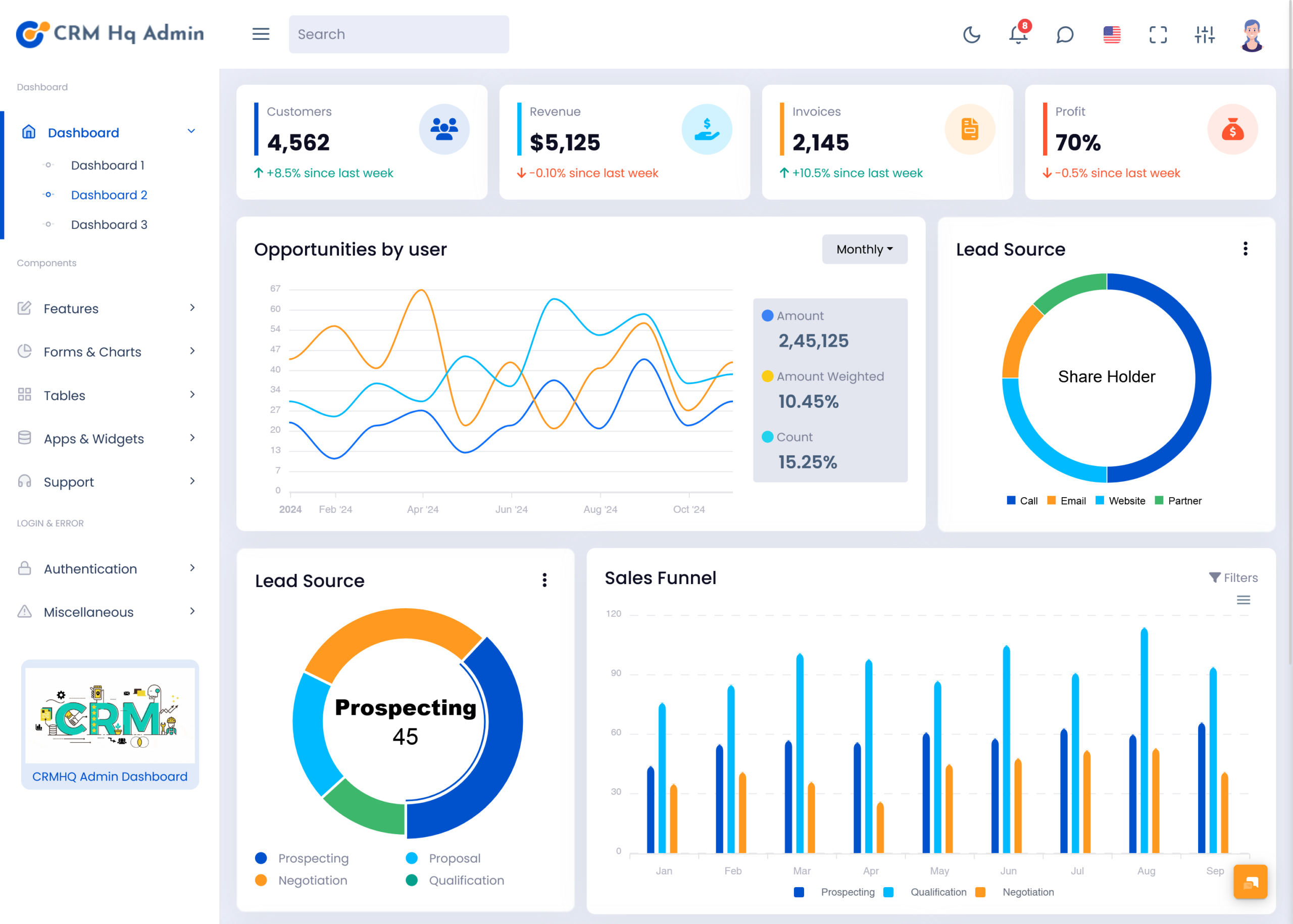
Therefore the CRM Dashboard is a working space where one can store, view and move…
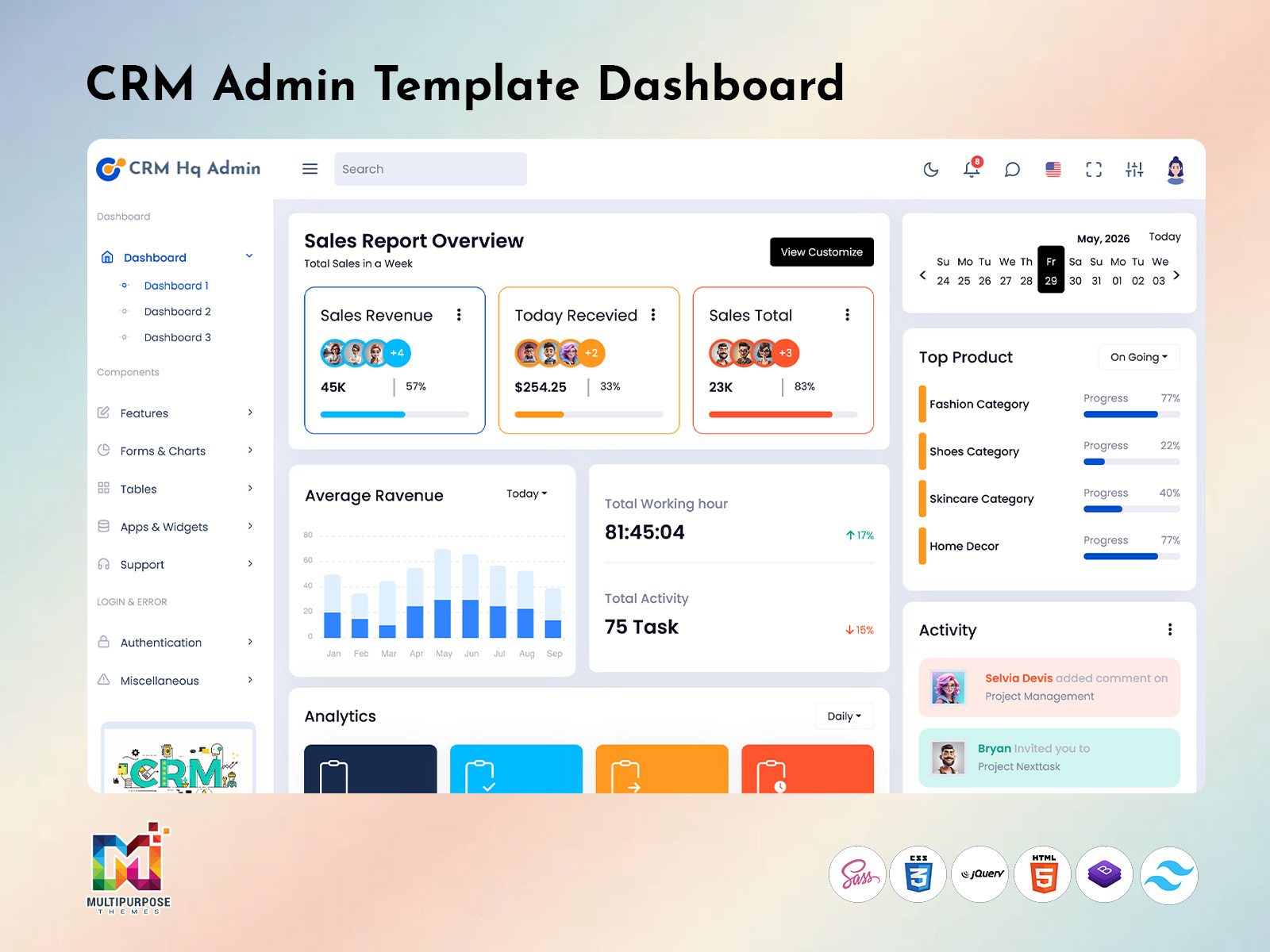
70+ Creative CRM Admin Template Dashboard Platforms for Business 2026
Reading Time: 8 minutes
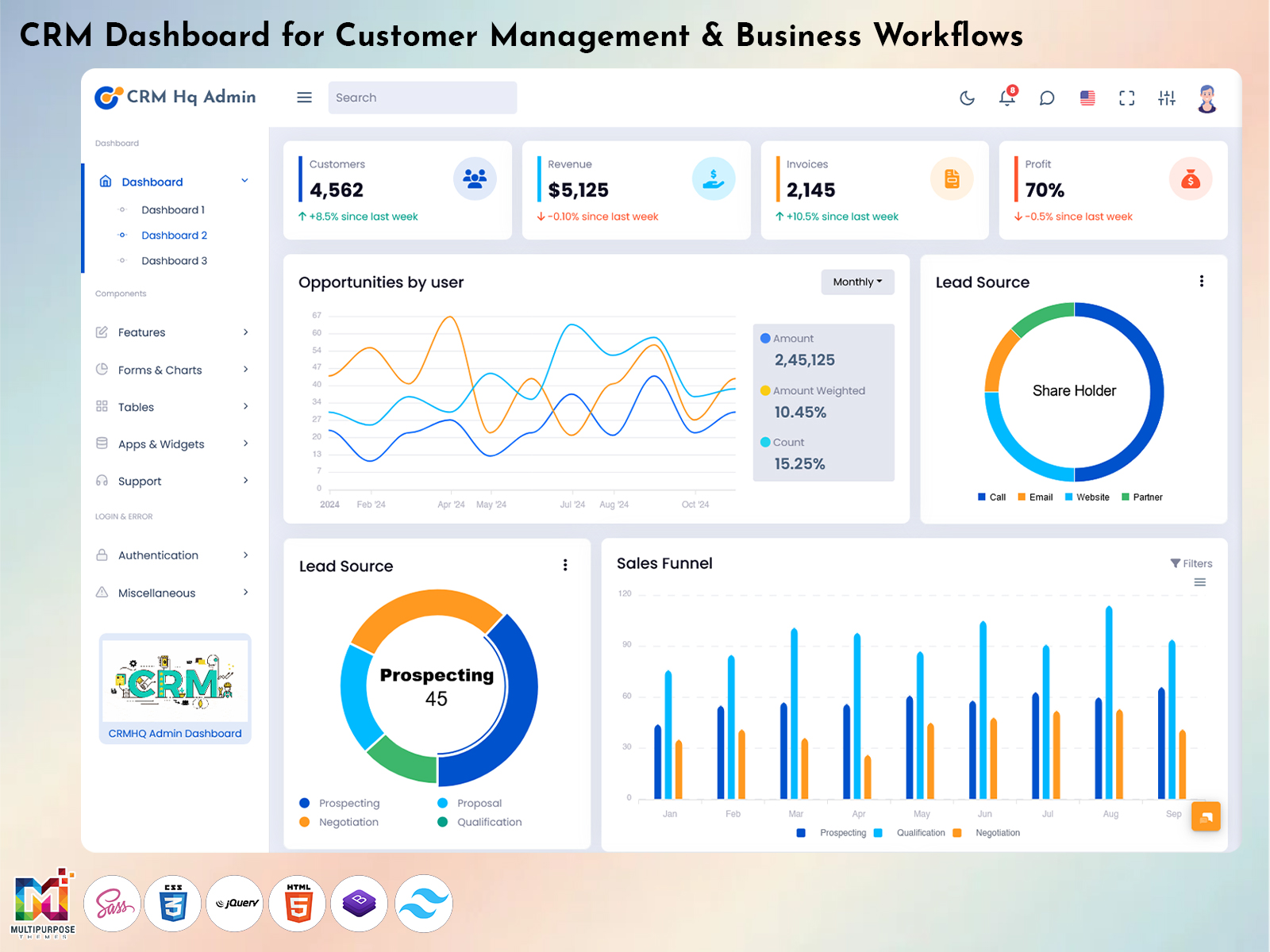
Modern businesses require organized systems to handle customer communication, sales activities, project coordination, and performance tracking efficiently. A powerful CRM Admin Template Dashboard helps companies manage all business operations from one centralized platform without handling multiple disconnected tools. It simplifies customer interaction management, employee monitoring, sales reporting, and operational analysis through structured interfaces and real-time updates. Businesses can improve workflow efficiency while maintaining better communication between departments and teams.
Watch Full Video
Today, organizations prefer advanced CRM Software Dashboard solutions because they provide automation, flexibility, and data-driven reporting features. Modern CRM WebApp Dashboard systems support customer engagement, sales pipeline tracking, team collaboration, and business analytics through responsive layouts and organized navigation structures. Companies also use CRM Bootstrap Dashboard technologies to ensure smooth accessibility across desktops, tablets, and smartphones while maintaining a professional user experience for all operational activities.
In addition, businesses now focus heavily on CRM Dashboard Design and CRM Analytics Dashboard tools to improve reporting accuracy and decision-making processes. These intelligent systems help organizations monitor performance, analyze customer behavior, manage accounts, and evaluate employee productivity more efficiently. With advanced visualization tools and organized reporting sections, CRM platforms continue transforming business management and customer relationship operations in 2026.
Overview of CRM Admin Template Dashboard
A modern CRM Admin Template Dashboard helps businesses organize customer operations, sales activities, employee monitoring, and project coordination from a centralized management system. Companies use these platforms to simplify workflow management, improve communication, and monitor business performance more effectively. With advanced CRM Admin Dashboard features, organizations can handle customer records, task assignments, account management, and reporting functions without switching between multiple systems. These structured platforms improve productivity while helping businesses maintain smoother operational control.
Today, businesses prefer CRM Platform Dashboard systems because they combine automation, analytics, and responsive interfaces into one professional environment. Modern CRM Web Application Kit solutions and CRM Ui Kit technologies improve usability through organized navigation panels, responsive components, and simplified management tools. Companies also benefit from CRM Design Dashboard structures that present business insights, sales records, customer information, and operational reports in visually organized layouts. These advanced CRM Dashboards continue supporting efficient business management, smarter reporting, and improved customer relationship handling for modern enterprises in 2026.
BUY NOW
CRM Platform Dashboard for Business Management
A CRM Platform Dashboard helps businesses manage customer communication, sales activities, employee coordination, and operational processes through one organized system. Companies use these platforms to simplify workflow management while improving efficiency across departments. Modern CRM Software solutions support customer tracking, task management, account handling, and reporting functions that help organizations maintain better operational control. Businesses can also monitor customer interactions and project progress through centralized dashboards designed for faster business management.
Advanced CRM WebApp Dashboard systems and CRM Bootstrap 5 Dashboard technologies improve accessibility across desktops, tablets, and mobile devices for smooth operational performance. These platforms also include CRM Project Management features, reporting sections, and CRM Analytics tools that help companies evaluate business performance more accurately. With responsive CRM Responsive Template structures and organized CRM Admin Panel Dashboard layouts, businesses can improve productivity, monitor sales activities, and manage customer relationships more effectively in competitive digital environments.
CRM Sales Dashboard Design for Weekly Performance Tracking
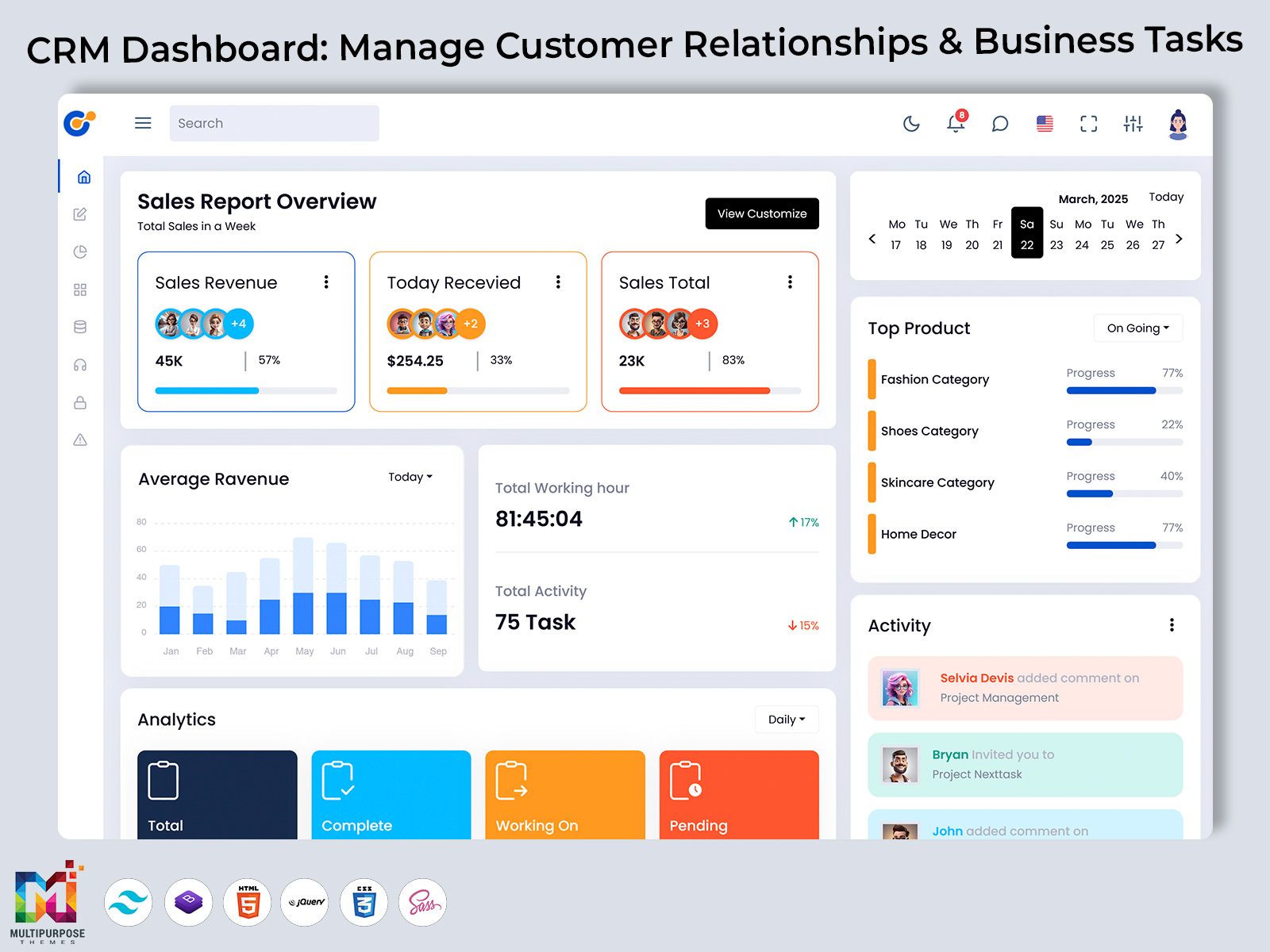
A CRM Sales Dashboard Design helps businesses monitor weekly sales performance, customer interactions, and revenue progress through organized reporting systems. Companies use these dashboards to track sales targets, analyze team productivity, and review customer conversion activities from a centralized platform. Modern CRM Sales Dashboard systems simplify sales monitoring by presenting reports, charts, and performance summaries in structured visual layouts. This allows management teams to identify growth opportunities and improve decision-making processes more efficiently.
Businesses also benefit from CRM Sales Analytics Dashboard features that provide real-time updates for sales activities, lead management, and customer engagement tracking. Advanced CRM Sales Charts and CRM Analytics Dashboard Design structures improve data visualization by displaying weekly performance trends through interactive graphs and organized reporting panels. Combined with CRM Software Dashboard Design technologies, these systems help organizations maintain accurate reporting, improve sales planning, and manage operational performance more effectively while supporting long-term business growth strategies.
Sales Report Overview and Total Sales in a Week
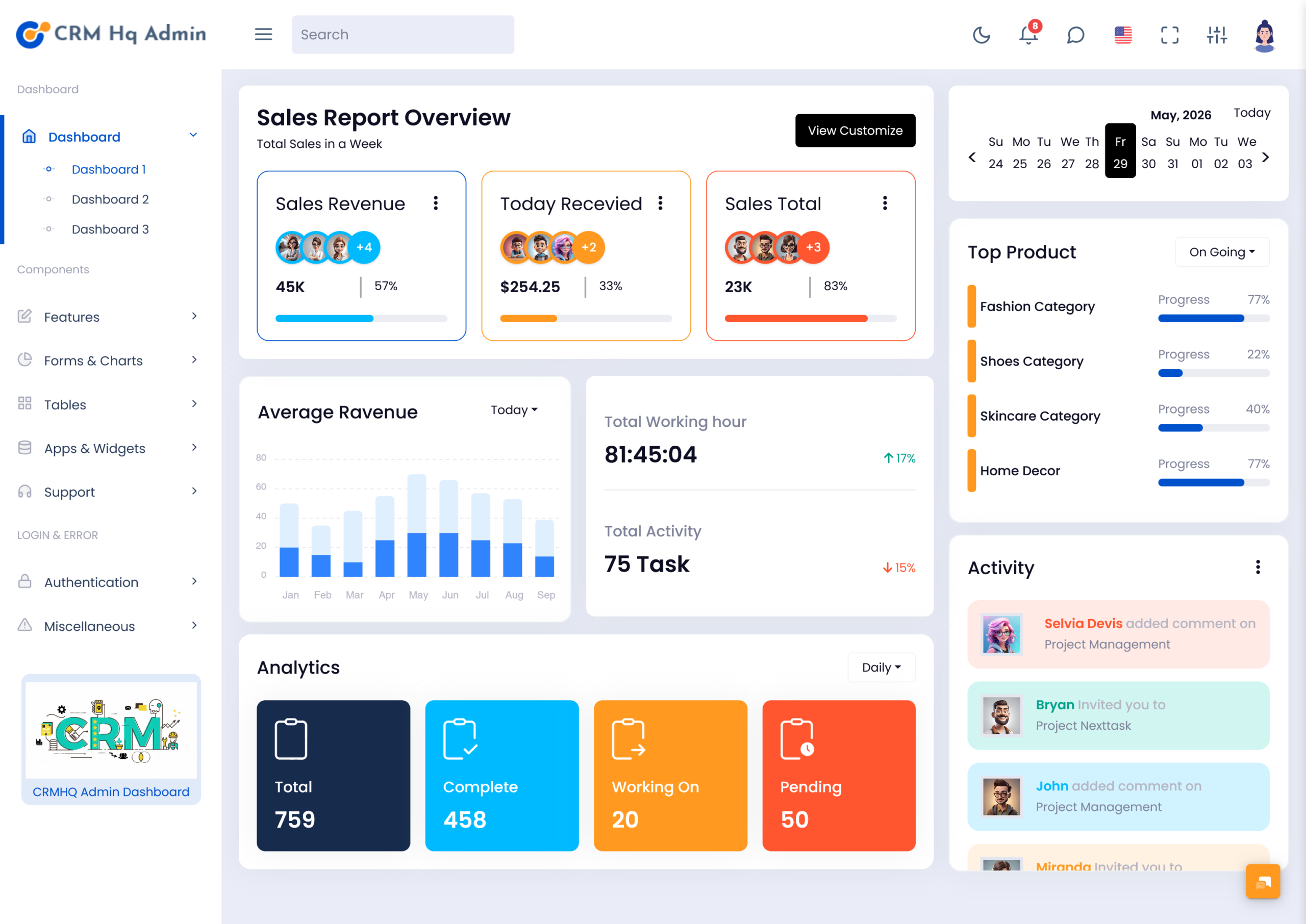
Sales reporting systems play an important role in helping businesses understand weekly business performance and customer activity. A structured CRM Dashboard provides organized access to sales summaries, revenue reports, customer transactions, and operational insights from one centralized interface. Companies use these systems to monitor completed deals, analyze sales growth, and evaluate business progress more efficiently. Weekly reporting sections help management teams identify performance trends while improving planning and decision-making for future sales activities.
Modern CRM Analytics Dashboard solutions and Analytics Dashboard technologies improve reporting accuracy through visual charts, organized data tables, and real-time updates. Businesses can track total sales in a week, customer engagement levels, and operational performance using advanced CRM Project Data Dashboard systems. These platforms also support CRM Sales Dashboard reporting structures that simplify business analysis through interactive visual layouts and organized performance summaries. With advanced reporting tools and automated tracking features, companies can improve operational efficiency and maintain better control over sales management processes.
Average Revenue Analytics in CRM Software Dashboard
Average revenue analysis helps businesses understand financial performance, customer value, and overall sales efficiency through organized reporting systems. A modern CRM Software Dashboard provides structured revenue tracking tools that allow companies to monitor earnings, customer purchases, and operational growth from a centralized platform. Businesses use these systems to evaluate financial performance over different periods while identifying profitable products, services, and customer segments for better strategic planning.
Advanced CRM Analytics and CRM Analytics Dashboard platforms improve revenue monitoring through visual charts, interactive reports, and automated calculation systems. These tools help management teams analyze average revenue trends, sales performance, and customer spending behavior more accurately. Businesses also benefit from CRM Project Dashboard features and CRM Project Data systems that organize operational insights alongside financial reporting. Combined with CRM Dashboard UI Kit technologies and responsive CRM App Dashboard structures, these solutions simplify revenue management while improving business forecasting, reporting accuracy, and long-term financial planning for growing organizations.
BUY NOW
Total Working Hour and Employee Activity Monitoring
Employee performance tracking is an essential part of modern business management systems. A professional CRM Management Dashboard helps companies monitor total working hours, employee productivity, attendance records, and operational activities through a centralized reporting interface. Businesses use these systems to manage workforce efficiency, assign tasks, and evaluate daily operational performance more effectively. Organized monitoring tools help management teams maintain better coordination while improving overall workplace productivity.
Modern CRM Admin Dashboard and CRM Project Management Dashboard platforms simplify employee activity monitoring through automated reports, task tracking sections, and real-time operational updates. Businesses can analyze completed assignments, pending activities, and team performance using advanced CRM Project Software solutions and CRM Project Management tools. These platforms also integrate CRM Web Design structures and CRM WebApp Template technologies to improve accessibility across devices while maintaining smooth workflow management. With organized reporting systems and responsive operational dashboards, companies can improve employee management, increase efficiency, and support better business performance across departments.
Advantages of CRM Dashboard Platforms
1. Better Customer Relationship Management
Modern CRM Dashboard systems help businesses organize customer communication, account details, service requests, and interaction history from one centralized platform. Companies can respond faster to customer needs while improving long-term relationship management. Organized customer tracking also supports better communication between departments and improves overall customer satisfaction through efficient service handling.
2. Improved Sales Performance Tracking
Advanced CRM Sales Dashboard and CRM Sales Analytics Dashboard systems help organizations monitor sales progress, revenue trends, and team performance more accurately. Businesses can review sales reports, analyze conversion rates, and identify growth opportunities using structured reporting tools. This improves decision-making while helping companies maintain better control over operational performance.
3. Simplified Project and Workflow Management
A professional CRM Project Management Dashboard supports task assignment, workflow organization, project tracking, and operational coordination through centralized management tools. Businesses can monitor project progress, employee activities, and pending operations more efficiently while maintaining smoother collaboration between departments and management teams.
4. Real-Time Analytics and Reporting
Modern CRM Analytics Dashboard platforms provide real-time business insights through charts, visual reports, and organized data structures. Companies can monitor customer behavior, sales performance, operational efficiency, and financial progress instantly. These reporting tools improve forecasting accuracy while helping businesses make smarter strategic decisions.
5. Responsive Access Across Multiple Devices
Businesses benefit from CRM Bootstrap 5 Dashboard and CRM Responsive Template technologies because they improve accessibility across desktops, tablets, and smartphones. Employees and management teams can access reports, customer records, operational updates, and analytics dashboards from different devices while maintaining smooth workflow management and business continuity.
CRM Analytics Dashboard for Business Insights
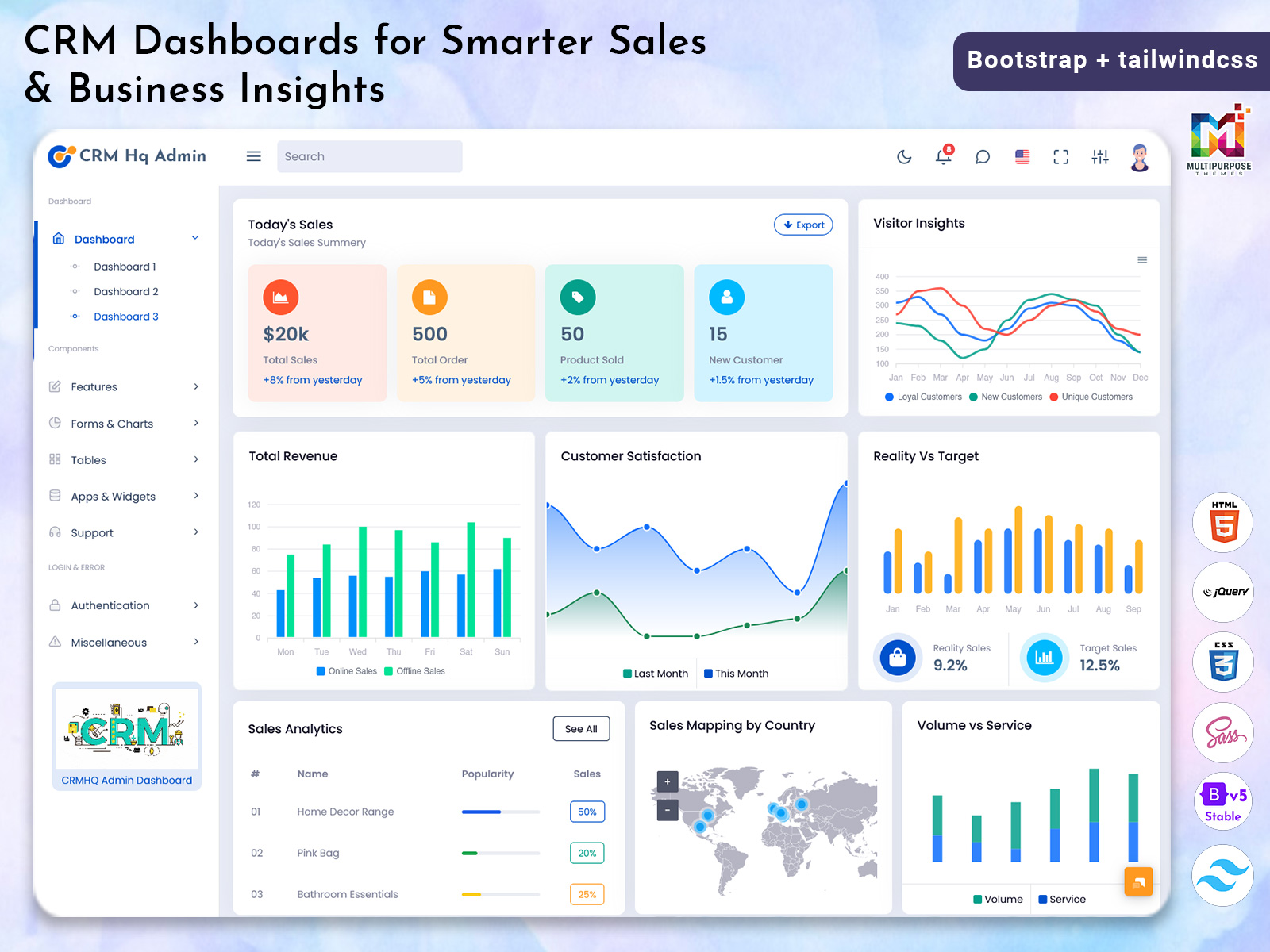
A CRM Analytics Dashboard helps businesses understand customer behavior, operational performance, and sales activities through organized reporting systems and visual data analysis tools. Companies use these platforms to monitor customer engagement, track revenue performance, and evaluate business growth more efficiently. Advanced reporting structures simplify complex business data by presenting insights through charts, graphs, and organized dashboard sections that improve decision-making processes for management teams.
Modern CRM Analytics Dashboard Design systems and Analytics Dashboard technologies improve reporting accuracy through real-time monitoring and automated business analysis tools. Businesses can review customer interactions, operational trends, and performance reports using structured CRM Project Data Dashboard platforms and responsive CRM App interfaces. These systems also integrate CRM Software Dashboard Design features that improve accessibility, navigation, and workflow efficiency across departments. With advanced business intelligence tools and organized reporting environments, companies can identify opportunities, improve operational planning, and support long-term business growth strategies more effectively.
Analytics Overview Total Complete Working On and Pending
An organized analytics overview helps businesses monitor operational progress, completed tasks, ongoing activities, and pending workflows from a centralized reporting environment. Modern CRM Dashboards simplify business tracking by displaying total completed operations, active projects, pending assignments, and overall workflow status through structured visual interfaces. Companies use these systems to maintain better operational control while improving productivity, communication, and task management across different departments.
Advanced CRM Admin Template and CRM Admin Template Dashboard systems improve reporting efficiency by combining operational analytics, employee activity tracking, and project monitoring tools within one platform. Businesses can review total completed tasks, current working operations, and pending activities through organized CRM Project Dashboard structures and responsive CRM WebApp Dashboard technologies. These systems also support CRM Project Data analysis and operational forecasting through interactive charts and visual reporting panels. With advanced CRM Bootstrap Dashboard layouts and automated workflow monitoring, companies can improve operational planning, reduce delays, and manage business activities more effectively.
CRM Project Management Dashboard for Team Operations
A CRM Project Management Dashboard helps businesses organize team activities, project workflows, task assignments, and operational coordination through one centralized platform. Companies use these systems to manage deadlines, monitor project progress, and improve collaboration between departments more efficiently. Structured management tools simplify operational planning while helping teams maintain better communication and workflow transparency across different business processes.
Modern CRM Project Management systems and CRM Project Software platforms improve operational efficiency through real-time task tracking, project reporting, and employee coordination tools. Businesses can monitor project timelines, evaluate team productivity, and manage CRM Project Data using responsive CRM App Dashboard technologies and organized CRM Admin Panel Dashboard interfaces. These platforms also integrate CRM Ui Framework components and CRM Dashboard Ui Kit structures that improve accessibility, navigation, and workflow management across devices. With organized reporting systems and advanced operational tools, companies can improve teamwork, increase productivity, and maintain smoother project execution for long-term business growth.
Conclusion
Modern businesses require organized systems to handle customer operations, sales coordination, and internal workflow management efficiently. A CRM Admin Template helps companies manage tasks, monitor employee performance, and organize operational activities from a centralized platform. These systems improve communication between departments while helping businesses maintain better control over ongoing projects and daily operations through structured reporting tools.
Advanced CRM App Dashboard technologies and CRM WebApp Dashboard platforms improve workflow visibility through real-time updates, responsive layouts, and organized reporting sections. Businesses can track project progress, monitor operational activities, and evaluate team productivity more effectively using centralized management systems. With better workflow organization and simplified reporting structures, companies can improve efficiency, reduce operational delays, and support long-term business growth strategies.
FAQs
1. What is a CRM Dashboard used for?
A CRM Dashboard is used to manage customer relationships, monitor sales activities, track employee performance, and analyze business operations through a centralized platform.
2. Why is a CRM Admin Dashboard important for businesses?
A CRM Admin Dashboard helps businesses organize workflows, manage customer data, improve communication, and monitor operational performance more efficiently.
3. What are the benefits of a CRM Sales Dashboard?
A CRM Sales Dashboard helps companies track sales performance, monitor revenue growth, analyze customer behavior, and improve decision-making using real-time reports.
4. How does a CRM Analytics Dashboard improve reporting?
A CRM Analytics Dashboard provides visual reports, charts, and business insights that help organizations evaluate performance, customer engagement, and operational trends accurately.
5. What is included in a CRM Admin Template Dashboard?
A CRM Admin Template Dashboard usually includes sales reports, customer management sections, analytics tools, project tracking systems, charts, forms, and workflow management features.
6. Why do businesses use CRM Bootstrap 5 Dashboard systems?
Businesses use CRM Bootstrap 5 Dashboard platforms because they provide responsive layouts, mobile accessibility, organized interfaces, and smooth operational management across devices.
7. How does CRM Project Management help teams?
CRM Project Management systems help teams organize tasks, track progress, manage deadlines, improve collaboration, and maintain better operational coordination within projects.

Related Posts