

Keeping track of customer information gets harder as a business deals with more questions, chats,…
CRM Dashboard: A Practical Workspace for Customer Relationship Management Essay
Reading Time: 12 minutes
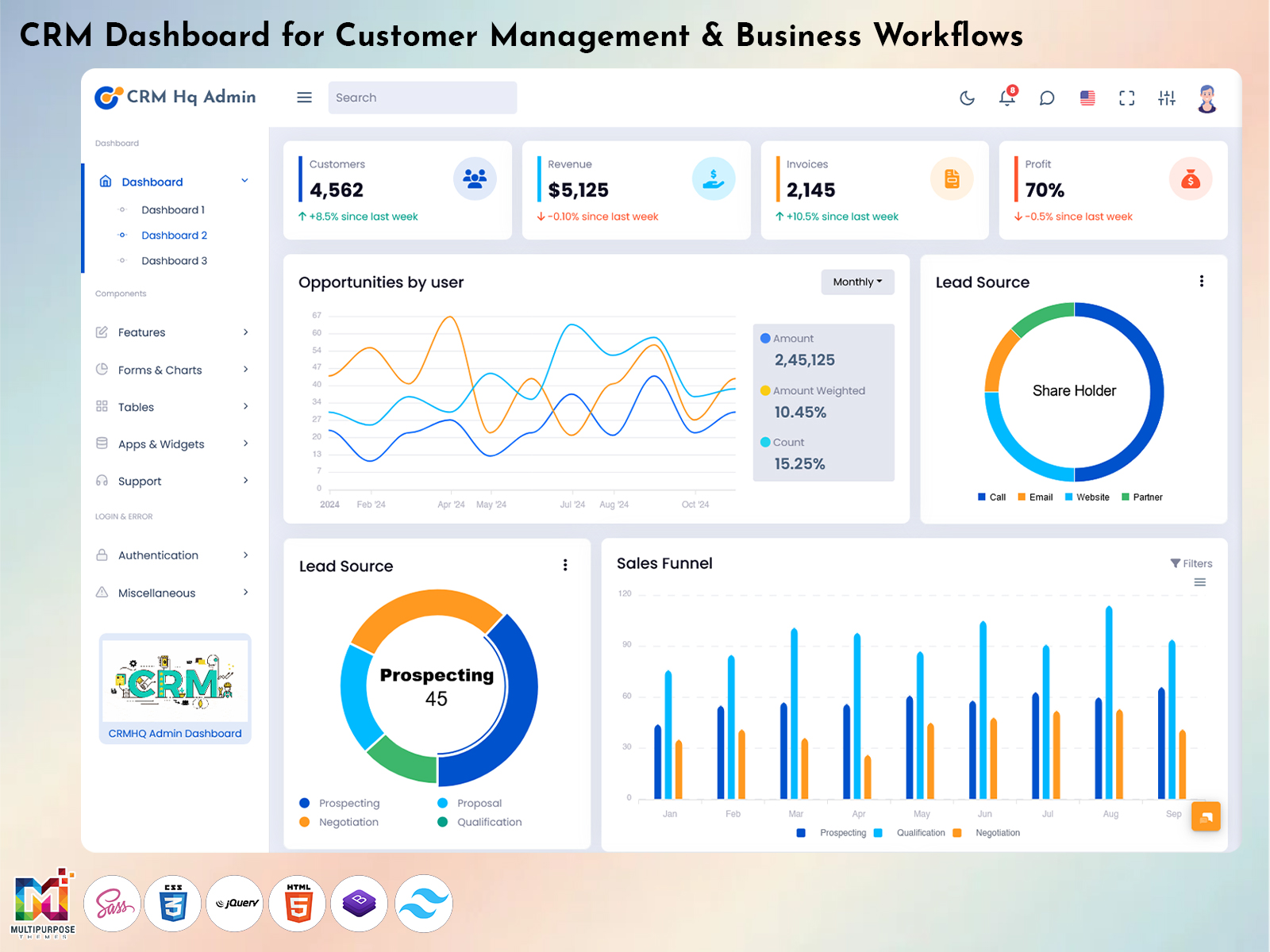
Therefore the CRM Dashboard is a working space where one can store, view and move through information about customers and company operations. Moreover it lets one get an overview of the activities related to clients and switch between different parts of the application. From this perspective the dashboard’s value depends on the organization’s characteristics and the list of required functions. For example a small business may need a few working spaces while a large company may need multiple areas for salespeople, operators, managers and other employees.
Watch Full Video
For developers a dashboard offers a chance to reduce the time spent on creating the applications prototype. One can customize a set of components. Build an interface based on the established branding, data, user roles and other factors.
What Is a CRM Dashboard?
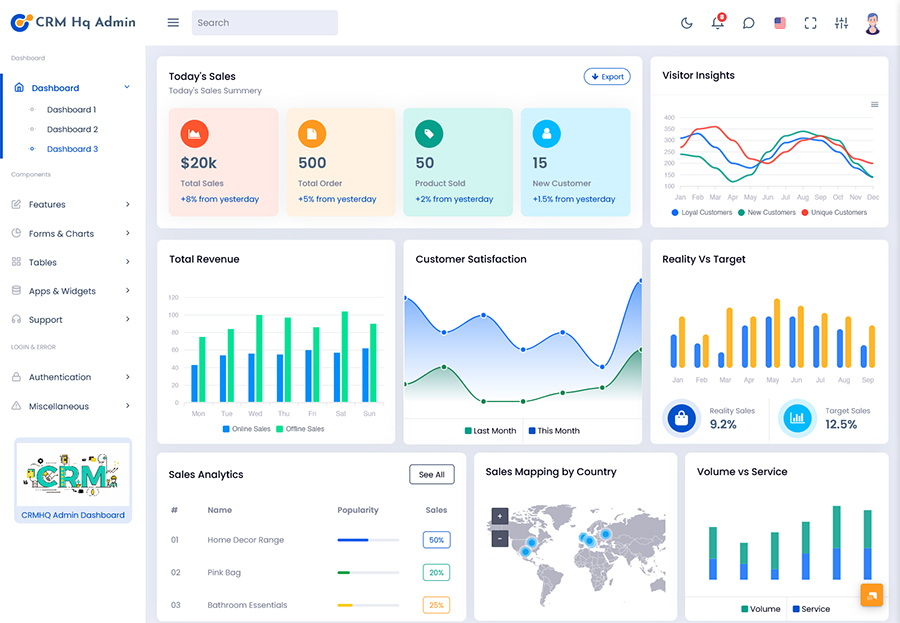
A CRM Dashboard is an interface with organized information and activities related to clients and company operations. One can see customer data, leads, opportunities, communication, follow-ups, requests and other details in a way.
In doing it is important to set up a reliable set of functions and delete unnecessary data to give a user a clear picture of the current operations. For example a manager who checks the status of deals needs a different set of tools and data compared to a sales representative who looks at customer details.
Inside the CRM Dashboard one can see the activities connected to the client and move between them instead of looking over multiple documents and pages. In short the dashboard acts like spreadsheets, emails, reports and other functions that are combined based on several criteria, such as data, activities, communication and roles.
Furthermore the CRM Dashboard should not have all details in one place because it creates mental effort and wastes time. It is better to offer an overview and return to a deeper analysis of a specific section. For example the CRM Administrator side of the application contains user management, permission settings, record management, reports and other functions. It is separated from the working space to avoid confusion and unnecessary actions.
Additionally the CRM Dashboard helps in tracking the operations and connects related activities. For instance a client can come to an operator via website, social media, phone or email. The online or mobile application allows the sales representative to see the request and store additional notes and comments. Meanwhile the contact information, phone number and other data are not changed, making it easier to reach the client and continue the conversation.
It can be noted that the CRM Dashboard arranges the information in spreadsheets, records, lists, pages and other formats. Depending on an organizations needs developers build a working space with a set of tools for customer management, sales, support and other areas.
VIEW DEMO BUY NOW
Creating a Connected Customer Management Workflow
The information related to a customer is more valuable if one can access all details track ongoing operations and store the data in one place. For example sales representatives build long-term relationships with clients, which involves interactions beyond the initial meeting. It is important to see the communication history with the client add notes follow up on recent actions and update the data. When the mentioned activities are combined in one place it reduces the time spent on managing spreadsheets, emails and other documents and eliminates the need for repeating information that is already known.
In the CRM Dashboard one can find opportunities leads and activities related to the same client and view them as separate entities. For example the sales rep has opportunities and activities with a client with one click. Furthermore one can see the communication with a client in the form of a chat, video, phone call or email. Notes and other information should support the conversation to give a representative an idea of the ongoing operations and update the contact data.
At the time the dashboard on the Administrator side can be entirely different because it is aimed at managing users who interact with the application. In essence it is a place for administration, reporting and configuration. The data, reporting and analytics features are grouped together to eliminate mental effort and unnecessary functions. The CRM Administrator side of the application manages users, permissions, data, reporting, analytics and other tools.
One can see the value in bringing functions together and using the dashboard as a navigation tool. It is better to delete information and provide users with the tools to analyze the data. If a user wants to see a list of tasks they should access a dashboard instead of a spreadsheet. It becomes clear that the CRM Dashboard is not about presenting statistical data in a nice form but a working space that helps organize and track activities related to clients and company operations.
Key Features of a CRM Dashboard
1. Customer Profile Management
The CRM dashboard contains customer profiles, which include their contact details, company information, communication history and other data. Profiles serve as a way to find customers and update their records continuously.
2. Lead and Opportunity Organization
Leads and opportunities should be viewed based on their status, which shows their position in the sales cycle. The dashboard connects activities and groups them together to avoid confusion and unnecessary switching between sections.
3. Follow-Up Task Tracking
Tasks and reminders are parts of a dashboard because they allow one to avoid missing important activities and deadlines. Following up on communication with a customer is handled within the task tracking features that show the status, due date and other details of an action.
4. Communication History
The communication history is a feature in a dashboard because it combines related activities, such as phone calls, chats, emails and other interactions. If the application is intended for sales representatives, operators and other specialists the history presents a list of communication attempts and current requests that should be processed.
5. Reports and Data Summaries
The CRM dashboard brings data, reports and other analytical features together in one place. Users choose the type of information that they want to see. The dashboard provides them with opportunities, activities, reminders and other details.
6. Flexible Navigation
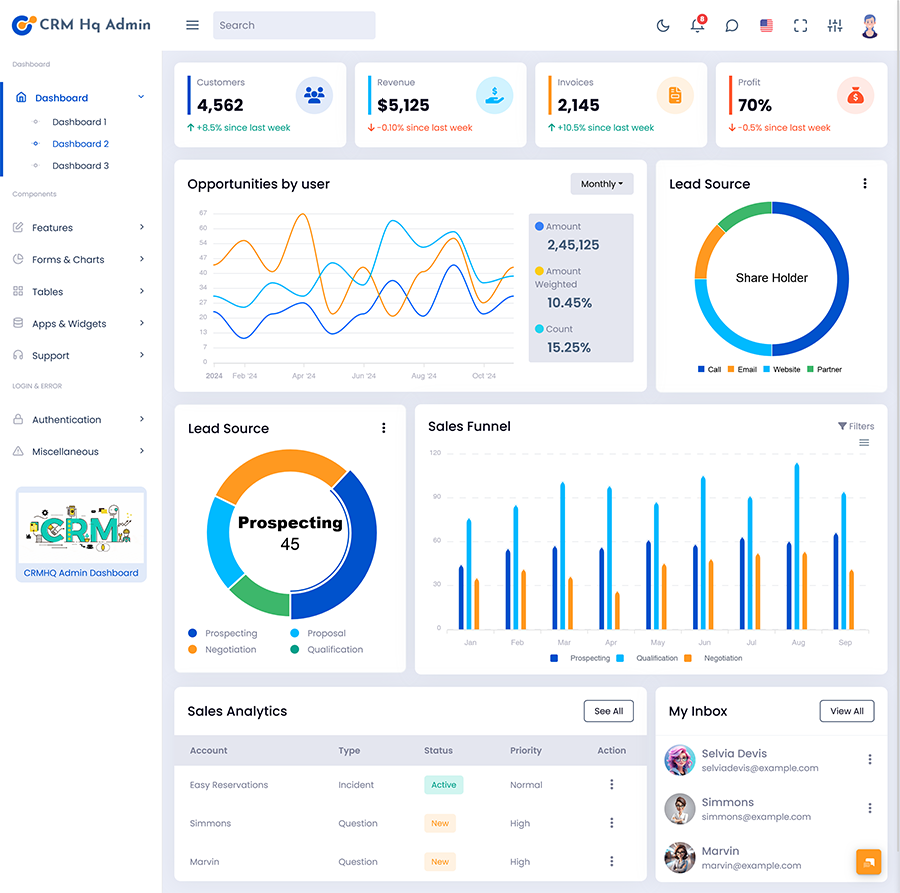
The CRM Dashboard organizes data based on the users’ roles, company requirements and other factors. The interface is divided into sections that combine activities: cards, statistics, menus, tables and other components. A reliable CRM dashboard application helps in delivering the data to users in an methodical way.
VIEW DEMO BUY NOW
Designing CRM Dashboards for Different Business Roles
A CRM system is used by teams and each of them has a different purpose. As a result sales reps see a set of tools and data that represent the opportunities, activities and follow-up tasks. Sales managers on the hand have access to a different dashboard that is focused on the process of managing ongoing deals. Representatives and managers have to go through the application, which means that they see different data and perform different actions.
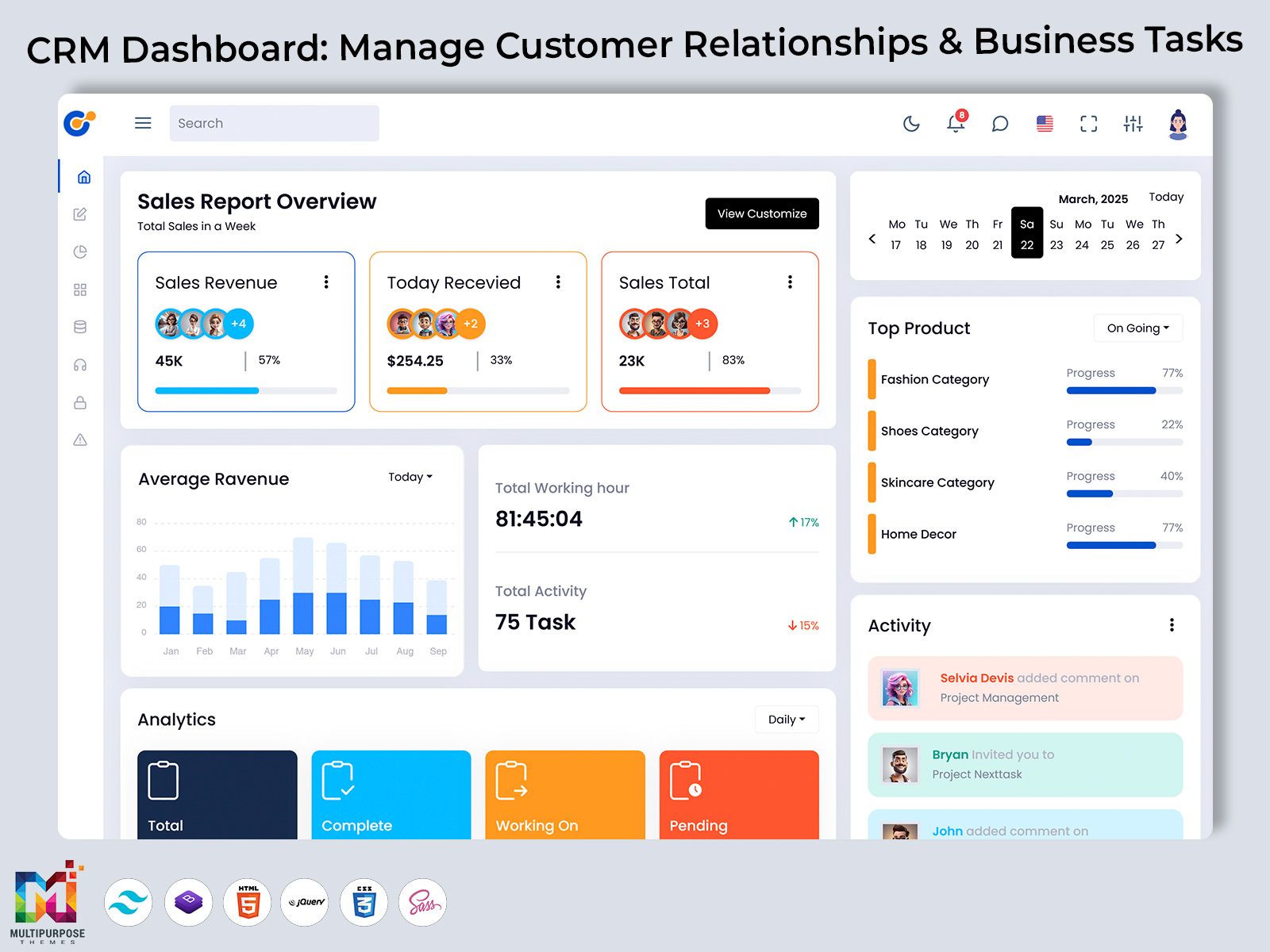
For instance sales representatives view a dashboard that contains leads, opportunities, activities and communication. The sections for reports statistics and user management are not available to them because the role does not have access to these features. In essence a manager sees a dashboard with reports, statistics and an overview of the sales while a sales rep sees a list of tasks, opportunities and related activities. Furthermore it is possible to customize the CRM dashboard according to the users’ needs and preferences. One can make the following changes:
- Choose a list of sections, cards, data views and other components.
- Customize the application’s interface in terms of menus, tables, pages and other elements.
- Manage user roles. Adjust individual settings.
In summary individuals have views of the same data because of their unique sets of tools, functions and features. A dashboard is a navigation tool that serves an user, which ensures that they get the necessary information without wasting time on unimportant details.
When designing a dashboard it is required to consider the following aspects:
- Current. Level of expertise of users.
- Role within the organization which determines the features and data that’re available.
- The application’s purpose and target audience.
- Functions that users want to see.
- Data that is relevant to users and their activities within the application.
The CRM Dashboard helps different users see the data in a way and access the most important functions within the same application. It promotes transparency and efficiency when managing customer relationships because everyone can see the information without confusion and extra mental effort.
CRM Dashboard Benefits
1. Centralized Customer Information
The CRM Dashboard provides a location for the information related to customers and company operations. It becomes easier to find the required data and update it without using documents, sections and applications.
2. Better Follow-Up Visibility
The CRM Dashboard helps in tracking the follow-, up activities that’re due or overdue. A set of tasks, reminders and related activities assist in remaining organized. Never missing a client’s request.
3. Improved Team Coordination
Team coordination gets better because all the information about the client is kept in one place. Everyone, including representatives, managers and other users sees the information. This means that no details about clients are missed.
4. More Organized Business. Workflows
The CRM Dashboard helps to organize the business processes around the client. Shows the current status. It brings together communication, requests, activities and other features to create a workflow.
5. Easier Management Reporting
Management reporting is simpler because the CRM Dashboard gives a view of what is happening. Managers and administrators see the information in a way, which saves time when making reports.
6. Flexible Application Development
The CRM Dashboard is flexible which means developers can change the application to fit what users need and what the company requires. The dashboard offers a base that brings together data, tools and other parts.
7. More Consistent User Experience
Using the set of tools, data, pages and sections in one app makes the user experience better. A good CRM Dashboard app reduces confusion. Helps people learn the interface faster.
Why Multipurpose Themes Can Be Considered For CRM Dashboard Projects
A multipurpose theme for a CRM Dashboard project can help developers who want to create something that can grow with the business. This kind of theme already has a structure with the common UI elements, tools and features. A developer can save time and effort by starting with a made dashboard changing the pages that are needed and adding the functions that are required.
For example a developer can look at a set of dashboards navigation tools, tables, forms and other elements that fit the app’s purpose and layout. In this way a multipurpose theme is a choice that works for many different situations. It gives a chance to change the app of starting from scratch. It becomes easier to adjust the solution to fit what users need and to create an interface that works for all roles.
Themes also have designs that work on all kinds of devices and screen sizes. When an app is used by people it is important that everyone can see the interface properly. Also these themes come with a set of roles and permissions features that show who is responsible for what in the app.
Apps have to work for users who work together to reach a common goal while using the same dashboard. A sales person has limited access to data compared to a manager, who can change settings and see analysis data. From the point of view of a sales person the dashboard becomes a place to see opportunities, activities and related data. The manager on the hand sees the same dashboard as a tool to track reports, statistics and user management settings.
In short a multipurpose theme should have the tools and be flexible enough to fit what developers want and what users need. It will save time and money on the project. Give a good base for the app. Developers can change the theme’s look, color and other parts to match the company’s branding and get the results they want. Also a multipurpose theme usually has back-end solutions and tools for developers to make the setup smooth and match the projects needs.
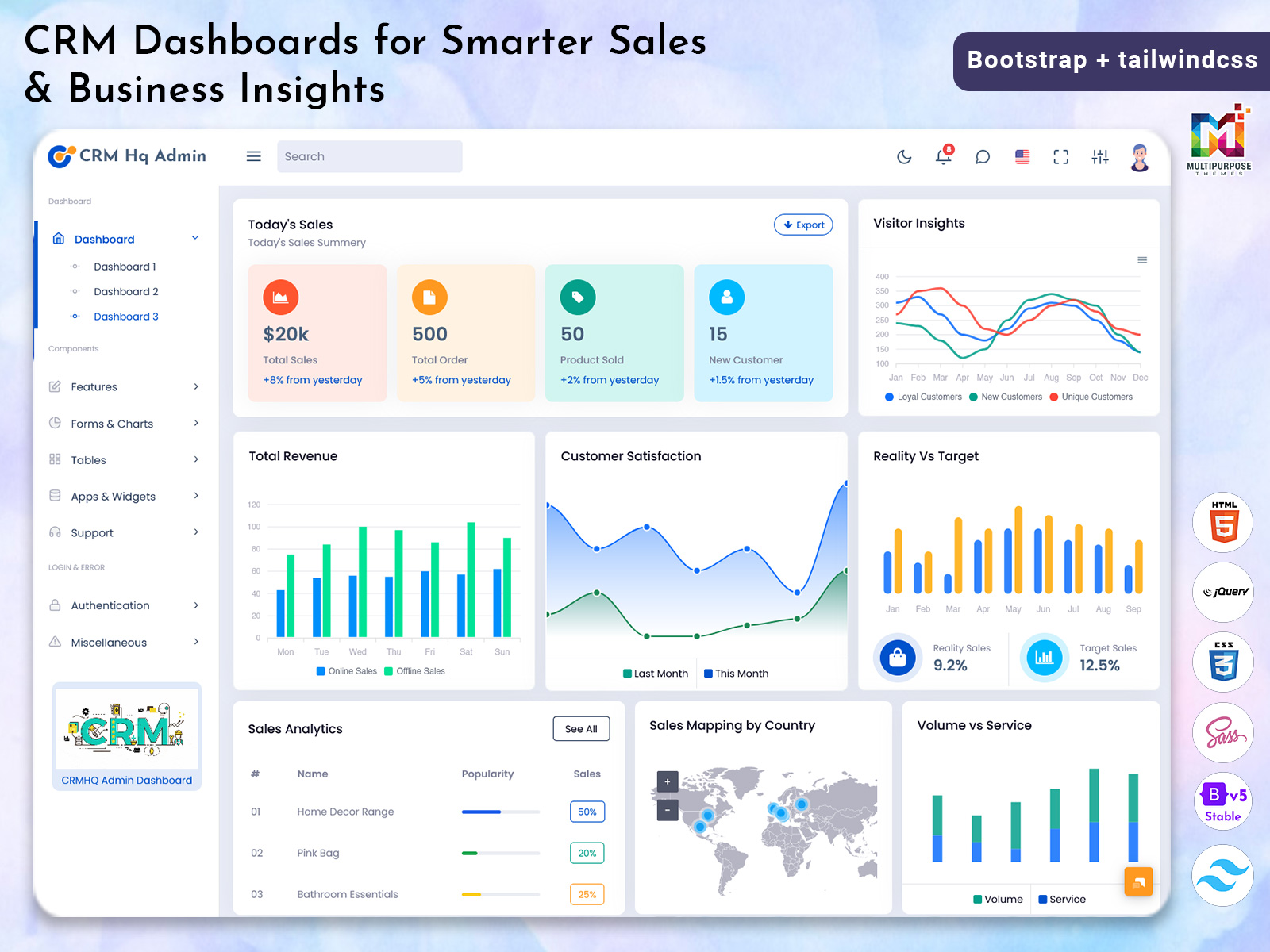
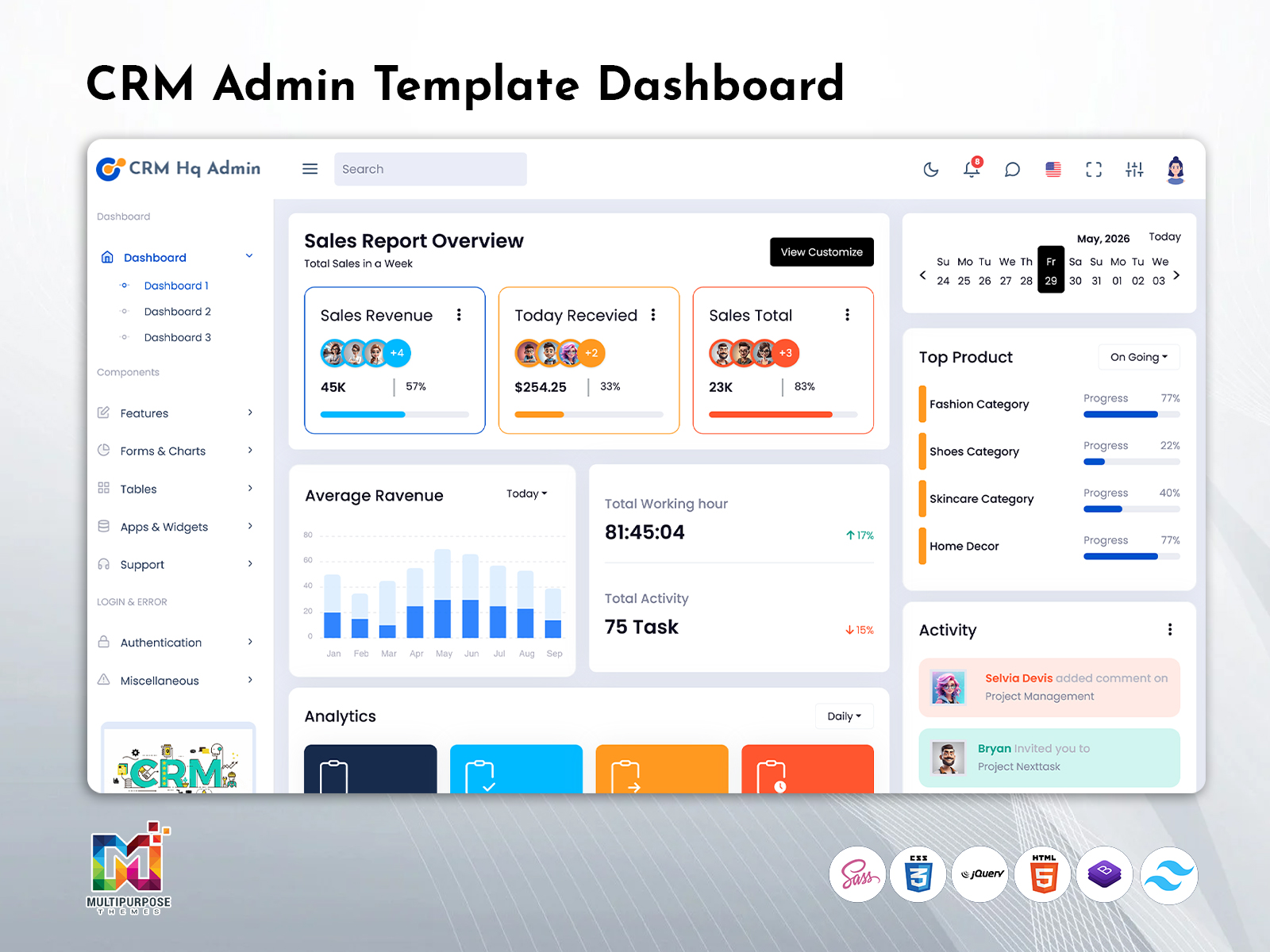
Multipurpose Themes offers dashboard and HTML template solutions for developers who design web apps. One of the companys templates, CRMi gives variations of CRM- dashboards with several layout options, responsive design, UI components and widgets chart types and other customizable parts. The official website explains the tools. Gives guidance to build a flexible solution. The company provides support for developers making CRM Dashboard apps. Gives access to the resources. Developers can change the template to fit the companys needs or build an interface from scratch. Developers will get a base for a panel with the tools and data tables they need. Also developers can add the CRM Dashboard to their app by using the pages, documentation and guidance provided.
The company provides templates that cover parts of the organization. As said businesses have needs depending on their work so they should choose the most suitable dashboard option as the base for their app. Developers should build an interface based on the chosen template. Change the navigation screen data, brand elements and other parts to match what the project needs. The apps interface should match the apps needs so that all parts fit a specific purpose and are easy to use. Developers should make sure the CRM Dashboard is connected to the projects end and database so the data is shown correctly.
Conclusion
A CRM Dashboard is where all customer data is kept, follow-up tasks, communication logs and other business tasks.
A CRM Dashboard should be the one place every user checks. No more searching for the data.
With a CRM Dashboard you don’t need different tools.
The CRM Dashboard lets you see all customer actions from one place.
For example a sales manager can look at a customer’s history. Find the problems so the manager can make a good impression.
A marketing person can send newsletters that answer questions.
An accountant can look at payment details. Due dates to stay on track.
The success of a CRM Dashboard depends on how it looks and how well the developers understand what the app is for and what users need.
For example sales representatives have needs in a CRM system because they do most of the work.
They should be able to see all the data and do every action needed to manage customers without limits.
Other people like managers should only see the important data.
It is important to create a dashboard that gives the data to each user while keeping privacy and security.
A CRM Dashboard must have a layout that gives users the tools and data they need.
Developers should follow UI/UX rules so that every user, new ones can use the functions and move around the interface.
Good menus, data and easy-to-read reports are some of the parts that should be in a CRM Dashboard.
Developers should not fill a CRM Dashboard with many things. Instead they should focus on the common tasks and give users the information they need at the right time so they know what to do next.
In general a CRM Admin template is a choice for developers who want to build a Customer Relationship Management app. It gives the tools and features that are needed for a Customer Management Software solution. Developers can start with the functions and customize the dashboards how data is shown and other parts to make a perfect fit, for their goals.
VIEW DEMO BUY NOW
Frequently Asked Questions
1. What is the main purpose of a CRM Dashboard?
A Multipurpose Themes dashboard in CRM software is used to store customer data and business-related activities. It provides the users with a solid basis for managing customer relations, tracking the most important activities, and storing relevant data. The purpose of a dashboard is to serve as a single source of information for all the users and provide them with the tools to manage the data. The features and functions available on a dashboard will depend on the application’s requirements.
2. What is the difference between a CRM Dashboard and CRM Admin?
A dashboard within a CRM application usually refers to a section where the users manage customer data and related activities. An admin section refers to a part of a CRM application where the users manage other users, permissions, data, and settings. The two sections usually have different responsibilities and available functions.
3. Can a CRM Software Dashboard be customized for businesses?
A Multipurpose Themes CRM Software Dashboard can be customized for businesses because there are several types of organizations that handle different operations. For instance, companies in the sales industry have different needs compared to organizations in the service sector. Developers should design a dashboard based on the application’s purpose and the users’ demands.
4. What information should appear on the CRM Dashboard?
The information that appears on the dashboard should depend on the users’ roles and the application’s purpose. For instance, there is little sense in displaying inventory data on a dashboard for a service-oriented business. The dashboard should provide the users with a quick overview of the most important information, such as new leads, follow-up activities, and other data. Developers should provide the users with the necessary tools and data to manage the tasks at hand with ease without displaying irrelevant information.
5. Are CRM Dashboards for small businesses?
A dashboard tool is suitable for organizations of all sizes because it provides the users with easy access to the data and activities. It serves as a single source of information for all the customers and activities without the need to utilize several applications. For instance, small businesses could manage their contacts, follow-up activities, and reports. As the company grows, it can expand the CRM application’s capabilities and add new sections and features.
6. How can a CRM Dashboard help different teams work together?
A Multipurpose Themes CRM Dashboard can help different teams and users collaborate within one application. It allows the users to access the data and manage activities. For instance, sales representatives can see the opportunities created by the marketing department, and the customer support team can update the status of an opened case. All the necessary data is available in one place, reducing the time spent on correspondence and ensuring that all the users see the same information. It eliminates the need for multiple applications for different teams, which creates barriers to communication and collaboration.
7. What should developers check before choosing a CRM Admin template?
Before selecting a CRM Admin template, the developers should consider the features and benefits of the solution. The layout, responsiveness, and available pages, customization, and other tools should be considered before choosing a solution that fits the project’s requirements. The developers should also research the documentations, licensing, and tools, and analyze how the theme will be integrated into the application. A template is only a part of an application; the developers should provide the necessary tools and features to fulfill the project’s requirements.

Related Posts


This Post Has 0 Comments