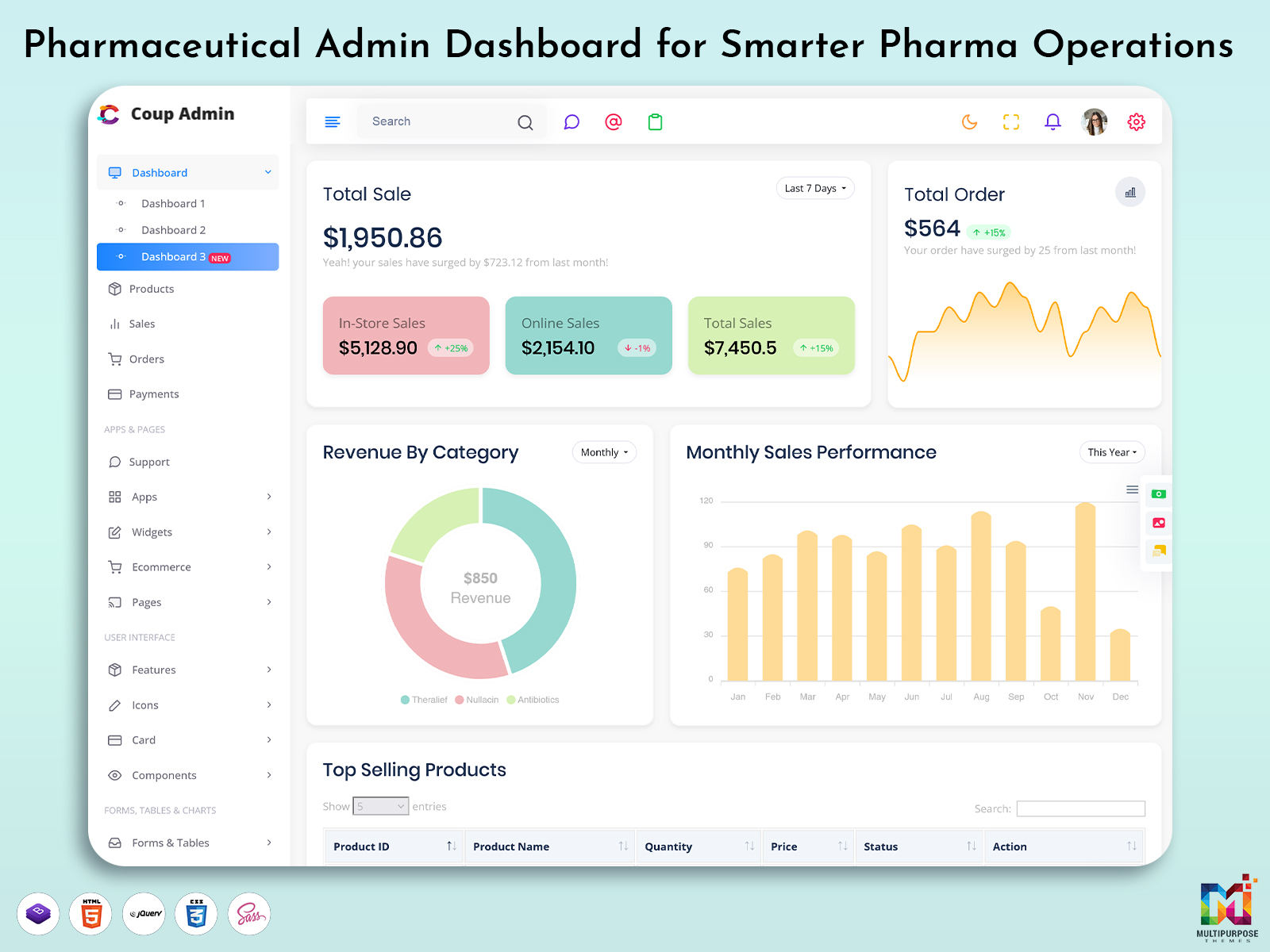
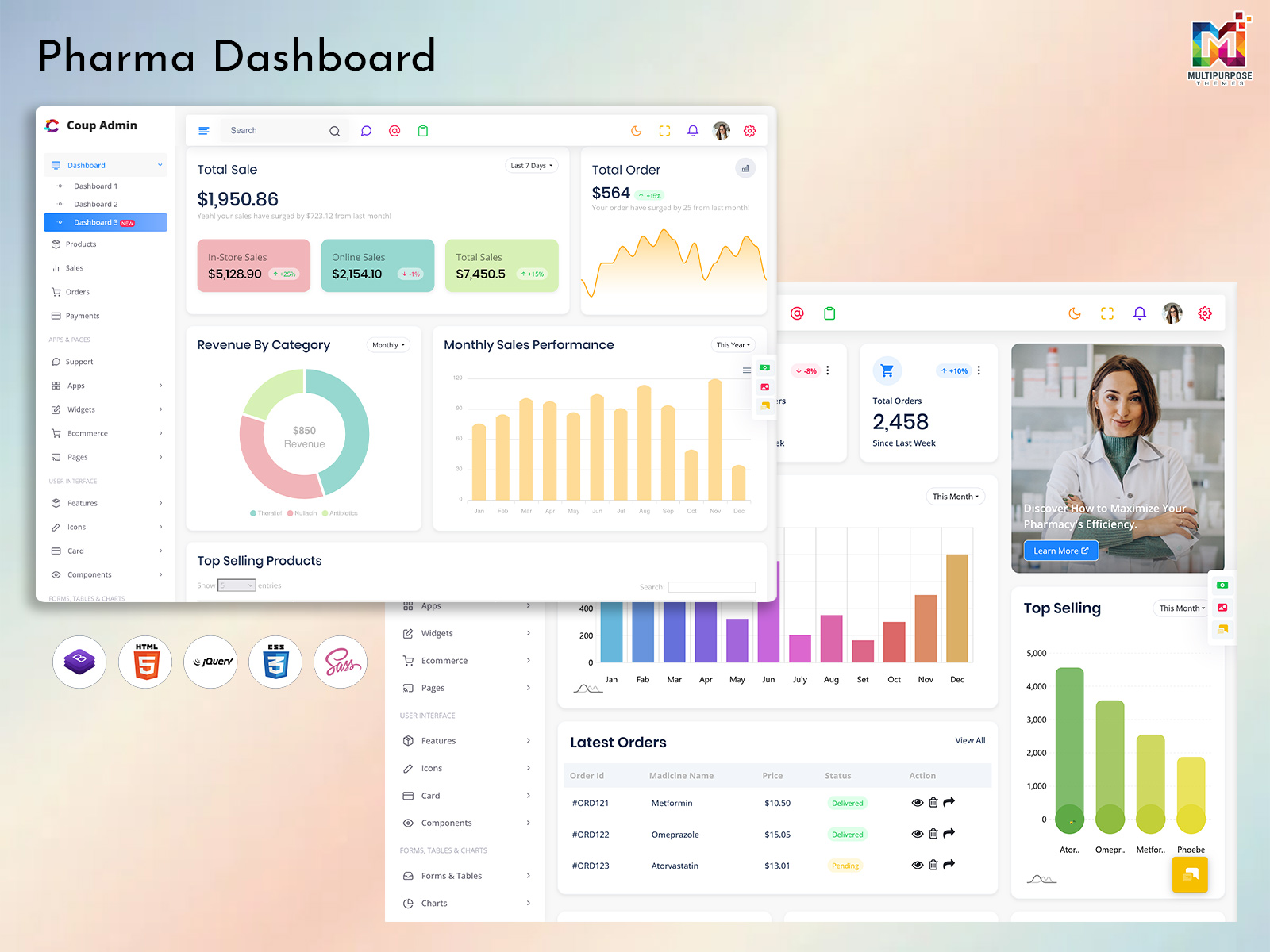
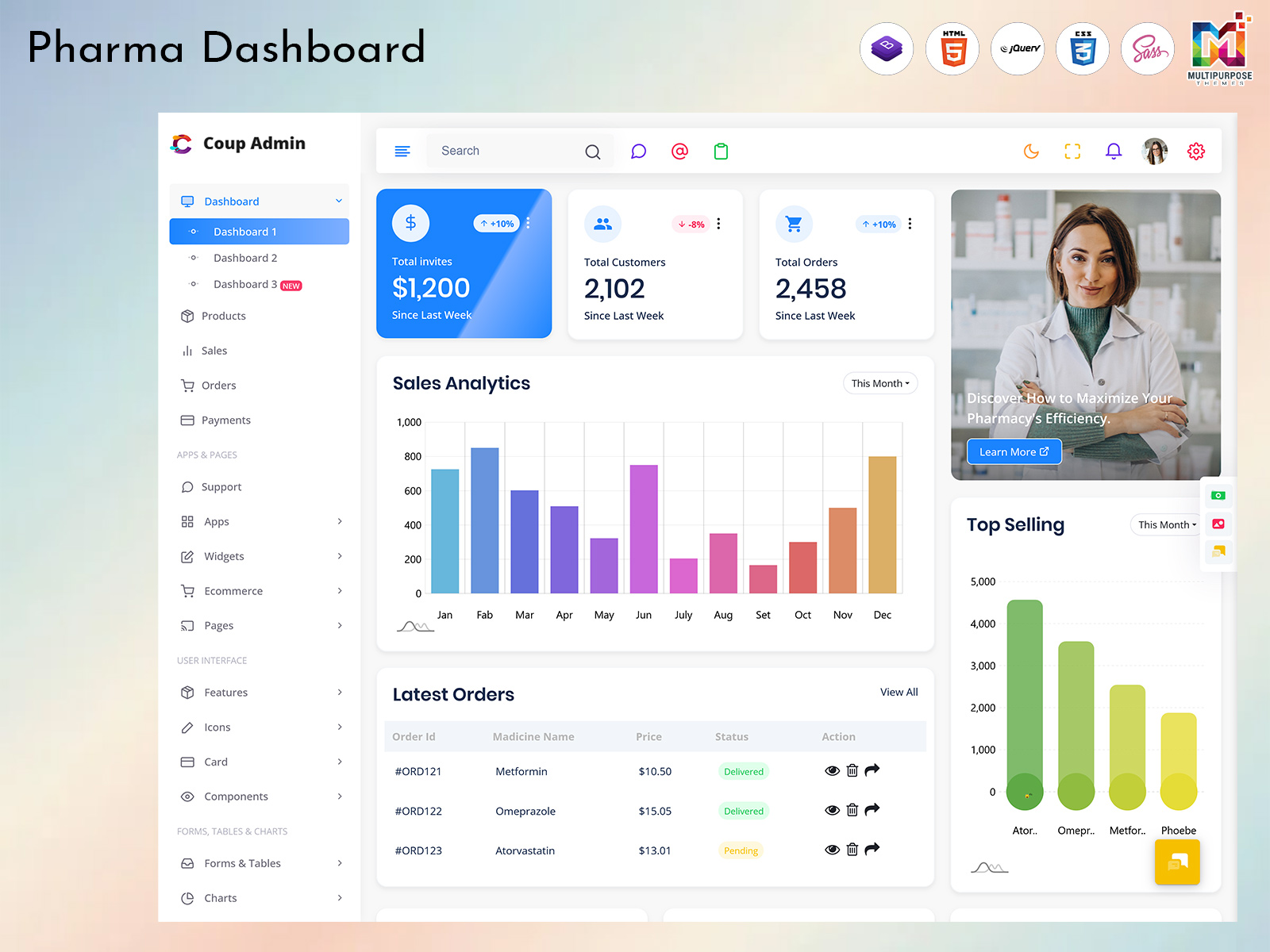
A Pharmaceutical Dashboard provides a centralized digital interface for presenting important business information in a…
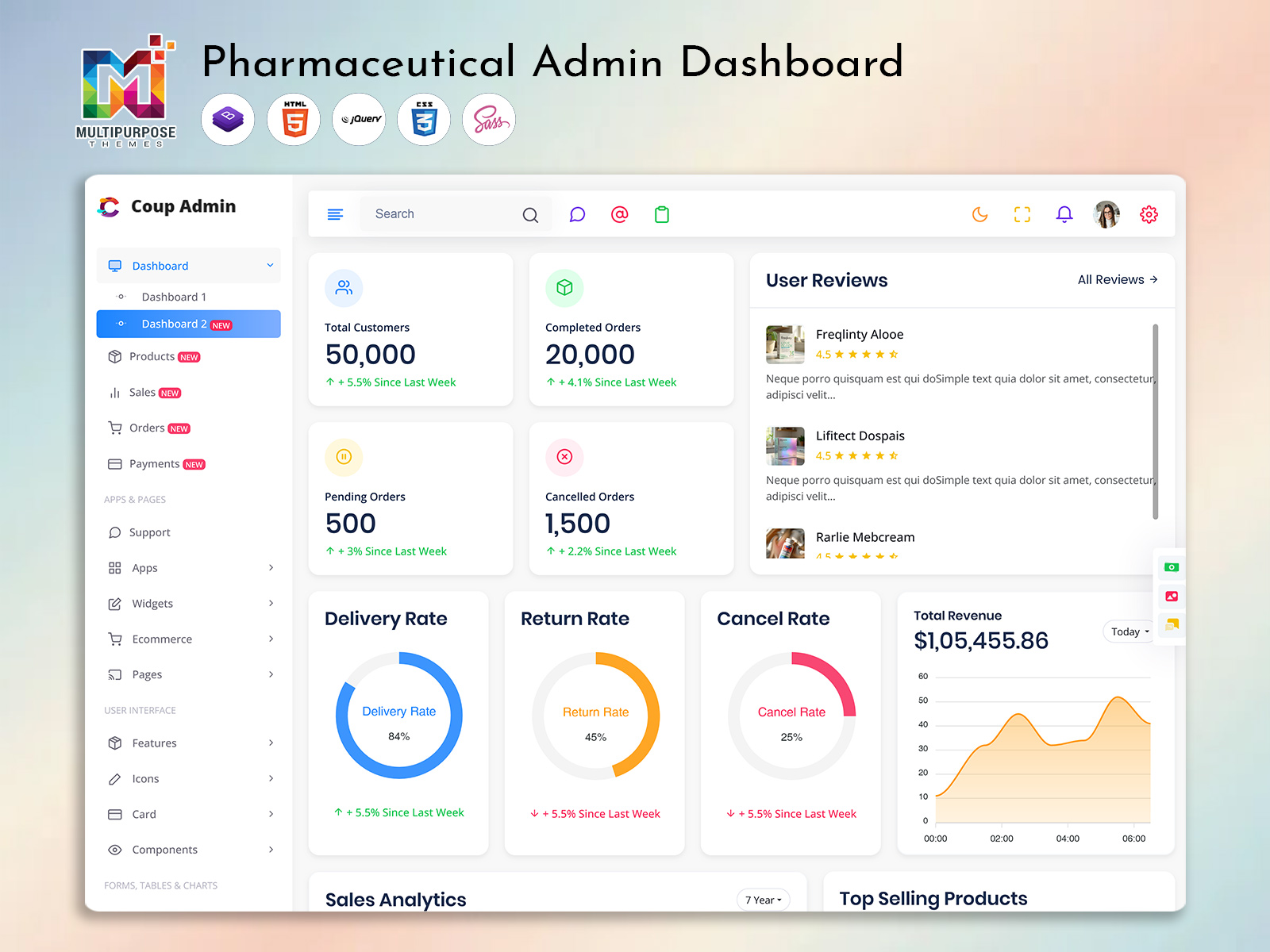
Pharma Admin Dashboard Template: A Practical Guide for Pharmacy Management Systems
Reading Time: 9 minutes
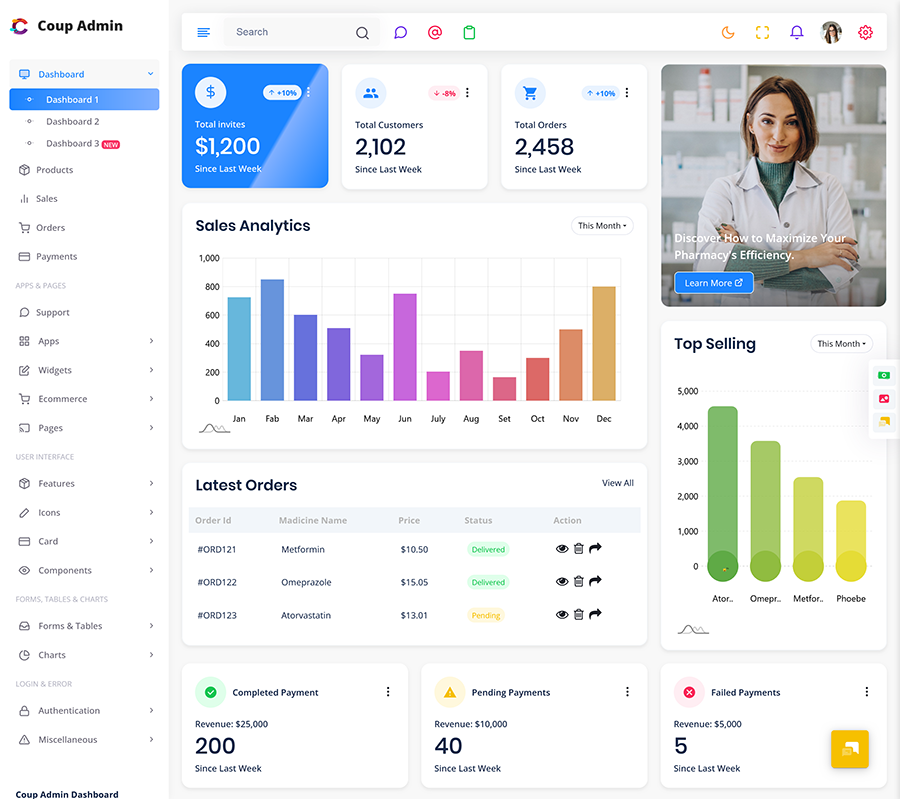
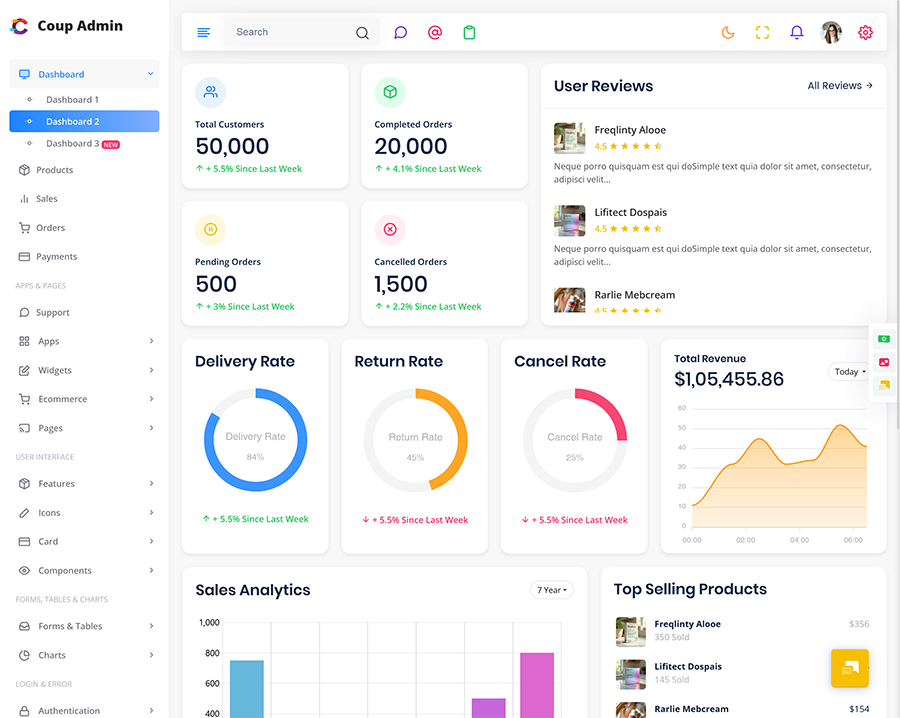
Running a pharmacy involves small tasks that must align at the right moment. Stock must be checked orders must be tracked prescriptions must be handled with care and sales data must stay organized. Pharma Admin Dashboard Template can bring these activities into one place giving pharmacy teams a view of daily work. In this guide Pharma Admin Dashboard Template will be examined to see how a dashboard can be structured what information is worth putting on it and what to consider when choosing a template for a pharmacy or pharmaceutical web application.
Watch Full Video
A Pharmacy Dashboard Should Reflect the Way the Business Works
A pharmacy management system is not about displaying numbers on a screen.
Someone working with inventory may want to see products that are running low. A person handling orders may need a view showing recent purchases and their current status. A manager on the hand may care more about sales, revenue, stock movement and overall business activity.
That is why the structure of the dashboard matters.
A useful dashboard should make used information easy to reach without forcing users to move through several unrelated screens. The goal is simple: when someone opens the system Pharma Admin Dashboard Template should give an idea of what needs attention.
What Is a Pharma Admin Dashboard?
A Pharma Admin Dashboard is an interface designed around pharmacy and pharmaceutical management activities.
Of treating the application like a general business dashboard Pharma Admin Dashboard Template can be organized around tasks that are common in pharmacy operations, such as:
- Medicine and product inventory
- Orders and purchases
- Sales tracking
- Prescription-related information
- Supplier records
- Customer information
- Billing
- Reports
- Notifications
- User and staff management
The exact modules will depend on the application being developed. A small retail pharmacy may need a simple system while a larger pharmacy platform may require separate sections for inventory, suppliers, sales, users, reporting and other workflows.
VIEW DEMO BUY NOW
What Should Appear on the Main Dashboard?
The first screen does not need to contain every piece of information stored in the system.
In fact putting everything there can make Pharma Admin Dashboard Template harder to use.
A better approach is to bring the information that users are most likely to check during the day.
Stock at a Glance
Inventory is one of the areas where Pharma Admin Dashboard Template can provide value.
The dashboard may show information such as:
- products
- Low-stock items
- Recently added products
- Out-of-stock products
- Stock movement
- Frequently sold items
A user should be able to move from a general stock summary into the relevant product records when more detail is required.
Orders and Purchases
Orders can also deserve a place on the main screen.
Depending on the system the interface could help users see orders, pending purchases, completed orders or other configured order statuses.
This gives staff a way to identify work that is still waiting to be completed.
Sales and Revenue
Sales information is generally more useful when it is presented in a way that shows movement than just one total number.
For example Pharma Admin Dashboard Template might include:
- sales
- Daily or monthly sales
- Revenue trends
- Order counts
- Product performance
Charts can be useful here but only when they make the information easier to understand.
VIEW DEMO BUY NOW
How a Pharmacy Admin Dashboard Template Fits Into Development
Starting a pharmacy management interface from a project means creating the navigation, cards, tables, forms, charts, pages and responsive layouts individually.
A ready-made Pharmacy Admin Dashboard Template gives developers a starting point for that work.
Of spending the early stages of a project designing every interface element developers can adapt an existing dashboard structure to their applications requirements.
That can be particularly useful when the project needs connected screens, such as:
- Dashboard → Products → Inventory → Orders → Suppliers → Reports
The template handles much of the visual starting point while the development team connects those screens to the applications own database, APIs, authentication and business logic.
Different Users May Need Different Views
One pharmacy application can have types of users and they may not all need the same information.
Pharmacy Staff
Staff members may spend time working with:
- Product records
- Stock levels
- Orders
- Customer details
- Prescriptions
- Billing
Managers
Managers may be more interested, in:
- Sales performance
- Revenue
- Inventory movement
- Order activity
- Business reports
Administrators
An administrator may need control over:
- Users
- Permissions
- System settings
- Product categories
- Suppliers
- Reports
- Application configuration
This is one reason a dashboard must be flexible not built for just one type of user.
Making Pharmaceutical Data Easier to Read
A pharmaceutical application can hold a lot of information. If every screen depends on tables users may find it hard to spot what really matters.
Good interface design can help a lot.
For example a dashboard can use:
- Summary cards for quick figures
- Tables for detailed records
- Charts for trends
- Status labels for important changes
- Filters for datasets
- Search fields for products and records
- Clear navigation between related sections
The point is not to use every type of component that is available. Every element should have a reason for being there.
A table is useful when someone needs to compare records. A chart is useful when a trend is more important than values. A summary card works well when a single figure needs to be seen
Inventory Is Where Dashboard Design Becomes Practical
Consider a pharmacy that has hundreds or thousands of product records.
Opening the inventory every time someone wants to know whether stock is running low would not be very convenient.
A dashboard can bring the urgent information forward.
For example:
Inventory Overview
- → products
- → Low-stock products
- → Out-of-stock products
- → Recent stock updates
- → Stock movement
From there the user can open the full inventory when necessary.
This approach keeps the home screen useful without turning it into a database table.
Prescription and Customer Information
Depending on the application, prescription and customer-related information may also have a place in the dashboard.
However these areas require care than ordinary sales data because the application may handle sensitive information.
The interface should therefore be planned around the applications access controls, authentication requirements and data-handling practices.
A dashboard template can provide the components for these screens but security and data protection are responsibilities of the complete application rather than the template alone.
Reports That Actually Help
Reporting is another area where a pharma dashboard can become useful.
Of creating reports only for the sake of having a reporting section think about the questions users actually need to answer.
For example:
- Which products are selling frequently?
- What does the recent sales activity look like?
- Which products need attention in inventory?
- How many orders are currently being processed?
- How has sales activity changed over a selected period?
The exact reports will depend on the business and the information collected by the system.
A good dashboard makes it easier to move from a summary into the records behind that summary.
What to Look for in a Pharmaceutical Admin Dashboard Template
Choosing a template is not simply a matter of finding a design that looks attractive.
The useful questions are related to the project itself.
1. Does the Layout Fit the Application?
Look at the way the template handles navigation, tables, forms, charts and content-heavy screens.
A pharmacy application may need data-oriented layouts than a simple corporate website.
2. Can It Be Customized?
Branding, navigation, colors, components, page layouts and content may all need to change during development.
A template should give the development team flexibility to make those changes.
3. Does It Work Across Screen Sizes?
Pharmacy software may be used on devices depending on the workplace.
A responsive layout helps maintain an interface across desktop, tablet and smaller screens.
4. Is the Code Structure Practical?
Developers should also look at how the template’s organized.
Code, reusable components clear folder structures and documentation can make customization easier during the project.
5. Can It Grow With the Application?
The first version of a pharmacy platform may be relatively small.
Later the project could add supplier management, reports, staff accounts, new product categories or other modules.
The template should not make that growth unnecessarily difficult.
Pharmacy Dashboard vs. General Admin Dashboard
A admin dashboard can provide the basic building blocks for many applications.
A pharmacy-focused interface can start closer, to the actual workflow.
For example a generic dashboard might provide:
- Users
- Tables
- Charts
- Reports
- Forms
- Settings
A pharma dashboard can organize all the parts around pharmacy activities like inventory, products orders, suppliers, sales and prescriptions.
That difference can save a lot of development time if the application already has a pharmaceutical use case.
Common Problems With Poorly Planned Pharma Dashboards
a good template can be used badly.
Many Numbers on the Home Screen
A screen full of statistics may look impressive but a pharma dashboard may make it hard to spot what needs attention.
Keep the view focused.
Complicated Navigation
If users must open menus to reach frequently used areas, everyday tasks on a pharma dashboard become slower.
Related sections should be grouped logically.
No Clear Difference Between Important and Secondary Information
Not every piece of data on a pharma dashboard deserves the visual weight.
Low-stock alerts, pending orders and important notifications on a pharma dashboard may need visibility than less frequently used information.
Designing for the First Version
A pharma dashboard may look fine with ten products and a few users but it can become difficult to manage when the application grows.
Think about records, additional users and new modules before finalizing the structure of a pharma dashboard.
Where a Ready-Made Template Can Save Development Effort
Designing an admin interface from scratch takes a lot of time.
Developers must create layouts, responsive behavior, navigation systems, tables, forms, charts, authentication screens and many smaller interface elements before the actual business functionality is even connected.
A ready-made dashboard does not remove the development work. It can reduce the amount of front-end design that needs to start from zero.
That leaves the development team with room to focus on the parts that are specific to a pharmacy application.
Why Choose MultiPurpose Themes?
MultiPurpose Themes offers dashboards and admin templates for application types, including pharmaceutical and medical use cases. Its existing pharma-focused templates and articles show a focus on pharmacy management interfaces while its template ecosystem provides reusable UI components and layouts that developers can adapt to their own projects.
For a pharmacy project this can be useful when the team wants to start with an interface that already has a dashboard structure of building the visual foundation entirely from scratch.
The company’s template offerings also emphasize customization, responsive layouts, documentation and ongoing updates and support. These are factors to consider when a dashboard will become part of a larger application rather than being used only as a visual demo.
As with any template the final suitability depends on the applications framework, required modules, integrations, data structure and customization needs.
A Way to Plan Your Pharma Dashboard
Before choosing individual screens it helps to map the workflow for a pharma dashboard.
A basic structure might look something like:
Dashboard
- → Sales overview
- → Inventory summary
- → Pending orders
- → Alerts
- → activity
Products
- → Product list
- → Product details
- → Categories
- → Stock information
Orders
- → New orders
- → Pending orders
- → Completed orders
- → Order details
Suppliers
- → Supplier list
- → Purchase records
- → Supplier details
Reports
- → Sales reports
- → Inventory reports
- → Order reports
- → Custom reporting
This is not a fixed structure. A pharmacy application should. Remove sections according to its actual workflow.
A good pharmacy dashboard should make everyday information easier to find than simply putting more information on one screen. Inventory orders, sales, suppliers, reports and user activity all have roles so the interface should give each area an appropriate place.
A Pharma Admin Dashboard Template can give developers a starting point for building that experience. A Pharmacy Admin Dashboard Template can then be adapted around the workflow of a pharmacy while a Pharmaceutical Admin Dashboard Template may suit larger or more specialized pharmaceutical applications.
The important part is choosing a structure that matches the application. A clean interface, sensible navigation, responsive layouts and room for customization can make the development process much easier while giving users a dashboard they can actually work with.
Conclusion
A pharmacy dashboard is not just a place to display numbers. It brings everyday information such as inventory, orders, sales, prescriptions, users, and reports into one organized interface. A well-planned Pharma Admin Dashboard Template can make this information easier to access while giving different users the views they need for their work.
Whether you are building a Pharmacy Admin Dashboard Template or a Pharmaceutical Admin Dashboard Template, the focus should remain on clear navigation, useful information, responsive design, and room for future changes. For developers, starting with a suitable dashboard structure can also reduce the amount of interface work required at the beginning of a project.
The right Pharma Admin interface should ultimately support the way the pharmacy actually operates, rather than simply filling the screen with charts and statistics.
VIEW DEMO BUY NOW
Frequently Asked Questions
1. What is a Pharma Admin Dashboard Template?
A Multipurpose Themes Pharma Admin Dashboard Template is a pre-designed admin interface intended for pharmacy and pharmaceutical management applications. It can provide layouts and UI components for areas such, as inventory orders, sales, reports, suppliers and user management.
2. What can a Pharmacy Admin Dashboard Template be used for?
It can be used as the base design for pharmacy management software, medicine inventory systems, pharmacy CRM applications, pharmaceutical business platforms and other related web applications.
3. What should a pharmacy dashboard display?
Common information can include stock levels low-stock items orders, sales activity, suppliers, reports, alerts and other data that matter to the application.
4. Can a pharma dashboard template be customized?
Yes. Developers can usually change the layout, navigation, branding, components, pages and other interface parts to fit the project needs long as the template’s technology and license allow it.
5. Is a pharma admin dashboard the same as an admin dashboard?
Not necessarily. A general Multipurpose Themes admin dashboard gives interface parts while a pharma admin dashboard arranges those parts around pharmacy workflows like products, stock orders, suppliers and sales.
6. Can a pharmaceutical dashboard handle users?
The interface can be made for user roles but real multi-user features, permissions, login and access control must be added inside the application.
7. Why is responsive design important, for pharmacy dashboards?
Responsive design lets the interface fit screen sizes. This helps when pharmacy software is used on desktops, tablets or other devices.
8. Does a dashboard template include the pharmacys data?
Normally a template gives the front-end view, not the real business data. Developers still need to link the template to the app’s database, APIs, backend services, login and other required systems.
9. How should I choose a Pharmaceutical Admin Dashboard Template?
Look at the layout customization choices, responsiveness, code structure, documentation, available parts, framework fit and whether the template can grow with the app.

Related Posts