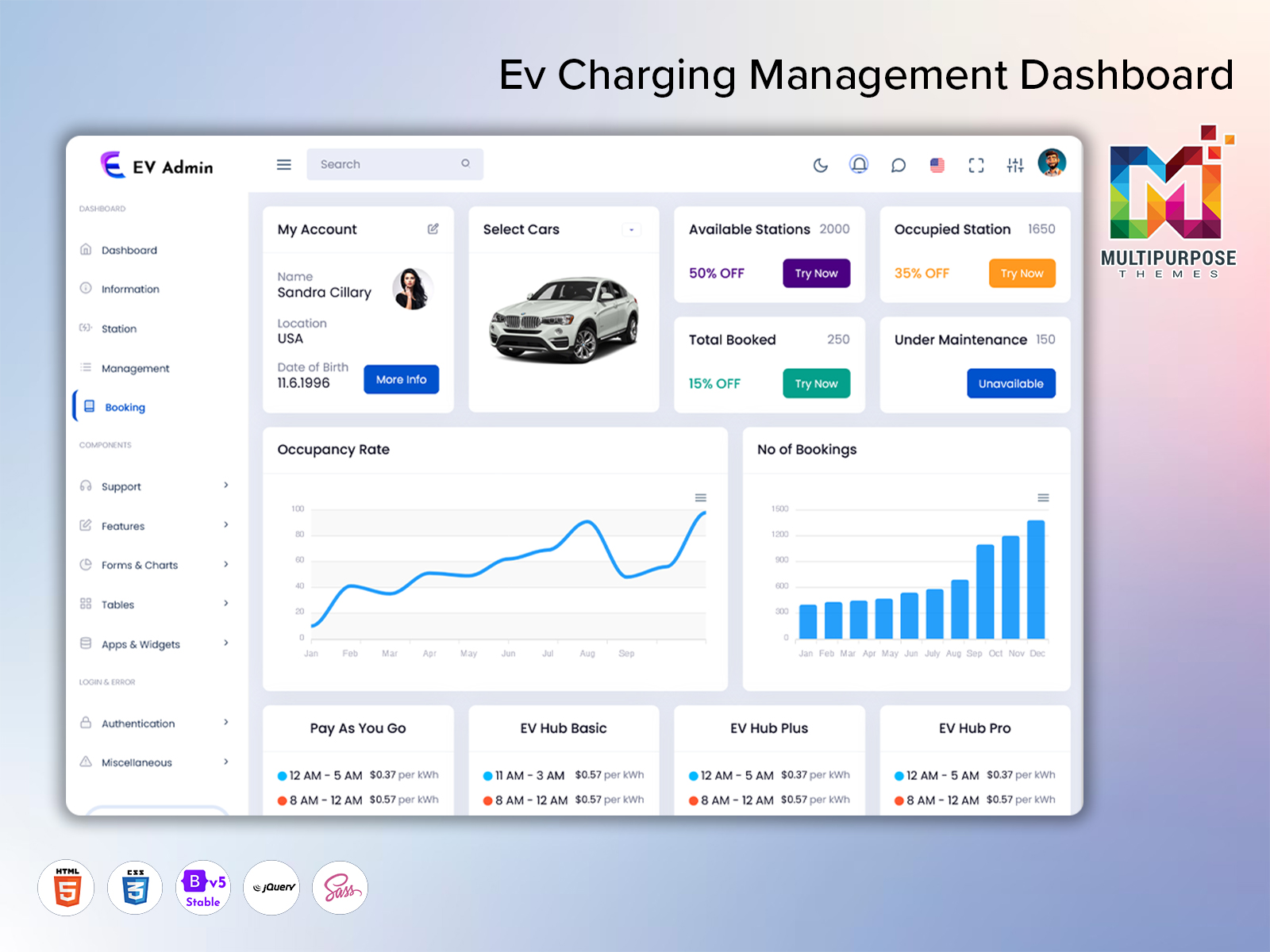
An EV dashboard provides a centralized workspace for viewing and managing information related to electric…
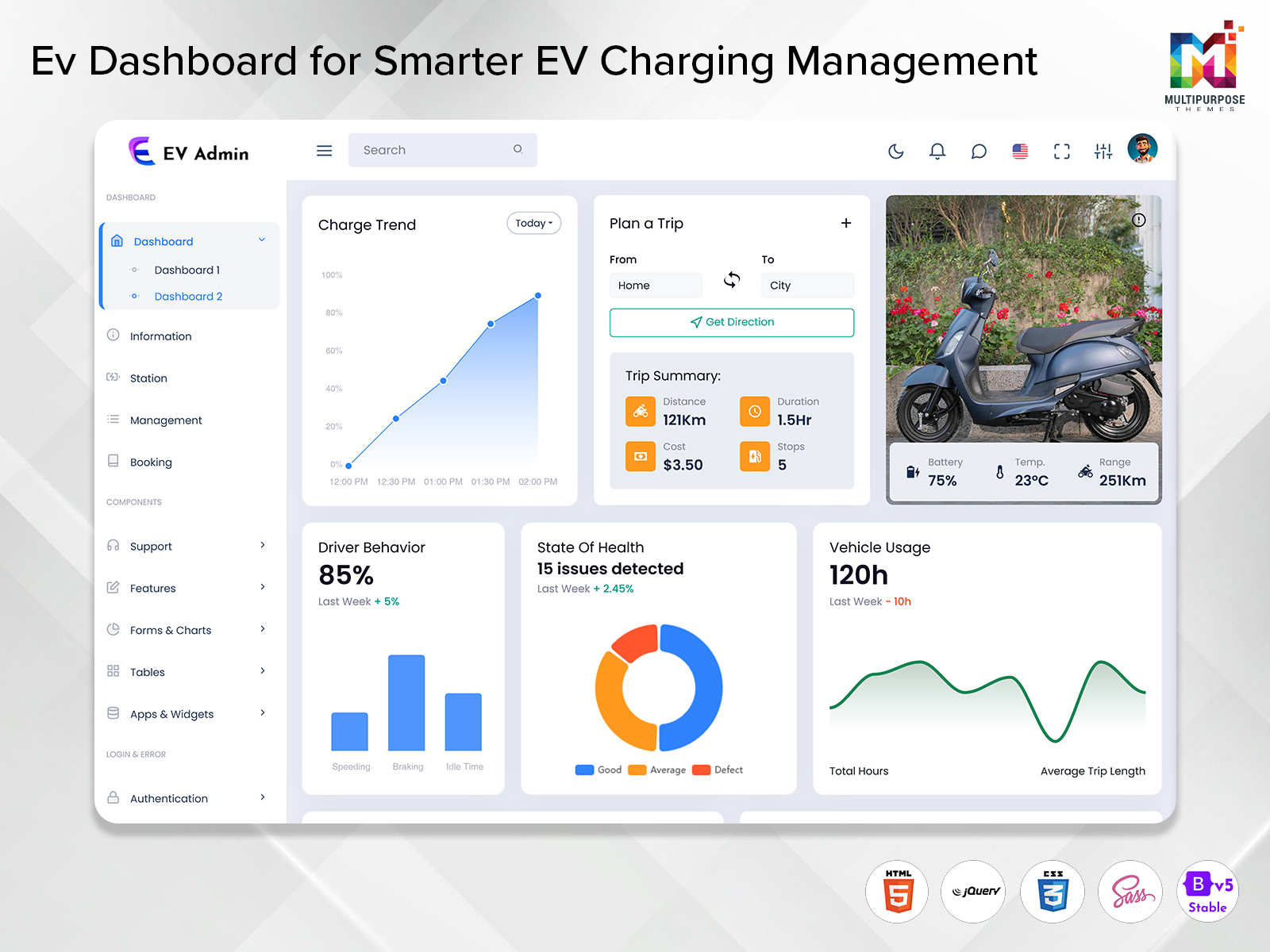
EV Charging: Build Smarter Charging Interfaces with an EV Dashboard
Reading Time: 8 minutes
If you manage an EV charging network you are tracking more than whether a charger is available. Operators may want to watch information such as charging sessions, station activity, energy consumption, user data and other day-to-day information. An EV Dashboard brings all of this data together so that you can easily see what is happening across the charging system. In this article we will see how an EV dashboard, Charging Station dashboard and Charging station template can help create a functional interface to manage EV charging apps.
Watch Full Video
EV Charging Needs More Than a Charger
To the user a charging station may seem like a thing.. The reality is, when you are managing a bunch of stations that can mean a lot of information. A good dashboard helps to tie that information in an easy to follow way. For example a station operator might primarily want to know which chargers are available or need service while a fleet manager might be more interested in charging schedules, vehicle usage and daily charging patterns.
What Does an EV Dashboard Do?
EV Dashboard is an interface for managing and showing data on electric vehicles and charging operations.
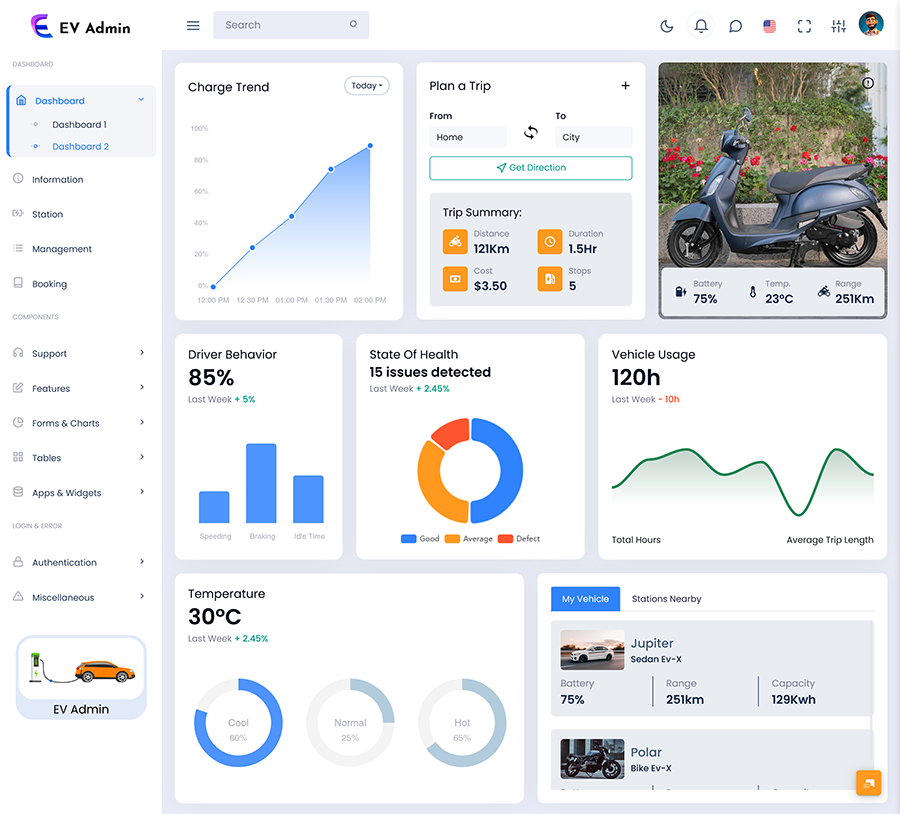
For example a dashboard facing the driver may highlight:
- Battery info
- Power status:
- Driving information
- Charging Stations near you
- Availability of Charging
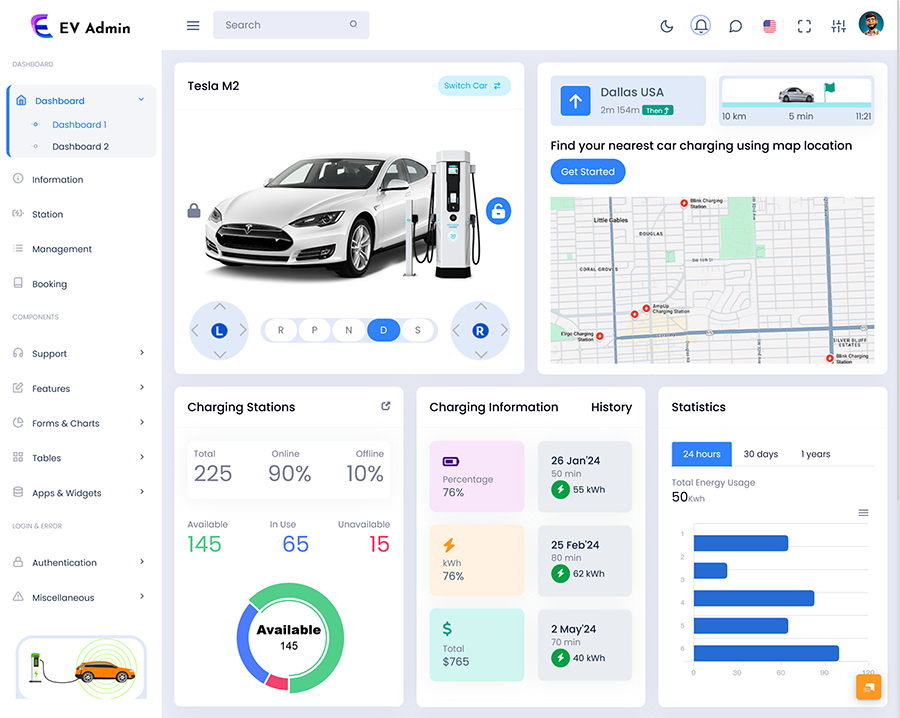
an operator-facing dashboard might focus on:
- Station status
- Charger accessibility
- Active sessions
- Trends in usage
- Operation warnings
- Historical documents
A fleet-oriented interface could combine charging information with vehicle activity and scheduling requirements.
VIEW DEMO BUY NOW
Designing the Information Flow of an Electric Vehicle Dashboard
A Electric Vehicle Dashboard generally has a simple information hierarchy.
1. Start With the Current Situation
The first screen should help users understand what is happening now.
Useful summary information might include:
- chargers
- Active charging sessions
- Unavailable points
- Current station activity
- Recent alerts
The objective is not to show every database field. It is to provide context for the user to decide where to look next.
2. Move From Overview to Detail
After seeing the status users may need more information.
For example:
Charging Stations → Individual Station → Charger → Charging Session
This type of structure makes a large charging network easier to navigate.
3. Keep Historical Information Accessible
Current status tells users what is happening now. Historical information helps explain what has been happening over time.
Usage history can help identify patterns such as:
- used charging periods
- Changes in station activity
- Repeated operational issues
- Differences between locations
- Increasing or decreasing charger utilization
Historical information becomes particularly useful when planning changes to charging infrastructure.
VIEW DEMO BUY NOW
Why a Charging Station Template Can Make Development Easier
Creating a charging management interface from scratch can take an amount of time especially when every screen and component has to be designed and developed separately. A made template gives developers a useful starting point with common interface elements already in place such as:
- Navigation
- Cards
- Tables
- Charts
- Status indicators
- Forms
- User profiles
- Reports
- Responsive layouts
- Dashboard widgets
A template gives you the starting structure but it does not turn into a complete charging platform on its own. The development team still needs to connect it with the data, APIs, user authentication, backend services and application logic so that the dashboard works with the actual charging system.
The Difference Between an EV Dashboard and a Charging Station Dashboard
The two terms are closely related,. They can describe different priorities.
A Charging Station Dashboard is specifically concerned with the operation and monitoring of charging infrastructure.
The fleet manager may want to know:
- Which vehicles are charging?
- Which vehicles are ready for deployment?
- What charging activity occurred overnight?
- Are charging schedules aligned with vehicle requirements?
For a station operator the focus is usually a little different. They need a picture of what is happening across the stations—whether chargers are free which locations are being used more heavily and whether any charger needs attention. Looking at usage can also help them understand how each location is being used over time and spot changes that may need further attention.
Both users work within the EV ecosystem but their dashboards may need different information priorities.
Features Worth Considering Before Choosing a Dashboard Template
Not every EV project needs the interface. Before selecting an Electric Vehicle Dashboard or Charging Station Template consider the application requirements.
1. Responsive Design
Charging operations may be reviewed from desktops, laptops, tablets or mobile devices.
2. Clear Data Visualization
Charging information can become difficult to understand when presented as raw tables.
The key is to use visualization where it improves understanding than adding decorative charts that do not support a decision.
3. Customization
Different charging businesses have workflows.
A customizable template allows the interface to be adapted to those requirements.
4. User Roles and Access
Not every user needs access to every part of a charging application.
For example:
- Administrators may need system access.
- Operations teams may need station monitoring.
- Maintenance personnel may need equipment-related information.
- Managers may primarily need reports and analytics.
Role-based access can help keep the interface relevant to each user.
5. Scalability
A dashboard that works for a number of charging points may need to evolve as the network grows.
Practical Uses of an EV Charging Dashboard
An EV charging interface can support different business environments.
1. EV Charging Network Operators
Network operators can use a dashboard to organize information from multiple charging locations.
2. Electric Vehicle Fleets
Fleet operators can use dashboard interfaces to understand charging activity alongside vehicle operations.
3. Commercial Properties
Shopping centers, hotels, offices, residential developments and other properties may operate EV charging facilities for customers, employees or residents.
4. EV Software Applications
Developers building EV-related web applications can use a dashboard template as the front-end foundation for their software.
From Data Display to Better User Experience
A dashboard should not be judged by the number of features it contains.
The first displays twenty metrics immediately after login. Everything is technically available. The user has to search through the page to find the information they need.
The second approach may provide an experience even though it displays less information on the first screen.
Common Mistakes When Building an EV Dashboard
a feature-rich dashboard can become difficult to use if its structure is not carefully planned.
1. Much Information on One Screen
Displaying every available metric can make the interface overwhelming.
2. Designing for Desktop
Charging operations may be reviewed away from a traditional workstation.
3. Treating Every User the
An administrator, fleet manager, technician and business manager may have very different requirements.
Ignoring Future Growth
If the system is expected to expand the interface should be planned accordingly.
4. Using Visuals Without Purpose
Charts should answer questions.
How to Choose the Right Charging Station Template
Before selecting a Charging Station Template evaluate it from both the design and development perspective.
Here are some practical questions to ask:
1. Does the layout match the intended application?
A fleet platform and a public charging network may require dashboard structures.
2. Can the interface be customized?
Check whether colors, components, navigation, layouts and other interface elements can be adapted.
3. Is the design responsive?
Make sure the interface remains usable across desktop, tablet and mobile screen sizes.
4. Does it support the required components?
Tables, charts, cards, forms, alerts and other components may be important depending on the application.
5. Can developers integrate their backend?
The template should fit into the applications existing architecture.
6. Is documentation available?
Clear documentation can make setup and customization easier for development teams.
Is support available?
Updates and support can be useful when maintaining a template-based project over time.
7. Can the interface scale with the project?
Think beyond the version of the application.
Why Choose MultiPurpose Themes?
MultiPurpose Themes focuses on themes, admin templates, HTML templates and dashboard-oriented interfaces. Its website highlights customization options, documentation, free updates and support and drag-and-drop page-building capabilities. These characteristics can be useful when a development team needs a starting point that can be adapted to an EV charging application rather than designing the entire interface from the beginning.
MultiPurpose Themes also maintains an EV- dashboard/template ecosystem making it relevant for projects that need an interface centered around electric vehicle charging rather than a completely generic admin panel.
A Practical EV Dashboard Structure
For an EV charging application a useful starting structure could look like this:
Dashboard Home
→ Overall charging summary
→ Active sessions
→ Station availability
→ Alerts
→ Recent activity
Stations
→ Station list
→ Location details
→ Charger status
→ Station activity
Charging Sessions
→ Active sessions
→ Completed sessions
→ Session details
→ Historical records
Analytics
→ Usage trends
→ Energy-related information
→ Station comparisons
→ Historical activity
Management
→ Users
→ Roles
→ Settings
→ Application configuration
This is the beginning of the structure. The final layout should match the process of the application instead of making every EV project fit the same shape.
Where EV Dashboard Design Is Going
As EV charging networks become more linked dashboards will have to deal with data from different places.
The real challenge is to make more and more information easier to understand.
Future-focused dashboard design should therefore focus on:
- Scalable information architecture
- Responsive interfaces
- Flexible components
- data visualization
- Integration-ready structures
- User-specific access
- Historical data
- Custom workflows
For developers a good template can offer the visual base. Then the application structure and data layer decide how well that base becomes a working charging management system.
Conclusion
EV charging is not about putting in charging equipment. When many vehicles, chargers, users, places and charging times are involved how the information is shown becomes a part of the total software experience.
The best way is not to add every feature. It is to know who will use the system what decisions they have to make. What information helps them do their tasks well.
Frequently Asked Questions
1. What is an EV Dashboard?
An EV Multipurpose Themes Dashboard is a tool used to organize and show information about electric vehicles and charging activities. Depending on the use it may show charging actions, station details, past use, vehicle details, warnings and other important information.
2. What is the difference between an Electric Vehicle Dashboard and a Charging Station Dashboard?
An Electric Vehicle Dashboard can include general vehicle and charging information while a Charging Station Dashboard usually focuses more on charging equipment, station activity, charger status and other operational details.
3. What is a Charging Station Template?
A Charging Station Template is a made design for applications that handle or track EV charging stations. It can include layouts and user interface elements that developers can change and link to their application logic and data.
4. Can an EV Dashboard manage charging stations?
Yes. A Multi Purpose Themes dashboard can be built to show information from charging points or places. The exact number and type of stations it can handle depend on the application, database, APIs and charging setup.
5. Is an EV Dashboard for managing a fleet?
Yes. Teams in charge of a fleet can use an Electric Vehicle Dashboard to check charging actions see usage trends and help with vehicle scheduling and planning.
6. What features should I look for in a Charging Station Template?
Look for a design that works on all devices parts that can be changed charts and tables easy to use navigation, good documentation support for different frameworks ability to connect with other systems and a structure that can grow in the future.
7. Can a dashboard template be changed for an EV charging business?
Yes. A template can act as the starting point for the end and can be changed to fit the needs of a business, including the layout, brand, steps, user roles and application features as long as the template and the technology allow for those changes.
8. Does a dashboard template itself give EV charging data?
Not always. A Multi Purpose Themes dashboard template is mainly a design or layout. Charging data usually comes from the backend of the application the database, APIs charging management system or connected equipment.
9. Why is a design that works on all devices for EV charging dashboards?
Charging activities might be watched from devices and places. A responsive design helps users get the information on desktops, tablets and phones without needing a different layout, for each device.

Related Posts