Running a hospital involves a flow of information. Patient details, appointments, doctors, admissions, billing, medical…
Medical Dashboard Template: A Practical Guide to Healthcare Administration
Reading Time: 10 minutes
What Is a Medical Dashboard?
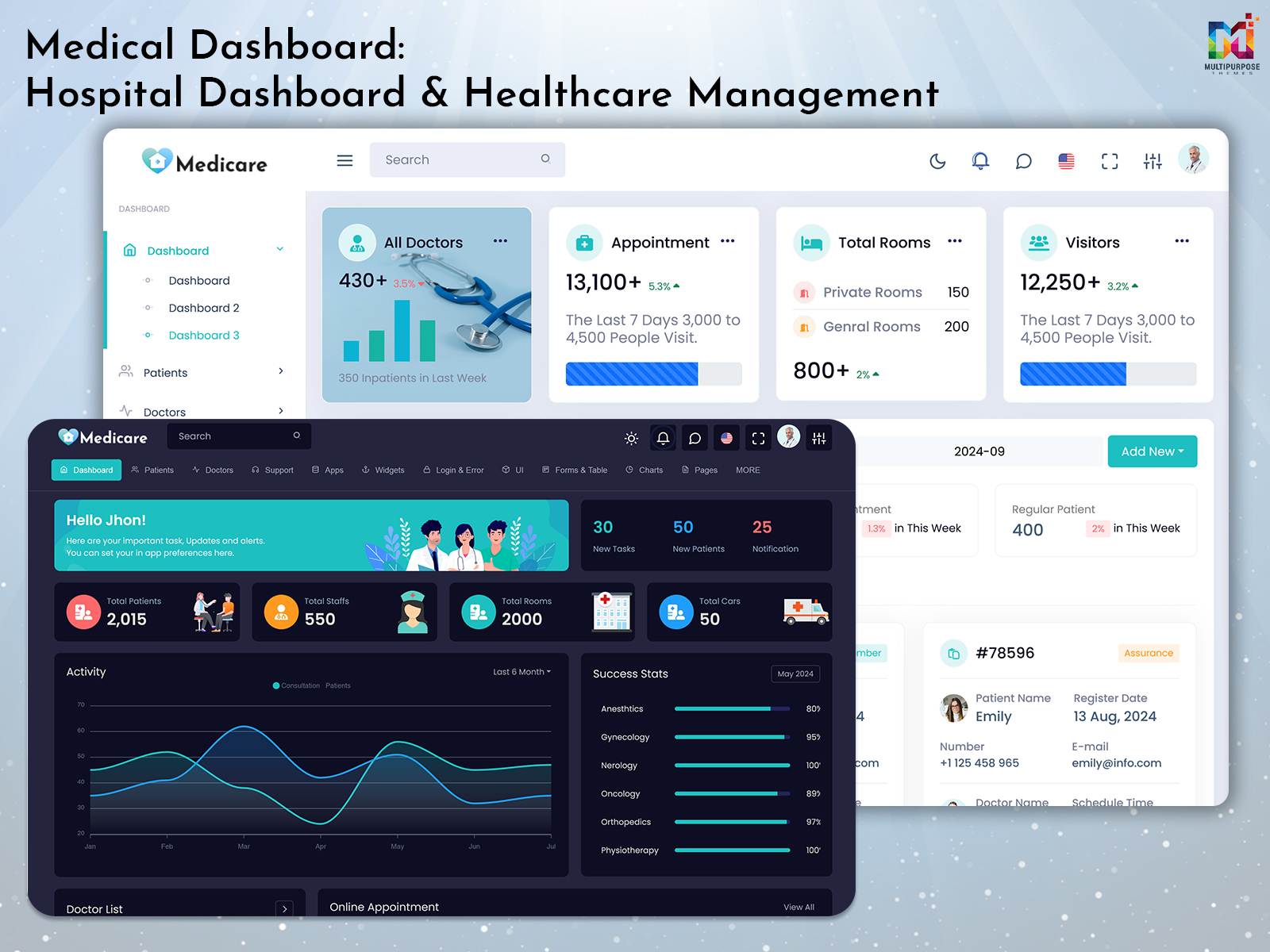
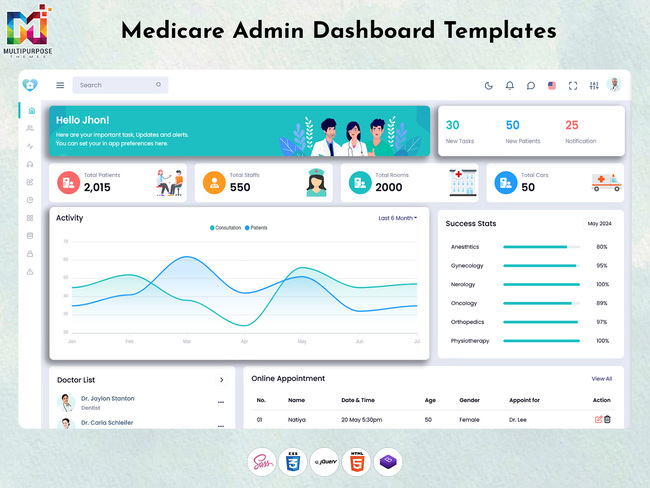
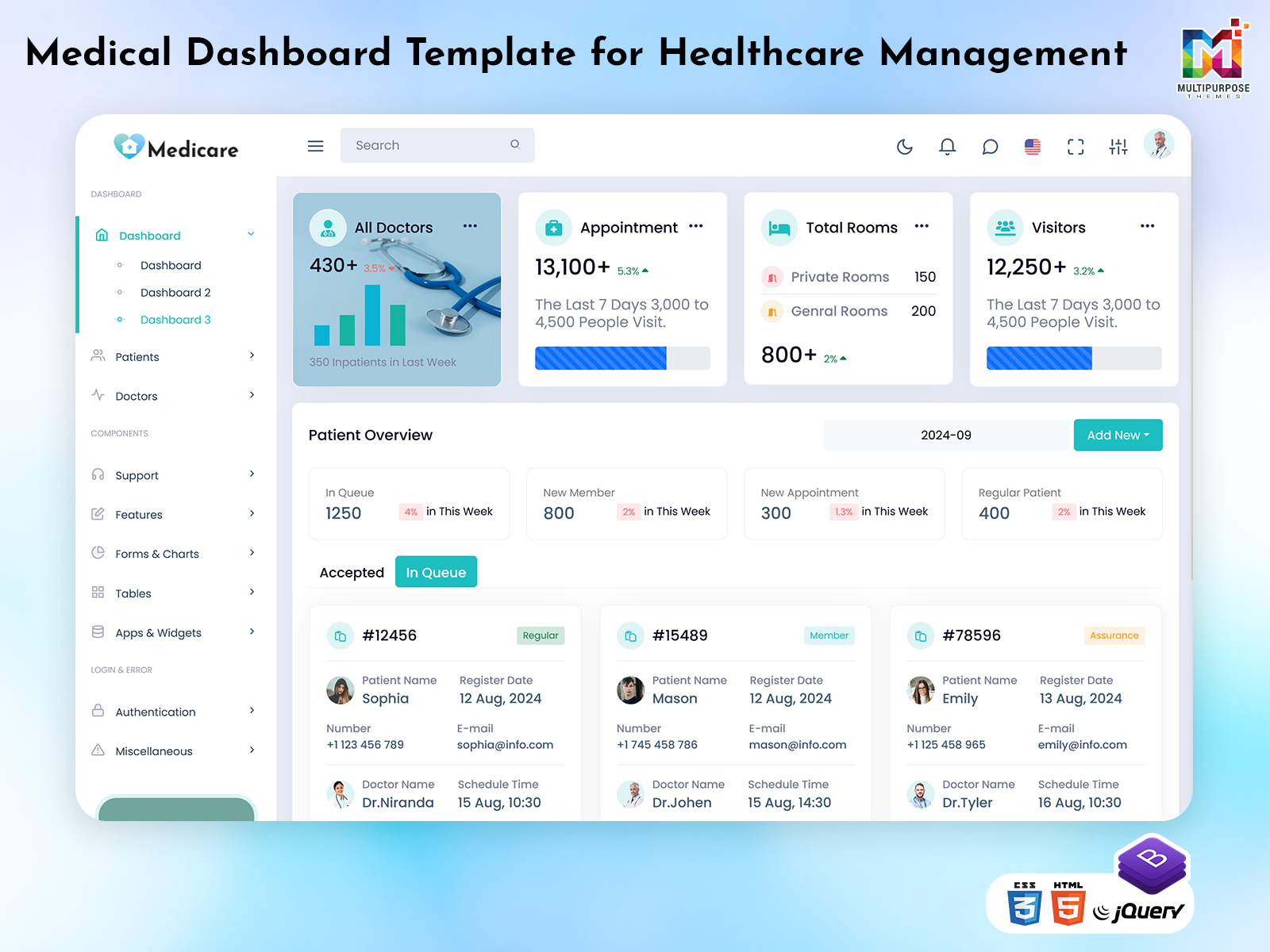
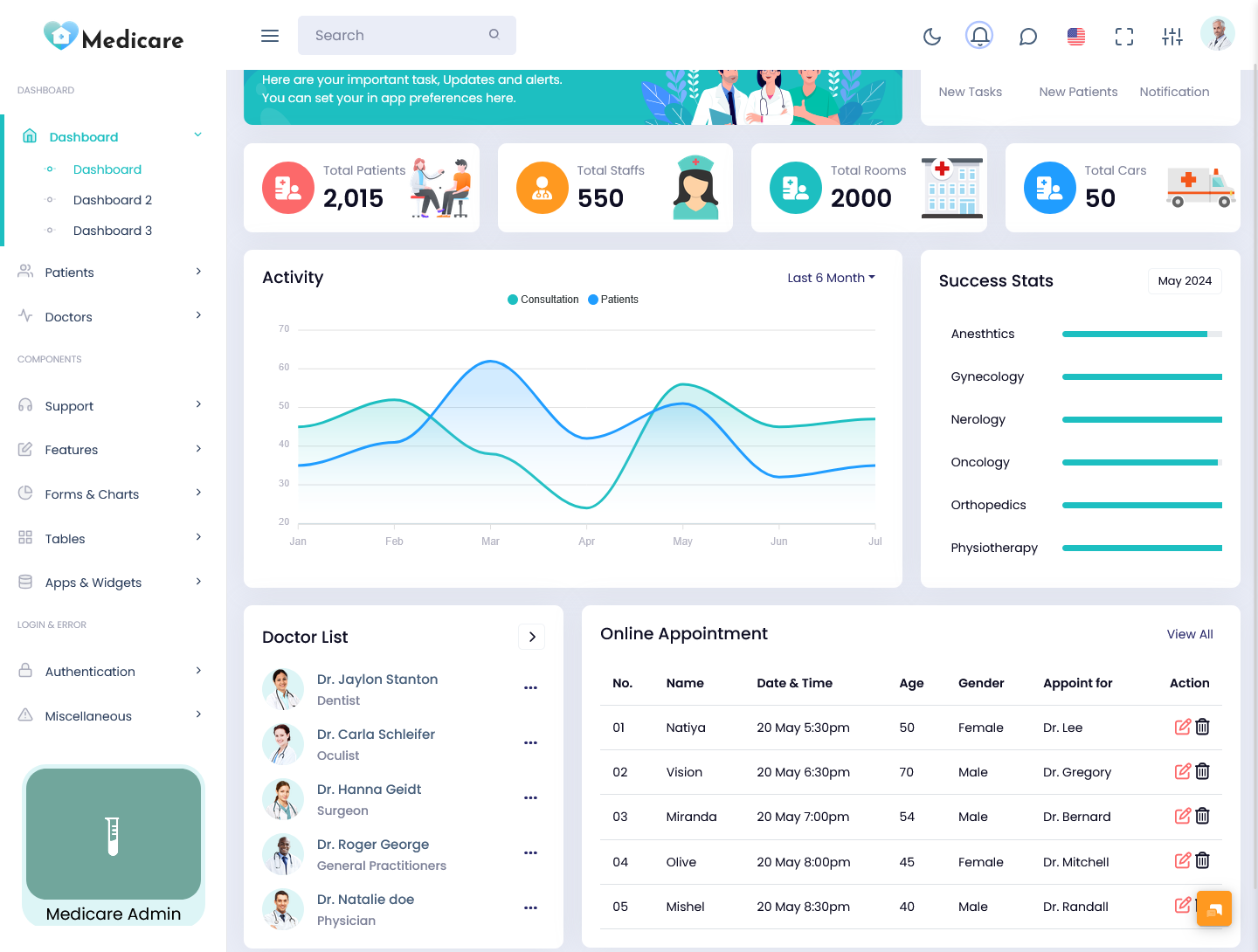
A Medical Dashboard is an admin panel that displays relevant information in a structure adapted for healthcare applications. The solution can include a range of administrative functions, appointments, patient data, medical professional records, service details, and related information. The Dashboard aims to organize essential data and provide an interface for healthcare-related tasks in accordance with the application’s purpose and available tools.
Watch Full Video
Administrative tasks in the healthcare sector often involve processing multiple requests per day. For example, receptionists may schedule appointments, doctors can view patient information, and administrators can assess the practice’s performance. A Medical Dashboard can offer panels and displays for these tasks, streamlining the development process by providing the foundation for an application with multiple users and pages.
A Medical Dashboard Template addresses the developer’s needs by supplying the basic elements for creating a healthcare-related application. Such a solution can include dashboards, cards, menus, forms, tables, and additional interface elements that fit the healthcare setting and allow customization in accordance with the proposed project. A Medical Dashboard does not integrate medical data or address industry-specific regulations and requirements for healthcare-related information.
A Medical Administrator Template is beneficial for developers who seek to create a healthcare administration panel without the need to design each element. In accordance with the application’s purpose, the layout can feature a variety of panels and elements. Developers should ensure that the chosen solution fits the intended users and tasks, as the page’s content and structure define the application’s purpose.
The Medical Doctor Admin Template concept highlights the developer’s focus on medical professional data and tasks. In this solution, the customization options address the needs of doctors, nurses, and other medical personnel. Therefore, the Medical Admin Template must be adjusted in accordance with the healthcare application’s purpose and data.
When selecting a Medical Dashboard, developers should choose a design option for an application that would provide the required data displays and interfaces. Upon selecting the initial elements, additional actions address the data connections, permissions, evaluations, and business logic in the healthcare software.
Features of a Medical Dashboard
1. Patient Information Management
Within the healthcare application, patient data can define the target audience and purpose of the project. Customizing a Medical Dashboard can provide the necessary displays, data connections, and logic for managing this information. Within the chosen solution, developers can provide access to specific patient data in accordance with the intended users and tasks.
2. Doctor Dashboard
A Medical Dashboard can supply the interface for doctors, nurses, and other professionals. The dashboard’s content and organization can be adjusted in accordance with the application’s purpose and data requirements. For example, medical personnel can view patient information, schedules, and related procedures depending on the selected healthcare application’s needs.
3. Appointment Scheduling Interface
The healthcare application’s purpose often defines the elements of the interface. An appointment scheduler would benefit from the calendar, list, and status displays to manage and track bookings. These elements facilitate the appointment process, and the interface would be adjusted to the application’s specific scheduling needs.
4. Medical Reports and Charts
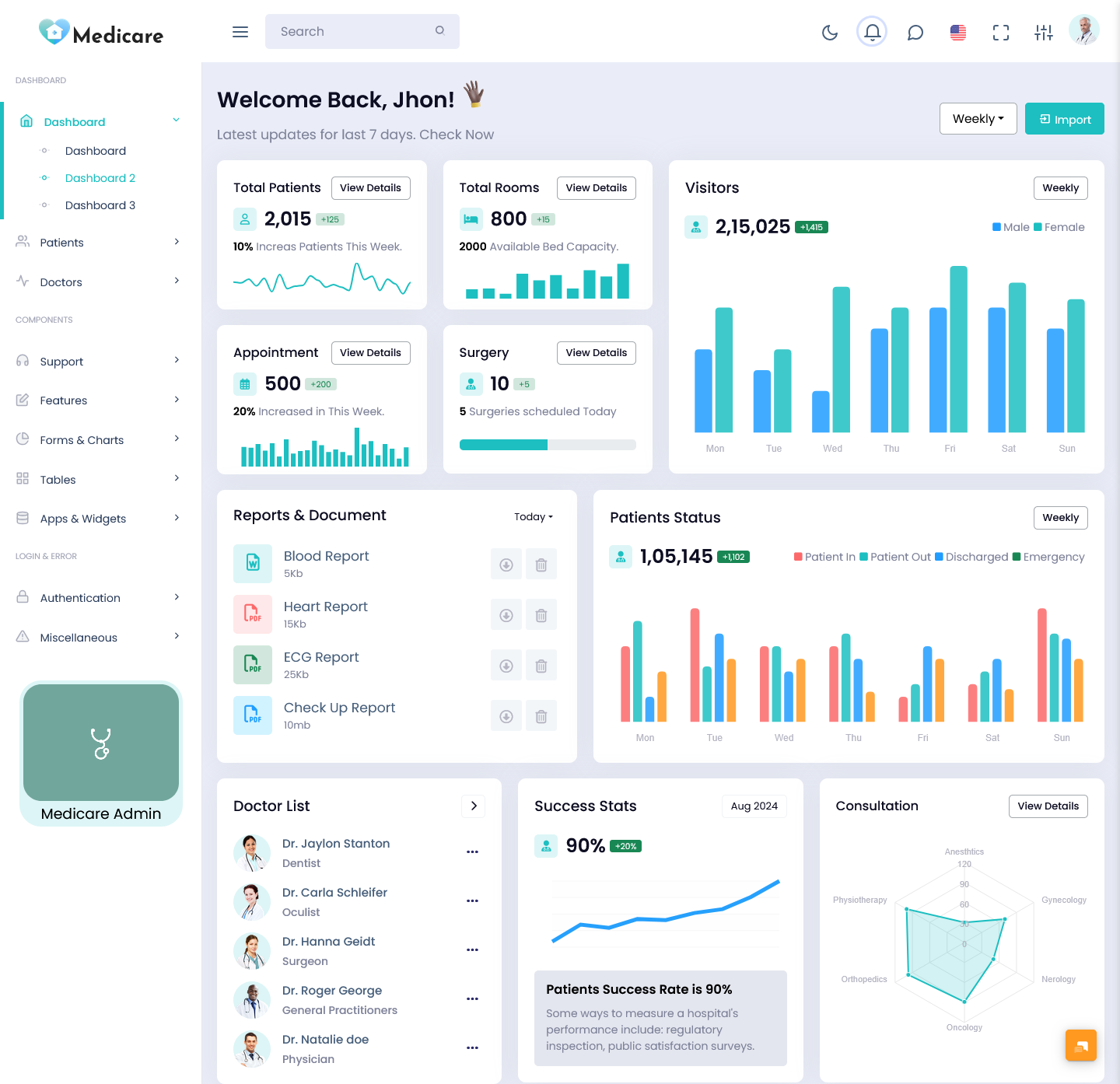
A dashboard’s content can be organized to highlight the critical elements of an application. For instance, medical reports and charts would present the relevant data in an accessible manner for medical staff or administrative personnel. Selecting the appropriate data for inclusion in the Medical Dashboard’s interface would depend on the purpose of the application and the users’ needs.
5. Hospital and Department Views
Depending on the application’s intended use, the Medical Dashboard should feature the necessary displays for the healthcare setting. For example, a hospital management system would require distinct departments, whereas a doctor’s practice would have fewer divisions. Customizing the Medical Admin Template would entail choosing the relevant divisions and addressing authorization and data access in accordance with the application’s needs.
6. Responsive Layout
A responsive layout would ensure that the application can be viewed on various devices. The developer would adjust the panels, cards, forms, and tables in accordance with the selected framework’s responsiveness options. As a result, the Medical Dashboard’s layout would be appropriate for a range of screens and user interactions.
7. Customizable UI Components
The Medical Administrator interface requires buttons, cards, forms, tables, and additional elements. In a customizable template, developers can address the healthcare application’s specific needs in terms of displays and data. The extent of customization would depend on the selected solution’s file structure and technologies.
VIEW DEMO BUY NOW
How a Medical Dashboard Supports Different Healthcare Applications
A Medical Dashboard can provide an array of displays for multiple healthcare settings. However, each location has distinct data and purpose requirements. A doctor’s office has appointment bookings and staff information, whereas a large hospital has divisions, departments, and additional operations. A consistent approach begins with identifying the essential elements for a healthcare application’s interface.
A doctor’s practice would require the ability to manage appointments and view patient data in accordance with the doctor’s availability. Within a Medical Doctor Admin Template, the dashboard would organize the essential elements for professionals. The choice of data and displays would depend on the application’s purpose and users’ needs. The Medical Dashboard’s interface would address the requirements of a practice by providing the essential tools in an accessible manner. The layout would prioritize the doctor’s appointments and patients’ records in accordance with the selected application’s framework and logic.
A hospital management system would require distinct departments and divisions. The developer would address the application’s needs by providing the appropriate panels for each section of the facility. The organization of information and authorization would depend on the chosen Medical Admin Template. The solution would supply the initial framework for creating the interface and pages for an application with multiple users and departments.
A healthcare application would have various user types, including administrators, medical staff, and patients. The Medical Dashboard can customize the displays in accordance with the users’ needs and permissions. For instance, the admin panel for a doctor’s office would have access to appointments, patients, and staff records. Authorization and data security would be determined by the application’s backend and the developers’ additions to the Medical Dashboard.
The healthcare application’s interface should be intuitive to ensure seamless navigation between elements and pages. For instance, an administrator would select a department to view a report, whereas a doctor would open a scheduled appointment to review a patient’s records. Consistent navigation and structure would ensure that users reach the necessary elements seamlessly.
A Medical Doctor Administrator Template would provide the panels for a doctor-focused interface. The customization options would depend on the application’s purpose and users’ needs. The chosen solution would be reviewed to ensure that the product includes the necessary pages and elements. The product descriptions and screenshots would not guarantee the inclusion of essential elements for a medical application.
Why Choose Multipurpose Themes for a Medical Admin Template?
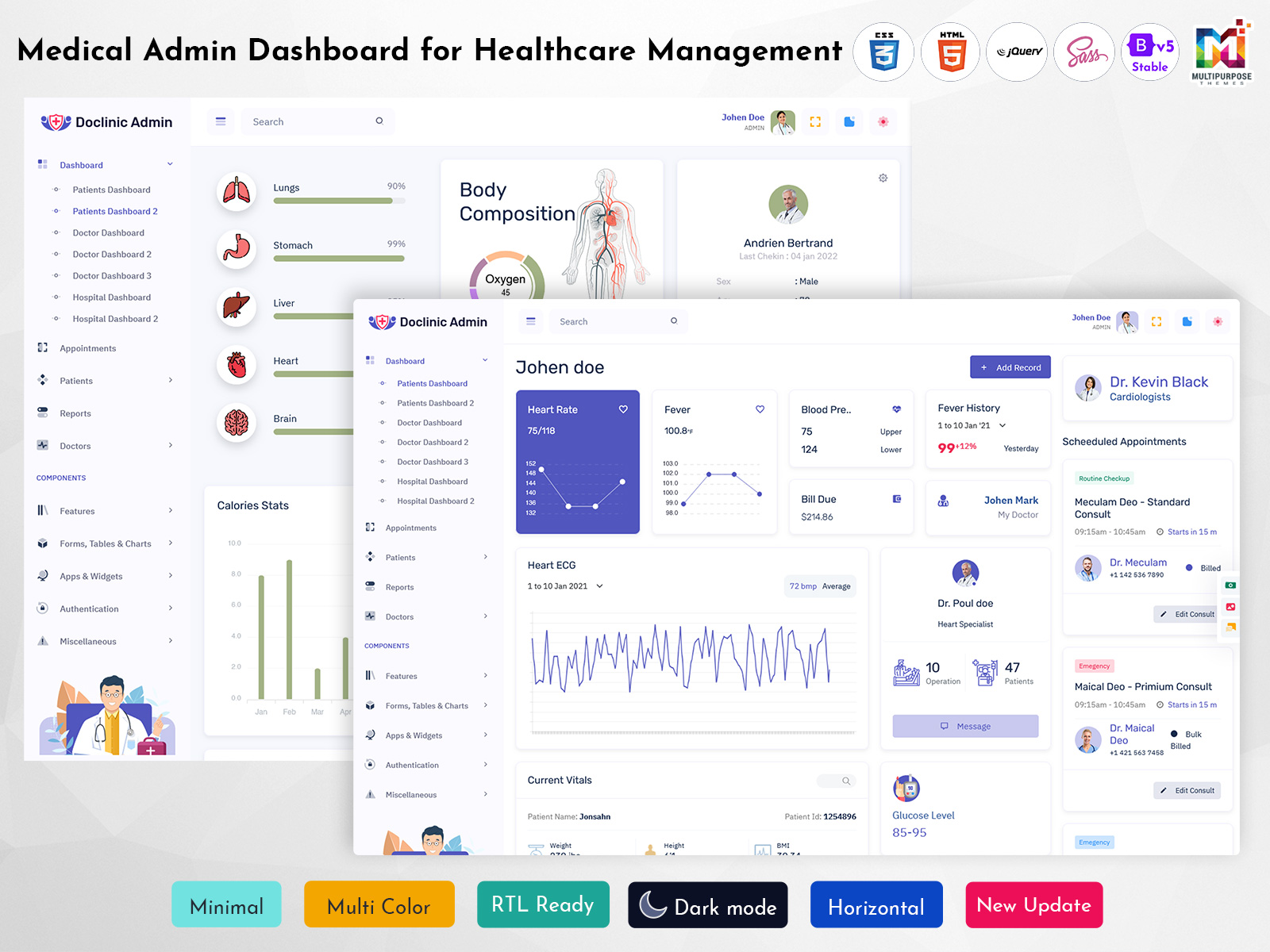
Multipurpose themes develop and distribute medical dashboard products. One of the company’s solutions, Doclinic, provides multiple dashboard options for doctors, patients, and hospitals. The company’s website includes the essential features of the product, such as the use of Bootstrap 5, customizable components, widgets, charts, and additional elements. The developers would review the available options before selecting a solution that would address the project’s needs. The product’s structure and components would facilitate the development process, as the application’s frontend would be prepared in accordance with the intended purpose. The data connections, security, and additional functions would be addressed by developers, as the Medical Dashboard does not provide the required healthcare elements.
VIEW DEMO BUY NOW
Benefits of a Medical Dashboard
1. Organized Healthcare Information
The Medical Dashboard can provide an interface for displaying relevant healthcare data. The users would navigate between the application’s pages and reach the necessary information without the need for additional instructions or navigation adjustments. The application’s layout would be adjusted to ensure that the healthcare data is presented in an accessible manner.
2. Convenient Appointment Review
The healthcare application often requires the ability to view appointments. A Medical Dashboard can include a schedule, calendar, or list to ensure that authorized users can review the bookings. The appointment system would depend on the application’s purpose and users’ needs, and the core functions would remain available to the selected user groups.
3. Role-Based Layouts
Depending on the healthcare application’s purpose, the users would require access to different data and tools. With a customizable dashboard, developers would configure the application’s pages and panels to ensure that each user group receives the necessary displays and panels. The authorization and data access would align with the application’s requirements.
4. Reusable Interface Components
A Medical Dashboard would provide reusable components for the frontend elements of the healthcare application. Cards, forms, menus, and tables would be used across the application, reducing the extent of frontend development and ensuring consistency across pages and displays. Developers would customize the elements in accordance with the application’s needs.
5. Responsive User Experience
A responsive layout would display the application’s interface consistently across devices. The application’s structure would be adjusted in accordance with the framework’s responsiveness options. As a result, users would view the dashboard’s elements without the need to adjust the layout for larger screens or smaller devices.
6. Structured Administrative Reporting
A healthcare application would benefit from the ability to view reports in the form of charts and tables. The application’s logic and data connections would determine the extent of customization for each dashboard. The Medical Dashboard’s panels would display the data consistently in accordance with the application’s needs.
7. Customizable Project Foundation
A Medical Admin Template would provide the foundation for the healthcare application. Developers would customize the application’s layout, navigation, and pages to ensure that the project’s visual elements align with the intended purpose. The backend and data connections would be added to address the application’s core functions.
A Medical Dashboard can provide an interface for the healthcare application, which facilitates the management of information and tasks. The solution would be beneficial for doctors, clinics, hospitals, and additional medical services, depending on the developer’s selections and adjustments.
A Medical Admin or Medical Doctor Administrator Template would supply the options for an application with multiple users. Multipurpose Themes would provide medical dashboard products, such as Doclinic, which offer a variety of panels and elements for creating a healthcare application. The developers would determine the layout’s structure and elements based on the intended users and the healthcare setting. The selection of a dashboard product would be informed by the technology, contained elements, and customization options. Furthermore, the healthcare application would require additional development to provide the necessary functions within the selected framework.
Conclusion
A Medical Dashboard can provide an interface for the healthcare application, which facilitates the management of information and tasks. The solution would be beneficial for doctors, clinics, hospitals, and additional medical services, depending on the developer’s selections and adjustments.
A Medical Admin or Medical Doctor Administrator Template would supply the options for an application with multiple users. Multipurpose Themes would provide medical dashboard products, such as Doclinic, which offer a variety of panels and elements for creating a healthcare application. The developers would determine the layout’s structure and elements based on the intended users and the healthcare setting. The selection of a dashboard product would be informed by the technology, contained elements, and customization options. Furthermore, the healthcare application would require additional development to provide the necessary functions within the selected framework.
VIEW DEMO BUY NOW
Frequently Asked Questions
1. What Is a Medical Dashboard Template Used For?
A Multipurpose themes Medical Dashboard Template is a frontend development foundation for a healthcare-related application. The solution provides the basis for the layout, dashboards, doctor panels, appointments, and additional elements depending on the product. Developers customize the elements to address the application’s needs. The Medical Dashboard supplies an interface for an admin panel or healthcare-related displays, but additional functions would be required for an extensive medical application.
2. Can a Medical Admin Template Be Used for a Hospital Management System?
A Medical Administrator Template can provide the basis for a healthcare application, such as a hospital management system. The solution would depend on the developer’s adjustments, as the application’s design and logic would be informed by the selected framework. A hospital application would entail the need for departments, doctors, patients, appointments, and administrative functions. A Medical Dashboard would address the interface, but secure data connections, authorization, billing, and additional elements would be required for the application to address the users’ needs.
3. What Is the Difference between a Medical Dashboard Template and a Medical Doctor Admin Template?
A Multipurpose themes Medical Dashboard represents an overarching set of interface options for healthcare-related applications. In turn, a Medical Doctor Administrator provides the panels and elements for doctors, nurses, and other professionals. The difference between the two solutions is evident in the applications’ purpose and the available elements. A doctor-focused application would require additional panels for scheduling, patient data, and medical records. Developers should review the products’ features to identify the templates that would align with the intended project, as the two solutions entail distinct functions for medical applications.
4. Can a Medical Admin Template Be Customized for a Clinic?
Yes, as a customizable Medical Administrator solution would entail the ability to adjust the layout, panels, elements, and other features. The application’s layout would be informed by the selected product, but the developers would implement the necessary changes to ensure that the application’s frontend would align with the intended users’ needs. A clinic application would entail doctors, patients, and administrative panels to manage appointments and additional records. The data and logic would be added to the extent of customization to ensure that the application’s purpose is consistent with the intended users’ needs. Furthermore, the authorization and security features would be integrated to ensure that the healthcare application’s data would be protected.
5. Does a Medical Dashboard Template Include Patient Management Functionality?
The extent of functionality would depend on the selected solution’s features. Some Medical Dashboard products provide the option for patient management, data displays, and additional functions. Other templates highlight the administrative panels and options for doctors and staff. Developers should review the contents of the product to ensure that the layout would address the application’s needs. The purpose of a Medical Dashboard is to provide an interface for an application, but additional functions would be required for patient management to align with the application’s logic and data connections. The visual elements of a dashboard do not constitute a complete patient management system or address related regulations.
6. Is a Medical Admin Template Suitable for Different Devices?
Modern applications are compatible with a variety of devices, but the extent of responsiveness depends on the product. Multiple templates provide the option of responsive layout, but the implementation would be informed by the selected framework. A Multipurpose themes responsive Medical Admin product would display consistently on different devices, as the layout and elements would adjust to the screens’ size and orientation. Developers should ensure that the selected product would be compatible with the application’s intended users’ devices. A responsive layout would ensure that the application can be used on desktops, laptops, tablets, and smartphones.
7. Why Choose Multipurpose Themes for a Medical Dashboard Template?
Multipurpose Themes provides medical dashboard products, such as Doclinic, which supply the variety of elements, components, and layout options for healthcare-related applications. The developer would review the products to ensure that the application’s intended purposes, users, and elements would be included in the selected solution. The choice of a Medical Dashboard would be informed by the application’s logic, the included components, and the extent of customization that would be provided by the selected framework.

Related Posts