

What is a Real Estate Dashboard? A Real Estate Dashboard is a centralized digital workspace…
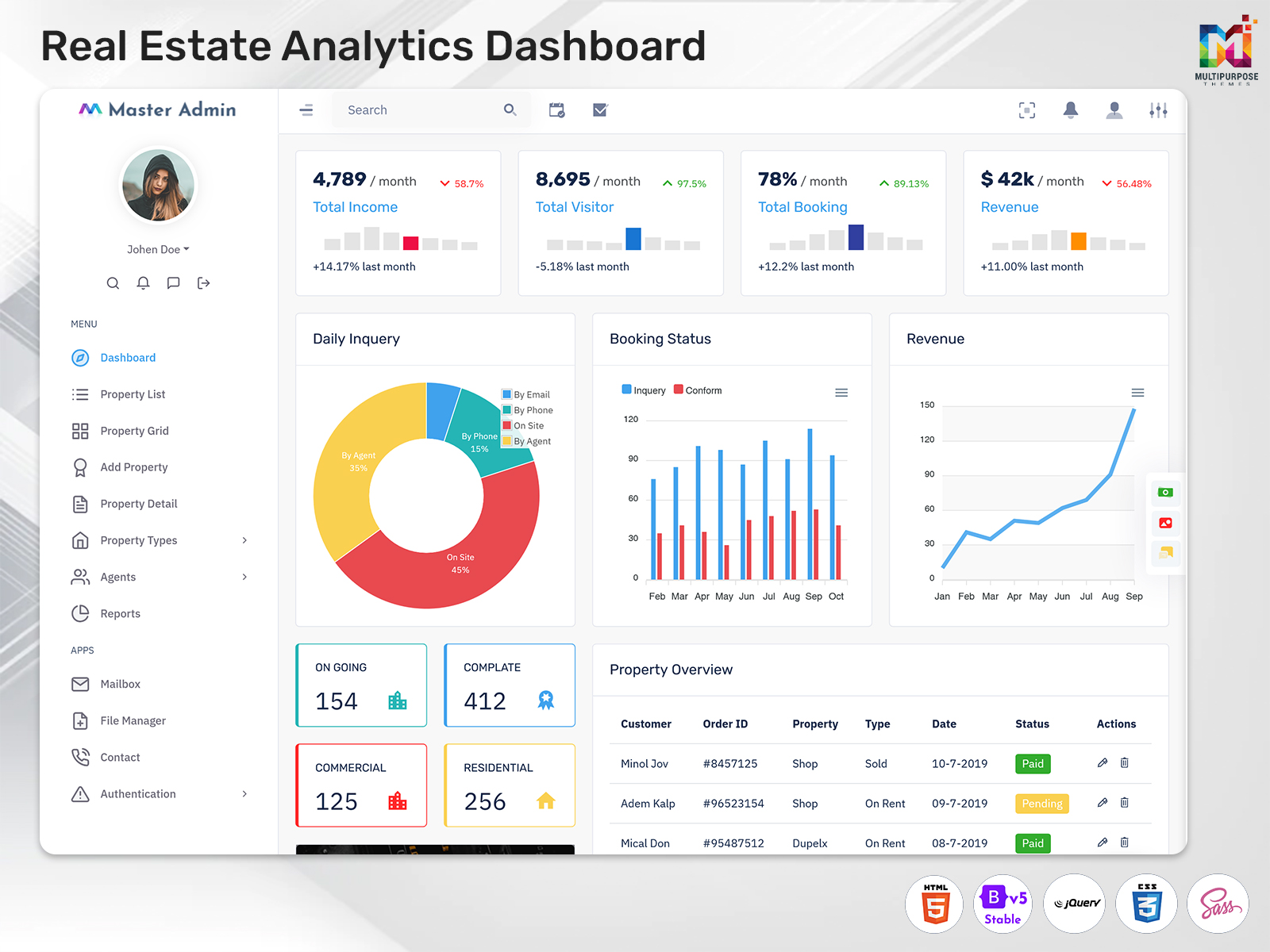
Real Estate Analytics Dashboard for Smarter Property Insights
Reading Time: 8 minutes
What is a Real Estate Dashboard?
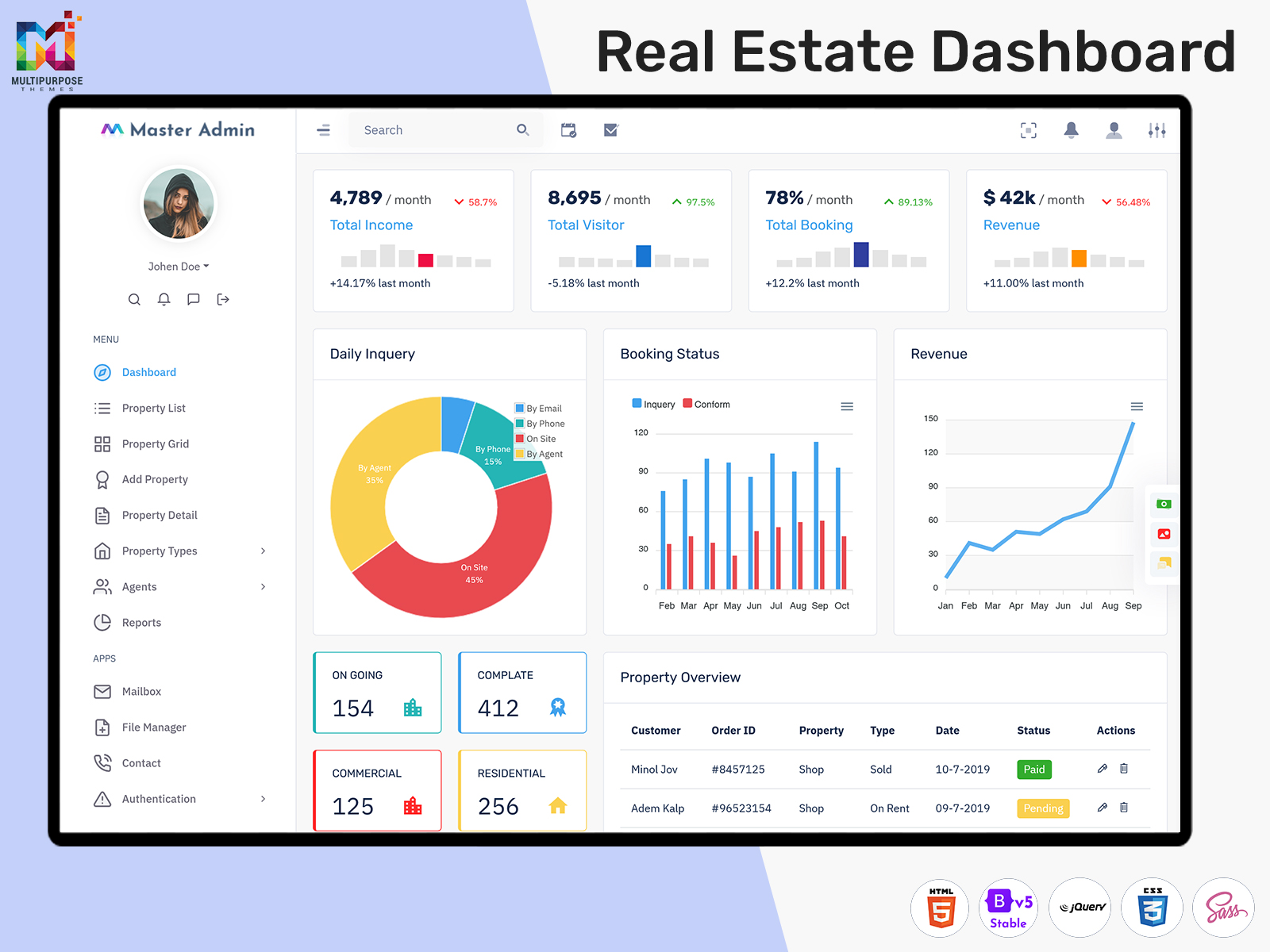
A Real Estate Dashboard is a digital interface created to organize information related to property businesses and real estate operations. It can be used by property agencies, independent brokers, developers, rental businesses, property managers, and other organizations that need to work with multiple property-related activities.
Watch Full Video
The main purpose of a dashboard is to make information easier to understand. A property business may have dozens or hundreds of records, but not every user needs to see all of them at the same time. A property manager may be interested in properties under their responsibility, while a sales professional may focus on active opportunities and client activity.
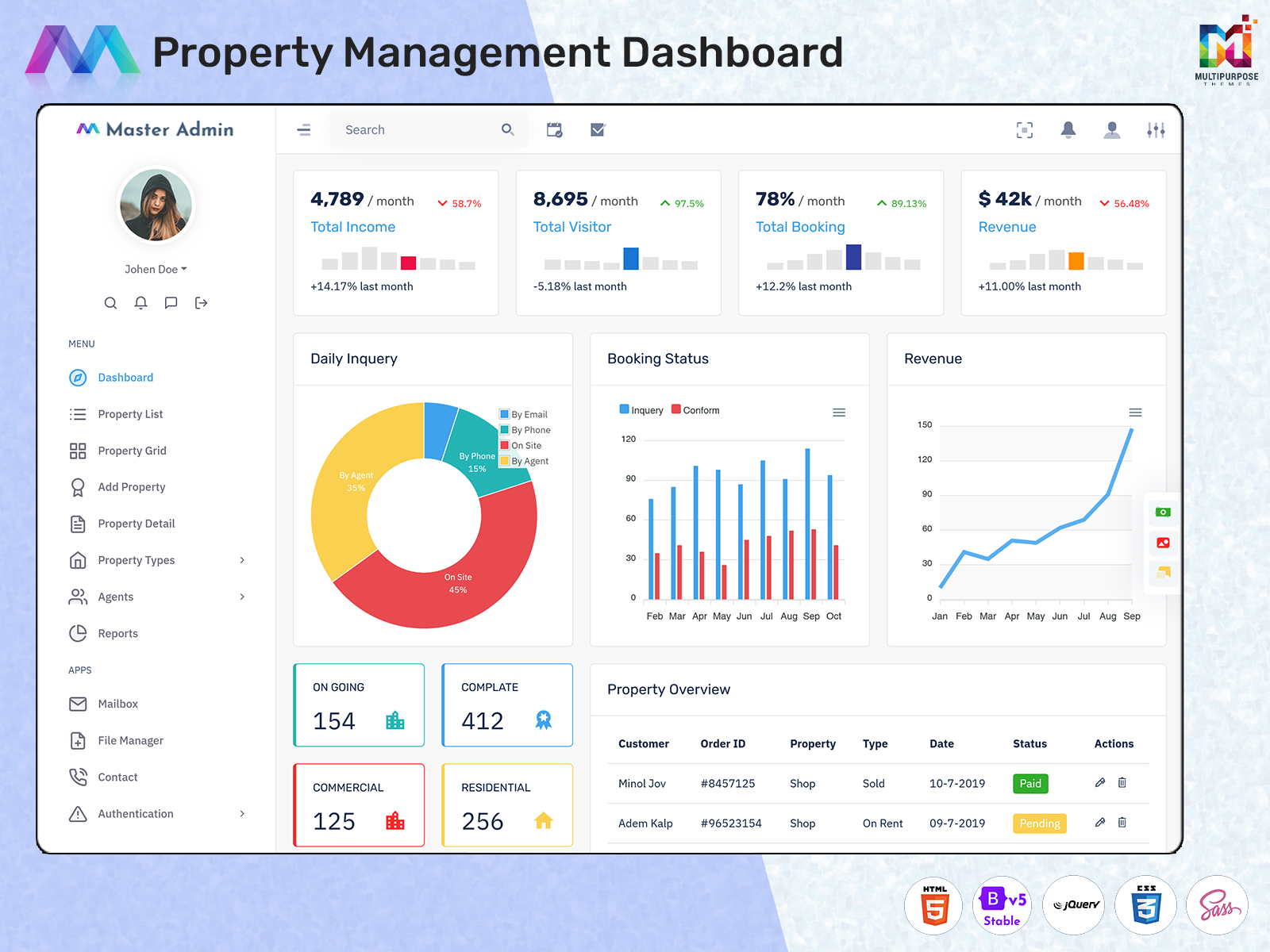
This makes role-based design particularly important. A Property Management Dashboard can be designed around the daily responsibilities of property managers, while a Real Estate Management Dashboard can provide a broader workspace for organizations handling multiple areas of their business.
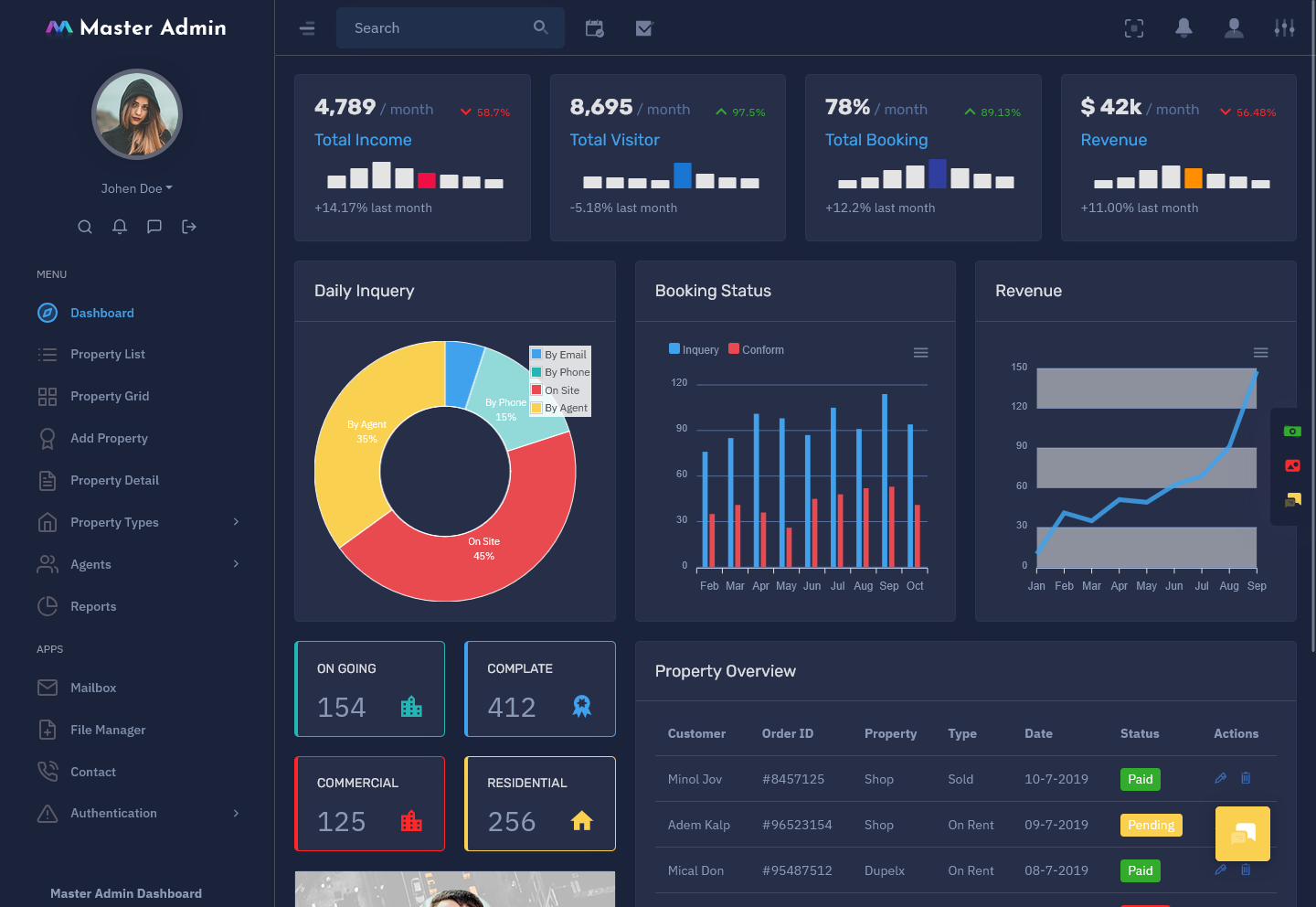
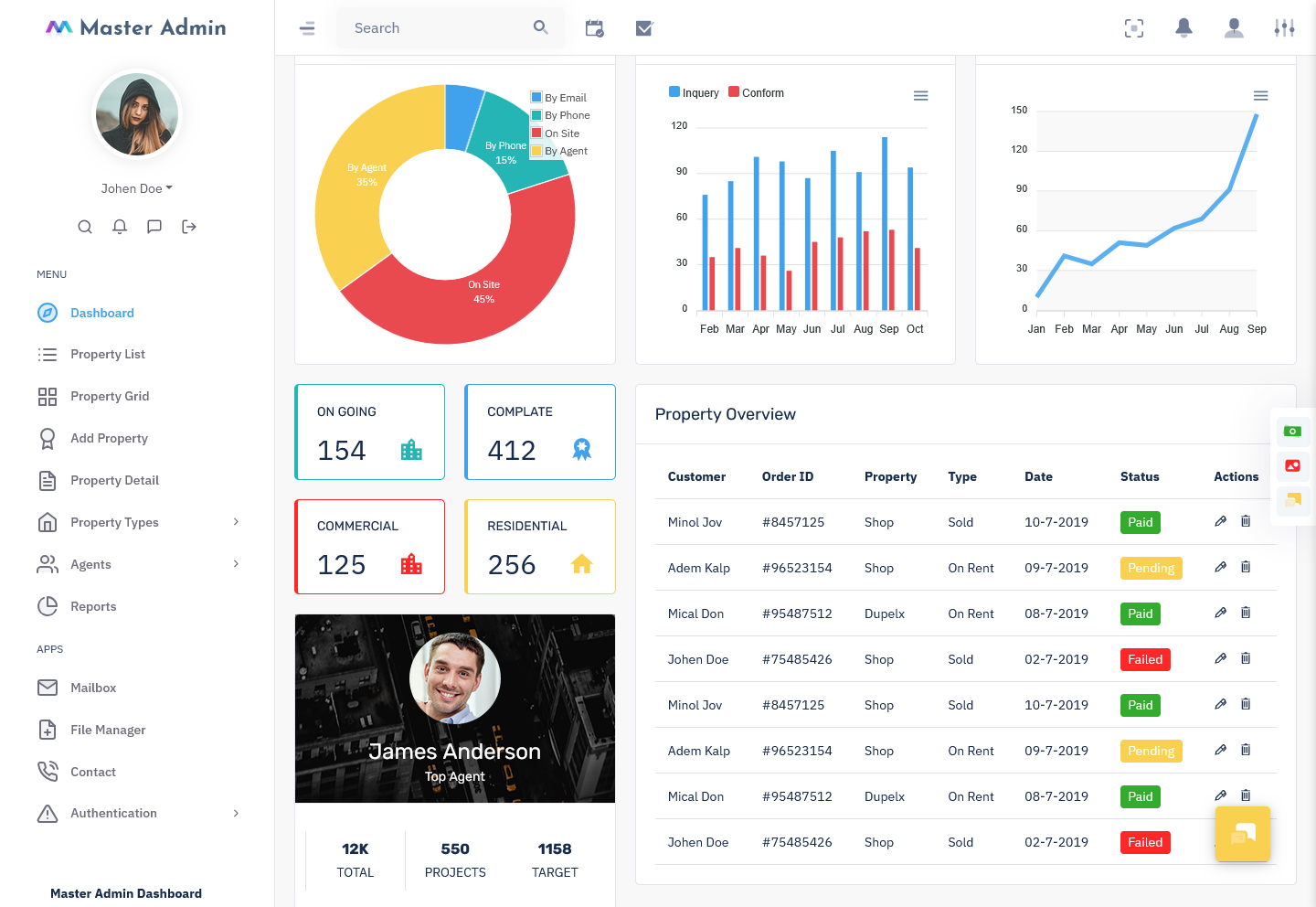
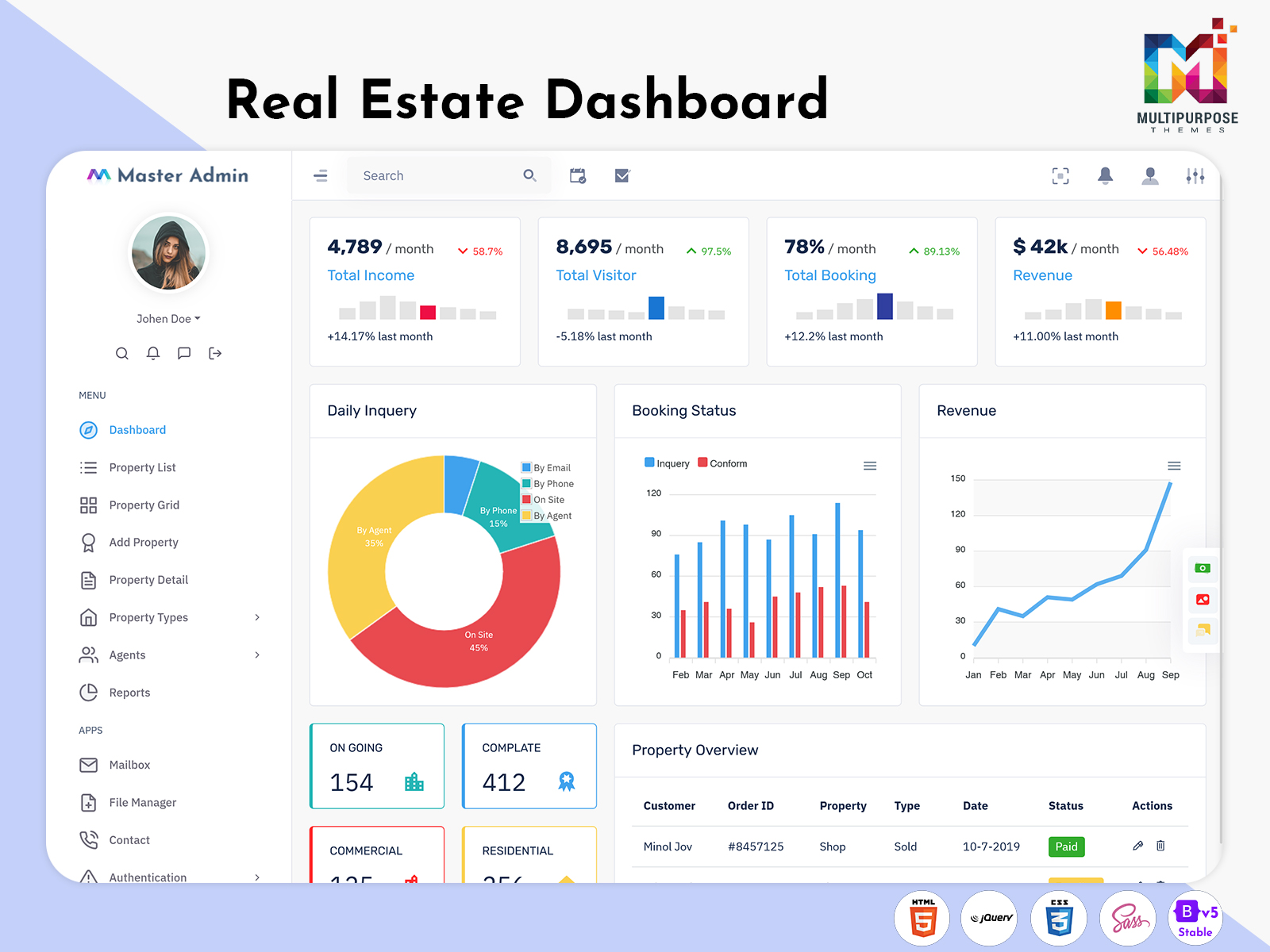
A Real Estate Dashboard Template can give developers a ready-made visual foundation for creating such an interface. Instead of beginning the dashboard design from an empty screen, developers can customize an existing structure around the actual workflow of their real estate application.
For businesses that need administrative control, a Property Management Admin Template can provide a foundation for creating a dedicated backend environment. It can be adapted according to the type of properties being managed, the number of users, and the internal processes followed by the organization.
The real value of a Real Estate Dashboard comes from connecting information with action. Users should be able to understand what is happening, identify what deserves attention, and continue their work without unnecessary confusion.
Why Context Matters in Real Estate Dashboards
A Real Estate Dashboard should not be designed only to show how much business has happened. It should also help users understand what is happening around their properties and why it may matter.
Consider a property manager responsible for several buildings. A simple list can show the properties under management, but it may not help the manager understand which property requires attention first. The dashboard becomes more useful when it provides enough context to distinguish routine activities from situations that may require immediate review.
The same idea applies to real estate agencies. A property may receive several inquiries without progressing further. That information can be useful, but it does not automatically explain why. The dashboard can help the team recognize the pattern and then investigate the underlying circumstances.
This is where a Property Management Dashboard can become more than an administrative screen. It can act as a workspace that helps users organize priorities.
A Real Estate Management Dashboard can also support different teams without forcing everyone to use the same interface. Managers, agents, administrators, and business owners can each receive information that matches their responsibilities.
For developers, this approach means designing around real business questions rather than simply adding more visual components. Instead of asking how many charts can fit on the homepage, it is better to ask what the user should understand within the first few seconds of opening the dashboard.
A good Real Estate Dashboard should therefore provide clarity before complexity.
VIEW DEMO BUY NOW
Features of Real Estate Dashboard
1. Property Portfolio Organization
A Real Estate Dashboard can create a structured environment for viewing properties across different categories and responsibilities. It allows users to understand the portfolio from a central location while keeping information organized enough to support everyday property-related decisions and administrative work.
2. Property Management Dashboard
A Property Management Dashboard can provide property managers with a dedicated workspace for handling information connected with their assigned properties. It can bring relevant records closer together, making it easier to understand current responsibilities without navigating through unrelated areas of the wider system.
3. Real Estate Management Dashboard
A Real Estate Management Dashboard can provide a broader view for agencies and property businesses managing different activities. Its structure can be customized according to organizational roles, allowing management teams to work with information that reflects their operational responsibilities and business requirements.
4. Property Information Visibility
A dashboard can make important property information easier to locate and review. Instead of depending on scattered files or disconnected records, authorized users can work from a more organized interface that gives them a clearer understanding of the properties connected with their daily responsibilities.
5. Role-Based Workspace
Real estate businesses involve different users with different priorities. A dashboard can provide role-specific views so that managers, agents, administrators, and owners can work with relevant information. This prevents the interface from becoming unnecessarily crowded with functions unrelated to the user’s responsibilities.
6. Customizable Dashboard Structure
A Real Estate Dashboard Template can provide a foundation that developers can adapt to different property workflows. The interface can be changed according to branding, property categories, user roles, business processes, and technical requirements instead of forcing every real estate project into the same structure.
7. Administrative Control
A Property Management Admin Template can provide a dedicated administrative foundation for property businesses. It can be customized to support internal workflows and user responsibilities, giving authorized staff a structured environment for working with the information required to manage their real estate operations.
Real Estate Dashboard as a Decision-Making Workspace
One of the most meaningful uses of a Real Estate Dashboard is helping property professionals decide where their attention should go.
Property businesses often deal with many situations at once. One property may require an update, another may need a follow-up, and a third may have an issue that requires immediate attention. When all these activities are stored separately, users can struggle to establish priorities.
A dashboard can create a clearer starting point.
For example, a property manager may open the system and immediately understand which properties require review. This does not mean the software should decide everything automatically. Instead, it should give the manager enough information to make a practical decision.
A Property Management Dashboard can therefore be designed around the question, “What requires attention today?”
For an agency, the question may be different. Management may want to understand which areas of the property business are changing, while agents may need a more focused workspace for their individual responsibilities.
A Real Estate Management Dashboard can accommodate these different perspectives through role-specific views.
This approach makes the dashboard more useful because it connects information with real work. Instead of opening the dashboard simply to look at numbers, users open it because it helps them understand their next priority.
Real Estate Dashboard for Agencies
Real estate agencies have a different set of requirements because several employees may work within the same platform.
Agents, administrators, managers, and business owners can each have different priorities. An agent may focus on individual activities, while management may want to understand broader business conditions.
A Real Estate Management Dashboard can help create these different experiences within the same system.
Role-based access can prevent users from being overwhelmed by functions they do not need. It can also create a cleaner working environment where each team member can concentrate on relevant responsibilities.
This approach is particularly useful for growing agencies. As the number of employees and properties increases, the need for organized information becomes greater.
Instead of creating separate systems for every department, an agency can use one connected platform with different dashboard views.
The result is a more consistent digital environment while still respecting the different ways people work within the organization.
VIEW DEMO BUY NOW
Benefits of Real Estate Dashboard
1. Better Property Organization
A Property Management Dashboard gives teams a structured environment for working with property information. Instead of relying on scattered records, users can begin from a central workspace and move toward the details they need, making everyday property coordination more manageable.
2. Clearer Portfolio Understanding
A Real Estate Dashboard can give property businesses a broader view of their portfolio. This helps users understand how their properties are organized and identify areas that may require additional attention without forcing them to examine every individual record separately.
3. Supports Different Business Roles
A Real Estate Management Dashboard can provide different views for managers, agents, administrators, and business owners. This role-based approach keeps each user’s workspace focused and prevents unnecessary functions from making everyday property-related tasks more difficult.
4. Reduces Information Searching
When relevant property information is organized in one interface, users can spend less time looking through separate systems and documents. A well-structured dashboard gives them a clear starting point and makes it easier to reach more detailed information when required.
5. Makes Software Development Faster
A Real Estate Dashboard Template can provide developers with an existing interface structure rather than requiring every component to be created from the beginning. This can shorten initial development work while still allowing the design and workflow to be customized for the project.
6. Provides Administrative Flexibility
A Property Management Admin Template can create a structured foundation for internal property operations. Developers can adapt its layout and workflow according to the organization’s responsibilities, allowing administrators to work within an interface designed around their specific operational requirements.
7. Supports Business Growth
As a property business expands, the amount of information and number of users can increase. A flexible dashboard can accommodate additional properties, roles, and workflows, helping the digital system remain useful as the organization develops instead of becoming restrictive.
Conclusion
A Real Estate Dashboard can provide a practical digital foundation for organizations that need to manage property information, responsibilities, and workflows in a structured way.
A Property Management Dashboard can help property managers organize their daily responsibilities, while a Real Estate Management Dashboard can provide a wider workspace for agencies and property businesses. Developers can use a Real Estate Dashboard Template as a starting point and adapt it according to the project’s specific requirements.
For administrative systems, a Property Management Admin Template can provide a useful foundation for creating a dedicated backend experience.
The most effective dashboards are not built around the idea of showing everything. They are built around helping people understand what matters to them.
When property information is presented with the right context, organized according to user roles, and supported by a flexible interface, a Real Estate Dashboard can become a valuable part of modern property management.
Frequently Asked Questions
1. What is a Real Estate Dashboard?
A Multi purpose themes Real Estate Dashboard is a digital interface that organizes information related to property businesses. It can be used by agencies, brokers, property managers, developers, and other professionals to create a more structured working environment. The exact dashboard structure depends on the organization’s property workflow and user requirements.
2. What is a Property Management Dashboard?
A Multi purpose themes Property Management Dashboard is designed around the responsibilities of people who manage properties. It can provide a central workspace for organizing relevant property information and identifying areas that require attention. The dashboard can be customized according to the type and number of properties being managed.
3. How is a Real Estate Management Dashboard different from a normal dashboard?
A Multi purpose themes Real Estate Management Dashboard is specifically designed around property-related workflows. Unlike a generic business dashboard, it can be structured according to real estate responsibilities, property categories, organizational roles, and management requirements. Its purpose is to make property information more relevant to the people using the system.
4. What should I consider before choosing a Real Estate Dashboard Template?
Before selecting a Real Estate Dashboard Template, check its responsiveness, customization flexibility, framework compatibility, browser support, code structure, and integration possibilities. You should also consider whether its layout can be adapted to your property workflow. A good template should support your project rather than restrict future development.
5. Can a Property Management Admin Template be customized?
Yes. A Multi purpose themes Property Management Admin Template can generally be adapted according to the requirements of the property management system. Developers can customize branding, navigation, layouts, user roles, and workflows depending on the template’s technical structure and the needs of the final application.
6. Is a Real Estate Dashboard useful for small property businesses?
Yes. A small property business can benefit from an organized dashboard, particularly when one person manages several responsibilities. The interface does not need to be complicated. A focused dashboard that presents only useful information can often be more practical than a large system containing functions the business rarely uses.
7. Can Multi Purpose Themes be used for a Real Estate Dashboard project?
Multi purpose themes offers Real Estate Dashboard and related admin-template options that can be considered as a starting point for real estate projects. Its existing material covers property listings, client information, sales, project management, and property administration. Before implementation, developers should review the template’s customization options, technical compatibility, responsiveness, and ability to match the specific property-management workflow.

Related Posts


This Post Has 0 Comments