

What is a Real Estate Dashboard? A Real Estate Dashboard is a digital interface created…
Property Management Dashboard: A Smarter Way to Manage Real Estate Business Operations
Reading Time: 8 minutes
What is a Real Estate Dashboard?
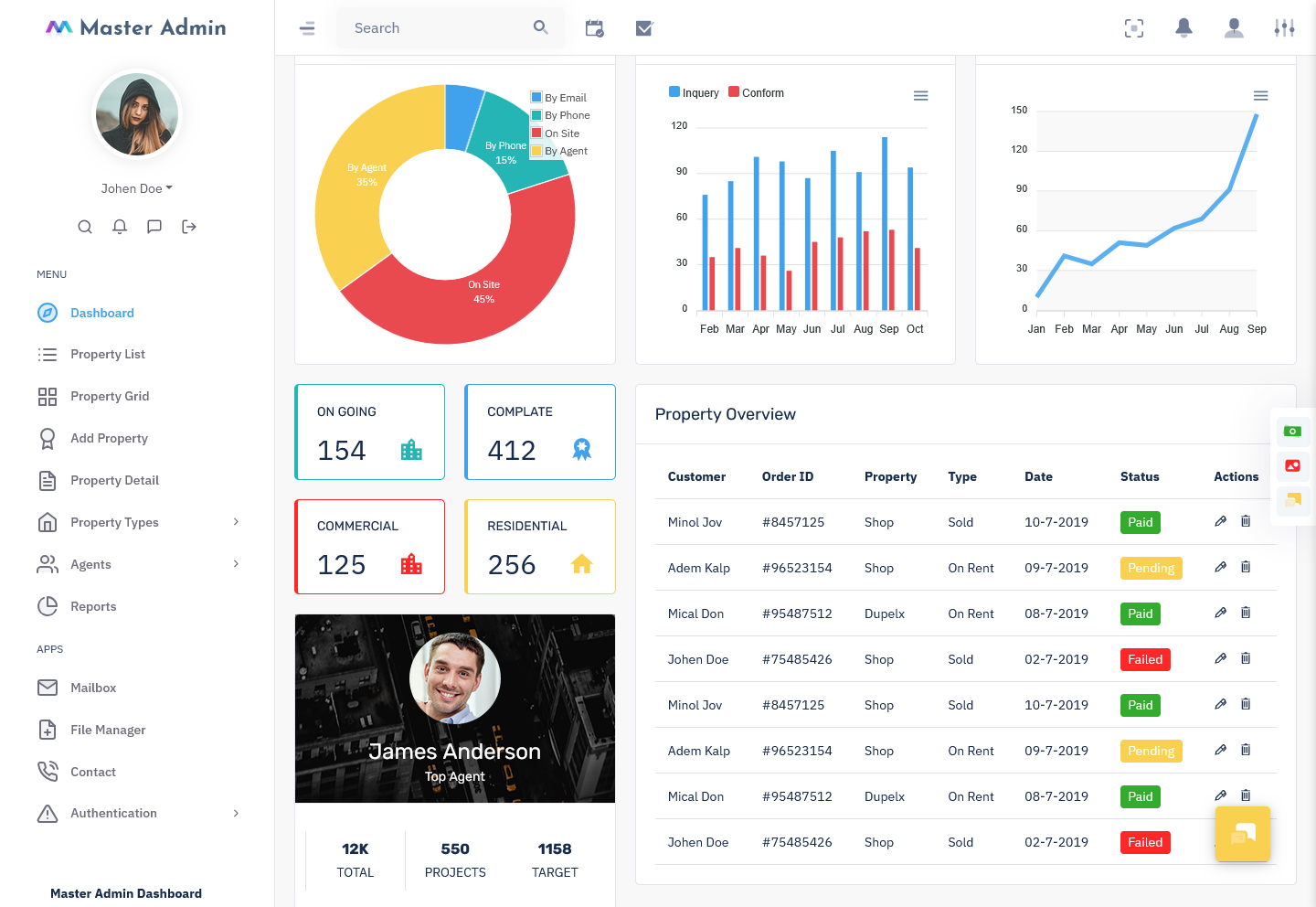
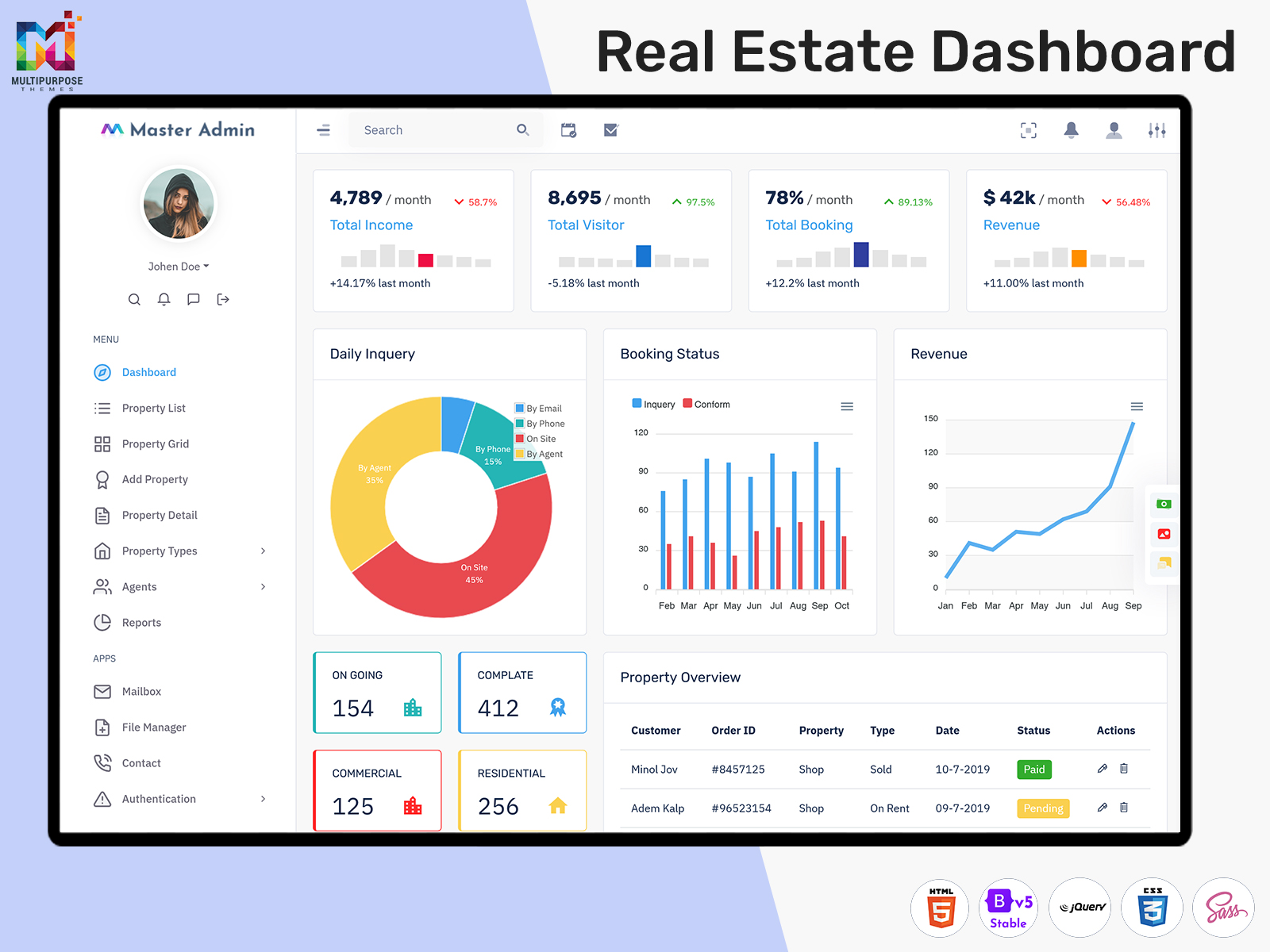
A Real Estate Dashboard is a centralized digital workspace designed to help property businesses organize, review, and manage information related to their daily operations. Real estate companies deal with properties, buyers, sellers, agents, inquiries, appointments, documents, and sales activities. Keeping all this information organized becomes increasingly difficult when different tools are used for different tasks.
Watch Full Video
A well-designed dashboard brings important information into one practical interface. Instead of searching through separate spreadsheets, messages, documents, and software systems, authorized users can access relevant business information from a common management environment. This can make everyday work more structured and easier to follow.
The purpose of a real estate dashboard is not simply to display a large amount of property data. It should help users understand what is happening across the business and identify areas that require attention. For example, a property manager may need a broad view of available properties, while a sales professional may be more interested in current customer activity and sales progress.
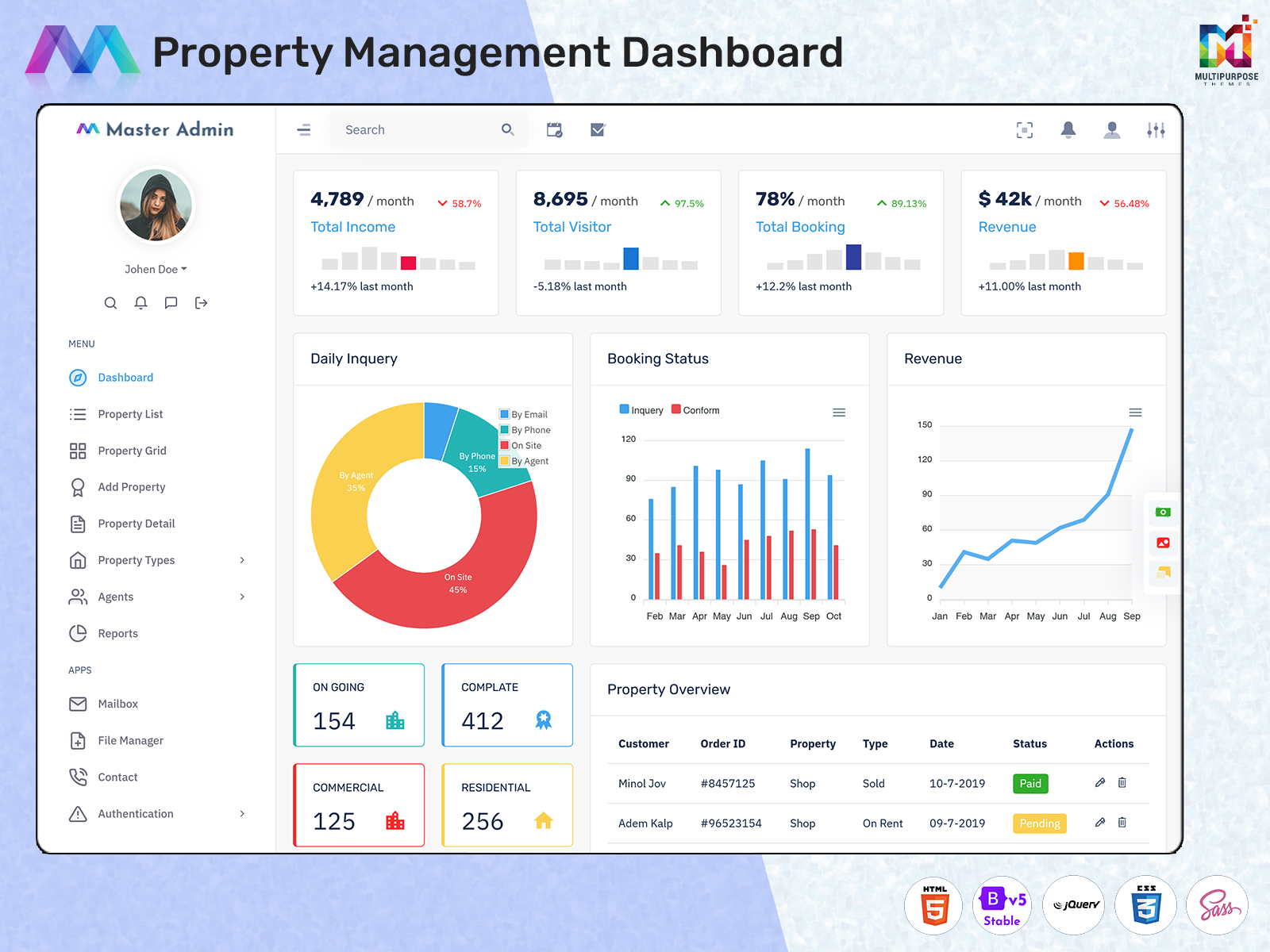
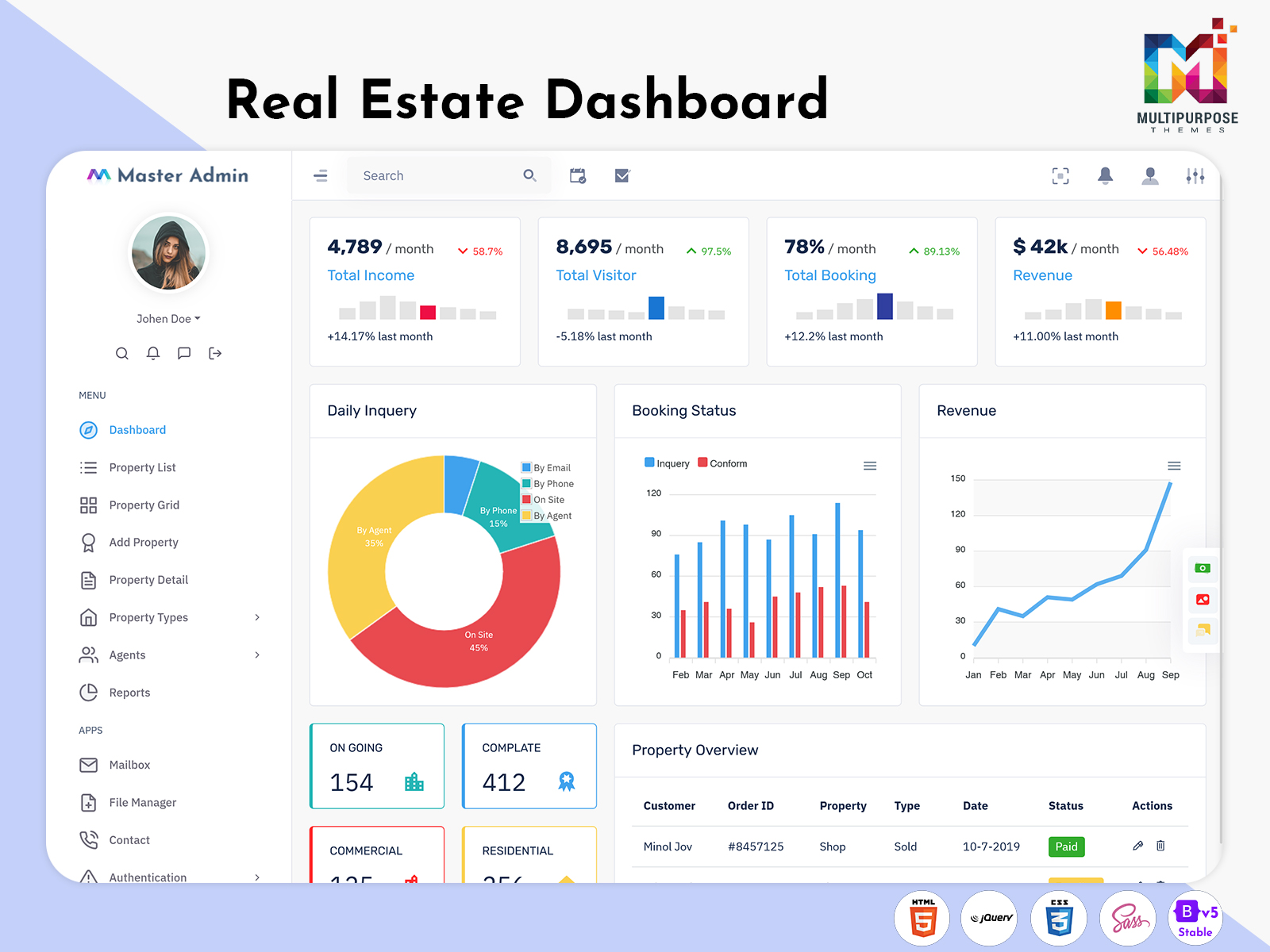
A Real Estate Software Dashboard can be developed around these different requirements. It provides a digital foundation where developers can connect property-related information with the administrative processes followed by the business. The final interface can then be adapted to match the company’s workflow, branding, and user roles.
Modern property companies can also benefit from Real Estate WebApp Dashboards, especially when teams need access to business information through a web-based environment. A browser-based dashboard can provide greater flexibility for organizations with employees working from different locations or managing properties across multiple areas.
The most effective dashboard is therefore one that matches real business requirements. A simple and organized interface can be more useful than a complicated system filled with information that users rarely need.
VIEW DEMO BUY NOW
Features of Real Estate Dashboard
1. Centralized Property Workspace
A Real Estate Dashboard creates a common workspace for organizing property-related information. It gives authorized users a structured environment where they can access information without depending entirely on separate systems. This centralized approach can make property administration easier to organize while providing teams with a consistent place to begin their daily work.
2. Property Business Overview
A Real Estate Software Dashboard can present important business information through an organized interface that helps users understand the current state of their operations. Instead of reviewing different records individually, authorized users can work from a common view. This can make it easier to recognize changes and determine where further attention may be needed.
3. Sales Activity Management
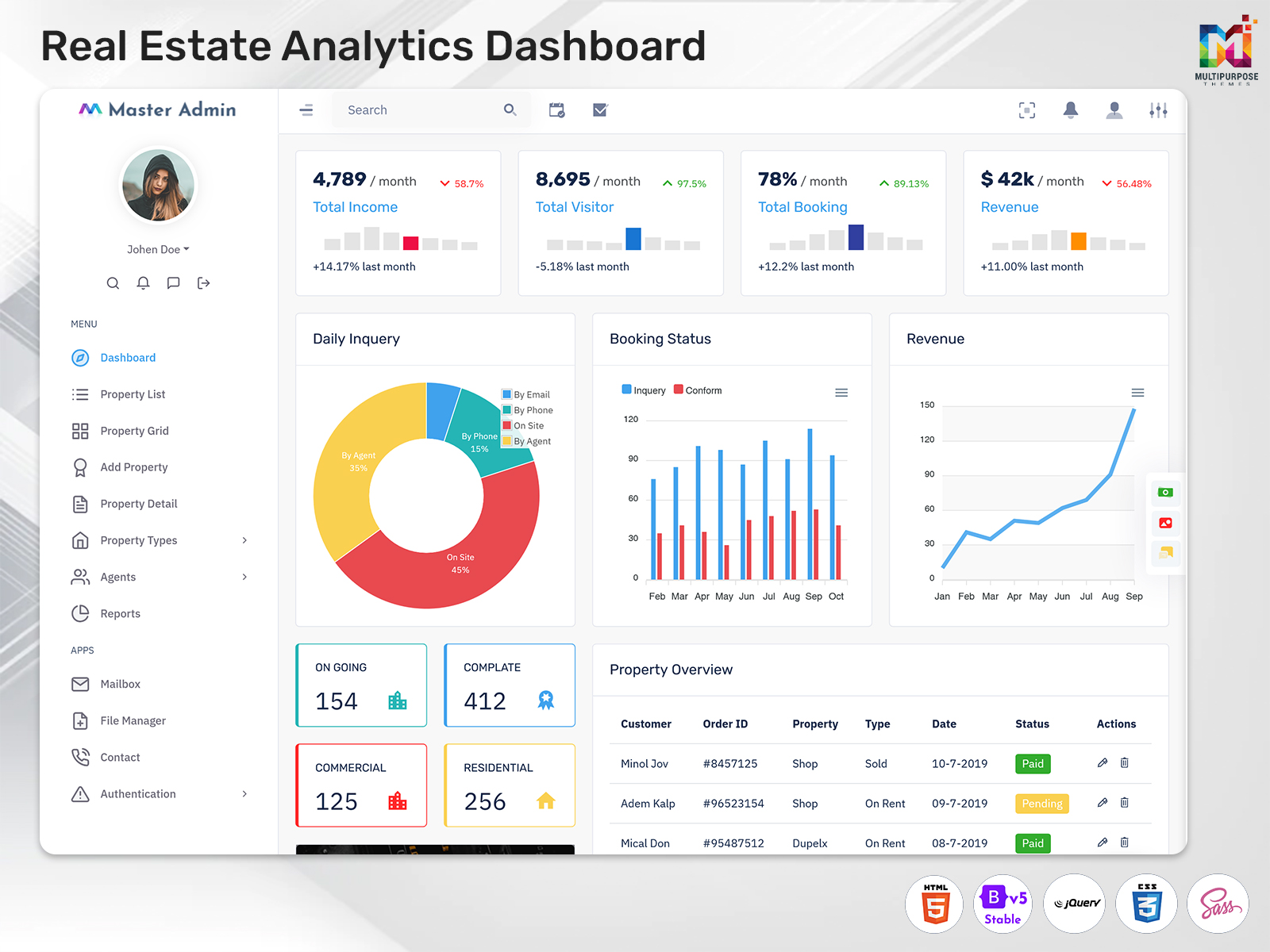
A Real Estate Sales Dashboard can provide sales teams with a dedicated environment for reviewing property-related sales activity. It can help users understand the wider sales process without forcing them to rely on multiple disconnected systems. A focused interface can make daily sales administration more organized and easier to manage.
4. Customer Information Organization
Customer information plays an important role in property businesses, and it needs to remain accessible and organized. A Real Estate Dashboard can provide a structured environment for authorized users to work with relevant customer information. This creates a more consistent approach to managing relationships while keeping customer-related activities connected to the wider business process.
5. Web-Based Accessibility
Real Estate WebApp Dashboards can give teams greater flexibility by providing access through a web-based environment. This can be useful for companies with employees working across offices, property locations, or remote environments. A responsive web interface can make it easier for authorized users to work with business information without being limited to a single workstation.
6. Flexible Dashboard Structure
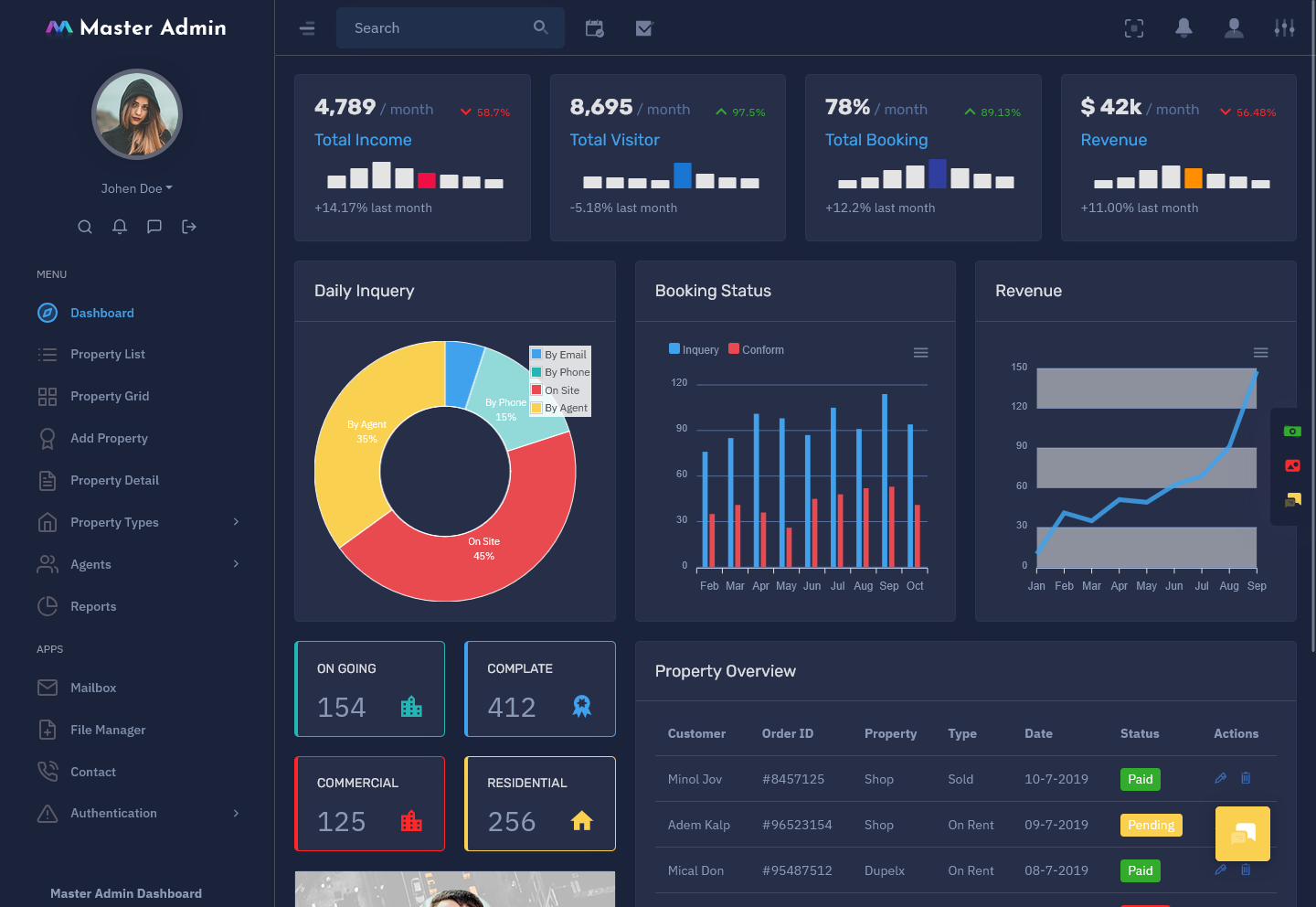
Every real estate company follows a different process, so the dashboard should be adaptable. A Real Estate Software Dashboard can be customized according to the company’s workflow, branding, user responsibilities, and operational requirements. This flexibility allows businesses to create an interface that reflects how their teams actually work instead of following a fixed structure.
7. Responsive User Experience
A modern Real Estate Dashboard should provide a comfortable experience across supported screen sizes. Responsive design allows users to work with property and business information on different devices while maintaining a consistent interface. This flexibility can be particularly useful for real estate professionals who frequently move between offices, properties, meetings, and client interactions.
Connecting Property Information with Sales Activities
Property businesses do not operate through listings alone. A property may attract inquiries, generate appointments, move into negotiation, and eventually become part of a completed transaction. These activities are connected, so managing them separately can make the overall process harder to understand.
A Real Estate Dashboard can create a common environment where property information and sales-related activities can be reviewed together. This gives teams a better understanding of how different parts of the business are connected.
For sales professionals, a Real Estate Sales Dashboard can provide a focused workspace for understanding current sales activity. It can make it easier to review the overall situation before deciding which opportunities need attention.
For managers, the broader dashboard can provide a different perspective. They may be more interested in understanding business movement across different properties, teams, or sales activities rather than focusing on one individual opportunity.
This makes dashboard design particularly important. Different users may need different levels of information, and the interface should be structured accordingly.
When property and sales information are presented within a logical environment, teams can work with greater context and avoid unnecessary administrative effort.
VIEW DEMO BUY NOW
How Real Estate Web Applications Improve Property Management
Real estate teams are not always sitting at a desk. Agents may be visiting properties, meeting buyers, attending site inspections, or communicating with clients from different locations.
Real Estate WebApp Dashboards can support this working style by giving authorized users access to relevant information through a web-based interface. This can provide greater flexibility than a system designed only for use from a fixed office computer.
A web application can also create a common environment for geographically distributed teams. When employees work with the same online platform, it becomes easier to maintain a consistent approach to property management and sales administration.
However, accessibility should always be balanced with security. Real estate businesses may work with private customer information, transaction-related records, and internal business data. Proper authentication, authorization, and data protection practices should therefore be considered during development.
The goal is to provide convenient access without compromising responsible information management.
Benefits of Real Estate Dashboard
1. Better Property Information Management
A Real Estate Dashboard brings property-related information into a centralized environment. This can reduce dependence on scattered records and make important information easier for authorized users to access. A more organized structure can help property teams work consistently while reducing the time spent searching through different sources.
2. Improves Sales Visibility
A Real Estate Sales Dashboard provides sales teams with a clearer environment for reviewing property-related sales activity. Having relevant information available within one workspace can help users understand their current situation and decide where attention may be needed. This creates a more structured approach to managing sales responsibilities.
3. Reduces Administrative Effort
A Real Estate Software Dashboard can reduce unnecessary movement between separate management systems. When related information is available through a common interface, employees can spend less time collecting information manually. This can make routine administration smoother and allow teams to focus more on property management, customer communication, and sales responsibilities.
4. Supports Remote Teams
Real Estate WebApp Dashboards can provide greater flexibility for employees who do not work from one fixed location. Authorized users can access the web-based environment according to the system’s configuration. This can support property professionals who frequently move between offices, client meetings, property locations, and other work environments.
5. Helps Businesses Scale
As a real estate company grows, the number of properties, customers, employees, and transactions can increase. A flexible dashboard can provide a structured management foundation that evolves with these changes. This allows businesses to expand their operations while maintaining a consistent digital environment for handling important information.
6. Encourages Team Coordination
A centralized Real Estate Dashboard can give authorized team members a shared environment for working with business information. This can make internal coordination easier because employees are working from a common management system. A consistent interface can also reduce confusion caused by different employees maintaining information through unrelated methods.
7. Supports More Informed Planning
When property and business information is easier to access, managers can evaluate situations with greater context. A Real Estate Software Dashboard can provide a broader view of operational activity, helping decision-makers identify areas that require attention. This supports organized planning while leaving important business decisions to experienced professionals.
Conclusion
A Real Estate Dashboard can provide property businesses with a centralized digital environment for organizing information, managing operations, and supporting sales activities. By connecting relevant information within one interface, it can make everyday property administration easier to understand and manage.
A Real Estate Software Dashboard can provide businesses with a flexible foundation for handling property-related information and internal workflows. Meanwhile, a Real Estate Sales Dashboard can give sales teams a more focused environment for understanding and managing their activities.
For businesses with distributed teams, Real Estate WebApp Dashboards can provide additional flexibility through web-based access. However, usability, security, role-based access, and scalability should all be considered during development.
The real value of a dashboard comes from how well it fits the organization using it. A simple, customizable, and user-focused interface can help real estate professionals spend less time searching for information and more time managing properties, customers, and business opportunities.
Frequently Asked Questions
1. What is a Real Estate Dashboard used for?
A Multi purpose themes Real Estate Dashboard is used to organize and present information related to property business operations. It can provide authorized users with a centralized environment for working with property information, customer activities, sales processes, and other administrative responsibilities. The exact functionality depends on the needs of the real estate business.
2. Who can use a Real Estate Software Dashboard?
A Multi purpose themes Real Estate Software Dashboard can be used by property managers, sales professionals, administrators, business owners, and other authorized employees. Different users can receive access based on their responsibilities. This allows each team member to work with information that is relevant to their role without unnecessarily displaying unrelated data.
3. What is the purpose of a Real Estate Sales Dashboard?
A Real Estate Sales Dashboard is designed to give sales teams a more organized environment for reviewing property-related sales activity. It can help users understand their current workload and sales situation from a centralized interface. It supports sales administration but does not replace professional judgment or direct customer interaction.
4. Can Real Estate WebApp Dashboards be accessed remotely?
Yes. Multi purpose themes Real Estate WebApp Dashboards are designed as web-based interfaces, so authorized users can access them through supported browsers and devices according to the application’s configuration. This can be useful for agents and property professionals who frequently work away from their main office.
5. Can a Real Estate Dashboard be customized for different companies?
Yes. A Real Estate Dashboard can be customized according to a company’s branding, workflow, property business model, user roles, and operational requirements. Customization is useful because a residential brokerage may have very different requirements from a commercial property company or property management organization.
6. What should businesses consider when developing a real estate dashboard?
Businesses should consider usability, security, user permissions, responsiveness, scalability, data organization, and integration requirements. It is also important to understand how employees currently manage their work before designing the interface. A dashboard should simplify real business processes rather than add another complicated system for employees to learn.
7. Can Multi Purpose Themes be used for developing a Real Estate Dashboard?
Yes. Multi purpose themes can provide dashboard and admin template foundations that developers may customize for real estate-related applications. The selected interface should be adapted according to the company’s branding, workflow, user permissions, functionality, and technical requirements. A template should be treated as a development foundation rather than a complete real estate management solution.

Related Posts


This Post Has 0 Comments