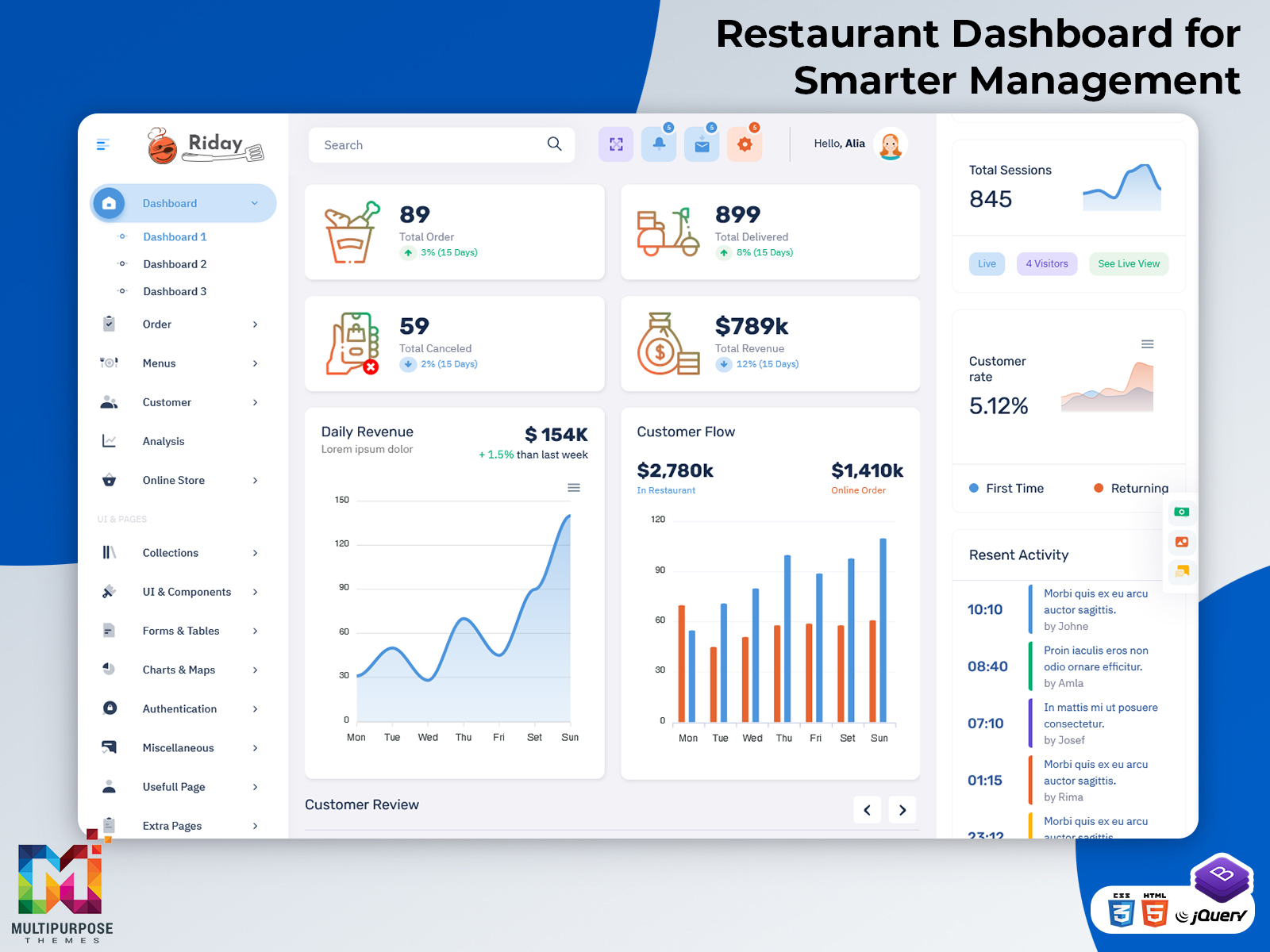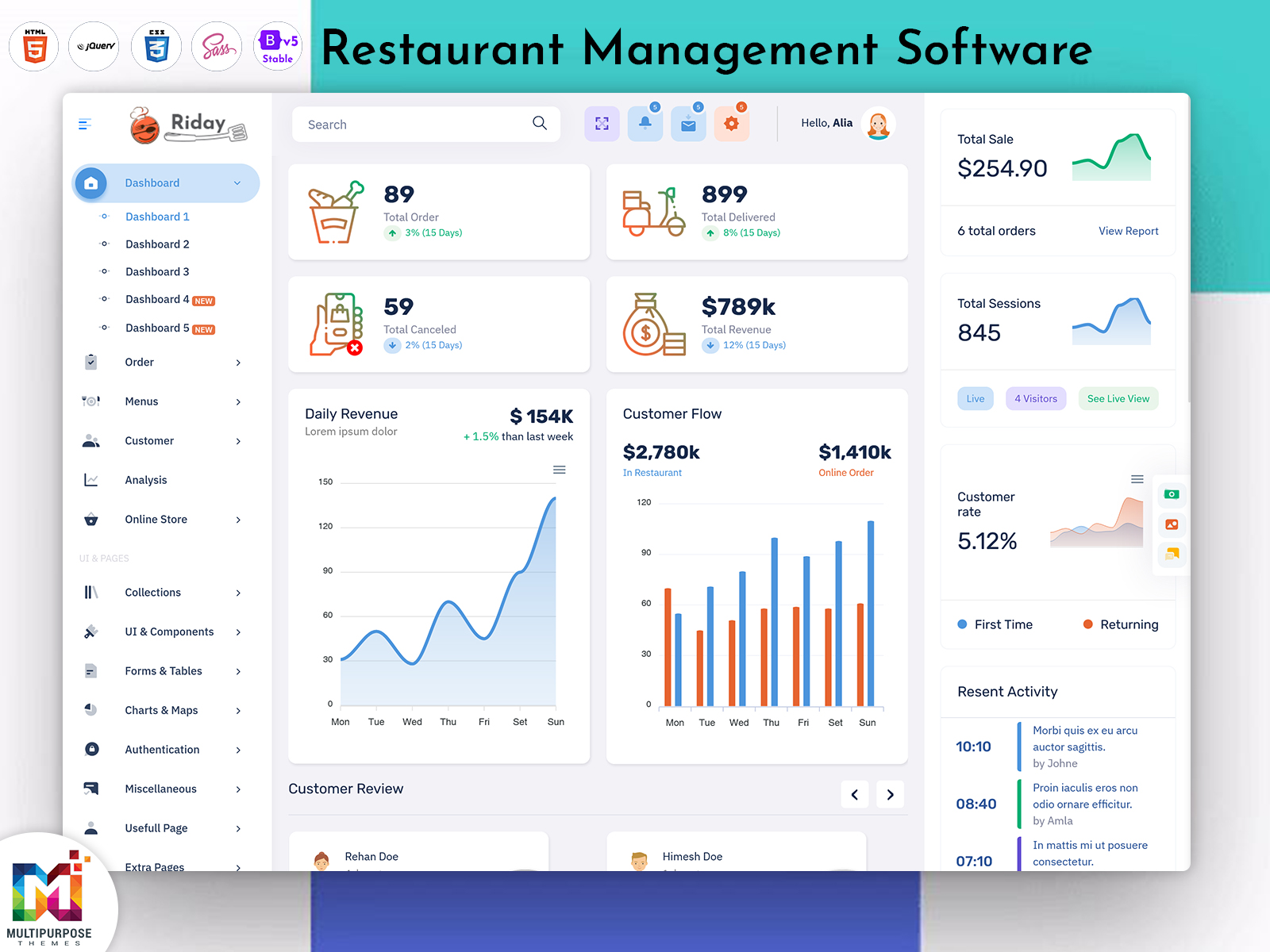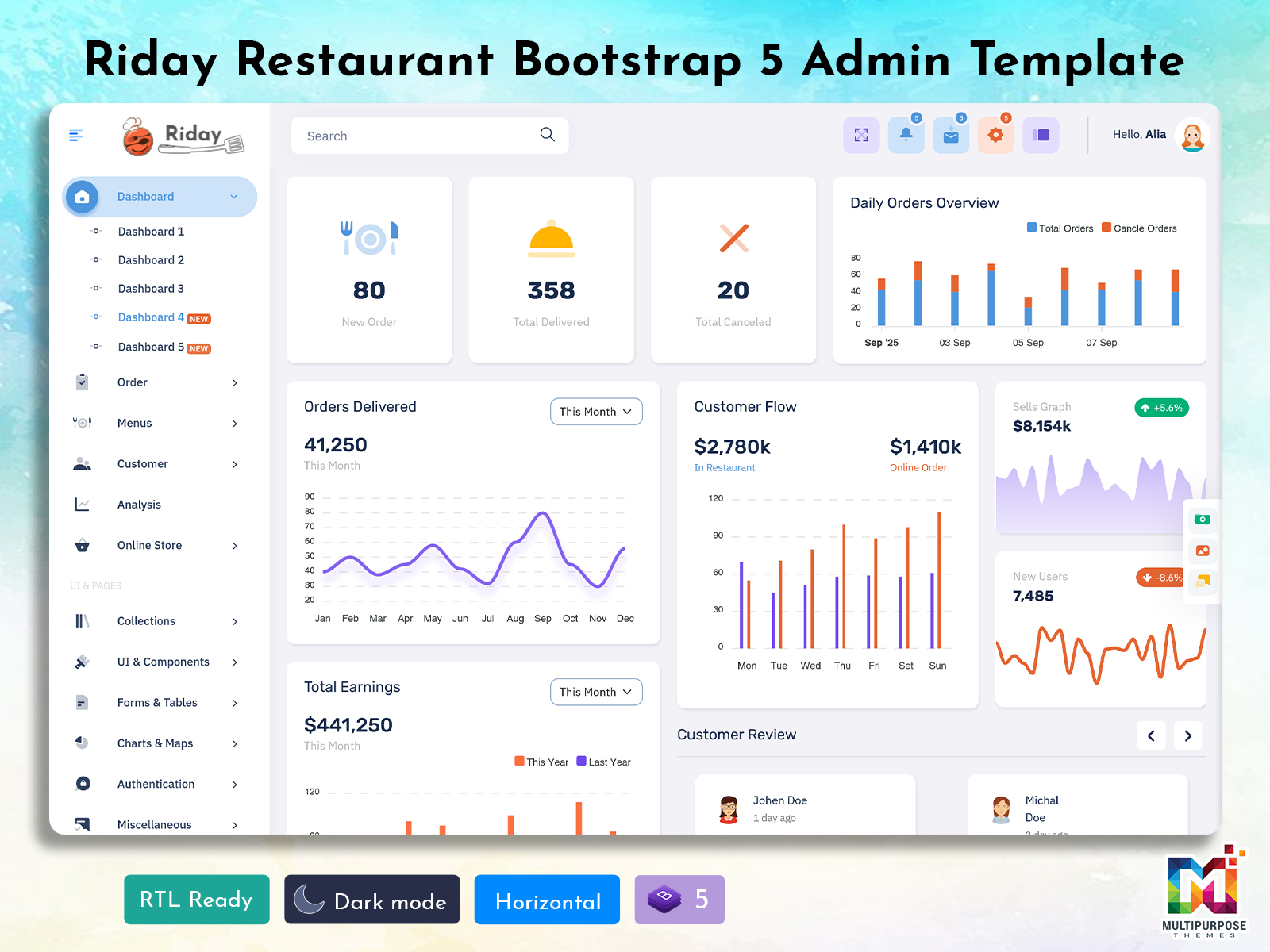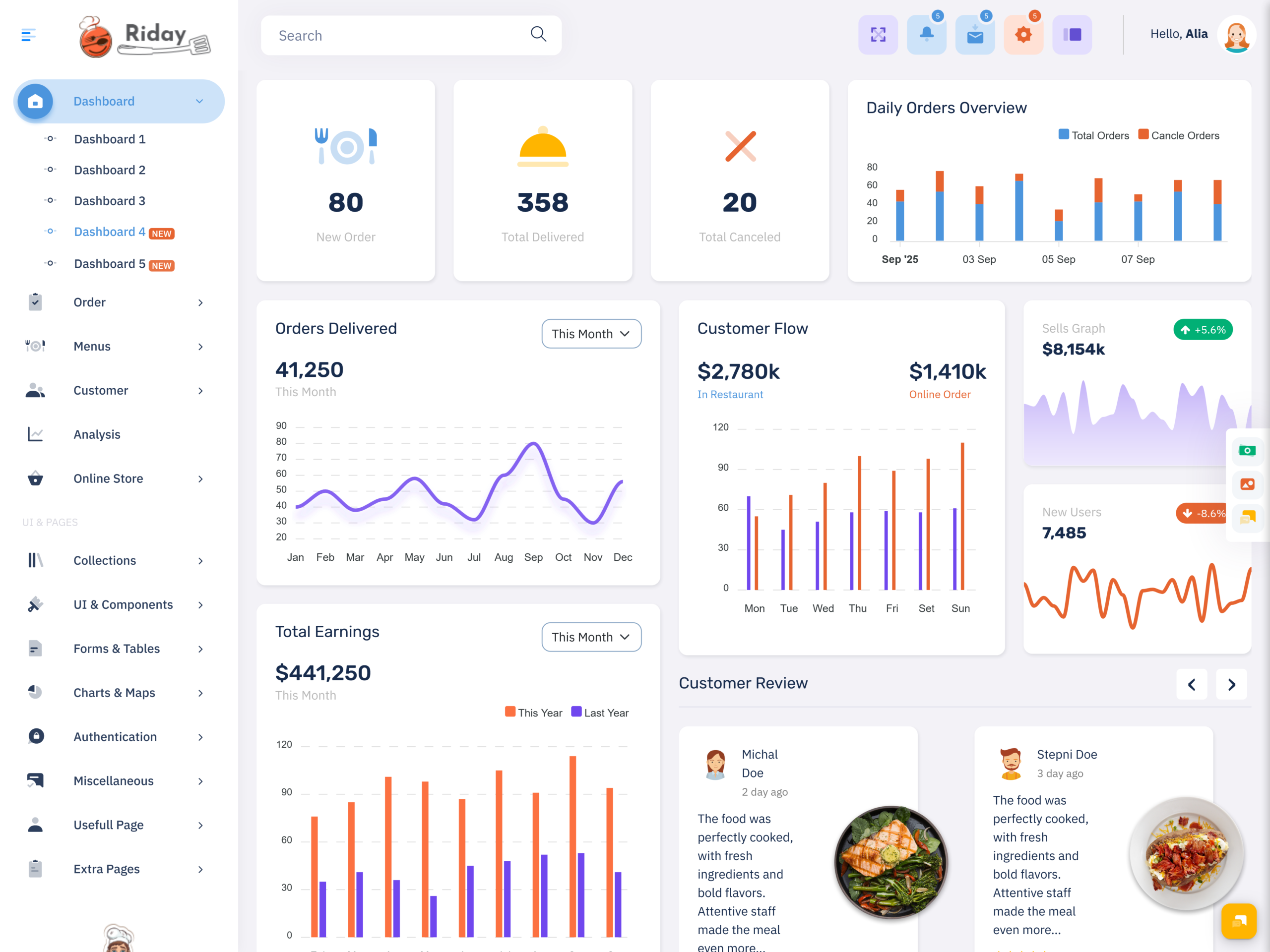
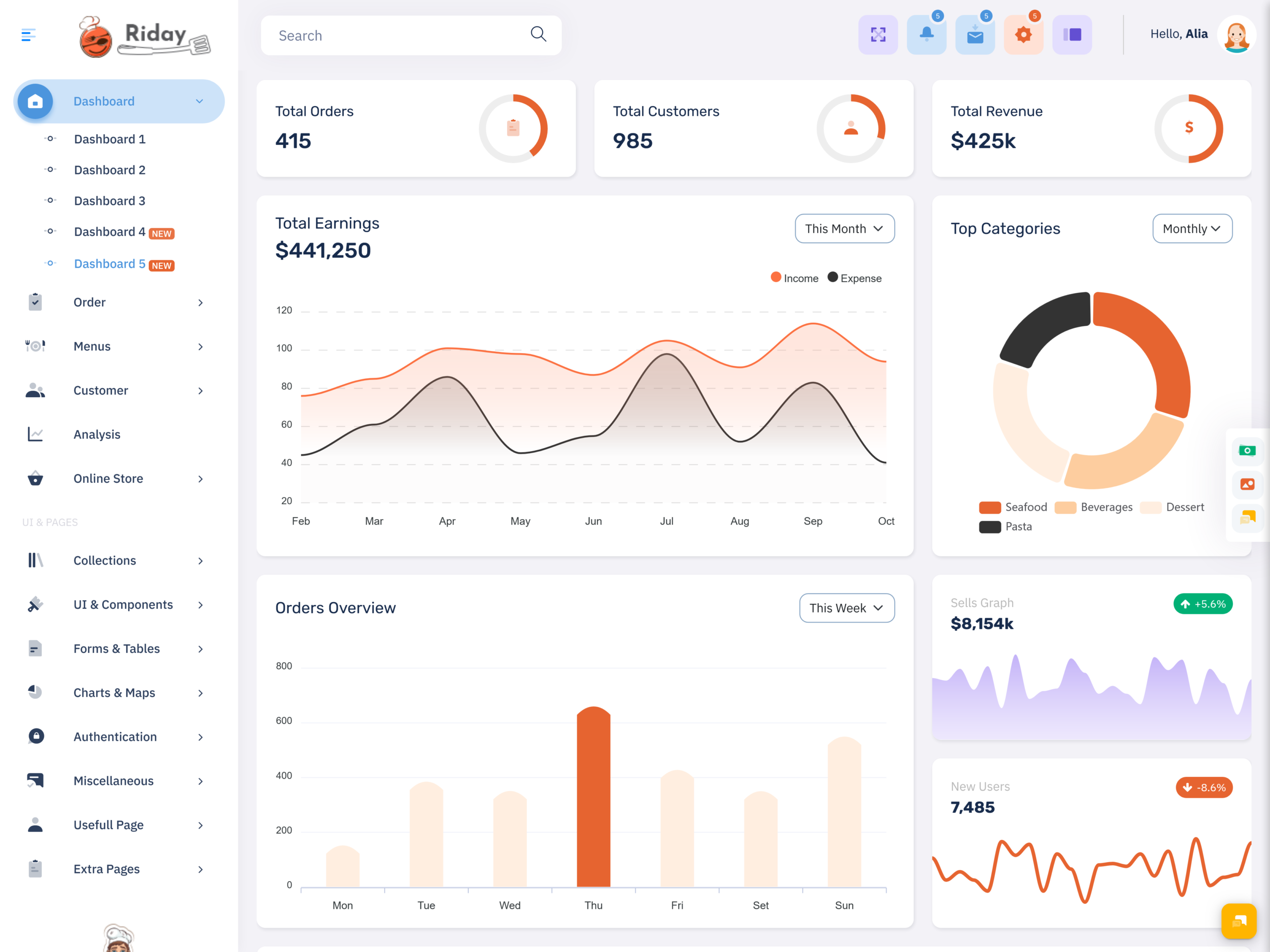
What is a Restaurant Dashboard? A Restaurant Dashboard is a digital interface that brings important…
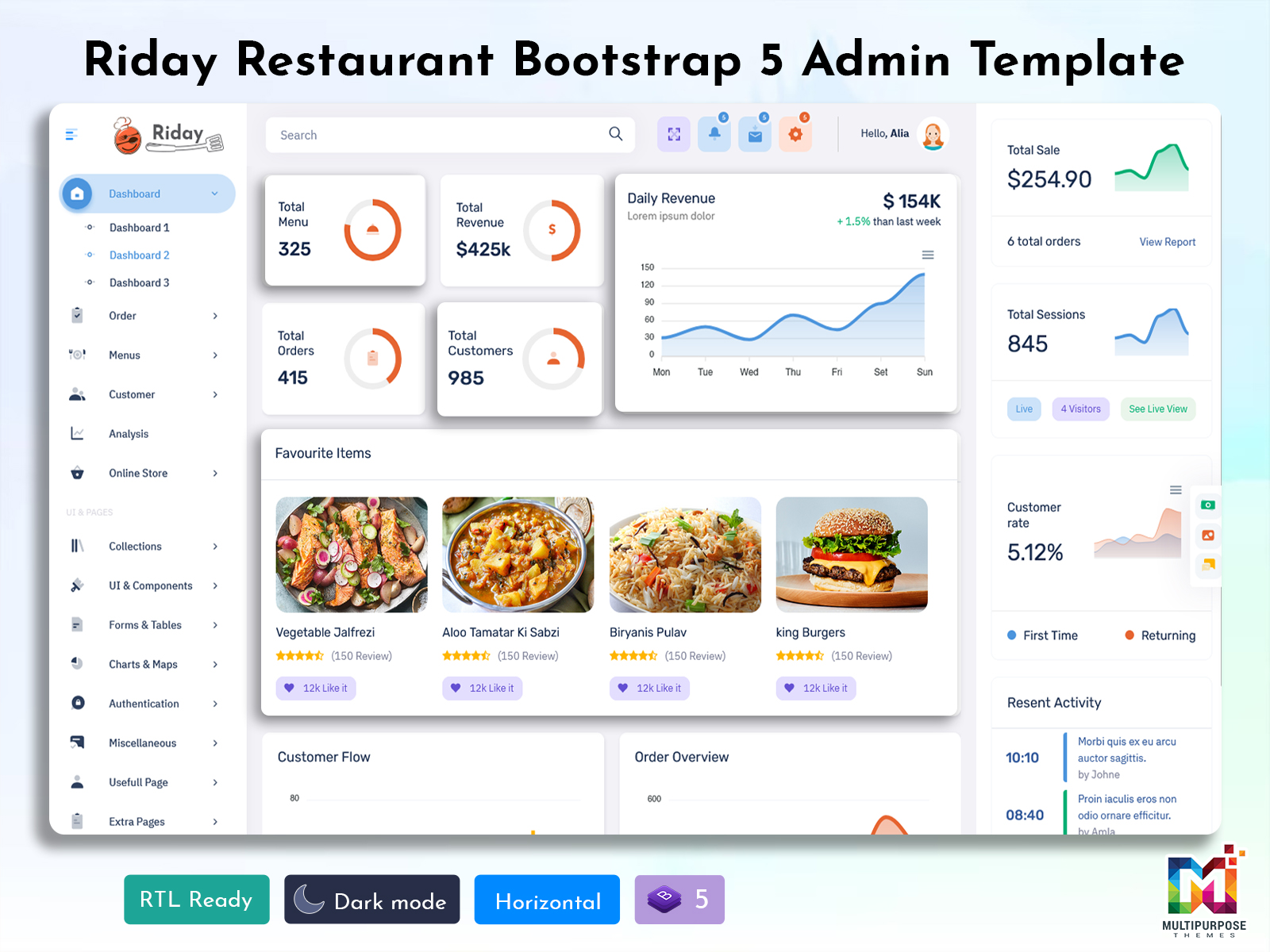
Food Ordering System: Simplifying Modern Restaurant Management and Operations
Reading Time: 8 minutes
What is a Restaurant Dashboard?
A Restaurant Dashboard is a centralized digital interface that helps restaurant owners, managers, and authorized staff understand different parts of their business from one organized workspace. Instead of depending on separate records for daily activities, a dashboard can bring useful operational information together and present it in a way that is easier to review.
Watch Full Video
Running a restaurant involves many activities happening at the same time. Orders are received, food is prepared, tables are occupied, customers interact with staff, and business conditions can change throughout the day. Managing all of these activities manually can become difficult as the restaurant becomes busier.
A well-planned dashboard provides a common place where managers can review important information and understand what needs attention. It does not simply display numbers; it creates a connection between restaurant activity and everyday management decisions.
A Smart Restaurant Dashboard takes this approach further by organizing information around the way restaurant teams actually work. It can be designed to make frequently required information easier to access while keeping the interface simple enough for regular use.
Why is a Restaurant Dashboard Important for Modern Food Businesses?
Restaurants operate in a fast-moving environment where conditions can change within minutes. A busy lunch period may create very different operational requirements compared with a quiet afternoon. Managers therefore need an interface that helps them understand the current situation without spending too much time collecting information manually.
A Restaurant Dashboard can provide this centralized view. Instead of checking several unrelated systems, managers can work through a common interface that organizes information according to the restaurant’s operational needs.
This becomes even more important when a restaurant handles multiple ordering channels. Customers may place orders through different sources, visit the physical location, or use delivery services. Bringing relevant information into a structured management environment can make it easier to understand the overall business situation.
A Real-Time Restaurant Dashboard can be particularly useful when restaurant managers need to stay aware of changing activity during working hours. The purpose is not to overwhelm users with constant updates but to provide information that helps them understand what is happening at the time it matters.
The dashboard can also support communication between management and restaurant teams. When relevant information is available in one place, managers can use it as a common reference while discussing operational requirements with employees.
How a Restaurant Dashboard Connects Different Areas of Restaurant Management
Restaurant operations are interconnected. A change in customer demand can affect kitchen workload, staff requirements, preparation schedules, and the overall pace of service. Looking at each area separately may not always provide enough information to understand the bigger picture.
A Restaurant Dashboard can help connect these areas within a single management environment. It allows users to review information from different parts of the business while maintaining a clear relationship between them.
For example, when restaurant activity increases, managers may need to pay greater attention to how the team is handling the additional workload. When activity slows down, they may want to understand whether the change is temporary or part of a longer pattern.
A Smart Restaurant Dashboard can provide a structured environment for reviewing these situations. Instead of presenting unrelated figures, the dashboard can organize information according to the questions managers commonly ask while running the restaurant.
VIEW DEMO BUY NOW
Features of Restaurant Dashboard
1. Centralized Restaurant Workspace
A Restaurant Dashboard creates a single workspace where important restaurant information can be organized for authorized users. This reduces the need to move between unrelated administrative screens and gives managers a consistent place to review business activity. A centralized structure also makes it easier to establish a common working process across restaurant teams.
2. Current Operational Visibility
A Real-Time Restaurant Dashboard can help managers stay aware of changing restaurant conditions during operating hours. Current information can make it easier to recognize changes that may require attention and respond accordingly. Instead of depending entirely on delayed reports, managers can work with information that reflects the latest available activity within the system.
3. Flexible Restaurant Information Layout
A Smart Restaurant Dashboard can organize information according to the needs of a particular restaurant. Different businesses have different priorities, so a flexible layout allows developers to emphasize relevant information without creating an overcrowded interface. This makes the dashboard more suitable for cafés, dine-in restaurants, food businesses, and growing restaurant operations.
4. Clear Operational Navigation
Restaurant teams often need to move between different areas while managing daily activities. A well-structured dashboard provides clear navigation that helps authorized users reach the required information without unnecessary steps. Consistent menus, logical page relationships, and familiar interface patterns can make regular administration easier and reduce confusion during busy working periods.
5. Restaurant Activity Monitoring
A Restaurant Dashboard can provide an organized way to review changing business activity throughout the day. Rather than relying only on individual records, managers can use the central interface to understand how restaurant operations are progressing. This creates a stronger foundation for identifying situations that may need investigation or management attention.
6. Responsive Dashboard Experience
A Real-Time Restaurant Dashboard should also provide a comfortable experience across different screen sizes. Restaurant managers may not always remain at a desk, so a responsive interface can make important information accessible through desktops, laptops, tablets, or other supported devices. This flexibility allows the dashboard to fit more naturally into everyday restaurant management.
7. Adaptable Management Interface
A Smart Restaurant Dashboard can be customized to match the operational model of the business. Developers can adjust the interface according to restaurant size, user responsibilities, branding, and workflow requirements. This adaptability allows businesses to create a management environment that supports their actual processes rather than relying on a fixed structure that may not suit them.
VIEW DEMO BUY NOW
Benefits of Restaurant Dashboard
1. Better Operational Visibility
A Restaurant Dashboard provides a centralized view of important restaurant activity, helping managers understand the current business situation more clearly. Instead of depending on disconnected information sources, users can work through one organized environment. This broader visibility can make it easier to recognize changes and decide which operational areas require attention.
2. Faster Management Review
A Real-Time Restaurant Dashboard can reduce the effort required to collect current information before reviewing restaurant activity. When relevant details are already available within the management interface, managers can begin their review more quickly. This can make daily supervision more convenient and help users focus their time on actual restaurant responsibilities.
3. Supports Better Decisions
A Smart Restaurant Dashboard gives managers a structured view of information that can support everyday decision-making. When relevant details are easier to access and understand, managers can evaluate situations with greater context. This does not replace human judgment; instead, it provides a more organized information base for making practical decisions.
4. Improves Team Coordination
A centralized restaurant dashboard can provide a common reference point for authorized team members. Managers and employees can work with information presented through the same system, helping reduce confusion caused by separate working methods. This shared environment can support clearer communication and create a more consistent approach to restaurant administration.
5. Reduces Administrative Complexity
Managing restaurant information through separate tools can create unnecessary work. A Restaurant Dashboard can bring related activities into a connected interface, reducing the need to repeatedly switch between different systems. This can simplify regular administration and create a more comfortable workflow for managers responsible for multiple restaurant activities.
6. Supports Business Growth
A restaurant’s management requirements can change as its customer base, staff, locations, and operational responsibilities increase. A flexible Smart Restaurant Dashboard can be adapted as these requirements develop. This gives growing businesses a structured foundation that can evolve with their operations rather than requiring a completely different management approach every time the business expands.
7. Creates a More Organized Workflow
A Restaurant Dashboard can help establish a consistent environment for handling daily management responsibilities. When information is logically arranged, managers can follow a more predictable workflow and spend less time searching for what they need. This organized approach can make restaurant administration smoother, particularly during busy periods when quick access to information matters.
How a Restaurant Dashboard Can Support Growing Restaurants
Growth can create new challenges for restaurant management. A business that starts with one location and a small team may eventually handle more customers, larger teams, multiple branches, and several operational processes.
A Restaurant Dashboard can provide a centralized foundation for managing this increasing complexity. Instead of allowing every new responsibility to create a separate process, businesses can organize relevant information within a common administrative environment.
For multi-location businesses, the dashboard can also provide a broader management perspective. Owners or senior managers may need to understand how different locations are performing while still allowing individual branches to handle their local responsibilities.
A Real-Time Restaurant Dashboard can become particularly useful when management needs to understand current activity across a growing operation. Current information can help teams respond more effectively when conditions change.
Conclusion
A Restaurant Dashboard can provide a centralized and organized way to manage information across modern restaurant operations. By bringing relevant business activity into one workspace, it can help owners and managers understand current conditions and maintain greater visibility over daily responsibilities.
A Smart Restaurant Dashboard adds value by focusing on practical usability, flexible organization, and the needs of different restaurant users. Meanwhile, a Real-Time Restaurant Dashboard can help managers stay informed when restaurant activity changes quickly throughout the day.
The quality of the interface also matters. A thoughtful Restaurant Food Dashboard Design should make information easy to understand without filling the screen with unnecessary elements. Clear navigation, logical organization, and relevant information can make the management experience more useful.
Frequently Asked Questions
1. What is a Restaurant Dashboard used for?
A Multi Purpose themes Restaurant Dashboard is used to organize and review important information related to restaurant operations through a centralized interface. It can help authorized users understand current activity, manage administrative responsibilities, review business information, and maintain better visibility without depending entirely on separate records or manual reports.
2. What makes a Smart Restaurant Dashboard different?
A Multi Purpose themes Smart Restaurant Dashboard focuses on making restaurant information easier to understand and use according to the actual needs of the business. Instead of simply displaying large amounts of information, it can be organized around user responsibilities, operational priorities, and the decisions managers regularly need to make.
3. Why would a restaurant need a Real-Time Restaurant Dashboard?
Restaurant conditions can change quickly, especially during busy service periods. A Real-Time Restaurant Dashboard can help managers access current information as it becomes available through the connected system. This can make it easier to recognize changing conditions and respond to situations that require timely attention.
4. Can a restaurant dashboard be customized?
Yes. A Multi Purpose themes restaurant dashboard can be customized according to the business model, restaurant size, branding, user roles, operational workflow, and management requirements. A café may need a simpler interface than a multi-location restaurant group. Customization helps ensure that the final dashboard supports the way the business actually operates.
5. Is a Restaurant Dashboard useful for small restaurants?
Yes. Small restaurants can benefit from a centralized management interface because it can make daily information easier to organize. A simple dashboard can provide useful visibility without requiring a large management system. As the restaurant grows, its dashboard can also be expanded to support additional responsibilities.
6. What should developers consider when designing a restaurant dashboard?
Developers should first understand who will use the dashboard and what information those users require. They should also consider navigation, responsive design, information hierarchy, customization, user access, scalability, and the restaurant’s actual workflow. The interface should remain practical rather than becoming crowded with unnecessary elements.
7. Can MultiPurpose Themes help with Restaurant Dashboard development?
Yes.Multi Purpose themes offers restaurant-related dashboard and admin template solutions that developers can use as a starting point for building restaurant management interfaces. The selected template can be customized according to the project’s branding, workflow, user requirements, and functionality so that the final system matches the needs of the restaurant.

Related Posts