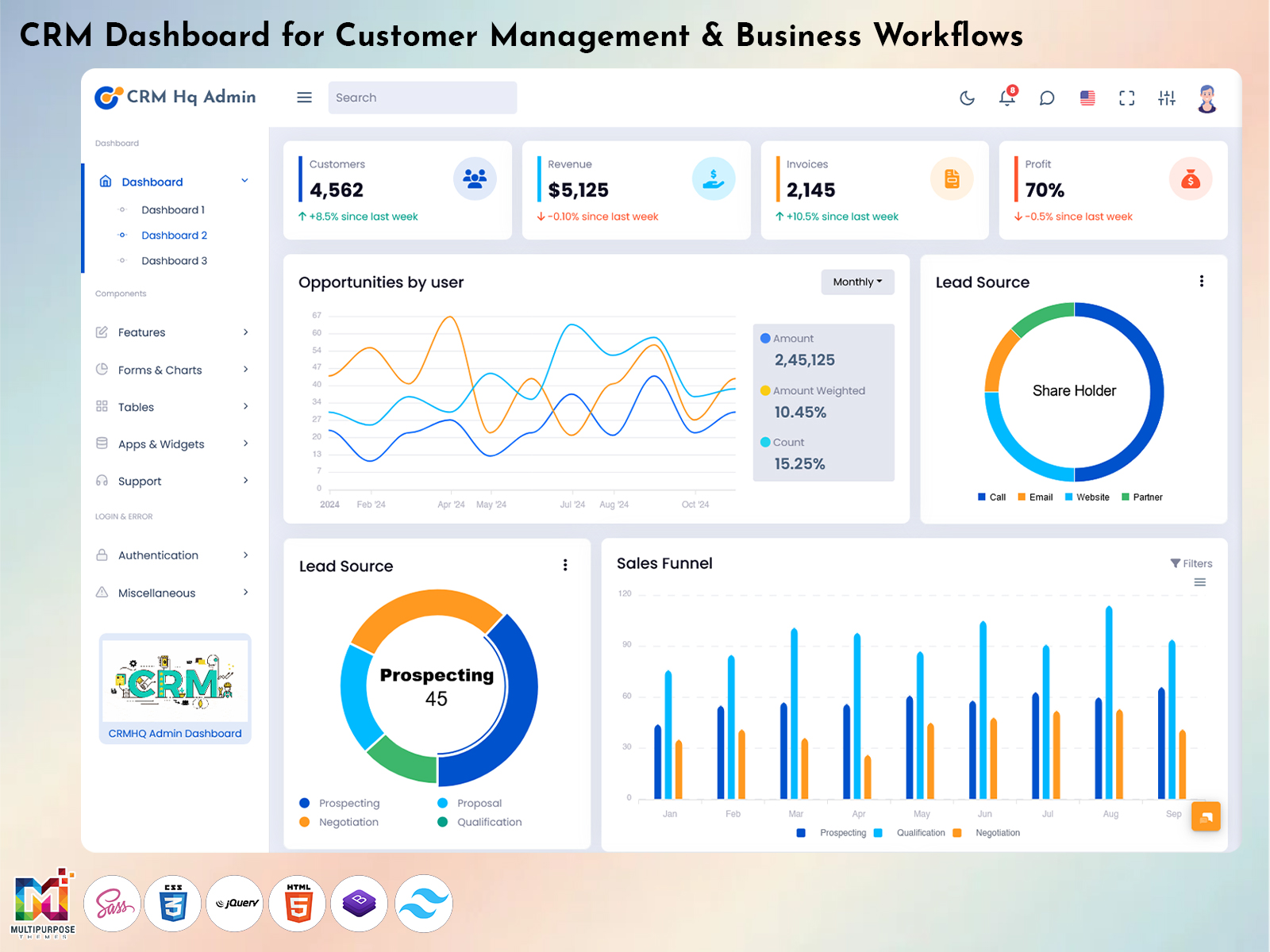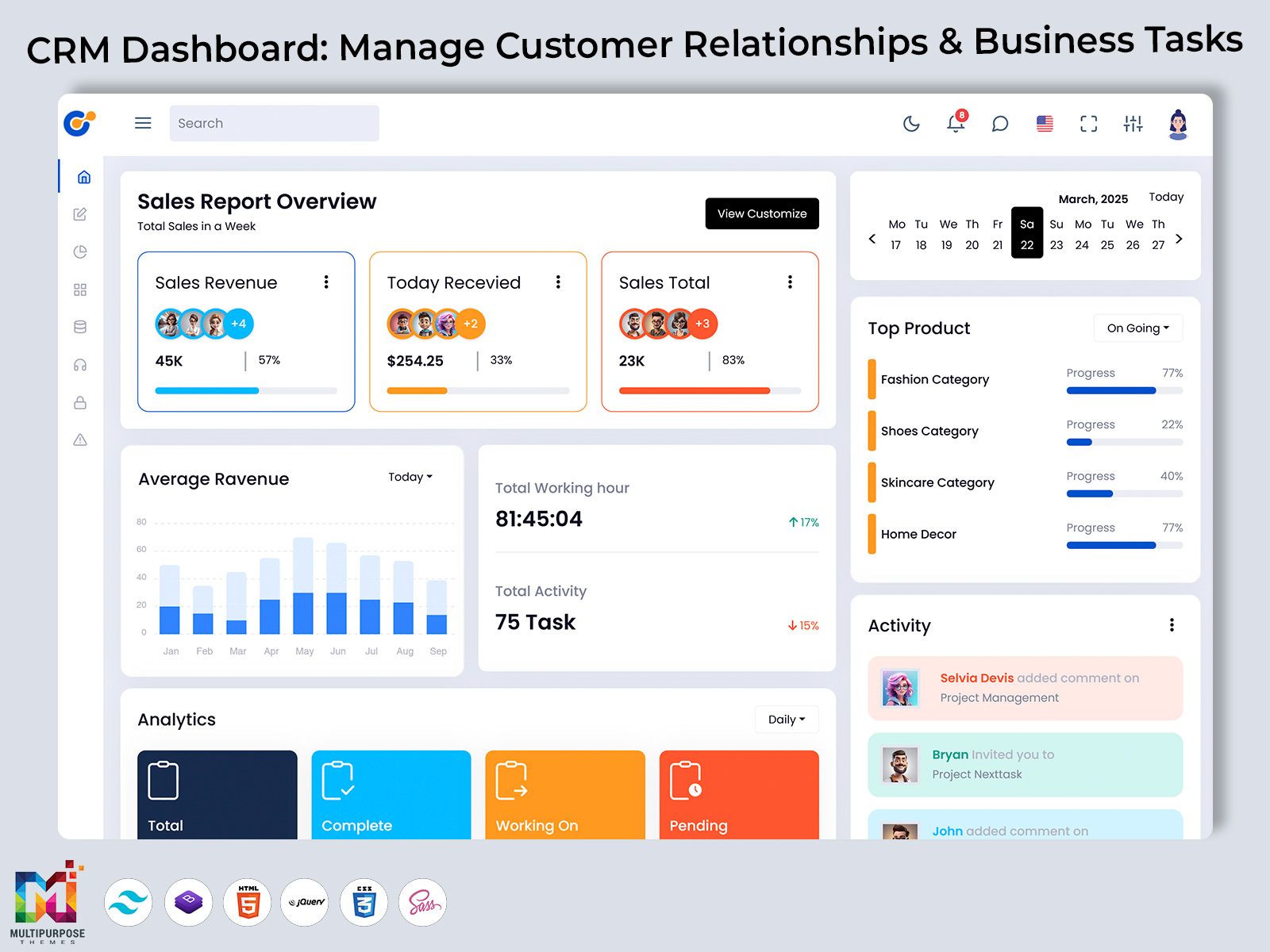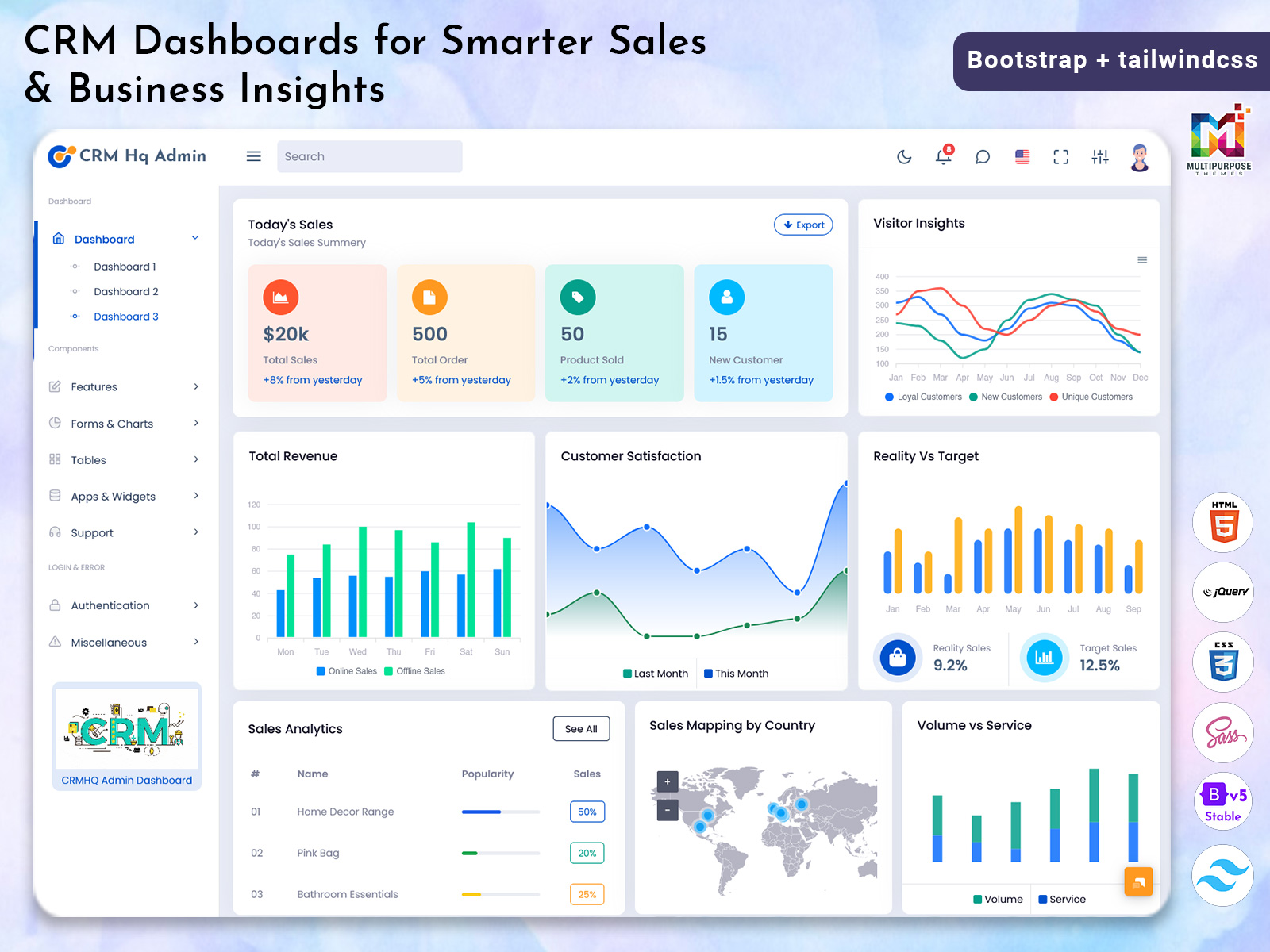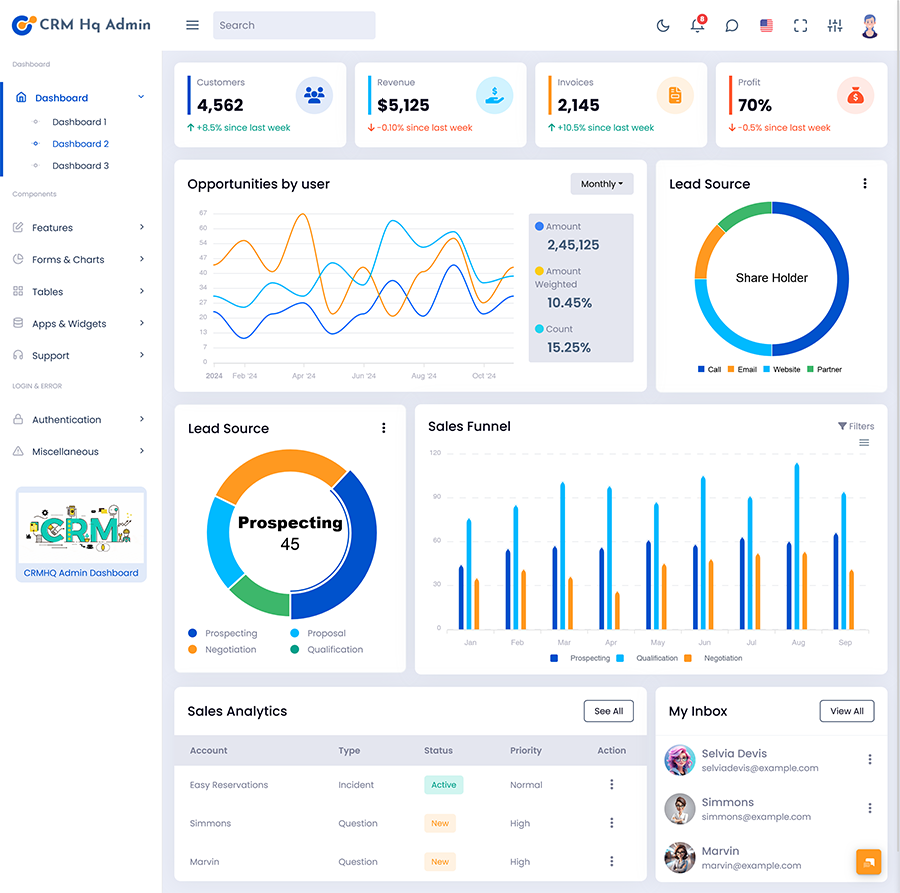
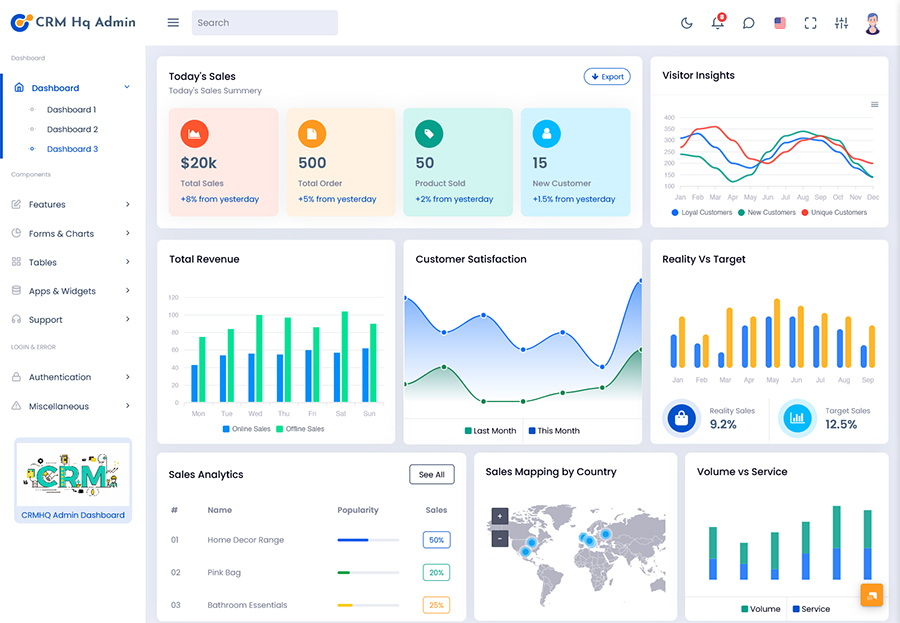
Therefore the CRM Dashboard is a working space where one can store, view and move…
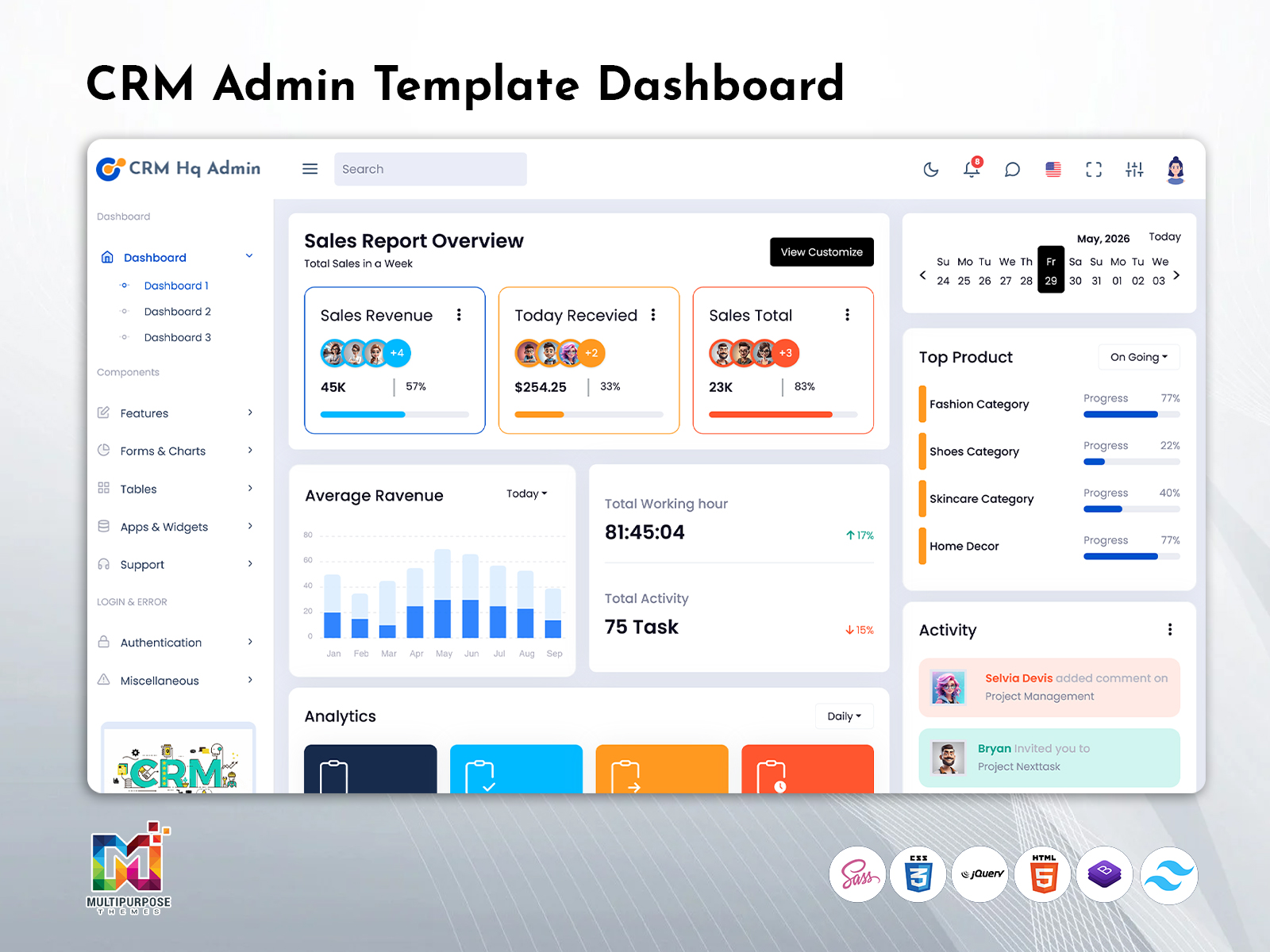
CRM UI UX: An Advanced CRM Dashboard Template for Better Customer Management
Reading Time: 7 minutes
What is a CRM Dashboard?
This CRM dashboard is a digital platform which helps businesses to manage customer relationships, activities of everyday sales, leads, contacts and business performance from one place. Instead of switching between multiple sheets or softwares. Organizations can monitor important customer information, track sales progress, and improve team productivity through a single interface.
Watch Full Video
When the business grows then managing multiple things like customer inquiries, sales opportunities, and maintaining communication can be complex and more challenging. So the well-designed CRM dashboard template offers a structured environment where sales teams, customer support executives, and managers can organize their daily activities efficiently. It simplifies business operations by displaying important information in an easy to understand format.
A modern CRM Admin Template goes beyond customer management. It helps businesses monitor lead conversion, analyze sales performance, manage ongoing deals, and review customer interactions. This allows organizations to understand their business performance while improving customer satisfaction.
An effective CRM solution also supports collaboration between departments. Sales representatives, marketing professionals, account managers, and customer support teams can work with the same customer information, reducing communication gaps and improving workflow efficiency.
Why Every Growing Business Needs a CRM Dashboard
Customer relationships play a major role in business success. Every inquiry, follow-up, meeting, quotation, and sale contributes to building trust with customers. Managing these activities manually often leads to missed opportunities and inconsistent communication.
A CRM Dashboard helps businesses organize the complete customer journey in one centralized system. Teams can easily monitor new leads, active customers, ongoing deals, and completed sales without switching between multiple applications.
One of the biggest advantages of using a CRM Dashboard Template is improved visibility. Business owners and managers can understand what is happening across the sales pipeline without requesting separate reports from every department.
A Smart Sales Admin Panel helps sales teams monitor their daily activities, manage customer interactions, and review sales performance. It allows managers to identify opportunities, monitor progress, and support their teams with better planning.
Creating Better Customer Experiences Through Smart CRM Management
Successful businesses do more than sell products or services—they build lasting customer relationships. Every interaction, from the first inquiry to post-sale support, contributes to the overall customer experience.
A modern CRM Admin Template helps organizations maintain accurate customer records and organize communication efficiently. Instead of searching through emails or spreadsheets, teams can access customer information whenever required, making interactions faster and more personalized.
A well-structured CRM UI UX also improves employee productivity. When information is easy to locate and navigation is intuitive, sales and support teams spend less time searching for data and more time helping customers.
Businesses that manage large customer databases benefit greatly from centralized administration. The dashboard provides a structured workspace where contacts, opportunities, customer history, and business activities remain organized.
Features of CRM Dashboard
1. Customer Data Management
A CRM Dashboard helps businesses organize and manage customer information in a structured way. It allows teams to maintain contact details, interaction history, and customer-related activities in one place. This improves data accuracy and helps sales and support teams understand customer requirements before making important business decisions.
2. Sales Pipeline Tracking
A CRM solution helps businesses monitor the complete sales journey from initial inquiry to final conversion. A Smart Sales Admin Panel provides better visibility into ongoing opportunities, deal progress, and sales activities. This allows sales managers to identify important opportunities and guide their teams with better planning.
3. Lead and Opportunity Management
A CRM Dashboard Template helps businesses manage potential customers and track sales opportunities effectively. It allows teams to organize leads based on their current status and follow-up requirements. This improves sales coordination and helps businesses avoid missing valuable opportunities during the customer acquisition process.
4. Customer Interaction Monitoring
A CRM Admin Template helps businesses maintain a complete view of customer communication and activities. Teams can review previous conversations, customer requests, and engagement history from a centralized system. This improves communication quality and helps employees provide more personalized service to every customer.
5. Sales Performance Analytics
A CRM dashboard provides useful insights into sales activities and business performance. Through organized reporting, managers can understand team productivity, revenue progress, and sales trends. This helps businesses identify improvement areas and make better decisions based on actual performance information rather than assumptions.
6. Task and Activity Management
A CRM platform helps teams organize their daily tasks, reminders, follow-ups, and business activities efficiently. By keeping important actions within one system, employees can manage their workload better and maintain consistent customer communication. This improves productivity and ensures important business activities are completed on time.
7. Customizable CRM Interface
A flexible CRM UI Framework allows businesses to create an interface according to their specific operational requirements. A well-designed CRM UI UX improves user experience by making information easier to access and manage. Customization helps organizations create CRM solutions that match their workflow and business goals.
Improving Business Growth Through Connected Customer Management
Customer expectations are changing day by day, and businesses require better systems to offer faster and more personalized services. A connected CRM platform helps organizations to understand the needs of customers and deliver better experiences. A well developed CRM system allows businesses to collect valuable customer information throughout the relationship journey. This data helps teams to understand preferences so they can improve communication, and create better service strategies.
A CRM Admin Template provides businesses with an organized environment where customer records, sales information, and business activities can be managed effectively. This reduces manual work and allows employees to focus on customer engagement.The role of good design is also important in CRM solutions. A clear CRM UI UX ensures that users can navigate the system easily without unnecessary complexity. When employees find tools simple to use, adoption becomes easier and productivity improves.
Benefits of CRM Dashboard
1. Improves Customer Relationship Management
A CRM Dashboard helps businesses maintain better relationships with customers by organizing important information in one place. Teams can easily access customer history, communication details, and sales activities, allowing them to provide faster responses and more personalized services that improve customer satisfaction.
2. Increases Sales Team Productivity
A Smart Sales Admin Panel helps sales teams manage their daily activities more effectively. By providing a clear view of leads, opportunities, and follow-up tasks, it reduces manual effort and allows sales professionals to focus more on converting prospects into successful business relationships.
3. Provides Better Business Insights
A CRM dashboard helps managers understand business performance through organized data and reports. It provides visibility into sales progress, customer activities, and team performance. These insights help decision-makers identify opportunities, improve strategies, and make better business decisions based on accurate information.
4. Reduces Manual Data Management
A CRM Dashboard Template reduces dependency on spreadsheets and manual record keeping by organizing customer and sales information digitally. It helps teams maintain accurate records, avoid duplicate entries, and access important details quickly, creating a smoother workflow across different business departments.
5. Improves Team Collaboration
A centralized CRM platform helps different departments work together more effectively. Sales, marketing, and customer support teams can access updated customer information from the same system. This improves communication, reduces misunderstandings, and ensures that customers receive consistent service throughout their journey.
6. Supports Business Growth
A scalable CRM Admin Template helps businesses manage increasing customer numbers and expanding sales operations. It provides a structured system that can support future growth without creating management difficulties. Businesses can continue improving their processes while maintaining better control over customer relationships.
7. Enhances User Experience
A well-designed CRM UI UX improves the experience of employees using the system daily. Simple navigation, organized layouts, and clear information presentation help users complete tasks faster. Better usability increases adoption and allows teams to gain maximum value from the CRM platform.
The Role of CRM Dashboard in Modern Business Management
Customer relationship management has become an essential part of successful business operations. Companies no longer rely only on product quality or pricing; they need strong relationships and better customer experiences to remain competitive.A CRM dashboard provides businesses with the tools needed to understand customers, manage opportunities, and improve internal processes. It connects different business activities and creates a complete view of customer interactions.
Sales teams can track opportunities, marketing teams can understand customer behavior, and support teams can provide better assistance using the same information system. This creates a more connected and efficient business environment.As organizations continue adopting digital solutions, CRM dashboards will become even more important. They help businesses move from traditional customer management methods toward smarter, data-driven operations.
Conclusion
This CRM Dashboard is a major solution for businesses who want to improve customer relationships , optimize sales operations, and make better decisions using organized data. It provides a centralized platform for managing leads, contacts, opportunities, customer communication and performance of the business. With solutions like CRM Dashboard Template, CRM Admin Template, CRM UI Framework, and smart sales Admin PANEL, organizations can create efficient systems which support their daily operations and future growth.
By combining powerful functionality with effective CRM UI UX, businesses can build reliable customer management systems that improve productivity and support long-term success.
FAQs
1. What is a CRM Dashboard?
This Multi Purpose Themes CRM dashboard is a virtual platform which helps businesses to manage customer relationships,activities of sales, leads and business information from one centralized location. It also provides teams with better visibility into customer interactions and sales performance, which really helps them to make instant decisions and improve overall customer management processes.
2. Who can use the CRM Dashboard?
A Multi Purpose Themes CRM dashboard can be used by sales teams, marketing departments, customer support teams, business owners, and organizations of all sizes. Any business that manages customer relationships, follows sales opportunities, or needs better customer communication can benefit from using a CRM dashboard.
3. What is the purpose of the CRM Dashboard Template?
A Multi Purpose Themes CRM Dashboard Template provides a ready-made structure for creating professional CRM applications. It helps businesses and developers save time by offering organized layouts and management components. It can be customized according to business requirements while providing a modern interface for handling customer and sales activities.
4. How does the Smart Sales Admin Panel help sales teams?
A Smart Sales Admin Panel helps sales teams monitor leads, manage opportunities, track sales activities, and review performance information. It provides better visibility into the sales process and allows managers to guide their teams with accurate information, helping improve productivity and conversion opportunities.
5. Why is CRM UI UX important for CRM systems?
CRM UI UX is important because employees use CRM systems regularly for managing customer information and business activities. A simple and user-friendly design makes navigation easier, reduces learning time, and improves productivity. Better user experience also encourages teams to use the CRM system more effectively.
6. Can small businesses use the CRM Admin Template?
Yes, small businesses can use a Multi Purpose Themes CRM Admin Template to organize customer information and improve sales management. It helps smaller teams manage customer relationships professionally without requiring complex systems. A scalable CRM solution allows businesses to grow while maintaining better control over their operations.
7. Why should companies invest in CRM UI Framework?
Companies should invest in a CRM UI Framework because it helps to create organized, consistent, and user-friendly CRM applications. It offers a strong foundation for development and allows businesses to build solutions according to their workflow requirements while improving usability and overall system performance.

Related Posts