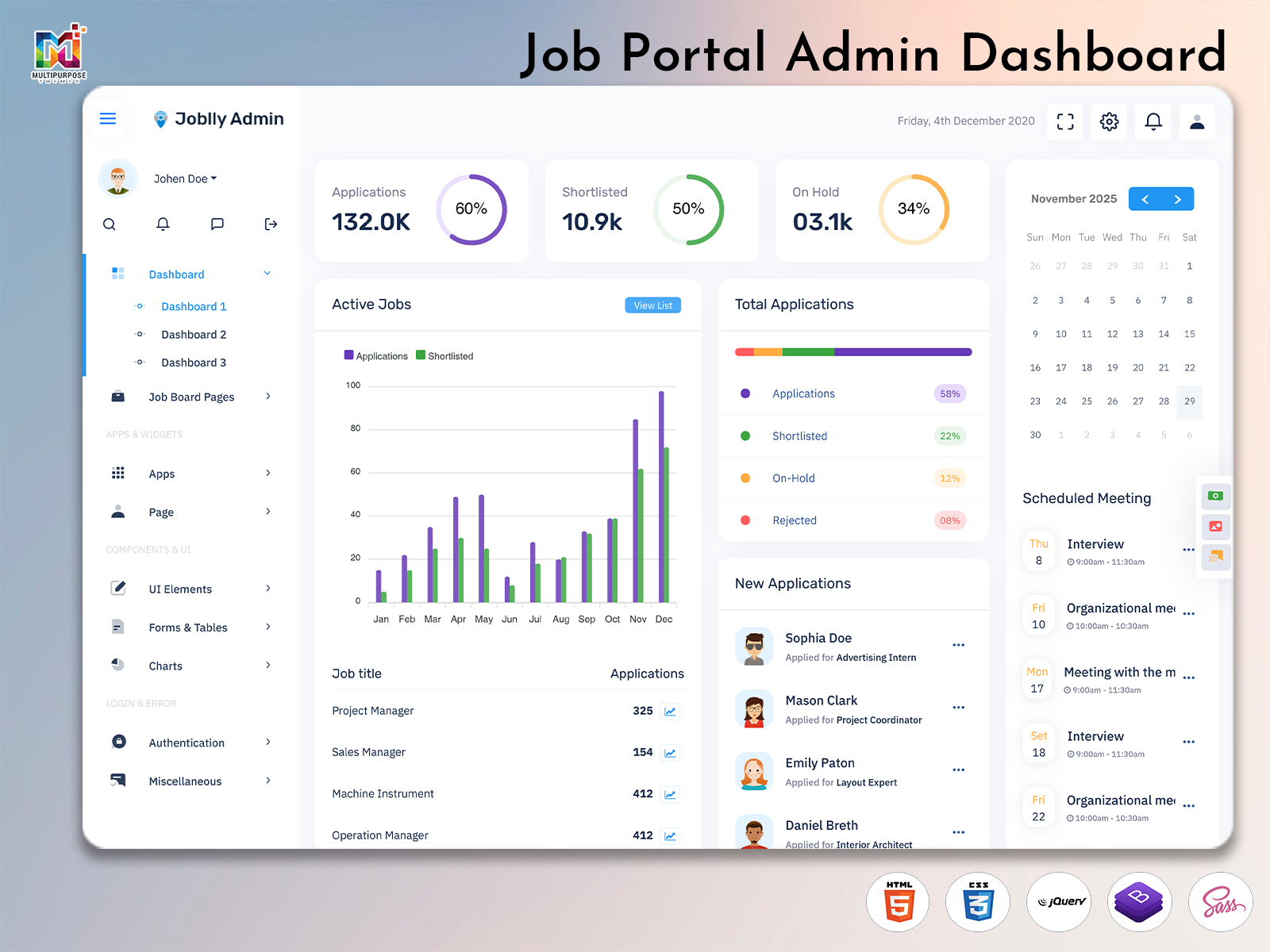
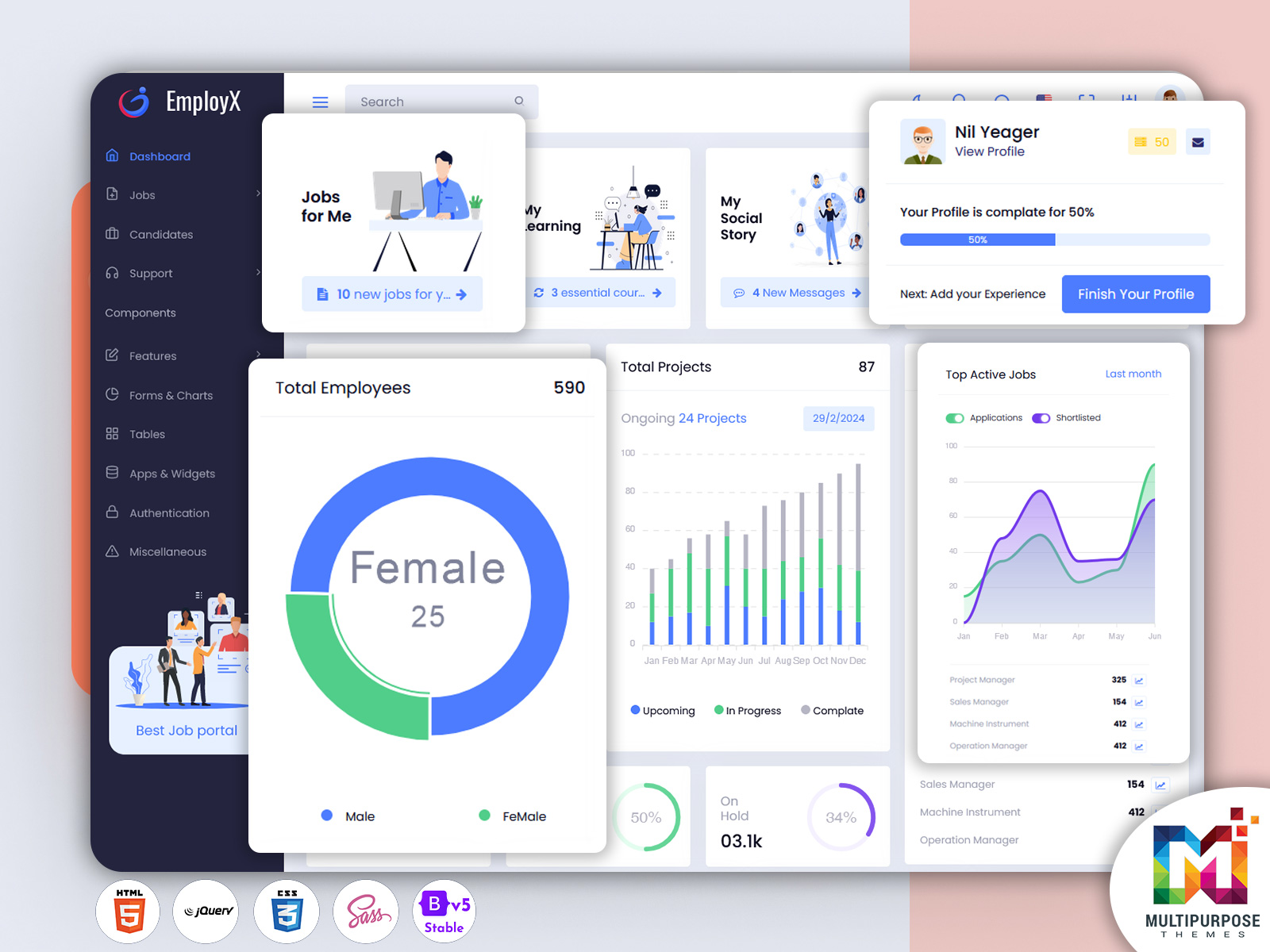
What is a Job Dashboard? A Job Dashboard is a centralized platform that helps recruitment…
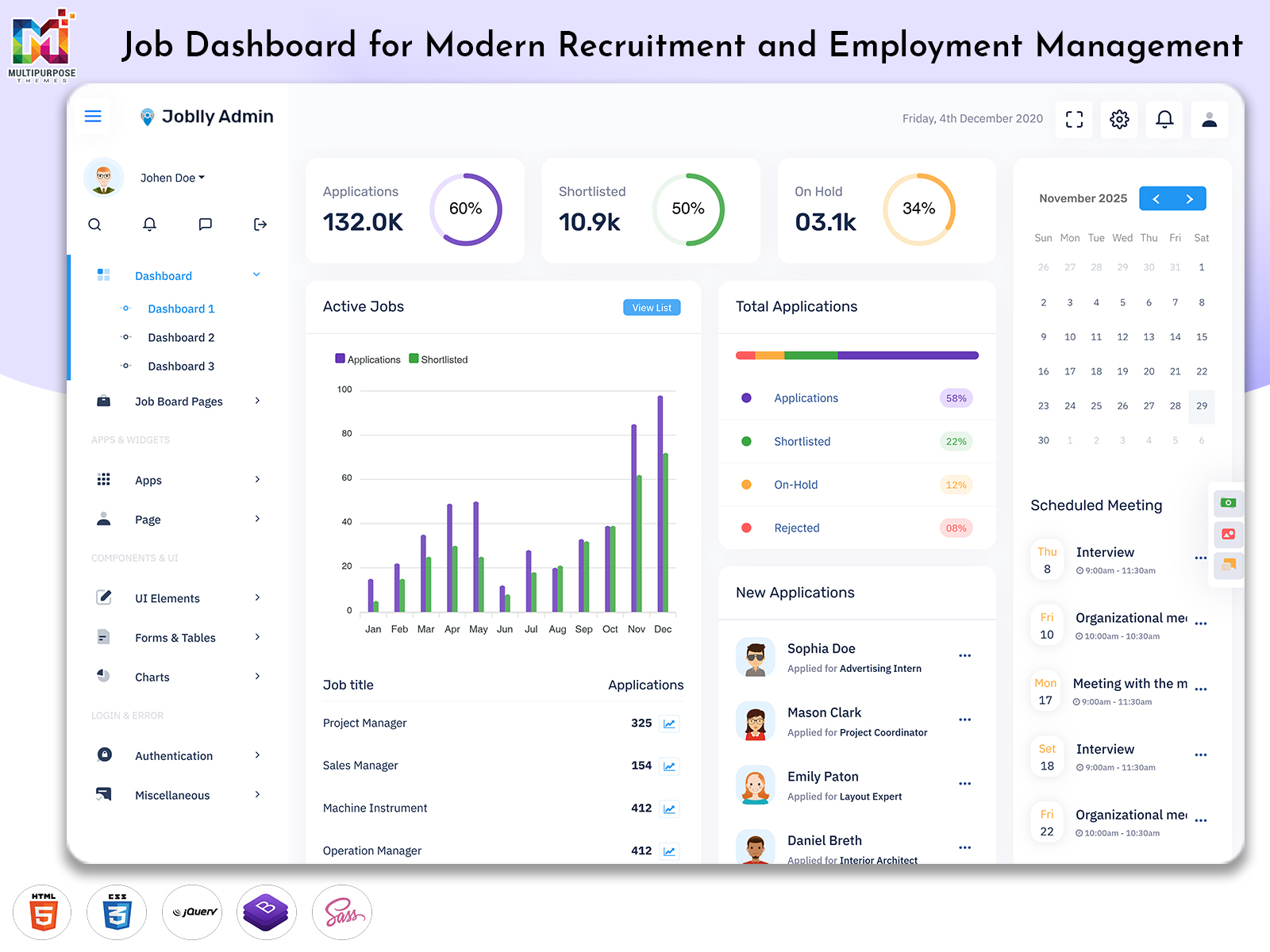
Job Dashboard for Contemporary Recruitment and Employment Management
Reading Time: 8 minutes
Recruitment is more of a complex process and putting up a job posting and waiting for applications. In a hiring system there’s job data company details candidate information application content conversation history and more. As the volume of these records increases it can be challenging to retrieve the exact information when needed.
Watch Full Video
A Job Dashboard provides a unified interface of bringing all these data in a manner that is convenient to the recruiters companies managers and hiring teams.
For corporations that are developing a hiring system a Job Board HTML Template can provide a ready solution for displaying these processes. A dashboard can also be a starting point for developers when they need to make a professional control panel without the need for building everything from scratch.
What is a Job Dashboard?
A Job Dashboard is a space for organizing data relating to jobs companies candidates applications and hiring activities. It allows managers and hiring teams to have a view of information that would be on separate pages files and systems.
The value of a dashboard is not simply of displaying numbers. A Job Employment Dashboard should be able to allow users to see what they need pay attention to what specific record needs to be worked on. The greatest strength of a dashboard is the manner in which information is put together and linked.
For instance an administrator might want to be looking through applications while a company representative might be interested in job postings and candidate feedback. A hiring company could be working with businesses simultaneously and requires a manner to keep track of the different clients. A thoughtfully designed dashboard can be able to provide those individuals the right information for their position.
A Job Application Dashboard Template can assist by displaying the application details. Rather than forcing users to sift through unrelated documents the information can be presented in an organized manner that is easy to view and keep updated.
The dashboard can also serve as the control panel of an employment system. The public-facing section allows for people to look for a job while the dashboard is for the necessary actions. This makes the Job Dashboard a valuable component in the system as it ties real activity with the people involved in managing the recruitment process.
Managing Hiring Information Within One Efficient Interface
A hiring system will be generating all kinds of data at every stage. A job posting will have its details a company will have its own account data and each candidate will bring in additional records. Applications will tie up the candidates with the jobs.
Arranging these connections is important. A dashboard can group these pieces of information so that users can move between different types without losing the connection.
For example an administrator looking at a job posting may need to be able to access the applications company details changes and other attached records. Whereas providing everything at once a well-designed interface can start with a condensed summary and allow the user to go deeper if needed.
This is the same for managing different users. One person could be handling job postings another looking at applications. An administrator may be over-seeing everything. Having a structured dashboard can provide a working space for those individuals while keeping important documents tied together.
A Job Board Software Dashboard can be seen as an information managing tool rather than a set of icons. The dashboard’s true worth is in how it can help people to handle the hiring records follow the process and keep the system organized.
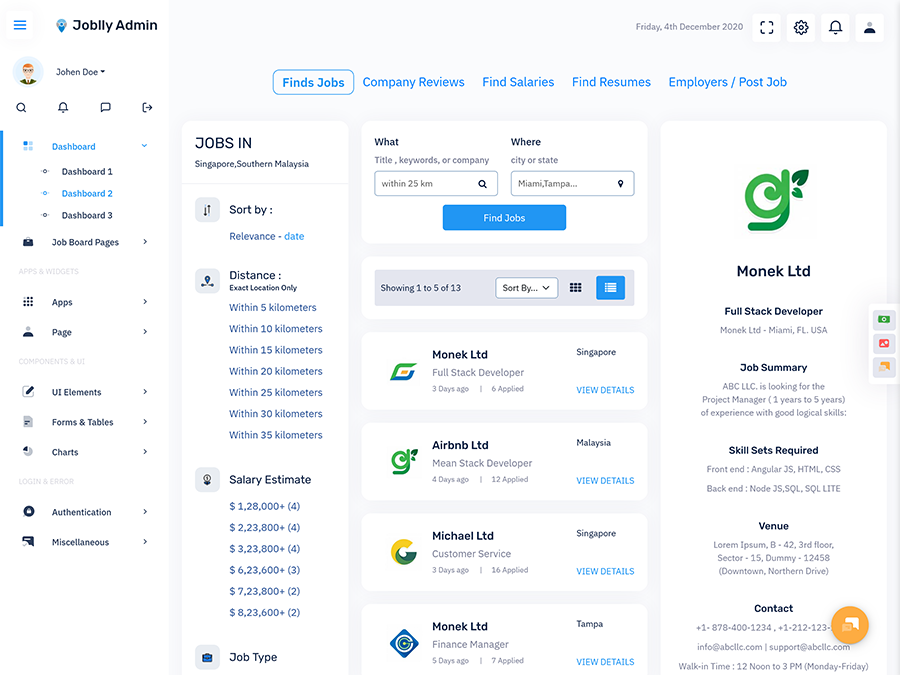
VIEW DEMO BUY NOW
Features of a Job Dashboard
1. Job Record Management
A dedicated space for managing job postings can keep role, department, company, location and status information in order. This prevents messy job details from becoming mixed up with data like candidate or account details.
2. Application Information Space
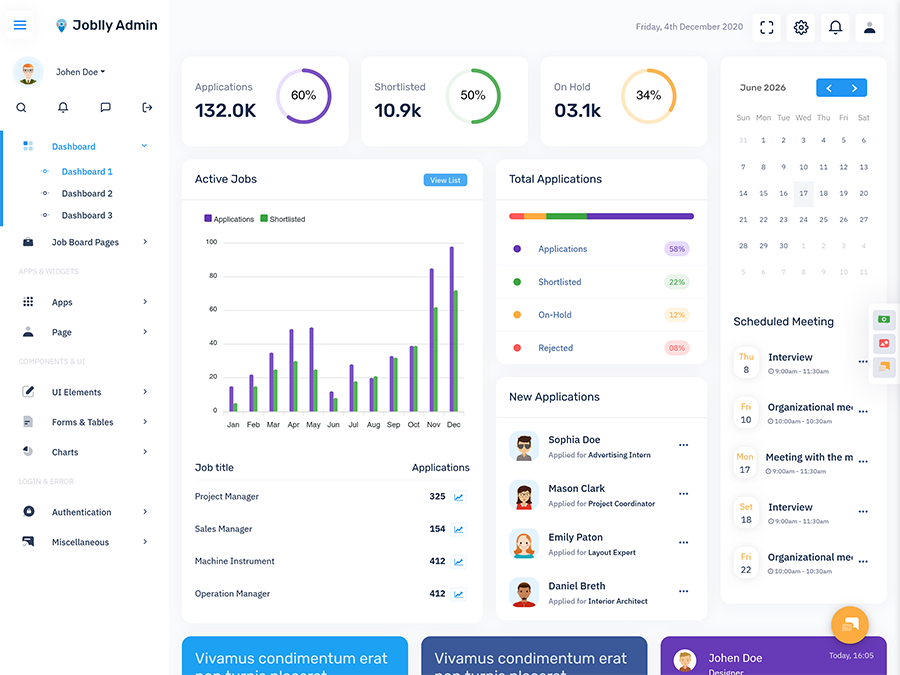
A Job Application Dashboard Template can offer an area for handling application records. Recruiters can be utilizing tables, profile view, filters or status indicators to find the application and move from one record to another without searching through different sections.
3. Employer and Recruiter Accounts
Hiring systems typically have users. A good dashboard can be able to separate company, recruiter, admin and other account details. This helps ensure the roles are clear and the people working on the system are able to work with the data they need.
4. Candidate Record Management
Candidate data can include profiles, contact details, resumes, applications, conversation history and other hiring details. A structured area helps users keep these connected rather than keeping separate files that are challenging to compare.
5. Search and Filter Tools
As the volume of jobs and applications increases finding the record can be more necessary. Having search boxes, filters, categories and sort tools can minimize the need to move around and assist users to get the information they need.
6. Activity and Status Tracking
Hiring records are changing constantly. Status indicators can indicate where a job, application or other record is at present. This provides a view of what is happening while assisting users to find records that need attention.
7. Responsive Admin Design
Recruitment teams may be accessing dashboards on devices. A smart layout can respond to desktop, tablet and mobile screens to keep the information easily accessible.
VIEW DEMO BUY NOW
Building a Linked Hiring Workspace
A Job Dashboard becomes more useful when it shows the connections between different hiring records. A job is not standing alone; it is attached to the company that has generated it. An application is linked to both a candidate and a job. These connections should be clear from the dashboard.
This is where the good designs of a dashboard really make an impact. Rather than filling the main interface with every number the interface can focus on what is important and offer ways to access the rest. A summary can provide what is happening while the linked record can explain why.
For instance an administrator might see that one job has applications and can proceed to the applications, look at the company details or see how the job falls categorized. A dashboard that connects these pieces can help the user to move between them smoothly.
The same principle can be applied to staffing agencies. An agency might be handling job postings for companies, each with their own needs. Keeping separate company details while maintaining the hiring system the same can help the platform be easier to manage as the number of clients increases.
A Job Board Software Dashboard can also assist with data consistency. When hiring data is being handled through fields and sections, users do not rely on scattered notes or personal tracking methods. This helps keep an organized system as more jobs, companies and candidates are added.
Another thing to consider is access. Not everyone needs to be seeing everything. An administrator may need control while another team member might only see some records. Role-based access can be a part of a good Job Employment Dashboard.
The aim is not of making the interface too complicated. The best dashboard is generally the one that makes things easier. Users are able to know where they are, find the information they need, and continue working without having to go through parts of it.
For developers and companies planning a hiring system, this is important in making the choice of dashboard design from the start. A made Job Board HTML Template can provide a good base that can later be tweaked for the projects specific needs.
Benefits of Job Dashboard
1. Organized Hiring Data
A Job Dashboard gathers job, candidate, company and application details into a space, removing scattered information. It helps hiring teams keep track over the data as more hiring is done.
2. Easy Access to Records
With search, filters, categories and linked views users can make their day-to-day work easier. Spending time looking up details and going straight to the information needed for their current task.
3. Better Team Work
Different users can work on the system while focusing on their tasks. Managers, recruiters, companies and others can access the information without having to deal with separate systems.
4. Helps with Growing Systems
As a hiring website includes jobs, companies and candidates, managing the data becomes more difficult. A structured dashboard provides a place that can handle records without having to change the way things work.
5. Clear Connections Between Data
A dashboard can connect jobs to companies, applications to candidates and records to their status. These links assist users to understand the data in context of looking at individual parts.
6. Less Need for Manual Tracking
When important data is in one place, teams may rely on spreadsheets, notes and other methods. This can create a consistent way to handle the daily hiring tasks.
7. Stronger System Base
A made dashboard can provide companies and developers with a foundation that can be altered to their needs. This can be helpful when constructing job sites, staffing tools, hiring systems or internal hiring applications.
Why Multipurpose Themes Can Be Leveraged for Job Dashboard Projects
Multipurpose Themes offers made admin dashboard and HTML template options for different web needs, including job and career focused interfaces. Their associated Job Board and Job Application Dashboard options provide special layouts and tools for hiring systems, providing developers with a base they can alter for their projects. The company has also made Job Board and Job Employment dashboard designs, including newer and older versions of Joblly admin interfaces.
Conclusion
A Job Dashboard is most helpful when it makes hiring data more approachable and usable. By considering job details, candidate data, company accounts and applications, as separate parts, a structured view can bring them together within one practical working space.
For companies, staffing agencies, job sites and programmers, the right control panel can offer a base for managing increasing volumes of hiring data. A Job Board HTML Template can also make it easier to construct the management area without needing to build everything from scratch.
The main points should be about how easy it’s usability, how well information is arranged, who can access what and how the process applies real aspects of hiring steps. When these pieces come together a Job Application Dashboard Template can be more than a nice interface; it can create the system required to run a modern job platform.
VIEW DEMO BUY NOW
FAQs
1. What is the main purpose of a Job Dashboard?
A Multipurpose Themes Job Dashboard is designed to bring hiring-related details in a management area. Depending on the system it can collect job details, candidate data, applications, employer accounts, statuses and other important information so that authorized people can control job activities more in order.
2. Can a Job Board HTML Template be altered for a job site?
Yes, a Job Board HTML Template can be a starting point for a job site or employment system. Programmers can alter the design, navigation, forms, tables, colors, parts and other elements according to the projects business and technical needs.
3. Who can use a Job Application Dashboard Template?
A Multipurpose Themes Job Application Dashboard Template can be useful for staffing agencies, HR teams, employment companies, job sites, job markets and businesses that handle their hiring. How useful it is depends on how it is altered and linked to the projects application and data needs.
4. How is a Job Employment Dashboard different from an admin dashboard?
A Job Employment Dashboard is built around job-related data of general website management. Its layout can be set up around job openings, candidates, applications, employers, hiring records and related steps, making it better for sites where hiring data’s the main part of daily work.
5. Can a Job Board Software Dashboard work with types of users?
A dashboard can be made with user roles and access levels based on the apps needs. For example admins, recruiters, employers and others may need access. The exact permission setup depends on the software built around the dashboard.
6. What should I consider when picking a Job Dashboard template?
Look at the way the interface is set, how well it functions on devices, what parts are available, how much it can be altered, the support documentation, how well it fulfills your development needs and if the layout matches your hiring process. It is also helpful to see if the template can grow with your job platform.

Related Posts