

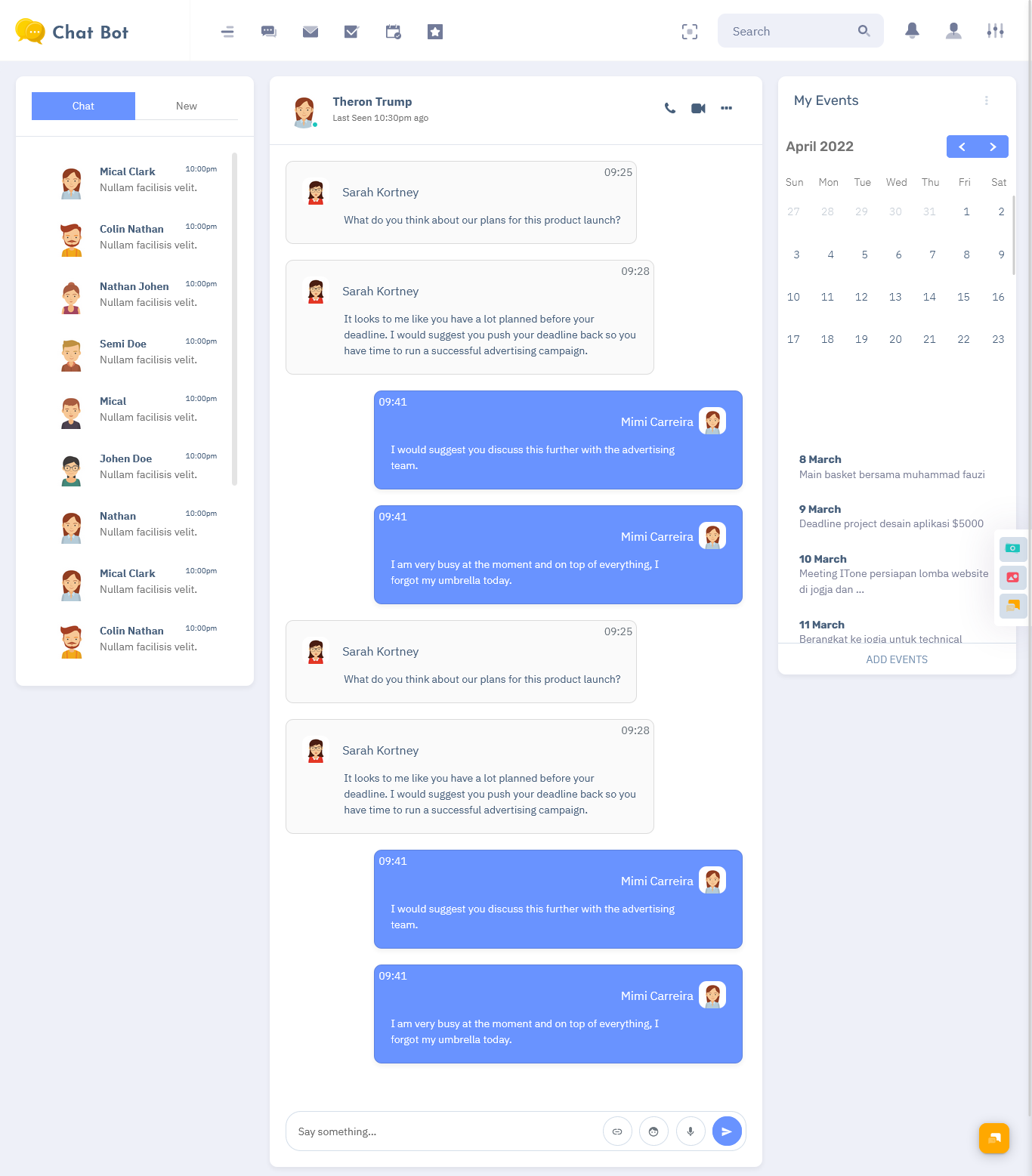
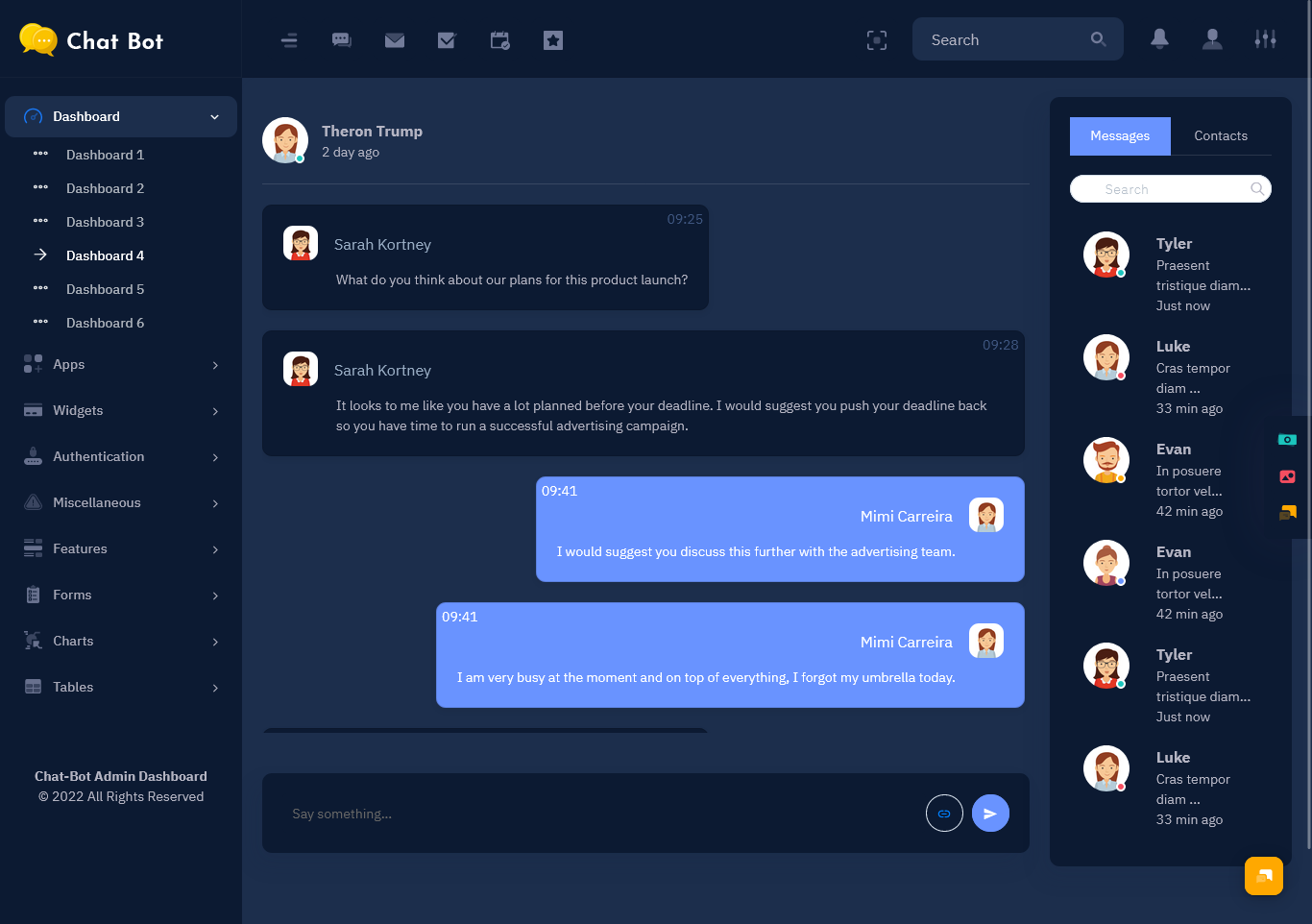
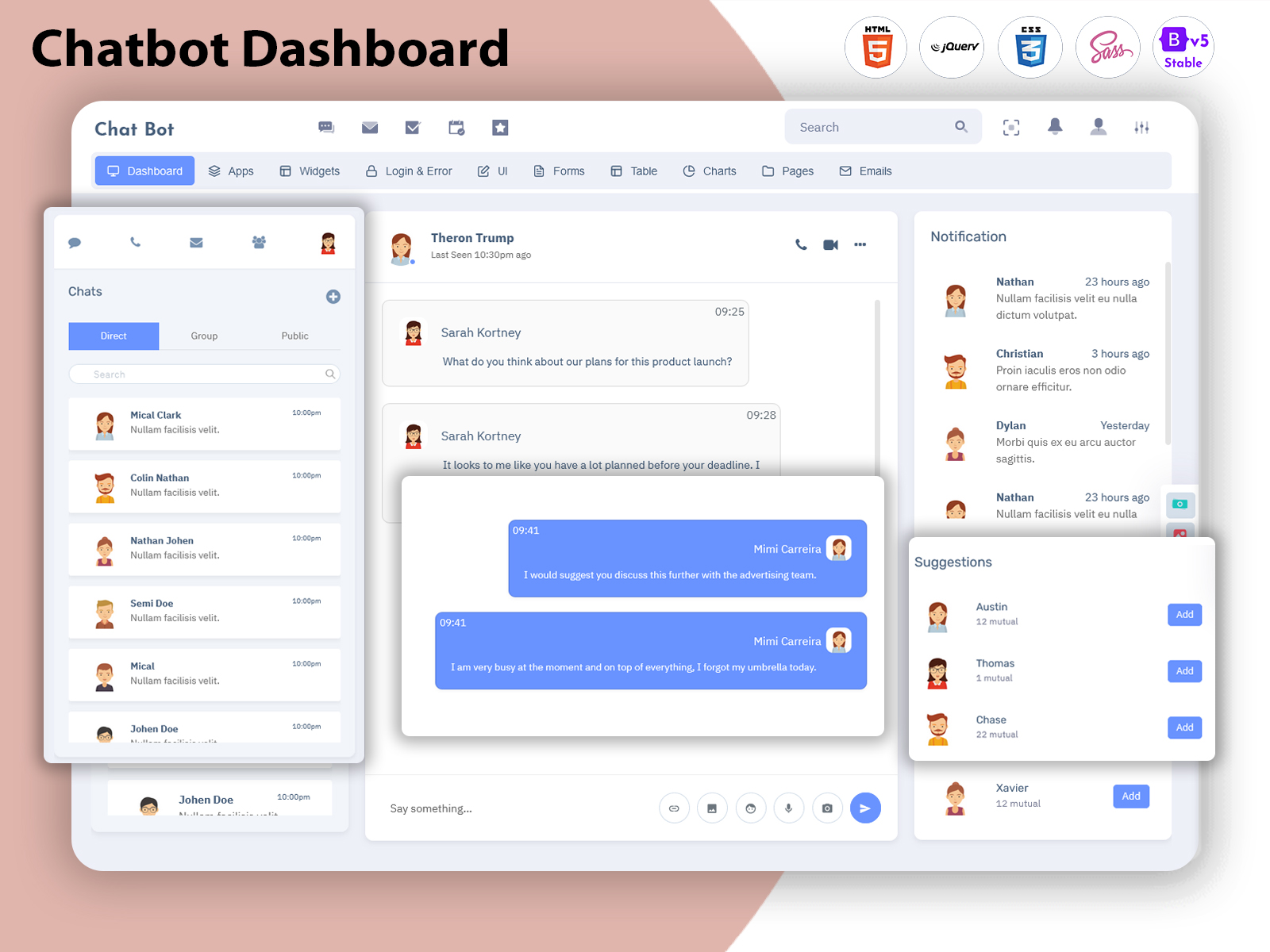
What is a Chat Dashboard? A Chat Dashboard is a centralized interface designed to organize…
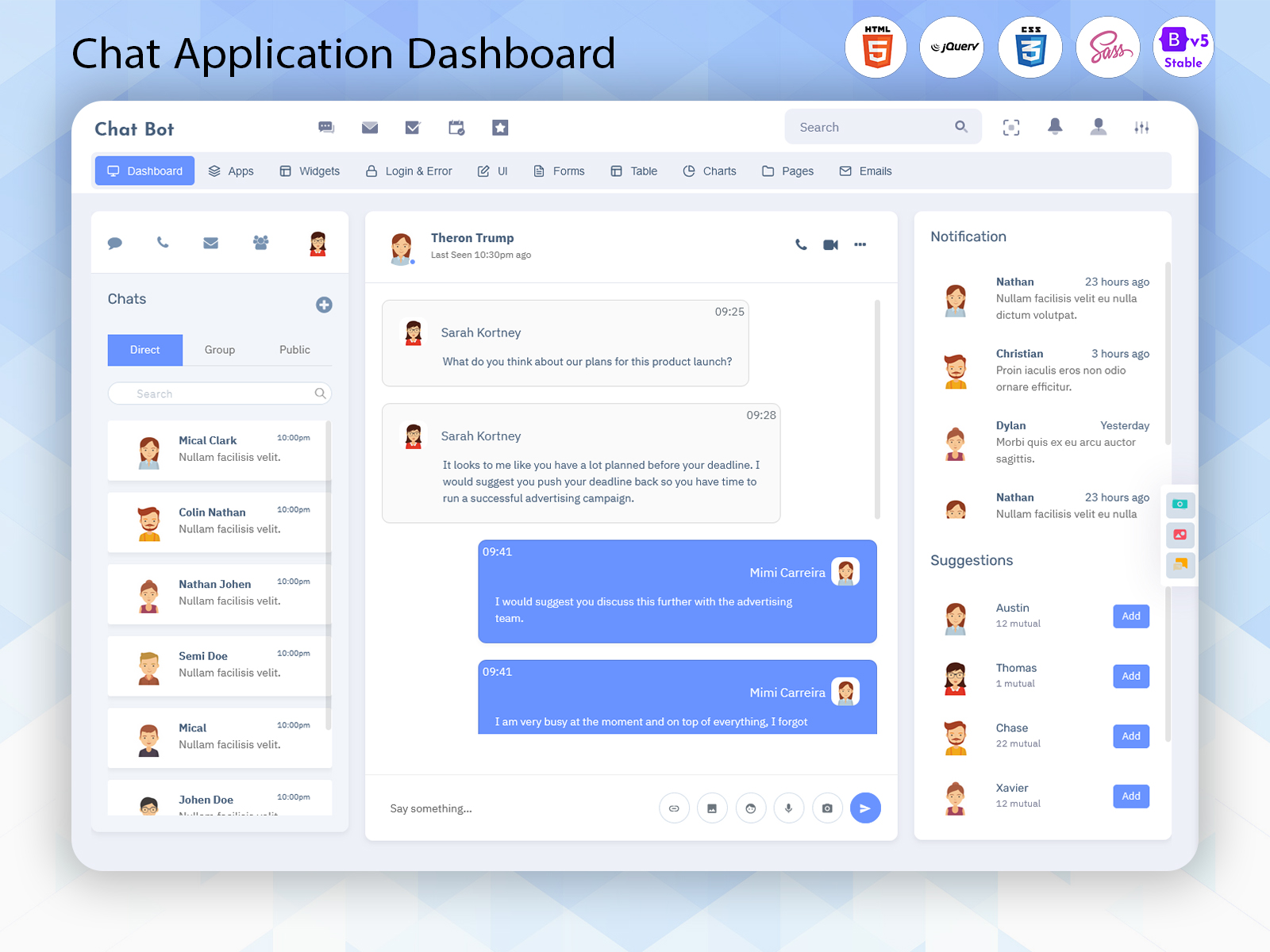
Chatbot Web UI: The Complete Guide to Modern Communication Management
Reading Time: 7 minutes
Introduction
In this digital era, businesses talk with customers with the help of multiple channels, including websites, applications, social platforms, and support systems. They manage these conversations manually, so it can be a difficult and time taking process as customer interactions increase. An advanced chatbot dashboard offers a smarter way to organize, analyse, and manage all communication activities from one centralized platform.
Watch Full Video
This well-designed dashboard helps businesses which handle messages, track user interactions, analyze performance and increase the support of customer operations. Instead of using different tools for conversations, analytics and user management, teams can manage everything through a single interface.
Advanced chat solutions are not only to send and receive messages. They combine automation, real-time analyse and user management features to create a complete communication ecosystem. Whether it is customer support, sales assistance, or internal team communication, a powerful chat application dashboard helps the organizations faster delivery and more efficient experience.
What is a Chatbot Dashboard?
A Chatbot Dashboard is a centralized management system that allows businesses to control chatbot conversations, monitor user activities, and analyze communication performance from one place.Unlike a basic chat application, a chatbot dashboard provides advanced management capabilities. It helps administrators view conversations, manage users, track engagement, and understand how customers interact with digital assistants.
A modern dashboard works as a control center for communication activities. Businesses can monitor incoming messages, review conversation history, manage chatbot responses, and improve customer interactions using valuable insights.
Why Businesses Need a Chatbot Dashboard
Expectations or customers are changing every time they want uniqueness. People want instant answers, quick support, and easy access to the data. Traditional communication methods often create delays because teams have to manage multiple platforms separately.
A chatbot dashboard solves this problem by bringing different communication processes into one organized system.Businesses can use a Chat Automation Dashboard to automate repetitive tasks such as answering common questions, guiding users through processes, and providing instant responses. This allows customer support teams to focus on more complex issues that require human attention.
Another important advantage is better visibility. Managers can understand customer behavior through reports and analytics. They can identify frequently asked questions, measure response times, and improve overall service quality.For companies offering online services, e-commerce platforms, SaaS products, or customer support solutions, a reliable Live Chat Admin Panel becomes an essential tool for maintaining efficient communication.
How Does a Chatbot Dashboard Work?
A chatbot dashboard collects conversations from connected platforms and displays them in a structured interface. When users send messages through a website, mobile application, or support portal, the system receives and organizes those interactions automatically.
The dashboard processes communication data and provides useful information such as:
- Active conversations
- User activity
- Visitor information
- Chat history
- Response performance
- Engagement reports
AI-powered systems can analyze user questions, understand intent, and provide automated responses. When required, conversations can be transferred to human agents for personalized assistance.
A modern Web Chatbot UI makes this process simple by offering an easy-to-use interface where administrators can manage chats, monitor activities, and control communication workflows.
Many businesses also use a Web Based Chatbot UI Design because it provides flexibility. Users can access the system from different devices without installing complicated software.
VIEW DEMO BUY NOW
Key Features of a Modern Chatbot Dashboard
1. Smart Conversation Management
One of the most important features of a Chat Management Dashboard is organized conversation management. Instead of searching through scattered messages, users can access all conversations from one location.Administrators can view active chats, previous interactions, and customer details quickly. This helps support teams provide faster responses and maintain better communication quality.
2. Real-Time Messaging System
Real-time communication is essential for modern businesses. A good dashboard allows instant message updates between customers and support teams.Users can receive notifications, monitor active conversations, and respond quickly to customer needs. This Live Chat Admin Panel improves engagement and creates a smoother communication experience.
3. Advanced Analytics and Reports
Data plays an important role in improving communication strategies. A chatbot dashboard provides detailed analytics that help businesses understand customer behavior.
Analytics can include:
- Number of conversations
- User engagement
- Response time
- Popular queries
- Visitor activity
- Chat performance
These insights help organizations identify improvement areas and make better decisions.
A dashboard with reporting capabilities transforms communication data into valuable business information.
4. User Management System
Managing users becomes easier with built-in user management features. Administrators can organize customer profiles, monitor activities, and control access permissions.This Chatbot Admin Dashboard feature is especially useful for businesses with multiple support agents or departments. Teams can manage responsibilities efficiently while maintaining secure communication workflows.
5. Responsive Chat Interface
Modern users access platforms from different devices, including desktops, tablets, and mobile devices. A responsive interface ensures that the dashboard works smoothly across all screen sizes.A professional Desktop Chatbot UI Design focuses on usability, clear navigation, and comfortable interaction for administrators.
6. Chatbot Automation Features
Automation is one of the biggest advantages of modern chatbot solutions. Businesses can automate repetitive communication tasks and improve operational efficiency.
A Chat Software Template with automation features can support:
- Automatic replies
- Message categorization
- User guidance
- Conversation routing
- Notification management
These features save time and allow businesses to deliver consistent customer experiences.
7. Customizable UI and Modern Design
A successful communication platform should not only be functional but also easy to use. A modern Chatbot Web UI focuses on clean design, simple navigation, and better user experience.
Customizable layouts allow businesses and developers to adjust the dashboard according to their requirements. Elements such as menus, widgets, charts, chat panels, and user sections can be organized to create a smoother workflow.
8. Multi-Channel Communication Support
Customers communicate through different platforms, and managing each channel separately can create confusion. A modern chatbot dashboard helps bring multiple communication sources together into one centralized system.Businesses can manage conversations from websites, applications, and customer portals while maintaining consistent service quality.
VIEW DEMO BUY NOW
Who Can Use a Chatbot Dashboard?
A Chatbot Dashboard is useful for different industries and business types. Any organization that manages customer conversations can benefit from a structured communication system.
Customer Support Teams
Support departments can use chatbot dashboards to handle customer questions, track issues, and improve response times. Automation helps reduce repetitive tasks while allowing agents to focus on complex problems.
E-commerce Businesses
Online stores receive many customer queries related to products, orders, and services. A chatbot dashboard helps manage these conversations efficiently and provides faster assistance.
SaaS Companies
Software companies can use chatbot solutions to provide product guidance, technical support, and onboarding assistance for users.
Healthcare Organizations
Healthcare providers can use communication dashboards to manage appointments, answer common questions, and improve patient communication.
Educational Platforms
Online learning platforms can use chatbot systems to support students, provide information, and manage frequently asked questions.
Why Choose a Ready-Made Chat Software Template?
To build a complete communication platform from the beginning it needed significant time, development resources, and technical expertise. A ready-made chat software template offers a faster and more practical solution.This dashboard includes layouts which are professionally designed, reusable components,and essential dashboard features which help developers to create applications quickly.
Some advantages of using a ready-made template include:
- Faster development process
- Professional user interface
- Reduced development cost
- Easy customization
- Responsive design
- Better project scalability
Instead of spending months designing basic dashboard structures, developers can focus on improving functionality and creating unique business features.
A quality template also provides inspiration for developers who want to understand modern dashboard layouts and user experience patterns.
Importance of Responsive Chatbot UI Design
Today, users expect applications to work smoothly across different devices. A responsive Web Based Chatbot UI Design ensures that communication tools remain accessible on desktops, tablets, and mobile screens.
Responsive design improves usability by providing:
- Easy navigation
- Flexible layouts
- Better readability
- Faster access to information
- Improved user experience
A well-designed interface is especially important for administrators who manage multiple conversations daily. Clear organization helps reduce mistakes and improves productivity.
A professional Desktop Chatbot UI Design also creates a comfortable working environment for support teams who spend long hours managing customer interactions.
Benefits of Using a Chatbot Dashboard
1. Faster Customer Support
A chatbot dashboard helps businesses respond to customer messages quickly. Automation and organized conversation management reduce waiting times and improve customer satisfaction.
2. Improved Communication Management
Managing hundreds of conversations manually can become challenging. A centralized dashboard keeps messages, user information, and communication history organized.
3. Better Customer Insights
Analytics provide valuable information about customer behavior. Businesses can understand user needs, identify common problems, and improve their communication strategies.
4. Increased Team Productivity
A unified communication platform reduces the need to use multiple tools. Employees can access everything they need from one dashboard.
5. Cost-Effective Solution
A chatbot dashboard reduces operational costs by automating repetitive tasks and improving workflow efficiency.
6. Scalable Communication System
As businesses grow, their communication requirements also increase. A flexible chatbot dashboard can support more users, conversations, and business operations without affecting performance.
Future of Chatbot Dashboards
The future of communication management is strongly connected with artificial intelligence and automation. Modern chatbot platforms are becoming smarter by understanding user intent, analyzing conversations, and providing personalized responses.
Future dashboards will focus more on:
- Advanced AI assistance
- Predictive customer support
- Automated workflows
- Better personalization
- Improved analytics
Businesses that adopt intelligent communication systems will have better opportunities to improve customer relationships and operational efficiency.
Conclusion
A modern Chatbot Dashboard is more than a simple messaging tool. It is a complete communication management solution that combines chat management, automation, analytics, and user control into one powerful platform.
With features like real-time messaging, smart automation, user management, and responsive design, businesses can create faster and more effective communication experiences.
Whether you need a Chat Application Dashboard, Chat Management Dashboard, or a professional Live Chat Admin Panel, choosing the right solution can improve productivity and customer satisfaction.
Frequently Asked Questions (FAQs)
1. What is a Chatbot Dashboard?
A Multi Purpose themes Chatbot Dashboard is a centralized platform used to manage chatbot conversations, monitor user activities, and analyze communication performance. It helps businesses organize customer interactions and improve response efficiency.
2. What is the difference between a chatbot dashboard and a normal chat application?
A normal chat application mainly focuses on sending and receiving messages. A chatbot dashboard provides additional features such as analytics, automation, user management, reports, and conversation tracking.
3. Who can use a Chatbot Admin Dashboard?
A Multi Purpose themes Chatbot Admin Dashboard can be used by businesses, customer support teams, SaaS companies, e-commerce platforms, healthcare organizations, and educational institutions.
4. What features should a good Chatbot Dashboard have?
A good chatbot dashboard should include real-time messaging, analytics, user management, automation tools, notifications, responsive design, and conversation management features.
5. Why is Chat Automation important?
Chat automation helps businesses handle repetitive tasks, provide instant responses, reduce workload, and improve customer service efficiency.
6. What is a Chat Management Dashboard used for?
A Multi Purpose themes Chat Management Dashboard helps organizations organize conversations, monitor user interactions, manage support activities, and maintain communication records.
7. Can a Chatbot Dashboard work on mobile devices?
Yes, modern chatbot dashboards use responsive design, allowing users to access and manage communication systems across desktops, tablets, and mobile devices.
8. What is a Chatbot UI Kit?
A Chatbot UI Kit is a collection of ready-made interface components used to design chatbot applications. Developers use Chatbot UI Kit Examples to create modern and user-friendly chatbot interfaces.

Related Posts


This Post Has 0 Comments