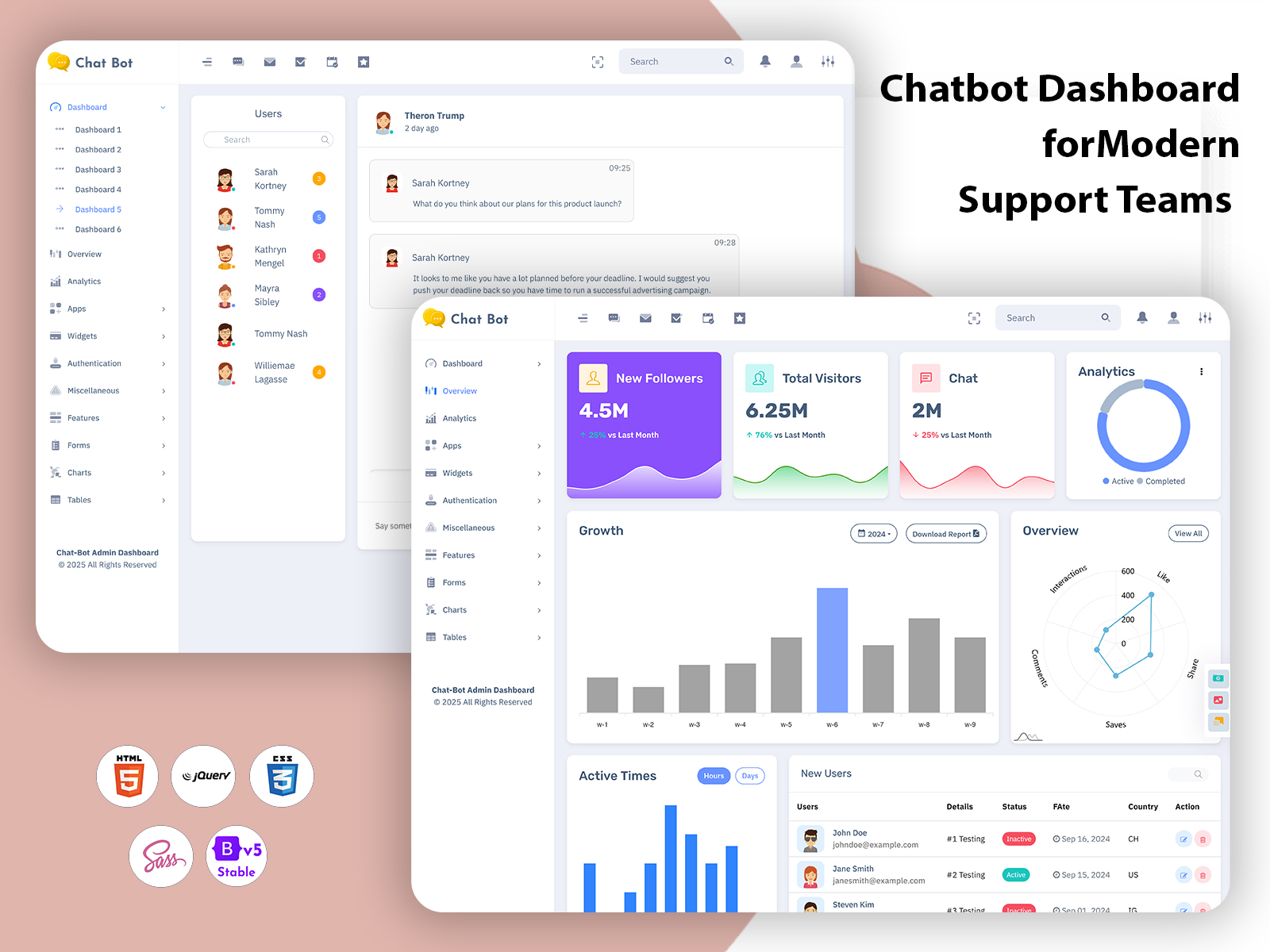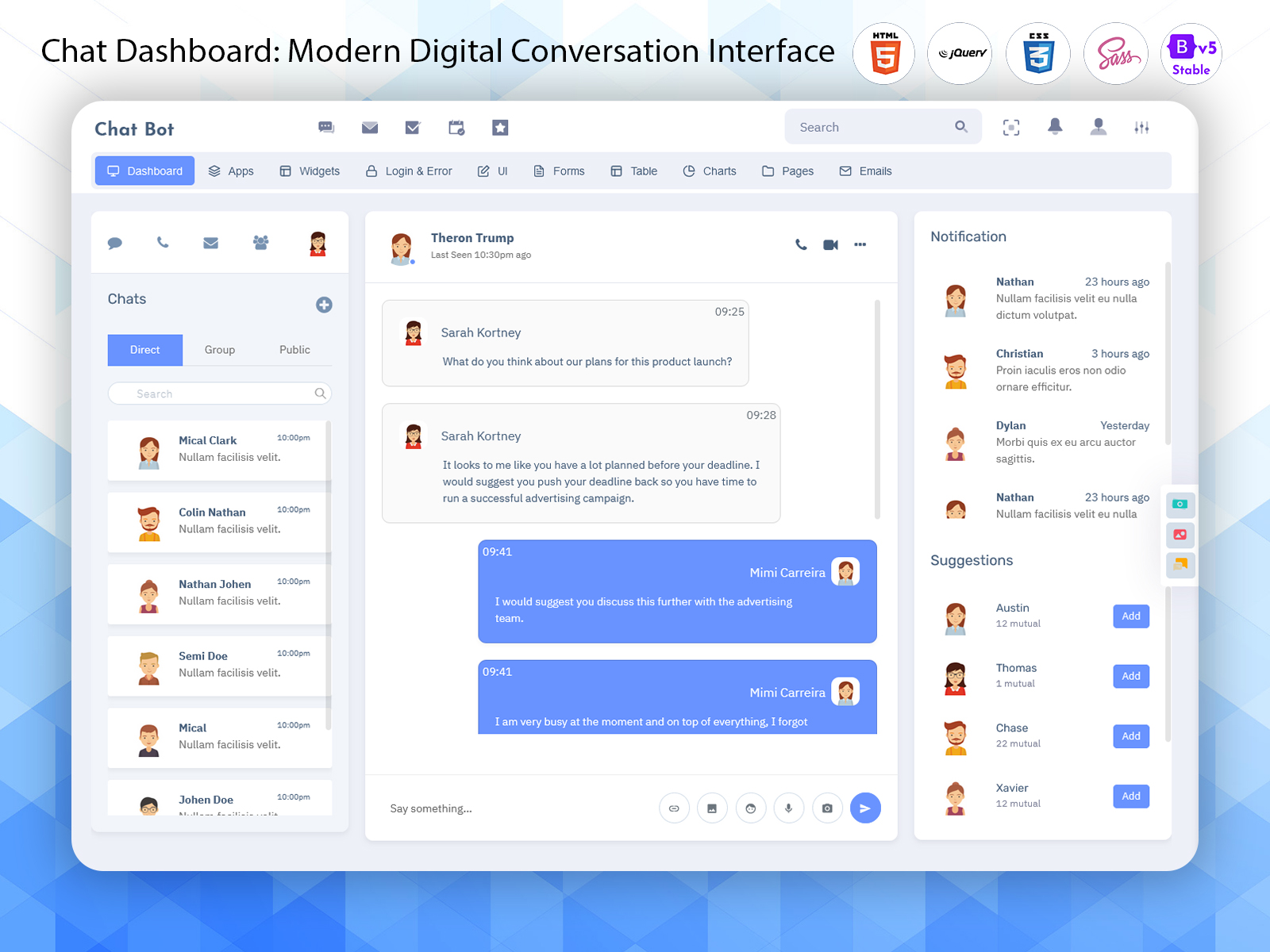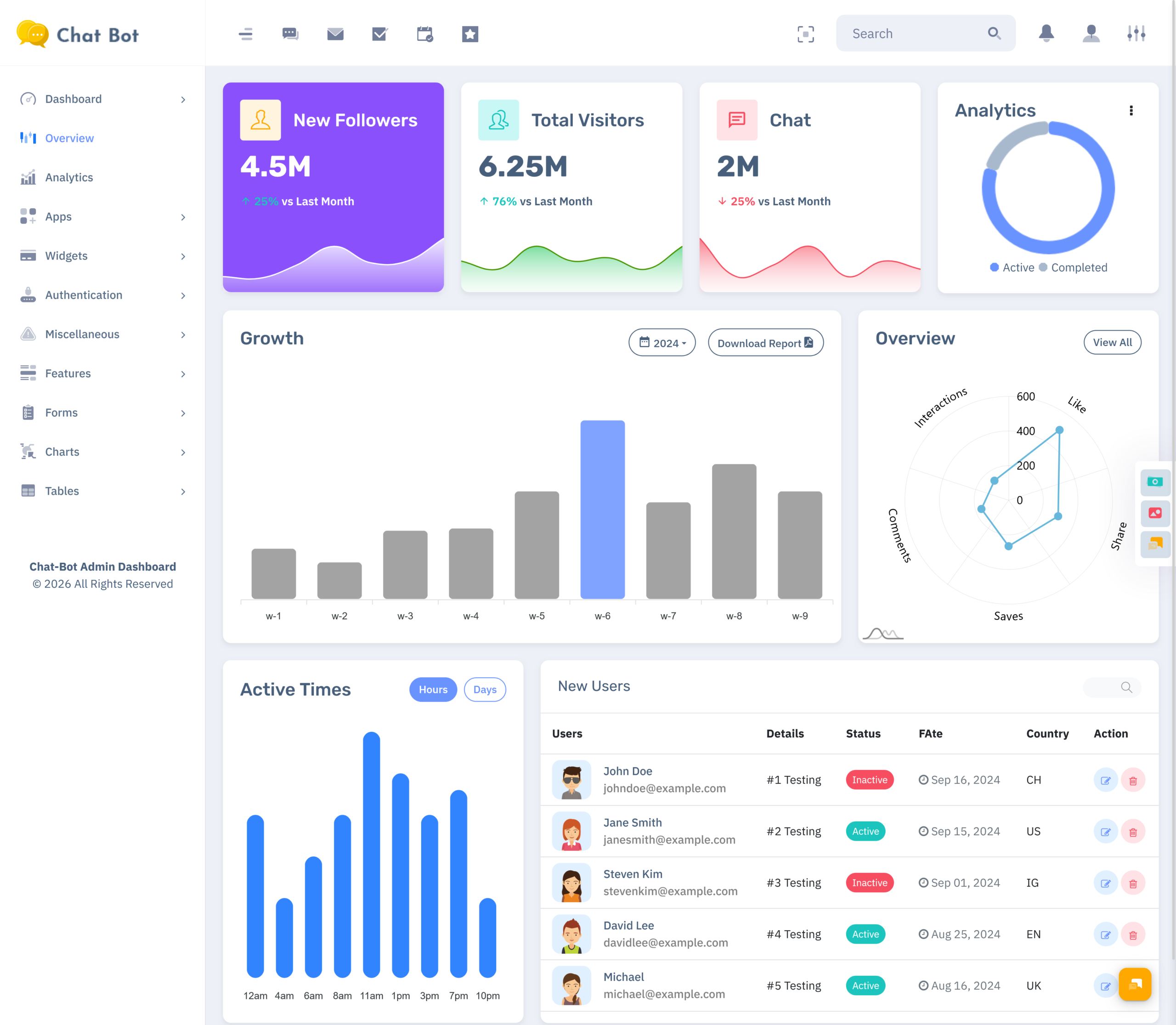
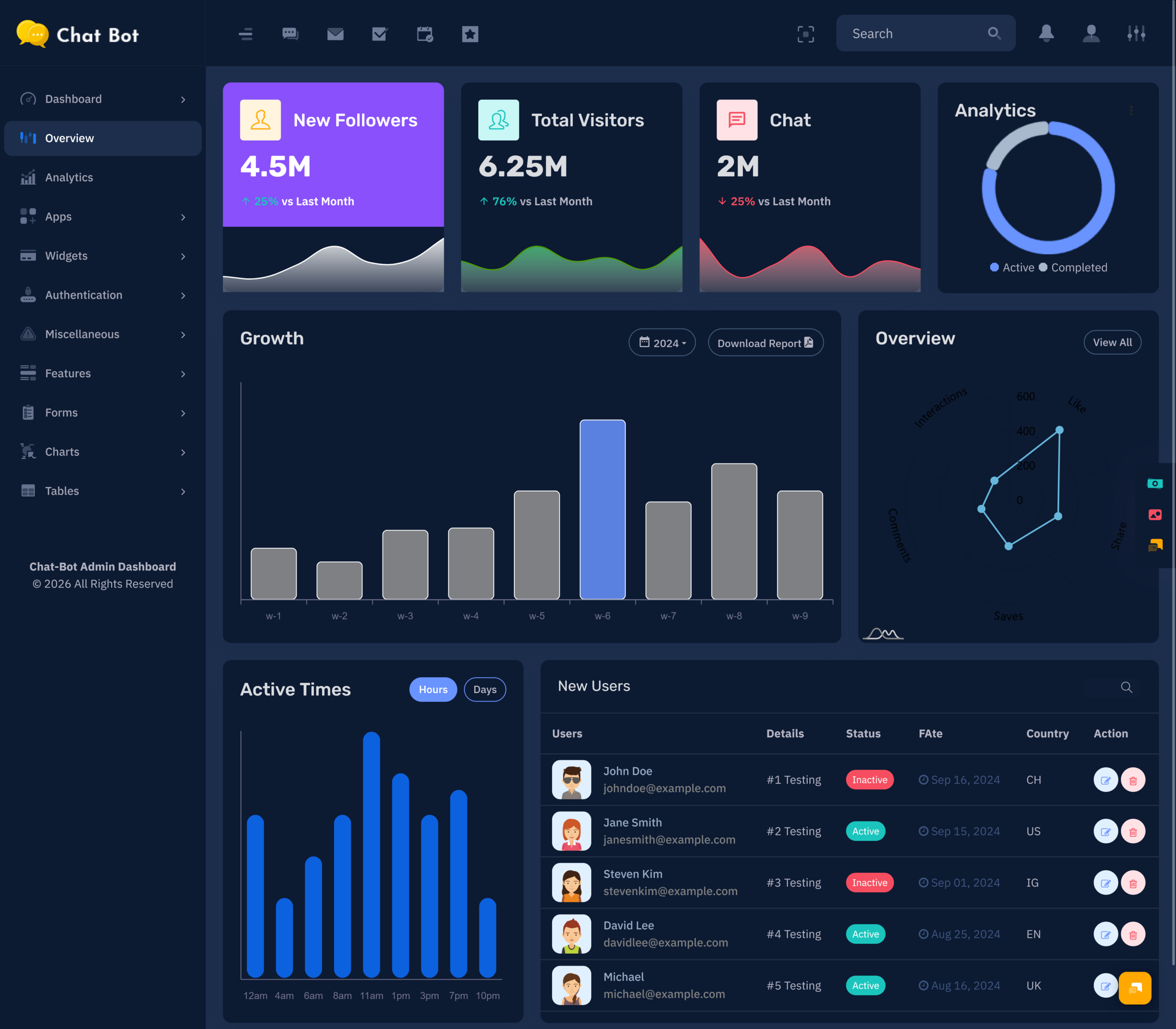
A chatbot interface does more than just show messages. It has to help the user…
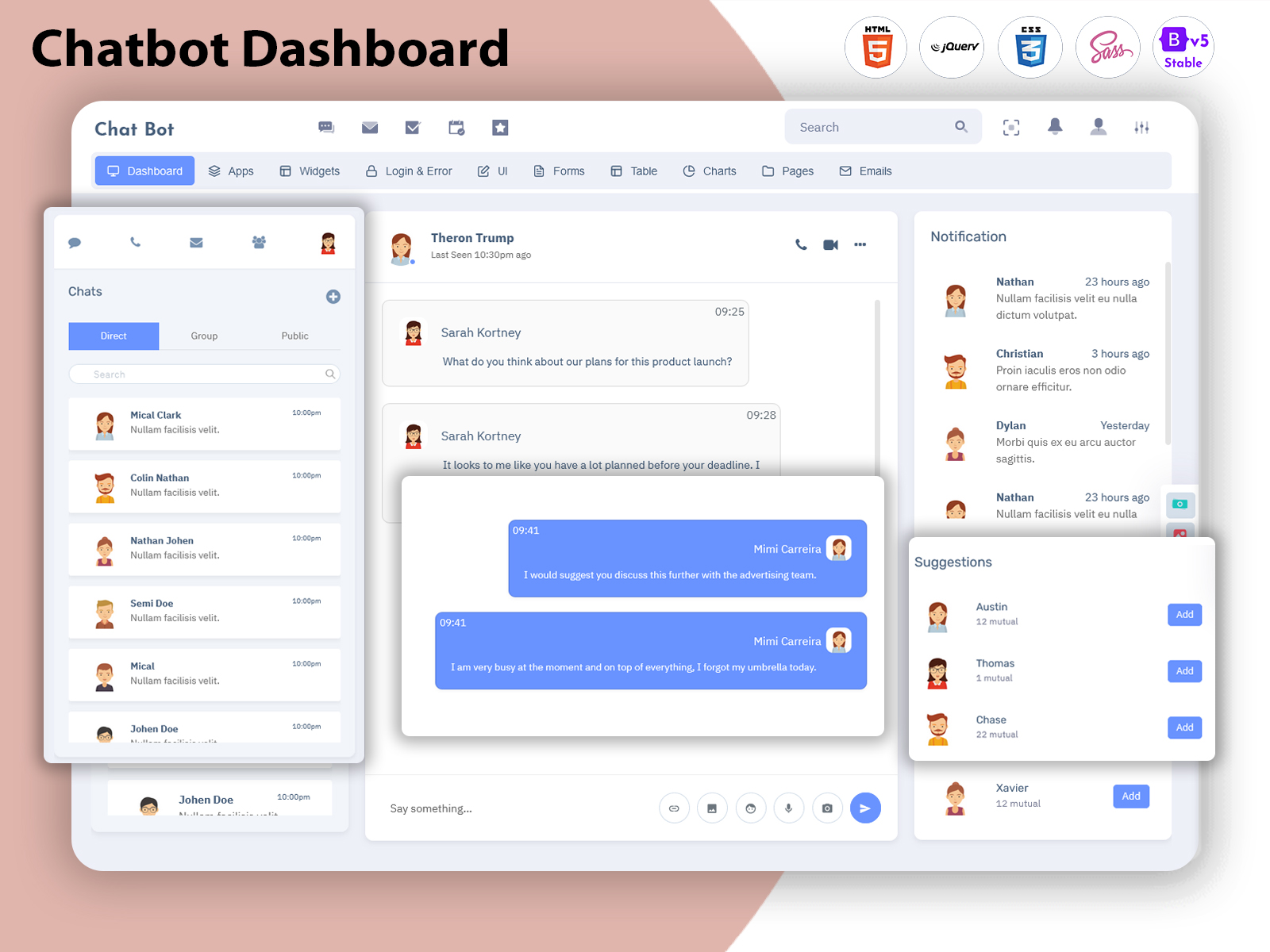
Chatbot Dashboard: A Smarter Way to Manage Automated Conversations with Chatbot Web UI
Reading Time: 8 minutes
What is a Chatbot Dashboard?
A Chatbot Dashboard is a centralized interface used to manage, organize, and understand automated conversations between a chatbot and its users. It gives businesses a dedicated workspace where they can work with conversation-related information without depending on complicated technical systems for every small administrative task.
Watch Full Video
Today, customers expect quick answers when they visit a website, application, or digital service. Businesses may receive questions about products, services, account information, orders, appointments, or general support. A chatbot can handle many common interactions, but managing the chatbot itself requires an organized system behind the scenes.
This is where a chatbot dashboard becomes useful. It provides administrators with a visual environment for controlling the communication experience and reviewing how the system is being used. Instead of treating every conversation as an isolated interaction, businesses can manage their chatbot operations through a connected workspace.
A Chat Automation Dashboard can be particularly helpful for businesses that use automated responses as part of their customer communication process. It gives teams a place to review automated interactions and understand whether the communication flow is working according to business requirements.
The dashboard can also support human involvement when automation is not enough. Some customer questions require personal attention, and a well-designed system should make it possible for businesses to move from automated communication toward human support when necessary.
For developers, the interface can be built from scratch or customized from a suitable admin template. The important point is that the final dashboard should match the actual communication process rather than simply adding chatbot-related screens without a clear purpose.
Why is a Chatbot Dashboard Important for Modern Businesses?
Customer communication is no longer limited to email or phone calls. Websites, mobile applications, social platforms, and online services have made messaging an important part of the customer experience.
As the number of conversations increases, manually monitoring every interaction becomes difficult. A Chatbot Dashboard provides a structured environment where businesses can manage automated communication without treating every conversation as a separate technical process.
A Live Chat Admin Panel can also support teams when customers need direct assistance. This creates a connection between automated responses and human communication. A chatbot can handle routine questions, while support representatives can focus on situations that require understanding, judgment, or personal assistance.
This combination can be useful for businesses that want to provide faster communication without removing the human element completely. Automation can handle repetitive interactions, while employees remain available for more complex conversations.
A chatbot dashboard can also help businesses understand how their communication system is being used. Rather than relying only on customer feedback, administrators can review information available through the system and identify areas where the conversation experience may need improvement.
The value of the dashboard therefore comes from its ability to bring automation, administration, and communication into a more organized working environment.
VIEW DEMO BUY NOW
How a Chatbot Dashboard Connects Automation With Human Support
Automation works best when it is connected to a clear communication process. A chatbot may be able to answer common questions, but there will always be situations where customers need additional help.
A Client Communication Dashboard can provide a broader environment for managing these interactions. It allows businesses to think about customer communication as an ongoing process rather than treating chatbot responses as the final stage of every conversation.
For example, a customer may begin with an automated question and later require assistance from a support representative. A well-planned system can support this transition while keeping the conversation understandable for the team handling it.
This approach also helps businesses avoid relying too heavily on automation. The goal should not be to replace every human conversation. Instead, automation can reduce repetitive communication and allow employees to concentrate on interactions where their involvement creates more value.
A Chat Automation Dashboard can therefore become part of a larger communication strategy. It provides the administrative layer required to organize automated interactions while allowing businesses to maintain a human support process where necessary.
This balance can make digital communication more practical, especially for businesses that receive a large number of routine customer questions.
Features of Chatbot Dashboard
1. Centralized Conversation Workspace
A Chatbot Dashboard creates a dedicated workspace for managing chatbot-related communication. It gives administrators a structured environment where they can review and control the communication process without moving through unrelated systems. A centralized workspace also helps teams maintain a consistent approach when working with automated customer interactions across a digital platform.
2. Automated Communication Management
A Chat Automation Dashboard provides an organized environment for businesses that depend on automated conversations. It can help administrators manage the communication process from a visual interface rather than relying entirely on technical configuration. This makes ongoing chatbot administration more approachable for teams that need to maintain automated customer interactions.
3. Human Support Connection
A Live Chat Admin Panel can connect automated communication with direct customer assistance. When an automated interaction is not sufficient, authorized staff can become involved through the same broader communication environment. This creates a smoother relationship between chatbot-driven responses and personal support without forcing businesses to maintain completely separate communication workflows.
4. Client Communication Organization
A Client Communication Dashboard provides a structured way to organize customer-facing interactions. It can help businesses maintain a clearer communication process as the number of users increases. By giving teams a common environment for handling communication, the dashboard can support greater consistency and make customer interaction management easier to coordinate.
5. Flexible Interface Structure
A chatbot dashboard should be adaptable because every business communicates with customers differently. The interface can be structured around the organization’s workflows, user roles, and communication requirements. This flexibility allows developers to create an experience that fits the application instead of forcing every chatbot project into exactly the same administrative structure.
6. Conversation Context
Maintaining context is important when customers communicate through automated systems. A well-planned Chatbot Dashboard can provide an organized environment for understanding conversations within their broader context. This can help support teams approach customer interactions with greater awareness instead of treating every message as an unrelated request.
7. Responsive Communication Interface
A Live Chat Admin Panel should remain convenient across different devices and screen sizes. Responsive design allows authorized users to access the communication environment from desktops, laptops, tablets, or other supported devices. This flexibility can be particularly useful for support teams that need to monitor or manage customer communication without remaining at one workstation.
VIEW DEMO BUY NOW
Building a Better Chatbot Management Experience
Developing a chatbot dashboard should begin with understanding the communication problem the business is trying to solve.
Some businesses need automated customer support, while others may want a chatbot for lead qualification, product assistance, appointment-related communication, internal help, or another specific purpose. The dashboard should reflect that purpose.
A Chatbot Dashboard designed without understanding the users may become overloaded with information that administrators rarely need. A more focused interface can provide greater value because it concentrates on the activities that matter.
The design should also consider the relationship between automated and human communication. A chatbot should not create a dead end when it cannot answer a question. The broader communication system should provide an appropriate path toward further assistance.
Chatbot UI Kit Examples can be useful during the design stage, but developers should adapt ideas rather than simply reproduce existing interfaces. The final design should reflect the brand, audience, communication style, and technical requirements of the application.
A successful chatbot experience is therefore a combination of useful automation, thoughtful interface design, and a clear human-support process.
Benefits of Chatbot Dashboard
1. Reduces Repetitive Communication Work
A Chatbot Dashboard can support automated communication for routine customer questions, helping businesses reduce the amount of repetitive work handled manually. This gives support teams more opportunity to focus on conversations that require personal attention, deeper understanding, or a decision that automated responses may not be able to provide.
2. Improves Communication Organization
A Client Communication Dashboard gives businesses a centralized environment for managing customer interactions. Instead of relying on scattered communication processes, teams can work through a more organized system. This can make it easier to maintain consistency and establish a clearer approach to handling digital conversations across the organization.
3. Supports Faster Customer Assistance
A Chat Automation Dashboard can help businesses provide automated responses when customers need information quickly. Immediate communication can be useful for common questions that do not require human involvement. When a situation needs additional support, the communication process can continue toward a representative rather than leaving the customer without direction.
4. Helps Support Teams Focus
A Live Chat Admin Panel can help separate routine automated communication from conversations that require direct assistance. This can reduce the amount of repetitive work support employees need to handle manually. As a result, teams can dedicate more attention to customers whose questions require explanation, investigation, or personalized assistance.
5. Creates a Consistent Communication Process
A centralized chatbot environment can help businesses establish a more consistent way of managing customer interactions. Instead of allowing every employee or department to follow completely different processes, the dashboard can provide a shared structure. This consistency can make communication easier to coordinate as the organization grows.
6. Supports Scalable Customer Communication
As the number of customers increases, handling every routine question manually can place additional pressure on support teams. A Chatbot Dashboard can provide a foundation for scaling automated communication while keeping human support available for more complicated situations. This allows businesses to expand their communication capacity without depending only on additional staff.
7. Encourages Continuous Improvement
A chatbot should not remain unchanged after its initial launch. Customer questions and expectations can evolve over time. A Chat Automation Dashboard provides an environment where businesses can review communication patterns and identify areas that may require refinement, helping the chatbot experience remain useful as the business and its audience change.
Conclusion
A Chatbot Dashboard provides businesses with a centralized way to manage automated conversations and organize digital communication. As customers increasingly expect quick responses, having a structured system behind chatbot interactions can help businesses handle routine communication more effectively.
A Chat Automation Dashboard can support automated interactions, while a Live Chat Admin Panel can provide a path for human assistance when automation is not enough. A Client Communication Dashboard can further organize customer-facing communication within a common working environment.
The user interface also plays an important role. Chatbot UI Kit Examples can help developers explore different approaches to chatbot interface design, but the final experience should always be customized around the actual needs of the business and its users.
Frequently Asked Questions
1. What is a Chatbot Dashboard used for?
A Multi Purpose themes Chatbot Dashboard is used to manage and organize chatbot-related communication through a centralized interface. It can provide administrators with a structured environment for handling automated interactions, reviewing communication activity, and coordinating the wider customer-support process according to the requirements of the business.
2. How is a Chat Automation Dashboard different from a regular chat interface?
A Multi Purpose themes Chat Automation Dashboard is focused on managing the administrative side of automated communication, while a regular chat interface is mainly designed for the person having the conversation. The dashboard gives authorized teams a management environment for controlling and reviewing the communication system behind the customer-facing chatbot.
3. Can a Live Chat Admin Panel work with a chatbot?
Yes. A Live Chat Admin Panel can be designed to work alongside automated communication. A Multi Purpose themes chatbot can handle suitable routine interactions, while human representatives can become involved when a customer needs additional assistance. This combination can create a more flexible communication process than relying entirely on either automation or manual support.
4. What is a Client Communication Dashboard?
A Client Communication Dashboard is an administrative interface designed to organize customer-facing communication. It can provide businesses with a centralized environment for managing interactions and coordinating communication processes. The exact structure can vary depending on whether the system is intended for customer support, sales, service management, or another business purpose.
5. Can chatbot dashboards be customized for different businesses?
Yes. Multi Purpose themes Chatbot dashboards can be customized according to the business model, communication requirements, branding, user roles, and technical environment. A support chatbot may require a different interface from an ecommerce assistant or internal employee chatbot. Customization helps developers create an administrative experience that matches the actual application.
6. What are Chatbot UI Kit Examples useful for?
Chatbot UI Kit Examples can help designers and developers understand different approaches to creating chatbot interfaces. They may provide ideas for conversation layouts, controls, information organization, and visual interaction patterns. Developers should adapt these ideas to their own application’s requirements instead of treating examples as a fixed design.
7. Can MultiPurpose Themes help with chatbot dashboard development?
Yes. Multi Purpose themes provide chatbot and chat-related admin dashboard templates that can serve as a starting point for communication application development. Developers can customize the selected design according to their application’s branding, workflow, user roles, communication requirements, and functionality. The template should be adapted to the project’s specific needs rather than used as a complete chatbot system without modification.

Related Posts