

In today’s data-driven environment, businesses rely heavily on insights to stay competitive and make informed…
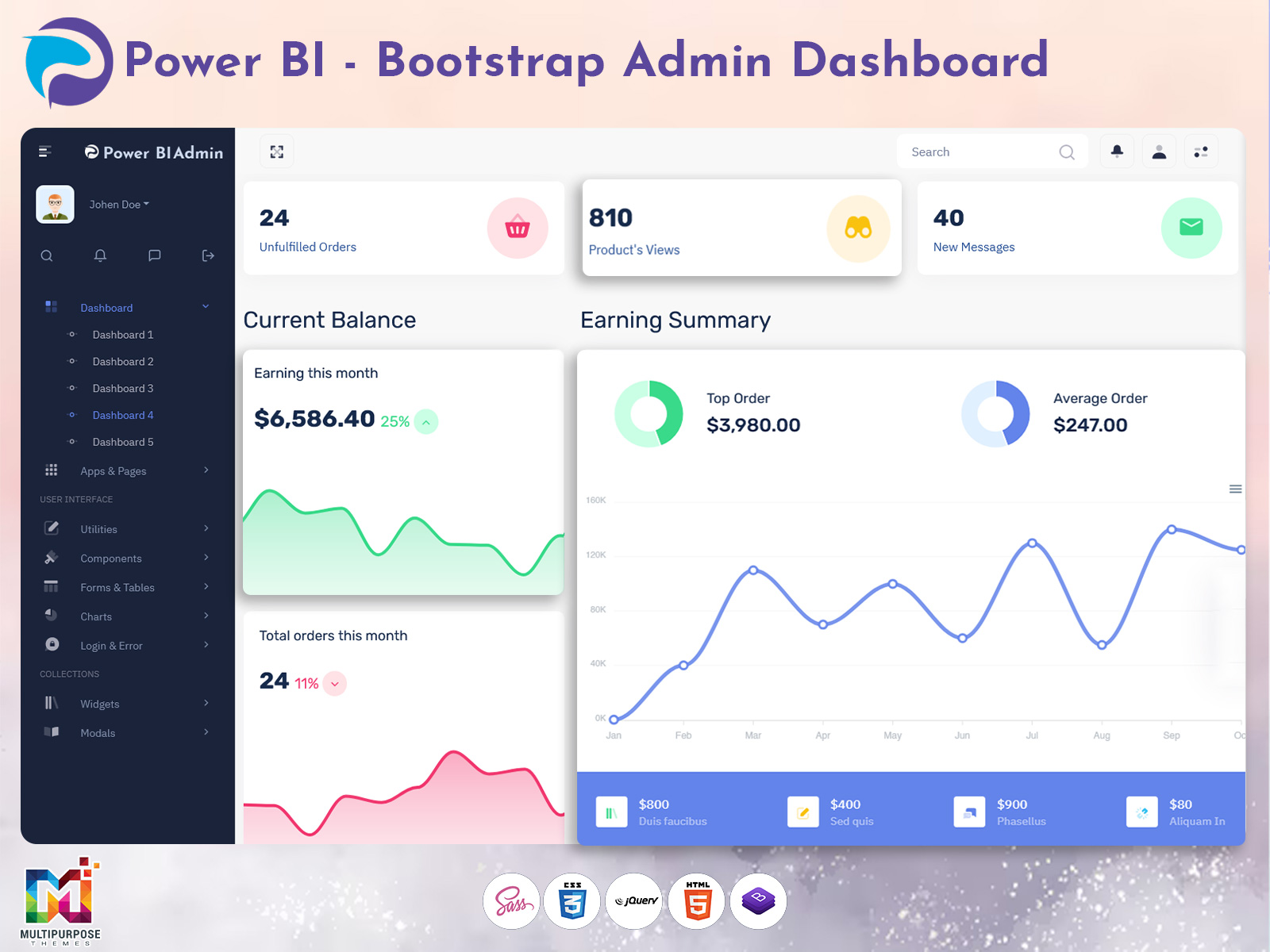
Power BI Dashboard Template 2026: Smart Admin Panel & Reports Solution
Reading Time: 7 minutes
In today’s fast-moving digital landscape, data is one of the most valuable assets for any organization. Businesses are no longer relying on guesswork; instead, they depend on clear, real-time insights to make faster and more accurate decisions. This is where a powerful Power BI Admin Template plays a crucial role. While Microsoft Power BI already offers strong analytics capabilities, managing and organizing everything efficiently requires a structured system that simplifies the entire process.
A well-designed Power BI Software Dashboard helps businesses turn complex data into meaningful insights without confusion. It allows teams to monitor performance, analyze trends, and manage reports from a single interface. Whether you are a startup trying to understand your growth or a large enterprise handling massive datasets, having a streamlined Power BI Admin Panel ensures everything stays organized and accessible.
As businesses continue to grow in 2026, the need for efficient data management tools is stronger than ever. A modern Power BI Dashboard Template built with a responsive Bootstrap 5 Dashboard Template gives you both flexibility and performance, making it easier to manage your analytics environment without technical complexity.
Explore Different Dashboard Layouts with Light & Dark Modes
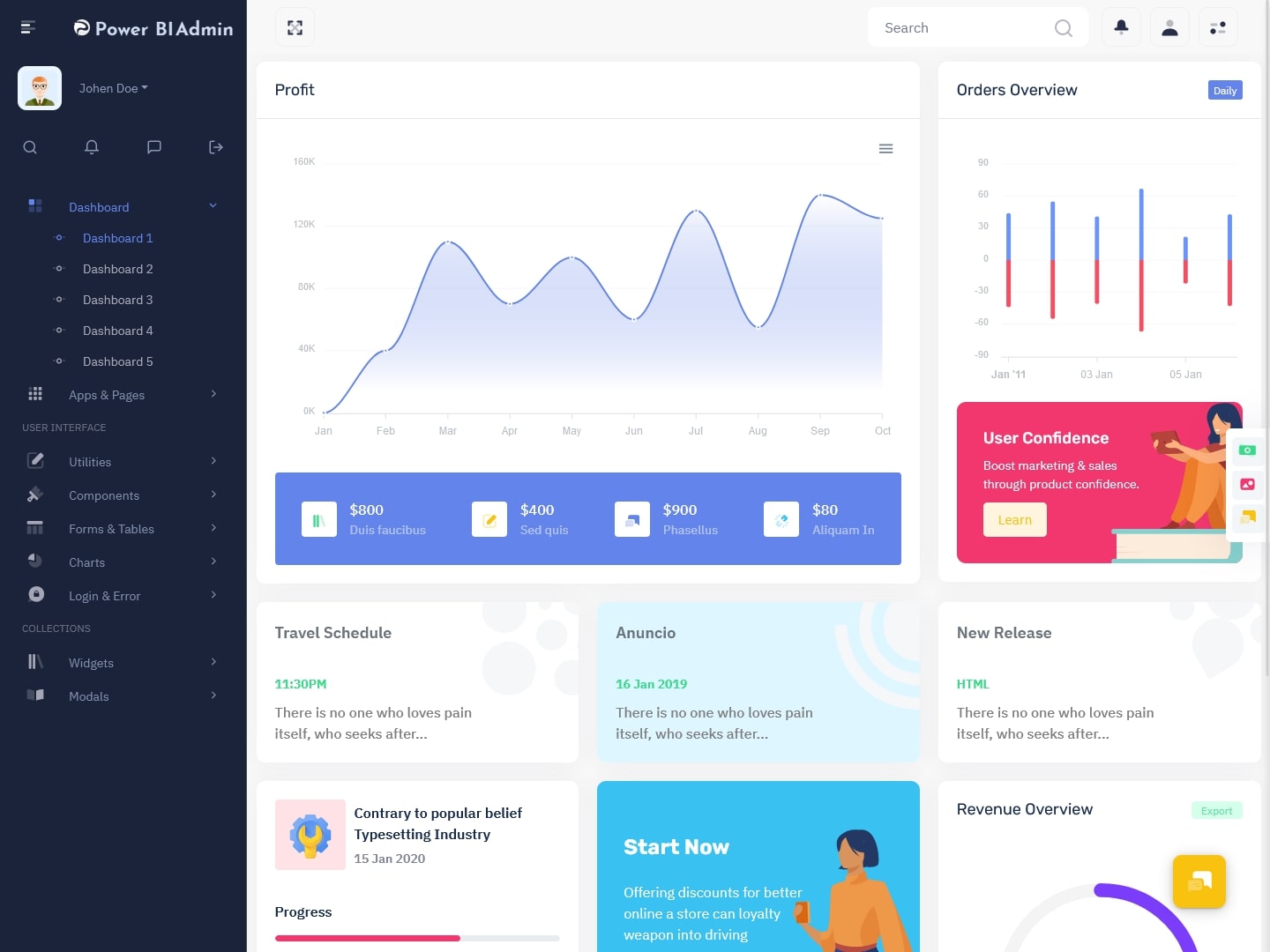
LTR Style – Vertical Dashboard – Light Mode
MORE INFO / BUY NOW DEMO
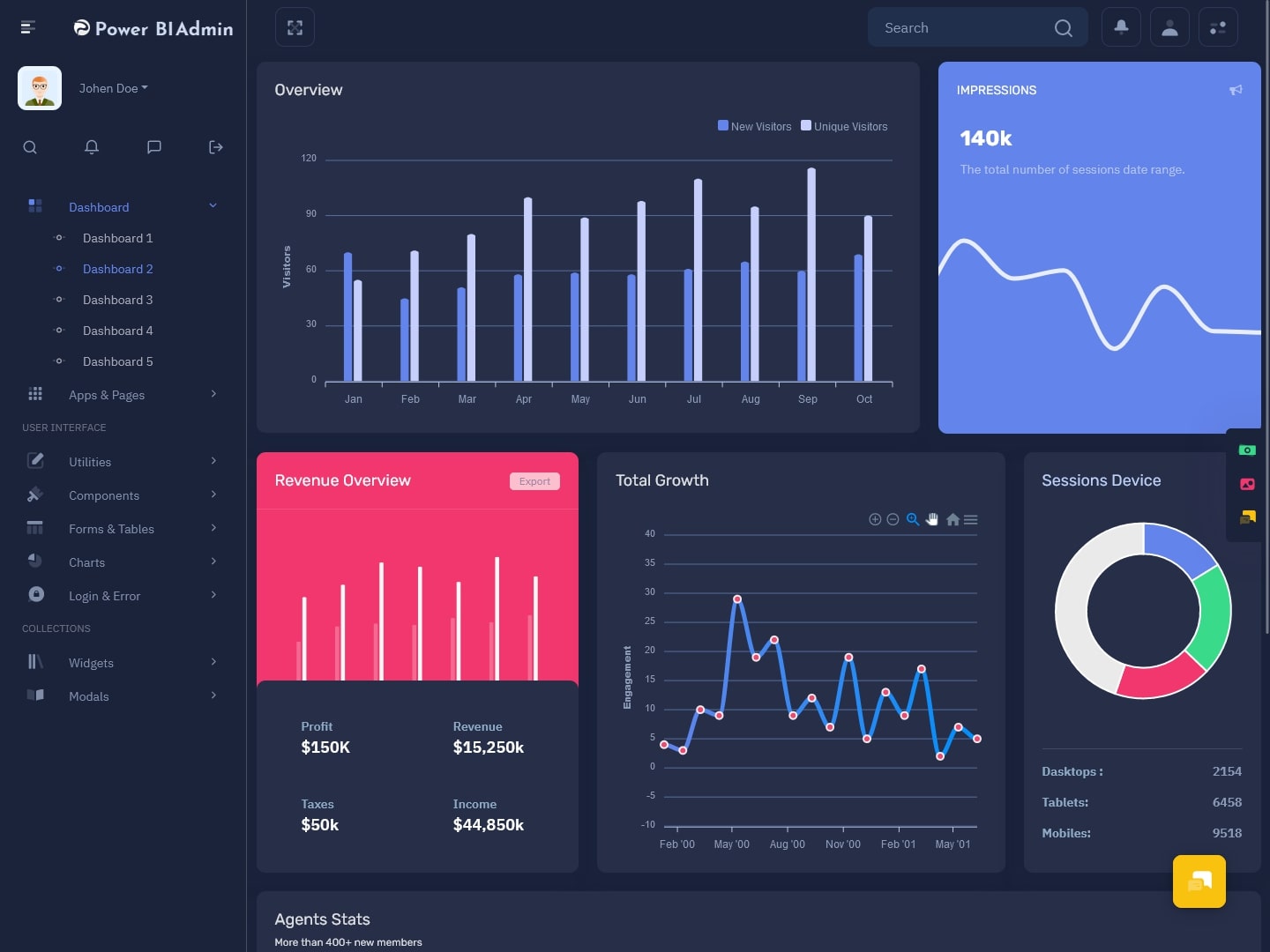
LTR Style – Vertical Dashboard – Dark Mode
MORE INFO / BUY NOW DEMO
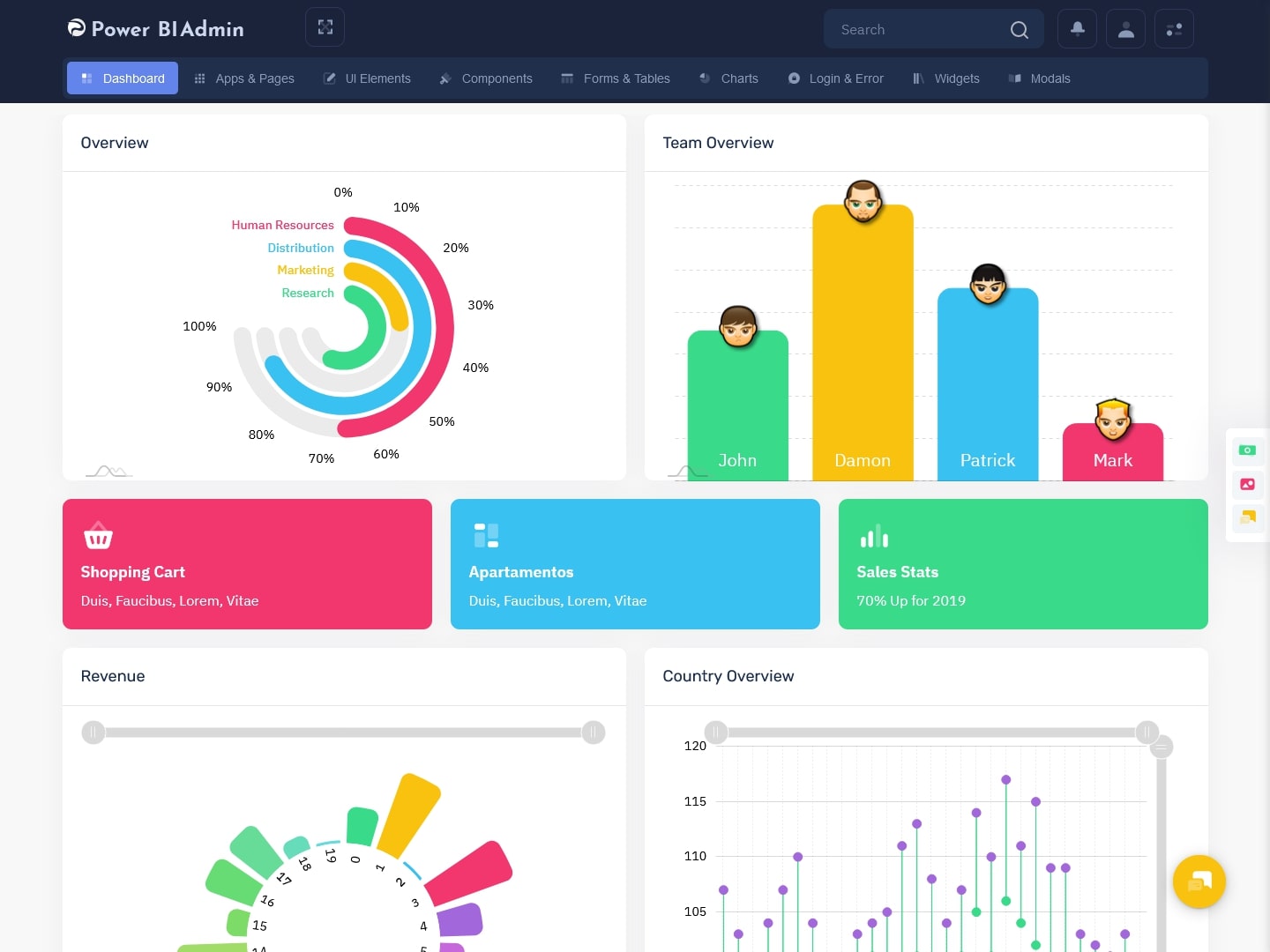
LTR Style – Horizontal Dashboard – Light Mode
MORE INFO / BUY NOW DEMO
LTR Style – Horizontal Dashboard – Dark Mode
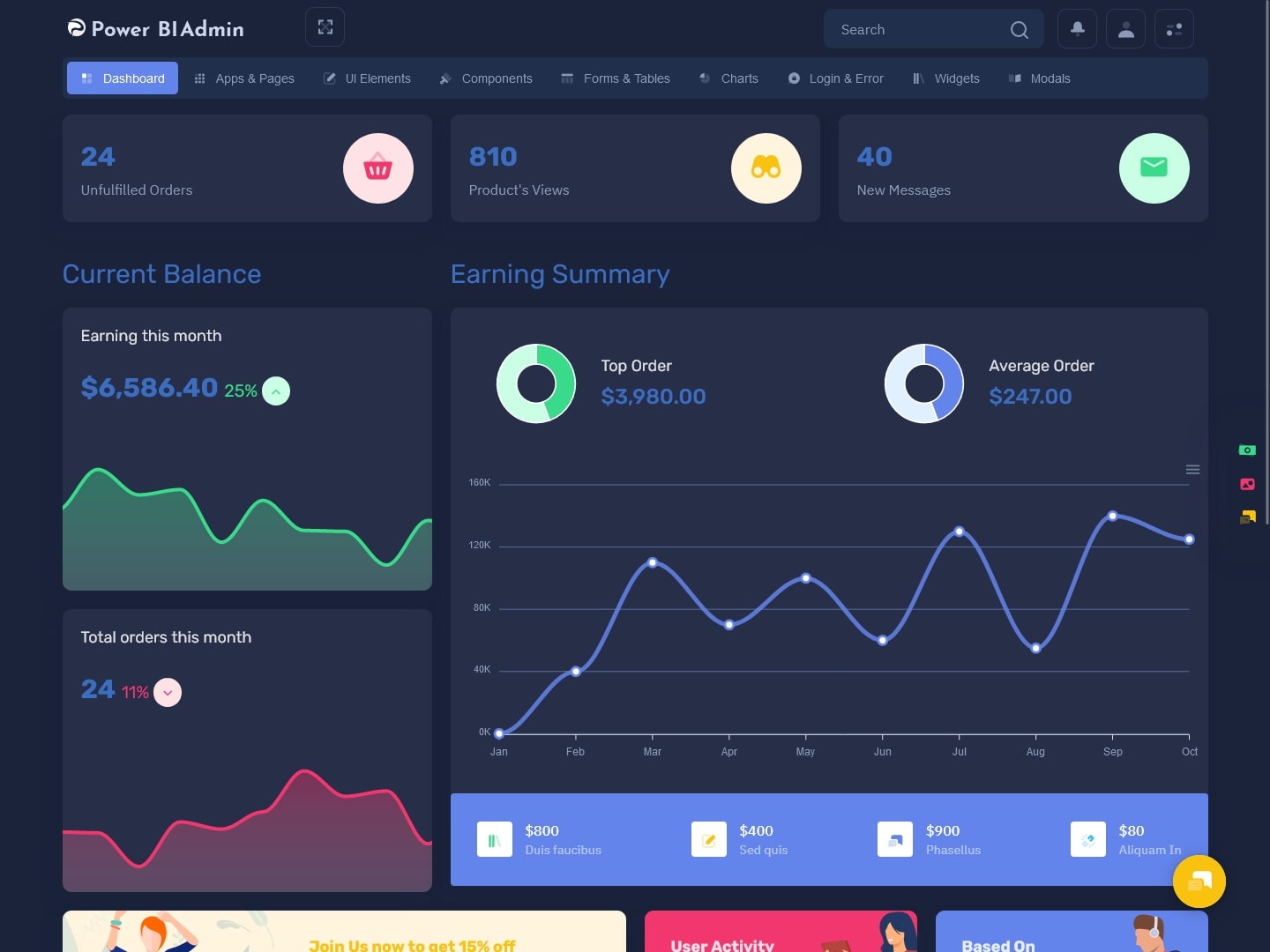
MORE INFO / BUY NOW DEMO
What is a Power BI Admin Template?
A Power BI Admin Template is a pre-designed framework that helps administrators manage and monitor their entire Power BI environment in a structured and efficient way. Instead of handling multiple reports, datasets, and user activities separately, this template brings everything together into one unified system.
Think of it as the central control hub of your Power BI Software Dashboard, where you can track usage, monitor performance, and manage access without switching between different tools. It provides complete visibility into your analytics ecosystem, making it easier to maintain control and ensure smooth operations.
With a flexible Power BI Dashboard Template, businesses can customize their dashboards based on their specific needs. Whether you want to focus on performance tracking, user activity, or data refresh status, everything can be adjusted within your Power BI Admin Panel. When built using a Bootstrap 5 Dashboard Template, the interface becomes fully responsive, ensuring a smooth experience across all devices.
A well-structured Power BI Admin Template simplifies complex processes and transforms them into an easy-to-use system. It helps teams focus more on insights and less on managing technical details, making it an essential tool for modern businesses.
Why You Need a Power BI Software Dashboard
Creating a dedicated Power BI Software Dashboard is not just about convenience—it’s about improving how your organization handles data. When all your reports and analytics are scattered, it becomes difficult to maintain consistency and accuracy. A centralized Power BI Admin Panel solves this problem by bringing everything together in one place.
With a structured Power BI Dashboard Template, you can monitor your entire data environment without confusion. It allows you to track datasets, manage users, and review Reports Power BI in real time. This level of visibility helps you make quicker decisions and respond to changes instantly.
Another major advantage is improved security. A well-designed Power BI Admin Template gives you better control over user access and permissions. You can monitor who is accessing which reports and ensure that sensitive data remains protected at all times.
Performance management is also much easier with a Power BI Software Dashboard. You can identify issues, track system health, and ensure that everything runs smoothly. When combined with a responsive Bootstrap 5 Dashboard Template, the dashboard becomes both powerful and user-friendly.
How Power BI Dashboard Template Improves Data Management
Data management is one of the biggest challenges for organizations today. Without the right tools, handling large volumes of data can become overwhelming. A structured Power BI Dashboard Template simplifies this process by organizing data into clear and interactive visual formats.
A Power BI Admin Template acts as the foundation of your analytics system. It allows you to standardize your dashboards, ensuring consistency across all departments. This makes it easier for teams to understand and use data effectively.
Instead of manually collecting and analyzing data, your Power BI Software Dashboard automates the process. It gathers information from different sources and presents it in a unified view. This not only saves time but also reduces the chances of errors.
The integration of Reports Power BI within the dashboard ensures that all your insights are easily accessible. You don’t have to switch between multiple tools to find the information you need. Everything is available within your Power BI Admin Panel, making data management more efficient and reliable.
Key Features of a Modern Power BI Admin Panel
A powerful Power BI Admin Template is defined by its features and usability. One of the most important aspects is real-time monitoring. Your Power BI Software Dashboard should provide instant updates on performance, ensuring that you can quickly identify and resolve issues.
Another essential feature is user activity tracking. A well-built Power BI Admin Panel allows you to monitor how users interact with your dashboards and reports. This improves accountability and helps maintain data security.
Managing datasets and Reports Power BI becomes much easier with a centralized system. A structured Power BI Dashboard Template allows you to control everything from one place, reducing complexity and improving efficiency.
Customization is also a key factor. A flexible Power BI Admin Template lets you design your dashboard according to your needs. Whether you want to focus on performance metrics or user engagement, you can adjust your layout and widgets accordingly.
A responsive design built on a Bootstrap 5 Dashboard Template ensures that your dashboard works smoothly on all devices. This allows you to access your data anytime, whether you are in the office or on the go.
Benefits of Using Power BI Software Dashboard
Using a professional Power BI Software Dashboard offers numerous advantages for businesses. One of the biggest benefits is faster decision-making. With real-time data and interactive visuals, teams can quickly understand insights from Reports Power BI and take action without delays.
Collaboration also improves significantly. A well-structured Power BI Dashboard Template makes it easier for different departments to access and share data. This creates a more transparent and data-driven work environment.
Scalability is another important benefit. As your business grows, your data needs will also increase. A flexible Power BI Admin Template allows you to expand your dashboard without starting from scratch.
Time efficiency is greatly improved as well. By automating data collection and analysis, your Power BI Software Dashboard reduces manual work and allows your team to focus on strategic tasks.
Security remains a top priority, and a strong Power BI Admin Panel ensures that your data is protected. With proper access controls and monitoring, you can maintain compliance and safeguard sensitive information.
Use of Power BI Admin Template Across Industries
The versatility of a Power BI Admin Template makes it suitable for almost every industry. In finance, businesses use a Power BI Software Dashboard to track key metrics, analyze risks, and monitor financial performance in real time.
In healthcare, a Power BI Dashboard Template helps manage patient data, resource allocation, and operational efficiency. It provides a clear view of critical information, enabling better decision-making.
Retail businesses rely on Reports Power BI to analyze sales trends, customer behavior, and inventory levels. A centralized Power BI Admin Panel makes it easier to manage all these insights in one place.
Manufacturing companies use dashboards to monitor production performance, quality control, and supply chain operations. With a responsive Bootstrap 5 Dashboard Template, they can access data anytime and ensure smooth operations.
In education, institutions use a Power BI Software Dashboard to track student performance, attendance, and administrative metrics. This helps improve overall efficiency and planning.
Final Thoughts
In 2026, having a structured and efficient Power BI Admin Template is no longer optional—it is essential for any organization that wants to stay competitive in a data-driven world. Managing data without a proper system can lead to confusion, delays, and missed opportunities.
A well-designed Power BI Software Dashboard simplifies the entire process by bringing everything into one place. From managing Reports Power BI to tracking performance and user activity, it provides complete control over your analytics environment.
When built using a modern Bootstrap 5 Dashboard Template, your dashboard becomes not only powerful but also visually appealing and easy to use. This combination of functionality and design ensures that your team can focus on what truly matters—making better decisions based on accurate data.
Investing in a flexible and user-friendly Power BI Dashboard Template is a smart move for any business looking to improve efficiency, enhance collaboration, and unlock the full potential of their data.
FAQs
Q1: What is a Power BI Admin Template and why is it important?
A Power BI Admin Template helps manage your entire Power BI environment from one place. It improves data visibility, simplifies reporting, and ensures better control over users, datasets, and performance.
Q2: How does a Power BI Software Dashboard improve decision-making?
A Power BI Software Dashboard provides real-time insights and visual reports, allowing teams to quickly understand data trends and make faster, more accurate business decisions without confusion.
Q3: Can I customize a Power BI Dashboard Template?
Yes, a Power BI Dashboard Template is highly customizable. You can modify layouts, widgets, and data views to match your business needs and highlight the most important metrics.
Q4: What role does a Power BI Admin Panel play in data security?
A Power BI Admin Panel helps control user access, track activity, and manage permissions. This ensures sensitive data remains secure and only authorized users can access specific reports.
Q5: Are Power BI Admin Templates responsive on all devices?
Yes, most templates are built using a Bootstrap 5 Dashboard Template, making them fully responsive and accessible across desktops, tablets, and mobile devices without performance issues.
Q6: How do Reports Power BI help businesses?
Reports Power BI transform raw data into clear visual insights. They help businesses analyze performance, identify trends, and make data-driven decisions with better accuracy and confidence.
Q7: Who should use a Power BI Admin Template?
Any business or organization that relies on data can benefit from a Power BI Admin Template, whether it’s a startup, enterprise, or team looking to manage and analyze data efficiently.

Related Posts


This Post Has 0 Comments