In today’s fast-moving digital landscape, data is one of the most valuable assets for any…
Power BI Admin Template for Data Analytics and Reporting
Reading Time: 2 minutes
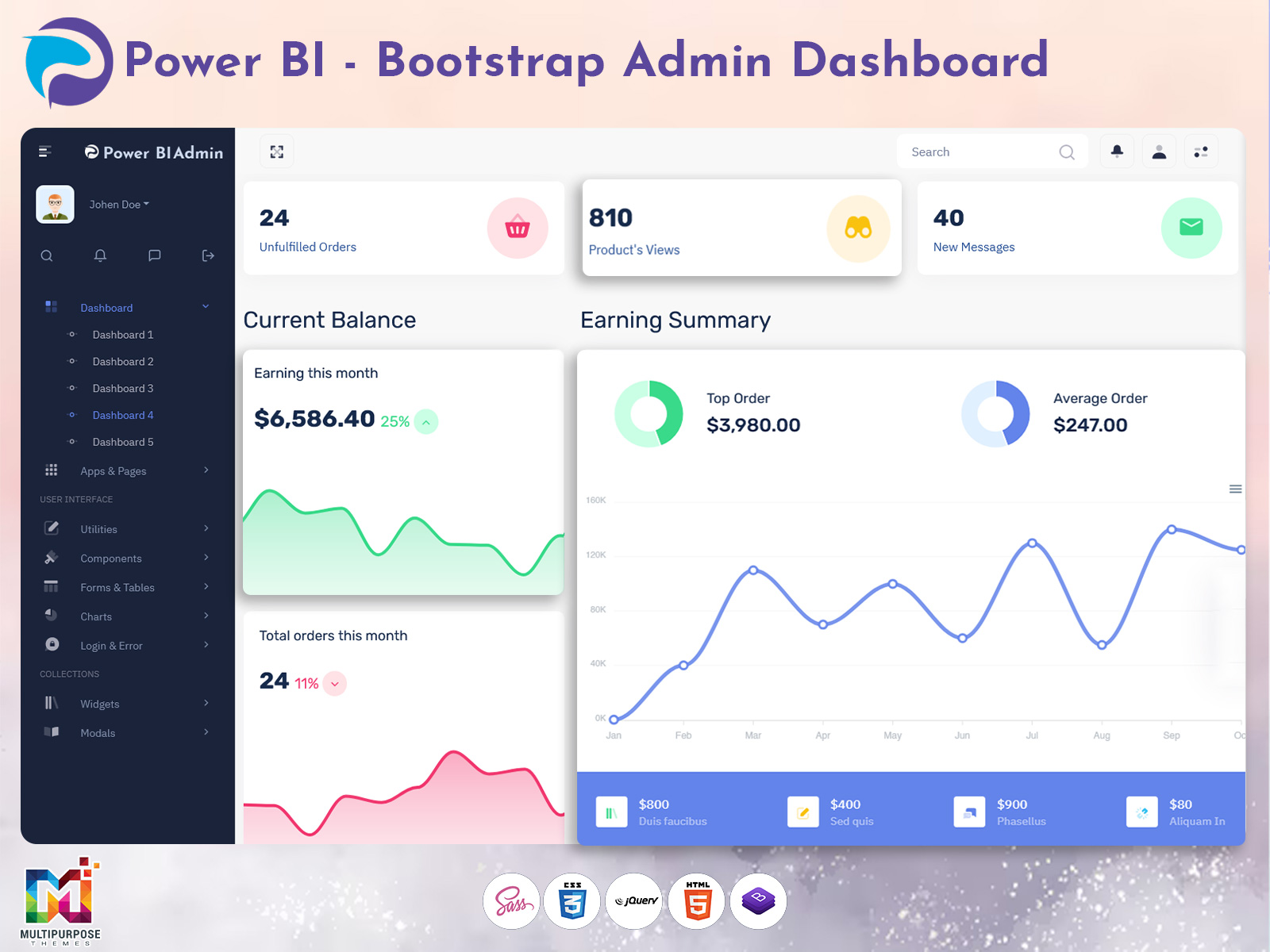
A well-designed Power BI Admin Template helps businesses and developers manage data dashboards more efficiently. As organizations increasingly rely on data to guide decisions, having a structured admin interface becomes essential. Instead of handling complex reports and analytics tools manually, a dedicated admin template simplifies the process by organizing everything into one easy-to-use dashboard.
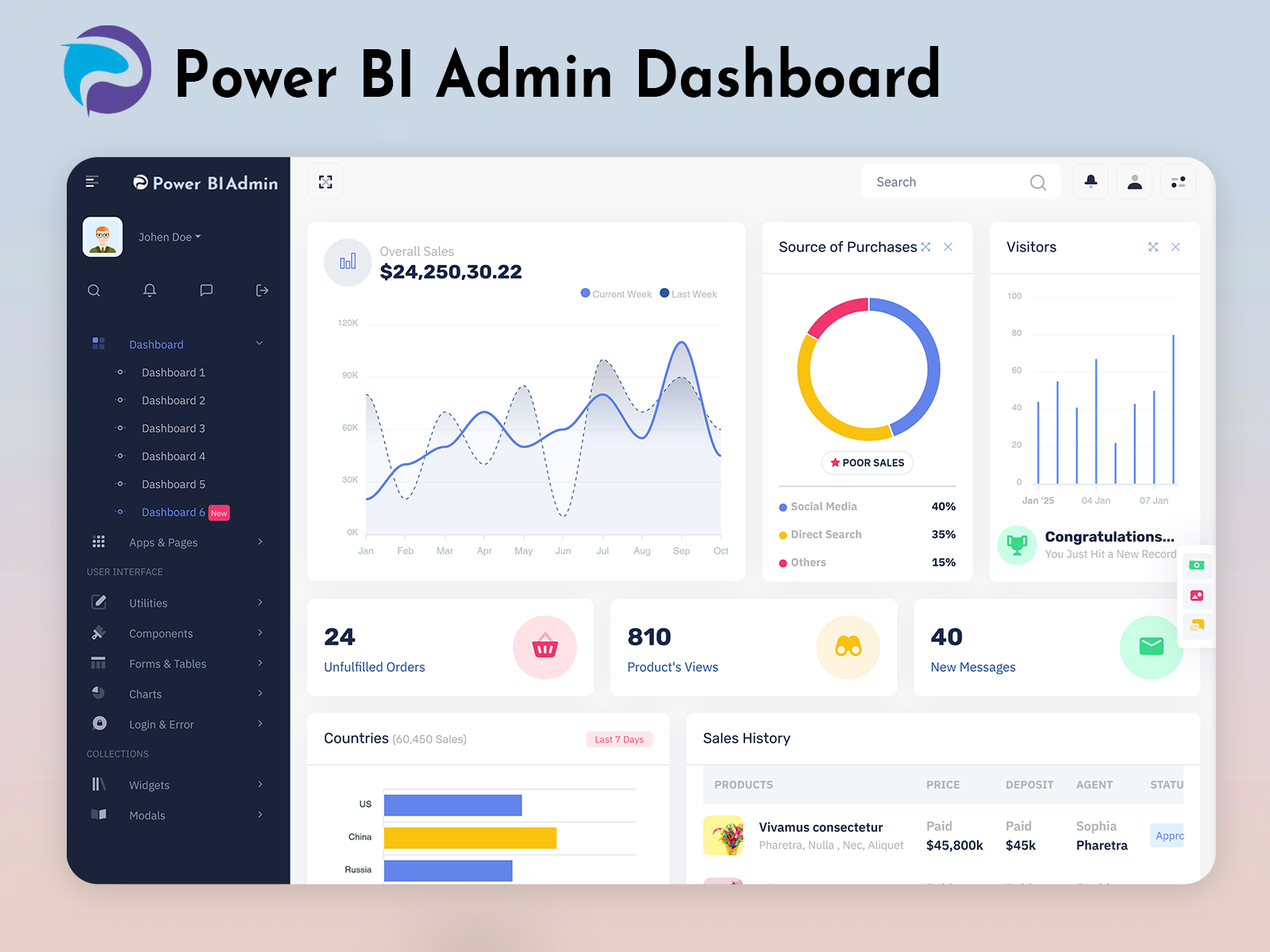
The Power BI Software Dashboard allows administrators to view reports, manage data sources, and monitor analytics in a visually structured way. This makes it easier to track key performance indicators, business insights, and operational data without dealing with complicated data structures.
A modern Power BI Admin Panel also improves the user experience by offering a clean layout and intuitive navigation. When reports, charts, and controls are clearly organized, administrators can focus more on analyzing data and less on managing technical settings. Overall, a professional Power BI admin template provides the foundation for building powerful and organized analytics platforms.
Watch Full Video
Centralized Data Management
One of the main advantages of a Power BI Admin Template is centralized data management. Administrators can control multiple reports, datasets, and dashboards from a single interface. This helps businesses maintain better organization and ensures that all analytics tools are accessible in one place. A centralized dashboard also reduces the time spent switching between different systems.
Interactive Power BI Software Dashboard
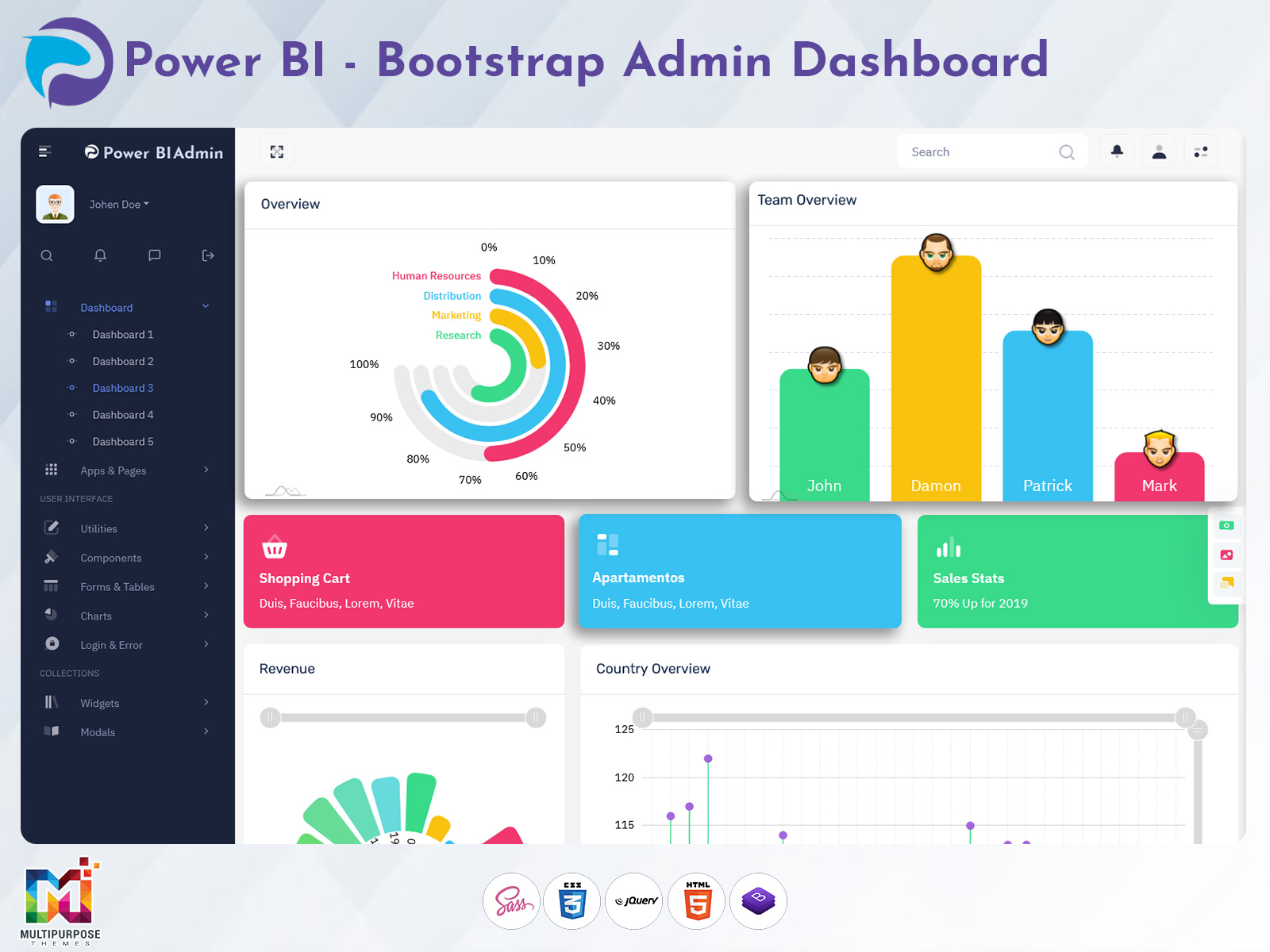
A powerful Power BI Software Dashboard provides interactive charts and visual reports that make data easier to understand. Instead of reviewing raw data tables, users can view visual insights that clearly present trends, comparisons, and performance metrics. This helps businesses quickly identify patterns and make informed decisions based on real-time data.
User and Permission Management
A well-structured Power BI Admin Panel allows administrators to control user access and permissions. Organizations often need to restrict access to certain reports or datasets based on user roles. With proper permission management, administrators can ensure that sensitive information remains secure while still providing access to necessary data.
Clean and Organized Interface
A modern Power BI Admin Template focuses on simplicity and usability. A clean interface ensures that charts, reports, and navigation menus are easy to find and understand. When the dashboard layout is well organized, administrators can quickly access the information they need without confusion.
Scalable Dashboard Structure
Another important feature of a Power BI Software Dashboard is scalability. As businesses grow, they collect more data and create additional reports. A flexible admin panel structure ensures that the dashboard can handle larger datasets and more analytics tools without affecting performance.
Last Words
A professional Power BI Admin Template plays an important role in managing modern data analytics systems. By providing a centralized Power BI Admin Panel and an interactive Power BI Software Dashboard, businesses can monitor data insights more effectively. A well-structured dashboard not only improves data visibility but also simplifies the management of reports and analytics tools. As companies continue to rely on data-driven decisions, using a reliable Power BI admin template can help organizations maintain a clear and organized analytics environment.
buy now

Related Posts