In the fast moving digital world, businesses rely heavily on structured data and efficient management…
Professional Dashboard Template 2026 for UI Designers and Devs
Reading Time: 6 minutes
The digital world in 2026 is more advanced, competitive, and fast-moving than ever before. Businesses are launching web applications for finance, eCommerce, healthcare, education, SaaS platforms, logistics, and many other industries. With increasing competition and rising user expectations, companies need applications that are not only powerful but also clean, responsive, and easy to manage. This is where a modern Dashboard Template becomes extremely important.
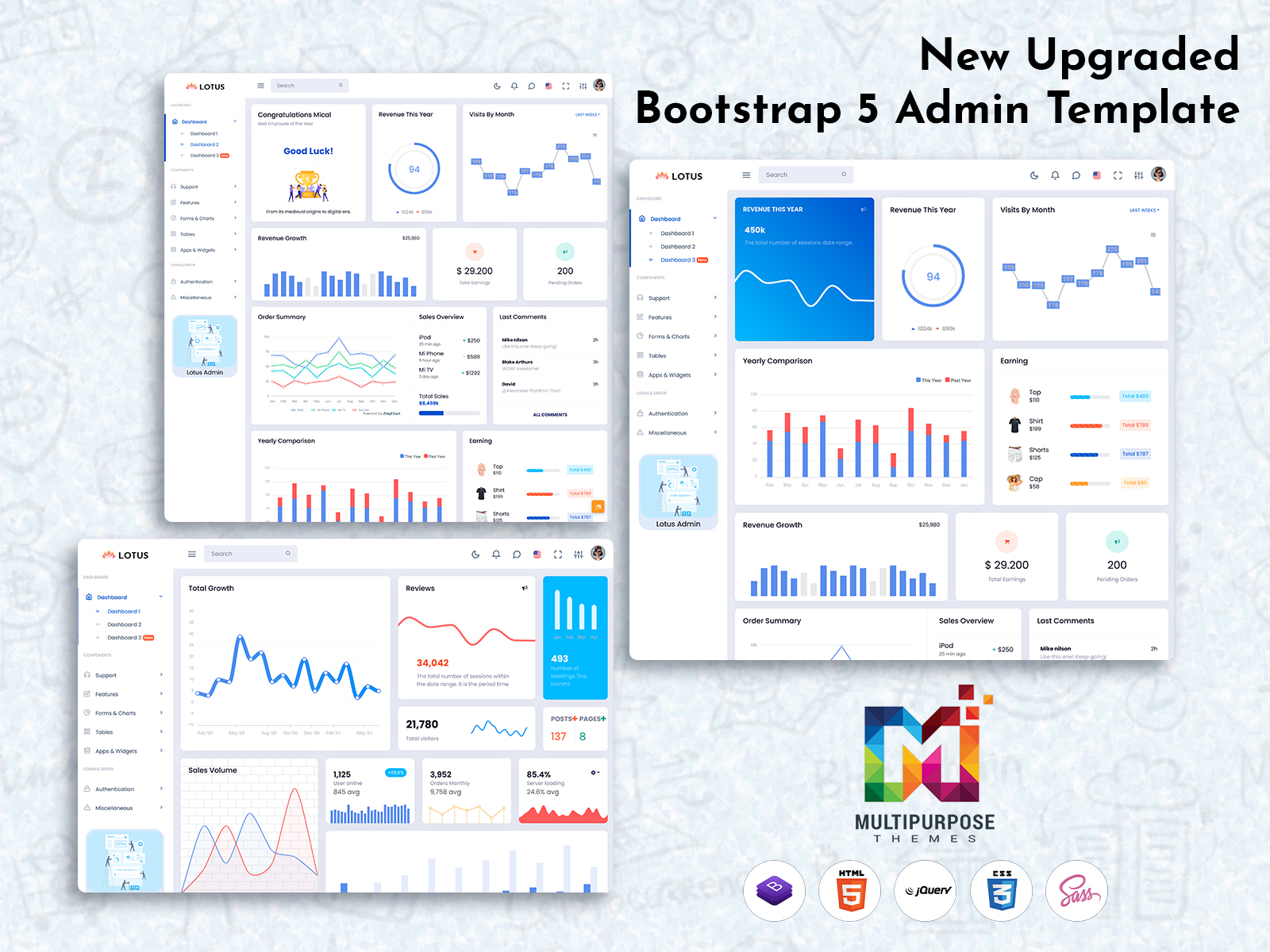
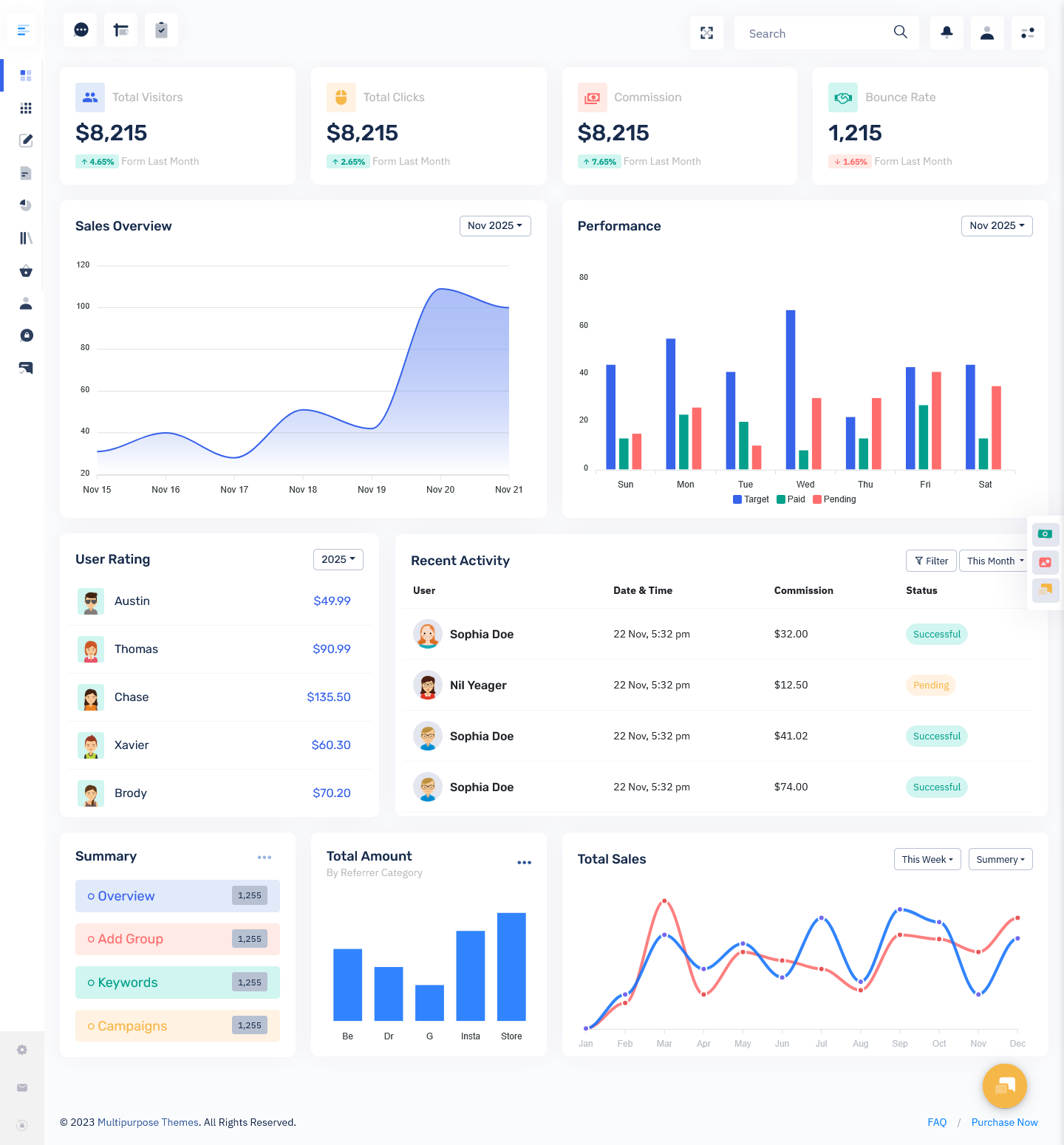
A Dashboard Template acts as the foundation of any web-based system. It provides the structure for data visualization, user management, reporting, analytics, and overall application control. Instead of building an entire Admin Dashboard from scratch, developers can use a professionally designed Bootstrap 5 Admin Dashboard to save time and ensure consistency in design.
In 2026, web apps are expected to be fast, mobile-friendly, secure, and visually appealing. A strong Admin Dashboard UI helps businesses manage operations smoothly while offering a seamless experience to administrators. Whether it is tracking sales, managing projects, monitoring users, or analyzing performance, a powerful Dashboard Template ensures everything is organized in one place.
Simply put, if you want to build a successful web application in 2026, choosing the right Dashboard Template is no longer optional. It is a smart and strategic decision.
Watch Video
What is Dashboard Template of Project Management
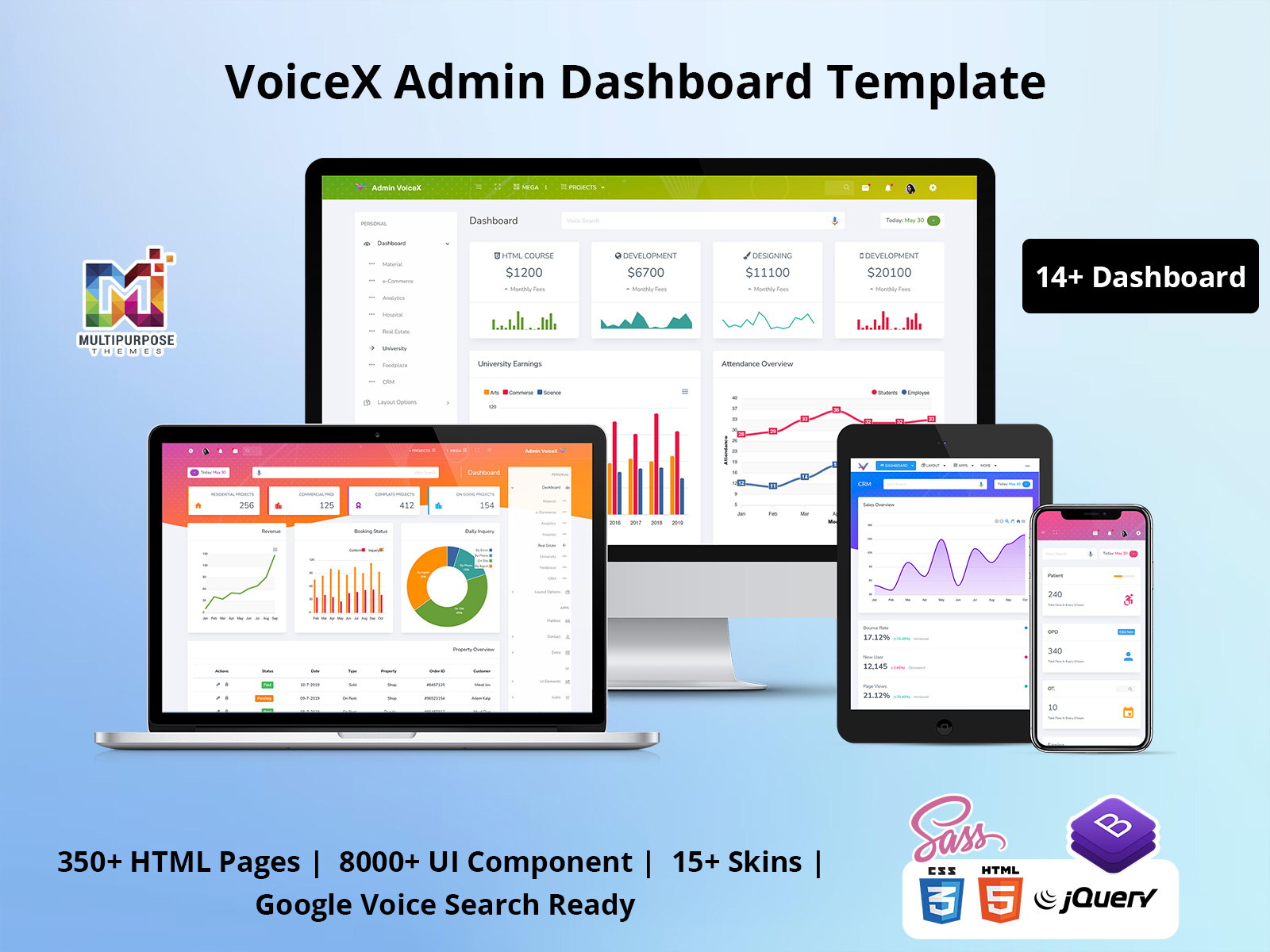
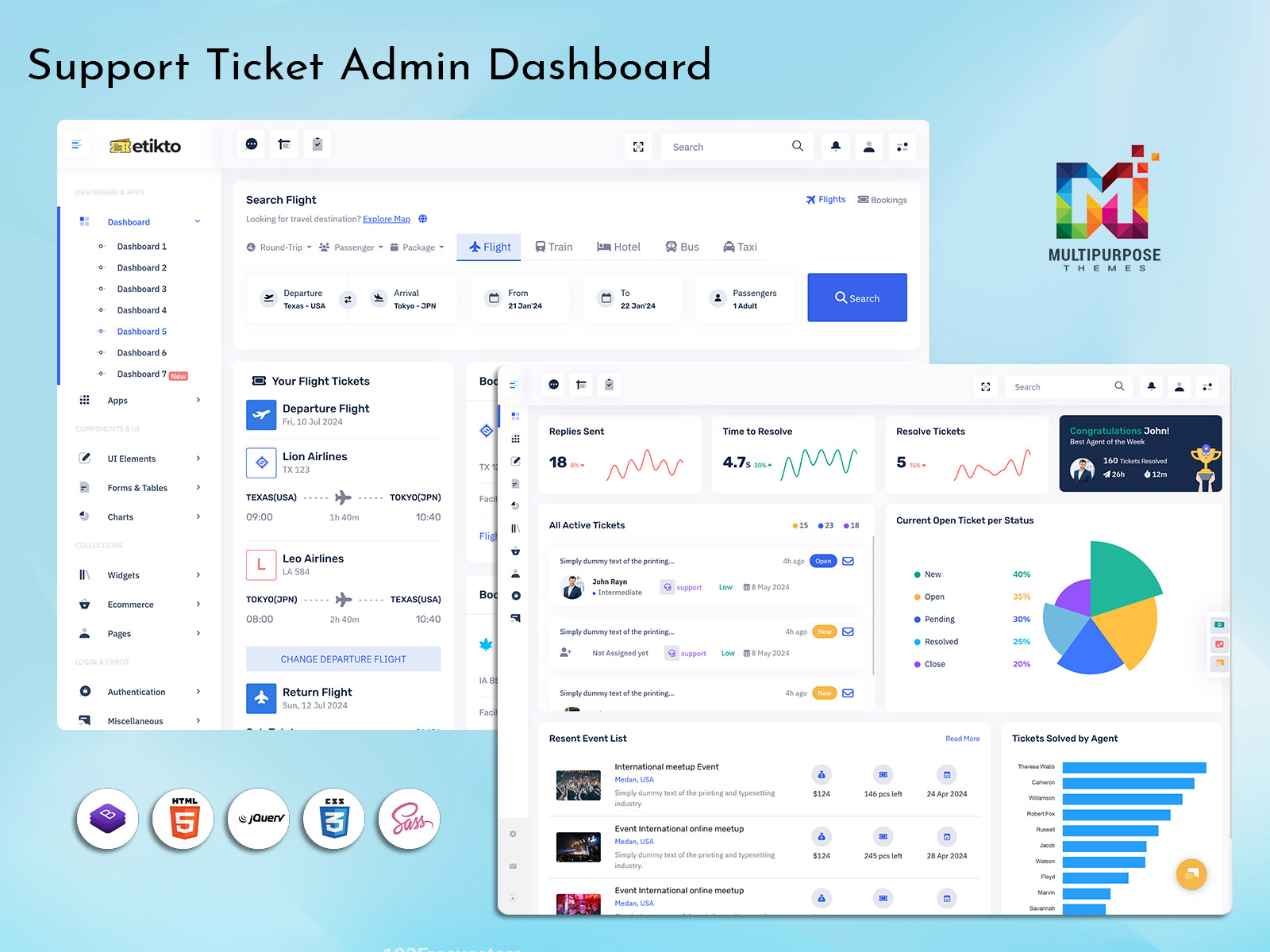
A Dashboard Template for project management is a pre-designed interface that helps teams plan, monitor, and control projects from a centralized platform. It includes structured layouts for tracking tasks, deadlines, team performance, budgets, milestones, and reports.
In project management systems, clarity and organization are critical. A well-designed Admin Dashboard presents information in a simple and understandable format. Managers can quickly see project progress, identify delays, review task assignments, and monitor productivity. This saves time and reduces confusion.
A Bootstrap 5 Admin Dashboard makes the interface responsive and adaptable to all devices. Whether a manager is working from a desktop, tablet, or smartphone, the Admin Dashboard UI adjusts smoothly. This flexibility is especially important in 2026, where remote and hybrid work models are common.
The Dashboard Template for project management also supports charts, graphs, progress bars, calendars, and notification systems. These features make it easier to analyze data and make informed decisions. Instead of manually reviewing spreadsheets, everything is visually available in one organized interface.
In simple words, a Dashboard Template for project management transforms complex workflows into easy-to-manage systems.
Explore Dashboard Deisgn
BUY NOW DEMO
Why Choose This for Upcoming Web Projects
When planning new web projects in 2026, developers and business owners look for solutions that are efficient, scalable, and future-ready. Choosing a ready-made Dashboard Template gives projects a strong starting point.
First, it saves development time. Designing layouts, building navigation structures, and creating UI components from scratch can take weeks. A professional Bootstrap 5 Admin Dashboard already includes optimized layouts, reusable components, and consistent styling. Developers can focus more on backend logic and feature development instead of UI structure.
Second, it ensures professional design standards. A clean and modern Admin Dashboard UI builds trust among users and administrators. Visual clarity improves usability and reduces training time for staff.
Third, scalability is easier with a structured Dashboard Template. As businesses grow, they need to add new modules, reports, or integrations. A well-built template supports expansion without breaking the design system.
Finally, performance and responsiveness are critical in 2026. Users expect web apps to load quickly and function smoothly. A Bootstrap 5 Admin Dashboard is optimized for performance and mobile compatibility, making it ideal for modern applications.
Choosing the right Dashboard Template is not just about design. It is about building a stable foundation for long-term success.
How It Helps Web Developers
Web developers in 2026 work in highly competitive environments where speed and quality both matter. A powerful Dashboard Template simplifies their workflow and increases productivity.
Instead of spending time designing every layout element, developers can use pre-built components from a Bootstrap 5 Admin Dashboard. These components include navigation menus, charts, forms, tables, authentication pages, and widgets. This allows developers to concentrate on writing clean backend code and integrating APIs.
A structured Admin Dashboard UI also ensures consistency across the entire application. Maintaining design uniformity can be challenging in large projects. A Admin Template solves this issue by providing standardized styling and layout rules.
Debugging and updates become easier as well. Since the Dashboard Template follows organized coding practices, developers can quickly locate and modify sections without affecting the entire system.
Another advantage is cross-device compatibility. In 2026, users access web apps from various devices. A Bootstrap 5 Admin Dashboard ensures responsiveness without extra effort. Developers do not need to write separate mobile versions.
Overall, a well-designed Dashboard Template reduces workload, increases efficiency, and helps developers deliver high-quality web applications faster.
Who Can Use This Admin Template for Web Applications
IT and Software Development Companies
IT firms constantly build web applications for clients across industries. A reliable Dashboard Template allows them to deliver projects faster while maintaining design quality. Instead of reinventing the interface for every project, they can customize the Admin Dashboard according to client needs. A Bootstrap 5 Admin Dashboard ensures responsiveness and professional styling. For development agencies handling multiple projects simultaneously, using a structured Admin Dashboard UI reduces design errors and speeds up deployment. In 2026, where timelines are tight and competition is strong, IT companies benefit greatly from using ready-made dashboard solutions.
eCommerce Companies
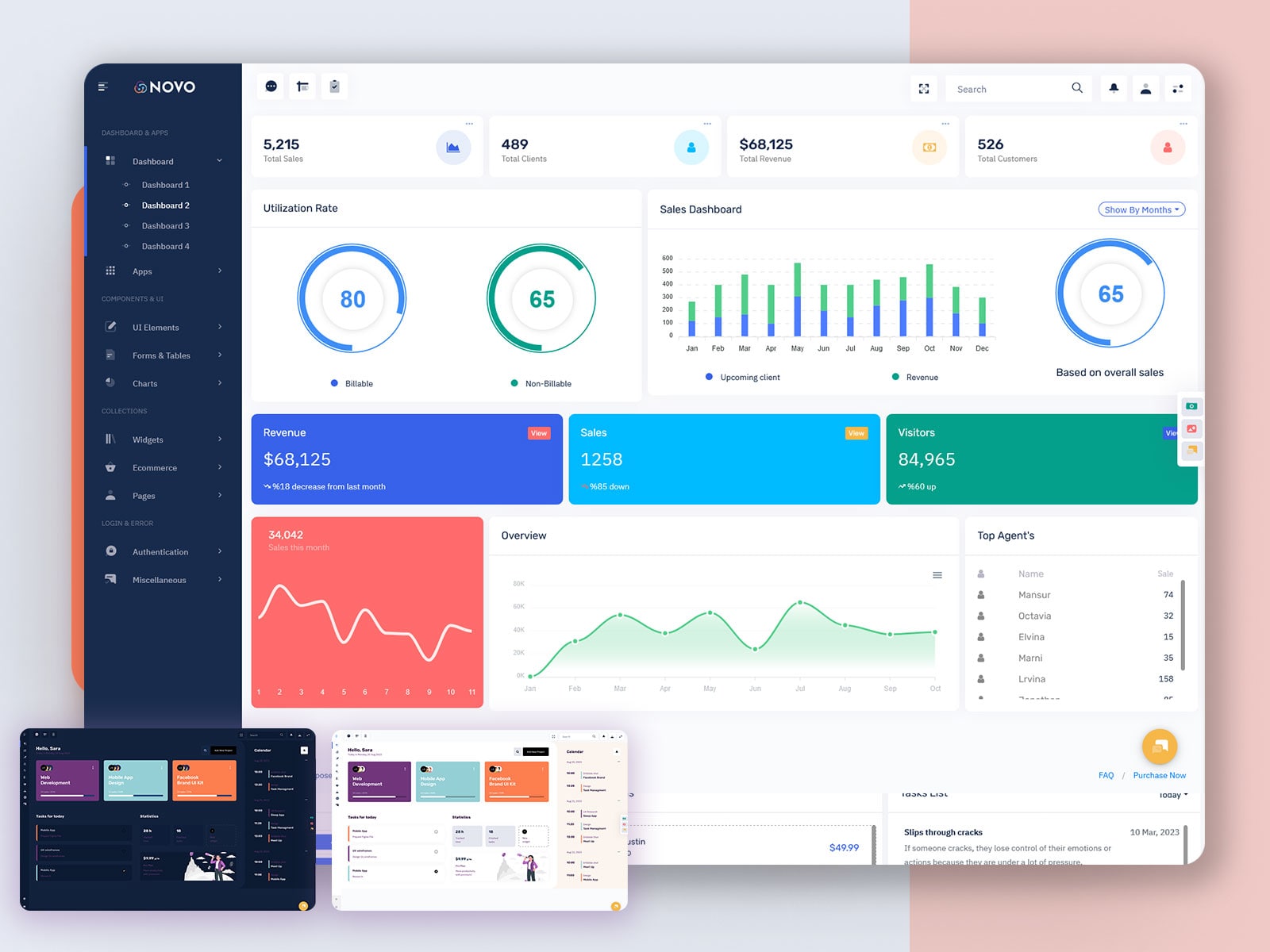
eCommerce platforms require detailed control panels to manage products, orders, customers, inventory, and payments. A powerful Dashboard Template provides all these management features in a structured format. With a clean Admin Dashboard UI, store managers can easily monitor sales performance, customer behavior, and stock levels. A Bootstrap 5 Admin Dashboard ensures that the system works smoothly on mobile devices, which is important for business owners who manage operations on the go. In 2026, eCommerce competition is intense, and having a reliable Admin Dashboard helps businesses stay organized and efficient.
Financial and Accounting Firms
Finance companies handle sensitive data such as transactions, invoices, reports, and tax records. A well-designed Dashboard Template ensures that financial data is displayed clearly and securely. The Admin Dashboard helps accountants monitor cash flow, track expenses, and generate performance reports. A Bootstrap 5 Admin Dashboard provides structured tables and data visualization tools that simplify analysis. In a field where accuracy is critical, a professional Admin Dashboard UI reduces confusion and improves productivity. For financial firms operating in 2026’s fast-paced digital environment, a stable dashboard system is essential.
Healthcare Organizations
Hospitals and clinics increasingly rely on web applications to manage patient records, appointments, billing, and staff scheduling. A secure and organized Dashboard Template helps administrators monitor daily operations effectively. The Admin Dashboard UI allows medical staff to view patient data, appointment lists, and reports in a clear format. Using a Bootstrap 5 Admin Dashboard ensures that the system works across different devices, which is important in healthcare settings. In 2026, digital healthcare systems are expanding rapidly, and having a reliable Admin Dashboard improves operational efficiency and patient service management.
Educational Institutions and eLearning Platforms
Schools, colleges, and online learning platforms use web applications to manage courses, students, teachers, and performance tracking. A structured Dashboard Template provides administrators with a centralized view of academic operations. The Admin Dashboard allows tracking of attendance, grades, assignments, and student progress. With a modern Bootstrap 5 Admin Dashboard, institutions can ensure a smooth and responsive user experience. In 2026, digital education continues to grow, and a well-designed Admin Dashboard UI helps institutions stay organized and efficient while supporting online learning systems.
Conclusion
In 2026, web applications are becoming more complex and data-driven. Businesses expect powerful systems that are fast, secure, and visually appealing. A modern Dashboard Template provides the foundation needed to build such applications efficiently.
Whether it is project management, eCommerce, finance, healthcare, or education, a professional Admin Dashboard helps organizations manage operations with clarity and control. Using a Bootstrap 5 Admin Dashboard ensures responsiveness, scalability, and performance across devices.
For web developers, the benefits are clear. Reduced development time, consistent design, and easier maintenance make the Dashboard Template a smart investment. The Admin Dashboard UI is not just a design element; it is the control center of any web application.
Choosing the right Dashboard Template in 2026 means building web projects that are reliable, future-ready, and designed for growth.
FAQs
1. What is a Dashboard Template?
A Dashboard Template is a pre-designed interface used to manage and visualize data within a web application through a structured Admin Dashboard UI.
2. Why is a Bootstrap 5 Admin Dashboard popular?
It offers responsive design, modern components, and cross-device compatibility, making web applications perform smoothly on desktop, tablet, and mobile devices.
3. Can this Admin Dashboard be customized?
Yes, developers can easily customize layouts, colors, modules, and features according to project requirements and business needs.
4. Is it suitable for large-scale applications?
Yes, a well-built Dashboard Template is scalable and supports integration of additional modules and advanced features as the business grows.
5. Does it support project management systems?
Yes, it is ideal for project management, allowing tracking of tasks, deadlines, progress, and team performance within a structured interface.
6. Who benefits most from an Admin Dashboard UI?
IT firms, eCommerce platforms, finance companies, healthcare organizations, and educational institutions benefit greatly from using a professional dashboard system.

Related Posts