The digital world in 2026 is more advanced, competitive, and fast-moving than ever before. Businesses…
Scalable Dashboard Template for Admin Panels and Analytics
Reading Time: 6 minutes
When customer information, sales activities, and company performance are scattered across various systems, management becomes a challenge. The best way to avoid that is to use a powerful CRM dashboard that accumulates critical information in one place for faster evaluation and action.
We at Multi-Purpose Themes take pride in having various modern and flexible dashboard templates for different purposes. Our CRM dashboards make use of clean layout, useful components, responsive design, and plenty of customization options, allowing for the creation of an efficient workplace for customer management.
Whether it is a CRM solution that you are developing or any other such application, having a well-designed dashboard will certainly help to make your tasks easier. Using an effective CRM Software Dashboard will save time by helping you to concentrate more on the customers and the business itself.
Watch Full Video
Manage Customer Information More Easily
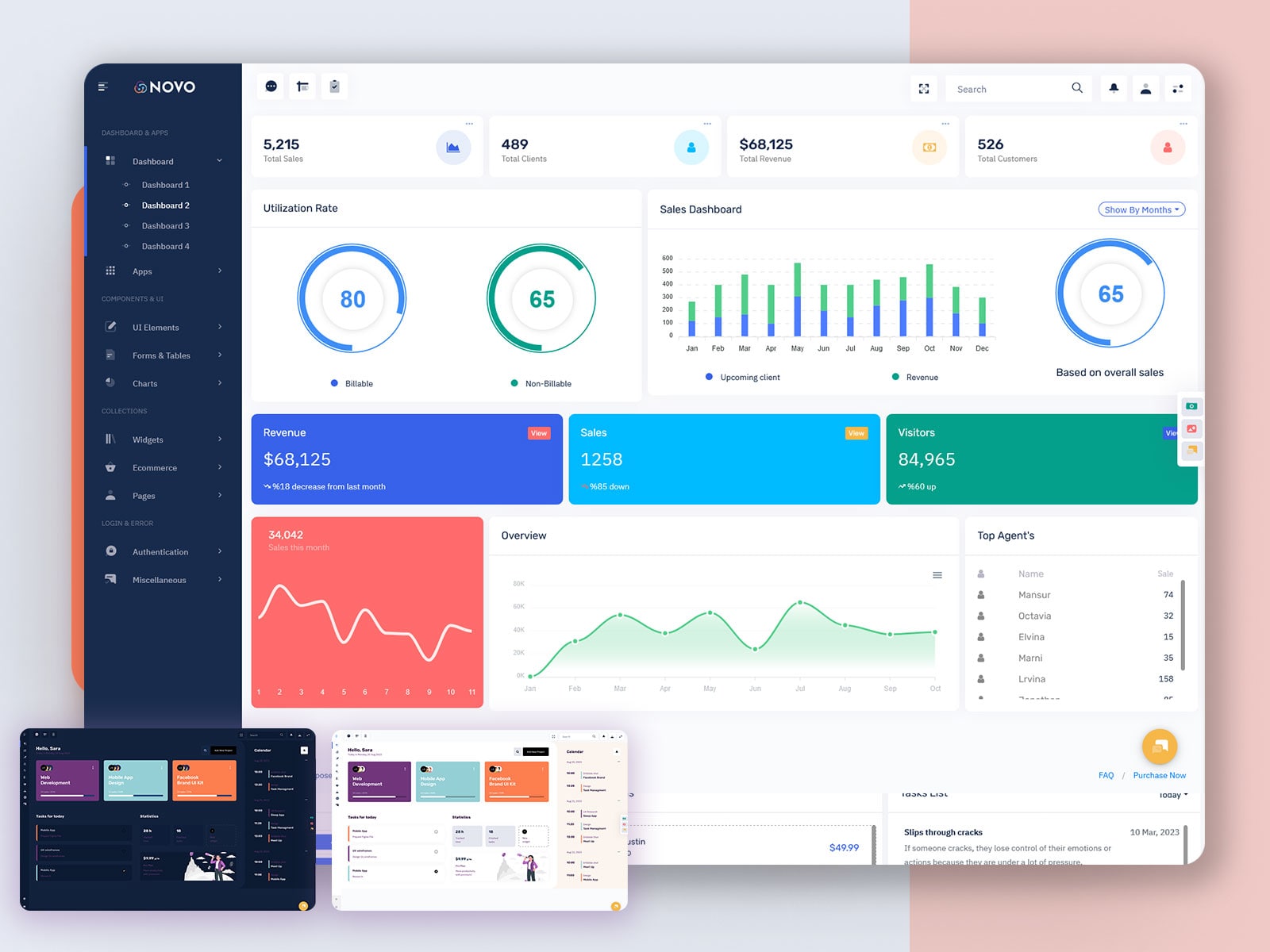
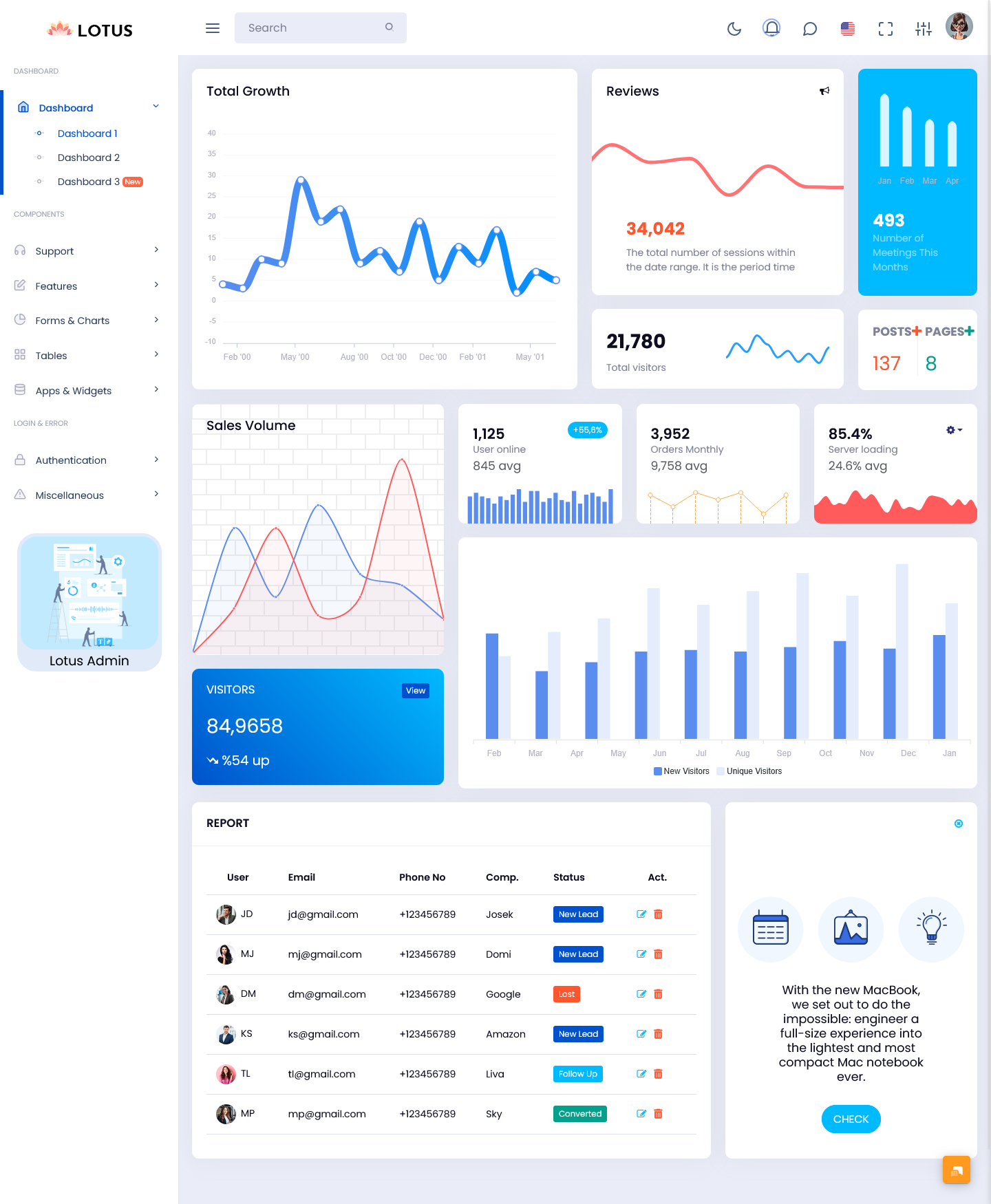
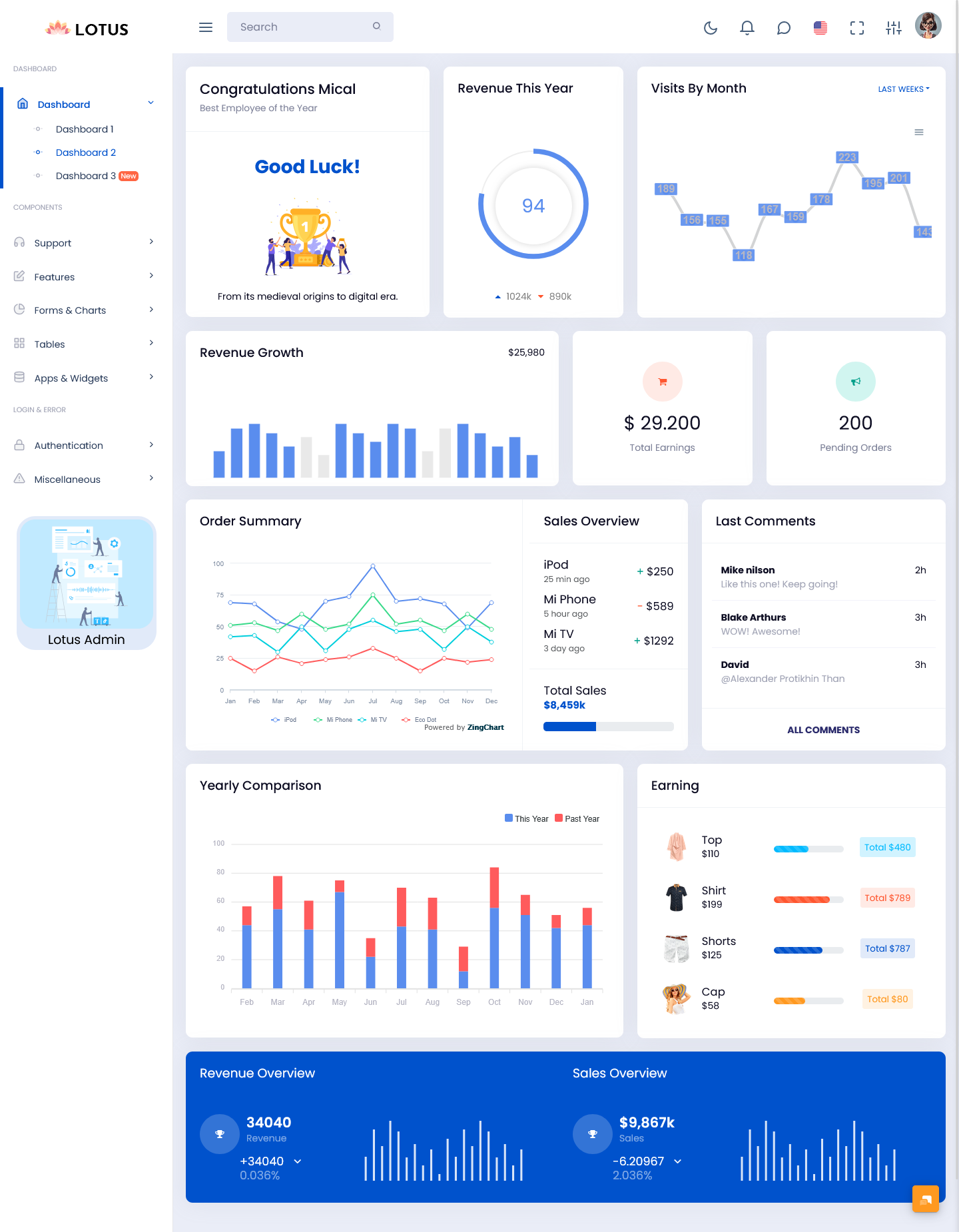
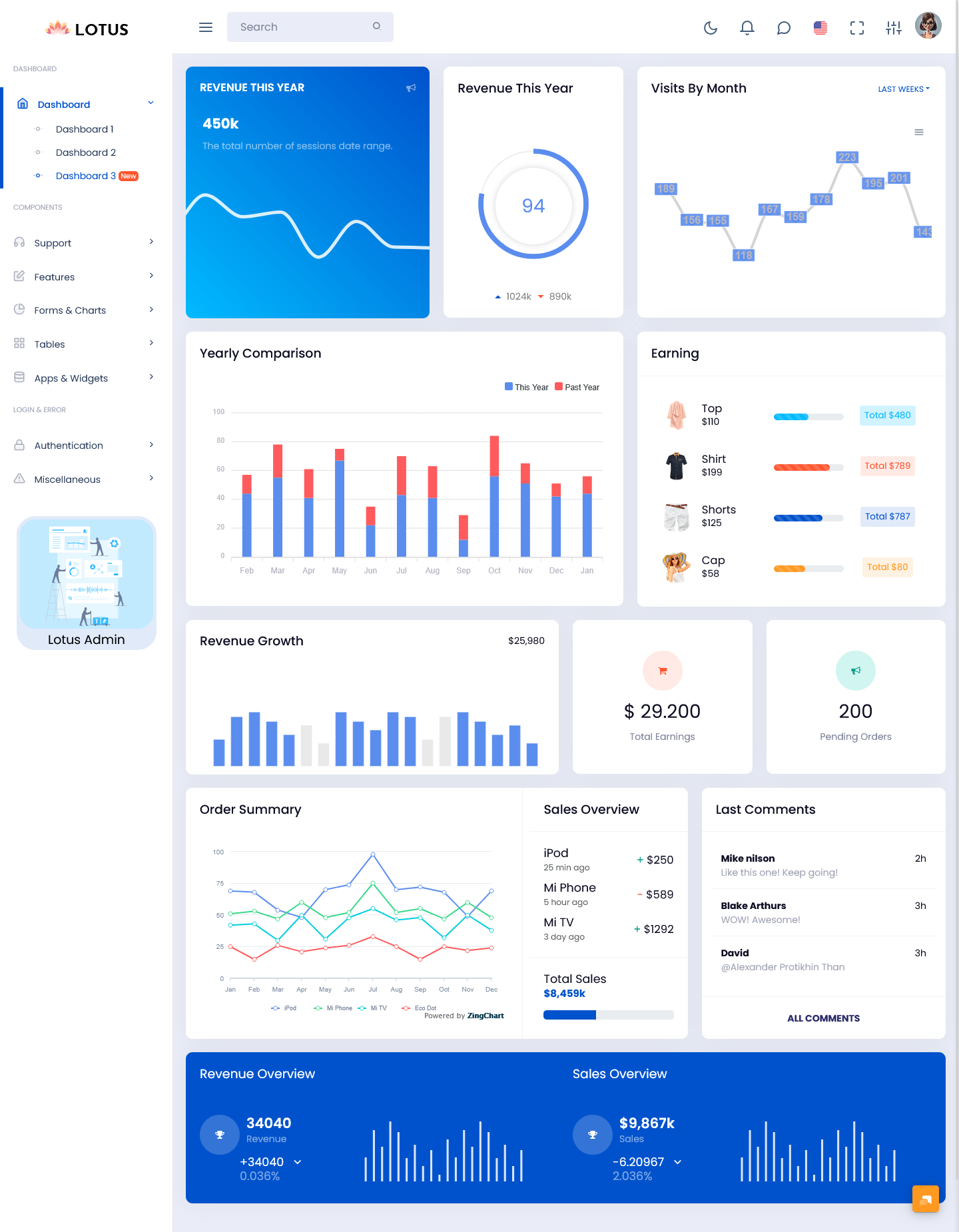
The information gathered about customers is the essence of every successful CRM platform. A good CRM dashboard must provide a neat arrangement of all the data, sales activities, and performance of businesses, thus making it easier for the teams to take action easily and perform their regular operations. Our Bootstrap 5 Admin Template presents a user-friendly CRM Dashboard with a neat and well-organized layout. The dashboard itself displays valuable information through cards, tables, graphs, and various other visual elements. The layout is responsive, which means it looks great on desktops, tablets, and mobile devices.
With layouts and customizable components the CRM dashboard can easily adjust to different customer management processes and business needs. Organize customer data, track sales activities, monitor performance and build a workspace that matches the way your team works.
Explore Dashboard Design
Dashboard: 1
BUY NOW DEMO
Dashboard: 2
BUY NOW DEMO
Dashboard: 3
BUY NOW DEMO
Modern CRM Dashboard with a Responsive Bootstrap 5 Design
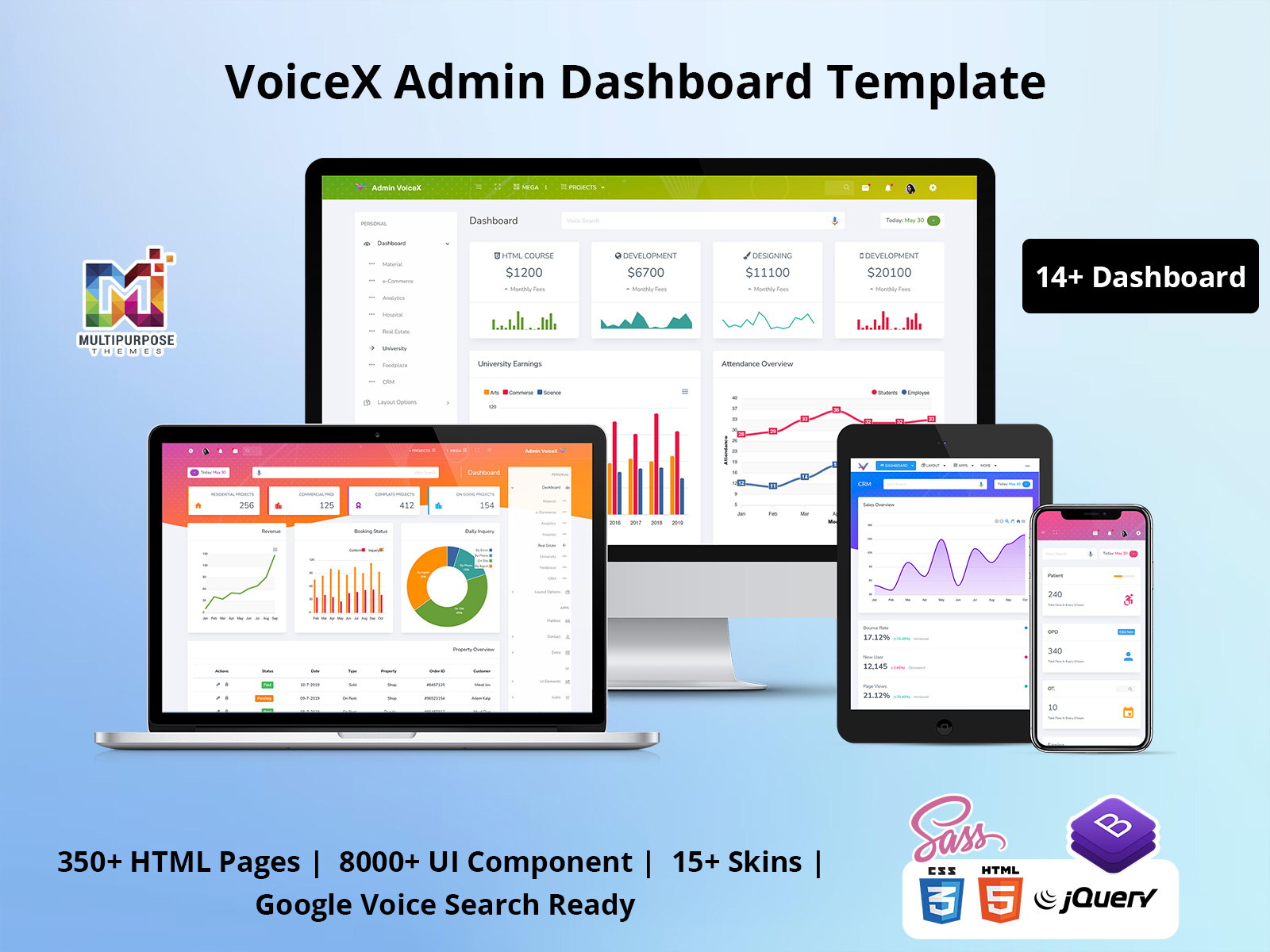
The CRM Dashboard must display customer information, sales activity, and company performance in a clear manner. Our Bootstrap 5 Admin Template is responsive and allows the presentation of relevant figures through tables, graphs, cards, etc. The layout is universal for any devices, i.e. will be available for desktops and mobile devices at the same time.
Track Sales and Customer Activity
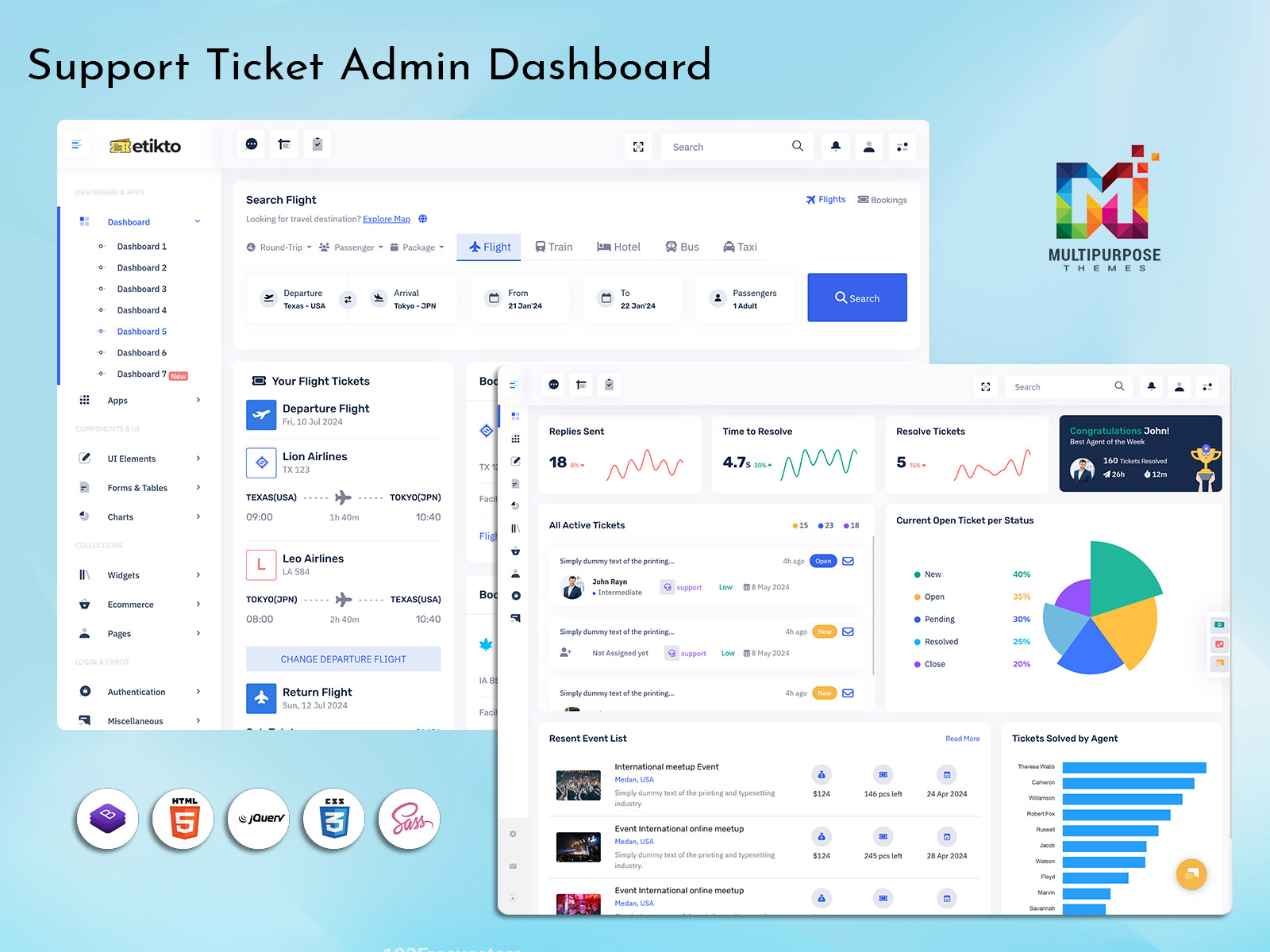
A well-structured CRM Software Dashboard brings essential sales information into one place. Teams can monitor leads, customer activity, sales performance, conversion rates, and other important metrics without moving between multiple screens. Summary cards and visual reports help users quickly understand current performance and identify areas that may need attention.
Clear Analytics and Data Visualization
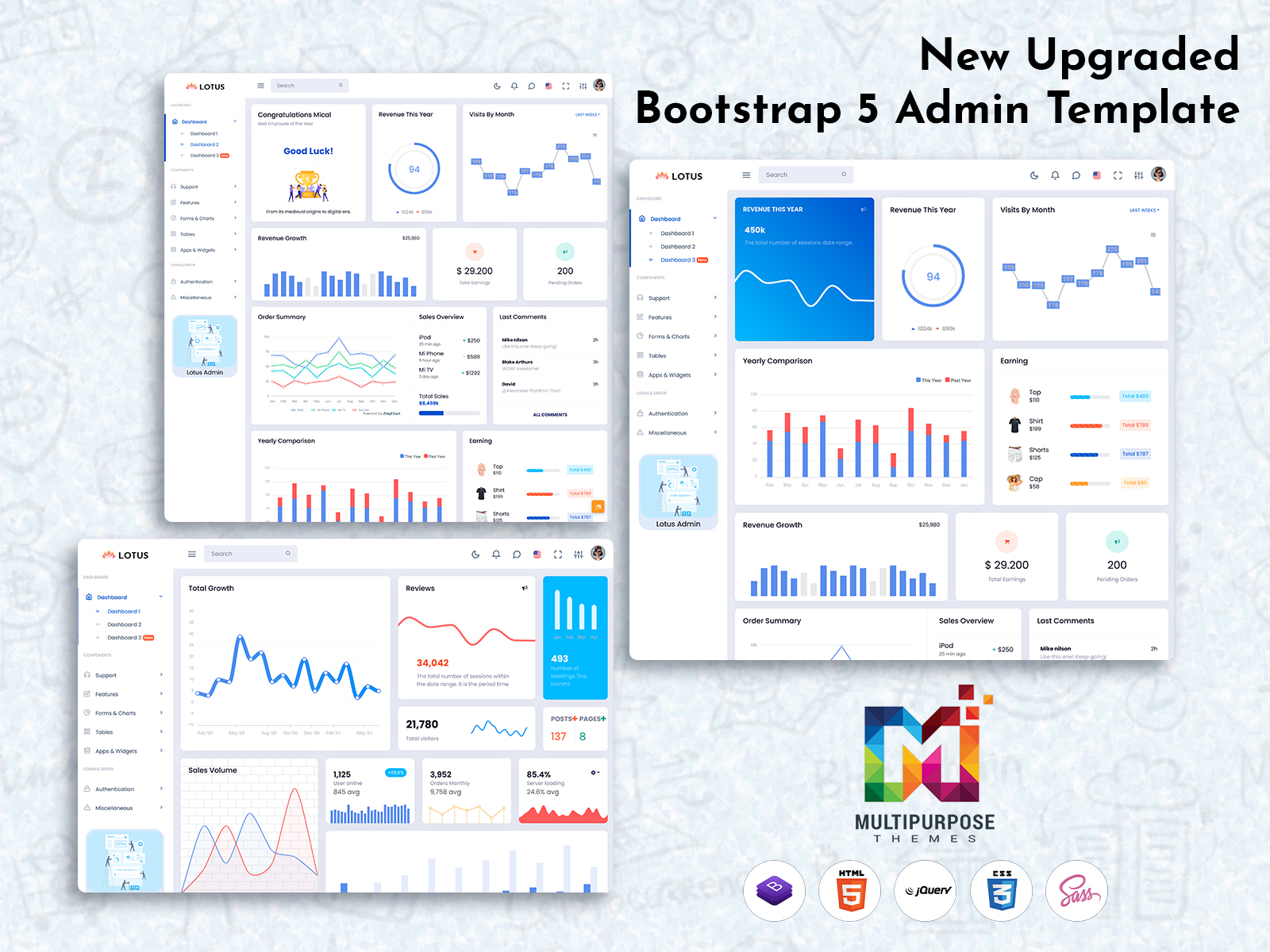
The value of the business data increases if it is displayed properly. Our CRM Dashboards provide highly configurable spaces for displaying graphs, analysis widgets, tables, and performance metrics. They can be customized according to the requirements of the application you are using, allowing users to analyze trends and compare business data effectively.
Suitable for Various Business Applications
A flexible CRM Admin interface can support more than customer management. It can be adapted for sales platforms, SaaS applications, eCommerce systems, service businesses, and other web-based applications. With reusable components and customizable layouts, developers can create dashboard views that match their specific workflows and business requirements.
At Multi-Purpose Themes, our dashboard templates provide a practical foundation for building professional CRM interfaces without designing every dashboard component from the beginning.
Track Sales and Business Performance
Sales teams need quick access to performance information. A CRM Software Dashboard can bring sales figures, conversion rates, customer activity, targets, and other important metrics into one place.
Charts and summary cards can help users understand sales trends without going through large amounts of raw data. Managers can use these insights to review team performance, identify changes in sales activity, and keep track of business goals.
Rather than presenting all the metrics available, a good dashboard should display information that will aid decision-making. This makes the interface useful by providing meaningful business information.
Useful CRM Admin Features in One Place
An effective CRM Admin panel needs more than attractive charts. Administrators often need to manage users, roles, permissions, customer records, reports, settings, and other parts of the system.
Our dashboard templates provide a flexible foundation for building these types of administrative interfaces. Navigation menus, tables, forms, cards, charts, and other reusable components can be arranged according to the requirements of your CRM application.
In that way, developers find it easy to create a structure-based admin experience without having to design all the UI components in advance.
Why Choose Multi-Purpose Themes for CRM Dashboards?
At Multi-Purpose Themes, we understand that businesses need more than a visually attractive dashboard. They need interfaces that are practical, responsive, customizable, and easy to work with.
Our dashboard templates provide ready-to-use layouts and UI components that can help developers create professional CRM Dashboards more efficiently. From customer management and sales tracking to analytics and administration, the templates can be adapted to different business requirements.
The focus is on giving developers a flexible starting point. You can use existing components, customize the design, and build additional features based on your application’s needs. Our templates also help maintain a consistent Admin Dashboard UI across different screens and workflows.
Regardless of whether you are developing your own CRM software or improving the one that is already there, our templates will be an excellent starting point to develop the CRM Software Dashboard. With ready-made elements and adaptable layout possibilities, you will be able to create a professional CRM environment easily.
A Scalable CRM Dashboard for Growing Businesses
Your CRM may start with a few users and a simple set of features, but business requirements can change over time. As your customer base and team grow, you may need additional reports, user roles, analytics, integrations, and management features.
A scalable CRM Admin interface should make these changes easier to handle.
With flexible layouts and reusable components, our templates can be adapted as your application develops. You can add new sections, modify existing components, and create additional dashboard views without completely redesigning the interface.
This makes the dashboard suitable for both small projects and growing business applications.
Easy Integration and Customization for CRM Projects
It can take a lot of time to develop a CRM solution from scratch because one needs to develop all kinds of components such as layout, navigation, graphs, tables, forms, and so forth separately. On the other hand, a ready-made CRM Dashboard provides a good framework for developers.
At Multi-Purpose Themes, our dashboard templates are designed with reusable UI components and flexible layouts that can be adapted to different CRM requirements. Developers can customize the interface to display customer information, sales data, lead activity, reports, analytics, and other business details in a clear and organized way.
Our CRM Software Dashboard templates can also be adapted to match different branding and workflows. Colors, typography, navigation, cards, charts, tables, and other components can be modified according to project needs.
Whether you are creating a new CRM platform or upgrading an existing business application, a customizable CRM Admin template can reduce design and development effort while providing a consistent and professional user experience.
Build a CRM Dashboard That Works for Your Business
An effective CRM Dashboard must allow customers to handle customer details, sales results, actions, and business information easily. It needs to ensure stakeholders access helpful data while simplifying life for users.
CRM Dashboards at Multi-Purpose Themes come with flexibility, responsiveness, and customization in mind. Regardless of whether your requirements include a standard CRM dashboard or an advanced CRM software dashboard with analytics and administrative capabilities, our templates will make a great beginning for you.
A CRM Admin dashboard helps manage customers and leads. It also helps track sales and look at performance. A good CRM Admin dashboard brings business activities together. It puts everything in one place that’s easy to organize.
With customizable layouts and reusable components, you can adapt the dashboard to your brand, workflow, and application requirements. This allows you to create a professional CRM experience while reducing the time and effort involved in designing the interface from scratch.
If you are looking for a flexible foundation for your next CRM, SaaS, or business management project, explore the range of CRM Dashboards and admin templates available from Multi-Purpose Themes.
Multi-Purpose Themes offers flexible CRM Dashboards with responsive layouts and reusable UI components. Build a professional CRM Software Dashboard for managing customers, leads, sales, analytics, and business activities while reducing development time and simplifying customization.
Frequently Asked Questions
1.What is a Bootstrap 5 Admin Dashboard?
Bootstrap 5 Admin Dashboard refers to the administrative dashboard developed using the Bootstrap 5 framework that enables the effective management of data and users’ metrics.
2.Who can use this Dashboard Template?
It is best suited for SaaS products, e-commerce applications, CRM solutions, analytics software, and regular admin consoles.
3.Is this dashboard mobile-friendly?
Yes, the dashboard UI is fully responsive and works seamlessly across desktops, tablets, and mobile devices.
4.Can this dashboard handle large datasets?
Yes, it is designed for performance and can handle large volumes of data with fast load times and smooth interactions.
5.Is the dashboard customizable?
The Bootstrap 5 Admin Template is flexible and easy to customize, allowing developers to adapt it to specific business needs.

Related Posts