

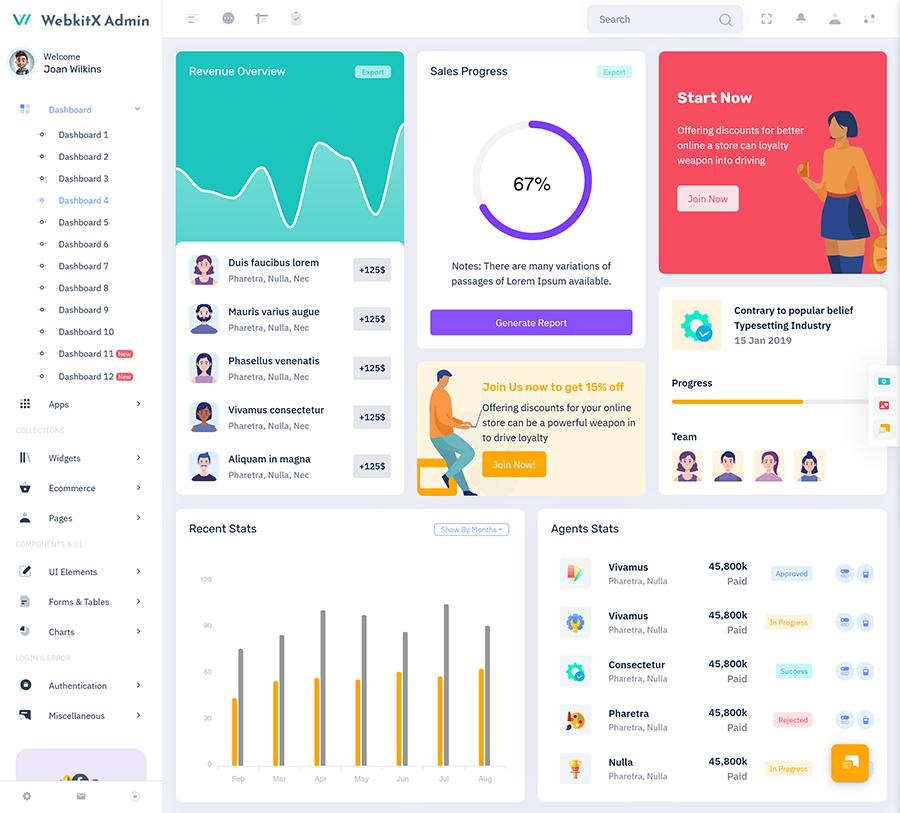
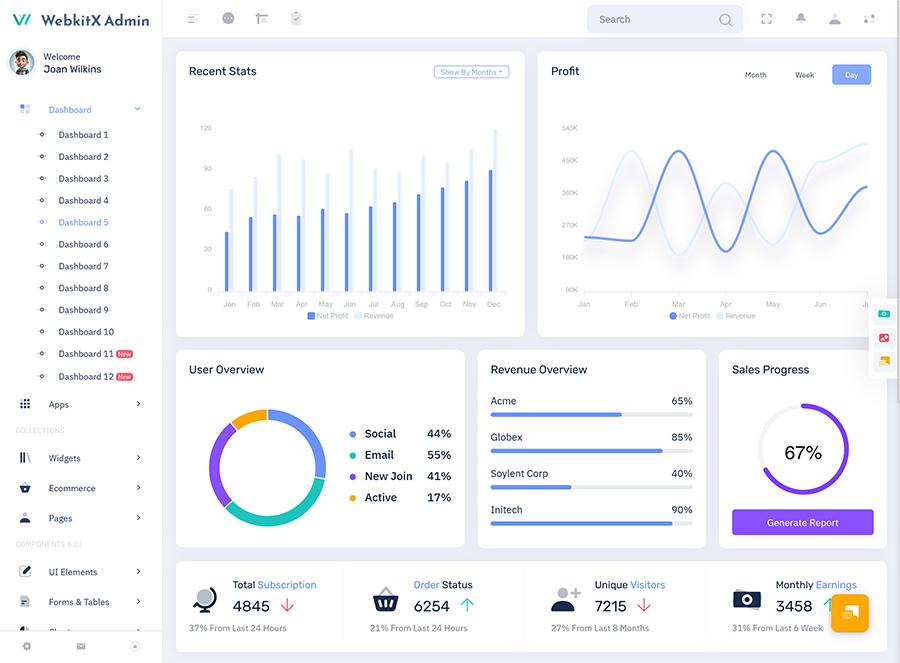
A Sales Dashboard provides a centralized digital workspace for organizing sales-related information. Instead of asking…
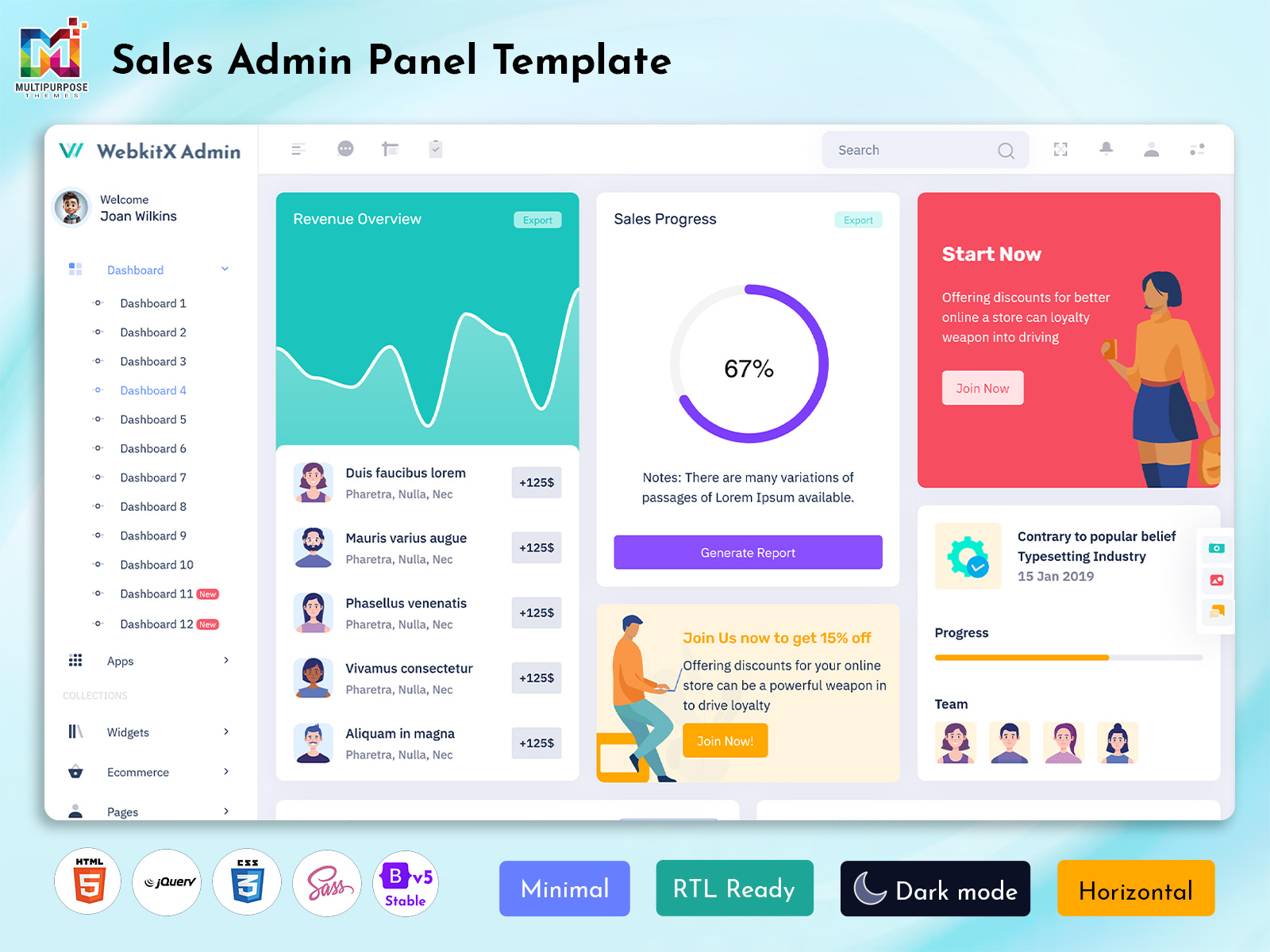
Sales Admin Panel Template for Smart Revenue and Performance Control in 2026
Reading Time: 6 minutes
A Sales Admin Dashboard is a modern digital solution designed to manage sales activities, revenue tracking, customer data, and business performance from a single interface. It helps organizations simplify daily operations by bringing all important sales information into one structured system. With a Smart Sales Admin Panel, teams can monitor performance, analyze trends, and manage workflows without switching between multiple tools.
Watch Full Video
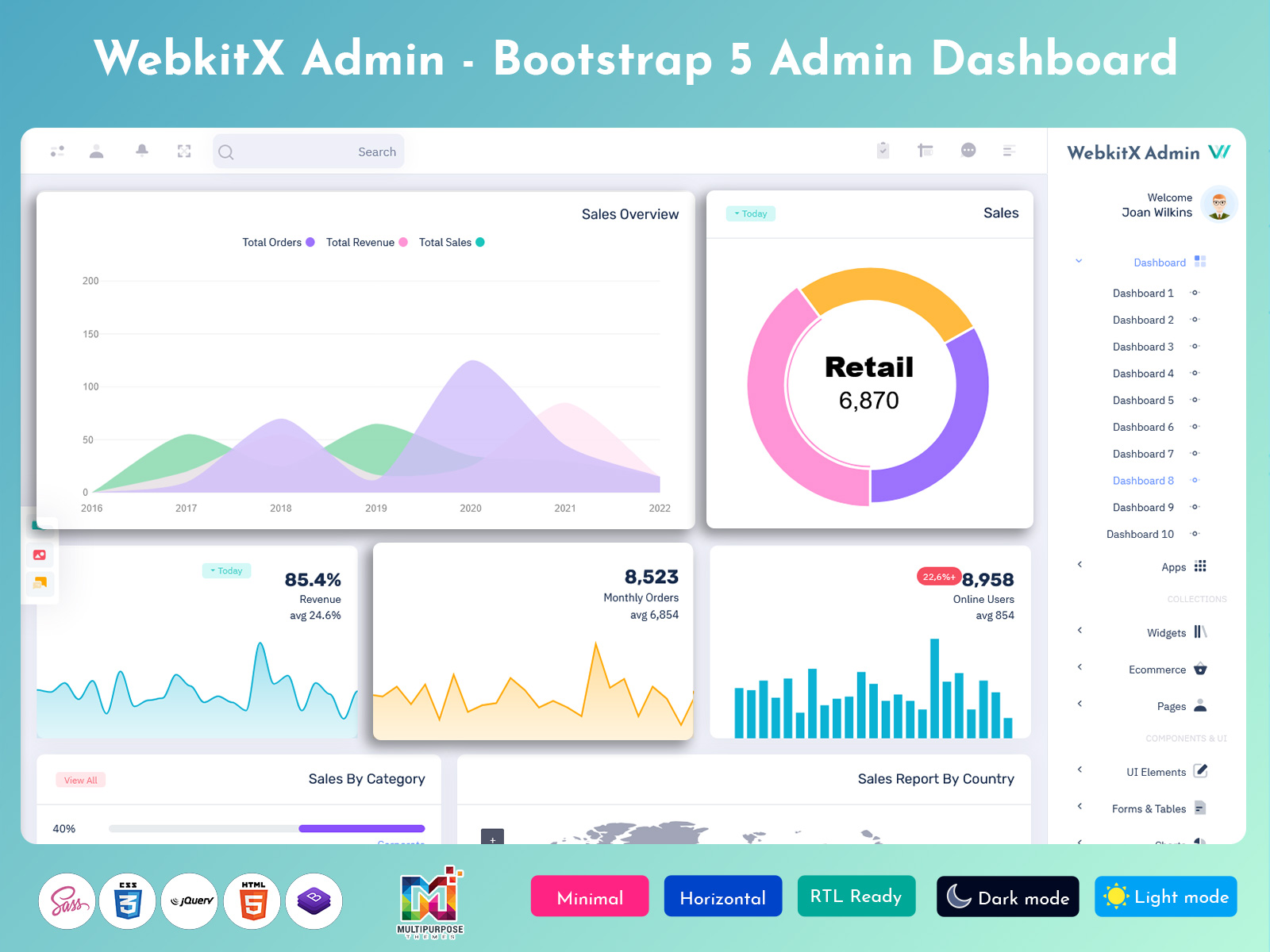
A well-structured Sales Dashboard Design or Sales Admin Template provides clear visibility into business progress through charts, reports, and analytics. Businesses use Sales Software Dashboard systems and Sales WebApp Dashboard Design to improve decision-making and streamline operations. Whether it is a Sales Bootstrap 5 Dashboard or Sales Web Application Kit, these platforms support efficient sales tracking, better planning, and improved revenue management for growing companies.
Client Intelligence Features That Improve Customer Retention
A Sales Admin Dashboard helps businesses understand customer behavior by collecting and analyzing client data in one centralized system. With a Smart Sales Admin Panel, companies can track purchase patterns, interaction history, and engagement levels to build stronger relationships. This improves decision-making and allows teams to deliver more personalized services that increase long-term customer loyalty.
Modern Sales Software Dashboard solutions and Sales WebApp Dashboard systems provide advanced insights through reporting tools and analytics features. Using a Sales Dashboard Design or Sales Web Application Kit, businesses can identify high-value clients, predict future buying behavior, and optimize communication strategies. These capabilities help improve retention rates while strengthening overall sales performance and customer satisfaction.
Client Activity Tracking
A Sales Admin Dashboard provides complete visibility into client actions by recording every interaction within a centralized system. Through a Smart Sales Admin Panel, businesses can track login behavior, product interest, inquiry patterns, and purchase history. This helps sales teams understand how customers engage with the platform and which services attract the most attention.
With a Sales Software Dashboard and Sales WebApp Dashboard Design, client activity data is displayed through structured reports and visual analytics. Using tools like Sales Charts and Sales Report Dashboard, teams can quickly identify active users, inactive customers, and engagement trends. This improves follow-up strategies and helps maintain stronger customer relationships in a Sales Project Management environment.
VIEW DEMO BUY NOW
Features
1. Sales Performance Tracking System
A Sales Admin Dashboard provides real-time monitoring of overall sales performance through structured metrics and reports. It helps teams evaluate daily progress, compare targets, and measure achievements using a Smart Sales Admin Panel.
2. Revenue Monitoring and Profit Analysis
With a Sales Profit Dashboard, businesses can track income, expenses, and overall profitability in one place. Sales Software Dashboard tools help convert financial data into clear insights for better decision-making.
3. Advanced Sales Charts and Reporting
Sales Charts and Sales Report Dashboard features present complex data in simple visual formats. A Sales Dashboard Design helps teams understand trends, patterns, and performance changes quickly.
4. Product and Inventory Insights
A Sales Product Dashboard allows businesses to manage product performance, stock movement, and demand levels. Sales Product Charts support better planning and inventory control within a Sales WebApp Dashboard.
5. Project and Task Management Integration
A Sales Project Management Dashboard combines sales tracking with task monitoring. It helps teams organize projects, assign responsibilities, and manage workflows efficiently in a Sales Admin Panel environment.
Sales Opportunity Management
A Sales Admin Dashboard helps businesses manage potential deals by organizing leads, prospects, and conversion stages in a structured system. With a Smart Sales Admin Panel, sales teams can easily track opportunities from initial contact to final closure. This improves pipeline visibility and ensures no potential customer is missed during the sales process.
Using a Sales Software Dashboard and Sales WebApp Dashboard Design, opportunity data is displayed through clear stages and progress indicators. Tools like Sales Report Dashboard and Sales Analytics Dashboard help teams evaluate deal probability, prioritize high-value leads, and improve conversion rates. This structured approach supports better planning and stronger revenue outcomes in Sales Project Management workflows.
How Top Agent Monitoring Helps Increase Team Productivity
A Sales Admin Dashboard allows managers to monitor top-performing agents by tracking their daily sales activities, customer interactions, and conversion rates. With a Smart Sales Admin Panel, supervisors can easily identify high achievers and understand the methods they use to close deals effectively. This visibility helps create a more competitive and performance-driven sales environment.
Using a Sales Software Dashboard and Sales WebApp Dashboard Design, agent performance data is displayed through rankings, activity logs, and performance indicators. Sales Report Dashboard tools and Sales Charts make it easier to compare productivity levels across teams. This structured monitoring approach improves accountability, encourages motivation, and enhances overall efficiency within Sales Project Management operations.
VIEW DEMO BUY NOW
Real-Time Trends Analysis for Better Market Visibility
A Sales Admin Dashboard helps businesses understand market behavior by showing real-time sales movements, customer demand shifts, and product performance updates. With a Smart Sales Admin Panel, teams can instantly observe changes in buying patterns and respond quickly to new opportunities. This improves decision-making and keeps the business aligned with current market conditions.
Using a Sales Software Dashboard and Sales WebApp Dashboard Design, trend data is presented through dynamic charts, reports, and Sales Analytics Dashboard modules. Sales Charts and Sales Report Dashboard features highlight fast-moving products, seasonal demand, and revenue fluctuations. This real-time visibility strengthens planning, improves forecasting accuracy, and supports better growth strategies in Sales Project Management systems.
Advantages
1. Centralized Sales Control System
A Sales Admin Dashboard brings all sales operations, customer data, and revenue tracking into a single platform. It reduces confusion and helps teams manage daily tasks more efficiently using a Smart Sales Admin Panel.
2. Improved Revenue Tracking Accuracy
With a Sales Profit Dashboard, businesses can monitor earnings, expenses, and net profit in real time. Sales Software Dashboard tools ensure financial data is always updated and easy to analyze.
3. Faster Decision-Making Process
A Sales Dashboard Design provides clear insights through charts and reports, helping managers make quick and accurate decisions. Sales Analytics Dashboard features support better planning and execution.
4. Better Team Performance Monitoring
Sales Apps Dashboards allow supervisors to track employee activity, productivity, and achievements. This improves accountability and helps identify top performers within Sales Project Management.
5. Enhanced Business Growth Opportunities
A Sales WebApp Dashboard Design helps identify new sales opportunities, market trends, and customer behavior patterns. This supports long-term growth and stronger business expansion strategies.
Building Smarter Workflows with a Sales WebApp Dashboard
A Sales Admin Dashboard helps organizations create structured and efficient workflows by combining sales tracking, customer management, and reporting into a single system. With a Smart Sales Admin Panel, teams can reduce manual tasks and automate routine processes such as lead updates, follow-ups, and performance tracking. This improves coordination and keeps sales operations smooth and organized.
Using a Sales WebApp Dashboard Design and Sales Software Dashboard, businesses can manage tasks, assign responsibilities, and monitor progress in real time. Sales Project Management Dashboard tools help align teams with clear goals while Sales Charts and Sales Report Dashboard features provide continuous performance insights. This structured workflow system improves productivity, reduces delays, and supports better execution in Sales Project Management environments.
Conclusion
A Sales Admin Dashboard plays a key role in simplifying sales operations, improving performance tracking, and managing business activities from a single platform. It brings together customer data, revenue insights, product performance, and team activity into one structured system. With tools like a Smart Sales Admin Panel and Sales Software Dashboard, businesses can improve efficiency and reduce manual workload.
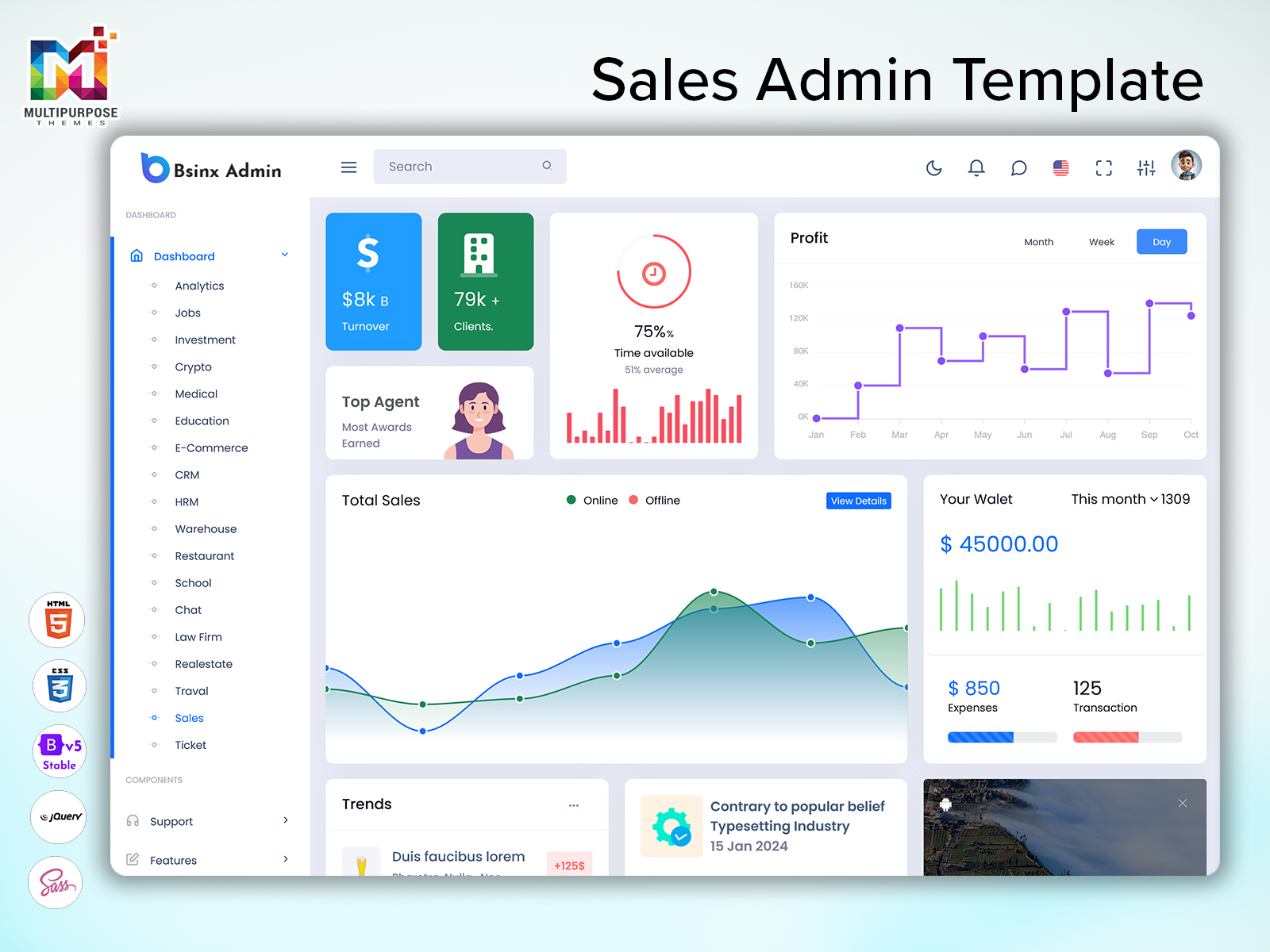
Whether it is a Sales WebApp Dashboard Design, Sales Analytics Dashboard, or Sales Project Management Dashboard, these systems help organizations make faster decisions and achieve better results. A well-designed Sales Admin Panel Template supports long-term growth by improving visibility, productivity, and revenue control across all sales operations.
FAQs
1. What is a Sales Admin Dashboard used for?
A Sales Admin Dashboard is used to manage sales data, customer information, revenue tracking, and performance reports in one system. It helps businesses improve efficiency and control. More details are available at MultiPurpose Themes.
2. How does a Sales Software Dashboard help businesses?
A Sales Software Dashboard helps track sales performance, analyze revenue, and monitor customer activity in real time. It improves decision-making and business planning. Visit MultiPurpose Themes for more information.
3. What features are included in a Smart Sales Admin Panel?
A Smart Sales Admin Panel includes sales tracking, analytics, CRM tools, reports, charts, and project management features. Full solutions can be found at MultiPurpose Themes.
4. What is the benefit of using a Sales Analytics Dashboard?
A Sales Analytics Dashboard provides visual insights into sales trends, revenue patterns, and customer behavior. It helps improve forecasting and strategy. Learn more at MultiPurpose Themes.
5. How does a Sales Project Management Dashboard work?
A Sales Project Management Dashboard helps organize tasks, track progress, assign responsibilities, and monitor project performance. More details are available at MultiPurpose Themes.
6. Why is a Sales WebApp Dashboard important?
A Sales WebApp Dashboard provides real-time access to sales data, reports, and customer information across devices. It supports faster decision-making. Check MultiPurpose Themes for solutions.
7. What is included in Sales Report Dashboard?
A Sales Report Dashboard includes revenue reports, performance summaries, and business insights for better analysis. Visit MultiPurpose Themes for more.
8. How does Sales Product Dashboard help businesses?
A Sales Product Dashboard tracks product performance, demand, and inventory levels for better planning and control. Learn more at MultiPurpose Themes.
9. What is a Sales Bootstrap 5 Dashboard used for?
A Sales Bootstrap 5 Dashboard provides a responsive and modern UI for managing sales operations across devices. More info is available at MultiPurpose Themes.
10. Is a Sales Admin Template useful for startups?
Yes, a Sales Admin Template helps startups manage sales, customers, and reports efficiently in one system. Full solutions are available at MultiPurpose Themes.

Related Posts



This Post Has 0 Comments