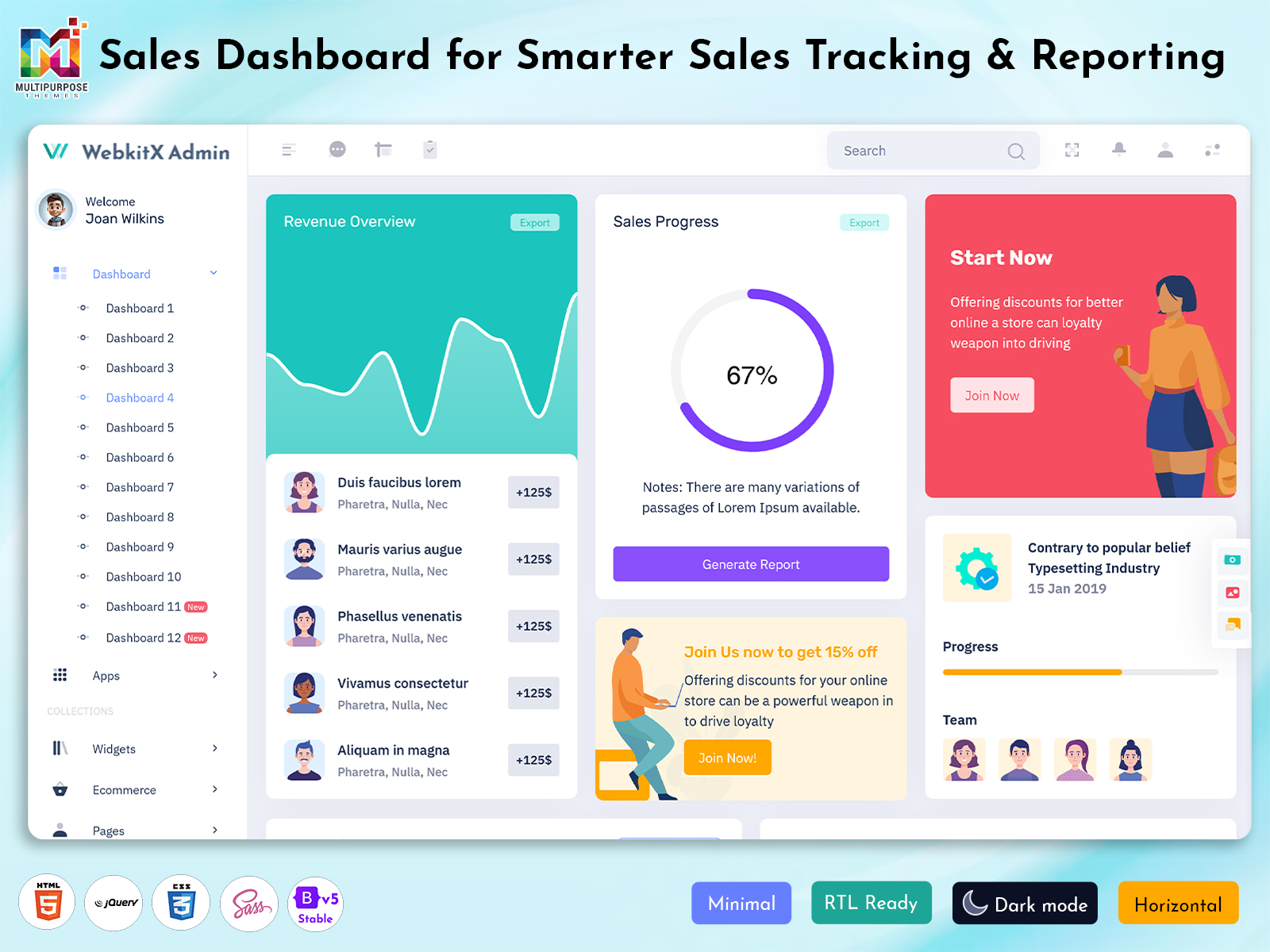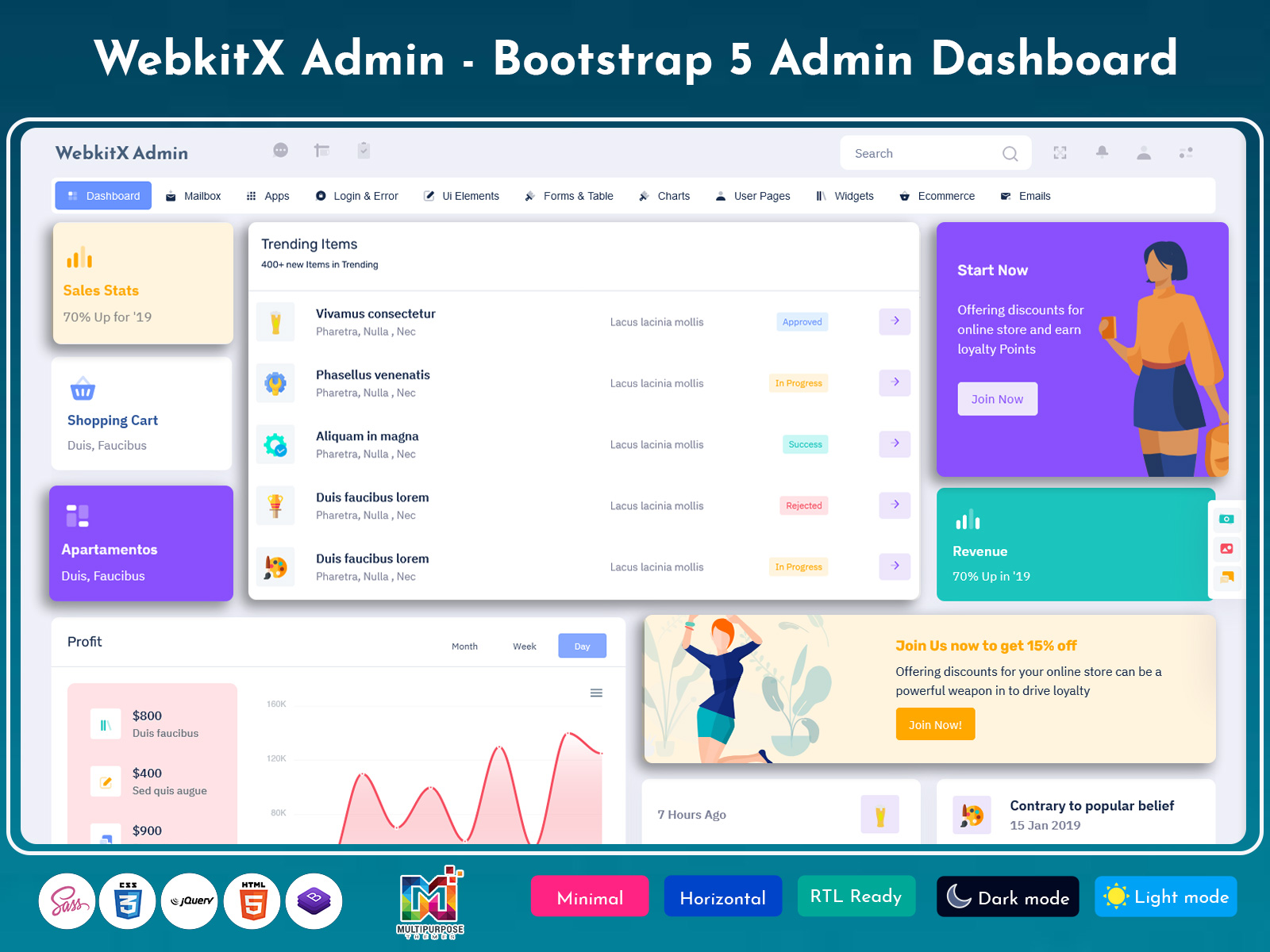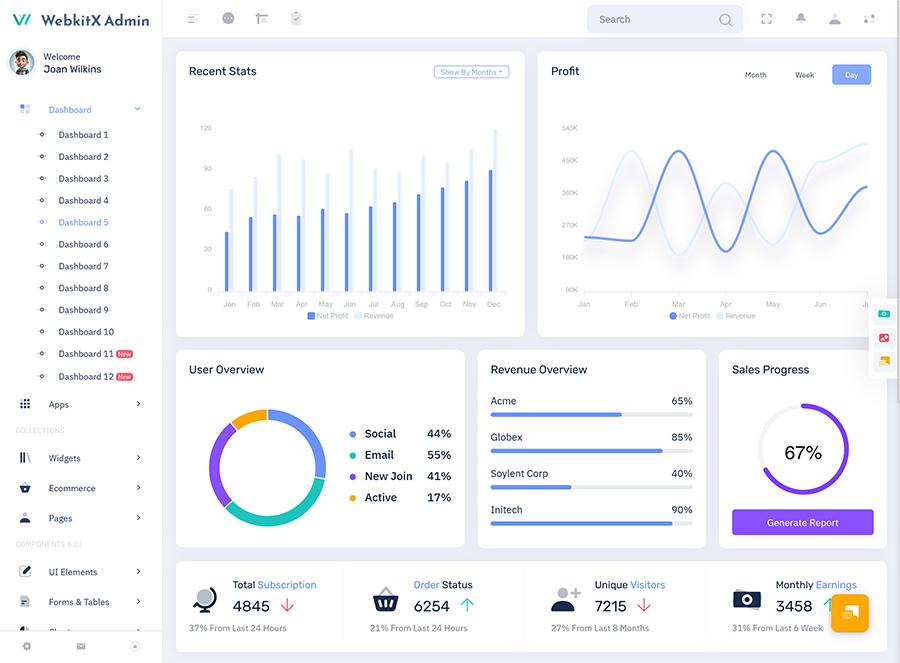
The Sales Dashboard is an application where the information regarding the sales of a company…
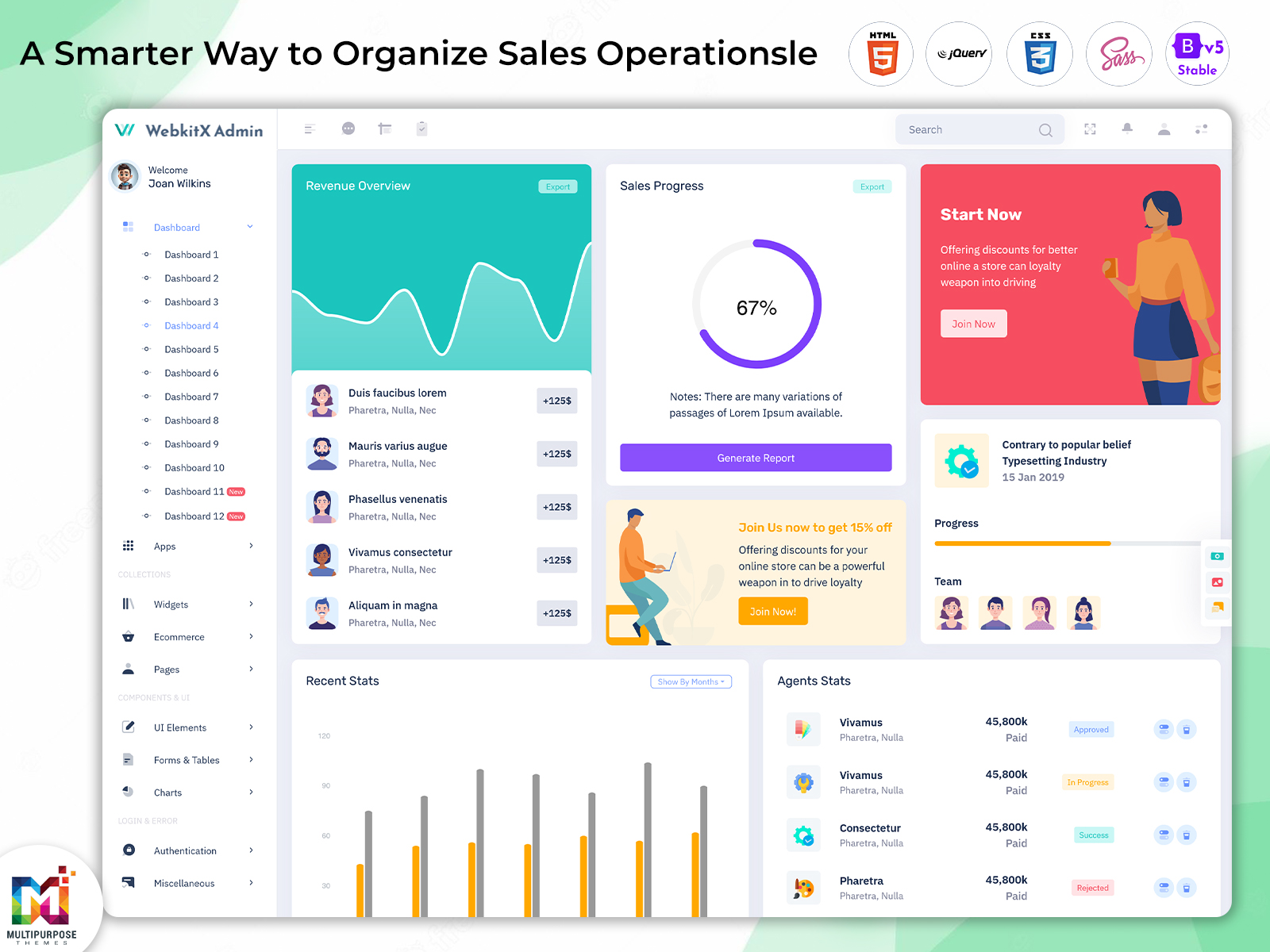
Dashboard Analytics: A Smarter Way to Organize Sales Operations
Reading Time: 7 minutes
What is a Sales Dashboard?
A Sales Dashboard is a centralized digital interface that helps businesses organize, review, and understand sales-related information in one place. Instead of depending on spreadsheets, separate reports, or multiple systems, sales teams can use a common workspace to view important business information and follow ongoing sales activities.
Watch Full Video
Modern sales teams handle a large amount of information every day. Customer interactions, sales records, team activities, targets, revenue information, and business performance can all change regularly. When this information is scattered across different sources, it becomes harder for managers to understand what is happening across the sales operation.
A well-designed dashboard brings relevant information into a structured environment. It can help managers and sales professionals review business activity without spending excessive time collecting information manually.
The Sales Admin Dashboard is particularly useful for administrators and managers who need a broader view of sales operations. It can provide a centralized interface for reviewing information and managing different administrative responsibilities according to the organization’s workflow.
Why is a Sales Dashboard Important?
Sales operations can become complicated as a company grows. More customers, employees, products, and business opportunities naturally create more information that needs to be reviewed.
Without a centralized system, sales managers may spend significant time collecting information from different sources before they can understand the overall situation. A Sales Dashboard can reduce this effort by bringing relevant information together.
This centralized approach can improve visibility across the sales process. Managers can use the interface to understand current activity, while team members can access information relevant to their responsibilities.
Dashboard Analytics can also support a clearer interpretation of business information. Rather than simply presenting records, analytical information can help users recognize changes and patterns that deserve attention.
The importance of a sales dashboard increases when decision-making needs to happen quickly. Managers often need to identify where performance is changing, which activities require attention, or whether current progress is moving in the expected direction.
A well-planned Sales Admin Dashboard can therefore become an everyday management tool rather than just a reporting screen.
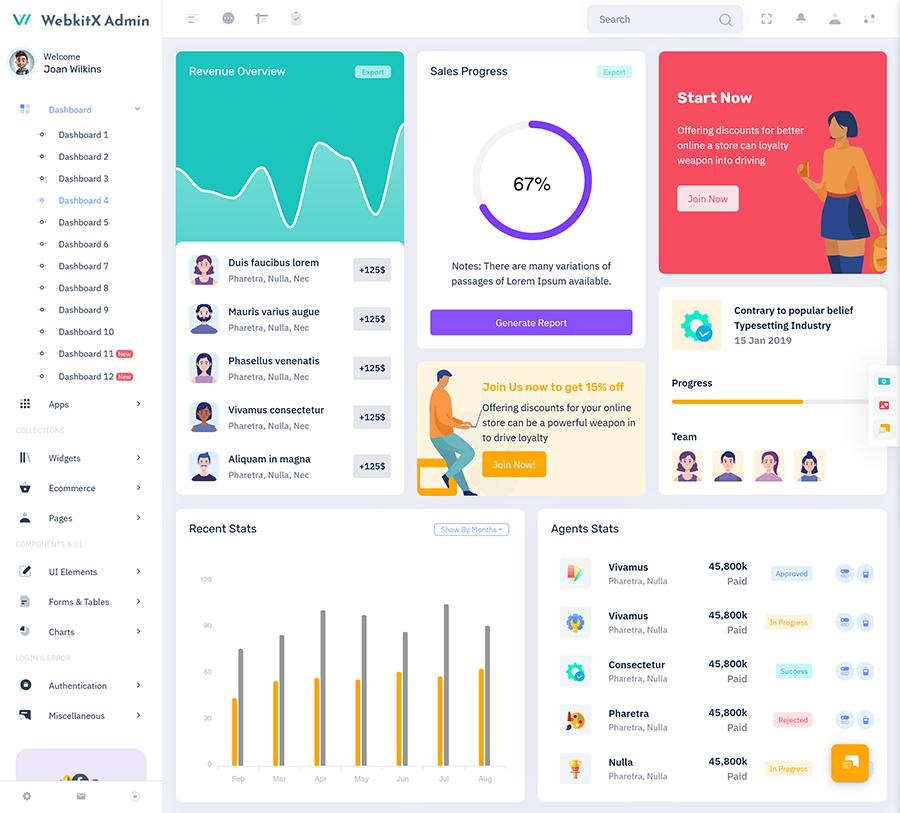
VIEW DEMO BUY NOW
Features of Sales Dashboards
1. Centralized Sales Workspace
Sales Dashboards create a common workspace where important sales information can be organized and reviewed. Instead of moving between unrelated systems, authorized users can work from one interface. This centralized approach can reduce unnecessary searching and provide managers with a clearer environment for understanding current sales activities.
2. Organized Dashboard Layout
A practical Dashboard Layout gives each type of information an appropriate position within the interface. Important information can receive greater visual attention, while secondary details remain accessible without creating clutter. A logical structure helps users understand the dashboard quickly and move through their regular sales responsibilities with less confusion.
3. Sales Performance Visibility
A Sales Dashboard can give managers a broader view of sales performance by presenting relevant business information within a connected interface. This allows users to examine current activity without relying entirely on separate reports. Better visibility can help managers understand changing conditions and decide which areas deserve closer attention.
4. Dashboard Analytics
Dashboard Analytics helps transform collected sales information into a more understandable visual experience. Instead of requiring users to examine large amounts of raw data, the dashboard can organize important information in a way that supports interpretation. This makes it easier for managers to recognize meaningful changes within the sales operation.
5. Administrative Control
A Sales Admin Dashboard provides an organized environment for users responsible for managing sales operations. Its structure can be customized around organizational responsibilities, access requirements, and internal workflows. This allows administrators to work with relevant information while maintaining a consistent environment for managing the wider sales process.
6. Flexible Sales Interface
Every sales organization follows its own process, so flexibility is important. Sales Dashboards can be customized according to business requirements, branding, user roles, and sales workflows. A flexible interface allows organizations to remove unnecessary elements and focus attention on the information that their sales teams actually use.
7. Responsive User Experience
A modern Sales Dashboard should remain practical across supported screen sizes. A responsive interface allows sales professionals and managers to work with relevant information through different devices. This can be particularly useful for teams that work from offices, customer locations, remote environments, or multiple business locations.
VIEW DEMO BUY NOW
Using Dashboard Analytics for Better Sales Understanding
Sales teams generate a continuous flow of business information. However, simply collecting this information does not automatically make it useful.
Dashboard Analytics can help users interpret information by presenting it within a structured visual environment. Managers can use this view to understand how sales activity is changing and where further investigation may be necessary.
Analytics can also support conversations within sales teams. Instead of discussing performance based only on assumptions, managers can refer to information available through the dashboard.
The dashboard should not be treated as a replacement for human judgment. Business decisions often require knowledge about customers, market conditions, products, and other factors that may not appear in the interface.
Instead, analytics should provide context. It can help users identify areas that deserve attention and then combine that information with their experience when making decisions.
This makes Dashboard Analytics particularly valuable for organizations that want their sales management process to become more structured and information-driven.
Benefits of Sales Dashboard
1. Better Sales Visibility
A Sales Dashboard provides a centralized view of important sales information, making it easier for managers to understand business activity. Instead of reviewing multiple disconnected reports, users can work through one structured interface. This broader visibility can help teams recognize changes and focus their attention on areas that require action.
2. Faster Access to Information
Sales professionals often need information quickly while handling customers and business activities. Sales Dashboards can reduce unnecessary searching by keeping relevant information within a common workspace. Faster access can make routine work more convenient and help employees spend more time on productive sales responsibilities.
3. Supports Informed Decisions
Dashboard Analytics gives managers a structured way to review sales information before making decisions. By understanding changes in business activity, managers can investigate important situations with greater context. The dashboard does not replace experience or judgment, but it can provide useful information for supporting more informed decisions.
4. Improves Administrative Organization
A Sales Admin Dashboard creates a dedicated environment for managing sales-related responsibilities. It can help administrators follow a consistent process and keep important information organized. This reduces dependence on scattered records and provides a clearer structure for handling everyday management activities.
5. Encourages Team Alignment
When sales teams use a shared dashboard, authorized employees can work from a common information structure. This can make communication easier and reduce differences between individually maintained reports. Sales Dashboards can therefore support better alignment between representatives, managers, and administrators involved in the same sales process.
6. Flexible for Different Businesses
A sales dashboard can be customized for different industries, business sizes, and sales models. Its Dashboard Layout, information structure, and access rules can be adapted according to actual requirements. This flexibility makes dashboard-based management suitable for organizations with different customer journeys and internal sales processes.
7. Supports Business Growth
As sales activity increases, businesses need better ways to manage additional information and responsibilities. A Sales Dashboard provides a structured foundation that can evolve with the organization. New users, workflows, and information requirements can be incorporated over time, helping the business maintain an organized sales management environment.
How a Sales Dashboard Can Support Business Growth
Growth often brings new challenges to sales teams. More customers create more interactions, additional employees create more coordination requirements, and increased sales activity generates more information.Without an organized system, this growth can make management increasingly difficult.A Sales Dashboard can provide a central environment that helps businesses handle this increased complexity. Rather than allowing every new responsibility to create another disconnected process, companies can organize relevant activities within one system.
A Sales Admin Dashboard can also help managers maintain consistency as their teams expand. User roles can be organized according to responsibilities, while the interface can be adapted to accommodate new business requirements.Dashboard Analytics can become more useful as the amount of business information increases. A structured analytical environment allows managers to review changing sales activity without depending entirely on manually prepared reports.
This makes a dashboard useful not only for today’s operations but also as part of a longer-term digital management strategy.
Conclusion
A Sales Dashboard provides businesses with a centralized way to organize, understand, and work with sales information. It can reduce dependence on scattered reports while giving managers and sales teams a more structured environment for everyday activities.Sales Dashboards can improve visibility, support team coordination, and make relevant information easier to access. A well-planned Dashboard Layout can further improve usability by organizing information according to its importance and the actual workflow of users.
A Sales Admin Dashboard can provide administrators and managers with a dedicated environment for managing sales operations, while Dashboard Analytics can help users understand changing business information more clearly.The most effective dashboard is not necessarily the one containing the largest amount of information. It is the one that presents meaningful information in a simple, organized, and useful way.
With thoughtful design, customization, responsive usability, and a clear understanding of user requirements, a sales dashboard can become a valuable part of modern sales management.
Frequently Asked Questions
1. What is the main purpose of a Sales Dashboard?
The main purpose of a Multi Purpose Themes Sales Dashboard is to bring important sales information into a centralized and organized environment. It allows authorized users to review business activity more conveniently, understand changing performance, and work with information without depending entirely on separate spreadsheets or manually prepared reports.
2. Who can use a Sales Admin Dashboard?
A Sales Admin Dashboard can be used by sales managers, administrators, business owners, team leaders, and other authorized employees. Access can be adjusted according to responsibilities. Managers may need a broader view of sales activity, while individual representatives may only require information connected to their own work.
3. What is Dashboard Analytics?
Dashboard Analytics refers to the presentation and interpretation of business information through a dashboard interface. It helps users understand changes, relationships, and patterns within available sales information. Analytics can support decision-making by providing useful context, although business decisions should also consider experience and other relevant factors.
4. Why is Dashboard Layout important for sales management?
A good Dashboard Layout helps users find important information without unnecessary searching. When information is organized according to user priorities, the interface becomes easier to understand. A well-planned layout can also reduce visual clutter and create a smoother workflow for managers and sales professionals.
5. Can Sales Dashboards be customized for different businesses?
Yes. Multi Purpose Themes Sales Dashboards can be customized according to industry, business model, branding, user roles, sales processes, and reporting requirements. A B2B organization may need a different dashboard from a retail company. Customization allows the interface to reflect the actual way a business manages its sales operations.
6. Can a Sales Dashboard support multiple users?
Yes. Multi Purpose Themes sales dashboard can support multiple authorized users with different access levels. User permissions can be configured according to responsibilities, helping ensure that employees receive access to the information they need. This can make the dashboard suitable for both small teams and larger sales organizations.
7. Can Multi Purpose Themes be used for Sales Dashboard development?
Yes. Multi Purpose Themes can provide dashboard and admin template foundations that developers can customize for sales-related applications. Businesses can adapt the interface according to their branding, workflow, user roles, and information requirements. The final dashboard should always be customized according to the organization’s actual operational and technical needs.

Related Posts