

Managing people involves much more than maintaining employee records. HR teams deal with hiring requirements,…
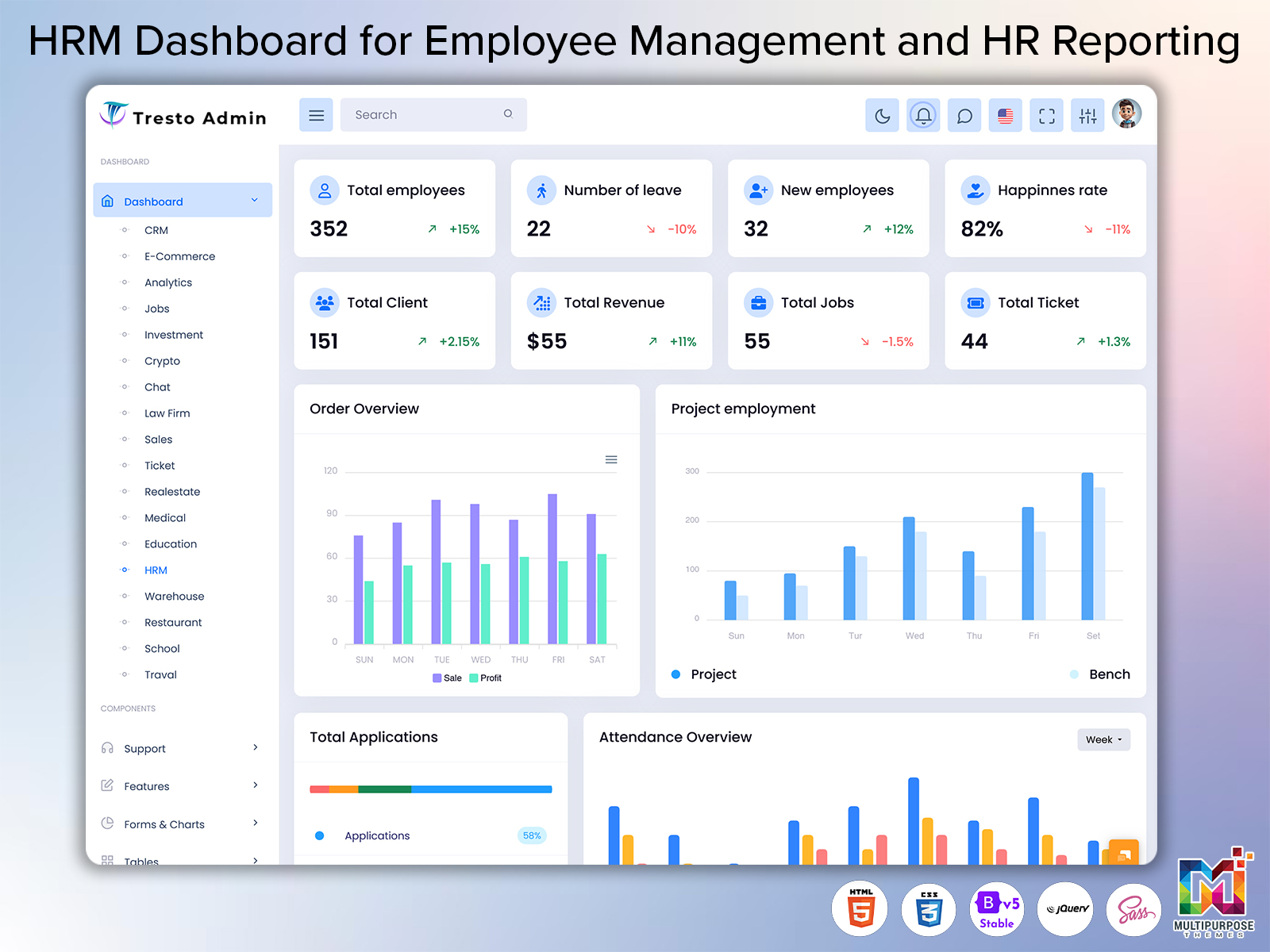
HRM Dashboard: System for Workforce Management and HR Reporting
Reading Time: 12 minutes
Human resource management includes ongoing activities that are connected to an employees time in a company. It starts with hiring and paperwork. It includes time off changes in roles, performance checks and growth opportunities, which all need to be tracked and handled properly.
Watch Full Video
With all this information spread across spreadsheets, emails, paper files and different programs it becomes hard to manage and follow HR data. Because of this human resource departments can feel stressed when it comes to making reports especially when there is no place to keep everything. In these cases an HRM dashboard can be a tool that brings together all the information and activities related to managing people at work.
An HRM dashboard that works best goes beyond showing data and making charts; it understands the situation and gives access to the right tools that help an employee or an HR worker do their job better. This way the design of these dashboards must be simple and focused on what different users need.
Dashboard For Human Resource Management: Key Concepts
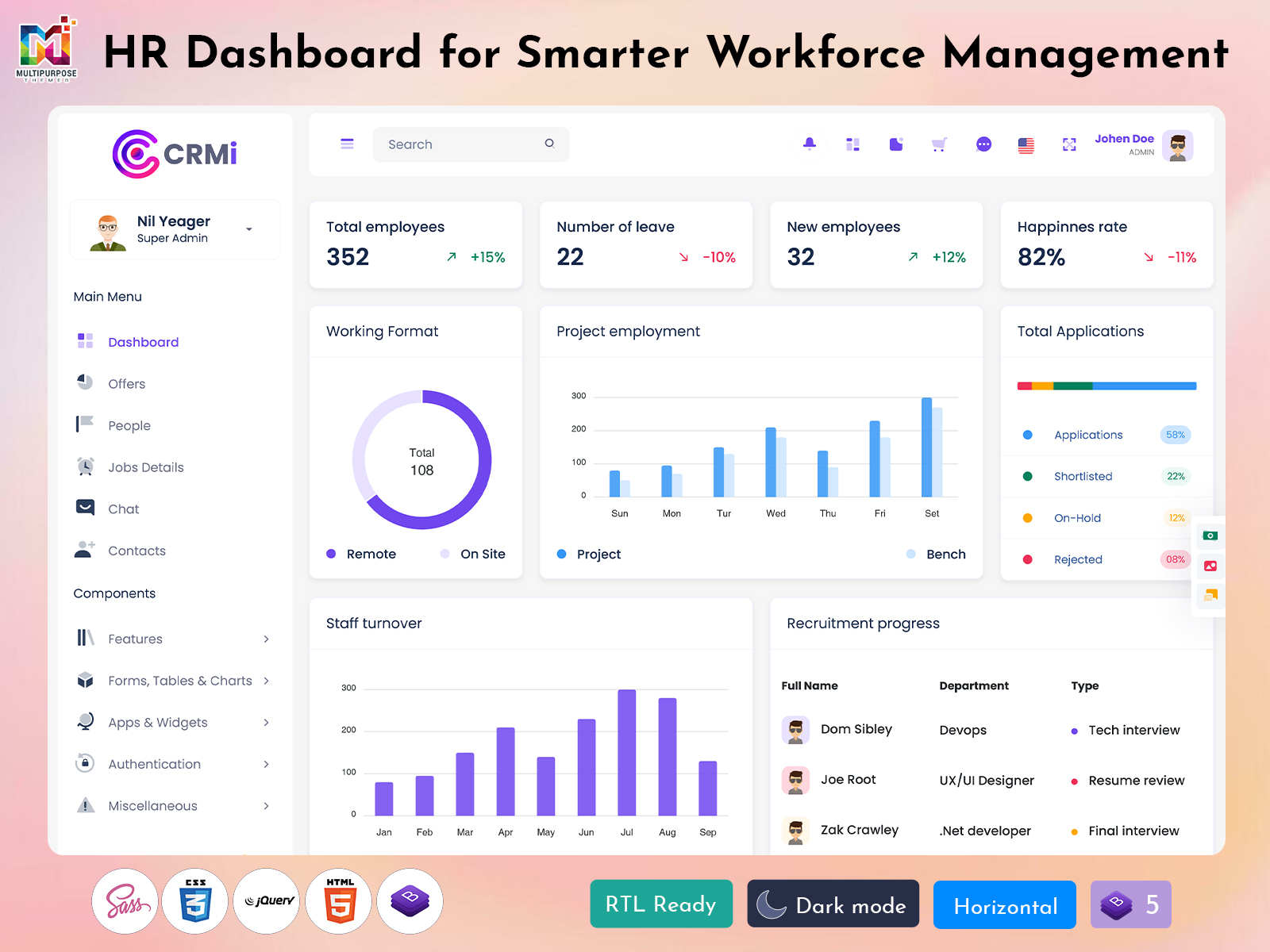
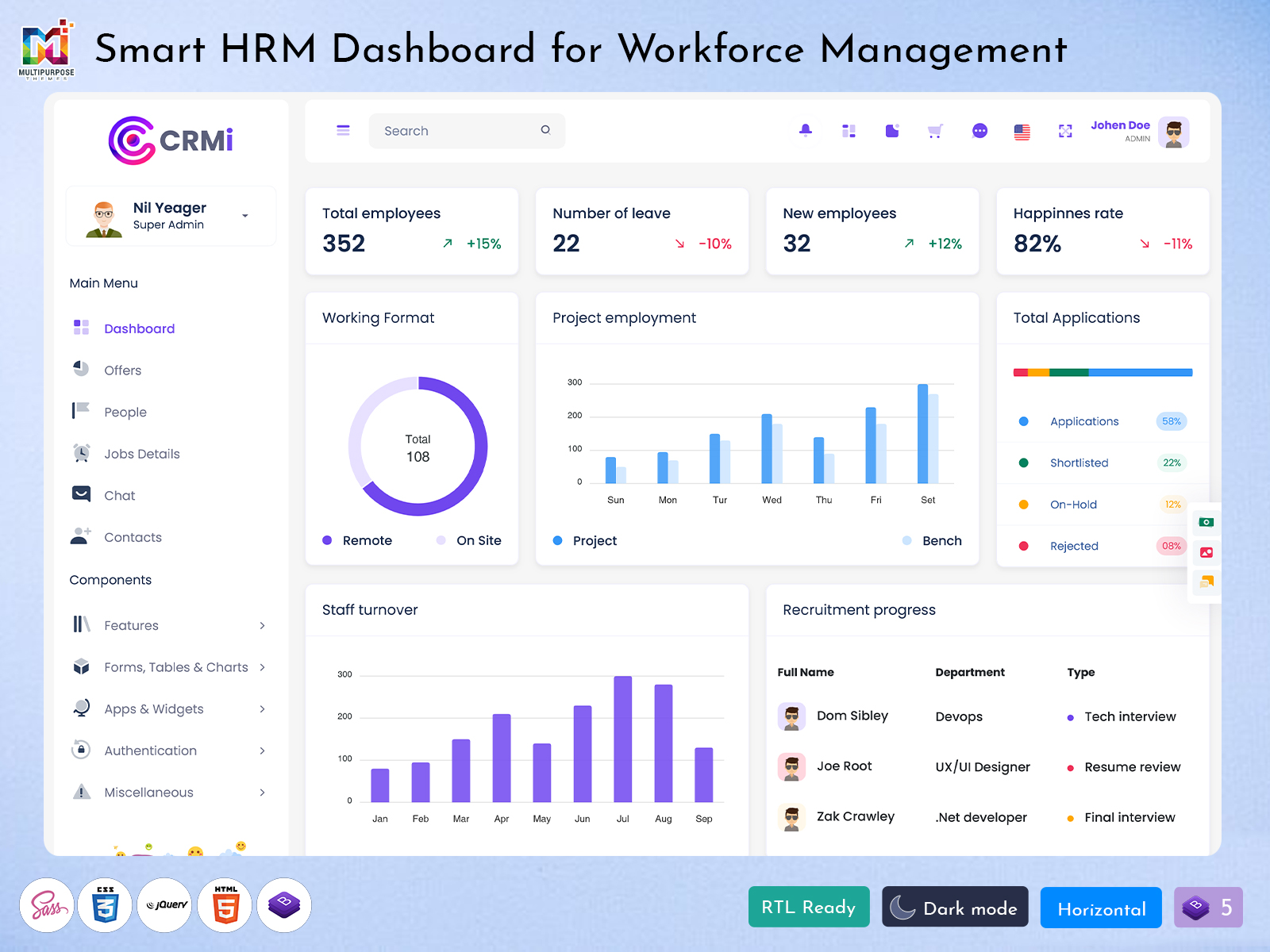
An HRM dashboard is a tool that helps to bring together and manage human resource activities. It can have information about employees and their attendance time off hiring, reports and other things depending on what the company needs. In short it acts as a tool that helps organize, show and check the information.
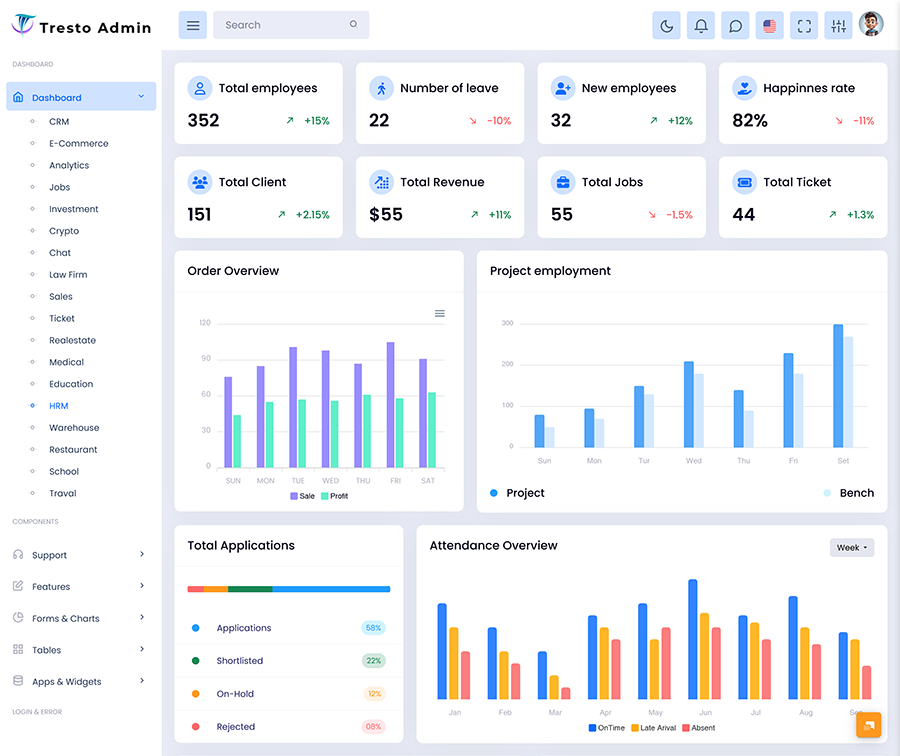
As part of an employee management system an HRM dashboard usually has a sections that hold data and tools for reporting and talking to others. It gives a look at the information as well as more detailed views for specific tasks like hiring or tracking time off. This way the interface is easy to use. Does not flood a manager with unnecessary data at the same time.
For example an HR manager may want to see a look at how many employees are in each department while an HR officer may need to check or change a specific employees details. The first person will get a view that shows the data while the second person will be able to find what they need without extra steps.
An employee management system can use an HRM dashboard as a way for people to manage and watch over employees. In this case the HRM dashboard is mainly used for making reports and managing data well as talking to workers.
Depending on who’s using it an HR reporting software can create reports in the dashboard or somewhere else. This is helpful for looking at the data closely which helps the company’s leadership make better choices.
In a way an HR analytics software can work with the data in an HRM dashboard or an employee management system. Ideally it should look at the information. Show any patterns or changes that need attention. In reality this means the analysis software should recognize the data people see on the HRM dashboard and offer understanding of it.
As shown, reporting and managing data are parts of an HRM dashboard.. The interface should also have other tools for handling employee records and their time at the company. In this case the design and content of the dashboard should be based on what the company needs.
Some companies may need a HRM dashboard that has employee details and time off while others may need more specific features. For example big companies often have parts for managing workers like hiring, pay, performance reviews and growth. Small businesses may only need a HRM dashboard that has employee details and absence tracking.
At the end an HRM dashboard becomes a way to manage basic employee details and information according to what users need.
VIEW DEMO BUY NOW
HRM Dashboard and Employee Lifecycle: Unified Interface for Productivity
HR management workers do tasks that are connected to an employees time in a company. This starts with onboarding. Ends with leaving the company and it includes all the steps in between like paperwork, department assignments, tracking time off and attendance performance checks and more. An employee management system can have an HRM dashboard that brings all these steps together and an example of such a tool is an employee management software.
This way an employee management software can have an HRM dashboard that acts as a place for managing and looking at employee details and data. The combined view makes it easier to manage everything by showing the information quickly without extra steps.
For example an employee who is just starting may need to fill out forms be assigned to a department and get a list of resources and guidelines. An HRM dashboard allows a manager to follow this employees progress without needing requests.
In a way an employee can change their information or switch departments and roles. A specific area in the dashboard view makes it easier to update this information of using a bunch of paper documents.
At the time an interface for managing employees also means talking to them. In this case an employee management software can be made so that workers see the information and updates that’re relevant to them. This can range from tracking time off and attendance to documents and tasks.
As mentioned workers should only see the information that’s relevant to them on an HRM dashboard. In reality this means having sections for different groups of users that can be reached with just a few clicks at most.
In short having an HRM dashboard in a companys employee management software is helpful because it makes the management process easier. This way an employee management software does not try to bring all processes into one place. Instead helps manage them according to what users need. The same ideas apply to reports and analysis which will be discussed later in this article.
HRM Dashboard: 7 Essential Elements
An organizations human resource department deals with a lot of information about its workers. This information comes in during the hiring and onboarding stages. Is updated as time goes on based on performance moving to new departments and other changes. A dashboard for human resource management in companies can be set up in ways depending on what the company needs.
Generally the interface should be built around the employees time at the company and the management tasks based on what the company needs. One way to do this is to offer views for analysis and sections that’re specific to certain processes for managing and reviewing employee data.
Below are the seven parts of a dashboard for human resource management:
1. Employee Profile Management
The employee management system has a way to manage employee profiles, which means that personal contact details, department, job title start date and other information are kept in one place. This way having a place for employee records is important for saving time when getting data for important tasks.
2. Employee Lifecycle Tracking
An employee management software can have a feature for tracking the employees time at the company, which includes onboarding moving between departments, performance checks and other relevant steps. When set up properly these HR tasks are easier to manage and watch using an HRM dashboard.
3. Attendance and Leave Overview
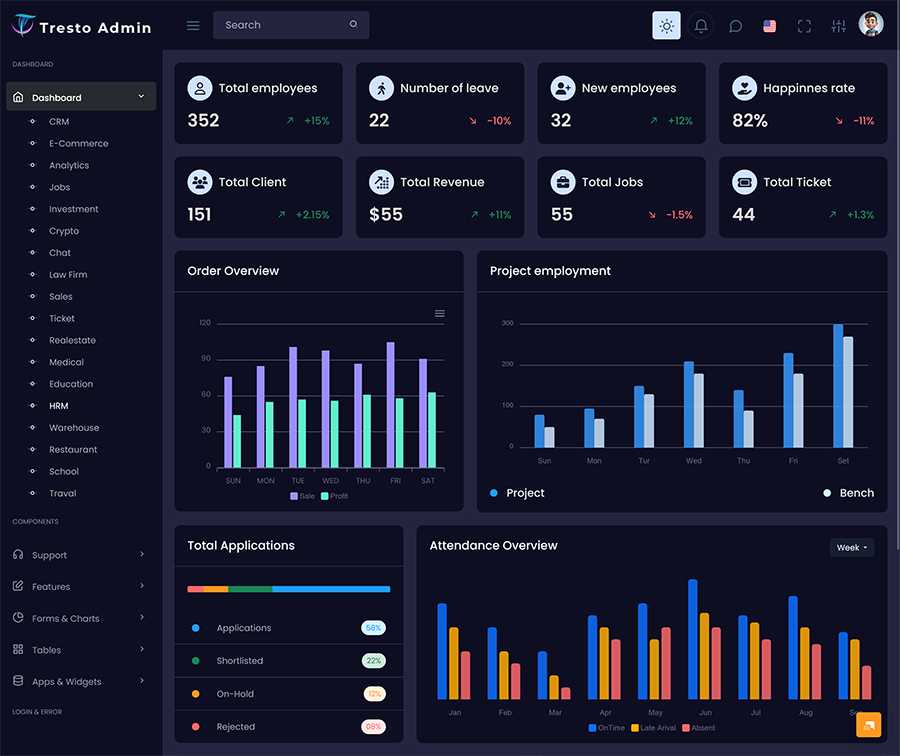
An HRM dashboard can have a section for keeping track of and looking at attendance records and time off for workers. This data is usually organized based on the settings of the employee management system, which means the interface can also have tools and areas.
4. HR Reporting Software Integration
The employee management software can use HR reporting software to create reports based on the data. In turn an HR dashboard can act as a reporting tool that shows the needed information in a way.
5. Recruitment and Onboarding Tracking
A dashboard for human resource management can have areas for hiring and onboarding activities. This way the companys hiring process becomes easier to track between candidates, interviews, job offers and employee onboarding.
6. HR Analytics Software Application
An employee management software can add HR analytics software that gives insights into the data about workers. This helps to find trends and patterns which can be done across departments, roles and other factors.
7. Role-Based Navigation
An employee management system usually has different groups of users which should be shown in the way the HRM dashboard is set up. In short this dashboard should have parts for employees, managers, HR and other roles.
VIEW DEMO BUY NOW
Dashboard For Human Resource Management: Design Principles
As mentioned an HRM dashboard is a tool that helps to organize and manage parts of an employees time at a company. An HRM dashboard that works best will do this by showing a view of employee data and related steps.
In terms this means the interface should help with making reports and analysis while also having tools for updating and managing the data. In this case the main design ideas for an HRM dashboard involve keeping the transactional views separate.
One of the ways to do this is to have views for analyzing employee data like how many workers are in each department along with areas that are specific to certain processes. This setup will reduce the steps needed to change the data. For example if a manager needs to update the department of an employee a dashboard will likely make this easier compared to a report.
At the time looking at data in an analytical way does not go against the main purpose of an HR dashboard. In fact it can help with the reporting functions of the companys employee management software.
An analytical report usually shows data in a way that’s easy to understand. So a summary view of the dashboard can make it easier to look at employee-related data without the user having to open it as a document.
For instance a manager can look at the number of employees, in each department through a simple summary and then click to see a report. This method helps the company use the reporting tools and saves time on making reports.
The quality of information is very important for creating reports no what kind of reporting software is being used. It is best if data is put in and arranged in a way to help with looking at it and comparing it. In words a report should not show different numbers for the same measurement just because it came from a different place.
An HR reporting software usually needs to be connected and set up in a way that fits what the company needs. This way the company can make sure that the rules for putting in data are the same the report settings are the same. The analysis is based on the data that is put in.
When it comes to HR analytics software it should understand the data based on what the company needs. Basically it should look at the information in a way that matches the situation, which decides what variables data sources and kinds of reports are used. In practice this means that an HR dashboard might show things like attendance patterns how often people leave the company how people are hired and other important data depending on what the person using it wants.
An HR dashboard should make it easy to move around and see data about employees. This is done by making the design around the things the company has to handle, like attendance time off hiring people and employee records.
When making this kind of dashboard it is important to remember that different people will expect things based on their jobs. For example managers might want to see reports about how employeesre spread out while HR people might need to check and update employee information. In return employees should be able to move around the system in a way, which depends on their access level and what they are responsible for.
This way an HR dashboard becomes a tool for making reports that helps organize the data and do the kinds of analysis. Also the way the dashboard is set up should let people update and take care of employee information based on what they need.
As a tool for reporting and managing an HR dashboard should also be able to give insights about what is happening with an employees time at the company. A company should not use a small set of numbers which is why the numbers and report data should have explanations and more context.
In the end a report should explain the data of just giving it without any explanation. A person who uses the report should always know what it contains, which can be helped by using the way to name things. This rule also applies to parts of the dashboard which should follow the same rules when they are shown.
It is worth mentioning that a dashboard can be changed to fit what a growing company needs. In particular an employee management system might need more parts to handle and report on employee data. In return an HR dashboard should be able to grow along with the company.
Benefits of HRM Dashboard
An HRM dashboard has uses in a company by giving a way to manage and look at employee data. It can hold tools for looking at that data and using the information to make smart choices.
Here are the seven benefits of an HRM dashboard:
1. Centralization of Employee Data
An HRM dashboard helps to bring and make employee data the same across the company. This way human resource management becomes more efficient because it is easier to get employee data and there are mistakes when getting that data.
2. Structured Management of HR Processes
An employee management system usually has sections for handling employee data in a way. In return an HR dashboard can offer tools that help with managing HR processes.
3. Consistent Reporting and Analysis
The tools that a company uses for reporting and analysis should give the results based on the same data. This is helpful for looking at reports from times and making good choices.
4. Simplified Data Visualization
Looking at data in a way that makes it easier to understand helps with making decisions. This benefit is achieved through using the way to name things and giving extra context with the reports.
5. Increased Visibility of Workforce Trends
An HR dashboard gives a way to look at employee data that helps spot trends and patterns. This information can then be used to plan and improve how people are managed.
6. Reduction of Routine Administrative Tasks
An employee management software can reduce the time spent on tasks that involve data. This is good for human resource people, who can use that time for useful work.
7. Scalability of HRM Dashboard
A company’s needs change as it grows and this also applies to human resource management. In this case an HR dashboard should be flexible enough to offer the tools and data for each step of an employees time at the company.
Dashboard For Human Resource Management: Final Takeaways
An HRM dashboard is a tool for reporting in human resource management that often works with an employee management system. It arranges employee data around the steps of an employees time at the company according to what the company needs.
In this way an HR dashboard gives a set of reporting tools along with sections that are for specific processes. This method makes sure that the people who use it get the information without having to spend too much time on the system.
When making the dashboard for human resource management it is important to give a way to look at employee data. This is done by separating the management parts of the dashboard.
Looking at data in a way helps to find trends that can then be used as chances to improve how people are managed. In this way a dashboard is not a way to show information but also a way to plan and organize.
Conclusion
An HR dashboard is often part of an employee management system, which means it should also have parts that are for managing an employees time at the company. In return the people who use it can update that information using forms or other tools that help with that.
The goal of an HR dashboard is not to have every part of an employees time at the company but to arrange it in a way that’s easy for reporting and managing. This is especially important for the steps involved in hiring and welcoming people, which usually have a lot of papers and interactions.
Ideally an HR dashboard should be easy to use which means it should be simple to move even with all the information and tools for managing data. In practice this needs a structure that is also supported by clear labels.
As a tool for reporting an HR dashboard should give the way to make and look at reports that’re the same. A person who uses it should always know what data is there which can be helped by labels and summaries of reports.
A dashboard can be made bigger to fit what a company needs at any time. For example new steps like checking how well someone is doing or moving people between departments need tools for managing and looking at employee data. This way an HR dashboard becomes part of an employee management system.
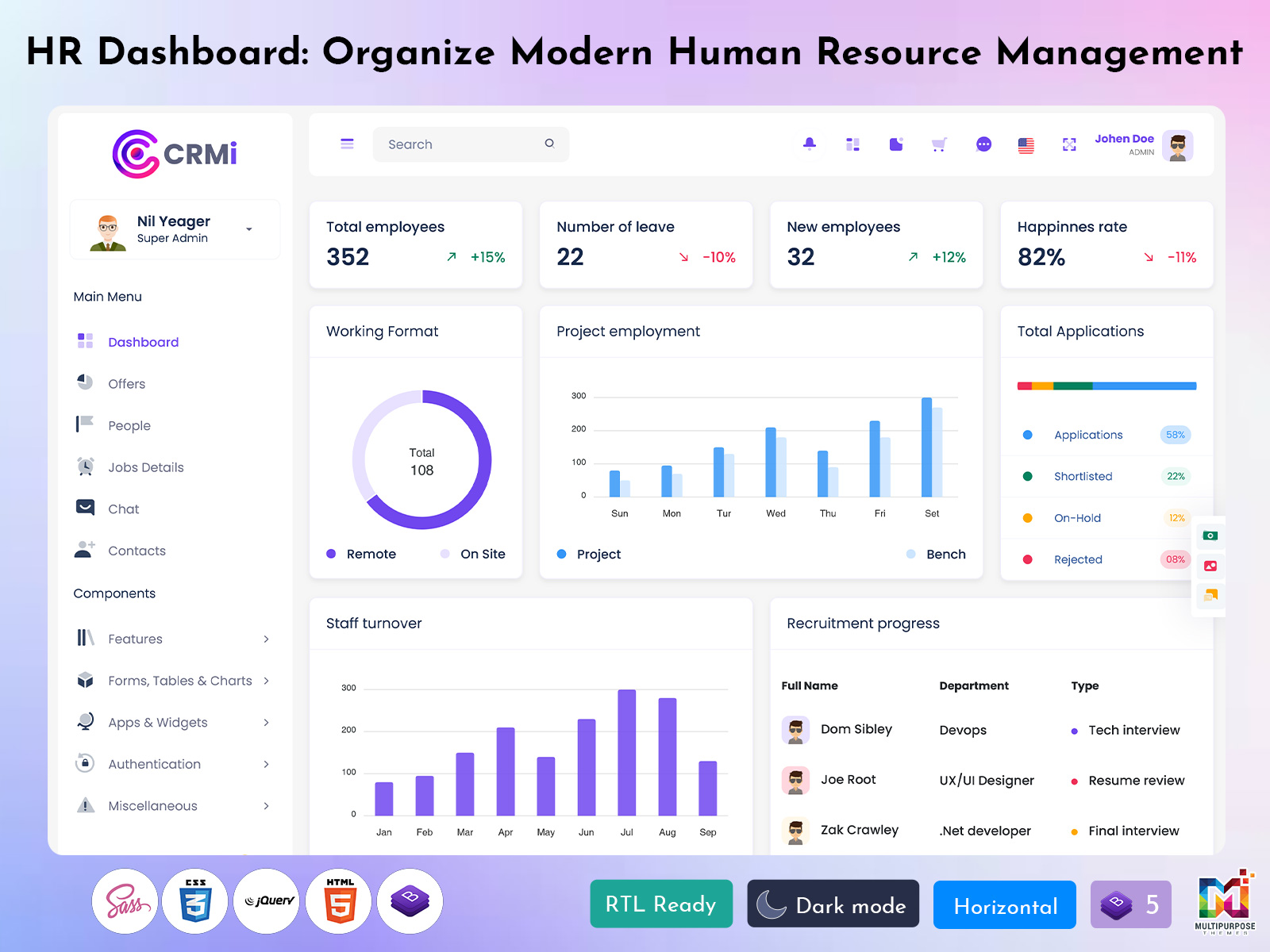
An ideal HR dashboard should have a regular, easy to use interface that helps to organize employee data and handle the steps. It should also have tools for making and looking at reports that help with creating and analyzing reports. In return such an interface can be changed to fit the needs of groups of people from employees to managers and people who work in human resources.
VIEW DEMO BUY NOW
FAQ
1. What is the main purpose of an HRM Dashboard?
The main purpose of an Multipurpose Themes HRM Dashboard is to make human resource data into a way to report. It can show an overview of employee management steps such as hiring, time off and how people are brought in depending on what the company needs.
2. How does Employee Management Software help HR teams?
An employee management software helps human resource teams to organize and manage employee data and steps. Depending on the system it can have ways to manage the time an employee is with the company track time off and attendance handle hiring and use tools for analysis. In this way an employee management software saves time that is usually spent on managing data and keeping it up to date.
3. What is the difference between HR Reporting and HR Analytics Software?
HR reporting and HR analytics software have goals but they do different things. The first one is about showing data in a way that is easy to understand while the second one is about finding patterns and trends in the data. Because of this these tools are often used together to help with making choices.
4. Can an HRM Dashboard be used by both HR teams and employees?
In general an Multipurpose Themes HR dashboard can be used by both HR teams and employees. Each group will see different data. It is important to make sure that the right data is there and updated based on what each group needs. This way everyone gets the data without spending too much time on the system.
5. Which reports are commonly required in an Employee Management System?
Common reports in an employee management system include how employees are spread out in departments, records of time off and attendance data on hiring and onboarding and other details about the time an employee is with the company. The reports that are needed depend on what the company needs, which should decide the things to look at.
6. Can an HRM Dashboard be customized for a growing company?
Depending on the system an HR dashboard can be changed to fit a growing company. In particular it should have the tools to manage and look at employee data. This is needed for all the steps of an employees time with the company.
7. What should businesses check before choosing an HRM Dashboard template?
Before choosing an Multipurpose Themes HRM dashboard template businesses should look at the features of the system including the types of reports, tools, for managing data and ways to change it. Other things to consider are if the system works with web browsers and if it is set up to work well on phones. Also a system should be able to work with the companys software and security needs.

Related Posts


This Post Has 0 Comments