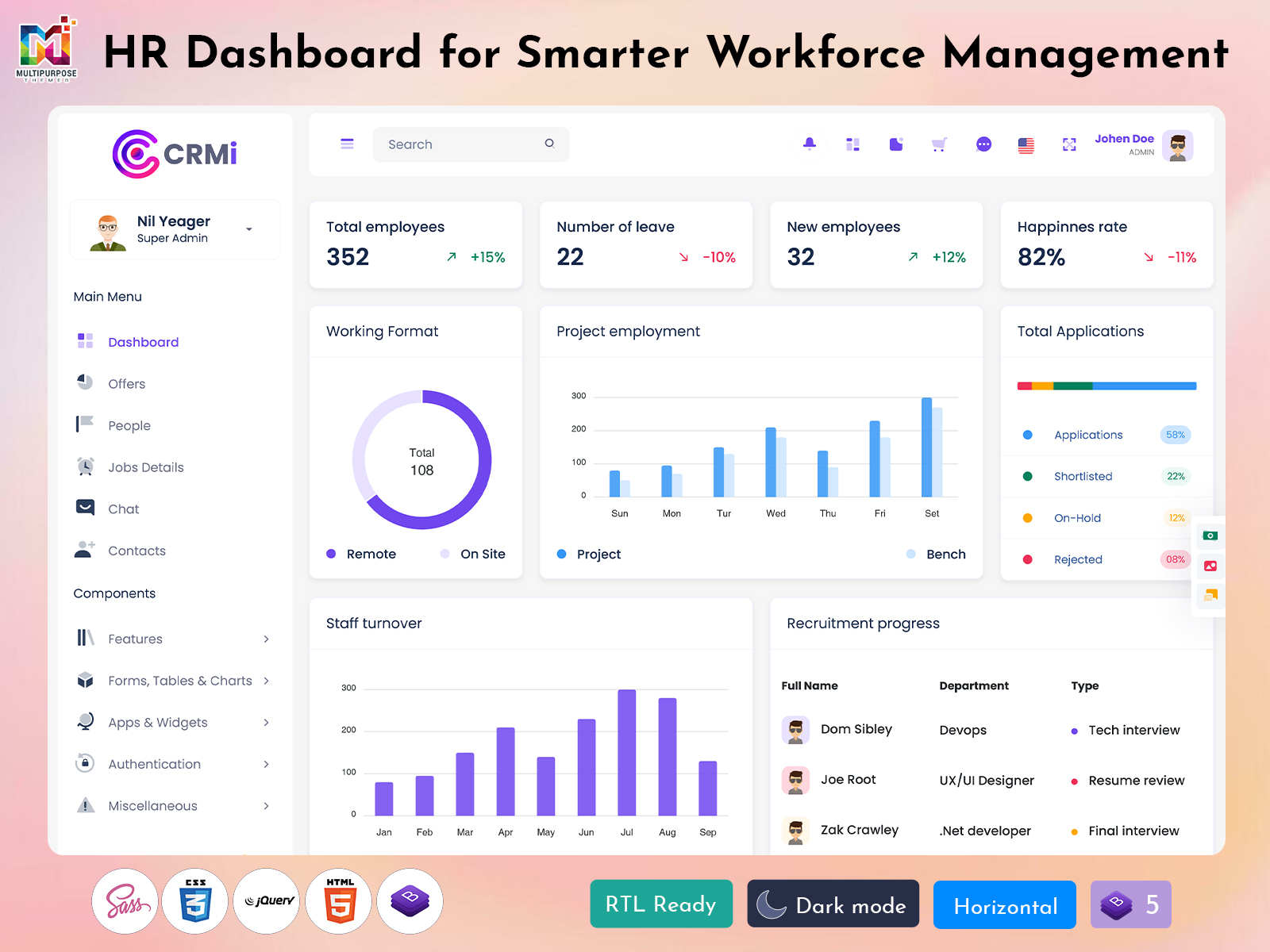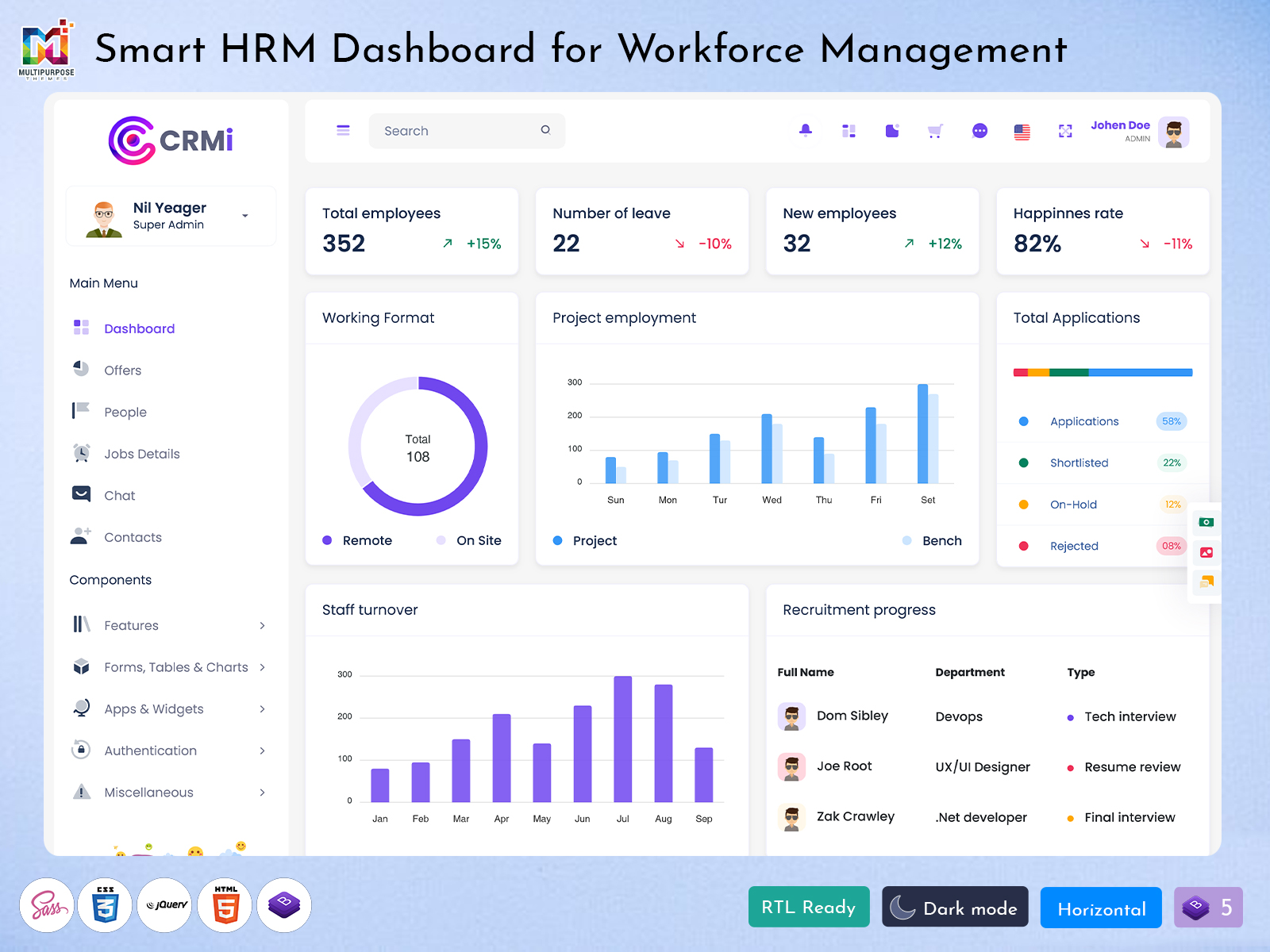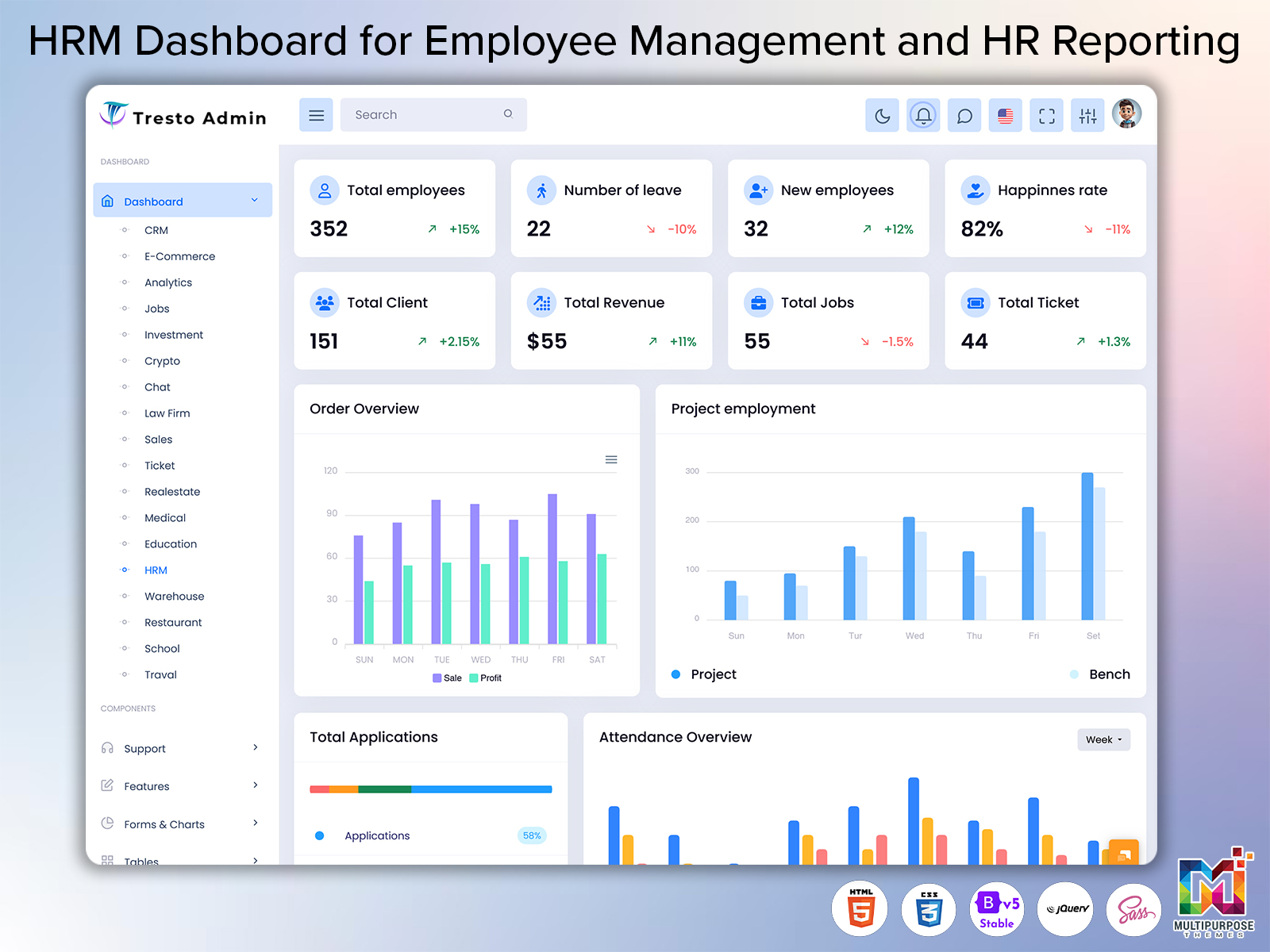
Human resource management includes ongoing activities that are connected to an employees time in a…
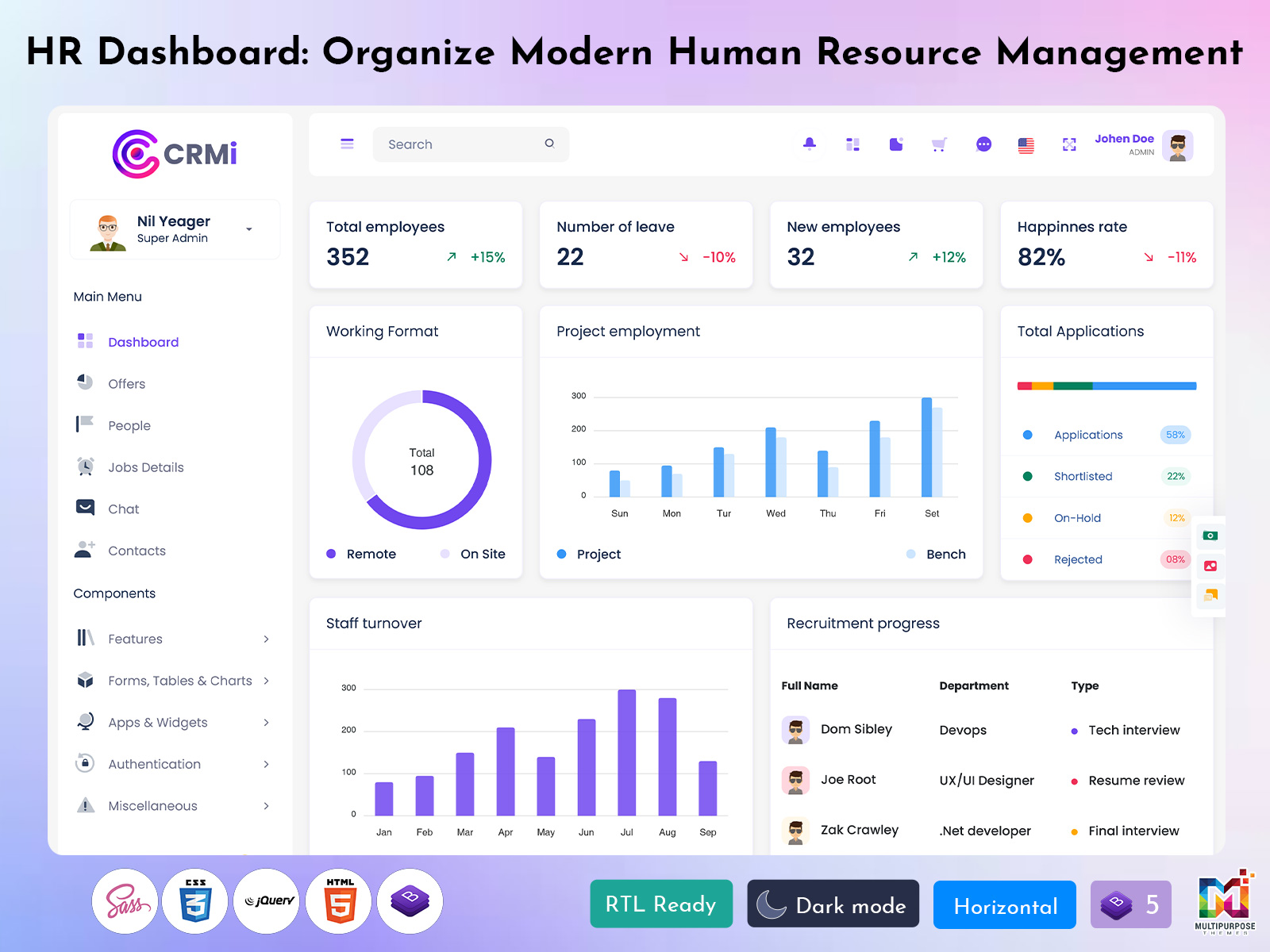
HR Dashboard: A Way to Organize Modern Human Resource Management
Reading Time: 9 minutes
Managing people involves much more than maintaining employee records. HR teams deal with hiring requirements, employee requests, work schedules, internal communication, documentation, policy-related tasks and many small activities that need attention. As an organization grows, handling all these responsibilities through files and manual updates can make everyday HR work unnecessarily complicated.
Watch Full Video
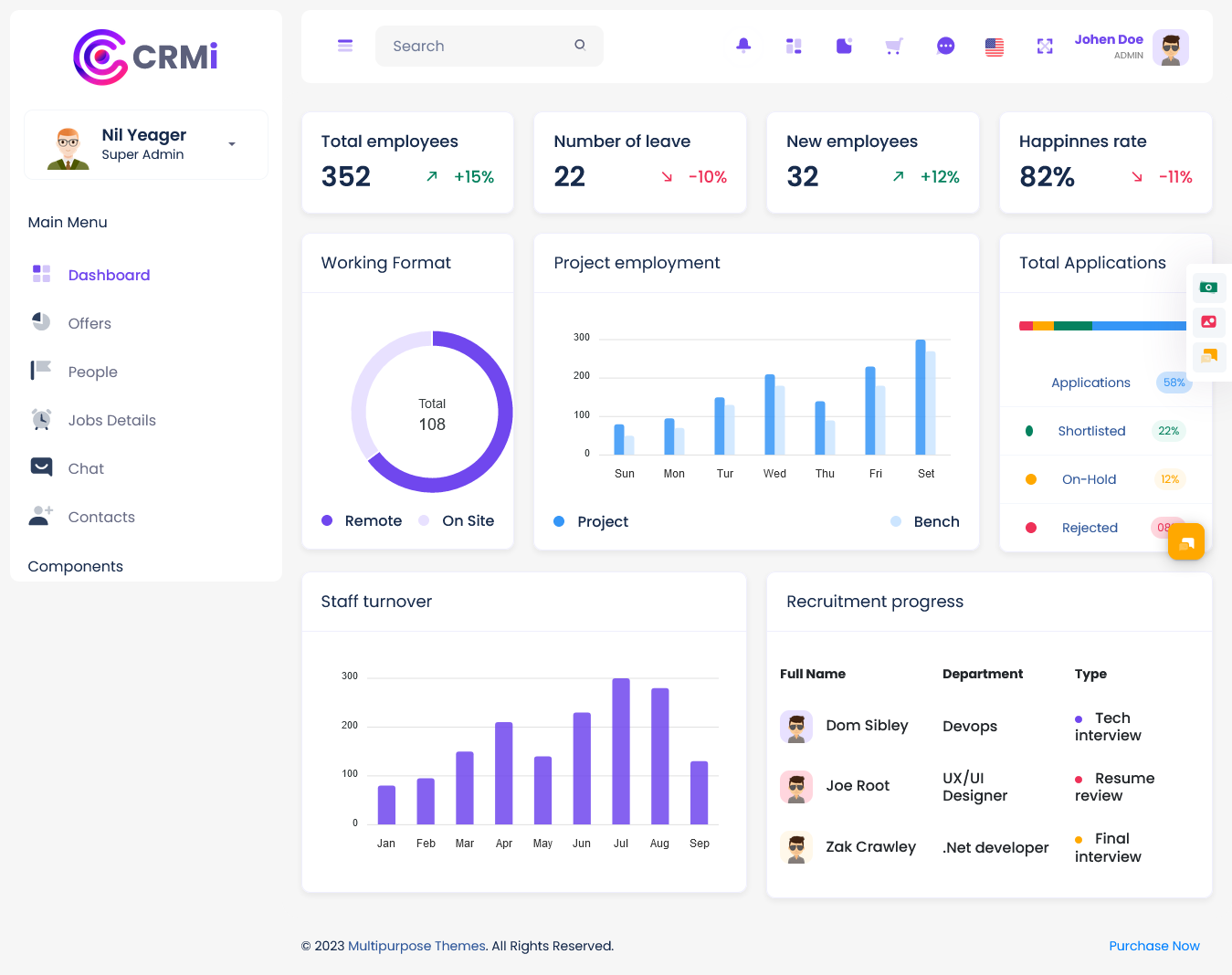
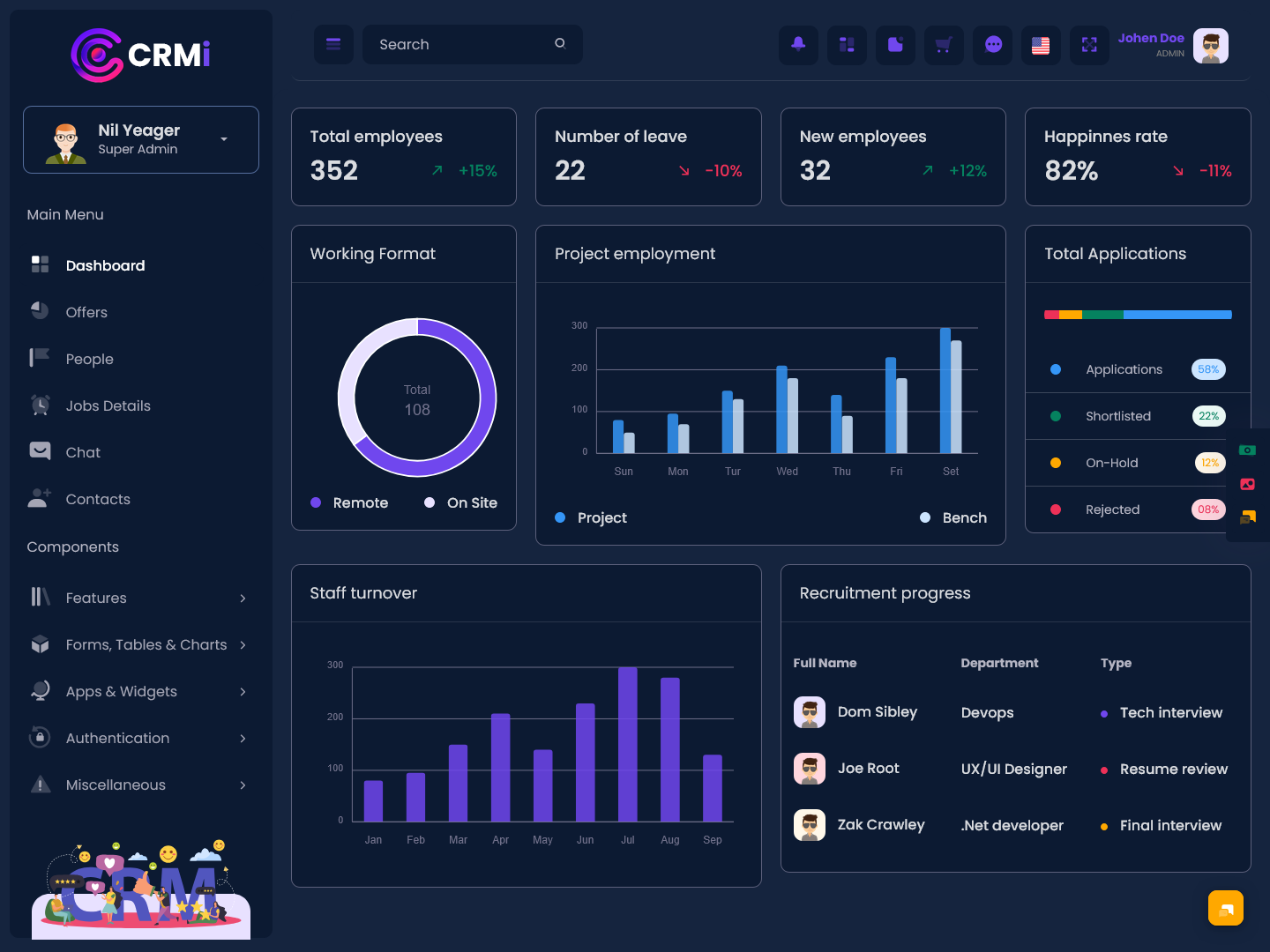
A modern HR Dashboard provides an organized environment where HR professionals can view important workforce information manage responsibilities and keep track of ongoing activities through a single interface. Than treating HR data as isolated records a dashboard can connect different areas of workforce administration and make the overall process easier to understand.
The purpose of an HR dashboard is not simply to display numbers. It should help HR professionals answer questions such as which tasks need attention, where employee requests are waiting which teams require support and what workforce information needs updating. This makes the dashboard useful as a working environment of just a reporting screen.
What is a HR Dashboard?
An HR Dashboard is an interface designed to help human resource teams organize, review and manage information related to employees and workplace activities. It brings HR information into an accessible layout so that users can spend less time searching through separate documents and more time handling responsibilities that require human attention.
An HR department may manage hundreds of employee-related details every day. These can include profiles organizational roles, workplace documents leave requests, internal activities, employee queries, joining information and department-level requirements. When this information is stored across locations finding the right detail at the right time can become difficult. A dashboard provides a structured way to bring relevant information together.
One important role of an HRM Dashboard is helping HR teams understand what is happening across the organization without preparing every update. Of checking multiple spreadsheets or asking different departments for basic information HR professionals can use a centralized interface to review current records and pending activities.
The dashboard can also make routine HR work more manageable. For example an HR executive may need to check which employee requests are awaiting action review joining activities verify workforce information or identify incomplete records. Presenting these responsibilities clearly can make daily planning easier.
Another useful aspect is information prioritization. Not every piece of HR information deserves attention at the same moment. A designed dashboard can place urgent requests, pending actions, upcoming events and important workforce indicators where users can see them quickly. Critical information can remain accessible without occupying the main workspace.
For managers the dashboard can provide a view of workforce activity. They can review information related to teams, departments, employee movements and HR workload. This can support conversations between HR and management while reducing dependence on scattered reports.
An HRMS Dashboard can therefore serve as a working point for modern HR operations. Its value comes from organizing information in a way that helps people understand their responsibilities respond to employee needs and maintain internal processes.
VIEW DEMO BUY NOW
Features of HR Dashboard
A HR dashboard should be designed around the actual work performed by HR professionals. Of filling the interface with unnecessary statistics its features should make employee administration, communication, monitoring and planning easier.
1. Employee Directory
A structured employee directory gives HR teams a way to locate workforce information. Users can search for employees according to names, departments, roles or other relevant categories. This can be especially useful in organizations where HR manages an diverse workforce.
2. Employee Request Management
Employees regularly submit requests related to leave, documents, workplace support or other internal matters. A dashboard can organize these requests according to their status and priority. HR professionals can then identify pending items. Manage them without relying on scattered email conversations.
3. Organizational Structure View
Understanding how employees are distributed across teams is important for HR planning. An HR dashboard can provide a view of departments reporting structures, job roles and workforce distribution. This gives HR and management an understanding of the organization as it changes.
4. Document Status Tracking
HR departments often handle employee documents and administrative records. A dashboard can show which records are complete pending, outdated or require attention. This creates visibility and helps teams follow up before missing information becomes a larger administrative issue.
5. Workforce Alerts
Not every HR activity can wait until the end of the week. Alerts can draw attention to events pending approvals, incomplete information or approaching deadlines. By placing these items in an area an HRM Dashboard can help HR teams react to time-sensitive matters sooner.
6. Employee Self-Service Support
A modern HR environment can allow employees to access selected information and submit requests themselves. This reduces dependency on HR staff for simple activities and allows the HR department to concentrate on more complex responsibilities.
7. HR Activity Overview
HR managers often need to understand how much work is currently moving through their department. An activity overview can show pending requests, completed actions, upcoming responsibilities and other workflow indicators. This helps managers distribute attention effectively.
8. Role-Based Access
HR information can be sensitive so every user may not require the level of access. Role-based permissions can help determine which information different employees, HR executives, managers and administrators can view or modify.
VIEW DEMO BUY NOW
How an HR Dashboard Improves Everyday HR Operations
Human resource management often involves small decisions that are difficult to capture in a single report. An employee may need assistance with documentation while another department is preparing for team members. At the time HR may have pending requests and internal deadlines to manage.
A planned HR Dashboard can provide a common workspace for these activities. HR professionals can organize their workload according to priority of repeatedly moving between different files, applications or communication channels.
This also helps improve continuity within the HR team. If one HR employee is unavailable another team member can review the information and understand the current status of important tasks. This reduces the risk of work becoming dependent on one persons memory or personal records.
Another advantage is improved communication. HR frequently acts as a bridge between employees and management. When information is properly organized HR professionals can respond to employee questions confidently and provide managers with clearer updates.
The dashboard can also support a proactive HR approach. Of waiting for problems to become urgent HR teams can identify incomplete information pending activities, unusual workforce changes or recurring requests earlier. This allows them to address issues before they create disruption.
For management an HRMS Dashboard can turn workforce information into an useful planning resource. Leaders may need to understand changes, staffing requirements, employee movement or departmental needs. A structured dashboard makes these patterns easier to review and discuss.
Why HR Dashboard Is Valuable for Growing Organizations
teams can sometimes manage HR information through basic tools because the number of employees and requests is limited. As the organization expands, however the same approach can become difficult to maintain.
More employees mean records, more departments, more requests and more coordination. HR professionals need a system that can keep information organized without making everyday tasks more complicated.
A dashboard creates a structure for managing this increasing workload. Of creating a new tracking method whenever the organization introduces another process HR teams can use an established digital environment and adapt it according to their requirements.
Growth also increases the need for visibility. Management may want to understand how workforce requirements are changing while HR needs to maintain information across multiple teams. A centralized HRM Dashboard can help both sides work from a consistent source of information.
It can also improve the employee experience. Employees do not always need HR systems; they need simple ways to find information submit requests understand their status and receive timely responses. A clean dashboard can make these interactions more straightforward.
Benefits of HR Dashboard
1. Centralizes Workforce Information
An HR Dashboard gives HR teams a place to access important employee and organizational information. Of searching across separate documents users can work from a centralized interface. This saves time and makes routine workforce management more organized.
2. Makes HR Workflows Easier to Follow
HR activities often move through stages before completion. A dashboard can make these stages visible by showing pending, active and completed work. HR professionals can understand what requires attention and manage responsibilities with a view of their current workload.
3. Supports Faster Employee Responses
Employees expect HR teams to respond to requests without delays. By keeping requests and related information organized an HR dashboard helps HR professionals locate the details faster. This can lead to communication and a more responsive internal support experience.
4. Helps Maintain Administrative Accuracy
Manual record handling can create inconsistencies when information is updated in locations. A centralized HR environment reduces duplication and gives teams a more structured way to maintain employee information, documents and administrative records over time.
5. Improves Workforce Visibility
An HRM Dashboard can give managers an understanding of workforce distribution organizational changes and HR activity. This visibility is useful when reviewing staffing requirements, departmental needs, employee movements or other factors that influence workforce planning.
6. Reduces Unnecessary HR Work
questions and repetitive administrative activities can consume a significant part of an HR professionals day. With information and self-service capabilities employees can handle selected basic activities independently allowing HR teams to dedicate more time to higher-value responsibilities.
7. Creates an Organized Employee Experience
A consistent HR interface makes it easier for employees to understand where to submit requests find relevant information or check updates. A smoother internal process can reduce confusion. Create a workplace environment where employees know how to approach HR-related tasks.
HR Dashboard, for Better Workforce Planning
Workforce planning requires knowing what is happening now and what might happen in the future. HR teams need to understand how departments are changing, where more workers might be needed and which parts of the company need attention.
An HRMS Dashboard can help with this by putting workforce information into a format that’s easier to look at. Of looking at many different reports HR managers can see all the information and spot patterns that might help with future planning.
For example changes in how many people are in a team, where employees are moving what roles are changing or what kinds of workforce requests happen often can all give useful clues. These details do not make decisions for managers. They give HR people better information to start a conversation.
This is where a dashboard is more helpful than a database. A database just stores information. A good dashboard helps people see what information is most important.
Choosing an Effective HRM Dashboard
Choosing an HRM Dashboard should not be based on how nice the screen looks. The system should fit the way the company does HR work and be comfortable for the people who use it every day.
Navigation should be easy information should be grouped in a way and important actions should be simple to find. A dashboard with many parts can confuse people so the design should focus on the information that matters most for real HR work.
Flexibility is also important. Companies change over time. Their HR needs can change too. A good dashboard should be able to adapt to teams different workflows, different levels of access and different company structures.
Security is also very important because HR systems can have employee details. Proper access controls and permissions should be part of the setup for an HR dashboard.
Finally the dashboard should work well on devices and places. HR people and managers might need to check information from places. A dashboard that works well on all screen sizes can offer an experience.
Conclusion
A modern HR Dashboard can make human resource management more organized by bringing together employee details, internal requests, administrative tasks and workforce insights in one place. Its goal is not just to show data but to help HR people understand what they need to do and when.
For companies that are growing an HRM Dashboard can help see what is happening with the workforce while making administrative work easier. Employees can get a consistent experience HR teams can handle their work more efficiently and managers can get useful information for planning.
The best way to think about an HR dashboard is as a tool at work not just a set of charts. When the interface is relevant, secure and matches real HR work an HRMS Dashboard can become an important part of daily workforce management.
VIEW DEMO BUY NOW
Frequently Asked Questions
1. What is the main purpose of an HR Dashboard?
The main purpose of a Multi Purpose Themes HR Dashboard is to put employee and workforce information in one place that’s easy to reach. It helps HR people track activities, handle requests, look at company information and find things that need attention without depending on files or manual tracking.
2. Is an HR Dashboard for small businesses?
Yes. Small businesses can use an HR Dashboard to start organizing workforce activities. Even if there are not employees having records, requests, documents and responsibilities in order can make managing growth easier.
3. Can employees use an HRMS Dashboard?
Yes, depending on how the system’s set up. A Multi Purpose Themes HRMS Dashboard can let employees do tasks on their own like submitting requests looking at information or getting updates. Access can be limited based on job roles to keep HR information safe.
4. Can an HRM Dashboard support departments?
Yes. A good Multi Purpose Themes HRM Dashboard can organize workforce information for teams and departments. HR managers can look at data, by department. Filter it to see what is happening in different parts of the company.
5. Does an HR Dashboard replace the HR team?
No. A dashboard helps HR people take their place. It can make some tasks easier. Help find information faster but people are still needed for talking to employees solving problems making decisions, developing talent and other important work.
6. What should businesses think about before picking an HRMS Dashboard?
Businesses should think about how easy it’s to use, how much it can be changed, how secure it is, how access is controlled, how well it can grow, how it works on different devices and how it fits with current HR work. The dashboard should help with work, not just look good. Both HR workers and employees should be considered.
7. Can an HR Dashboard make the employee experience better?
Yes. Multi Purpose Themes When employees can easily ask questions, get information and see updates, HR tasks can be simpler. Faster answers and better organization can reduce confusion. Help employees understand how to deal with common work issues.

Related Posts