

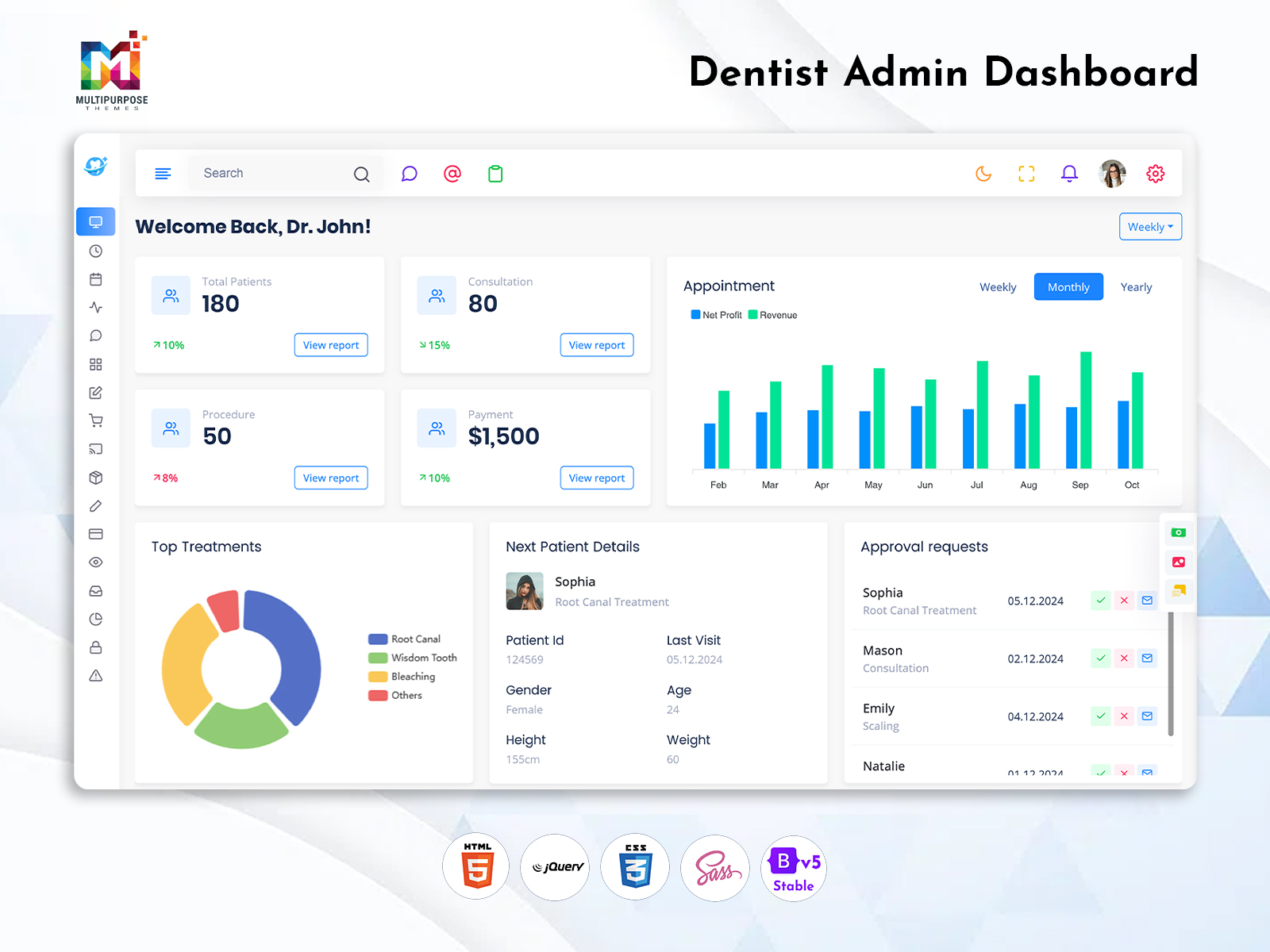
What Is a Dental Dashboard? A Dental Dashboard is a digital administrative interface designed to…
Dental Dashboard: A Practical Digital Workspace for Modern Dental Practices
Reading Time: 10 minutes
Introduction
A Dental Dashboard is a digital workspace that is designed to bring together the information related to the clinic’s operations. Unlike a random collection of data, the pages, components, and sections that comprise it are organized in a way that reflects the operations that a dental practice or a chain of them undertakes on a regular basis.
Watch Full Video
From developers’ perspective, such a configuration is equally important as the information that the dashboard is designed to display. A Dental Admin Template provides the fundamental structure in which the developers can place the dashboard’s unique elements and organize its navigation so that it reflects the requirements of a particular software application, a chain of clinics, or an individual practice.
What Is a Dental Dashboard?
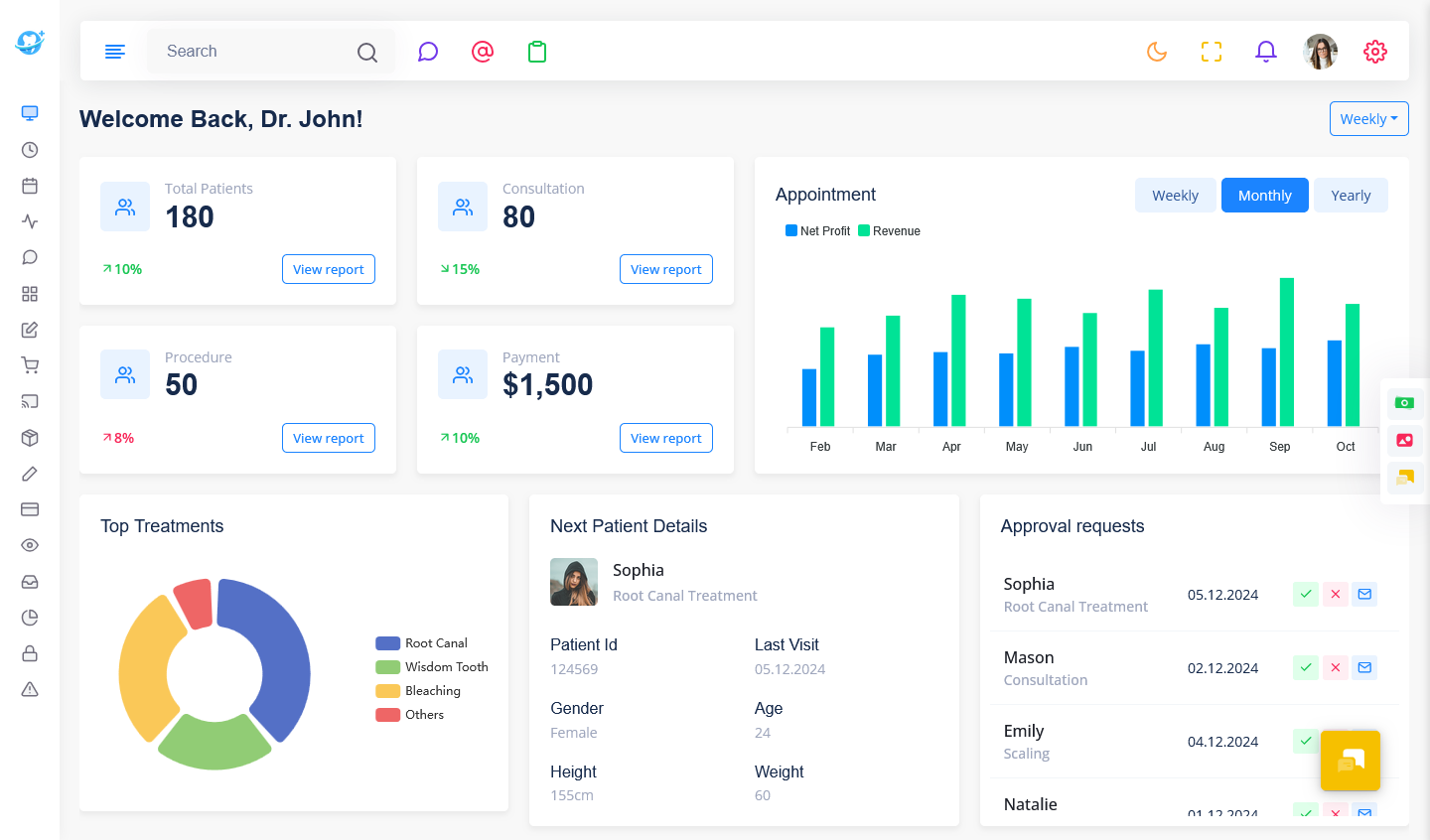
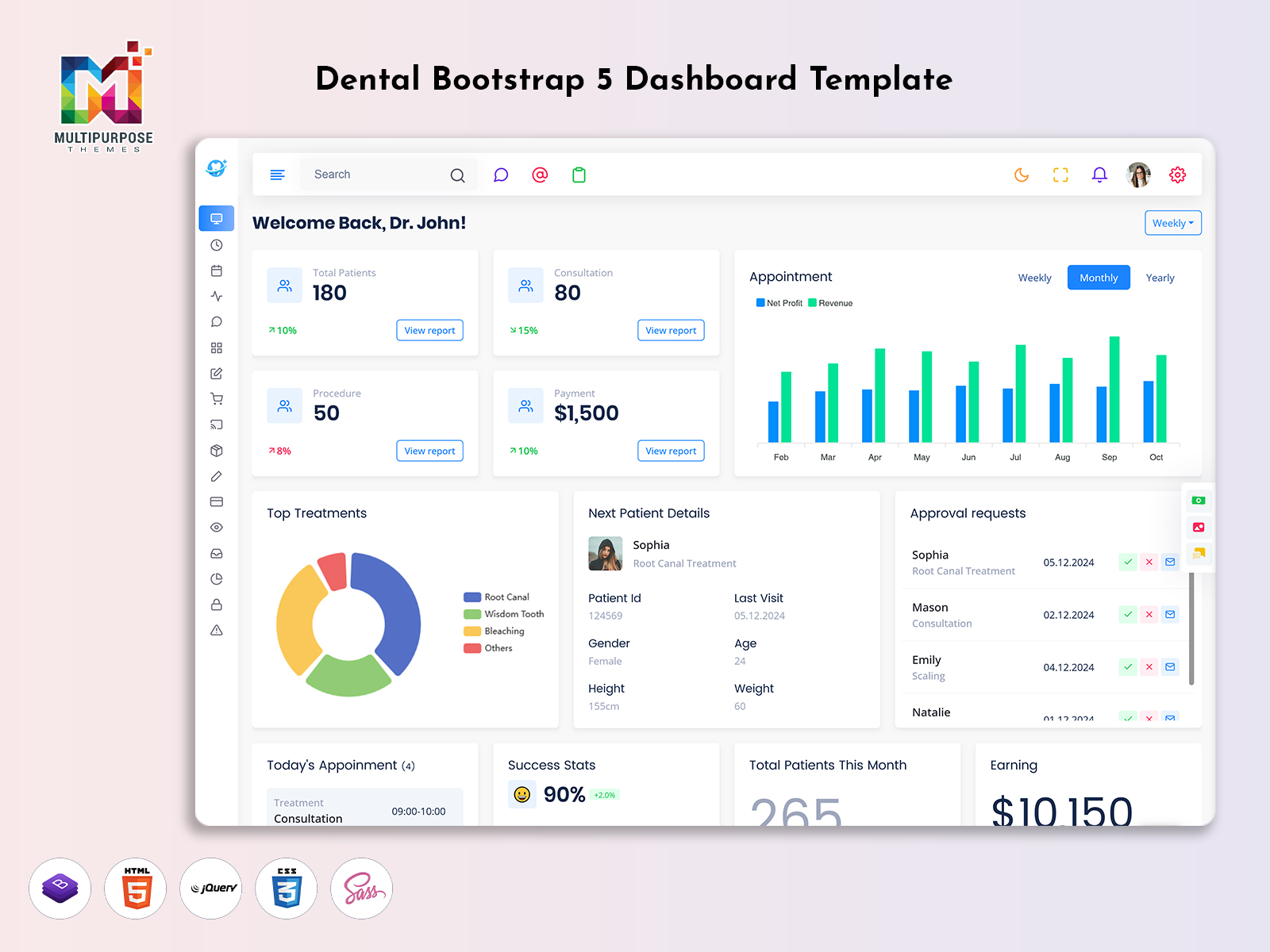
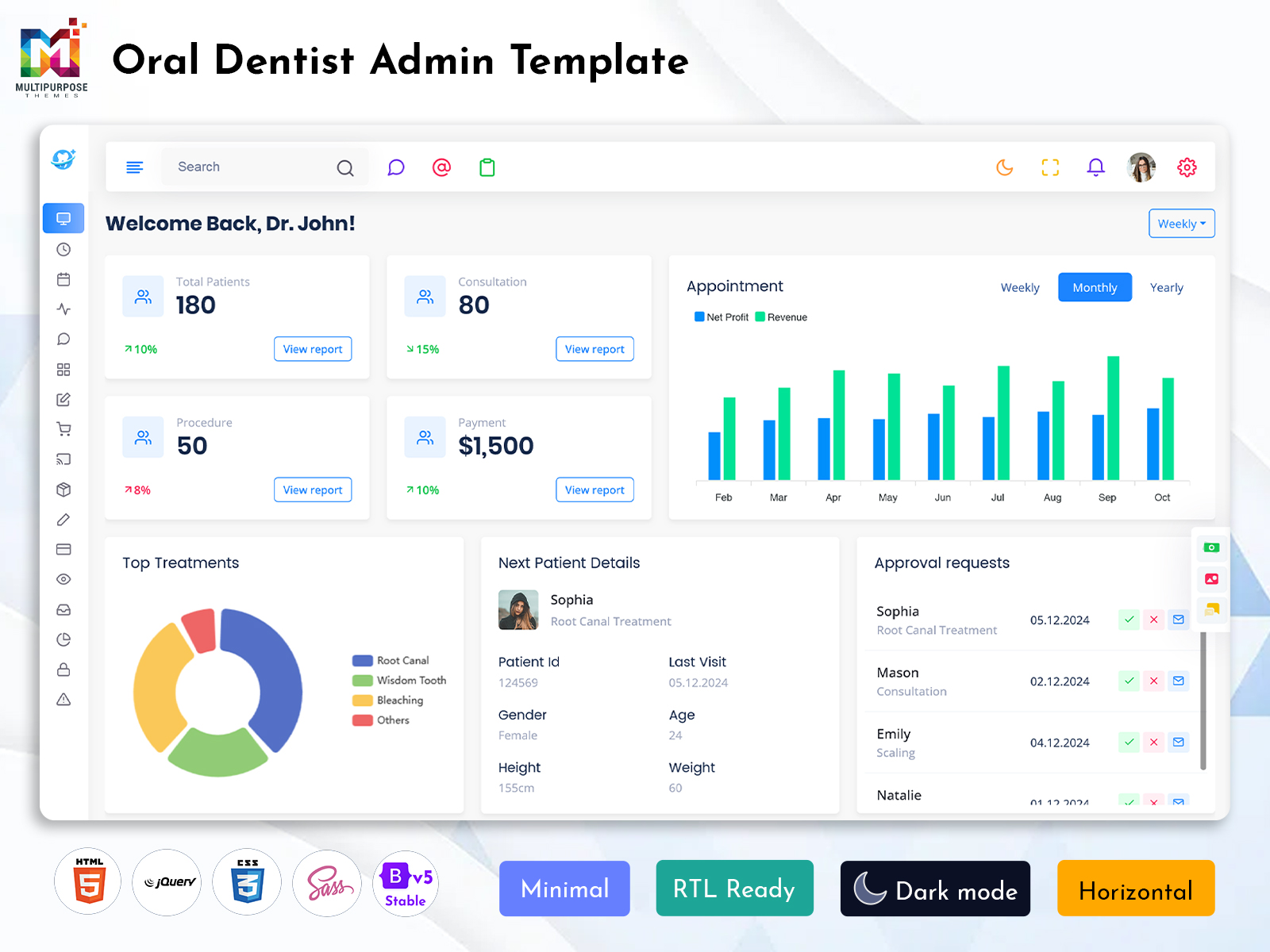
A Dental Dashboard is a screen where the information related to a dental practice’s operations is brought together and presented. It can showcase the activities of the clinic, its patients, treatment plans and processes, payments, staff, and reports in a structured manner.
The value that it brings is not necessarily dictated by the richness of the displayed information. More importantly, the information is organized in a way that facilitates the operations of the clinic on a regular basis. For example, a dentist or a clinic administrator may need to review the daily appointments, tasks, and payments in the morning. A dashboard that combines this information in a single interface eliminates the need to access multiple screens.
At the same time, the requirements vary for different users: dentists and administrators have different roles within the software, and each of them has a unique set of priorities. A dashboard in which a dentist reviews the cases and patients that require immediate attention and a clinic manager that oversees the overall operations of the clinic will provide both of them with the information that they need.
In this manner, the dashboard can be further enhanced by providing users with the ability to switch between different views: a nurse or a dentist, who focuses on the treatment process, may choose to view the dashboard in a manner that resembles the way in which a clinical assistant or a manager would see the information.
A dental dashboard serves a similar purpose within the context of different types of software solutions. A developer that works with clinic management system , a chain of clinics, or an individual practice, can utilize a dashboard to provide an overview of the operations that take place within the application. As the name suggests, a Dental Admin Template serves as a design foundation in which developers integrate the dashboard’s interface, its unique elements and navigation, and the general layout of the application itself.
VIEW DEMO BUY NOW
How a Dental Dashboard Fits Into Everyday Clinic Activities
Clinics have their own set of rules and regulations, and a dental dashboard can fit into the daily activities of the practice in the way that the clinicians and the staff members require. The processes that take place within the course of a day may involve patient treatment, payments, scheduling, and other functions. A dashboard application can accommodate each of these functions by organizing them into a single interface.
For example, the morning appointments take up the majority of a clinic’s activity in the morning. The afternoon appointments, on the other hand, are followed by treatment completion and post-treatment instructions. On average, clinics also have administrative tasks: they require further patient follow-ups, payment reminders, and the overall organization of the upcoming week’s schedule.
A dashboard becomes particularly useful in a case of dynamic information: if the clinic requires that each of the staff members reviews their current tasks, appointments, and responsibilities before they begin working for the day. If the staff chooses to use a dashboard that combines the appointments and further instructions for each of the patients, the treatment process becomes more organized.
In terms of the treatment process, it is often helpful to provide the staff with a collection of relevant information related to the patients and the treatment instructions in a structured manner. If a particular treatment requires the input of the clinical assistant, and the dentist’s approval, and the final instructions of the nurse, an application may provide a single view within which these instructions are presented in a structured manner. This way, the assistant will be able to provide the dentist with the required documents, and the nurse would be able to view the dentist’s instructions and the patient’s current status in one interface.
A dashboard can be integrated into the operations of a clinic in a manner that allows it to provide the information that is relevant to each of the staff members and their responsibilities. In terms of a developer, this can be achieved by introducing different views that reflect the priorities of each of the users of the application.
Key Features of a Dental Dashboard
1. Appointment and Schedule Overview
The dashboard can feature a dedicated section that is designed to showcase the appointments and the treatment schedule. It allows the staff to see the current state of the clinic as far as the treatment process is concerned.
2. Patient Information Workspace
Clinics require that each of their patients is tracked within the application. The patient information can either be presented in a form of a dashboard or within a dedicated section. In the former case, the information can be reviewed in a structured manner within a single interface. In the latter, it is organized in a manner that is specific to users’ requirements.
3. Treatment and Visit Tracking
Depending on the software solution, the applications may need to track a patient’s visit to the clinic as far as the treatment process is concerned. A dedicated section can be created to showcase the information relevant to the treatment process.
4. Billing and Payment Visibility
One of the primary features of a dashboard is its ability showcase the relevant expenses and the current financial status of the clinic. It allows the administrative staff to provide the necessary instructions and track the payments and expenses on a regular basis.
5. Staff Task Management
A dental dashboard can accommodate tasks and additional instructions that are relevant to the staff. It enables the clinic management to provide updates and instructions for the staff on a regular basis.
6. Reports and Performance Views
A dashboard is often focused on the organization of the information: it structures it in a manner that highlights its relevance and facilitates its interpretation. One of the ways to achieve this goal is to utilize reports and display the information in a visual manner, with the use of graphs and charts.
7. Customizable Navigation and Interface
The requirements of a dental practice may vary depending on a number of factors. A dashboard that enables the developers and the clinicians to customize the elements, the navigation, and the overall interface of the application can be beneficial for each of them.
The customization can be implemented in terms of the dashboard’s pages and sections, the location of the data, and the navigation between them. This approach allows the developers to create an interface that is coherent with the requirements of the application, and the clinic that uses it.
VIEW DEMO BUY NOW
Designing a Dashboard for Different User Roles
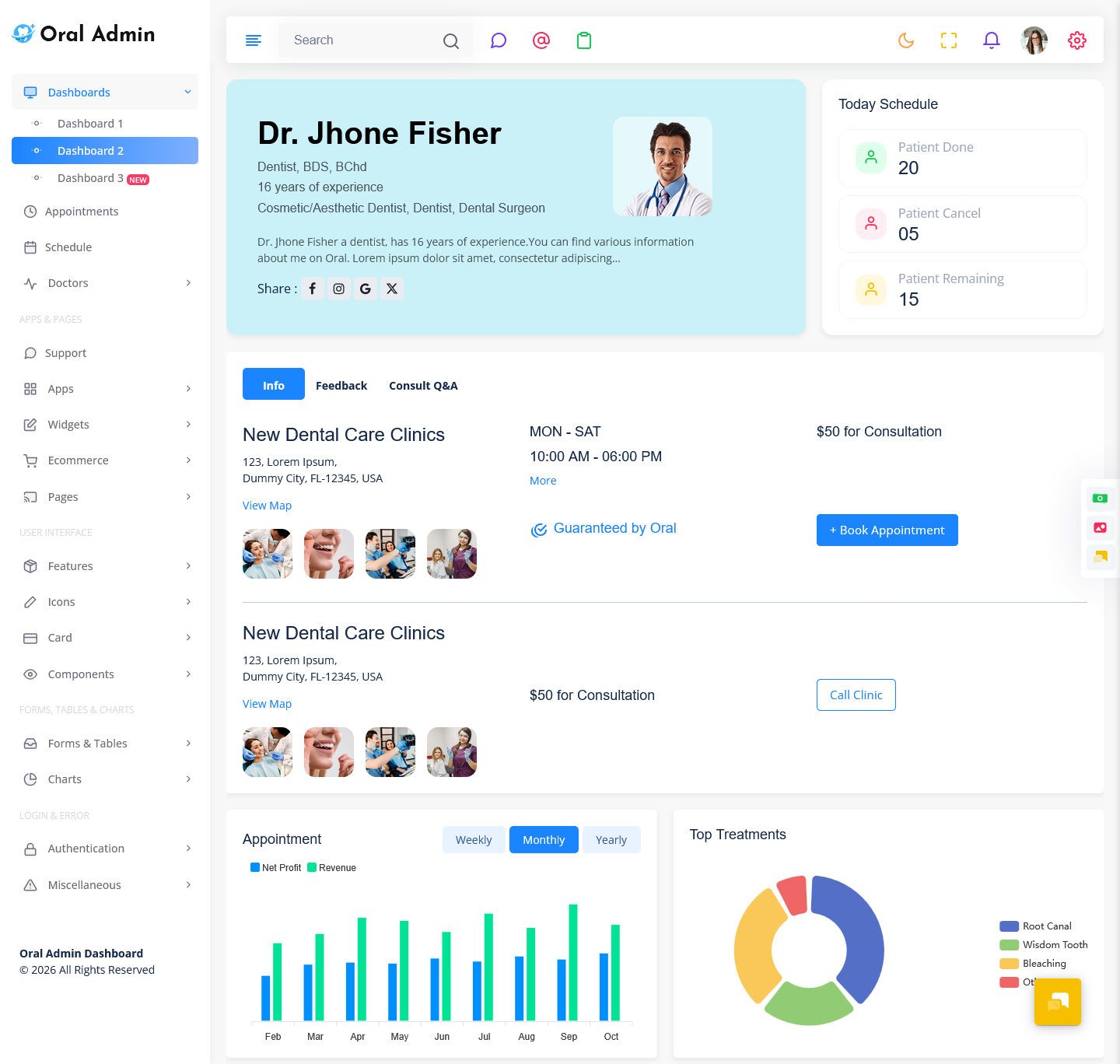
One of the ways to organize a dental dashboard in such a manner that reflects the requirements of the application for different users is to introduce the role-based views. Within the context of a single application, clinicians, nurses, the management, and the supporting staff have to fulfill different tasks, and their roles within the context of the application are different. A dashboard, therefore, may have a set of features and a navigation system in which certain roles have greater access to specific views and data.
A dashboard that displays the same information in a similar manner for dentists, nurses, clinicians, and the management would be counterintuitive and may lead to errors and poor communication between the different staff members. For example, a dashboard view in which a receptionist has free access to the treatment instructions and the dentist has to navigate through a series of menus to reach the list of patients that are scheduled for the day will be of little benefit for the former and a nuisance for the latter. In order to address this issue, the views can be reorganized in such a way that the information that is relevant to the users is prioritized and presented in a clear manner.
On the other hand, the elements that are not relevant to the current user, but are required for the operations of the application can be organized in a manner that enables the quick access to them. The navigation between the different sections of the dashboard is also important: if the menu is too large, it will be challenging for the users to locate the required sections; if the menu is too small, the users will not be able to find the tools that they require for their day-to-day operations. Grouping the sections and the tools in a logical manner will allow the developers to create a larger set of views within the framework of a single application.
A responsive design is also beneficial for a dashboard in a case of a mobile application: if the users are to access the dashboard from their personal devices, a responsive interface will allow them to operate the application with ease.
Another consideration is the visual hierarchy: not all of the information on the dashboard have the same level of importance. In some cases, the patients that are scheduled for the day, the upcoming appointments, the pending tasks, and the instructions from the management can be placed at the top of the interface.
Cards, tables, status lights, and charts can be utilized to highlight the data, and the empty spaces, the organization of the information, and the selection of the tools will enable the staff and the clinicians to determine the location of the information that they require. A Dental Admin Template can provide a good basis for the creation of a role-based dashboard in which the data is prioritized and organized in a manner that reflects the requirements of the different users.
Benefits of Dental Dashboard
1. Improved Organization of Daily Activities
A dental dashboard can enable the staff to have a better overview of the operations of the clinic and access the information that they require on a daily basis in a clear and structured manner.
2. Quicker Access to the Necessary Information
Instead of utilizing the separate tools and visiting the different pages of the application, the staff and the clinicians can access the information in a more efficient manner.
3. Greater Visibility of the Operational Process
A dashboard application will enable the staff and the different roles that are involved in the operations of the clinic to have a greater awareness of the treatment process and the activities that are taking place at any given moment.
4. Enhanced Collaboration Between the Staff
A dashboard application enables better communication and coordination on the part of the clinicians, the receptionist, the management, and the supporting staff.
5. Increased Visibility of the Reporting and Performance Data
A structured presentation of the performance data of the application and the general productivity of the clinic will enable the management and the staff to better understand the strengths and the weaknesses of the current operations.
6. Greater Flexibility in Project Development and Customization
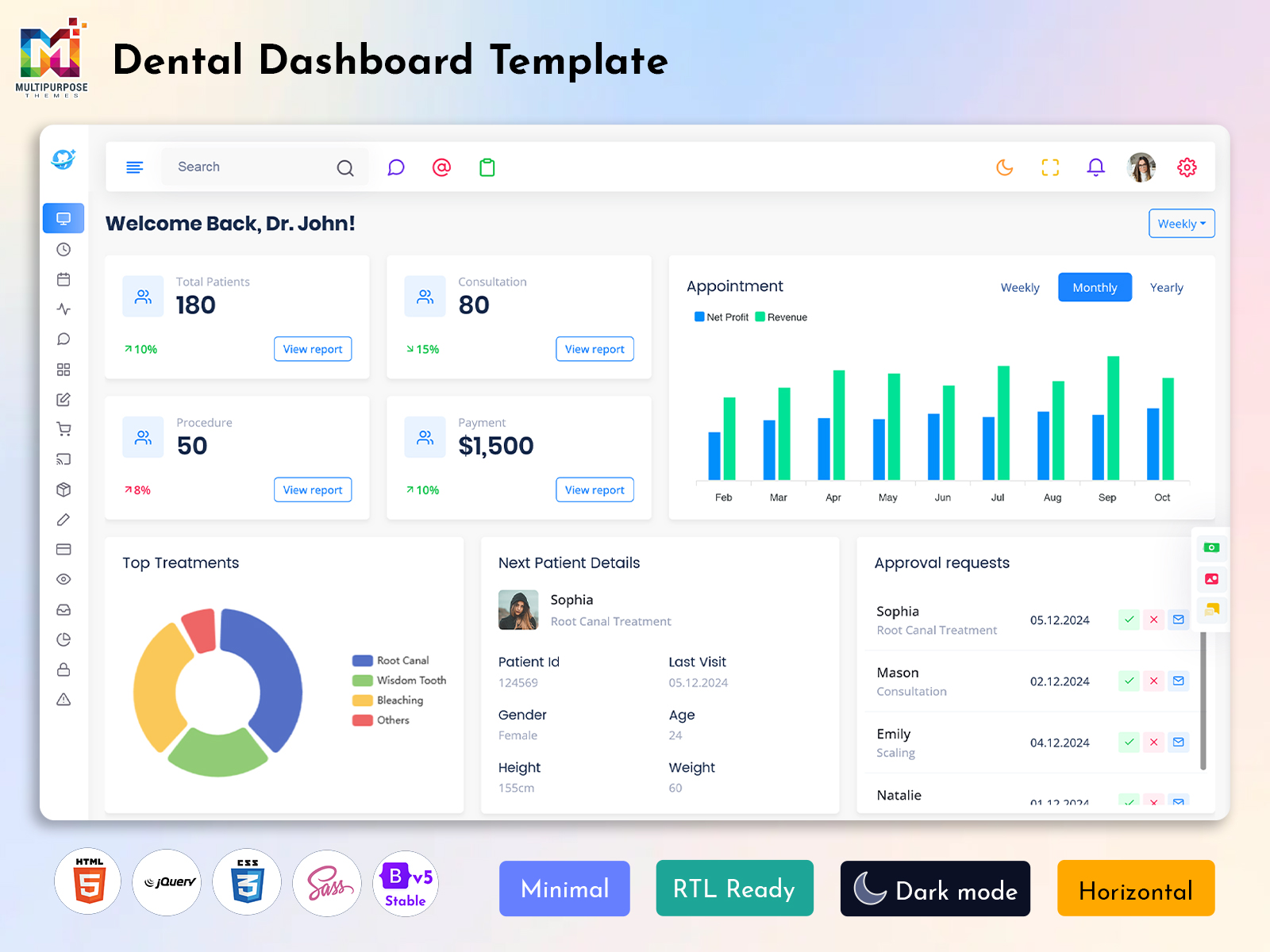
A Dental Admin Template provides a solid foundation for the projects in which it is utilized. The developers can customize it and design the application in such a way that it reflects the requirements of the clinic.
7. Higher Level of Professionalism in Terms of the End-User Experience
An effective utilization of the visual hierarchy and the tools in the context of a dental dashboard application will enable the developers to create an interface that is easy to utilize.
Why Multipurpose Themes Can Be Considered for Dental Dashboard Projects
Multipurpose Themes is a company that specializes in the creation of themes and plugins for web applications. Its Oral Admin Template product is designed to provide a Bootstrap 5 responsive admin template and a dashboard, appointment, and scheduling screen.
The official website of the company mentions that customization, responsive design, documentation, and support are some of the main features and selling points of the product. When compared to the creation of a custom-built theme for a web application, the utilization of the Multipurpose Themes’ Oral Admin product will provide a larger number of ready-made tools, templates, and screens that the developers can employ for the creation of the Dental Dashboard.
Conclusion
A Dental Dashboard can help organize the operations of a clinic in a far more effective manner. From the treatment process and the financial statements to the staff and the reporting and performance data, an application in which each of these elements is prioritized appropriately and presented in a clear manner can provide a greater level of organization.
As the name suggests, the usefulness of a dashboard in the context of a clinic is not dictated by the quantity and the variety of the information that it displays. Instead, the application focuses on the presentation and the organization of the information that the users of the application require. The role-based views, navigation, presentation of the data, and the capacity to customize the application in an effective manner are essential in this regard.
For the purposes of a developer that works on a project for a dental practice, a Dental Admin Template can provide a solid foundation for the creation of such an application. As the developers customize the elements of the application, the Dentist dashboard can be transformed into a useful tool that is focused on the needs of the users of the application.
VIEW DEMO BUY NOW
FAQs
1. What is the main purpose of a Dental Dashboard?
The main purpose of a Multipurpose Themes Dental Dashboard is to organize dental practice information within a centralized digital interface. Depending on the software it can bring together appointments, patient records, treatment activity, billing, staff tasks, schedules and reports authorized users can access relevant information without moving through disconnected systems.
2. Can a Dental Dashboard be customized for a dental clinic?
Yes a Dental Dashboard can be customized according to the workflow and requirements of a clinic. Menus, pages, colors, modules, forms, tables and dashboard sections can be adjusted to match the organization’s branding and operational needs. A flexible Dental Admin Template can provide a starting structure for this customization.
3. What is the difference between a Dental Dashboard and a Dental Admin Template?
A Multipurpose Themes Dental Dashboard refers to the working interface used to display and manage dental practice information while a Dental Admin Template is generally a -designed interface foundation used to build such software. The template can provide layouts, components, navigation and page structures that developers can adapt for a dental management application.
4. Can a Dentist dashboard be useful for than one type of user?
Yes. A Dentist dashboard can be designed with user roles in mind. Dentists may require treatment and appointment information reception teams may focus on scheduling and patient registration while managers may need operational and financial views. Role-based organization can make the same system more practical for members of a dental team.
5. Does a Dental Admin Dashboard need to show every clinic metric on the screen?
No. Showing much information can make an interface difficult to use. A better approach is to place required information on the main dashboard and keep detailed records within dedicated sections. This allows users to get an overview while still having access to deeper information when they need it.
6. Can a Dental Admin Template support dental software projects?
A Multipurpose Themes Dental Admin Template can be adapted for types of dental-related web applications depending on its structure and licensing. Developers may use its interface foundation, for clinic management systems, scheduling platforms, patient administration tools or other dental software projects then customize the screens according to the applications requirements.
7. What should businesses consider before choosing a Dental Dashboard template?
Businesses should consider the dashboard’s layout, responsiveness, customization options, available pages and components, documentation, browser compatibility, licensing and how closely the interface can be adapted to their workflow. It is also important to check whether the template provides the type of screens and structure needed for the planned application.

Related Posts


This Post Has 0 Comments