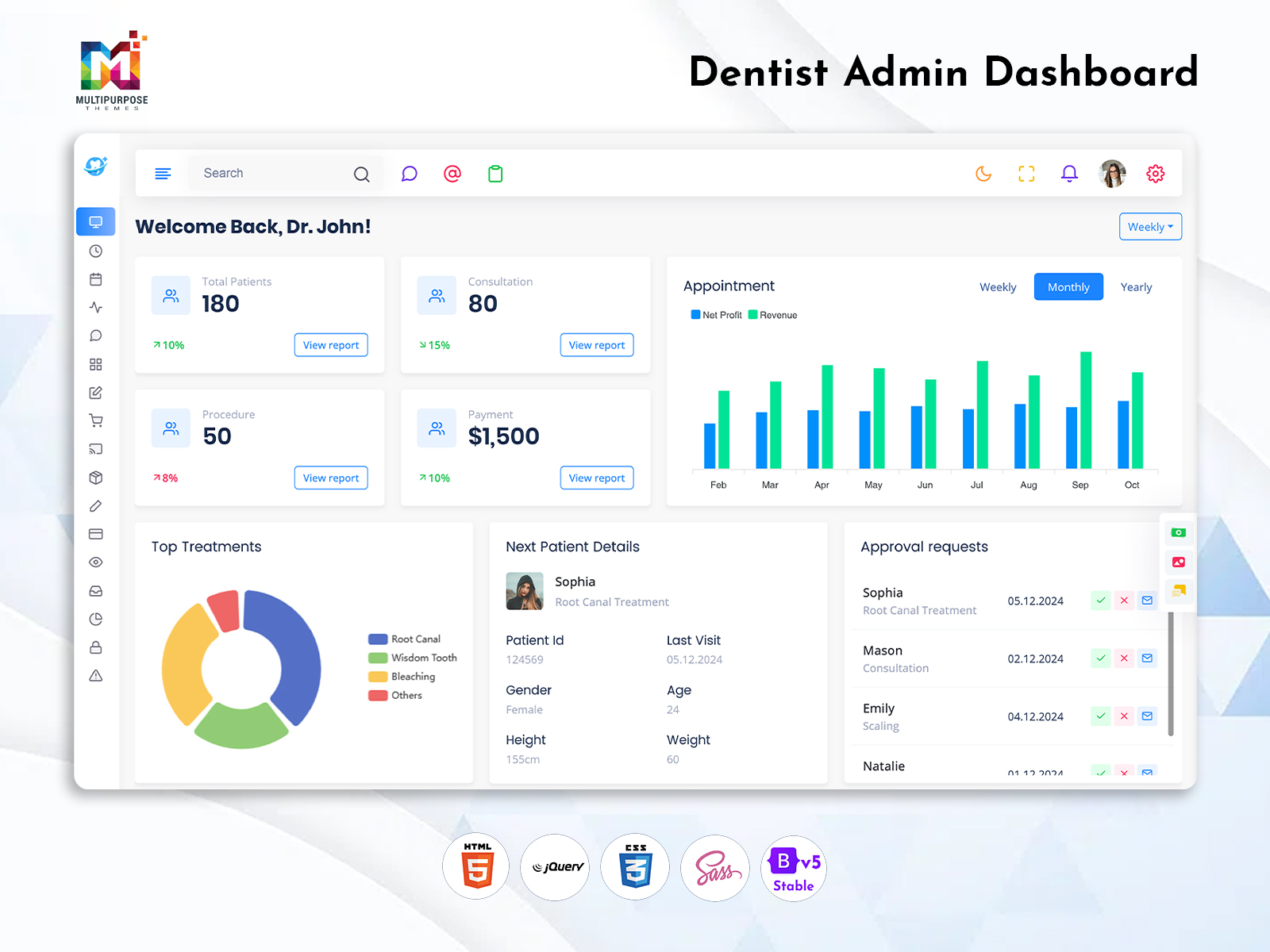
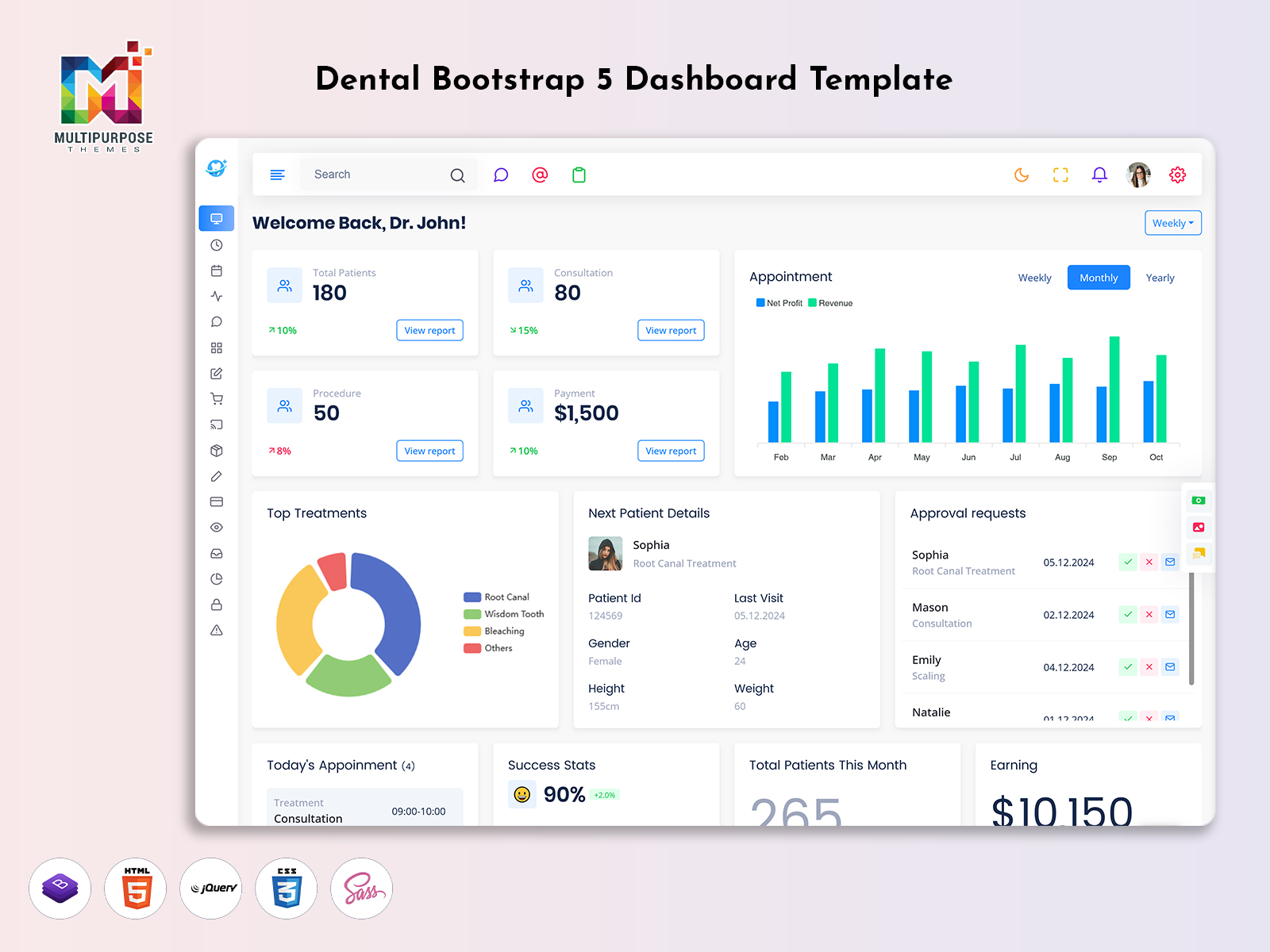
A Dental Dashboard can help manage appointments, patient information and treatment. This helps keep your…
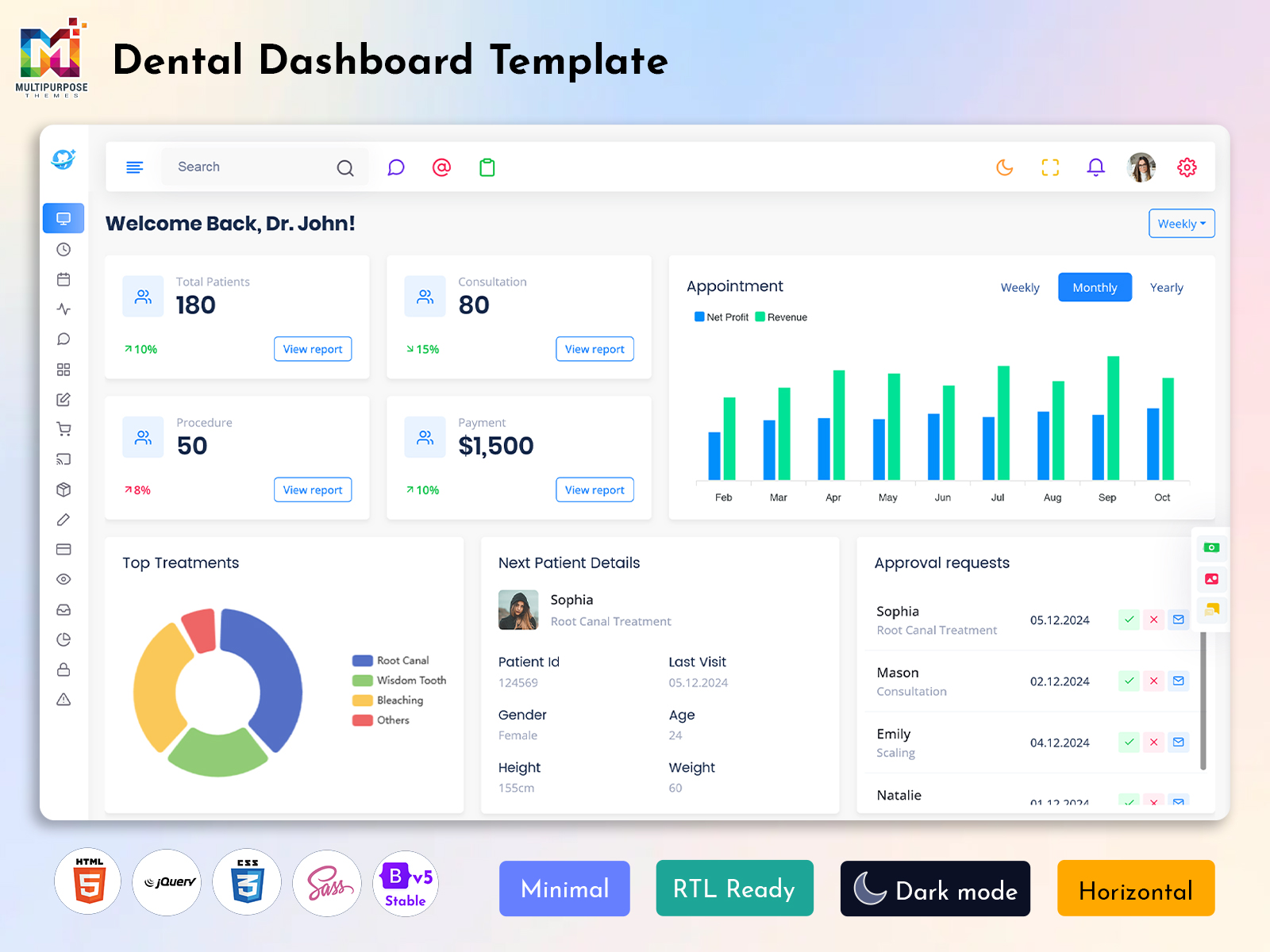
Dental Dashboard Template: Simplify Dental Practice Management
Reading Time: 6 minutes
What Is a Dental Dashboard?
A Dental Dashboard is a digital administrative interface designed to help dental clinics, healthcare practices, and dental service providers organize their daily information. It can bring appointment details, patient records, treatment information, and practice-related activities into a structured workspace. Instead of moving between multiple disconnected screens, users can access selected information through a dashboard layout created for their operational requirements.
Watch Full Video
Dental practices manage different activities throughout the day. Receptionists may need to review appointments, dentists may check patient-related details, and administrative staff may handle billing or service records. A well-organized dashboard can provide separate sections for these tasks, making the interface easier to navigate and adapt to the needs of different users.
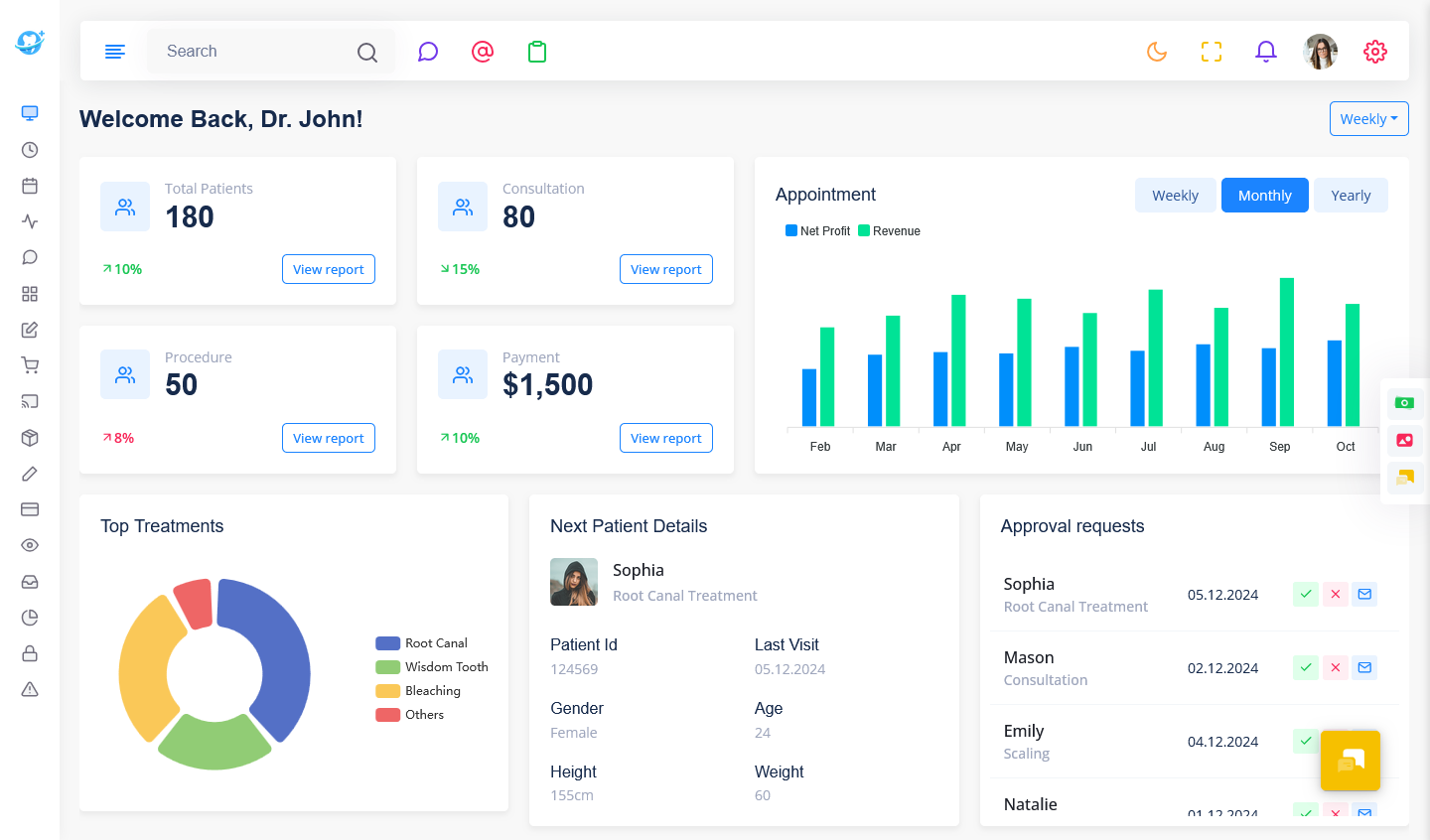
A Dental Dashboard Template provides a pre-designed foundation for building this type of interface. It may include navigation menus, summary cards, tables, forms, and other frontend components that developers can customize. The template is not automatically a complete dental practice management system. Features such as patient data storage, appointment scheduling, and secure access require suitable application development.
For businesses searching for a Dental Bootstrap 5 Dashboard Template, the Bootstrap framework can provide a foundation for responsive interface design. Developers can use the template’s layout and components to create a dental administration application that works across supported screen sizes. The actual framework features, compatibility, and customization options depend on the specific template.
A Dental Admin Template can be useful for projects that require a professional healthcare-oriented visual design without creating every interface element from scratch. The most suitable template depends on the practice’s workflow, the required pages, and the technical structure of the application being developed.
Dental Dashboard Template: Organizing Clinic Workflows and Patient Management
A dental clinic’s daily activities often involve several teams working around the same patient journey. From the first appointment request to treatment follow-ups, each stage may require different information and coordination. A dashboard can be designed to reflect these stages, allowing staff to access the sections relevant to their responsibilities.
For example, a receptionist may need to check the day’s appointment schedule, while a dentist may require access to treatment-related records through the application’s authorized workflow. Administrative staff may review billing information or practice reports separately. Rather than placing every detail on one screen, a well-planned Dental Dashboard Template can use different pages for different tasks.
Another useful consideration is the relationship between appointments and patient history. A clinic application may connect scheduled visits with patient profiles, allowing authorized users to navigate between relevant records. This connection must be implemented through the application’s data structure and access controls. The visual template alone does not establish secure patient record handling.
Dental practices may also have different service categories, such as routine checkups, cleaning, orthodontic consultations, or restorative procedures. A customizable interface can present service-related information in a way that matches the practice’s workflow. The exact fields and categories should be determined by the business rather than assumed to be the same for every clinic.
A Dental Bootstrap 5 Admin Template can be useful when developers need a responsive layout with reusable components. Bootstrap-based structures can help organize forms, tables, cards, and navigation. The development team can then adjust the interface according to the pages and functions required by the dental application.
The main advantage of starting with a prepared design is that developers can focus on adapting the interface instead of creating every visual component from the beginning. However, the template should be evaluated based on its actual source code, documentation, browser support, and customization requirements.
VIEW DEMO BUY NOW
Benefits of a Dental Dashboard
1. Organized Clinic Information
A dental dashboard brings selected practice information into a structured interface. Staff can access relevant sections for appointments, patient-related records, and administrative activities according to their assigned responsibilities and available application permissions.
2. Easier Appointment Review
A dashboard can present scheduled visits through calendars, lists, or summary sections. This helps staff navigate appointment-related information more conveniently, while booking updates and scheduling logic are handled by the connected clinic application.
3. Adaptable Practice Workflows
Dental clinics may follow different processes for consultations, treatments, and administrative work. A customizable dashboard allows developers to adjust the interface according to the services, pages, and information requirements of the practice.
4. Responsive User Interface
A responsive dental admin layout adapts to supported screen sizes. Staff using desktops, tablets, or mobile devices can access the interface through an arrangement designed for different display dimensions.
5. Structured Reporting Views
Charts and tables can present selected clinic-related information in a consistent format. Administrators may use these sections to review available appointment, revenue, or operational records, depending on the reporting features implemented.
6. Reusable Development Components
A ready-made template includes visual elements that developers can adapt for their projects. Reusable cards, navigation, forms, and tables can reduce repeated interface design work during frontend development.
7. Professional Clinic Presentation
A healthcare-focused dashboard design can provide a consistent visual style for a dental management application. Developers can customize the interface to match the clinic’s branding, preferred navigation, and overall project requirements.
VIEW DEMO BUY NOW
Why choose Multipurpose Themes for a Dental Bootstrap 5 Dashboard Template
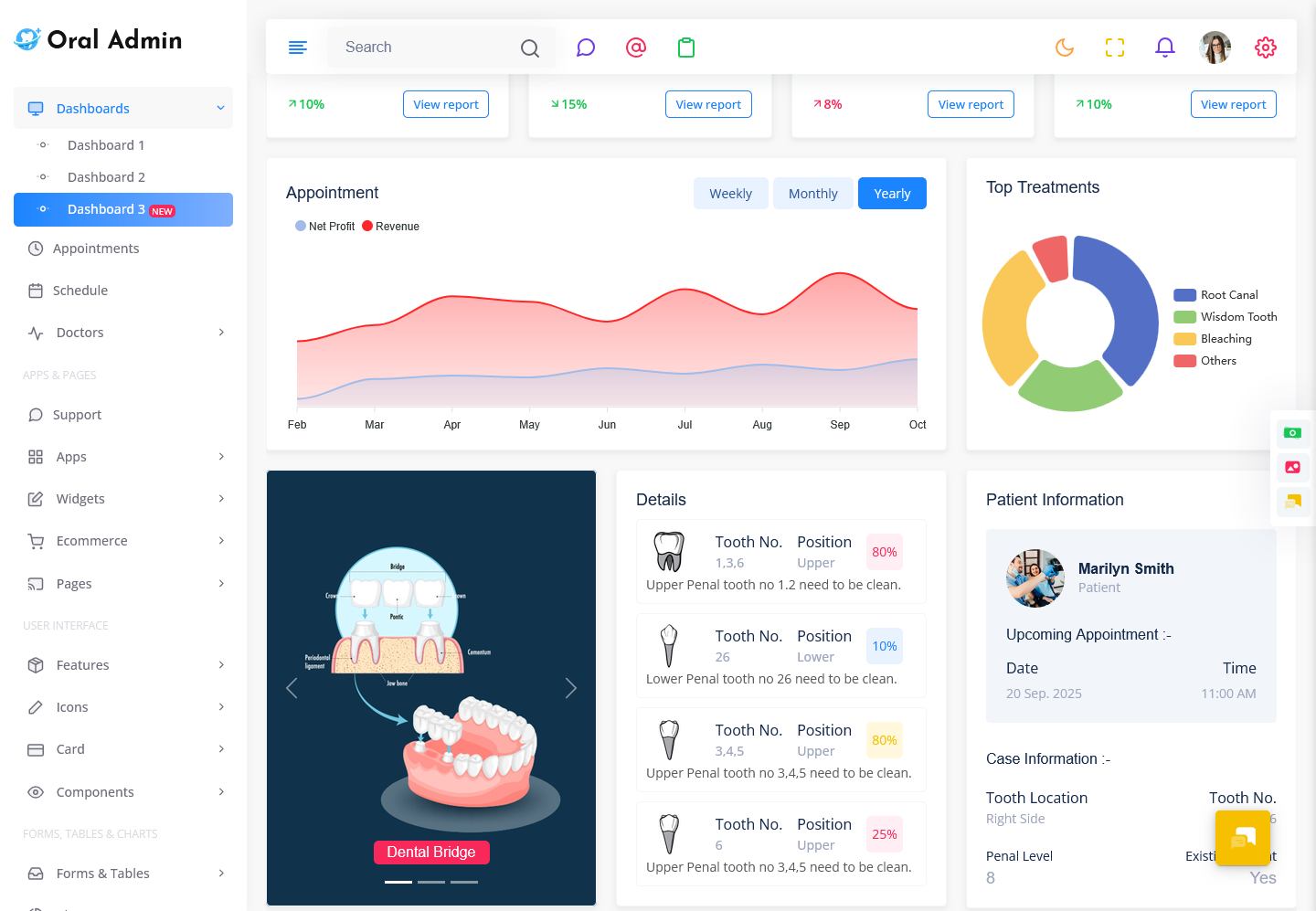
Multipurpose Themes offers the Oral Admin dental dashboard template, which is designed for dental and healthcare-related administrative interfaces. Its published information includes Bootstrap 5, responsive layouts, customizable source files, and dental-oriented dashboard pages. Developers should review the template’s documentation, included features, and technical compatibility to determine whether it fits their application. Additional development may be required for specific clinic management functions.
Create a Dental Dashboard with Multipurpose Themes
At Multipurpose Themes, we provide professionally designed Admin Templates, Dashboard Templates, Bootstrap 5 templates, and UI solutions for developers and businesses building modern web applications. Our Oral Admin Dental Dashboard Template is designed specifically for dental and healthcare-related projects, providing responsive Bootstrap 5 layouts, dental-focused dashboard pages, appointment and schedule interfaces, reusable UI components, RTL support, clean code, documentation, and customization options. With these ready-to-use design resources, developers can create modern dental clinic dashboards and management interfaces while reducing the time required to build frontend layouts from scratch. We also provide updates and support to help users work effectively with our templates and customize them according to their project requirements.
Conclusion
A Dental Dashboard Template provides a structured starting point for developers creating dental clinic management interfaces. It can support the presentation of appointments, patient-related information, practice records, and administrative sections through a customized dashboard design.
The Dental Bootstrap 5 Admin Template and Dental Bootstrap 5 Dashboard Template concepts are useful for projects that require a responsive Bootstrap-based frontend. Multipurpose Themes offers its Oral Admin dental dashboard template as a starting point for developers working on dental and healthcare-related applications. The right choice depends on the project’s technical requirements, desired interface, and additional functionality.
VIEW DEMO BUY NOW
Frequently Asked Questions
1. What is a Dental Dashboard Template used for?
A Multi Purpose Themes Dental Dashboard Template is used as a frontend foundation for building dental clinic administration interfaces. It may provide layouts for appointments, patient-related pages, reports, forms, and other dashboard sections. Developers can customize these elements to match the needs of a dental application. The template itself is not necessarily a complete clinic management system, so functions such as secure patient records, scheduling, and billing require suitable development and integration.
2. Is a Dental Bootstrap 5 Admin Template suitable for dental clinic software?
A Multi Purpose Themes Dental Bootstrap 5 Admin Template can be suitable for dental clinic software when its layout and technical structure match the project’s requirements. Bootstrap provides a foundation for responsive interface development, while the template may offer pre-designed components and pages. Developers should review the source code, documentation, browser compatibility, and customization options before choosing a template. The software’s actual clinic management functionality must be implemented separately.
3. Can I customize the Dental Dashboard Template for my clinic?
Yes, a Multi Purpose Themes dental dashboard template can be customized according to the application’s design and workflow requirements, subject to the available source code and template structure. Developers may adjust colors, typography, navigation, page layouts, and displayed fields. A clinic may need different sections for appointments, services, or administration. Additional programming is required when customization involves database connections, user permissions, or new business functionality.
4. Does a Dental Admin Template include patient management features?
The availability of patient management features depends on the specific template. Some dental-focused admin templates may include patient-oriented layouts or related interface screens, while others primarily provide general dashboard components. Developers should check the actual product documentation and included pages before purchasing. A complete patient management feature set requires appropriate data storage, access controls, and application logic, particularly when handling confidential healthcare information.
5. What is the difference between a Dental Bootstrap 5 Dashboard Template and a Dental Admin Template?
The terms can overlap because both may describe a pre-designed administrative interface for dental applications. A Dental Bootstrap 5 Dashboard Template specifically emphasizes the Bootstrap 5 framework and dashboard layout, while Dental Admin Template is a broader term for an administrative frontend designed for dental-related projects. The distinction depends on how the product is described. Buyers should review the included components, technology, and actual use cases rather than relying only on the product name.
6. Can I use a Dental Dashboard Template for a multi-doctor clinic?
A Multi Purpose Themes dental dashboard template can serve as a starting interface for a multi-doctor clinic application if its structure can be adapted to the required workflows. A project may need doctor profiles, appointment assignments, schedules, and role-based access. These features depend on the underlying system. Developers should assess whether the template provides suitable pages and whether additional functionality can be integrated to support the clinic’s operational requirements.

Related Posts