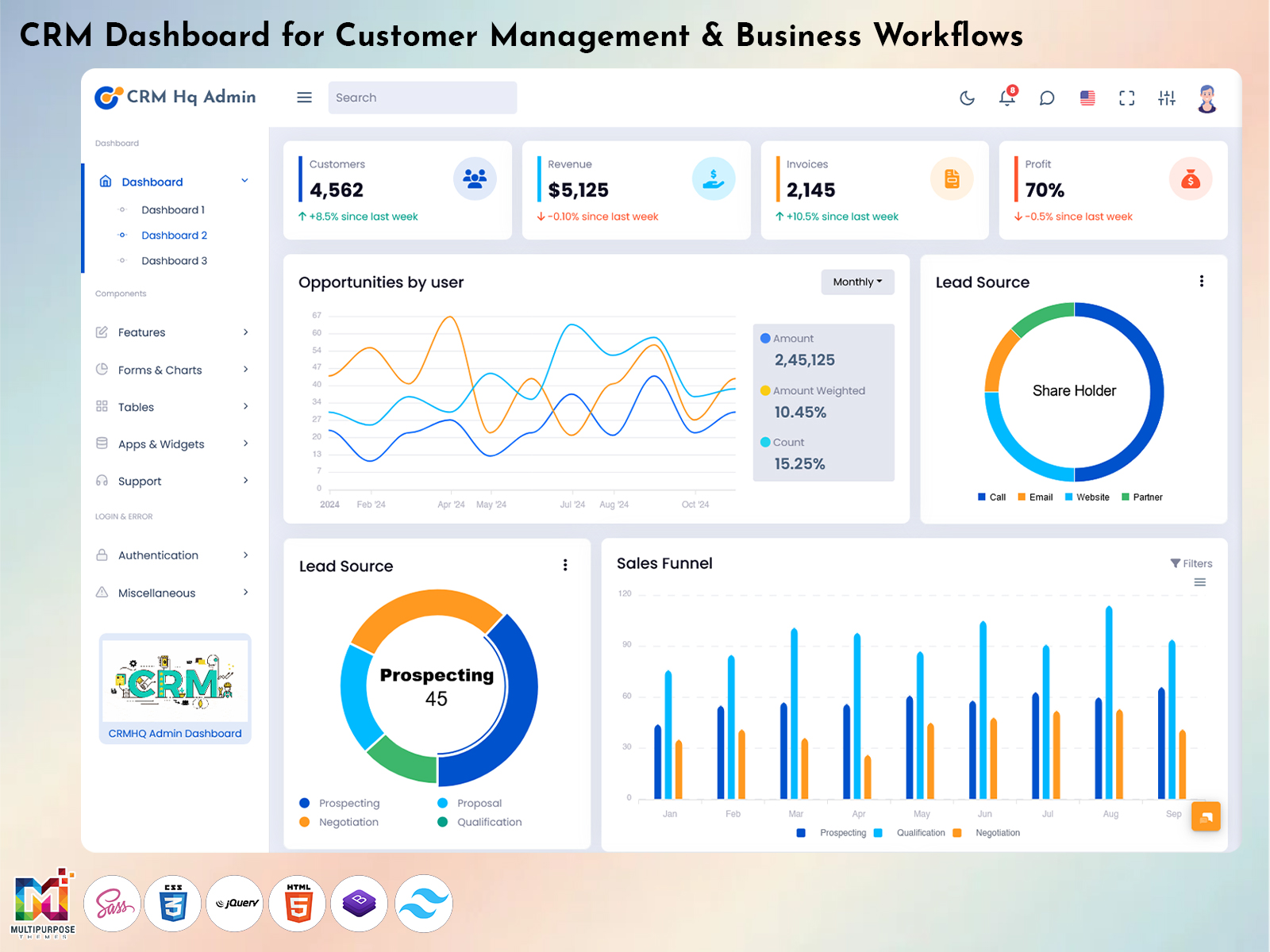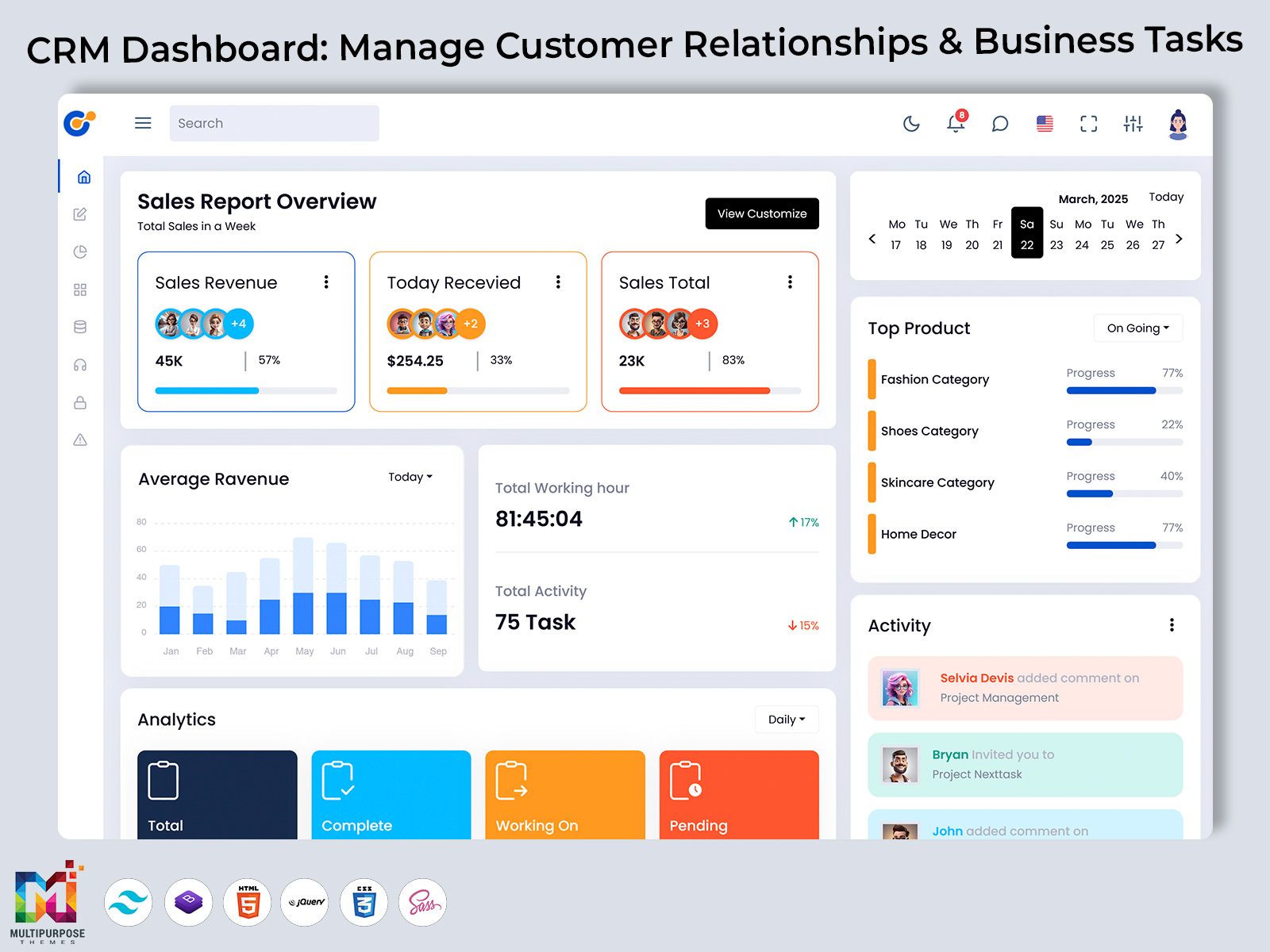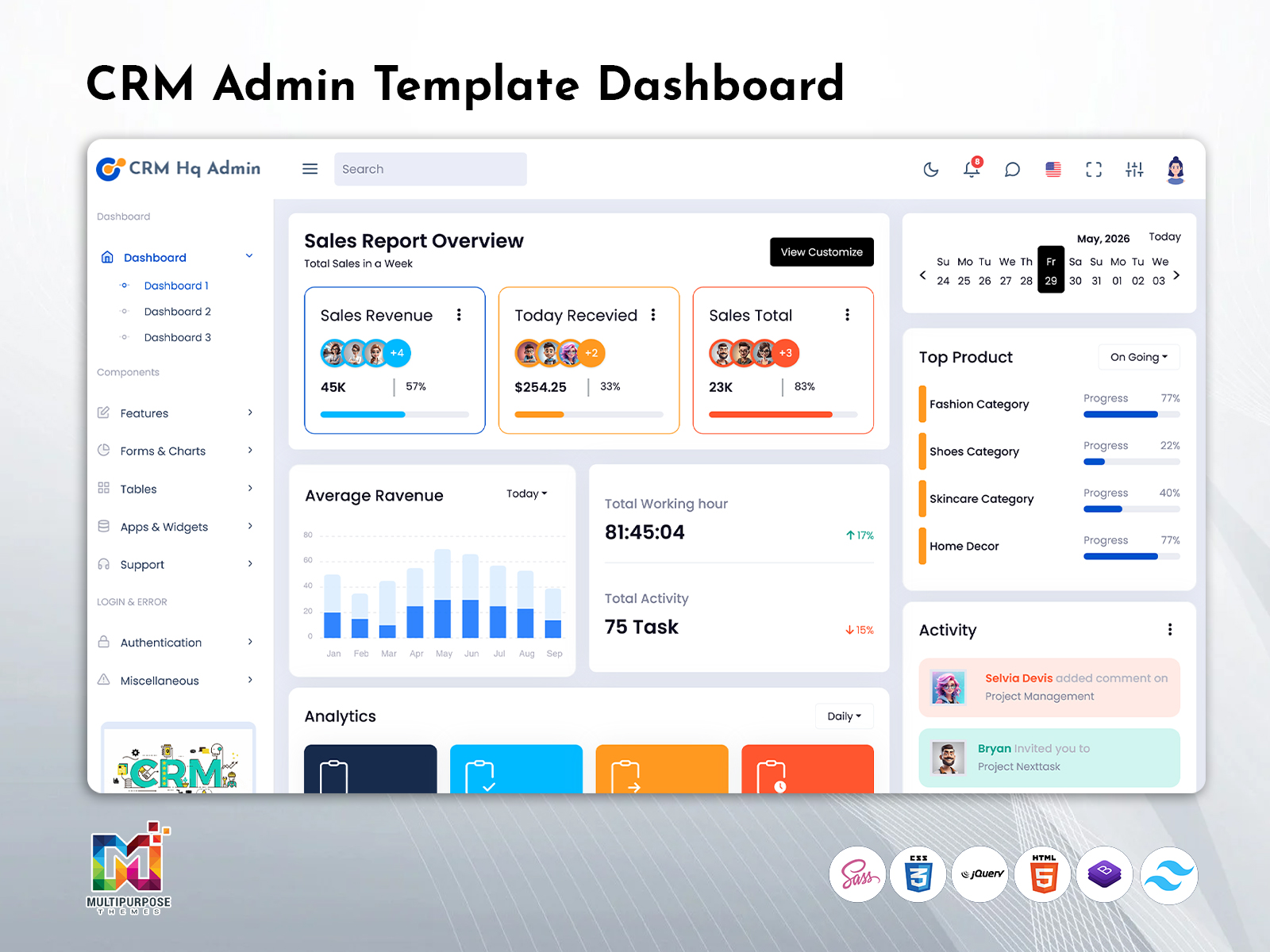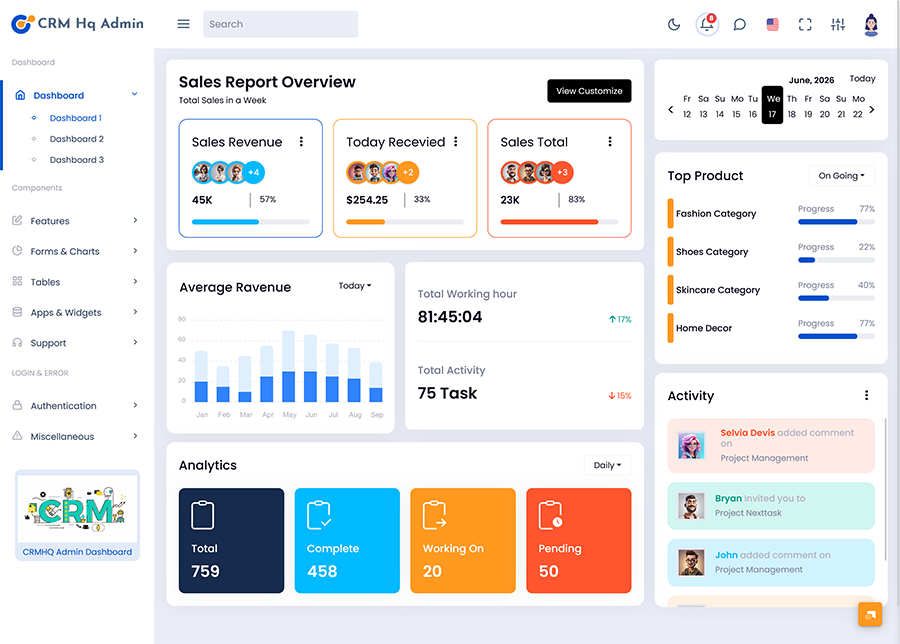
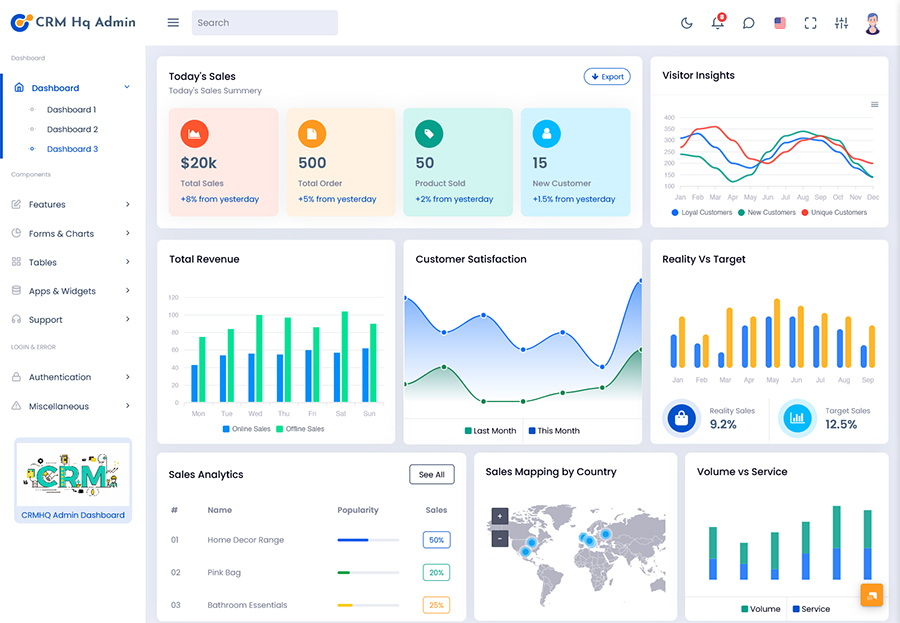
Therefore the CRM Dashboard is a working space where one can store, view and move…
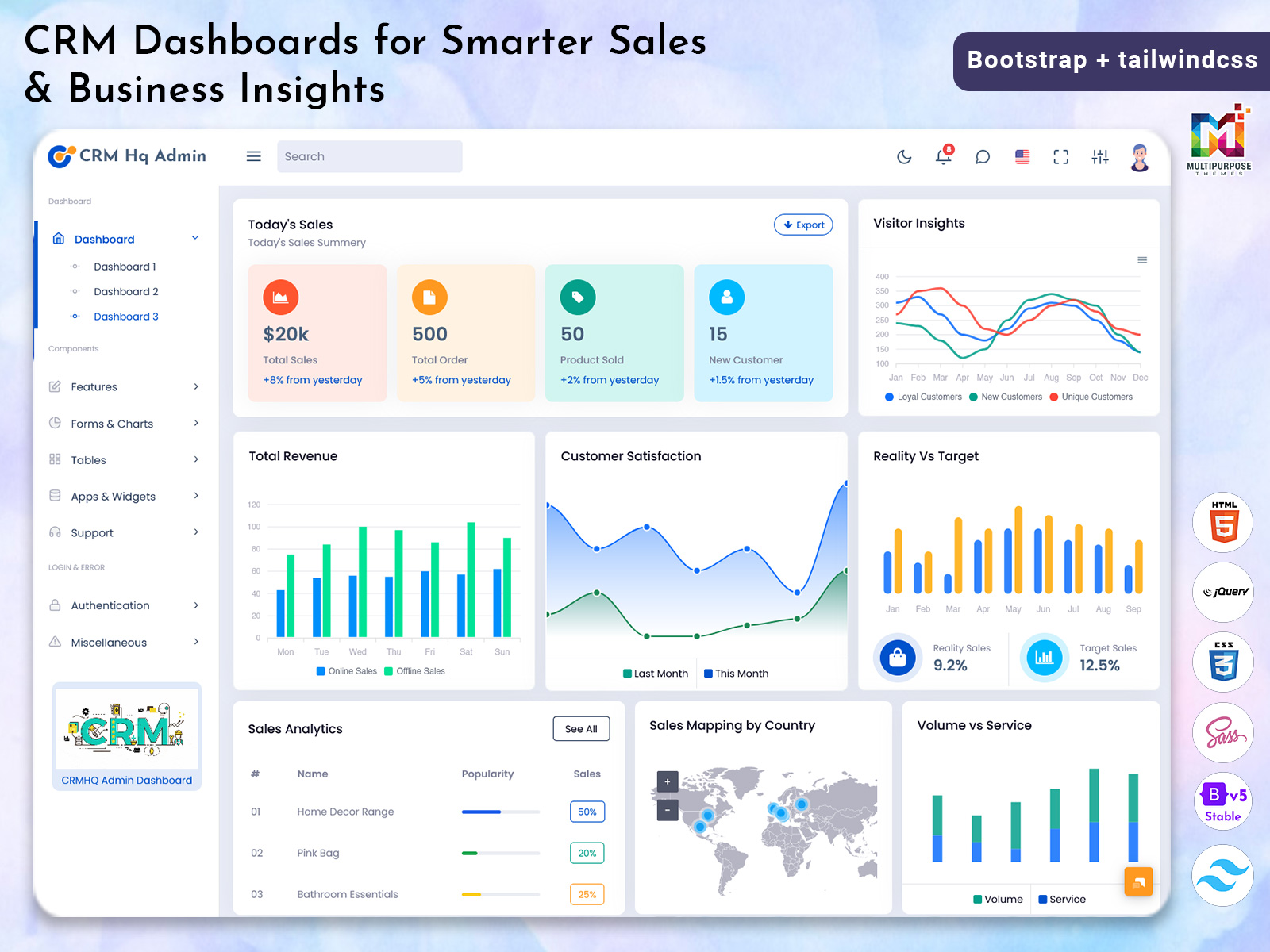
CRM Dashboards for Smarter Sales & Business Insights
Reading Time: 7 minutes
What is a CRM Dashboard?
A CRM Dashboard is a centralized interface that helps businesses organize customer-related information and understand what is happening across their customer management processes. Instead of keeping customer records, sales updates, team activities, and communication details in separate places, a CRM dashboard brings relevant information into one structured workspace.
Watch Full Video
The main purpose of a CRM dashboard is to make customer management easier to understand and operate. A sales manager, customer service team, or business owner can use the dashboard to review current information and decide where attention is required. The interface can be adapted according to the company’s workflow, team structure, and business goals.
A well-planned CRM Dashboard Template can be particularly useful for developers because it provides a ready interface foundation instead of requiring every screen to be designed from the beginning. Developers can adjust the visual structure, navigation, content areas, and components according to the requirements of the CRM application.
A CRM dashboard is also more than a collection of charts and numbers. Its real value comes from presenting information in a way that helps people work. A clean interface can reduce unnecessary searching and allow users to move between customer-related activities with greater confidence.
How a CRM Dashboard Supports Everyday Customer Management
Customer management involves continuous activity. New customer information may arrive, existing relationships require attention, and employees may need to review previous interactions before taking the next step. Without an organized system, important information can become difficult to locate.
A CRM dashboard provides a central workspace for this type of activity. It can help users understand the current state of their customer-related work before they begin handling individual records.
For example, a manager may want to understand whether the team is keeping up with its responsibilities, while a customer-facing employee may need a more focused view of the information connected with their work. A flexible dashboard can support these different requirements without forcing every user to follow exactly the same workflow.
A CRM Dashboard Template can make this easier during development because developers can begin with an established structure and then adapt it. The final dashboard can be designed around the actual needs of the organization rather than relying on a generic interface.
This approach also makes the dashboard more practical for growing businesses. As customer operations become more complex, the interface can evolve instead of requiring a completely new management environment.
VIEW DEMO BUY NOW
Features of CRM Dashboard
1. Centralized Customer Workspace
A CRM Dashboard Template can provide a structured environment where customer-related information is brought together for easier access. The centralized workspace helps users avoid unnecessary movement between unrelated screens and creates a consistent starting point for daily CRM activities. Developers can adapt the layout according to the organization’s customer management process.
2. Clear Information Presentation
A useful CRM dashboard should make important information easy to understand without overwhelming the user. A carefully designed interface can organize different types of business information into a logical visual hierarchy. This approach improves usability and allows employees to identify relevant information more comfortably while working with the CRM system.
3. Flexible Administrative Interface
A CRM Admin Template can give developers a flexible foundation for building an administrative environment around specific business requirements. The interface can be adjusted to suit different teams, workflows, and organizational structures. This flexibility is valuable when a company wants its CRM application to follow its own processes instead of a fixed layout.
4. Consistent User Experience
Strong CRM Ui Ux helps create a familiar experience across different parts of the application. When navigation, buttons, spacing, typography, and information patterns remain consistent, users can learn the system more easily. A consistent interface also reduces visual confusion when employees move between different areas of the CRM environment.
5. Responsive Working Environment
A CRM dashboard can be designed to remain usable across different screen sizes, giving teams more flexibility in how they access business information. Responsive design is particularly useful for organizations whose employees may work from different locations or devices. The interface should remain readable and functional without compromising the overall user experience.
6. Reusable Interface Structure
A CRM Ui Framework can help developers create a connected application by using reusable design patterns across different screens. This can make development more organized and reduce visual inconsistencies. A reusable structure also makes future changes easier because developers can work with established interface patterns rather than creating every component independently.
7. Customizable Dashboard Experience
Every business manages customer relationships differently, so customization is an important part of CRM development. A CRM Dashboard Template can be modified to match a company’s preferred workflow, branding, access requirements, and information structure. This allows the final application to feel purpose-built rather than like an unchanged template.
Why CRM Ui Ux Matters for Business Applications
CRM applications are often used repeatedly throughout the working day. Even small usability problems can become frustrating when employees encounter them again and again.
Good CRM Ui Ux aims to make the system understandable without requiring users to constantly think about how the interface works. Navigation should feel natural, information should be presented clearly, and actions should appear where users reasonably expect to find them.
Visual consistency also contributes to user confidence. When similar actions look and behave in similar ways, employees can learn new parts of the application more quickly.
A well-designed CRM dashboard can therefore reduce the learning curve for new team members while making regular work more comfortable for existing employees.
The goal is not to make the interface visually complicated. In many cases, a simple and focused design is more useful than an interface filled with decorative elements. The design should support the work rather than compete with it.
VIEW DEMO BUY NOW
Benefits of CRM Dashboard
1. Better Customer Information Access
A CRM dashboard provides a centralized environment for accessing relevant customer information. Employees can work from a common interface rather than searching through unrelated sources. This can make customer-related activities easier to organize and allows teams to spend more time handling their responsibilities instead of locating information.
2. More Consistent Team Workflow
A CRM Dashboard Template can create a shared structure for teams working with customer information. When employees use the same interface patterns and processes, daily activities can become more consistent. This helps reduce differences in working methods and provides a clearer foundation for collaboration between departments.
3. Easier Application Management
A CRM Admin Template can simplify the development of an administrative interface by providing an organized starting point. Developers can customize the available structure instead of creating every visual element from zero. This can make it easier to build a CRM environment that matches the organization’s technical and operational requirements.
4. Improved User Experience
Strong CRM Ui Ux can make a complex business application feel easier to understand. Clear navigation and predictable interactions help users move through the system with less confusion. A comfortable interface can also support employee adoption because users are more likely to work confidently with a system that feels natural.
5. Greater Design Consistency
Using a CRM Ui Framework can help maintain a common design language throughout the application. Reusable interface patterns can make different screens feel connected rather than unrelated. This improves the overall quality of the application and can also make future interface updates more manageable for development teams.
6. Easier Future Customization
Businesses often change their customer management processes as they grow. A flexible dashboard can be adjusted to accommodate new requirements without completely replacing the existing interface. Customization gives developers room to modify the experience while maintaining familiar structures for users who already work with the CRM system.
7. Supports Business Growth
A well-structured CRM dashboard can provide a stronger foundation for expanding customer operations. As teams, workflows, and information requirements increase, the system can be adapted to support those changes. This makes the dashboard useful not only for current requirements but also as part of the organization’s longer-term digital infrastructure.
Conclusion
A CRM dashboard can give businesses a centralized and organized environment for managing customer-related activities. By bringing relevant information into a structured workspace, it can make everyday CRM operations easier to understand and manage.
A CRM Dashboard Template provides developers with a practical starting point, while a CRM Admin Template can support the creation of an organized administrative experience. For larger or more customized projects, a suitable CRM Ui Framework can help maintain consistency across different areas of the application.
At the same time, CRM Ui Ux should remain a central consideration. A CRM system is only truly useful when the people using it can understand the interface and complete their work without unnecessary difficulty.
The best dashboard is not necessarily the one with the most screens or visual elements. It is the one that connects business information with real user requirements in a clear, flexible, and comfortable environment.
VIEW DEMO BUY NOW
Frequently Asked Questions
1. What is a CRM dashboard used for?
A MultiPurpose Themes CRM dashboard is used to provide a centralized view of customer-related business activities. It can help authorized users access relevant information, understand ongoing work, and manage their responsibilities through one interface. The exact structure depends on the organization’s processes and the type of CRM application being developed.
2. What is a CRM Dashboard Template?
A CRM Dashboard Template is a pre-designed interface foundation for creating CRM-related applications. It can provide developers with an initial structure for building administrative screens and other parts of the application. Developers can then customize the template according to branding, workflows, technical requirements, and user roles.
3. Why is CRM Ui Ux important?
CRM Ui Ux is important because CRM applications are often used frequently by employees. A clear and predictable interface can make everyday work easier, reduce confusion, and help users become familiar with the system. Good UX focuses on how efficiently and comfortably users can complete their actual tasks.
4. Can a CRM Admin Template be customized?
Yes. A MultiPurpose Themes CRM Admin Template can generally be adapted to suit the requirements of a specific CRM project. Developers can modify the visual appearance, layout, navigation, components, and other interface elements according to the application’s needs. The amount of customization depends on the template and the technology used.
5. What is the purpose of a CRM Ui Framework?
A CRM Ui Framework provides a structured approach for creating consistent user interfaces within a CRM application. It can help developers reuse common design patterns and maintain a similar experience across multiple screens. This can make both development and future interface maintenance more organized.
6. How should businesses choose a CRM dashboard design?
Businesses should consider their users, workflows, information requirements, customization needs, responsive behavior, and future growth before selecting a dashboard design. The interface should support real business activities rather than simply offering a large number of visual components. Usability and flexibility should be considered alongside appearance.
7. Can MultiPurpose Themes be used for CRM dashboard development?
Yes. MultiPurpose Themes offers CRM-oriented admin and dashboard templates that can provide developers with a starting point for CRM projects. Its available CRM templates include different interface structures and components, but developers should customize the selected foundation according to their own application’s functionality, branding, user roles, and workflow requirements.

Related Posts