

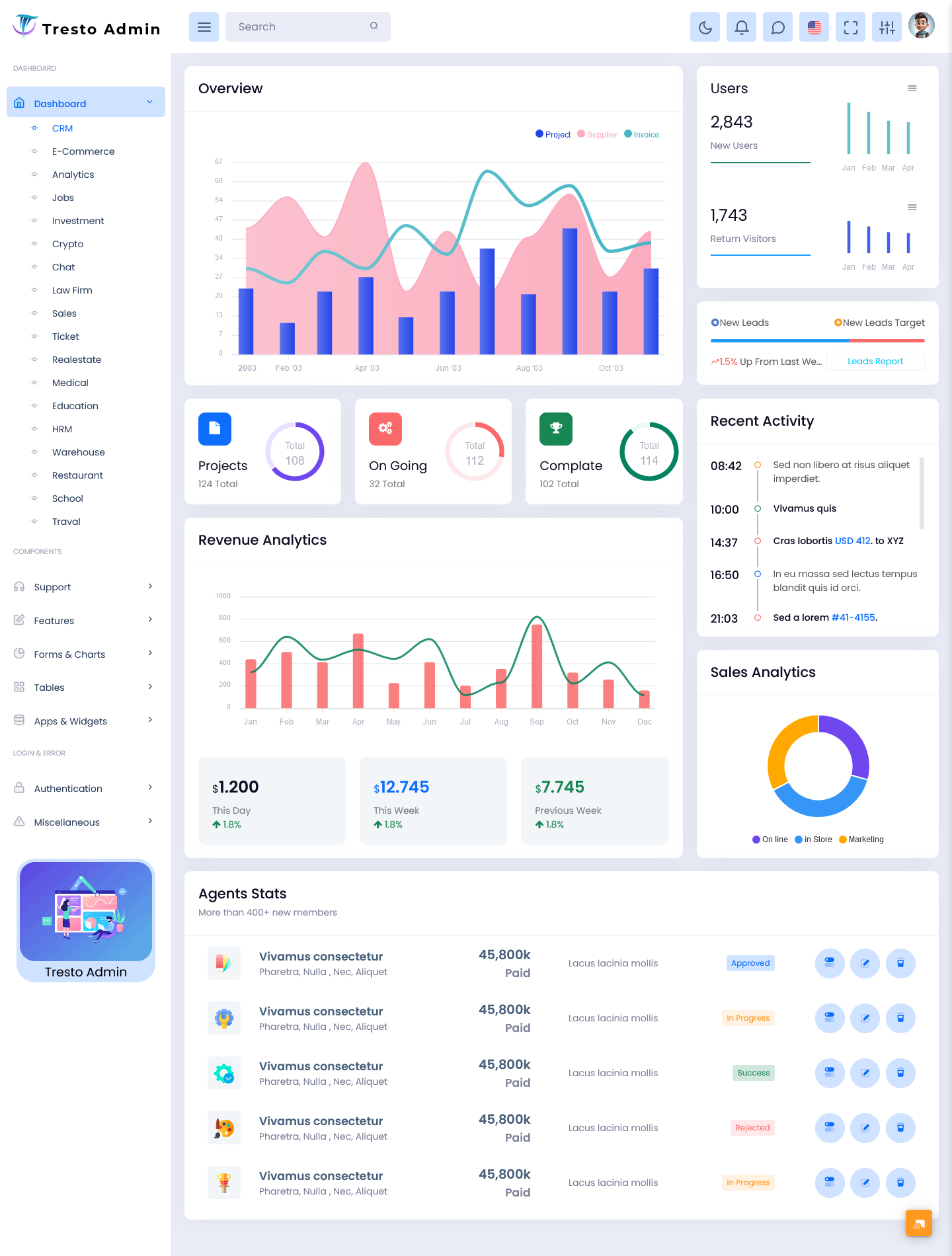
What is a CRM Dashboard? A CRM Dashboard is a centralized interface that helps businesses…
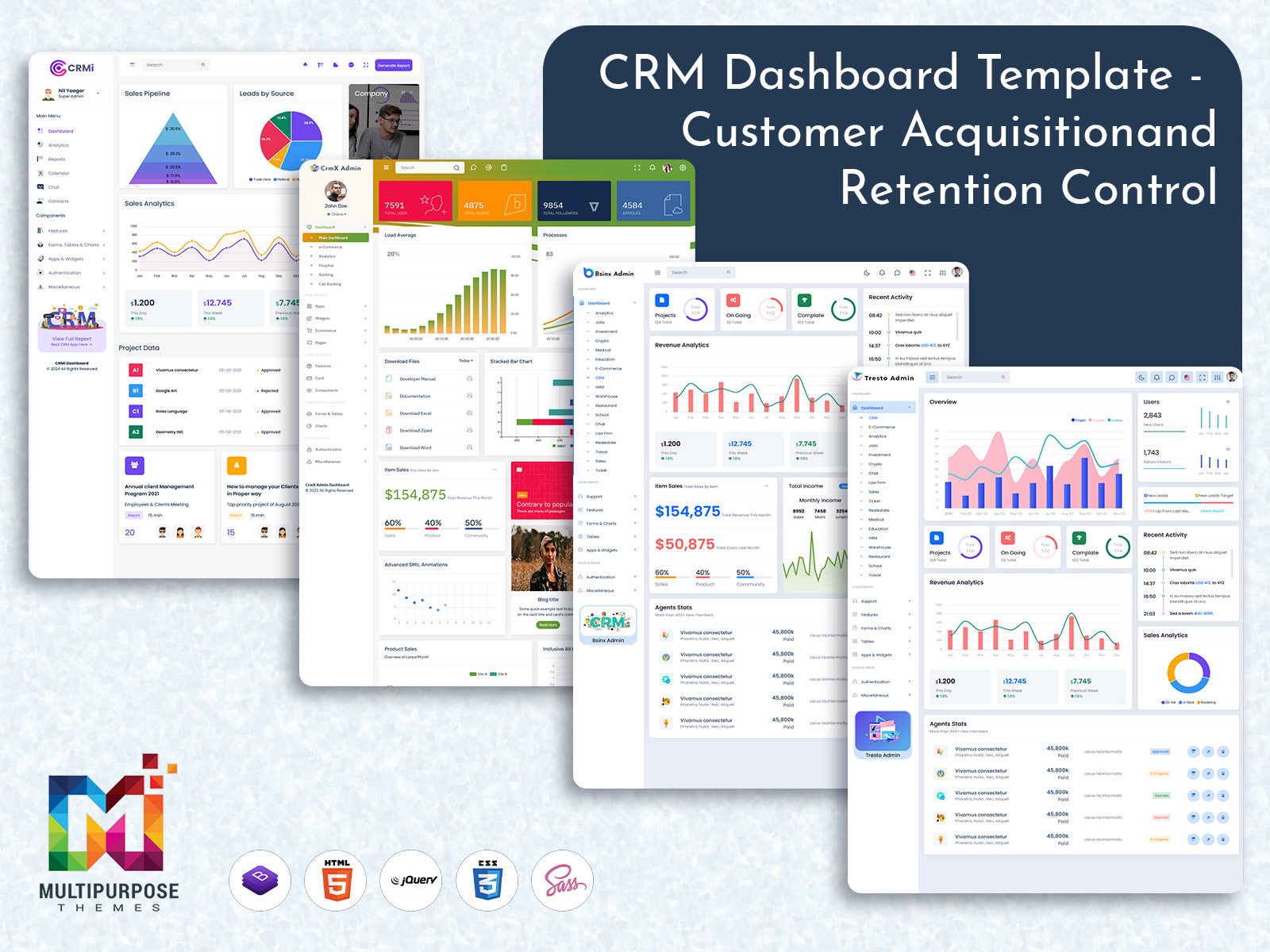
Scalable CRM Dashboard in 2026 for Teams and Enterprises
Reading Time: 7 minutes
Introduction to CRM Dashboard
A CRM Dashboard is an essential part of modern business operations that helps organizations manage customer relationships, track interactions, and analyze sales performance in one centralized interface. In today’s competitive environment, businesses rely heavily on data-driven decision-making, and a well-designed CRM Admin plays a crucial role in simplifying complex customer information into meaningful insights.
A CRM Admin Template is typically part of a larger Software system, where businesses can monitor leads, track deals, manage contacts, and evaluate team performance. With the rise of digital Admin Template designs to improve efficiency and streamline workflows. These dashboards are often built using frameworks like Bootstrap 5 Admin Dashboard to ensure responsiveness, flexibility, and a clean user experience across devices.
Explore Dashboard Design of CRM
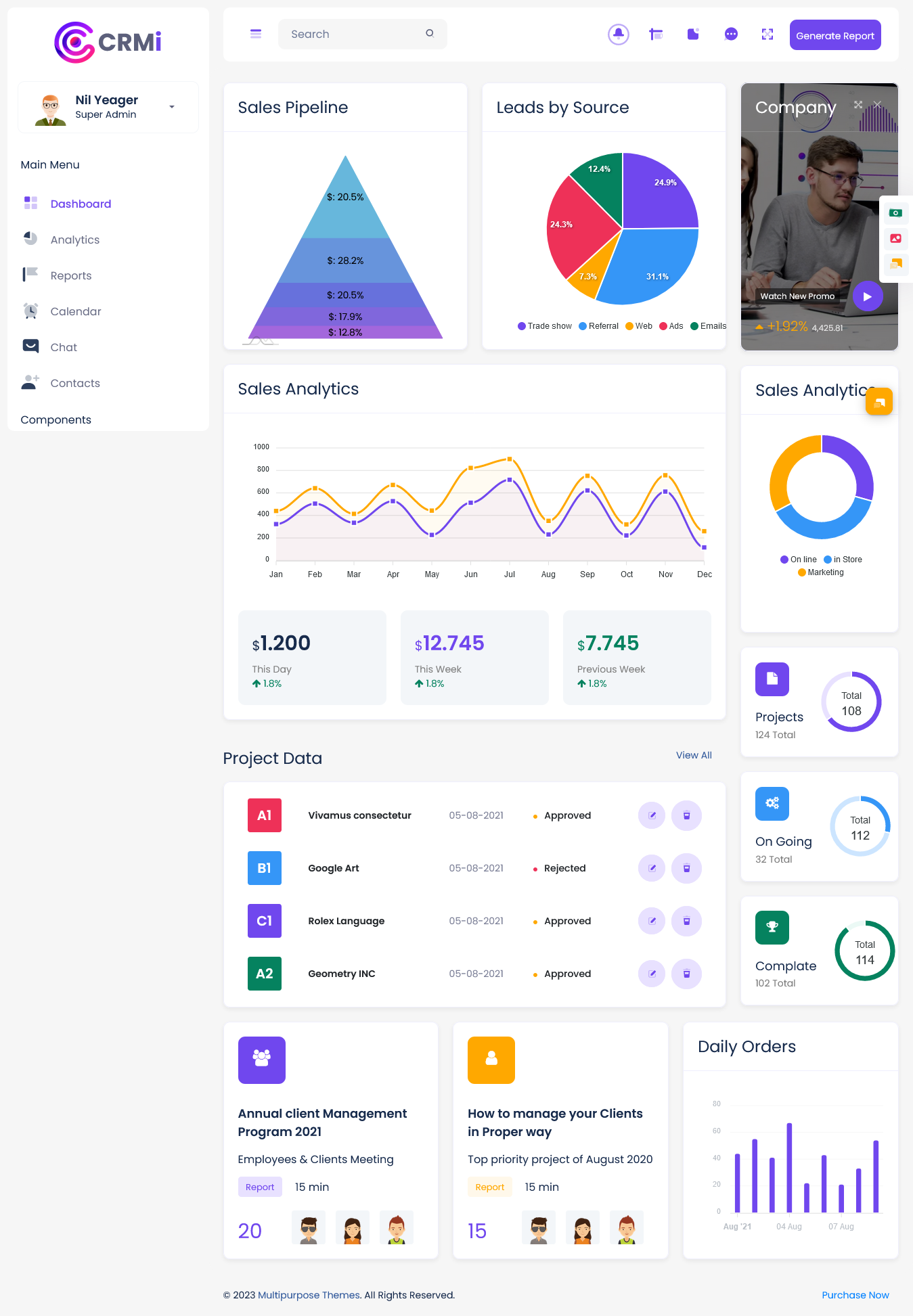
CRMi Admin – CRM Dashboard
BUY NOW DEMO
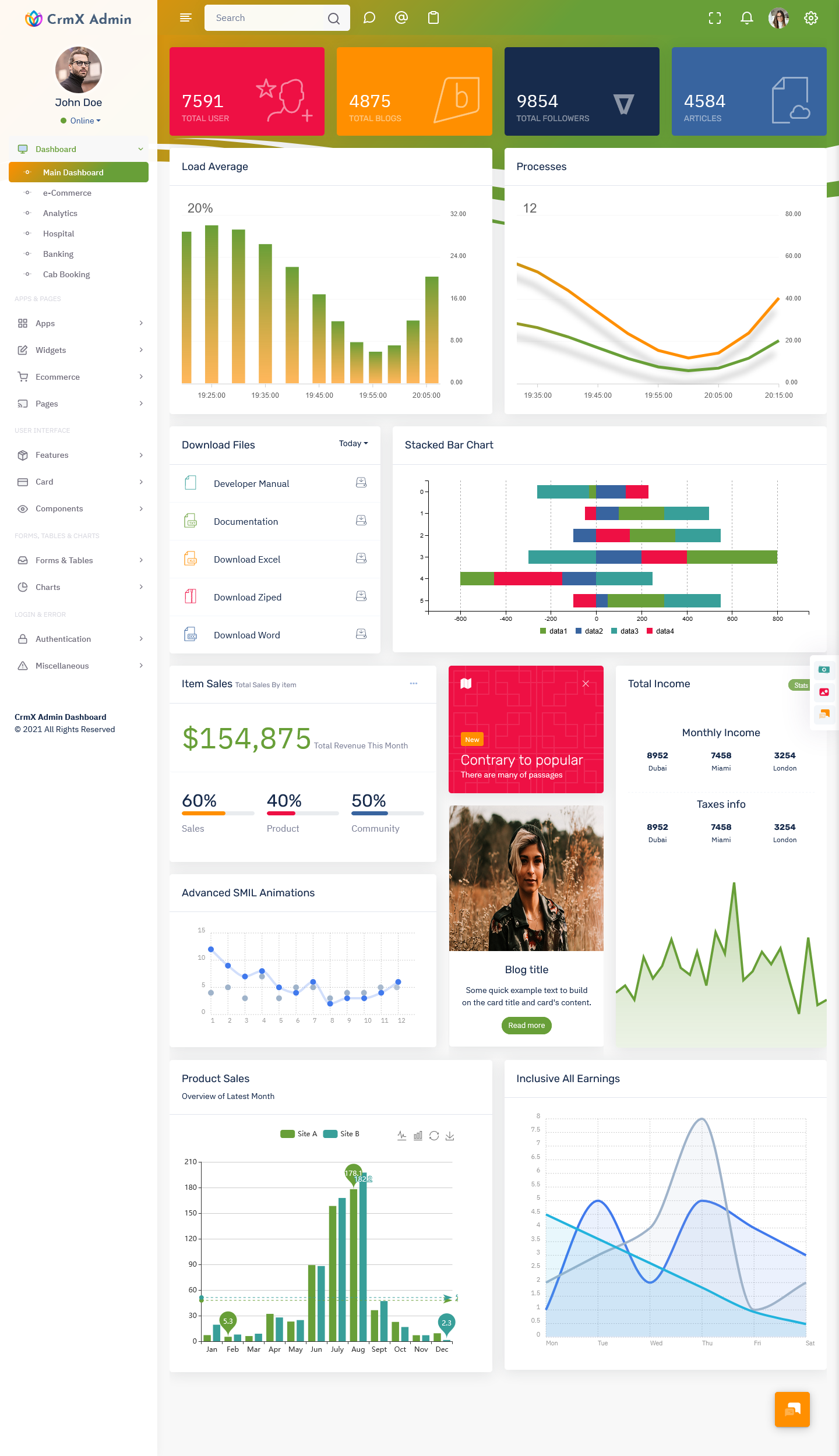
CrmX Admin – CRM Dashboard
BUY NOW DEMO
BsinX Admin – CRM Dashboard
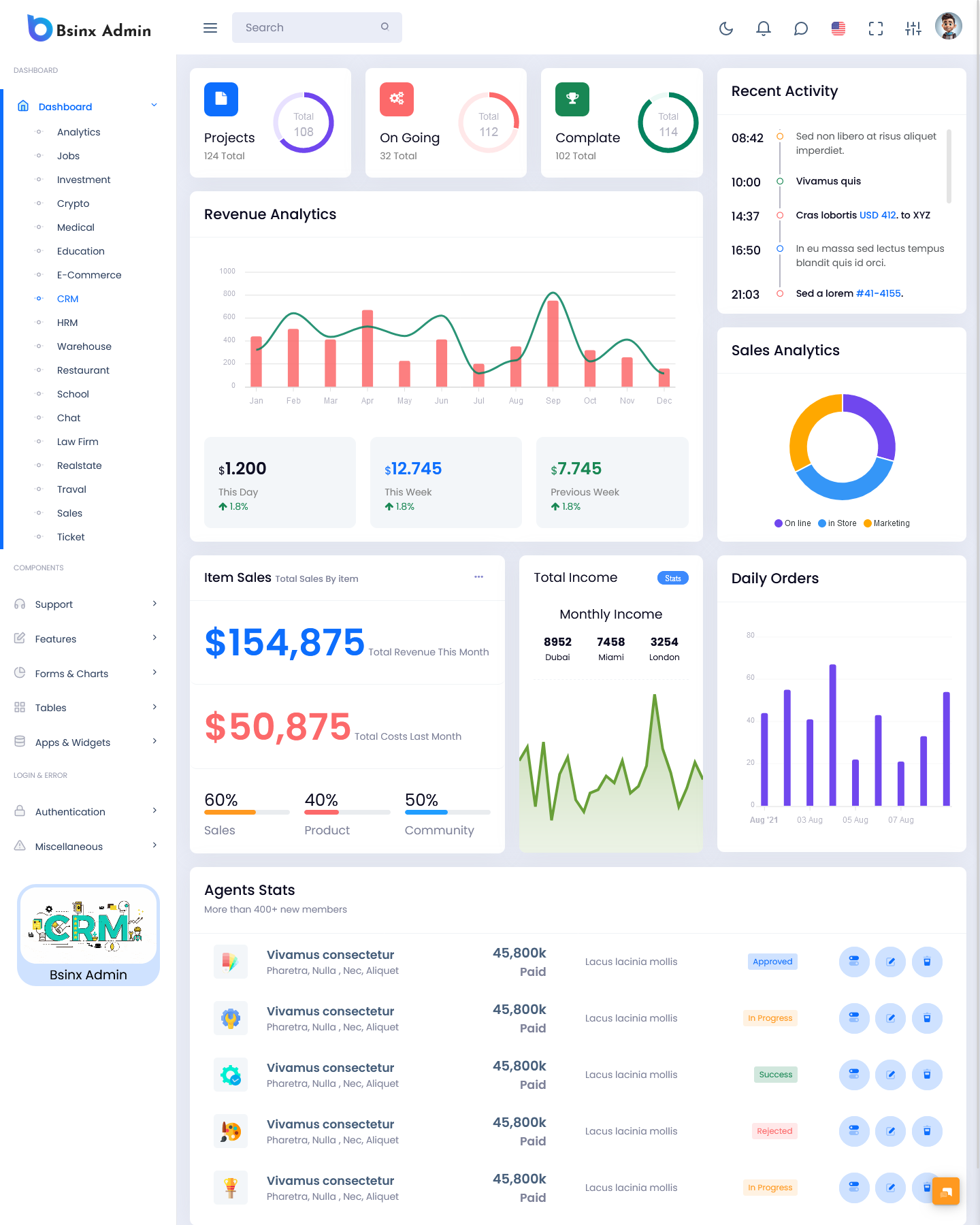
BUY NOW DEMO
Tresto Admin – CRM Dashboard
BUY NOW DEMO
Gilded Admin – CRM Dashboard

BUY NOW DEMO
Understanding the Role of a CRM Dashboard
A CRM Dashboard acts as a control center for sales, marketing, and customer service teams. It consolidates all important metrics into visual formats such as charts, graphs, and tables, making it easier for users to interpret data quickly. Instead of manually analyzing spreadsheets or scattered data sources, users can rely on a CRM Dashboard to get real-time insights into customer behavior and business performance.
Businesses use Admin Dashboard systems to track key performance indicators such as sales revenue, conversion rates, lead sources, customer engagement, and pipeline progress. This allows teams to make informed decisions and prioritize actions that directly impact growth. A CRM Software Dashboard ensures that all departments stay aligned with the same data, improving collaboration and productivity.
Importance of CRM Admin Template in Dashboard Development
A CRM Admin Template serves as the foundation for building a structured and efficient CRM system. Developers use Admin Template designs to create pre-built layouts that include navigation menus, widgets, charts, and reusable components. This significantly reduces development time and ensures consistency across the platform.
A well-designed CRM Admin Template allows businesses to customize features according to their needs. Whether it is managing customer profiles, tracking sales pipelines, or generating reports, the template provides a flexible framework that can be adapted for different industries. When combined with a CRM Dashboard Template, it becomes easier to build scalable applications that support growing business requirements.
Features of a CRM Dashboard Template
A modern CRM Dashboard Template includes a variety of features that enhance usability and functionality. One of the most important aspects is real-time data visualization, which allows users to monitor updates instantly. Interactive charts and graphs help users understand trends and patterns without requiring technical expertise.
Another important feature is contact management, which enables users to store and organize customer details efficiently. This includes names, emails, phone numbers, and interaction history. A Software Dashboard also includes lead tracking capabilities, allowing sales teams to monitor prospects throughout the sales funnel.
Task management and reminders are also integrated into Admin dashboards to ensure that teams stay on schedule. Notifications and alerts help users stay informed about important activities such as follow-ups, meetings, and deal updates. Additionally, reporting tools provide detailed insights into performance metrics, helping managers evaluate team efficiency and business growth.
Role of Bootstrap 5 Admin Dashboard in CRM Development
A Bootstrap 5 Admin Dashboard is widely used in the development of CRM systems due to its responsive design and modern UI components. Bootstrap 5 provides a grid system, pre-designed elements, and customization options that make it easier to build user-friendly dashboards.
When developers use a Bootstrap 5 Admin Dashboard, they can ensure that the CRM interface works seamlessly across desktops, tablets, and mobile devices. This is especially important for businesses that require access to CRM systems on the go. The framework also supports faster development by offering ready-to-use components such as forms, buttons, modals, and navigation bars.
By integrating Bootstrap 5 with a CRM Admin Template, developers can create visually appealing and highly functional Template solutions that meet both technical and user experience requirements.
Benefits of Using a CRM Dashboard
A CRM Dashboard offers numerous benefits that help businesses improve their operations and customer relationships. One of the primary advantages is centralized data management. Instead of relying on multiple tools or platforms, businesses can access all customer-related information from a single dashboard.
Another major benefit is improved decision-making. With real-time analytics and visual reports, managers can quickly identify trends and take necessary actions. A Software Dashboard also enhances team collaboration by providing shared access to customer data and communication history.
Automation is another key benefit, as many Admin dashboards include features that automate repetitive tasks such as data entry, follow-ups, and reporting. This saves time and allows teams to focus on more strategic activities. Additionally, a Dashboard improves customer satisfaction by enabling personalized communication and timely responses.
How CRM Dashboard Improves Sales Performance
Sales teams rely heavily on CRM systems to track leads and manage pipelines effectively. By visualizing the entire sales process, teams can identify bottlenecks and optimize their strategies. A Dashboard Template provides insights into conversion rates, helping sales representatives focus on high-quality leads.
The dashboard also helps in forecasting sales by analyzing historical data and current trends. Managers can use this information to set realistic targets and allocate resources efficiently. With the help of a CRM Admin Template, sales processes become more structured, ensuring that no opportunity is missed.
CRM Software Dashboard for Marketing Teams
Marketing teams also benefit significantly from a Software Dashboard. It allows them to track campaign performance, monitor customer engagement, and analyze audience behavior. By integrating marketing tools with the Bootstrap Dashboard, teams can measure the effectiveness of their campaigns and adjust strategies accordingly.
A Admin Dashboard helps marketers segment their audience based on demographics, preferences, and interactions. This enables targeted marketing campaigns that deliver better results. With detailed analytics and reporting features, marketing teams can optimize their efforts and achieve higher ROI.
Customization in CRM Admin Template
One of the key advantages of using a CRM Admin Template is customization. Businesses can tailor the dashboard according to their specific requirements. Whether it is changing the layout, adding new modules, or integrating third-party tools, a CRM Admin Template provides the flexibility needed for customization.
Developers can modify the Dashboard Template to include industry-specific features such as inventory tracking, appointment scheduling, or customer support systems. This adaptability makes CRM UI Panel suitable for various sectors including retail, healthcare, finance, and education.
User Experience in CRM Dashboard Design
User experience plays a crucial role in the effectiveness of a Admin Dashboard. A well-designed interface ensures that users can navigate easily and access information without confusion. Clean layouts, intuitive navigation, and consistent design elements contribute to a positive user experience.
A Bootstrap 5 Admin Dashboard enhances user experience by providing responsive and visually appealing components. It ensures that the CRM Software Dashboard remains accessible and functional across different devices and screen sizes. Simplicity and clarity are key factors in designing a successful CRM dashboard.
Integration Capabilities of CRM Dashboard
A modern UI Dashboard is not limited to standalone functionality. It often integrates with other business tools such as email platforms, marketing automation software, payment gateways, and analytics tools. This integration allows businesses to create a unified ecosystem where data flows seamlessly between systems.
A CRM Admin Template supports API integration, making it easier to connect external applications. This ensures that all business operations are synchronized and data remains consistent across platforms. Integration capabilities enhance the overall efficiency of the Dashboards Template.
Security in CRM Software Dashboard
Security is a critical aspect of any Software Dashboard. Since CRM systems store sensitive customer information, it is important to implement strong security measures. These include data encryption, user authentication, role-based access control, and regular updates.
A CRM Dashboard built with a Bootstrap 5 Admin Dashboard framework can incorporate security best practices to protect data from unauthorized access. Businesses must ensure that only authorized users have access to specific features and data within the system.
Future of CRM Dashboard
The future of Admin Template systems is evolving with advancements in technology. Features such as automation, real-time analytics, and cloud-based access are becoming standard. Businesses are increasingly adopting Admin Dashboard Template solutions that offer scalability and flexibility.
With continuous improvements in UI frameworks like Bootstrap 5 Admin Dashboard, developers can build more efficient and user-friendly CRM systems. The integration of advanced technologies will further enhance the capabilities of Software Dashboard platforms, making them more intelligent and adaptable.
Conclusion
A CRM Dashboard is an essential tool for managing customer relationships, improving sales performance, and enhancing business efficiency. By using a CRM Admin Template and CRM Template, businesses can create structured and scalable systems that meet their operational needs.
The integration of Bootstrap 5 Admin Dashboard frameworks ensures that CRM systems are responsive, modern, and user-friendly. Whether it is sales tracking, marketing analysis, or customer management, a Software Dashboard provides all the necessary tools in one place.
As businesses continue to grow and adopt digital solutions, dashboards will remain a vital component of success. Investing in a well-designed Dashboard not only improves internal processes but also enhances customer satisfaction and long-term business growth.
FAQs
What is a CRM Dashboard?
A Dashboard is a visual interface that displays customer data, sales metrics, and performance analytics in one centralized system, helping businesses manage relationships effectively.
Why is a Admin Template important?
A Admin Template provides a pre-built structure for designing CRM systems, saving development time and ensuring consistency in layout and functionality.
How does a Dashboard Template help businesses?
A Dashboard Template offers ready-made components and layouts that simplify the process of building a CRM system while allowing customization based on business needs.
What is the role of Bootstrap 5 Admin Dashboard in CRM systems?
A Bootstrap 5 Admin Dashboard ensures that CRM systems are responsive, visually appealing, and compatible across all devices, improving user experience and accessibility.
Is a CRM Software Dashboard suitable for small businesses?
Yes, a Bootstrap Software Dashboard is highly beneficial for small businesses as it helps manage customer data, track sales, and improve productivity with minimal effort.
Can Admin dashboards integrate with other tools?
Yes, Admin dashboards can integrate with various tools such as email systems, marketing platforms, and analytics software to create a unified business environment.

Related Posts


This Post Has 0 Comments