

Doctor Dashboard is an online system that assists healthcare professionals in arranging and examining information…
Doctor Dashboard for Clinic Management in 2026 with Bootstrap 5
Reading Time: 2 minutes
Managing a hospital, clinic, or healthcare center requires proper organization, accurate data management, and quick decision-making. This is where a Doctor Dashboard becomes extremely useful. A well-designed dashboard helps doctors, administrators, and medical staff monitor important information in one place. From patient records to appointment schedules, everything can be accessed easily through a modern Admin Template.
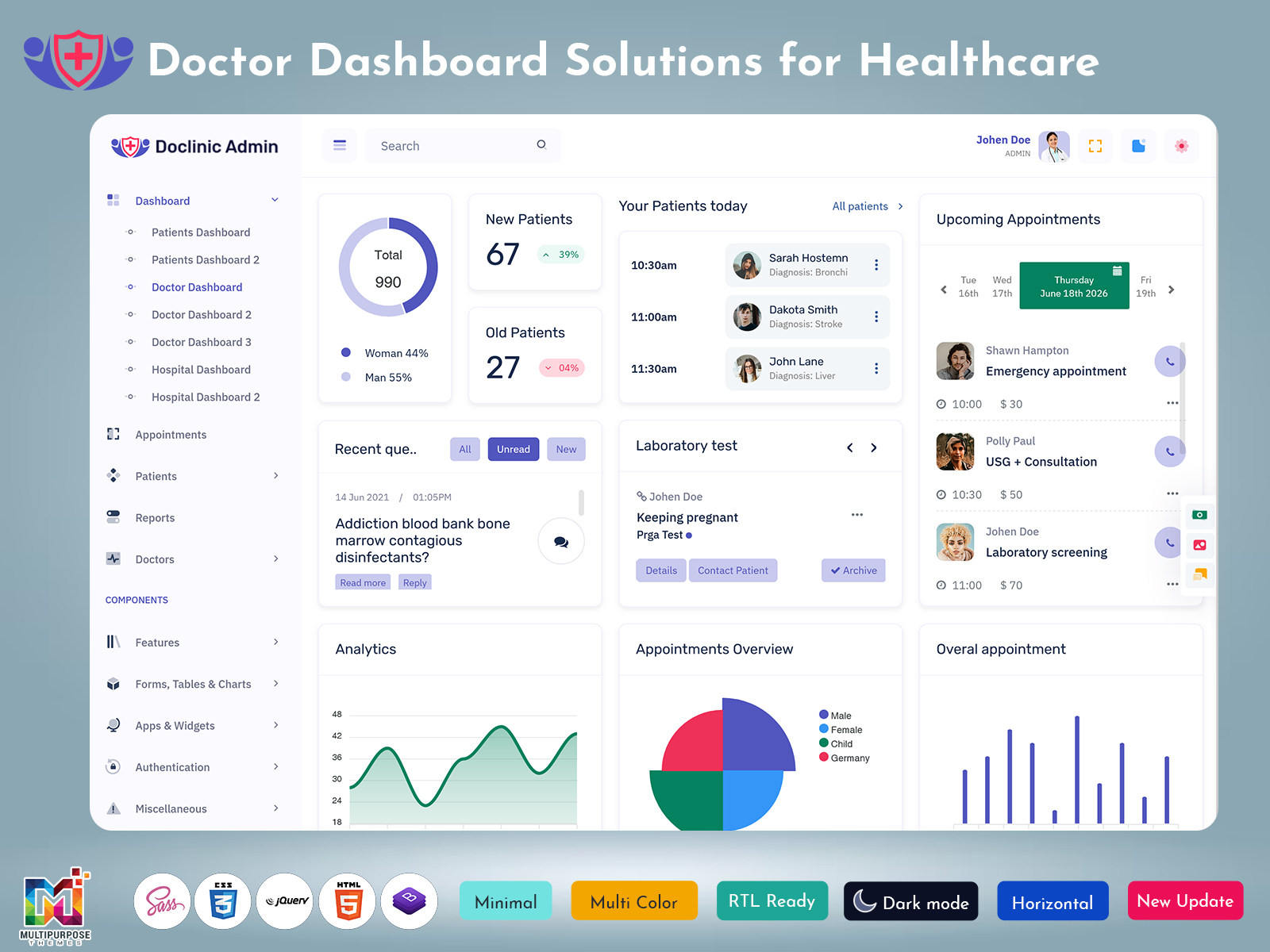
A professional Medical Admin Dashboard provides a centralized system that simplifies daily operations in healthcare environments. Doctors can quickly check patient histories, lab reports, prescriptions, and appointment details without searching through multiple systems. With the help of a smart Dashboard Template, healthcare professionals can save time, reduce paperwork, and improve overall efficiency.
Today, many hospitals and clinics prefer digital dashboards because they provide real-time data and better workflow management. A modern Doctor Dashboard is usually built with user-friendly design, secure data handling, and responsive layouts that work on desktops, tablets, and mobile devices. These dashboards not only improve productivity but also help healthcare providers deliver faster and better patient care.
Watch Full Video
Features
Patient Management System
A powerful Doctor Dashboard includes a patient management system that allows doctors and hospital staff to manage patient records easily. With this feature, medical professionals can store and access patient details such as medical history, diagnosis, prescriptions, and treatment plans. The Medical Admin Dashboard keeps all records organized in one place, helping doctors provide accurate treatment and quick decision-making.
Appointment Scheduling
Appointment scheduling is one of the most important features in a healthcare Admin Template. Doctors and reception staff can easily manage appointments, check doctor availability, and avoid scheduling conflicts. A smart Dashboard Template allows clinics to track daily appointments, upcoming visits, and cancellations in a simple and visual format.
Medical Reports & Analytics
A modern Medical Admin Dashboard also provides reports and analytics tools. Doctors and administrators can analyze patient data, treatment results, and hospital performance using charts and graphs. These insights help healthcare organizations improve services and make data-driven decisions.
Prescription & Billing Management
Many Doctor Dashboard systems also include prescription and billing management features. Doctors can quickly generate digital prescriptions, while the administration team can manage patient billing, invoices, and payment records. This feature reduces manual errors and improves hospital workflow.
Responsive & User-Friendly Design
A well-designed Dashboard Template offers a clean interface and responsive design. This means doctors and staff can access the Admin Template from different devices such as laptops, tablets, or smartphones. Easy navigation and organized layouts ensure that users can quickly find the information they need.
Last Words
In today’s digital healthcare environment, having a reliable Doctor Dashboard is essential for efficient hospital and clinic management. It helps doctors, administrators, and medical staff handle daily operations smoothly while keeping patient data organized and secure. A modern Medical Admin Dashboard built with a professional Admin Template and flexible Dashboard Template design can significantly improve productivity and patient care.
By using the right dashboard solution, healthcare organizations can simplify complex tasks such as appointment management, patient tracking, reporting, and billing. Ultimately, a well-structured Doctor Dashboard not only improves operational efficiency but also supports doctors in delivering better and faster medical services to their patients.

Related Posts


This Post Has 0 Comments