In today’s digital world, every business depends on powerful web applications to manage operations, users,…
Admin Template – Dashboard Templates for Web Apps
Reading Time: 2 minutes
An Admin Template is a ready-made design framework that helps you build professional dashboards and admin panels quickly. It provides all the essential components, layouts, and tools needed to manage data, users, and reports efficiently.
Using an Dashboard Template saves developers and designers a lot of time because the structure, design, and functionality are already built. Instead of starting from scratch, you can focus on adding your business-specific features.
Watch Full Video
What Is a Dashboard Template?
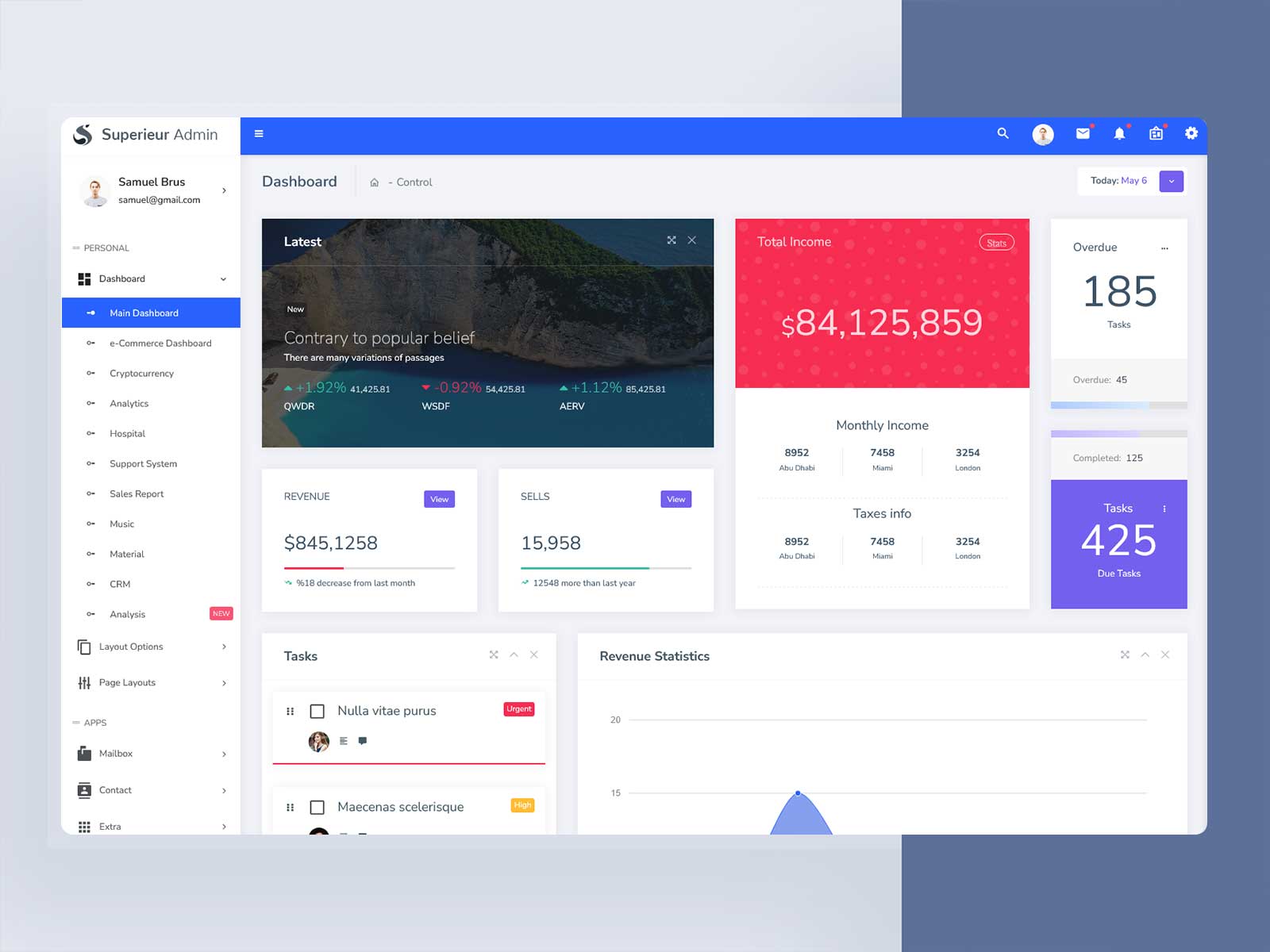
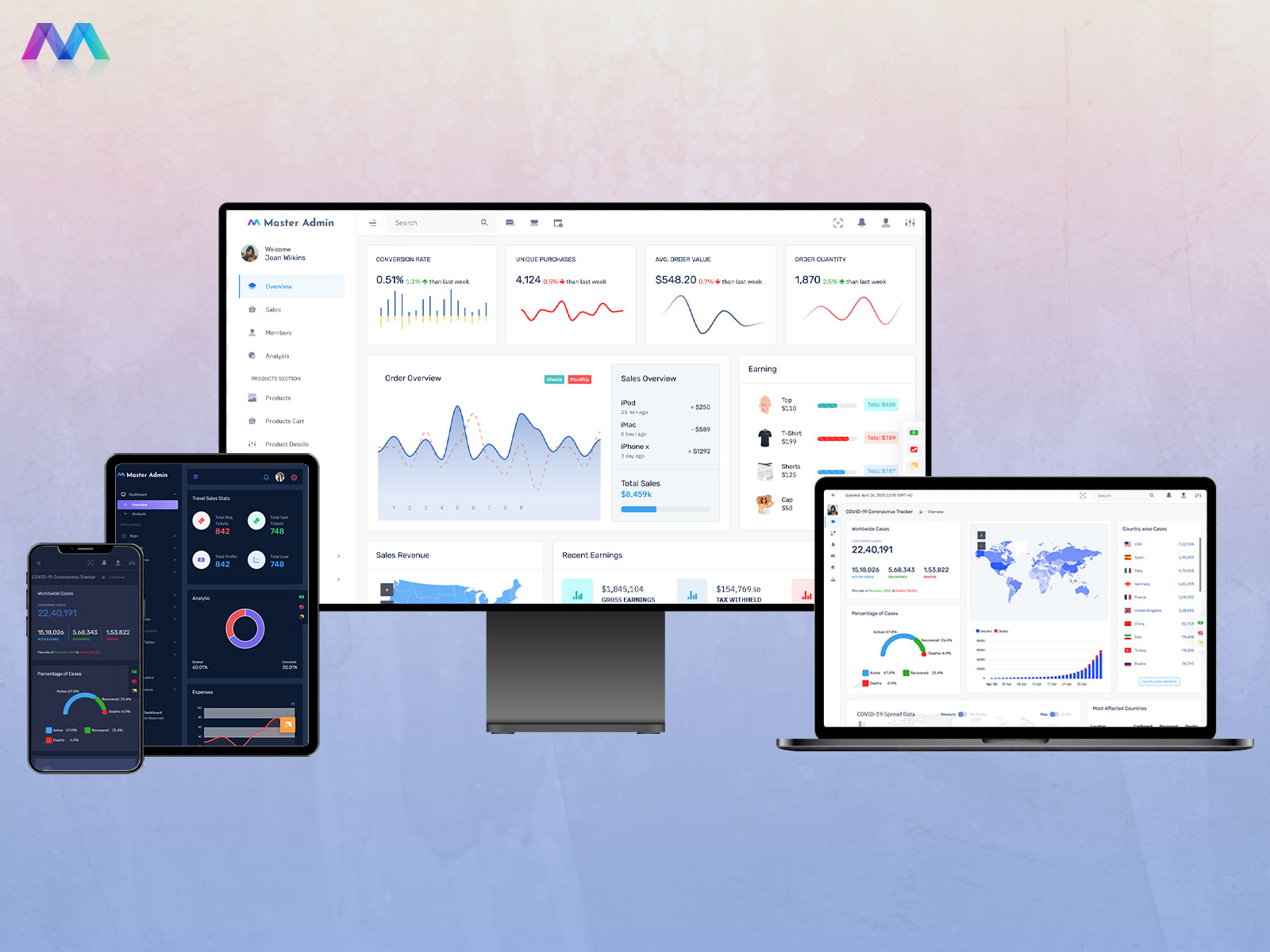
A Dashboard Template is a pre-built layout included in many admin templates. It comes with charts, tables, forms, and other UI elements that are ready to use. By using a Bootstrap 5 Admin Template, you get modern, responsive, and mobile-friendly designs that work smoothly on desktop, tablet, and mobile devices.
Dashboard Templates make it easy to display data in a clean and organized way. You can track metrics, monitor activity, or manage products and users all in one place.
Key Features of an Admin Template
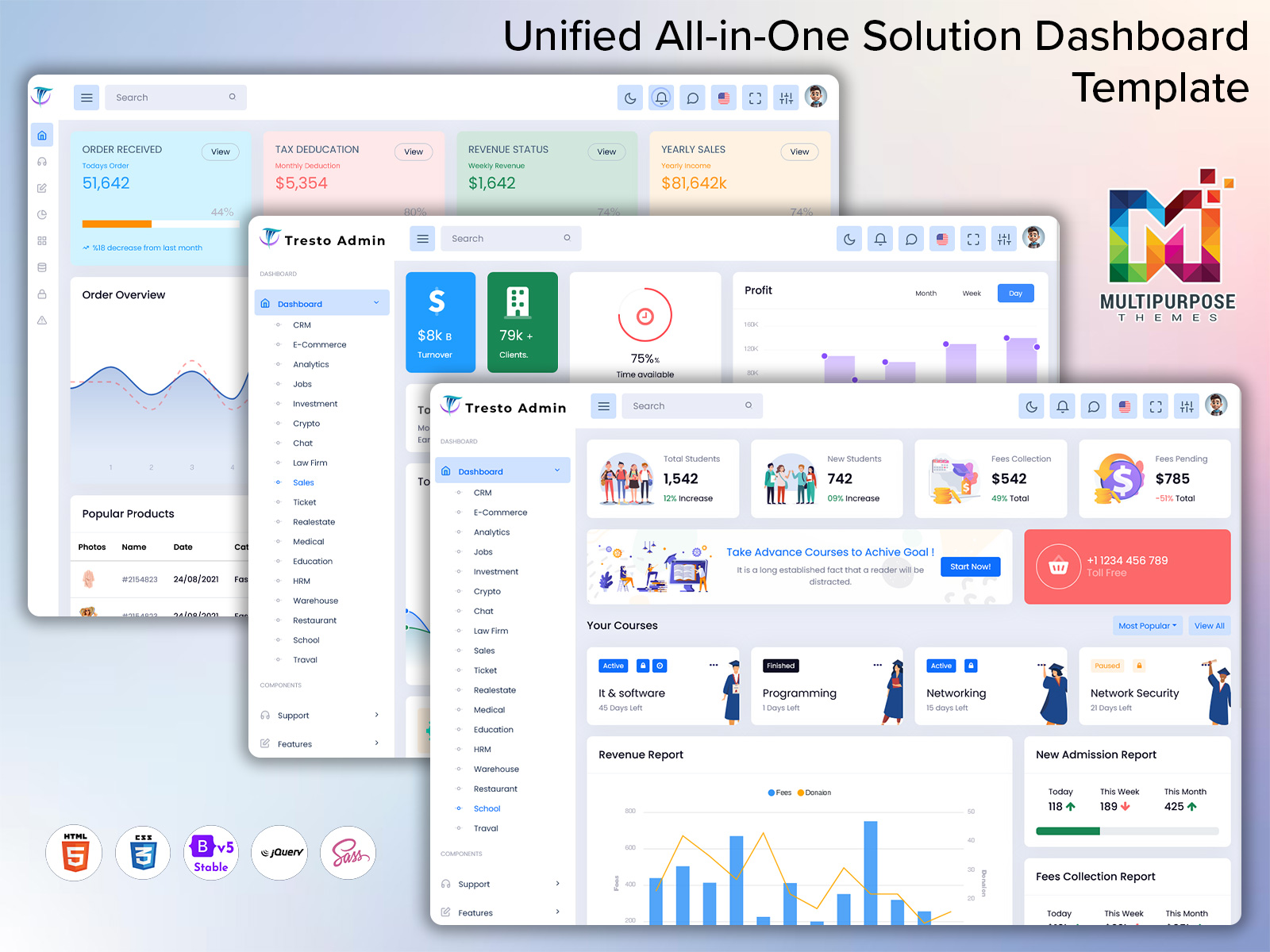
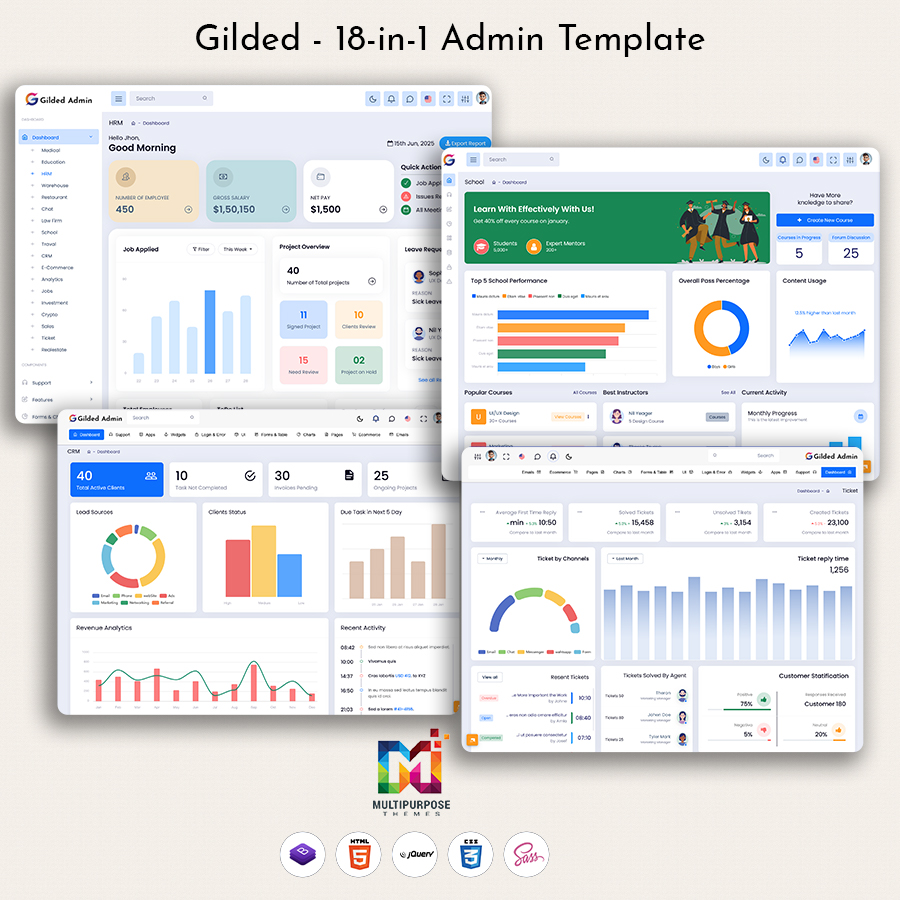
Multiple Dashboard Templates – Different layouts for analytics, product management, or finance
Bootstrap 5 Admin Template Components – Responsive tables, charts, forms, and UI elements
Pre-Built Pages – Login, registration, error, and profile pages ready to use
Customizable Widgets & Charts – Modify charts, tables, and widgets to suit your needs
User & Role Management – Easily manage users, permissions, and settings
Responsive Design – Looks good on any device or screen size
Clean & Modern UI – Professional design suitable for any business or SaaS product
Time-Saving Layouts – Ready-to-use templates speed up development
These features make Admin Templates perfect for startups, agencies, or developers building web apps.
Use Cases of Admin Template
An Admin Template can be used in many ways:
SaaS Platforms – Manage users, analytics, and reports
E-Commerce Dashboards – Track orders, products, and sales
Healthcare Applications – Use for Hospital Admin Dashboards or Patient Dashboard Templates
Crypto or Finance Platforms – Track investments, portfolios, and market trends
Product Management – Organize tasks and project metrics with Product Dashboard Templates
Startups & Agencies – Quickly create professional dashboards for clients
By using a Bootstrap 5 Admin Template, businesses can focus on features rather than UI design.
Who Should Use an Admin Template?
An Admin Panel is ideal for:
Developers creating dashboards or web apps
Startups building SaaS products or internal tools
Agencies & Freelancers delivering client projects faster
Product Owners managing analytics, projects, or users
Business Analysts tracking data and reporting metrics
Basically, anyone who wants a clean, professional, and responsive admin panel can benefit from using an Bootstrap Admin Template.
Why Admin Templates Are Useful
Admin Templates save time, provide a professional look, and reduce development effort. Instead of designing charts, tables, and layouts from scratch, you get a ready-to-use Bootstrap Dashboard Template with clean Dashboard Templates that can be customized for your project.
These templates make it easier to maintain consistency, improve UX, and ensure the application looks modern and professional across all devices.
Conclusion
A good Admin Template is a must-have for developers, startups, and businesses looking to build dashboards quickly. With Bootstrap 5 Admin Templates and ready Dashboard Templates, managing users, products, projects, or analytics becomes simple and efficient.
Using an WebApp Template ensures your app or platform has a professional design, responsive layout, and the necessary features to run smoothly.

Related Posts