

What is a Hospital Dashboard? A Hospital Dashboard is a digital interface designed to give…
Medical Dashboard – Hospital Admin & Patient Management UI
Reading Time: 2 minutes
🎥 Medical Dashboard – Video Overview
At the top of this blog, you can watch a complete Medical Dashboard demo video. The video gives a clear walkthrough of how hospital data is organized, how doctors and patients are managed, and how daily healthcare operations are monitored from a single interface. Watching the video first helps visitors quickly understand the dashboard’s structure, features, and real-world usage before reading the content below.
This video-first approach is ideal for healthcare dashboards where visuals and workflows matter.
Watch Full Video
📝 What Is This Dashboard Template?
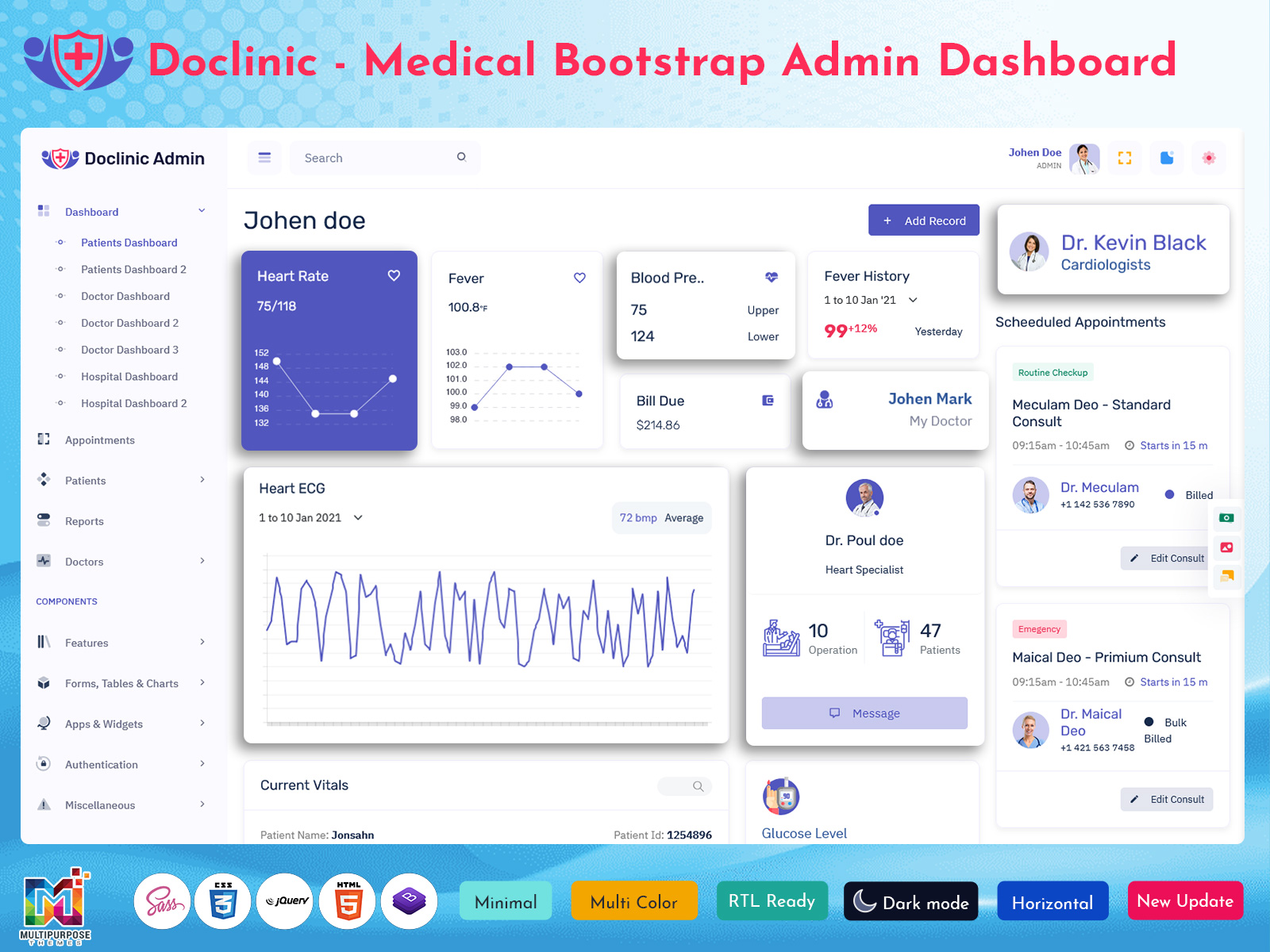
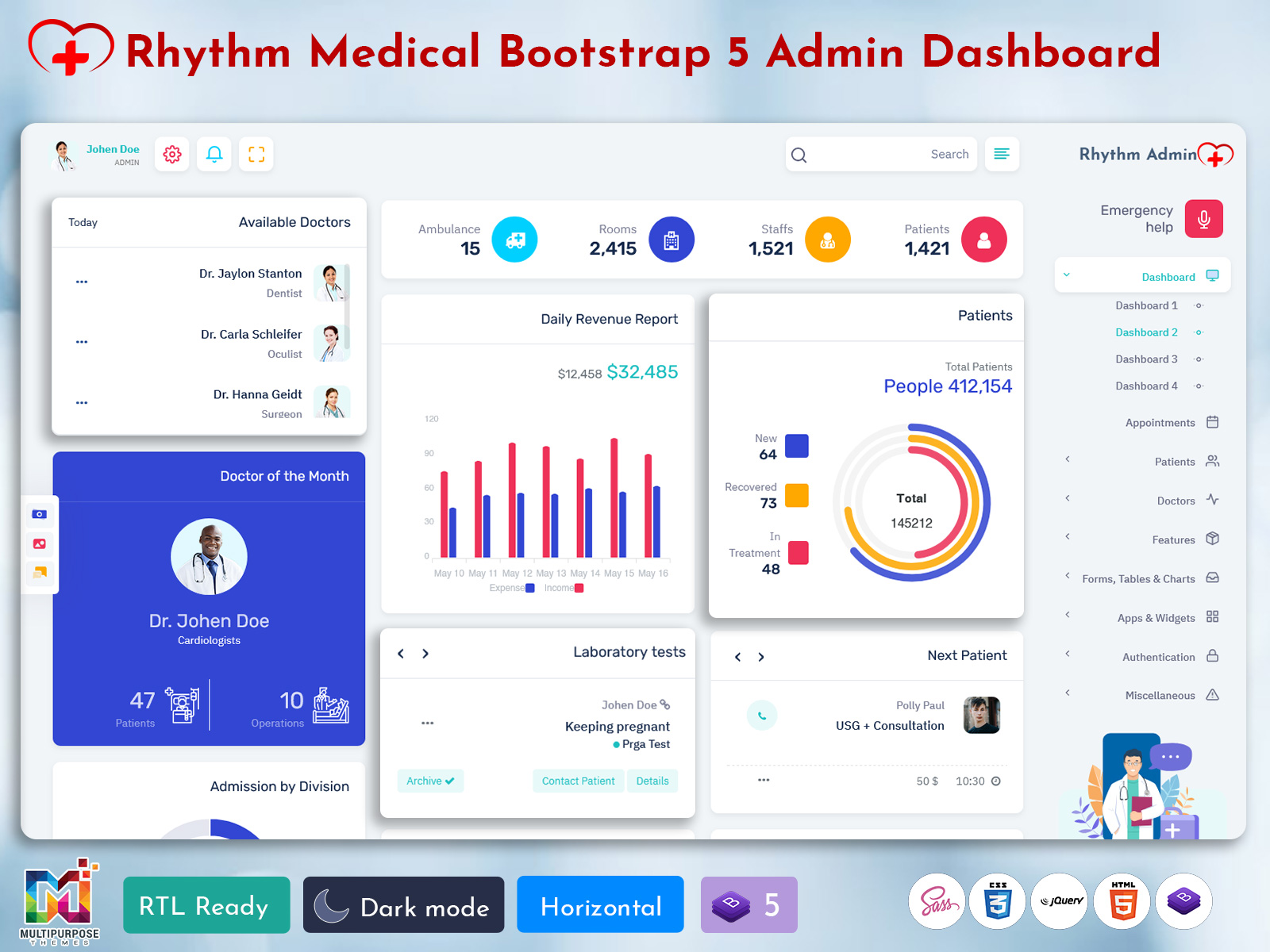
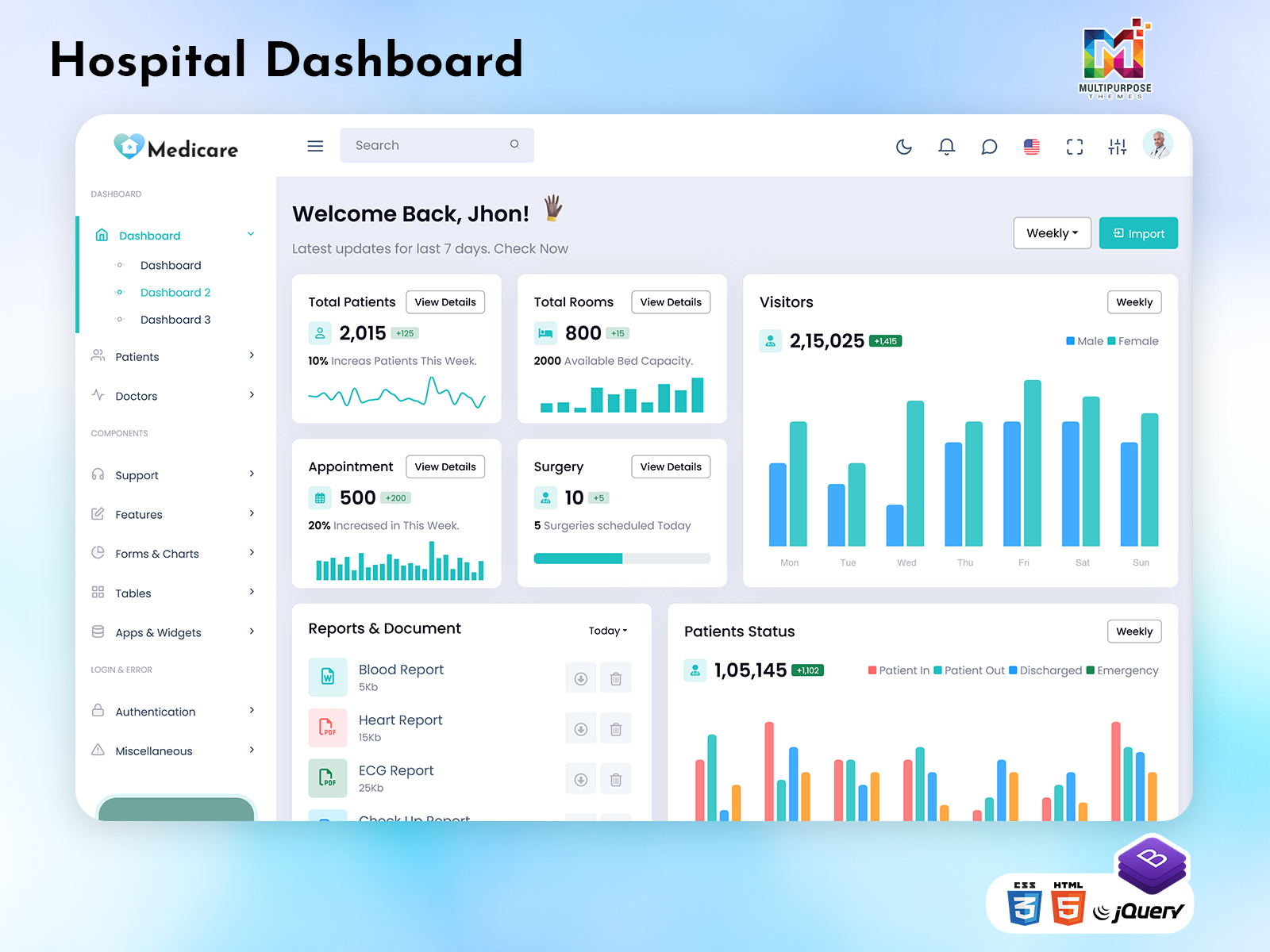
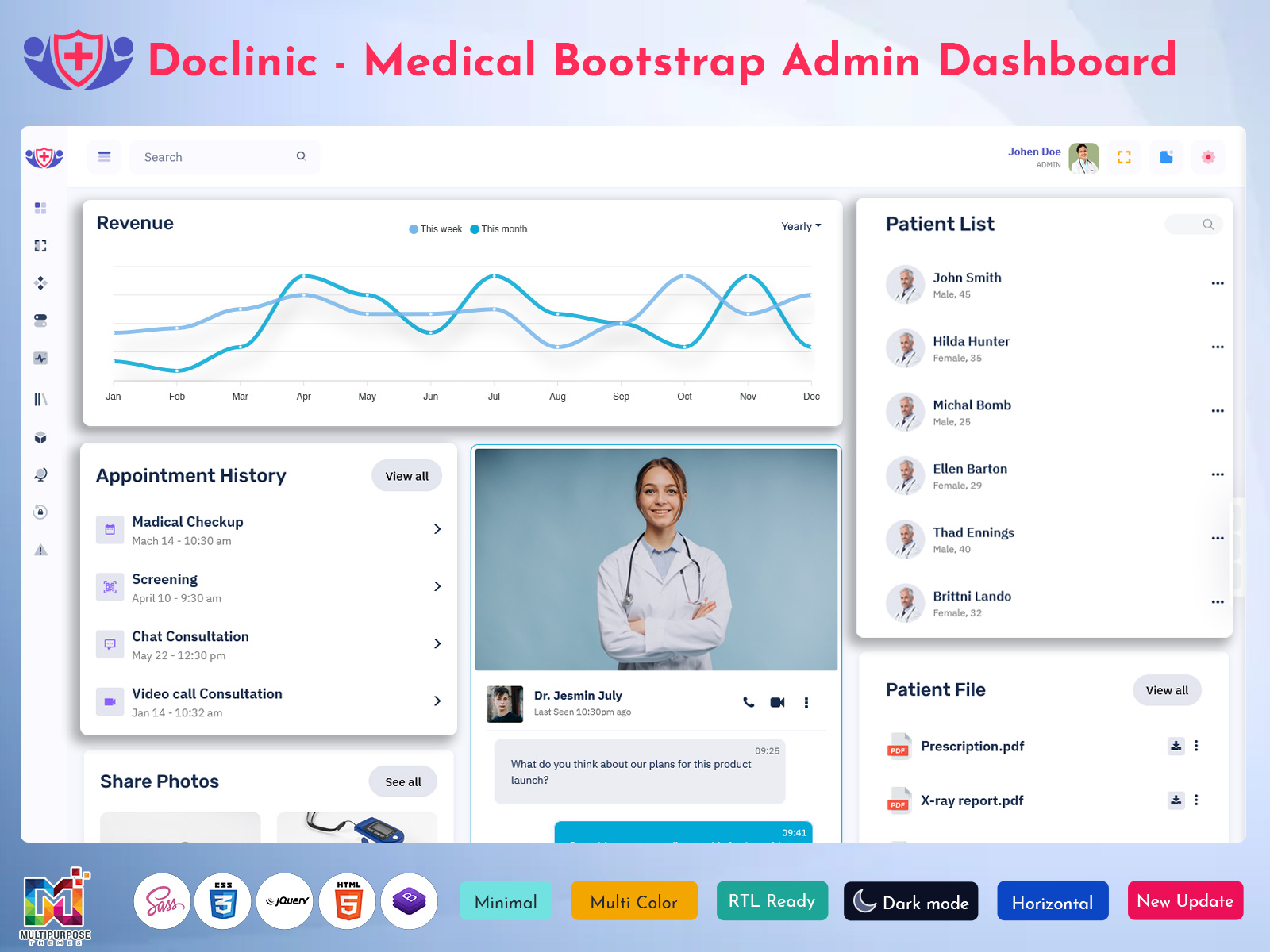
This dashboard is designed to simplify hospital and clinic management by bringing all important data into one admin panel. It works as a Hospital Admin Dashboard that helps manage appointments, doctors, patients, and operational reports efficiently.
Built as a modern Hospital Admin Template, it uses clean UI components and responsive layouts to ensure smooth performance on all devices. The dashboard can also be used as a Product Dashboard Template or Product Template for healthcare SaaS products, hospital software, or medical platforms.
The main purpose of this dashboard is to reduce manual work, improve data visibility, and support faster decision-making in medical environments.
⭐ Key Features of the Dashboard
Doctor Dashboard – Manage doctor profiles, schedules, and availability
Patient Dashboard – View patient details, appointments, and medical records
Patient Dashboard Template – Ready-to-use layout for fast development
Hospital Admin Dashboard Panels – Control users, roles, and system settings
Reports & Analytics – Track appointments, patient flow, and performance
Responsive Design – Works on desktop, tablet, and mobile devices
Clean UI Components – Simple charts, tables, and forms
Customizable Product Template – Easy to modify based on hospital needs
These features help hospitals and clinics operate more efficiently.
💡 Use Cases of This Dashboard
This dashboard can be used in many healthcare-related scenarios:
Hospitals & Clinics – Manage doctors, patients, and appointments
Healthcare SaaS Platforms – Offer hospital management solutions
Medical Startups – Launch healthcare products faster using a ready template
Private Practices – Track patient data and schedules
HealthTech Products – Use it as a Product Dashboard Template
Admin Panels – Centralize hospital operations and reporting
The flexible structure makes it suitable for both small clinics and large hospitals.
👥 Who Should Use This Dashboard?
This dashboard is ideal for:
Hospital Administrators managing daily operations
Doctors & Medical Staff accessing patient-related data
Developers building hospital or healthcare applications
Startups working on medical or HealthTech products
Agencies & Freelancers creating hospital admin panels for clients
Product Owners looking for a scalable Hospital Admin Template
Anyone involved in healthcare management or software development can benefit from this dashboard.
🎯 Why Video-First Content Works for Medical Dashboards
Healthcare dashboards include multiple user roles, workflows, and data points. A video demo helps users instantly understand how the Doctor Dashboard and Patient Dashboard work together in real scenarios.
This approach improves:
User engagement
SEO performance
Trust and clarity
YouTube watch time and subscribers
Seeing the dashboard in action builds confidence for buyers and developers.
👉 Call to Action (CTA)
Watch the full Medical Dashboard demo and subscribe to our YouTube channel for more Hospital Admin Dashboard and admin template videos.

Related Posts


This Post Has 0 Comments