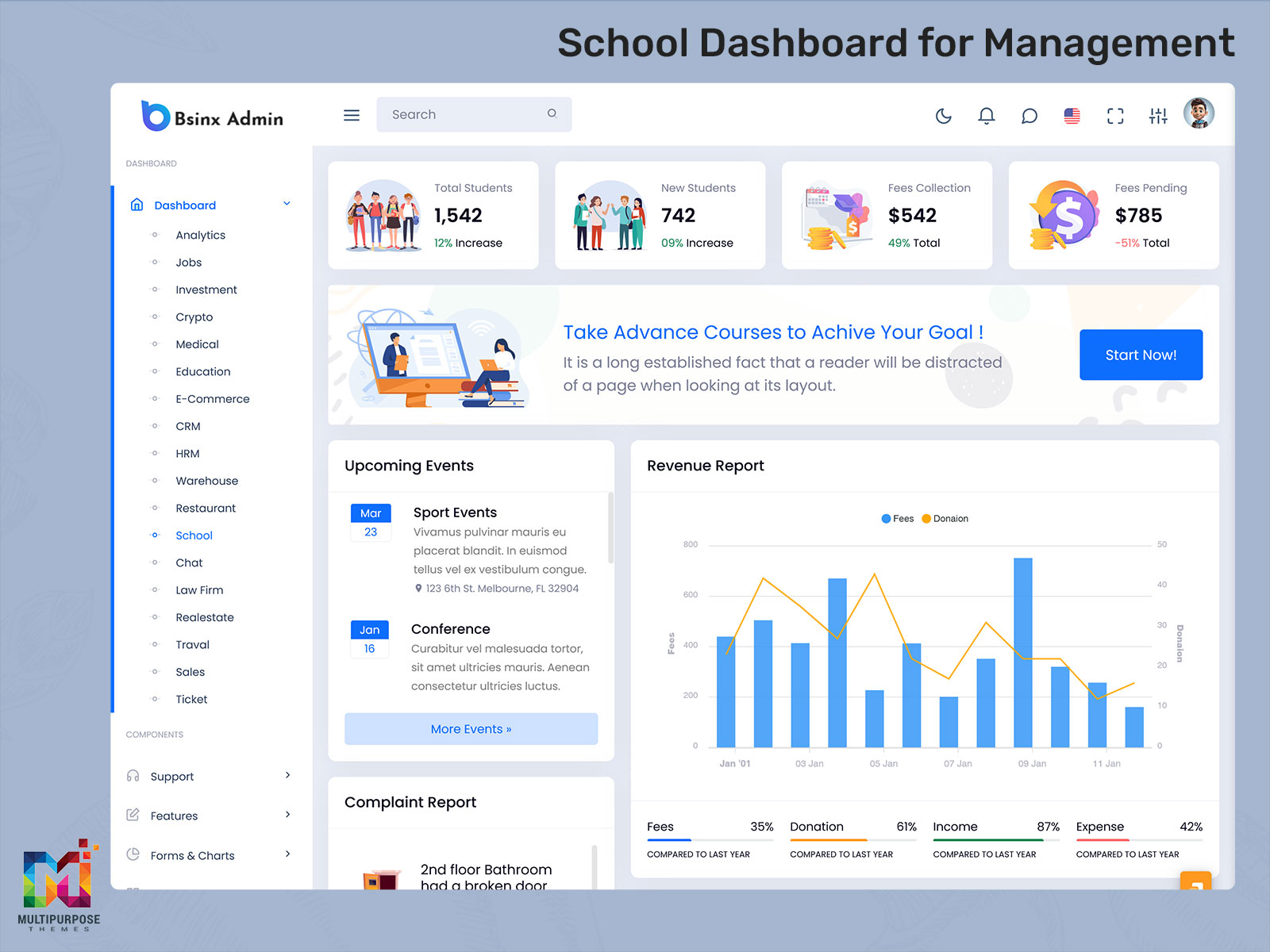
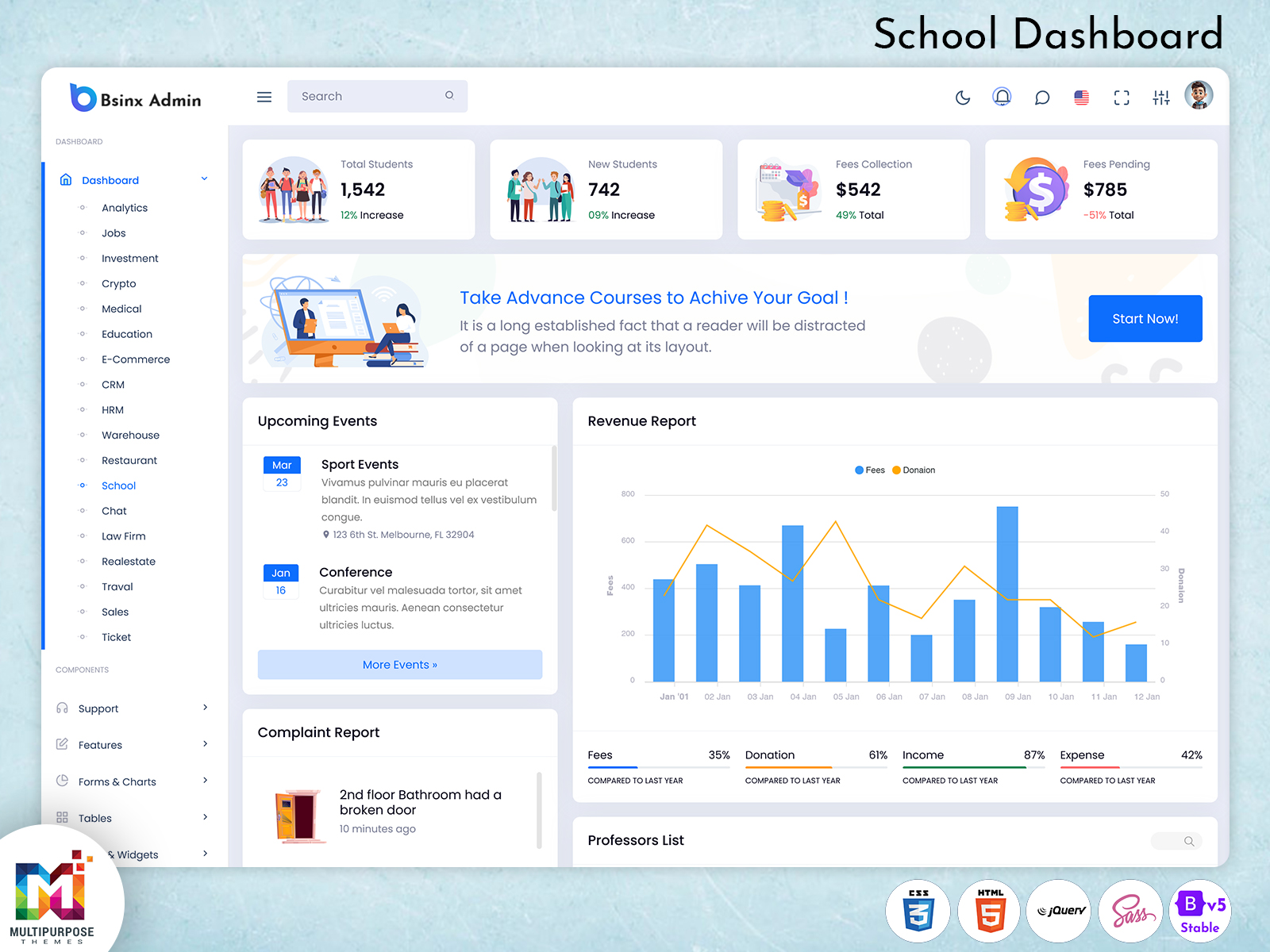
Educational institutions today require efficient digital solutions to manage academic activities, student records, faculty operations,…
Why LMS Dashboard is Demanded for WebApss? Explore Features, Templates & Benefits
Reading Time: 6 minutes
Managing online learning platforms effectively requires more than just uploading courses. To truly engage learners, track progress, and manage content efficiently, a Learning Management System – LMS Dashboard is essential. In this blog, we answer the most common questions about LMS Dashboards, LMS Admin Templates, and how modern dashboards can transform the eLearning experience.
Q1: What is an LMS Dashboard?
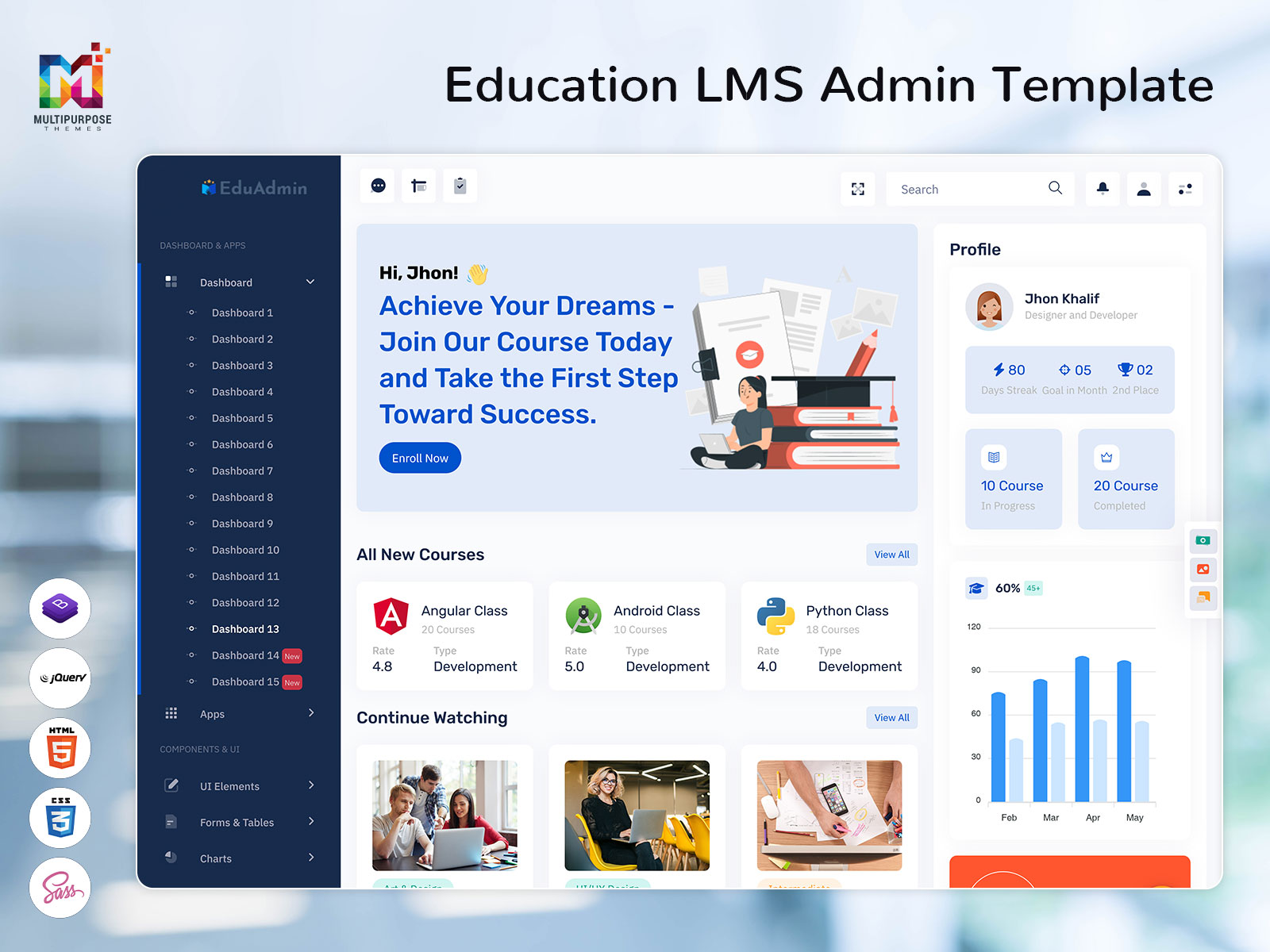
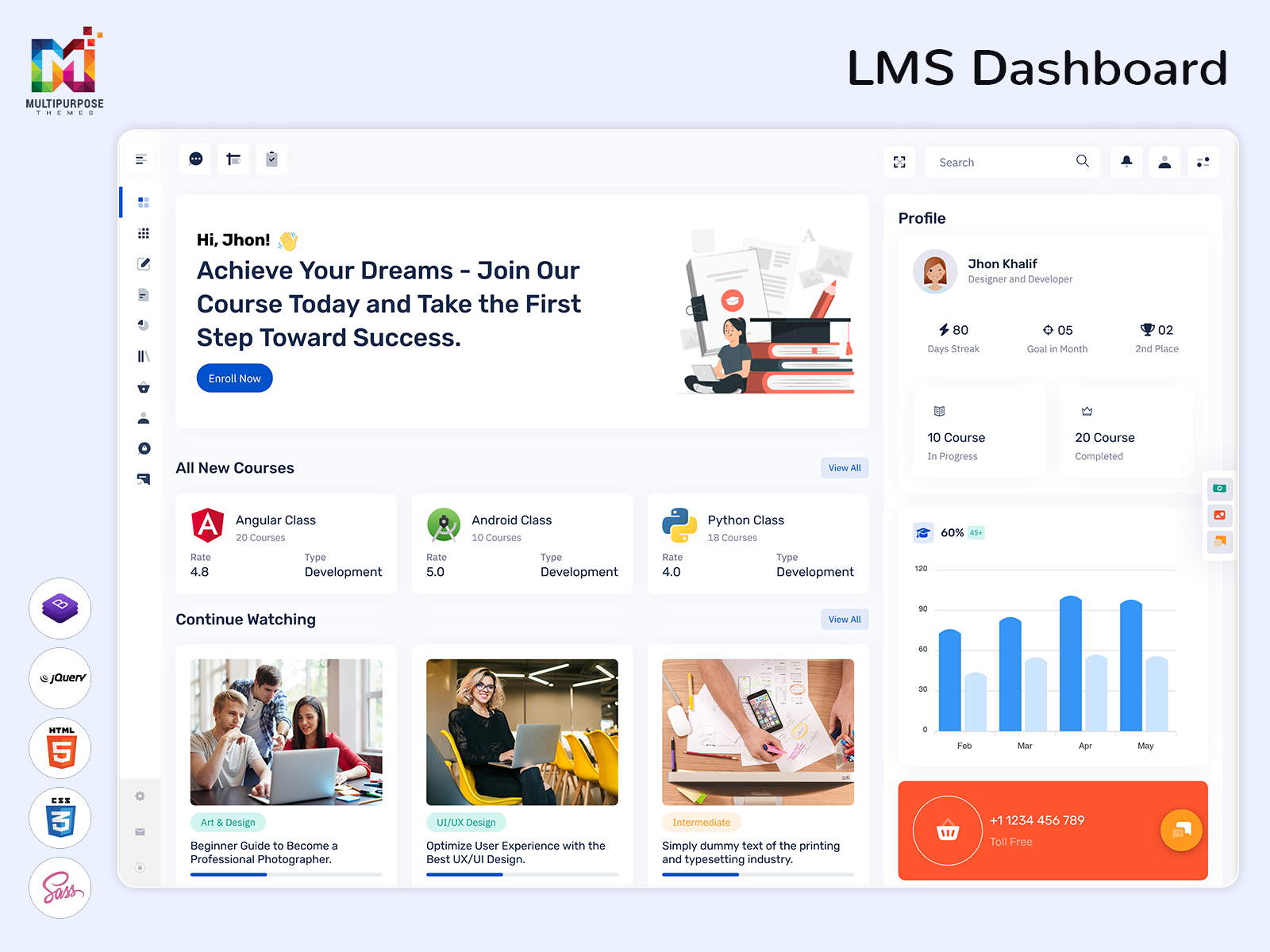
An LMS Dashboard is the central hub of any Learning Management System. It provides administrators, instructors, and learners with a comprehensive view of activities, performance, and progress. From monitoring course completion to tracking student engagement, an LMS Dashboard simplifies the management of online learning.
Common elements in an LMS Dashboard include:
- Course Overview: Displays active, completed, and upcoming courses.
- Student Progress: Visual graphs showing course completion rates.
- Assignments & Assessments: Pending tasks and upcoming deadlines.
- Notifications: Alerts for assignments, announcements, or messages.
Whether you are running an educational institute or an online training platform, the LMS Dashboard ensures you can make informed decisions quickly.
Boost Learning Management with Our Ultra-Featured LMS Admin Template – Smart, Fast, Intuitive!
buy now
Q2: Why Are LMS Dashboards Important for WebApps?
A Learning Management System Dashboard is crucial because it streamlines complex processes into a simple, user-friendly interface. For web apps offering online courses, LMS Dashboards bring:
- Efficiency: Quickly access key metrics without navigating multiple screens.
- Better Engagement: Visual dashboards motivate learners by tracking progress and achievements.
- Actionable Insights: Analytics and reports help instructors and admins improve courses based on performance data.
- Simplified Management: All course management, student tracking, and reporting features are centralized.
Essentially, an LMS Dashboard turns scattered data into meaningful insights, helping both educators and learners focus on what truly matters: learning.
Q3: What Are the Key Features of a Modern LMS Dashboard?
Modern Education Dashboard and Online Course Dashboard are designed to enhance both usability and engagement. Some must-have features include:
- Responsive Design: Accessible on desktop, tablet, and mobile without any loss in functionality.
- Analytics & Reporting: Visualize student progress, engagement rates, and course completion metrics.
- Course Management: Add, edit, or remove courses; manage content, assignments, and quizzes.
- User Management: Assign roles for students, teachers, or administrators.
- Notifications & Alerts: Automated reminders for assignments, exams, or course updates.
- Gamification: Badges, points, and leaderboards to encourage learner participation.
- Customizable Layouts: Drag-and-drop widgets, color themes, and personalized dashboards.
- Integration Support: Compatible with tools like video conferencing, eCommerce, and analytics platforms.
By combining these features, an LMS Admin Template ensures seamless management of learning platforms, improving both user experience and operational efficiency.
Q4: What Are the Benefits of Using LMS Dashboard Templates?
Building a Learning Management System from scratch can be time-consuming and expensive. Using Courses Dashboard Templates or LMS Admin Templates offers several benefits:
- Time-Saving: Ready-made templates reduce development time significantly.
- Professional Design: High-quality UI/UX ensures your platform looks modern and trustworthy.
- Consistency: Uniform layouts and styles across all dashboards maintain visual harmony.
- Customizable: Templates can be tailored to match branding, colors, and required features.
- Cost-Effective: Eliminates the need to hire dedicated UI/UX designers for dashboards.
- Scalability: Easily add new features or integrate with other apps as your platform grows.
For startups or educational institutions, these templates allow you to launch a fully functional LMS without compromising on quality or aesthetics.
Explore Dashboard Design of Education Admin
Dashboard 1
BUY NOW DEMO
Dashboard 2
BUY NOW DEMO
Dashboard 3
BUY NOW DEMO
Dashboard 4
BUY NOW DEMO
Dashboard 5
BUY NOW DEMO
Dashboard 6
BUY NOW DEMO
Dashboard 7
BUY NOW DEMO
Dashboard 8
BUY NOW DEMO
Dashboard 9
BUY NOW DEMO
Dashboard 10
BUY NOW DEMO
Dashboard 11
BUY NOW DEMO
Dashboard 12
BUY NOW DEMO
Dashboard 13
BUY NOW DEMO
Q5: How to Choose the Right LMS Dashboard Template for Your WebApp?
Selecting the ideal Learning Management System Dashboard template is crucial for long-term success. Consider these factors:
- Features Required: Identify what your platform needs—analytics, course management, user tracking, gamification, etc.
- Responsiveness: Ensure the template works seamlessly on web and mobile devices.
- UI/UX Quality: Look for clean, intuitive designs with easy navigation.
- Framework Compatibility: Make sure it supports your tech stack (React, Angular, Vue, Bootstrap, etc.).
- Customizability: Templates should allow easy modifications to suit your branding.
- Support & Documentation: Choose templates that come with proper guidance and support.
By carefully considering these factors, you ensure your Online Course Dashboard not only looks great but also meets functional needs.
Q6: Top Use Cases of LMS Dashboards in WebApps
Learning Management System Dashboards are versatile and serve a variety of sectors:
Educational Institutes:
- Monitor student attendance and progress.
- Manage courses, assignments, and quizzes efficiently.
Corporate Training Platforms:
- Track employee learning paths and skill development.
- Generate performance reports for HR and managers.
eLearning Startups:
- Launch platforms quickly with ready-made dashboards.
- Offer engaging user experiences for learners.
Coaching Platforms:
- Manage batches, track assignments, and monitor student performance.
- Send automated reminders and course updates.
These use cases demonstrate how LMS Dashboard Templates can simplify management while enhancing learning outcomes.
Watch Video
Q7: Best Practices for Designing an LMS Dashboard
A well-designed Education Dashboard enhances usability and engagement. Keep these best practices in mind:
- Simplicity: Avoid clutter; show only essential information.
- Highlight Key Metrics: Important data like course completion or pending assignments should be visible at a glance.
- Consistent Visuals: Use uniform fonts, colors, and charts to maintain a clean look.
- Personalization: Allow users to customize their dashboards according to roles.
- Fast Loading: Optimize performance to ensure smooth navigation.
- Mobile-Friendly: Ensure the dashboard is fully responsive for all devices.
Following these principles makes the dashboard more intuitive and user-friendly for learners and administrators alike.
Q8: How LMS Dashboards Improve Learning Outcomes
A well-designed LMS Dashboard does more than just display data—it actively enhances learning:
- Motivation: Real-time tracking encourages learners to complete courses.
- Targeted Intervention: Instructors can identify struggling students early.
- Timely Notifications: Reminders for assignments, exams, and course updates ensure tasks are completed on time.
- Gamification: Points, badges, and leaderboards increase engagement and retention.
- Data-Driven Decisions: Insights from dashboards help improve course content and structure.
Ultimately, a robust LMS Dashboard makes the learning process more organized, engaging, and efficient.
Q9: Future Trends in LMS Dashboards
As eLearning evolves, Learning Management System Dashboards are also becoming smarter and more dynamic. Some upcoming trends include:
- AI-Powered Analytics: Predictive insights for learners and instructors.
- Advanced Gamification: More interactive elements to boost engagement.
- Mobile-First Design: Dashboards optimized for smartphones and tablets.
- Third-Party Integrations: Seamless connections with video conferencing, analytics, and CRM tools.
- Personalized Learning Paths: Dashboards adapting based on learner progress and behavior.
By staying updated with these trends, platforms can ensure they deliver the best learning experience to their users.
Q10: Conclusion – Why You Should Use LMS Dashboard Templates for WebApps
A Courses Dashboard Template or LMS Admin Template is more than just a UI—it’s the backbone of your eLearning platform. By using these templates:
- You save time and cost while launching professional dashboards.
- Enhance user experience for learners, instructors, and admins.
- Scale your platform quickly with customizable, ready-made layouts.
- Stay ahead with modern designs, analytics, and gamification features.
Whether you are an educational institute, corporate trainer, or eLearning startup, investing in an LMS Dashboard Template ensures your platform is ready for the future of online learning.
FAQs
Q1: What is an LMS Dashboard?
A: An LMS Dashboard is the central interface of a Learning Management System, allowing admins, instructors, and learners to track courses, monitor progress, and manage online learning activities efficiently.
Q2: Why is an LMS Dashboard important for eLearning platforms?
A: It provides actionable insights, simplifies course management, improves learner engagement, and helps administrators make data-driven decisions.
Q3: What are the key features of a modern LMS Dashboard?
A: Responsive design, course management, user management, analytics & reporting, notifications, gamification, customizable layouts, and integration support with other apps.
Q4: How does an LMS Admin Template help in building a learning platform?
A: LMS Admin Templates save development time, offer professional UI/UX, maintain design consistency, and allow easy customization for branding and required features.
Q5: Can LMS Dashboards be used for corporate training?
A: Yes! LMS Dashboards track employee progress, skill development, completion rates, and help HR or managers make informed decisions.
Q6: What is the difference between an Education Dashboard and an Online Course Dashboard?
A: An Education Dashboard focuses on overall learning management for institutions or platforms, while an Online Course Dashboard is more course-specific, tracking individual courses, assignments, and learner progress.
Q7: Are LMS Dashboard Templates customizable?
A: Yes. Templates can be modified to match your brand colors, layouts, and features without extensive coding knowledge.
Q8: How do LMS Dashboards improve learner engagement?
A: By providing real-time progress tracking, visual reports, gamification elements like badges or points, and timely notifications, learners stay motivated and engaged.
Q9: Can LMS Dashboards integrate with other tools?
A: Yes. Modern dashboards often support integration with video conferencing tools, analytics software, CRM systems, and eCommerce platforms.
Q10: How do I choose the right LMS Dashboard Template for my web app?
A: Consider required features, UI/UX quality, responsiveness, compatibility with your tech stack, customization options, and support/documentation.
Q11: What future trends are expected in LMS Dashboards?
A: AI-powered analytics, advanced gamification, mobile-first dashboards, personalized learning paths, and more integrations with third-party tools.
Q12: Are LMS Dashboards suitable for startups and small educational businesses?
A: Absolutely! Using ready-made LMS Admin Templates allows startups and small institutions to launch professional platforms quickly and cost-effectively.

Related Posts