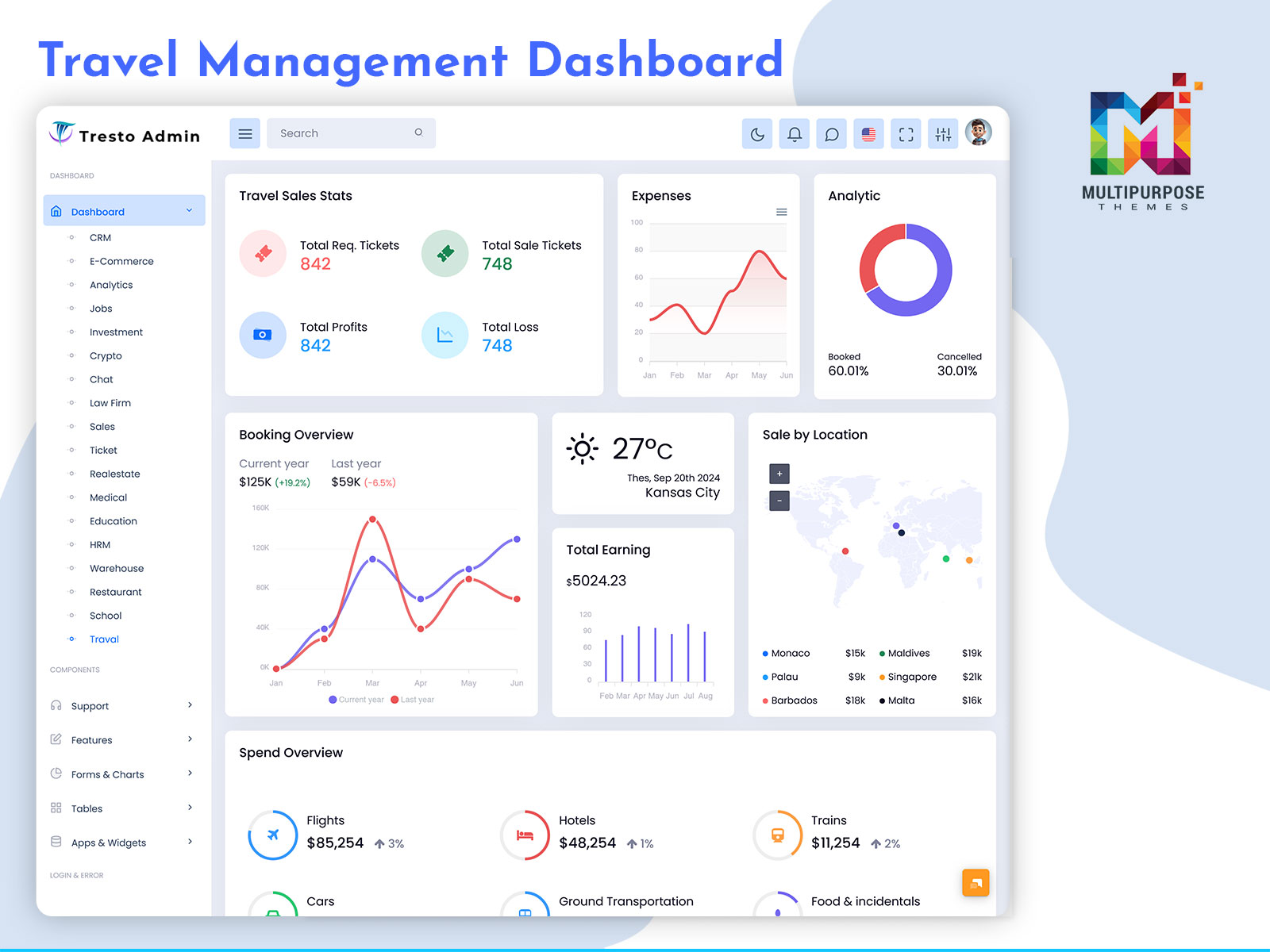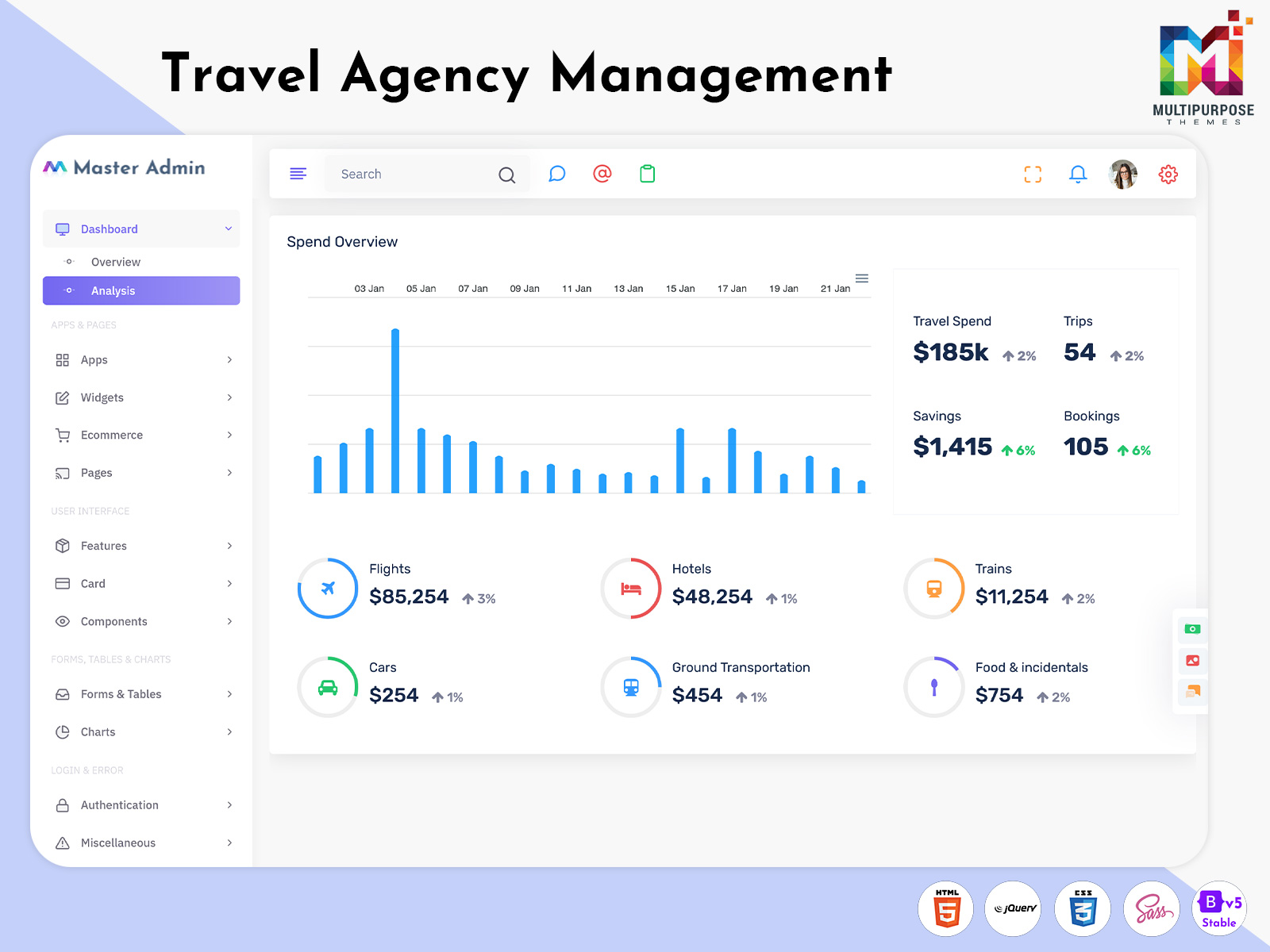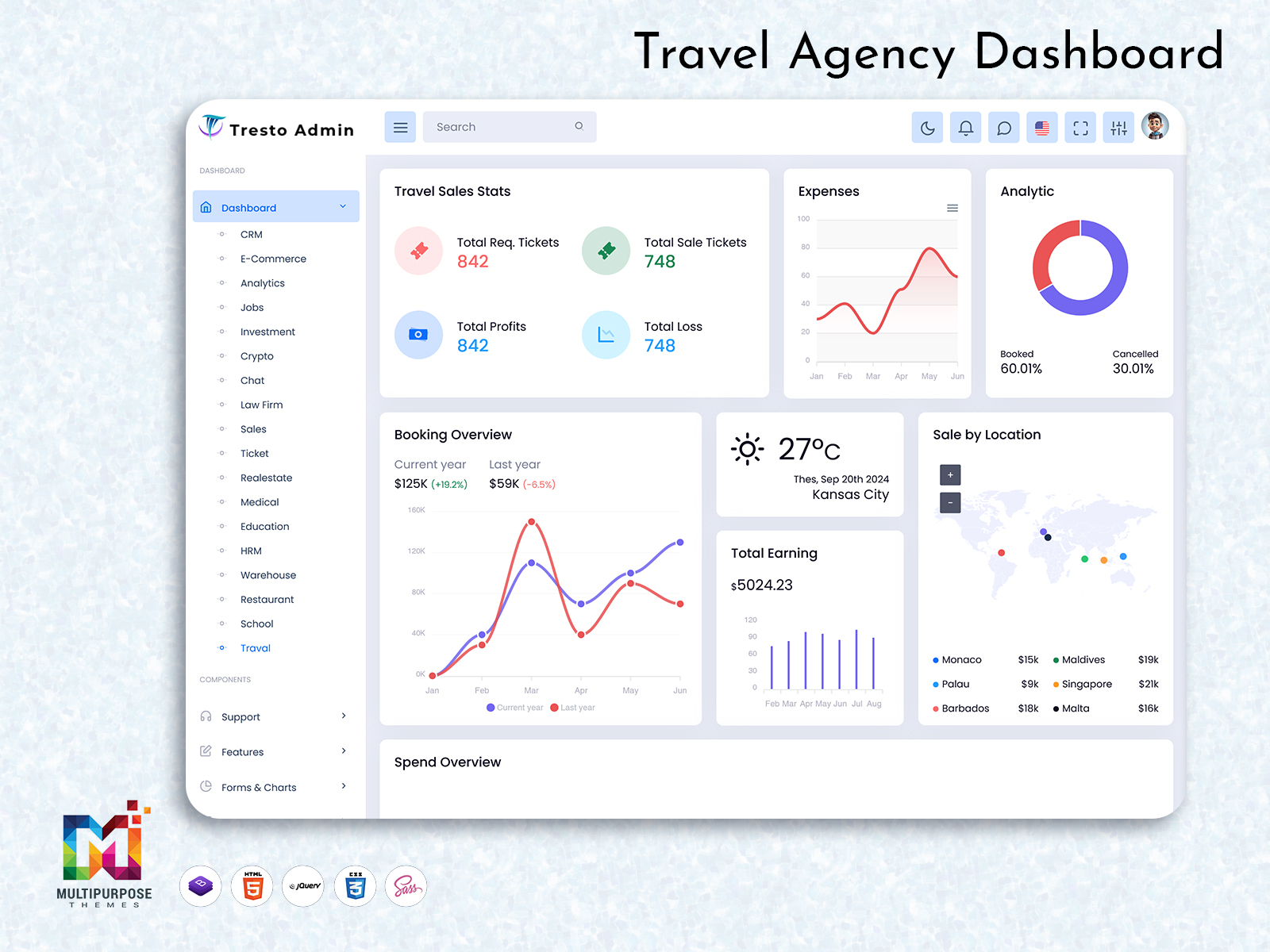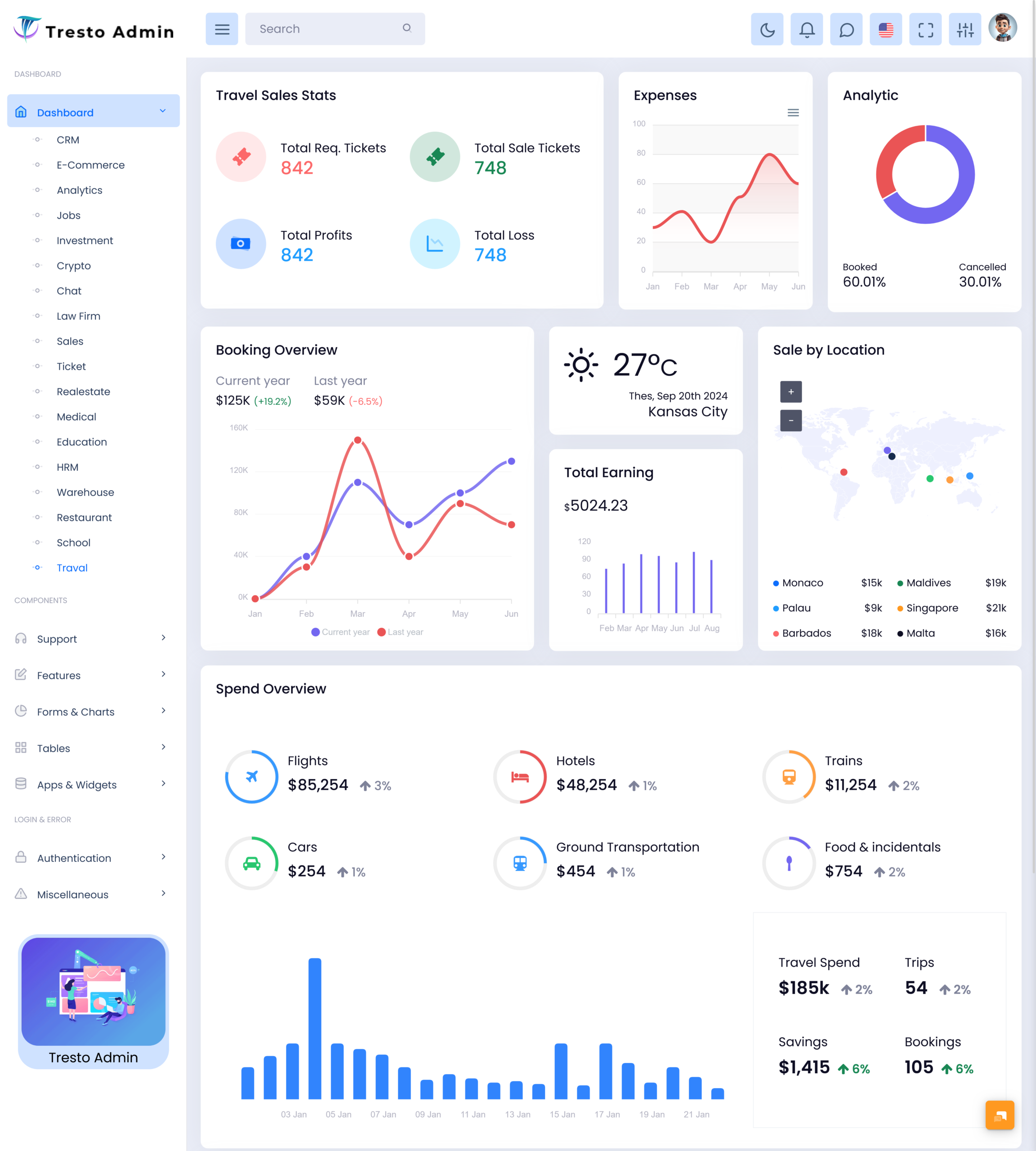
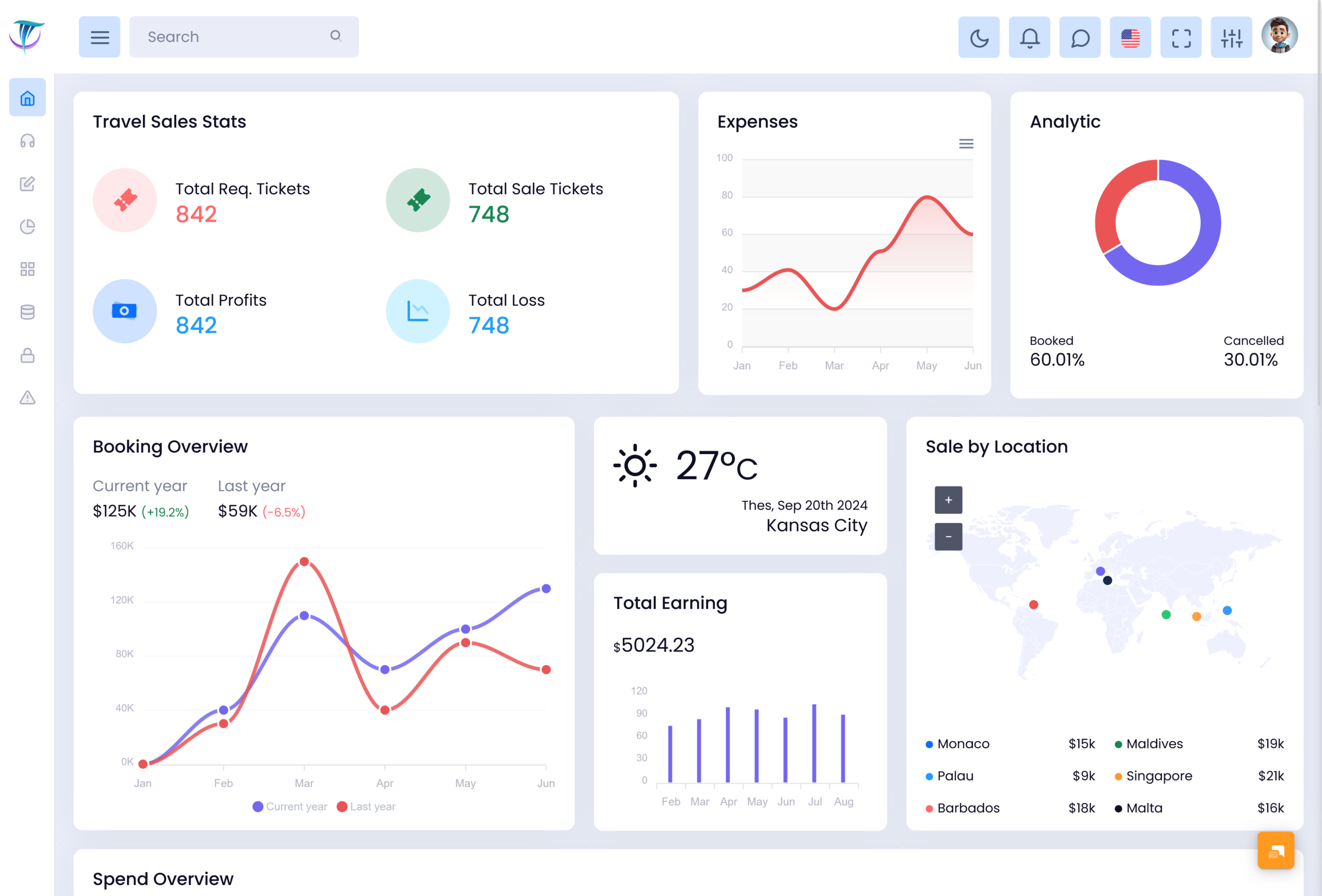
Understanding Travel Management Dashboard for Modern Travel Businesses This Travel management dashboard is a virtual…
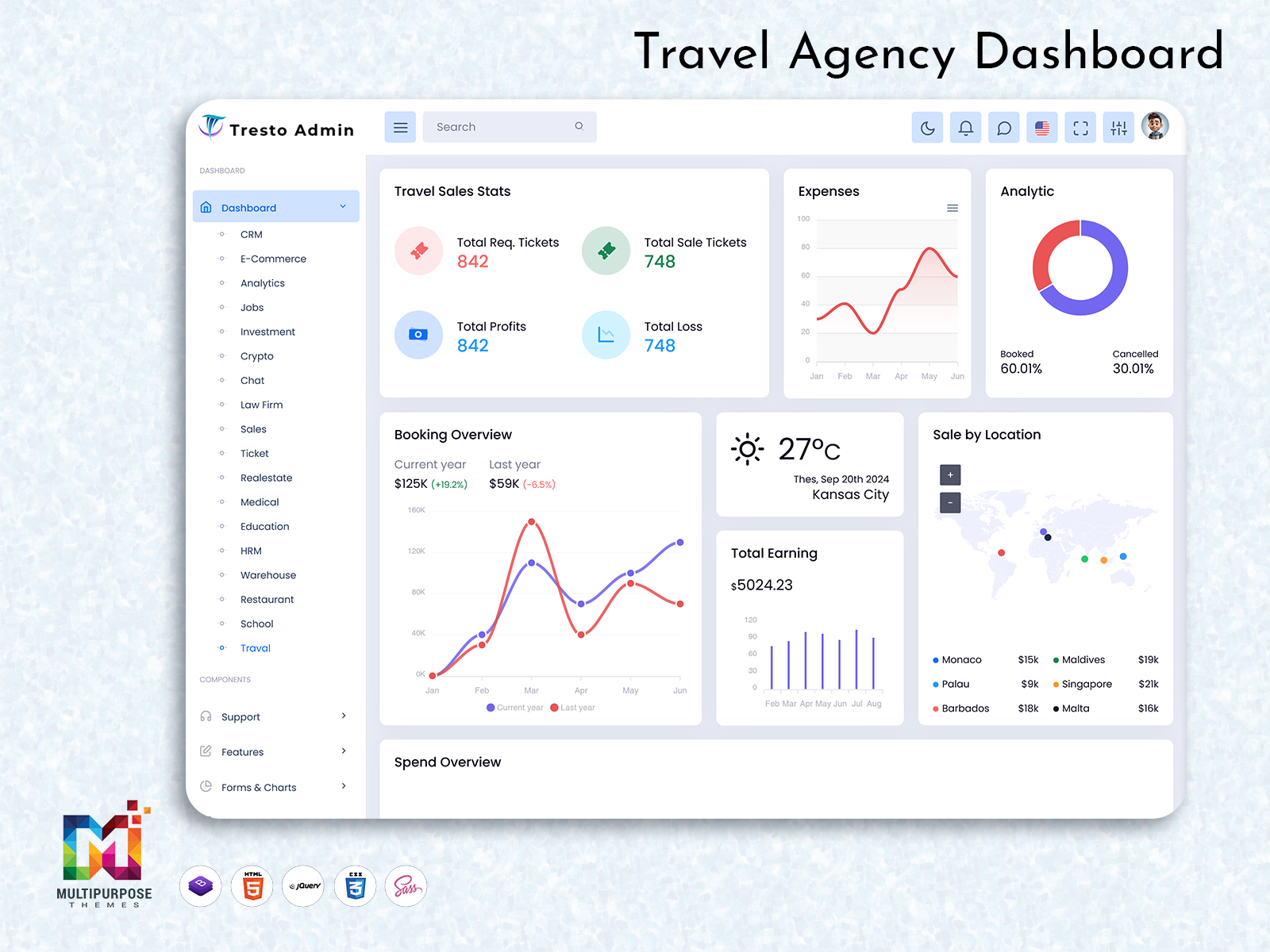
Ticket Booking Management System: A Centralized Way to Manage Modern Travel Bookings
Reading Time: 8 minutes
What is a Travel Dashboard?
A Travel Dashboard is a centralized digital workspace designed to help travel businesses organize and manage information related to bookings, reservations, customers, tickets, and travel operations. Instead of handling each activity through separate spreadsheets, emails, or disconnected systems, a dashboard can bring important information into one structured environment.
Watch Full Video
Travel businesses manage constantly changing information. A customer may search for a trip, select an option, make a reservation, request a change, or need assistance before departure. At the same time, travel teams may be handling many customers and bookings simultaneously. Without an organized system, keeping track of these activities can become difficult.
A Travel Booking Dashboard provides a common place where authorized users can review and manage booking-related information. It can help teams understand current activity without repeatedly searching through different sources.
A Ticket Booking Dashboard can provide a more focused environment for businesses that manage ticket reservations. It allows relevant booking information to be organized in a way that is easier for staff to review and maintain.
Why is a Travel Dashboard Important?
Travel businesses work with information that can change frequently. Availability, reservations, customer requirements, schedules, and booking status may all change during the course of normal operations.
A centralized Travel Dashboard can make this information easier to organize. Instead of depending on several unrelated systems, authorized users can work through one management environment.
For a travel administrator, this can reduce unnecessary searching. When relevant information is available through a structured interface, employees can spend more time handling customer and business requirements rather than collecting information manually.
A Travel Booking Dashboard can also support coordination between different members of a travel team. Employees can work from a common environment, helping create a more consistent approach to managing bookings.
The same principle applies to a Travel Reservation Dashboard. By keeping reservation-related information organized, businesses can maintain a clearer view of their ongoing activities.
A dashboard is especially useful when a business grows. More customers and bookings naturally create more administrative work. A well-designed system can provide a foundation that supports this growth without making daily management unnecessarily complicated.
VIEW DEMO BUY NOW
Features of Travel Dashboard
1. Centralized Booking Workspace
A Travel Booking Dashboard provides a common environment for organizing travel-related booking information. Instead of requiring employees to depend on different sources, the dashboard can bring relevant records into one structured interface. This makes everyday booking administration easier to follow and provides authorized users with a consistent place to begin their work.
2. Reservation Management Interface
A Travel Reservation Dashboard creates an organized environment for working with reservation information. It can be customized around the way a travel company handles its services and customer requirements. A clear interface can help employees understand reservation activity while reducing unnecessary movement between separate administrative systems.
3. Ticket Administration
A Ticket Booking Dashboard can provide a dedicated workspace for managing ticket-related information. It helps businesses organize booking records within a common interface and makes the administration process easier to follow. The structure can be adapted according to the company’s ticketing workflow, service model, and responsibilities of authorized users.
4. Customer Information Organization
Customer information is an important part of travel management. A Travel Dashboard can provide a structured environment where authorized employees can access relevant customer records according to their responsibilities. Keeping customer-related information organized can support smoother administration and create a more consistent approach to handling travel-related interactions.
5. Responsive User Interface
A modern travel dashboard should remain practical across supported screen sizes. Responsive design allows authorized employees to access the interface from different devices without losing the basic structure of the system. This flexibility can be useful for travel professionals who may work from offices, service counters, remote locations, or while traveling.
6. Flexible Administrative Structure
Every travel company operates differently, so the dashboard should not be limited to one fixed workflow. A Travel Booking Dashboard can be customized according to the organization’s branding, services, booking process, user roles, and business requirements. This flexibility allows the system to support real operational needs rather than forcing employees into an unsuitable structure.
7. Connected Travel Information
A Travel Dashboard can create a more connected environment for working with booking and reservation information. Instead of treating every record as an isolated item, the system can organize related information within a common workspace. This helps users understand the wider context of travel activities and manage their responsibilities more effectively.
VIEW DEMO BUY NOW
How a Travel Dashboard Supports Booking Operations
Booking management involves more than recording a customer’s reservation. Travel businesses may need to coordinate information between customers, staff members, schedules, tickets, and service providers.
A Travel Booking Dashboard can provide a central workspace for managing these connected activities. When information is organized through one interface, employees can understand the status of ongoing work without repeatedly checking different sources.
This can be particularly useful during busy periods when booking activity increases. Employees can work from the same management environment instead of relying on individual methods of maintaining information.
A Ticket Booking Dashboard can be especially useful for organizations that handle large volumes of ticket-related transactions. The system can be designed around the company’s specific ticket management process.
For businesses managing broader reservations, a Travel Reservation Dashboard can provide a wider administrative environment that accommodates different types of booking information.
The dashboard should remain focused on usability. Employees need to understand the system quickly because booking administration often involves direct customer interaction and time-sensitive responsibilities.
Making Travel Reservation Management More Practical
Reservation information can change throughout the customer journey. A customer may create a booking, request an update, change travel plans, or need additional assistance.
A Travel Reservation Dashboard can provide a structured environment for handling these changing records. Instead of keeping reservation information across multiple disconnected sources, the business can create a common administrative workspace.
This can make it easier for authorized employees to understand the current state of a reservation before responding to a customer.
The dashboard can also support consistency. When employees follow a common interface and workflow, the company can establish a more predictable approach to reservation administration.
For travel companies managing multiple services, customization is particularly important. Different businesses may handle flights, tours, accommodation, transportation, or other travel-related services, and each may have different information requirements.
A flexible dashboard can therefore be adapted to match the business instead of forcing every travel company to use the same structure.
Supporting Better Customer Service
Customer experience is an important part of travel businesses. People expect booking information to be handled accurately and questions to be answered without unnecessary delays.
A Travel Booking Dashboard can support customer service indirectly by making relevant booking information easier for authorized employees to access. When staff members can find information efficiently, they may be able to respond to routine customer requirements more smoothly.
A Travel Reservation Dashboard can also help create continuity between different customer interactions. When relevant information is organized within a common system, employees may have better context when handling a customer’s request.
This can be especially valuable when customers communicate with different members of the travel team. A shared management environment can reduce dependence on one employee’s personal records.
The dashboard does not replace personal communication. Instead, it gives customer-facing teams a better administrative foundation for providing organized service.
Benefits of Travel Dashboard
1. Simplifies Booking Administration
A Travel Dashboard provides a centralized environment for working with travel information. This can reduce the need to search through different systems during everyday operations. By organizing relevant information in one place, employees can follow booking activities more easily and spend less time handling unnecessary administrative steps.
2. Improves Booking Visibility
A Travel Booking Dashboard can give authorized users a clearer view of current booking activity. Having relevant information within one interface makes it easier to understand what is happening across the business. Better visibility can help teams identify areas that require attention and maintain a more organized booking workflow.
3. Supports Faster Information Access
Travel employees often need information while communicating directly with customers. A centralized dashboard can make relevant booking and reservation records easier to access. This can reduce the time spent searching across different sources and give employees a more convenient environment for handling routine customer and administrative requests.
4. Helps Manage Growing Booking Volumes
As a travel company expands, the number of reservations and ticket transactions can increase significantly. A Ticket Booking Dashboard can provide a structured environment for managing higher volumes of information. This can help businesses maintain a consistent administrative process as customer activity grows.
5. Encourages Team Collaboration
A shared Travel Reservation Dashboard can give authorized employees a common environment for working with reservation information. This can make internal coordination easier and reduce confusion caused by different employees maintaining separate records. A consistent system can help teams follow a more organized approach to travel management.
6. Supports Remote Accessibility
Modern travel professionals may not always work from a single office. A responsive Travel Dashboard can provide access through supported devices and web environments, depending on the system’s design. This flexibility can help employees manage travel-related information while working from different locations.
7. Creates a Scalable Management Foundation
A well-designed travel dashboard can provide a foundation that grows alongside the business. New services, additional employees, higher booking volumes, and changing workflows may require adjustments over time. A flexible system can accommodate these developments without forcing the business to completely redesign its management environment.
Conclusion
A Travel Dashboard can provide travel businesses with a centralized environment for organizing bookings, reservations, customer information, and daily administrative activities. By bringing relevant information together, it can make travel operations easier to understand and manage.
A Travel Booking Dashboard can support booking administration, while a Ticket Booking Dashboard can provide a focused workspace for ticket-related activities. A Travel Reservation Dashboard can help businesses organize broader reservation processes according to their specific requirements.
The real value of the dashboard comes from its usability, flexibility, and connection to actual business workflows. A system should not simply display information; it should help employees work with that information in a clear and practical way.
With thoughtful customization, responsive design, appropriate access controls, and a user-focused structure, a travel dashboard can become a valuable digital workspace for modern travel businesses.
VIEW DEMO BUY NOW
Frequently Asked Questions
1. What is a Travel Dashboard used for?
A travel dashboard is created to manage the data in an organized way. It also provides authorized users with a centralized environment for working with bookings, reservations, customer information, tickets and administrative activities. The exact functions depend on the business model and requirements of the travel company.
2. What is the difference between a Travel Booking Dashboard and a Travel Reservation Dashboard?
A Travel Booking Dashboard generally focuses on managing booking-related activities, while a Travel Reservation Dashboard can be designed around broader reservation processes. The two can overlap, and the final structure depends on what services the travel business provides and how it manages its customer journeys.
3. Who can use a Ticket Booking Dashboard?
A Ticket Booking Dashboard can be used by authorized travel agents, booking administrators, customer service employees, managers, and other staff members involved in ticket-related operations. Access should be configured according to each user’s responsibilities so employees can work with the information required for their role.
4. Can a Travel Dashboard be customized?
Yes. A Travel Dashboard can be customized according to the company’s services, workflow, branding, user roles, and technical requirements. A travel agency, tour company, and ticketing business may all require different interfaces. Customization helps ensure that the dashboard supports the actual working process of the organization.
5. Is a Travel Dashboard useful for a small travel agency?
Yes. A small travel agency can use a dashboard to create a more organized environment for managing bookings and customer information. Even when booking volumes are modest, centralizing information can reduce manual work. As the agency grows, the dashboard can also provide a foundation for handling additional activity.
6. What should businesses consider before developing a Travel Reservation Dashboard?
Businesses should consider usability, booking workflows, customer information, user permissions, security, responsiveness, scalability, and integration requirements. It is useful to understand how employees currently manage reservations before designing the dashboard. This helps developers create a system that simplifies existing processes instead of introducing unnecessary complexity.
7. Can Multi Purpose Themes be used for Travel Dashboard development?
Yes. Multi Purpose Themes can provide dashboard and admin template foundations that developers may customize for travel-related applications. The interface can be adapted according to the company’s branding, booking workflow, user roles, and functionality requirements. The final application should be developed according to the specific operational and security needs of the travel business.

Related Posts