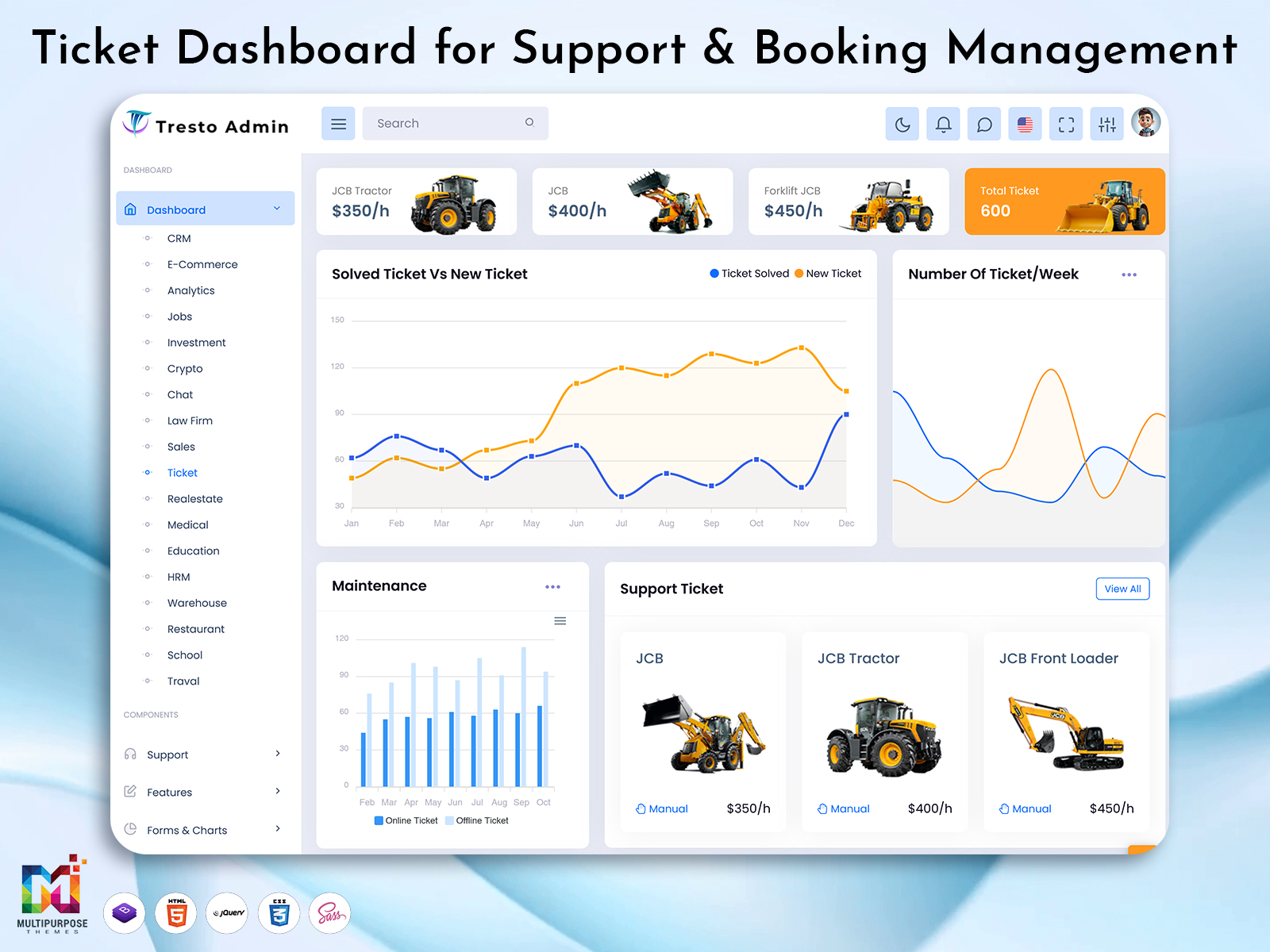
A ticket dashboard is an administrative interface that is used to simplify a business’s day-to-day…
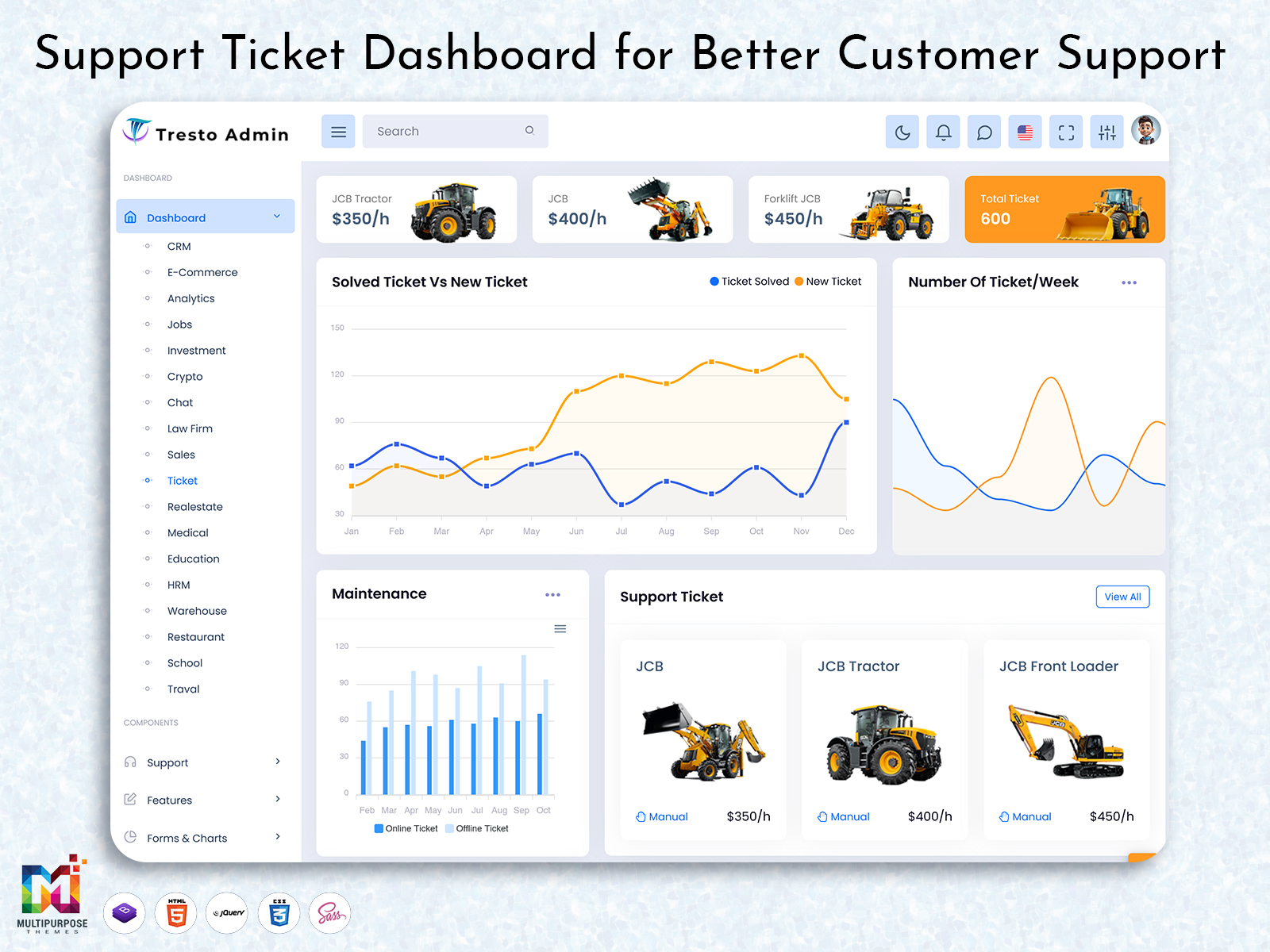
Support Ticket Dashboard: Smarter Customer Support
Reading Time: 8 minutes
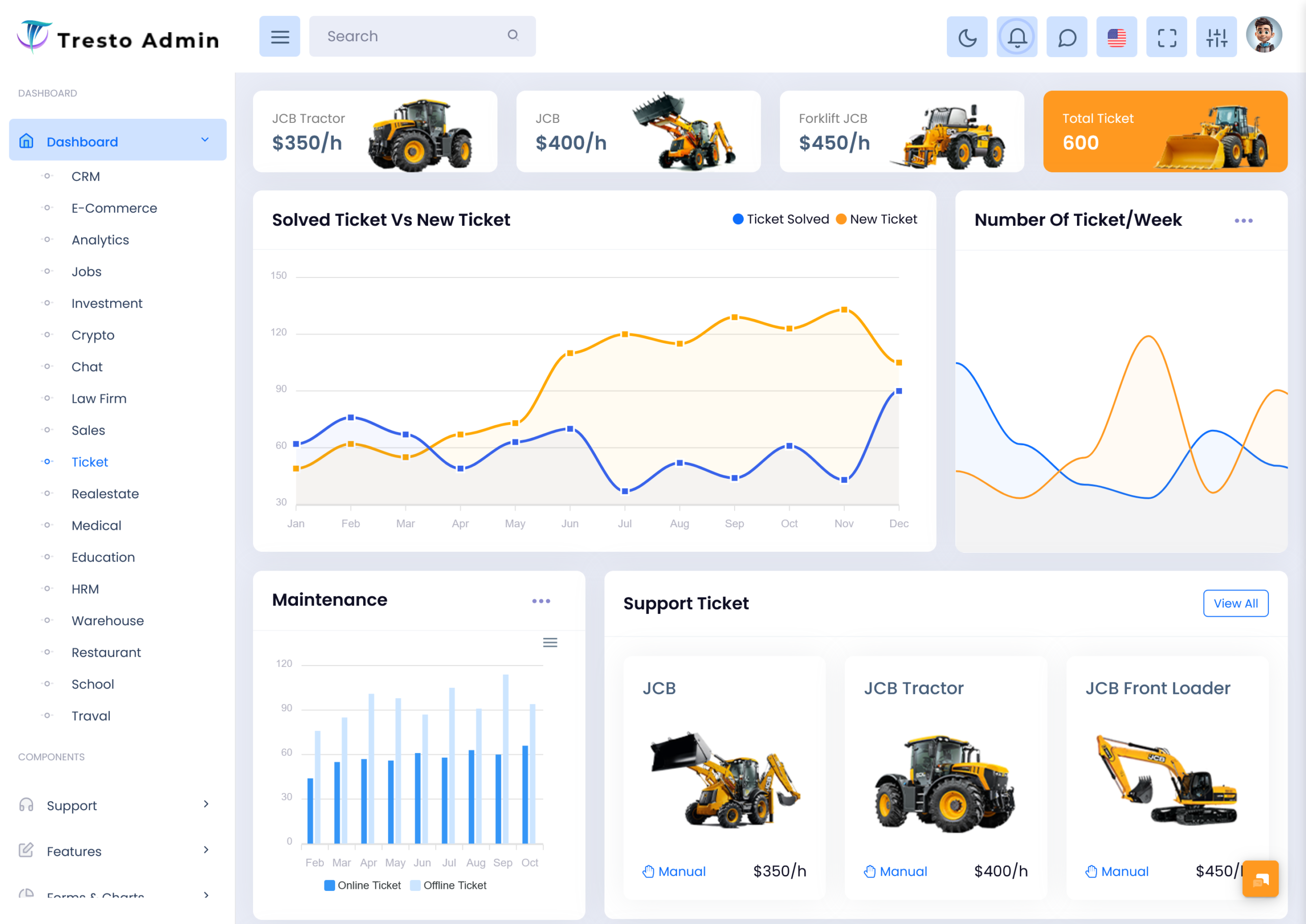
A support Ticket dashboard can provide a centralized workspace for organizing these customer requests. Instead of relying on scattered emails, spreadsheets, or individual notes, support teams can work within a structured interface where relevant ticket information is easier to find and review.
Watch Full Video
However, a useful ticket dashboard should not simply display a list of requests. It should help support employees understand which conversations need attention, what has already happened, and where a request currently stands.
What is a Ticket Dashboard?
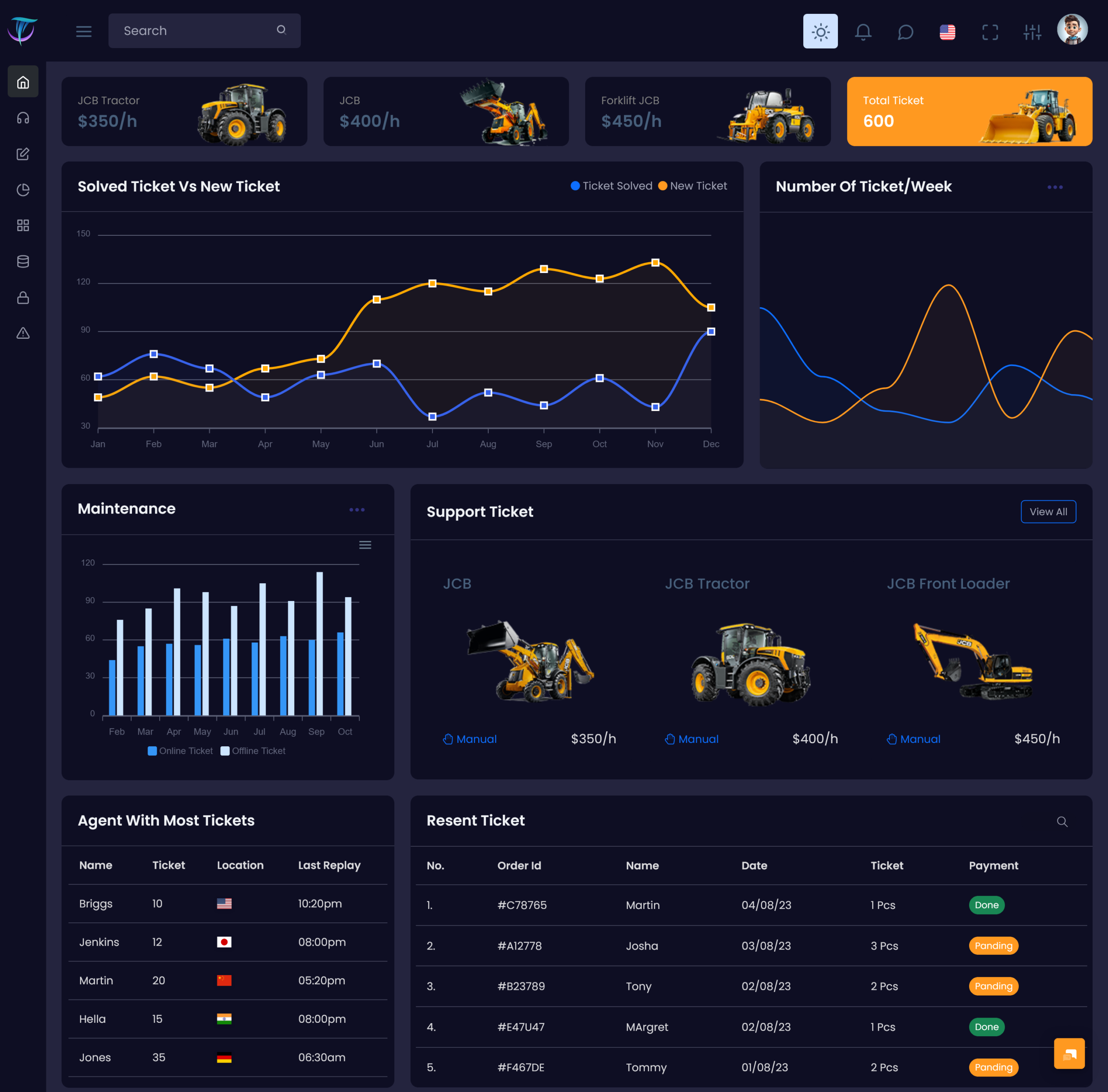
A Ticket Dashboard is a digital interface designed to organize customer support requests in a structured workspace. It can be used by customer service teams, technical support departments, IT help desks, SaaS businesses, ecommerce companies, and other organizations that regularly handle customer questions or problems.
A support request can begin as a simple question and later become a longer conversation. If the information surrounding that request is difficult to locate, the support employee may spend more time searching for context than actually helping the customer.
A ticket dashboard can provide a clearer working environment by connecting related information to individual support requests.
The term support Ticket generally refers to a recorded customer request that requires a response, investigation, or action. When many such requests are handled together, support tickets need to be organized so that employees can understand what is happening across the support operation.
A support Ticket admin interface can provide administrators with broader control over the support environment. It can be designed around internal responsibilities such as managing users, reviewing workload, maintaining processes, and overseeing ticket activity.
Meanwhile, a support Ticket dashboard can give agents a more focused workspace for their daily support work.
The most important purpose of a ticket dashboard is therefore not simply storing requests. It is helping employees move from customer problems → understanding → response → resolution in a more organized manner.
A well-designed dashboard should make that journey easier without making the interface unnecessarily complicated.
VIEW DEMO BUY NOW
Beyond Ticket Counts: Understanding the Real Support Workload
Customer support is often measured through numbers such as response time or the number of resolved tickets. These measurements can be useful, but they do not tell the whole story.
A support team can close many tickets while still leaving customers dissatisfied if the responses are rushed or incomplete. Similarly, a ticket that remains open for a longer period may require additional investigation and should not automatically be considered a failure.
This is why a ticket dashboard should provide context.
For example, suppose an agent sees several open support Tickets. A basic system may show the number of tickets waiting for action. A more thoughtful dashboard can help the agent understand which requests are new, which are ongoing conversations, and which have already received attention.
This creates a more realistic picture of the workload.
A support Ticket dashboard can also help managers identify whether a workload is becoming uneven across the team. If one employee is handling a large number of complex requests while another has fewer active conversations, management can investigate the reason instead of judging performance from ticket counts alone.
The dashboard should therefore encourage better decisions rather than simply provide more numbers.
Its value comes from helping people understand the story behind the support queue.
Features of Ticket Dashboard
1. Centralized Ticket Workspace
A support Ticket dashboard can provide a central place where customer requests are organized for support employees. Instead of searching through separate systems, agents can work from a structured environment that makes active conversations easier to locate and review during their daily responsibilities.
2. Support Ticket Organization
A well-structured interface can organize support Tickets according to their current situation and relevance. This gives agents a clearer understanding of their workload and helps them move between different customer requests without losing track of conversations that still require attention.
3. Support Ticket Admin
A support Ticket admin interface can provide administrators with a wider perspective of the support operation. It can be customized around internal responsibilities, allowing authorized users to oversee support activity and maintain an organized environment for agents and customer service teams.
4. Conversation Context
A ticket dashboard can help keep relevant conversation information connected to the support request. This allows agents to review previous communication before responding, reducing the need to ask customers for information they may have already provided earlier.
5. Workload Visibility
A dashboard can provide support managers with a clearer view of the team’s current workload. This can help them understand how requests are distributed and determine whether additional attention or coordination may be needed without relying entirely on manual reporting.
6. Adaptable Support Workspace
Different businesses handle customer support differently. A flexible ticket dashboard can be adapted around the organization’s workflow, team structure, customer base, and support process. This makes it possible to create an interface that fits the business rather than forcing every team into the same working method.
7. Clear Support Navigation
Support employees often switch between many customer conversations during the day. A well-organized dashboard can simplify navigation between requests and reduce unnecessary movement across screens, allowing agents to spend more time understanding customer problems and providing appropriate responses.
Maintaining Support Continuity Through Connected Ticket Context
One of the most useful purposes of a Ticket Dashboard is maintaining continuity.
Imagine a customer contacts support about a problem. An agent responds, the customer provides additional information, and another employee later takes over the conversation.
Without clear context, the second agent may need to ask the customer to explain everything again.
This can create frustration.
A ticket dashboard can keep the relevant conversation connected to the request so that authorized employees can understand what has already happened.
This becomes particularly valuable for businesses where customer support operates across shifts or multiple departments.
A support ticket should not be treated as a single message. It represents an ongoing customer situation.
When the dashboard preserves that context, employees can continue the conversation rather than restart it.
This can also help when a problem needs to move from general support to a specialist. The specialist can review the existing information before beginning their investigation.
The result is a smoother internal handover and a more consistent customer experience.
Ticket Dashboard for Support Agents
Support agents are usually the people who interact most directly with the dashboard. Their experience therefore has a major impact on how useful the system becomes.
An agent may handle several support Tickets during a single shift. Some may require a quick answer, while others may need research or coordination with another department.
If every ticket looks equally urgent, the agent may struggle to decide where to begin.
A well-designed dashboard can provide enough context to help agents organize their attention.
This does not mean the software should make every decision automatically. Human judgment remains important because the complexity of a customer issue cannot always be represented through a simple label.
Instead, the dashboard should help agents see their workload clearly.
For example, an agent can review active conversations and identify which requests require immediate review and which can be handled later.
The interface should make this process natural.
When support employees spend less time searching for information, they have more time to understand customer problems and provide thoughtful responses.
VIEW DEMO BUY NOW
Benefits of Ticket Dashboard
1. Keeps Support Work Organized
A support Ticket dashboard creates a centralized workspace for customer requests. This can help agents keep track of active conversations and reduce dependence on scattered notes, messages, or separate records when managing several customer issues at once.
2. Preserves Customer Context
A structured ticket system keeps relevant communication connected to each request. This allows agents to review previous interactions before replying, making it easier to continue conversations naturally and reducing unnecessary repetition for customers.
3. Improves Team Visibility
Managers can use the dashboard to understand how work is distributed across the support team. This provides a clearer picture of current responsibilities and can help identify situations where workload balancing or additional coordination may be necessary.
4. Supports Better Handover
When a customer issue moves between employees, the available ticket context can make the transition smoother. The next agent can review what has already happened before responding, reducing the possibility of restarting the conversation unnecessarily.
5. Reduces Manual Tracking
A centralized dashboard can reduce the need for employees to maintain separate spreadsheets or personal notes for routine ticket tracking. This creates a more consistent support environment and allows staff to spend more time working on customer issues.
6. Helps Identify Recurring Problems
Reviewing support tickets collectively can reveal repeated customer concerns. If similar requests appear regularly, managers can investigate whether documentation, product design, communication, or another part of the customer experience needs improvement.
7. Supports Business Growth
A flexible ticket dashboard can adapt as customer volume and support teams increase. It can provide a more structured foundation for managing growing workloads while allowing businesses to introduce additional workflows when their support requirements become more advanced.
Conclusion
A Ticket Dashboard can provide a structured foundation for managing customer support in a way that is easier for both agents and managers.
A support Ticket dashboard can help teams organize conversations, maintain context, understand workload, and coordinate responsibilities. A support Ticket admin environment can give managers and administrators a wider view of the support operation, while individual support Tickets can preserve the details needed to continue customer conversations effectively.
The strongest ticket dashboard is not simply a system for counting requests.
It should help support teams understand what customers need, what has already happened, what requires attention, and how the request can move toward resolution.
When the interface is simple, information is organized clearly, and the workflow reflects the real needs of the support team, a Ticket Dashboard can become an important part of customer service operations.
Ultimately, good support technology should not make customer service feel more mechanical. It should give support employees the context and organization they need to provide better human assistance.
VIEW DEMO BUY NOW
Frequently Asked Questions
1. What is a Ticket Dashboard?
A Multi Purpose Themes Ticket Dashboard is a digital workspace used to organize and manage customer support requests. It can help agents and managers review active conversations, understand workload, maintain customer context, and coordinate support activities from a centralized interface.
2. What is a support ticket?
A Multi Purpose Themes support Ticket is a recorded customer request, question, complaint, or issue that requires attention from a support team. It can contain the customer’s message, communication history, internal information, and other details needed to understand and resolve the request.
3. How does a support Ticket dashboard help customer service teams?
A Multi Purpose Themes support Ticket dashboard gives customer service teams a structured place to manage their conversations. It can make active requests easier to review, help agents maintain context, and give managers better visibility into the team’s workload and support activities.
4. What is a support Ticket admin panel?
A Multi Purpose Themes support Ticket admin panel is an administrative interface for managing the wider support environment. It can provide authorized managers or administrators with tools for overseeing support activity, users, workflows, and other operational requirements.
5. Can a Ticket Dashboard handle a large number of support Tickets?
Yes. A Multi Purpose Themes dashboard can help organize large volumes of support Tickets. The exact capacity depends on the underlying application, database, infrastructure, and implementation. For growing organizations, scalability and performance should be considered when selecting or developing the dashboard.
6. Can different employees have different access to support tickets?
Yes. Role-based access can allow administrators, managers, agents, and other employees to see information according to their responsibilities. This can keep the interface focused while helping businesses protect information that should not be available to every user.
7. What should I consider before choosing a Ticket Dashboard?
Consider the dashboard’s usability, responsiveness, customization options, framework compatibility, browser support, code structure, and integration capabilities. You should also evaluate whether it fits your team’s actual support workflow. A useful dashboard should simplify customer service work rather than introduce unnecessary complexity.

Related Posts