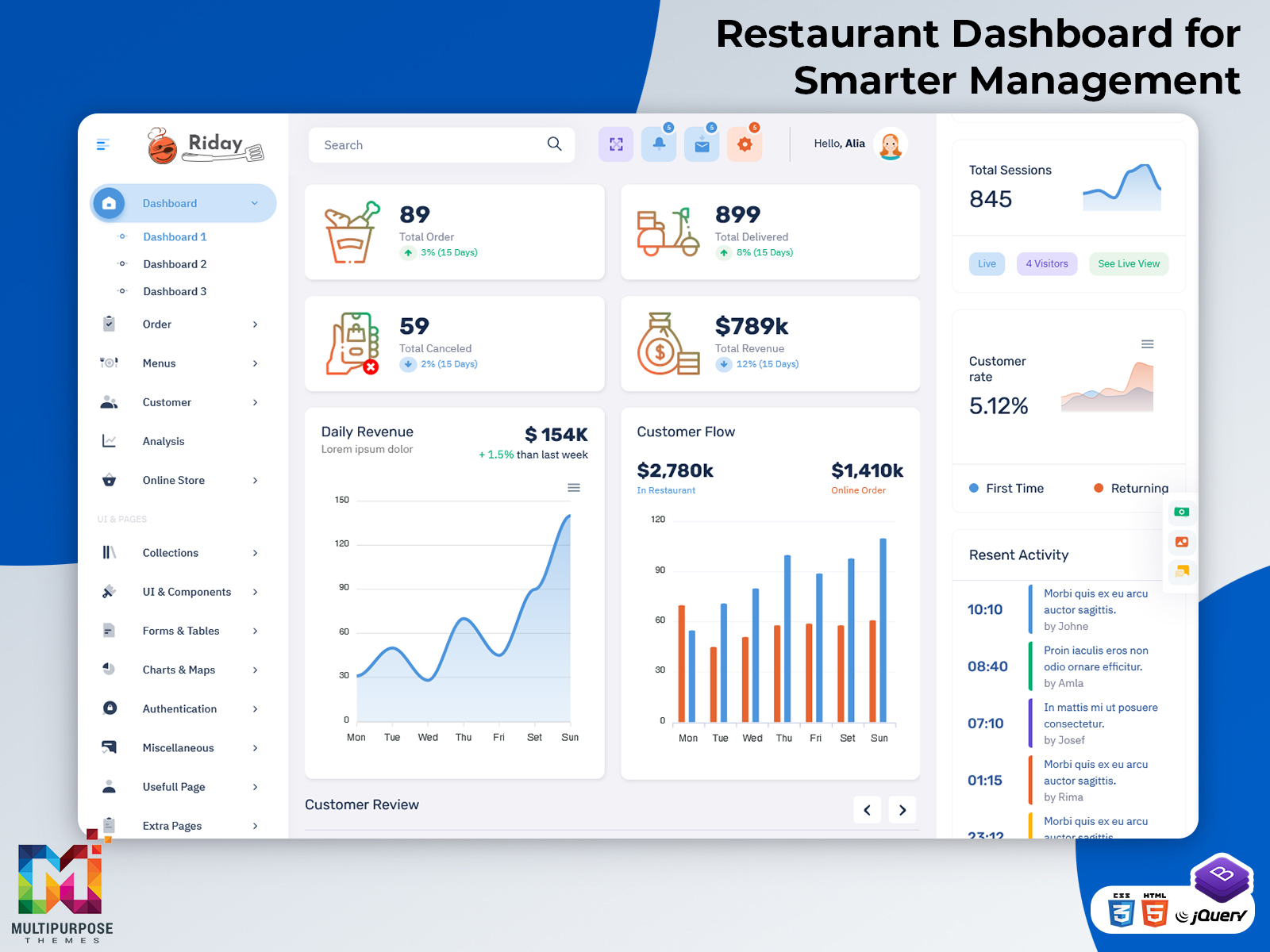
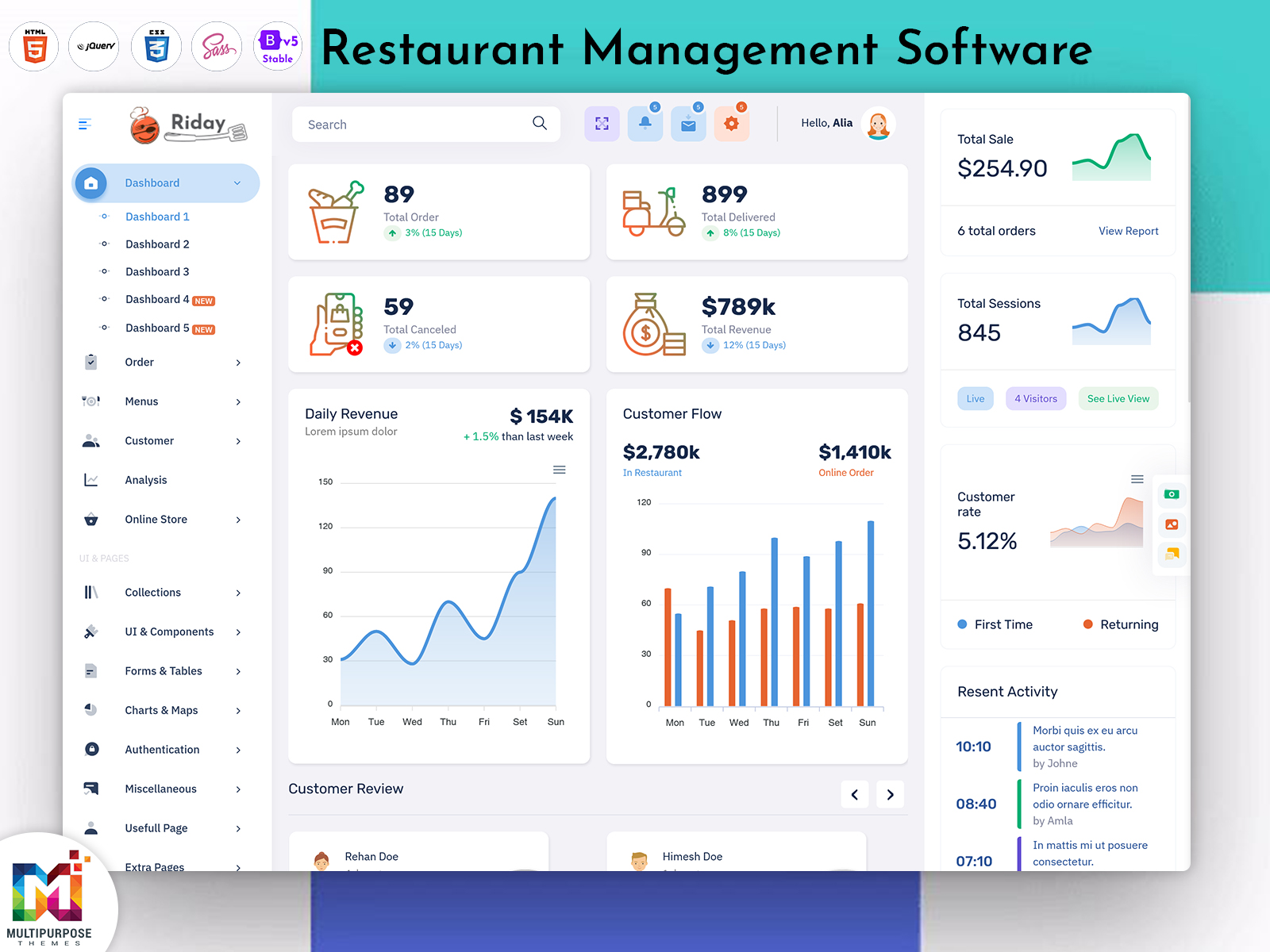
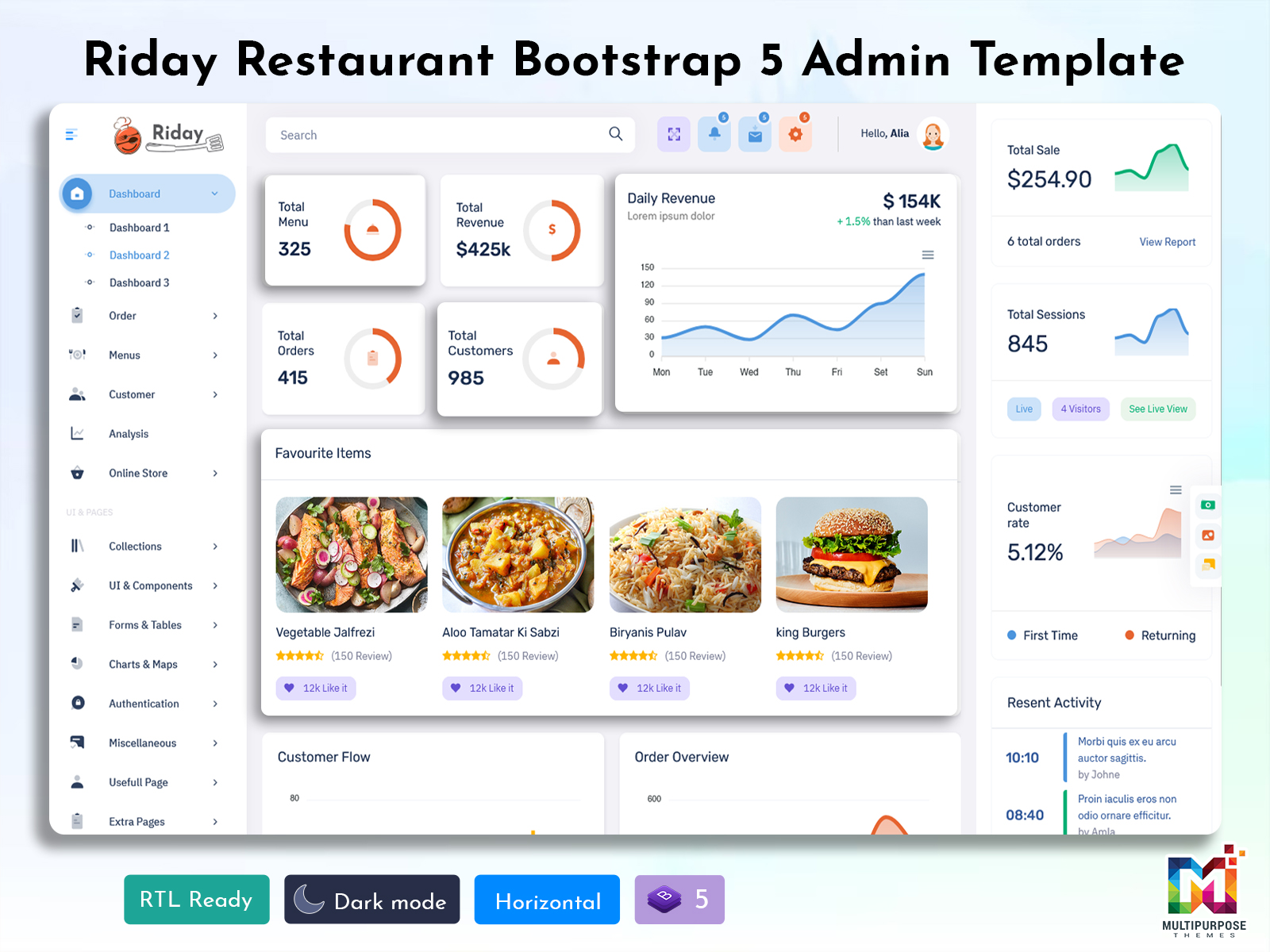
What is a Restaurant Dashboard? A Restaurant Dashboard is a digital interface that brings important…
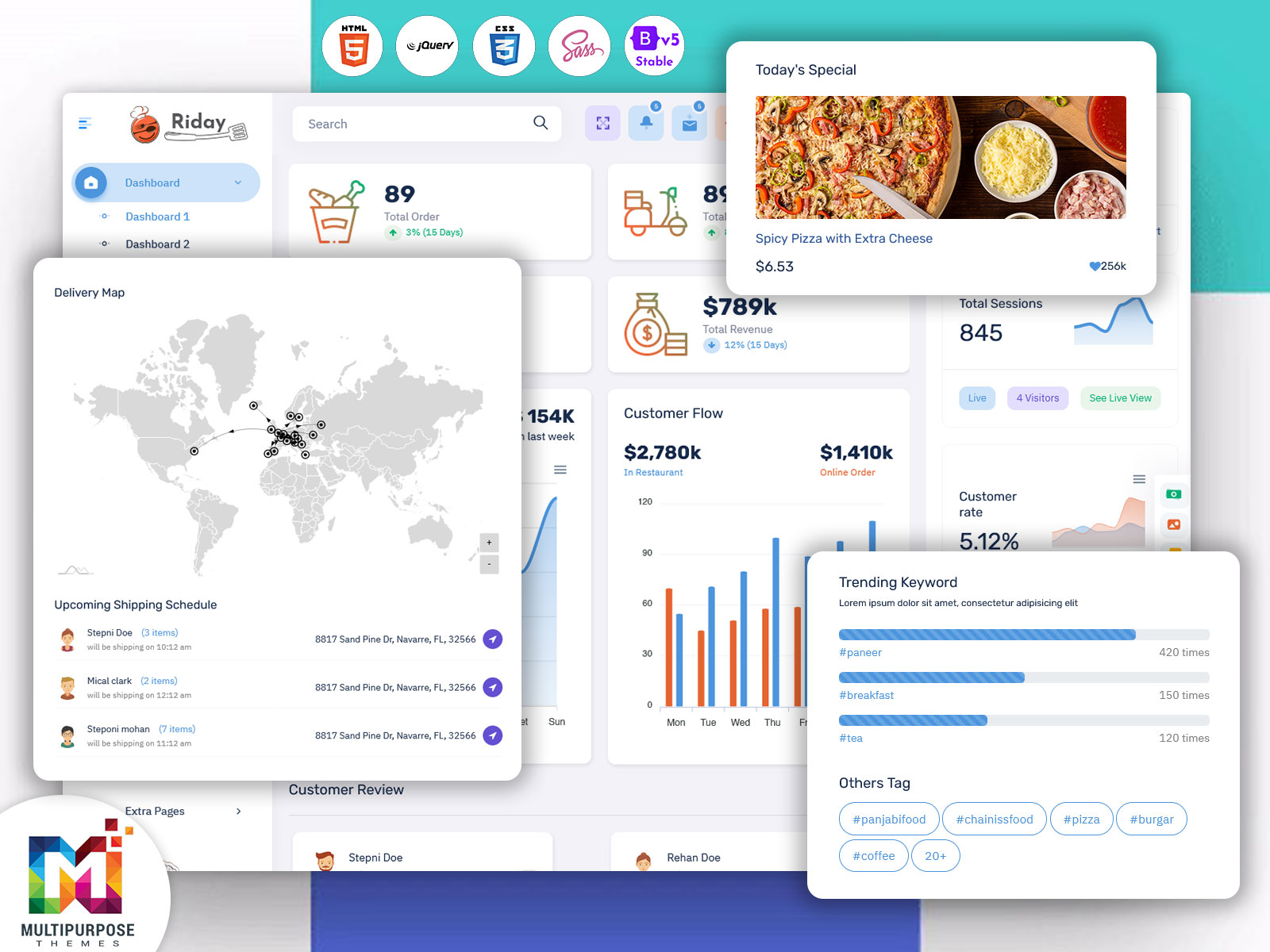
Restaurant Dashboard with Admin Panel & UI – Growing Demand in 2026
Reading Time: 6 minutes
In today’s digital world, restaurants are not just about food and service, but also about managing operations efficiently. A Restaurant Dashboard plays a very important role in helping restaurant owners and managers track daily activities in a simple and visual way. It works like a central system where all important data such as orders, sales, reservations, and staff performance can be viewed in one place.
A modern Restaurant Admin Panel helps businesses handle complex operations with ease. Instead of checking multiple systems, users can access everything from a single dashboard. This saves time and improves decision-making. With the help of a well-designed Restaurant UI, even non-technical users can easily understand and use the system without confusion.
Watch Full Video
What is a Restaurant Dashboard?
A Restaurant Dashboard is a digital interface that displays important data related to restaurant operations. It acts like a homepage for restaurant management software where users can quickly see performance, activities, and key updates.
In simple words, it is a smart tool that helps restaurants monitor their business in real time. It shows information like daily sales, customer orders, table bookings, and staff activities. This helps managers take quick actions and improve service quality.
A well-designed Restaurant Admin Template ensures that the dashboard is easy to use and visually appealing. It provides a structured layout where all important elements are properly arranged for better understanding.
Importance of Restaurant Dashboard
A Restaurant Dashboard is very important for modern restaurants because it simplifies daily operations. It provides a clear view of what is happening inside the business at any moment. This helps managers stay updated and make quick decisions.
With a dashboard, restaurant owners can track sales performance, monitor customer behavior, and manage staff efficiently. It also helps in identifying problems early, such as slow service or low inventory.
The use of a smart Restaurant Admin Panel improves productivity and reduces manual work. It allows restaurants to focus more on customer experience rather than operational challenges.
Discover Dashboard Design
Light Dashboard – 1
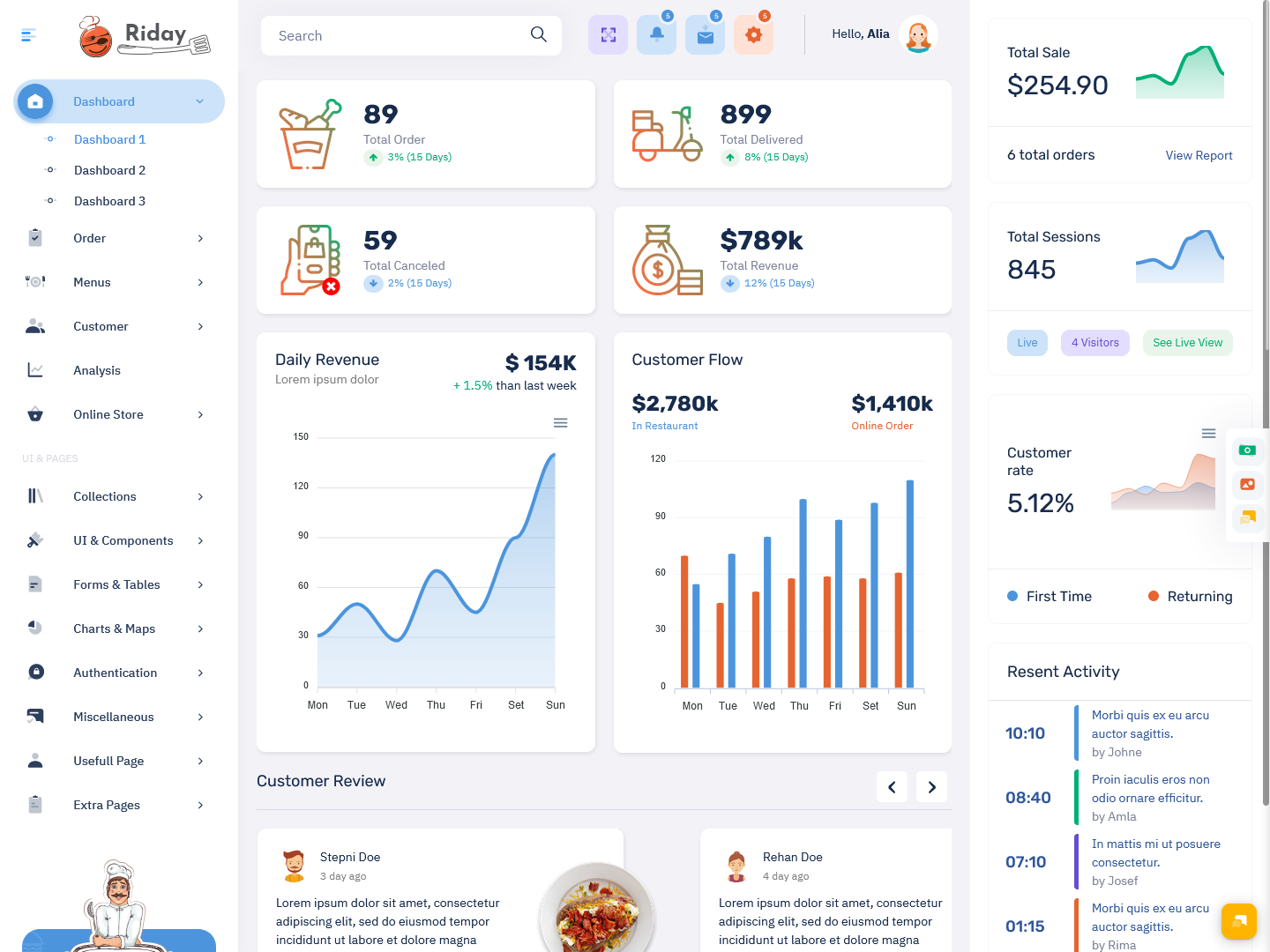
BUY NOW DEMO
Light Dashboard – 2
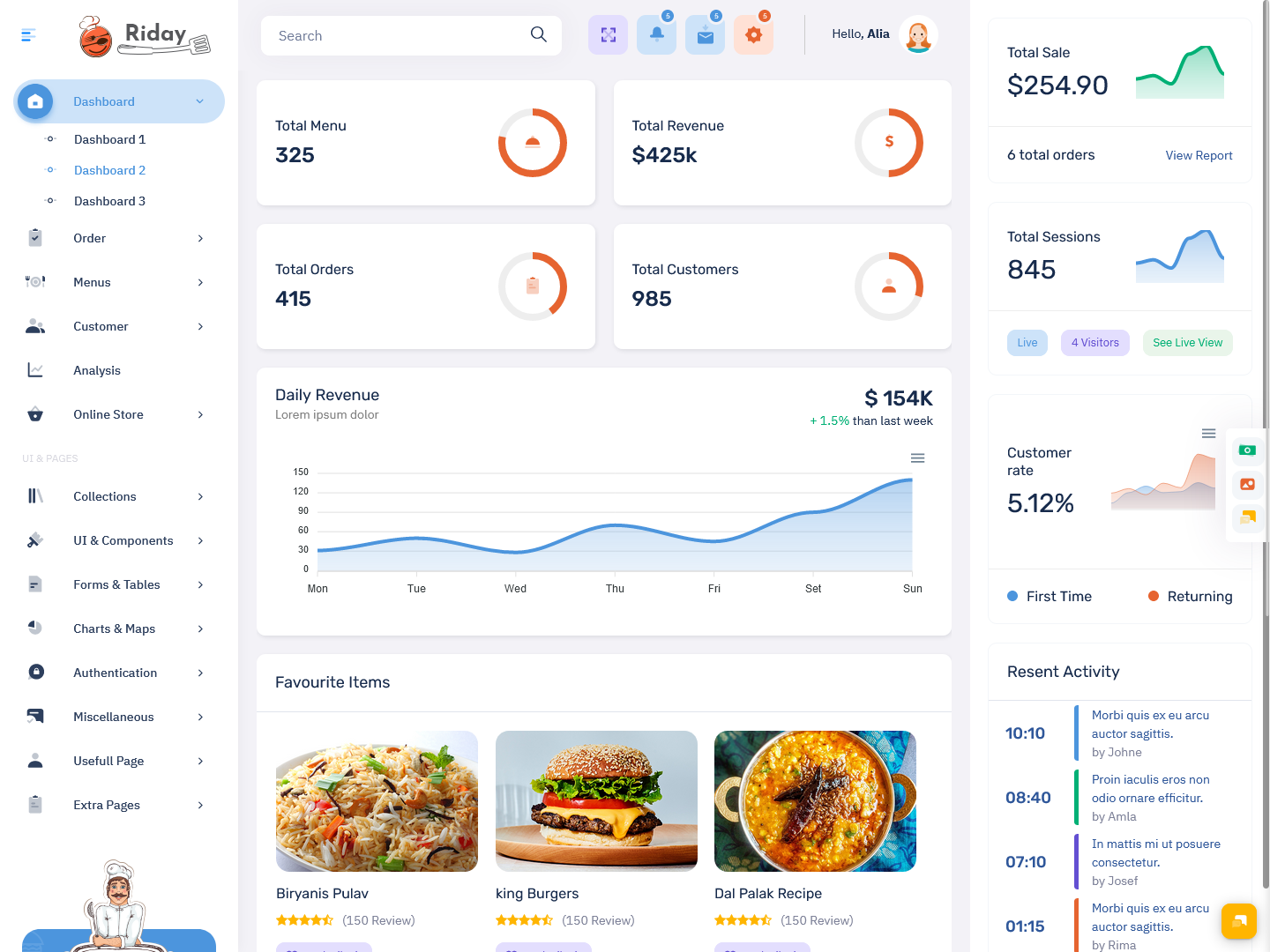
BUY NOW DEMO
Light Dashboard – 3
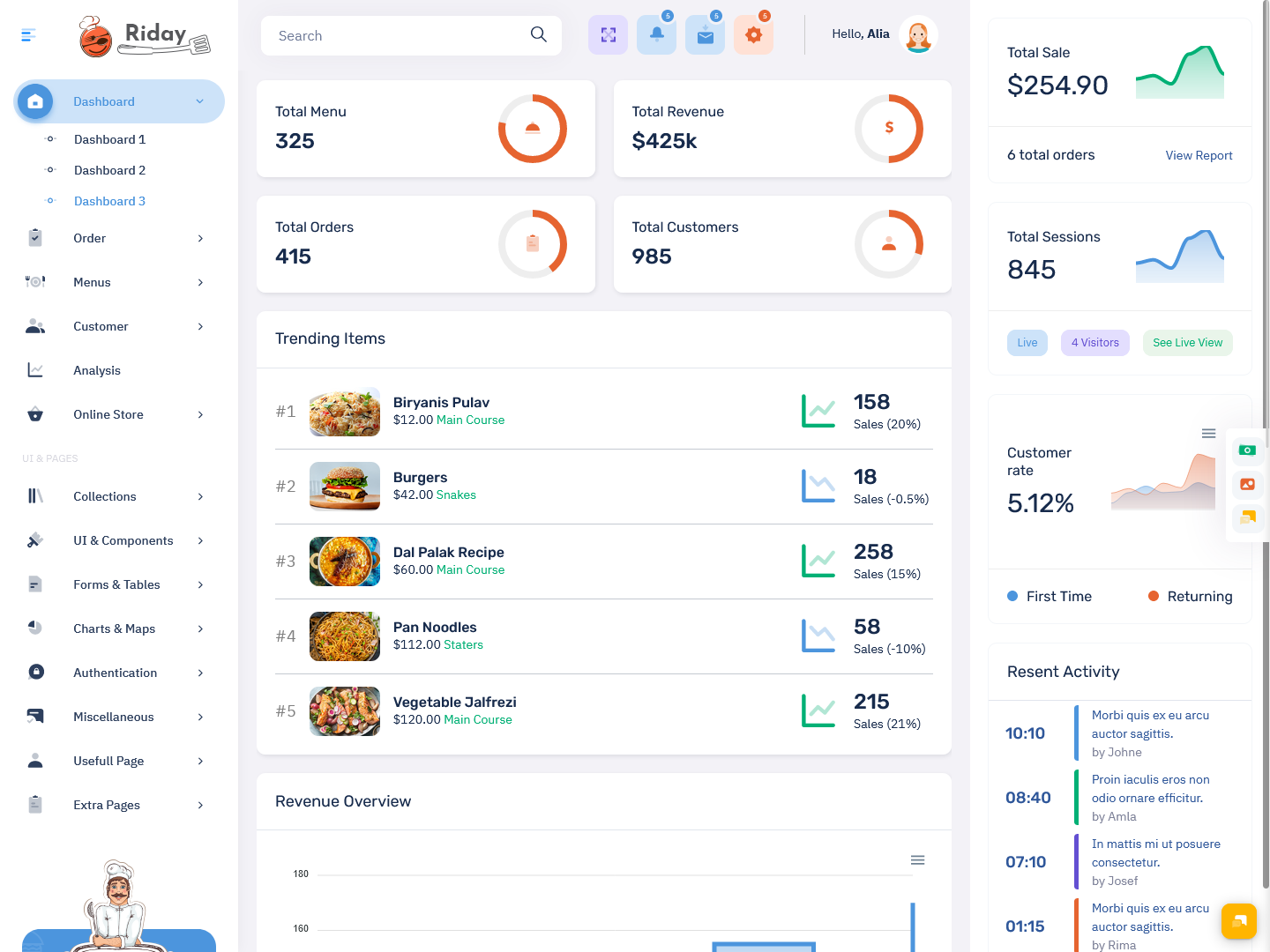
BUY NOW DEMO
Key Elements of Restaurant Dashboard
A restaurant dashboard is made up of different components that display useful information. These components are usually designed as cards or sections that show data in a clear and simple way.
Each card in the dashboard may include sales data, order details, reservation status, or performance metrics. A good Restaurant UI ensures that these elements are easy to read and understand.
The design should not feel crowded. It should provide enough space between elements so that users can focus on important information. A clean layout improves user experience and makes navigation easier.
Best Practices for Designing Restaurant Dashboard
Designing a good Restaurant Dashboard requires proper planning and understanding of user needs. The dashboard should focus on showing only the most important data. Too much information can confuse users and reduce efficiency.
It is important to understand who will use the dashboard. Restaurant managers, staff, and owners may have different requirements. The design should be flexible enough to meet their needs.
A modern Bootstrap 5 Admin Dashboard helps in creating responsive and user-friendly designs. It ensures that the dashboard works smoothly on different devices such as mobile phones, tablets, and desktops.
The layout should follow simple reading patterns so that users can easily scan information. Important data should be placed at the top, while less important details can be shown below.
User Control and Flexibility
A good Restaurant Dashboard gives users control over what they want to see. It should allow customization so users can focus on the data that matters most to them.
For example, a manager may want to see sales reports, while staff may focus on orders and tasks. A flexible Restaurant Admin Panel allows users to adjust the dashboard according to their needs.
This improves user experience and makes the system more effective. When users have control, they can work more efficiently and make better decisions.
Focus on Important Information
One of the key principles of dashboard design is to focus on important information. A Restaurant Dashboard should highlight key data such as daily sales, active orders, and customer activity.
Unnecessary details should be avoided to keep the dashboard clean and simple. A well-structured Restaurant UI helps users quickly identify important information without wasting time.
This approach not only improves efficiency but also enhances the overall user experience.
Information Architecture in Restaurant Dashboard
Information architecture is the way data is organized in a dashboard. A well-designed Restaurant Dashboard uses proper structure and hierarchy to display information.
Important data should be placed in a way that it is easily visible. Less important information can be placed in secondary sections. This helps users quickly find what they are looking for.
A good Restaurant Admin Template ensures that the layout is balanced and visually appealing. It also improves navigation and usability.
Multiple Views for Better Understanding
A restaurant dashboard should provide different views to help users understand data better. Instead of showing everything on one screen, it can offer different sections for sales, orders, and reservations.
This keeps the main dashboard clean and simple. At the same time, users can explore detailed information when needed.
A modern WebApp Template allows easy navigation between different sections. It helps users switch between views without confusion.
Design and Color Consistency
Design plays an important role in making a dashboard effective. A Restaurant Dashboard should have a consistent color scheme and design style.
Colors should be used carefully to highlight important data. Too many colors can make the dashboard look messy and confusing.
A clean and simple Restaurant UI improves readability and makes the dashboard more attractive. It also helps users stay focused on important information.
Benefits of Restaurant Dashboard
A Restaurant Dashboard offers many benefits for restaurant management. It improves efficiency by providing real-time data and insights. It helps managers make quick decisions and improve operations.
The dashboard also improves communication between team members. Everyone can access the same information, which reduces confusion and errors.
With the help of a Restaurant Admin Panel, restaurants can manage orders, track performance, and monitor activities easily. This leads to better service and customer satisfaction.
Role of Bootstrap 5 Admin Dashboard
A Bootstrap 5 Admin Dashboard plays a key role in building modern restaurant dashboards. It provides a responsive and flexible design framework that works on all devices.
It also offers ready-made components and layouts, which makes development faster and easier. Developers can create professional dashboards without starting from scratch.
Using a WebApp Template, businesses can build powerful restaurant management systems that are both functional and visually appealing.
Final Thoughts
A Restaurant Dashboard is an essential tool for modern restaurant businesses. It helps in managing operations, tracking performance, and improving efficiency. With the help of a well-designed Restaurant Admin Template and user-friendly Restaurant UI, businesses can simplify their workflows and enhance productivity.
By using a modern Bootstrap 5 Admin Dashboard and advanced WebApp Template, restaurants can create smart and efficient systems that support growth and success. A well-designed dashboard not only saves time but also improves decision-making and overall business performance.
FAQs – Restaurant Dashboard
1. What is a Restaurant Dashboard?
A Restaurant Dashboard is a digital interface that shows real-time data like orders, sales, and reservations, helping restaurant owners and staff manage operations easily from one place.
2. Why is a Restaurant Dashboard important?
It helps track daily performance, improve decision-making, and manage operations efficiently by providing clear and updated information about sales, orders, and staff activities.
3. What is a Restaurant Admin Panel?
A Restaurant Admin Panel is the control system where managers can handle orders, view reports, manage staff, and monitor overall restaurant performance through a single platform.
4. How does a Restaurant UI improve usability?
A well-designed Restaurant UI makes it easy to navigate the dashboard, understand data quickly, and perform tasks efficiently without requiring technical knowledge.
5. What is a Restaurant Admin Template?
A Restaurant Admin Template is a pre-designed layout used to create dashboards quickly, offering ready-to-use components and a structured design for restaurant management systems.
6. Can Bootstrap 5 Admin Dashboard be used for restaurants?
Yes, a Bootstarp 5 Admin Dashboard provides a responsive and modern design framework, making it ideal for building user-friendly and efficient restaurant dashboards.
7. What is a WebApp Template in restaurant systems?
A WebApp Template is a ready-made design used to build restaurant management applications, helping developers create functional and visually appealing systems faster.

Related Posts