Running a pharmacy involves small tasks that must align at the right moment. Stock must…
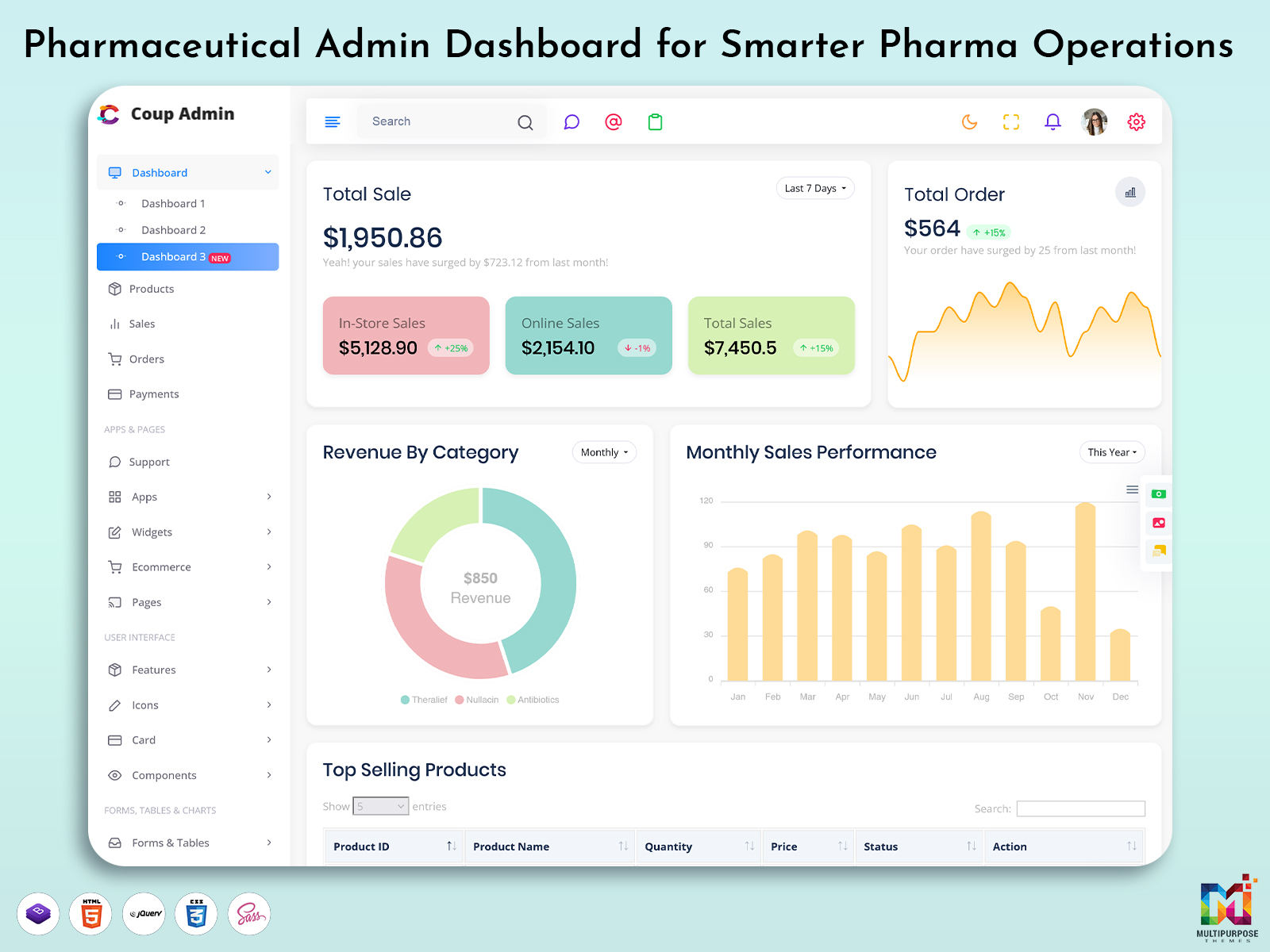
Pharmaceutical Admin Dashboard for Smarter Pharma Operations
Reading Time: 9 minutes
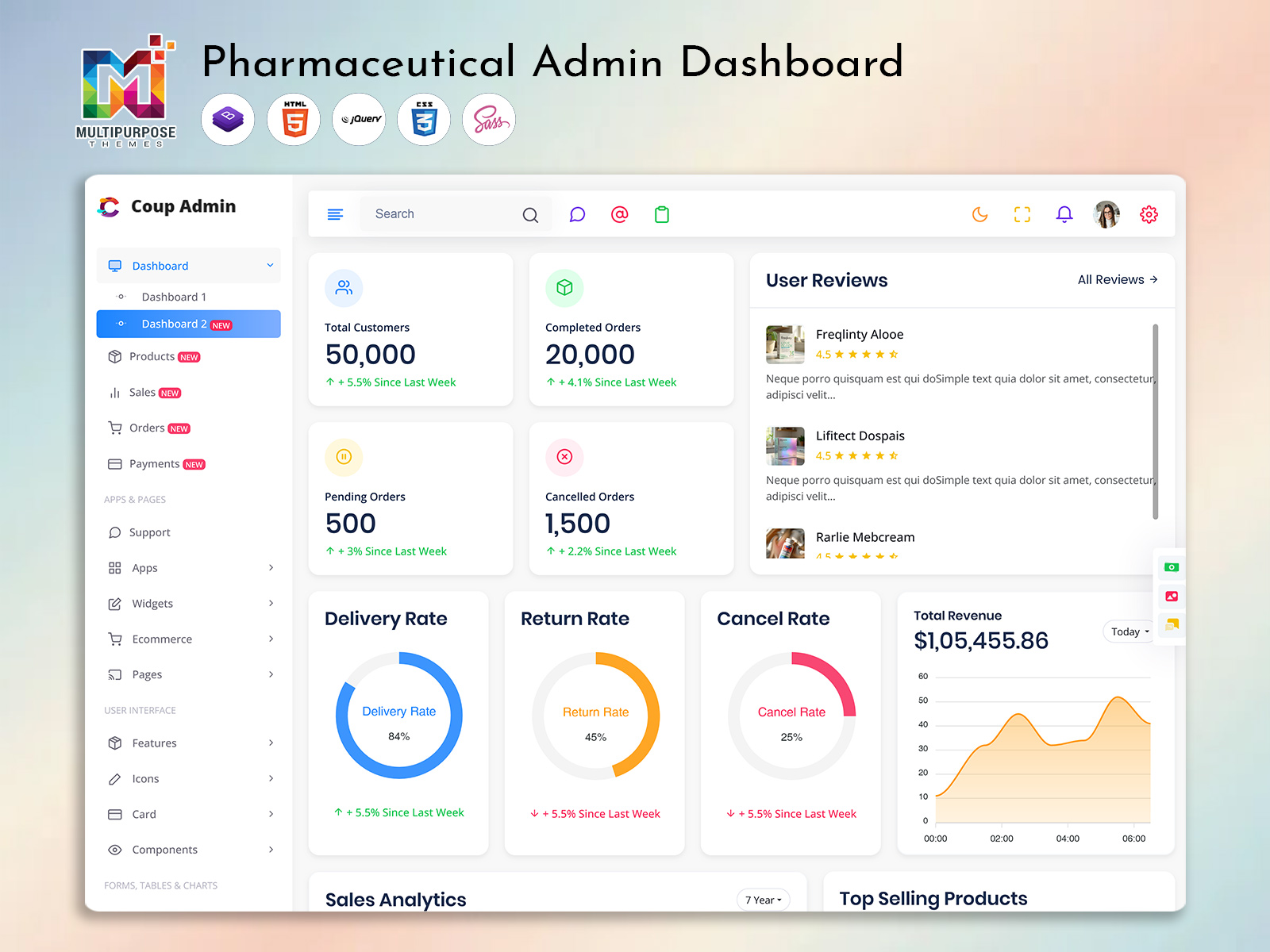
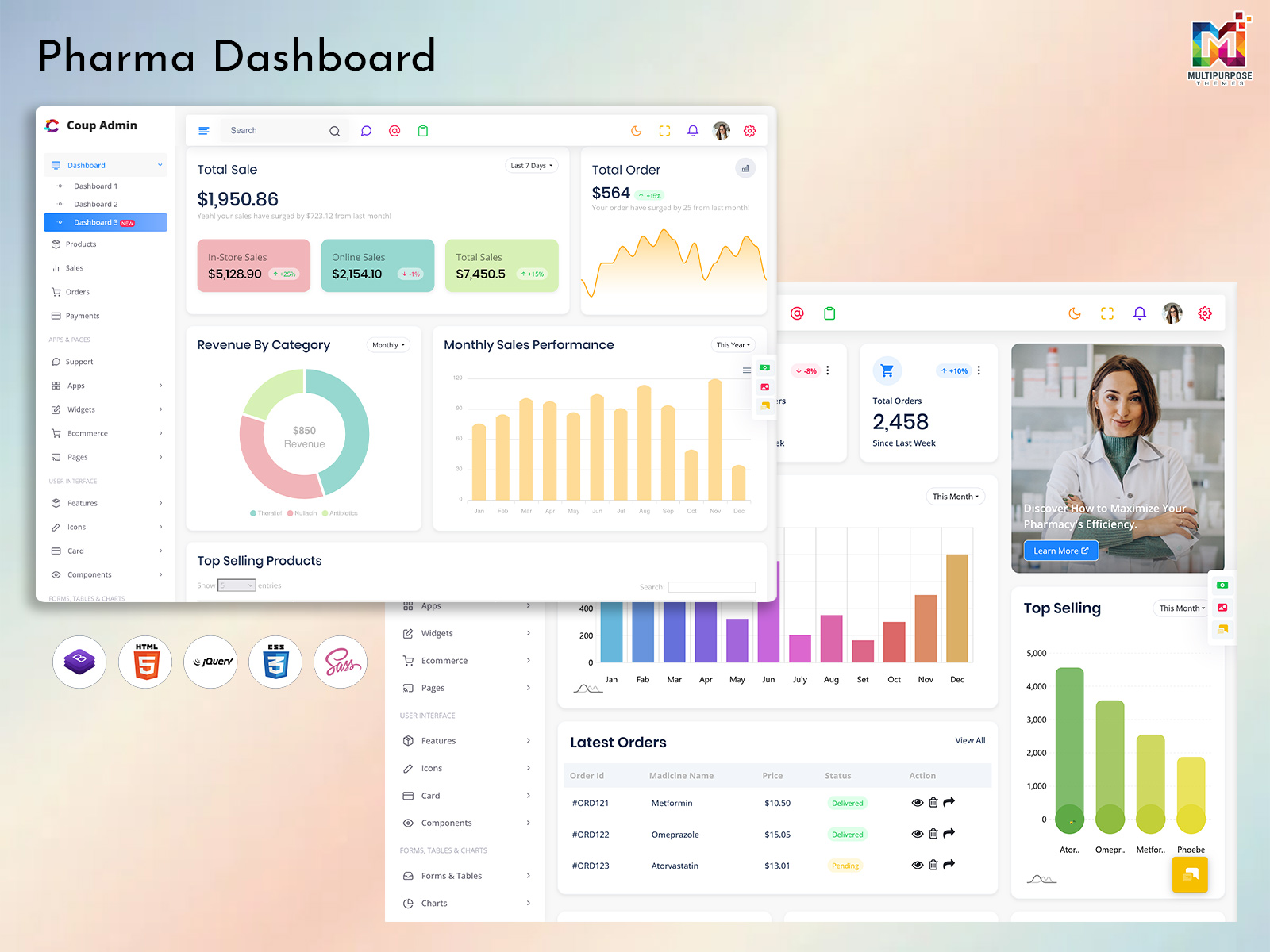
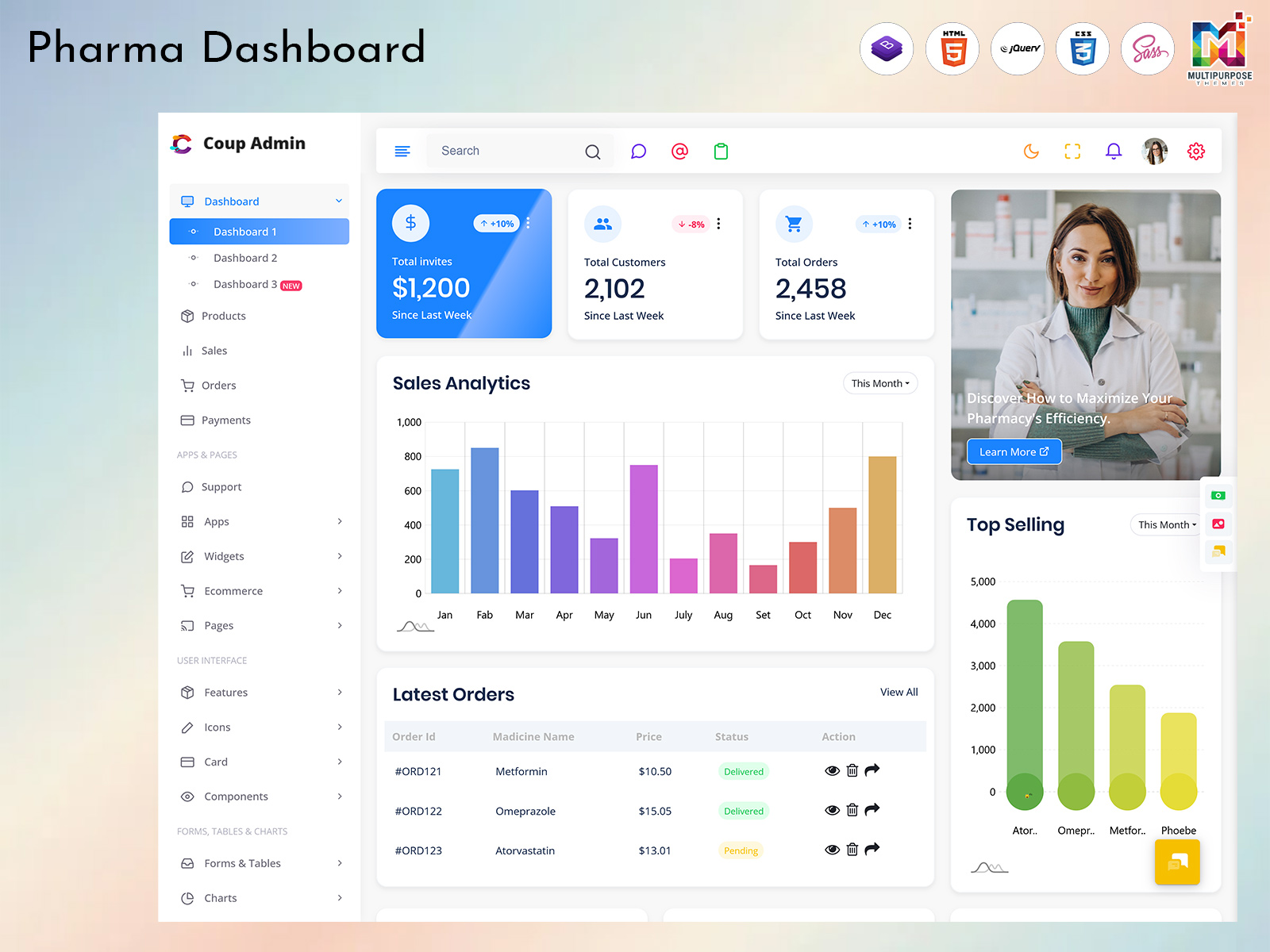
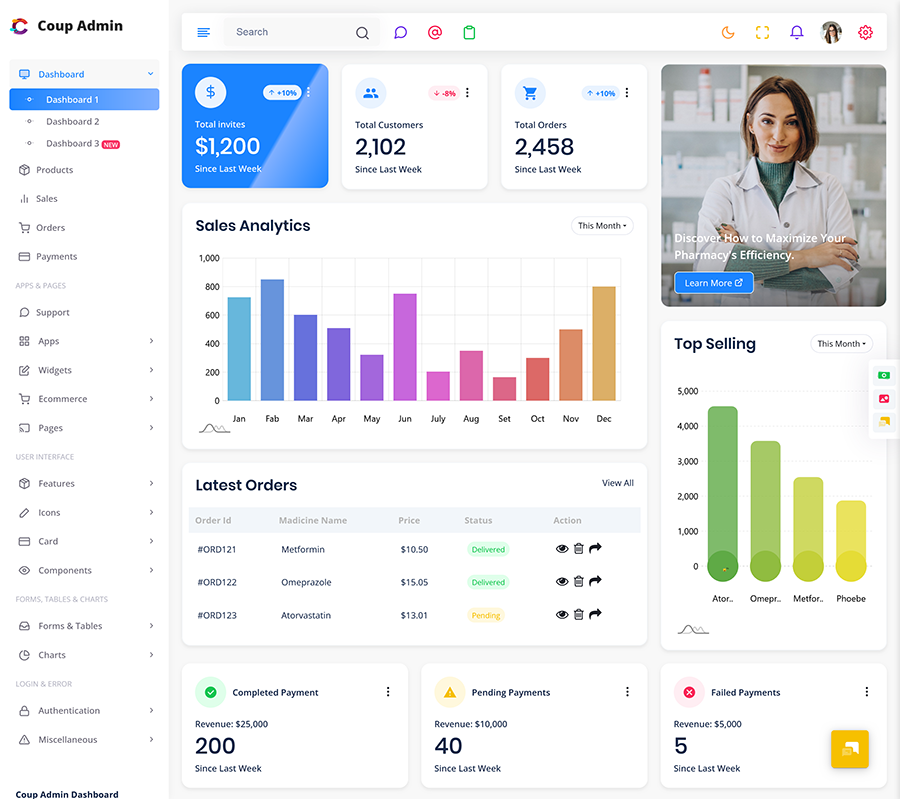
A Pharmaceutical Dashboard provides a centralized digital interface for presenting important business information in a clear and manageable format. Instead of depending entirely on spreadsheets, separate reports, or multiple screens, authorized users can work with relevant information through a structured dashboard.
Watch Full Video
The purpose of such a dashboard is not simply to make pharmaceutical information look attractive. Its real value comes from making operational information easier to understand and review. A manager may want to see overall business activity, while an inventory employee may need to focus on available products. A sales professional may be interested in orders and revenue, whereas an administrator may need a broader view.
A well-planned Pharma Dashboard can accommodate these different requirements through an organized interface.
For businesses looking for a ready-made interface, a Pharmacy Admin Dashboard Template can provide a useful starting point for creating an administrative environment around pharmacy-related activities. Similarly, a Pharmaceutical Dashboard Template can provide a structured visual foundation that developers can adapt according to the application’s requirements.
The important point is that the dashboard should be built around actual pharmaceutical workflows rather than simply placing unrelated information on one screen.
What is a Pharmaceutical Dashboard?
A pharmaceutical dashboard is a digital interface designed to organize and present information connected with pharmaceutical or pharmacy-related operations. It can be used by pharmaceutical companies, pharmacies, distributors, healthcare businesses, administrators, and other organizations that need a centralized way to review business information.
Pharmaceutical operations can involve many interconnected activities. Products move through different stages, orders are received and processed, inventory changes over time, suppliers provide materials, customers place purchases, and employees handle various administrative responsibilities.
Managing these activities without an organized digital interface can make routine work more time-consuming.
A Pharmaceutical Dashboard provides a visual environment where relevant information can be arranged according to the needs of the organization. Instead of forcing users to search through lengthy records, the dashboard can bring frequently required information closer to the main workspace.
For example, an administrator may want a quick understanding of current business activity. A pharmacy manager may be more concerned about product availability and order movement. A sales employee may need access to customer and transaction information.
These different requirements make dashboard design particularly important.
A Pharma Dashboard can be designed to provide different levels of information to different users. This helps prevent the main interface from becoming overloaded with unnecessary details.
A Pharmaceutical Dashboard Template can be particularly useful for developers who want a ready-made visual foundation instead of beginning the interface from an empty project. The template can then be customized according to the application’s technology, workflow, and business requirements.
For pharmacy-focused applications, a Pharmacy Admin Dashboard Template can offer an administrative structure that developers may adapt for their specific project.
The dashboard should also consider usability. Pharmaceutical professionals may work with information frequently throughout the day, so navigation should remain straightforward.
A useful dashboard can help users answer practical questions such as:
- What is happening across the business?
- Which information requires attention?
- How are orders progressing?
- What does current inventory activity look like?
- Which operational areas need closer review?
By presenting information clearly, a pharmaceutical dashboard can become a practical workplace tool rather than merely a visual reporting screen.
VIEW DEMO BUY NOW
Pharma Dashboards as a Centralized Operational Interface
Many dashboards are designed around the idea of displaying as much information as possible.
That approach can create a crowded interface.
Pharmaceutical businesses often deal with detailed information, but not every user needs to see everything at the same time. The more useful approach is to identify what each user needs during a normal working day and present that information in a logical order.
This makes the dashboard more focused.
For example, a pharmacy administrator may begin the day by checking general activity and then move toward specific operational areas. A sales manager may approach the dashboard differently, looking for information connected with orders and business performance.
The dashboard should accommodate these different working patterns.
A Pharma Dashboard can therefore be considered a navigation layer between users and the information they need.
Instead of asking employees to remember where every piece of information is stored, the dashboard can give them a consistent starting point.
This becomes particularly valuable as organizations grow.
A small pharmaceutical business may initially manage its information through a limited number of tools. As the business expands, the number of products, customers, suppliers, orders, and employees can increase.
A centralized interface can help maintain a clearer operational picture.
A Pharmaceutical Dashboard Template can also help developers establish a consistent interface structure when creating such applications. Rather than spending the initial development effort on basic dashboard presentation, teams can focus more attention on adapting the interface to their specific pharmaceutical workflow.
For pharmacy applications, a Pharmacy Admin Dashboard Template can similarly provide a foundation for administrative screens.
The dashboard should ultimately make work easier.
It should not become another complicated system that employees have to work around.
Features of Pharmaceutical Dashboard
1. Centralized Information View
A Pharmaceutical Dashboard can bring important business information into one organized interface. This gives users a convenient starting point for reviewing daily activities and moving toward specific areas without repeatedly searching through unrelated screens or separate information sources.
2. Pharmaceutical Dashboard Template
A Pharmaceutical Dashboard Template provides a ready-made visual foundation for pharmaceutical applications. Developers can adapt its interface according to project requirements, branding, workflows, and technical needs instead of creating the complete dashboard presentation structure from the beginning.
3. Pharmacy Administration Interface
A Pharmacy Admin Dashboard Template can provide an organized administrative environment for pharmacy-related applications. Its structure can be adapted for different management workflows, allowing developers to create an interface that presents relevant information in a practical and accessible manner.
4. Product Information Management
A pharmaceutical dashboard can provide an organized area for reviewing product-related information. This helps users work with important records through a structured interface rather than depending on scattered documents or manually maintained information for routine administrative activities.
5. Order Activity Overview
The dashboard can present order-related information in a clear visual environment. This allows authorized users to understand ongoing business activity and review relevant records more conveniently without requiring them to begin every task by searching through extensive transaction information.
6. Business Data Visualization
A Pharma Dashboard can use appropriate visual elements to make business information easier to interpret. Carefully selected charts, figures, and tables can help users recognize important changes without turning the interface into an overcrowded collection of unrelated visual components.
7. Customizable Dashboard Structure
A pharmaceutical dashboard can be adapted according to different business requirements. Organizations may need different screens, roles, information priorities, and workflows, so a flexible interface gives developers greater freedom to shape the dashboard around the application’s intended users.
Pharmaceutical Dashboard as a Business Coordination Tool
A pharmaceutical dashboard can play an important role in connecting different areas of business activity.
Imagine a pharmaceutical distributor handling hundreds of products and receiving orders from different customers. Several teams may be involved in processing those orders. Sales employees handle customer communication, warehouse staff deal with products, administrators manage records, and managers review overall performance.
Each department may have its own responsibilities.
However, their work is connected.
A dashboard can provide a common digital environment where relevant information becomes easier to access.
This does not mean every employee should see identical information.
Instead, the dashboard can organize information according to roles.
A manager may need an overall view.
An administrator may need operational records.
A sales employee may require customer-related information.
A warehouse employee may need product-related information.
This role-based approach can improve usability because employees are not forced to navigate through information that has little connection to their responsibilities.
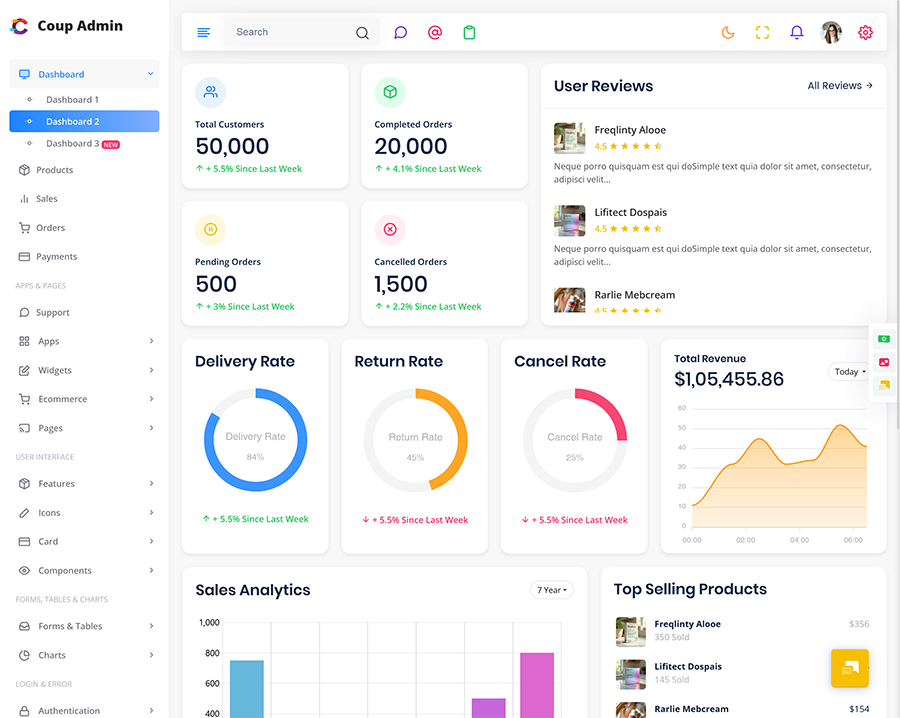
A Pharmaceutical Dashboard Template can provide a starting point for creating these different interface areas. Developers can customize the structure according to the application rather than treating the template as a complete pharmaceutical management system.
That distinction is important.
A template provides presentation and interface foundations. The actual business functionality depends on the application’s development, data sources, integrations, and technical architecture.
VIEW DEMO BUY NOW
Benefits of Pharmaceutical Dashboard
1. Centralized Business Visibility
A Pharmaceutical Dashboard provides a single visual environment for reviewing relevant business information. This can reduce unnecessary switching between different screens and give authorized users a more consistent way to understand daily operational activity.
2. Easier Administrative Work
A Pharmacy Admin Dashboard Template can provide an organized starting point for administrative applications. A clear structure helps users reach frequently required information more conveniently and can make repetitive administrative activities easier to manage.
3. Better Information Organization
A Pharmaceutical Dashboard Template can arrange different information areas into a consistent interface. This helps users understand where particular types of information belong and creates a more predictable experience when moving between different sections.
4. Supports Faster Reviews
A Pharma Dashboard can provide an overview before users move into detailed records. This allows managers and administrators to understand the broader situation first, helping them decide where closer examination may actually be necessary.
5. Improves User Experience
A thoughtfully designed pharmaceutical dashboard can reduce unnecessary navigation and present information in a logical order. Users can spend less time figuring out where information is located and more time working with the information relevant to their responsibilities.
6. Flexible for Different Projects
A Pharmaceutical Dashboard Template can be customized according to application requirements, branding, user roles, and workflows. This gives developers a foundation they can adapt instead of requiring every dashboard interface to be designed entirely from the beginning.
7. Supports Business Growth
A flexible dashboard can evolve as pharmaceutical operations become larger. Additional users, information areas, and workflows may be accommodated through customization, allowing the interface to remain useful as the organization and its digital requirements develop.
Pharmaceutical Dashboard for Inventory Awareness
Inventory is an important part of pharmaceutical operations.
Businesses need to understand what products are available, what is moving, and what information requires attention. Depending on the organization, inventory may involve many product records and frequent changes.
A Pharma Dashboard can provide a centralized place for reviewing inventory-related information.
The benefit is not simply seeing a number.
Context is important.
A product’s current quantity may mean something different depending on order activity, business demand, supply schedules, and the organization’s operating model.
A dashboard can help users bring these pieces of information together.
For example, an administrator may notice that a particular product is experiencing increased movement. That observation can lead to further investigation or planning.
The dashboard itself does not need to make an automatic business decision.
Its role is to make relevant information easier to notice.
This can support better communication between teams.
When employees have access to a common information environment, discussions can be based on the same set of operational information instead of separate manually prepared reports.
At MultiPurposeThemes, we provide a professionally designed Pharma Dashboard Template that helps developers build modern and organized pharmaceutical, pharmacy, and healthcare management applications. Our Pharma Dashboard offers a structured interface for presenting important information such as products, inventory, orders, customers, suppliers, business activity, and administrative data in a clear and accessible format. Designed with flexibility and usability in mind, the Pharmaceutical Dashboard Template can be customized to match different business workflows, user roles, branding requirements, and application needs. Whether you are developing a pharmacy management system, pharmaceutical administration platform, or business analytics application, our Pharmacy Admin Dashboard Template provides a practical starting point for creating a consistent and user-friendly dashboard experience.
Conclusion
A pharmaceutical dashboard can bring structure to the large amount of information handled by modern pharmaceutical and pharmacy businesses.
A Pharmaceutical Dashboard can provide a centralized environment for reviewing business activity, while a Pharma Dashboard can help different users work with information according to their responsibilities.
For developers, a Pharmaceutical Dashboard Template can offer a ready-made visual foundation that can be customized around a project’s requirements. A Pharmacy Admin Dashboard Template can provide a suitable starting structure for pharmacy-focused administrative applications.
The real value of these dashboards is not simply their visual appearance.
A useful dashboard should help people find relevant information, understand the broader situation, and move toward detailed records when necessary.
Different users will naturally have different priorities. Managers may need an overview, administrators may require operational information, and other employees may focus on specific areas of the business.
Good dashboard design respects those differences.
When the interface is organized around real workflows, clear navigation, appropriate information hierarchy, and flexible customization, it can become a practical part of everyday pharmaceutical operations.
VIEW DEMO BUY NOW
Frequently Asked Questions
1. What is a Pharmaceutical Dashboard used for?
A Multi Purpose Themes Pharmaceutical Dashboard is used to organize and present information related to pharmaceutical or pharmacy operations through a centralized interface. Depending on the application, it can support administrative work, product information, order activity, business reporting, inventory awareness, and other operational requirements.
2. What is a Pharmacy Admin Dashboard Template?
A Multi Purpose Themes Pharmacy Admin Dashboard Template is a ready-made interface structure designed as a foundation for pharmacy-related administrative applications. Developers can customize its visual elements, screens, navigation, and components according to the specific functionality and technology requirements of their project.
3. Can a Pharmaceutical Dashboard Template be customized?
Yes. A Pharmaceutical Dashboard Template can generally be adapted according to project requirements, including branding, layouts, components, user roles, and application workflows. The level of customization depends on the template’s technology, structure, licensing, and the developer’s implementation.
4. Is a Pharma Dashboard useful for pharmaceutical companies?
Yes. A Multi Purpose Themes Pharma Dashboard can provide pharmaceutical companies with a centralized interface for reviewing relevant operational information. Its usefulness depends on how the dashboard is connected with the application’s underlying data and which business processes the organization wants to manage or monitor.
5. Can a pharmaceutical dashboard be used for pharmacy software?
Yes. A pharmaceutical dashboard can be adapted for pharmacy software when its interface and underlying application support the required workflows. A pharmacy-focused dashboard can provide an organized administrative environment for users who need to work with pharmacy-related information regularly.
6. Should I choose a ready-made pharmaceutical dashboard or build one from scratch?
The choice depends on the project. A ready-made Pharmaceutical Dashboard Template can save interface-development time and provide an established visual foundation. Building from scratch may provide greater control when the application has highly specialized requirements that cannot be easily accommodated through a template.
7. Where can I find a pharmaceutical dashboard template?
Developers can compare dashboard templates from different providers based on design quality, framework compatibility, responsiveness, customization, documentation, and licensing. Multi Purpose Themes is one option developers can consider when looking for professionally designed dashboard interfaces that can serve as a starting point for different web application projects.

Related Posts