

What Is a Law Firm Dashboard? A Law Firm Dashboard is created to make the…
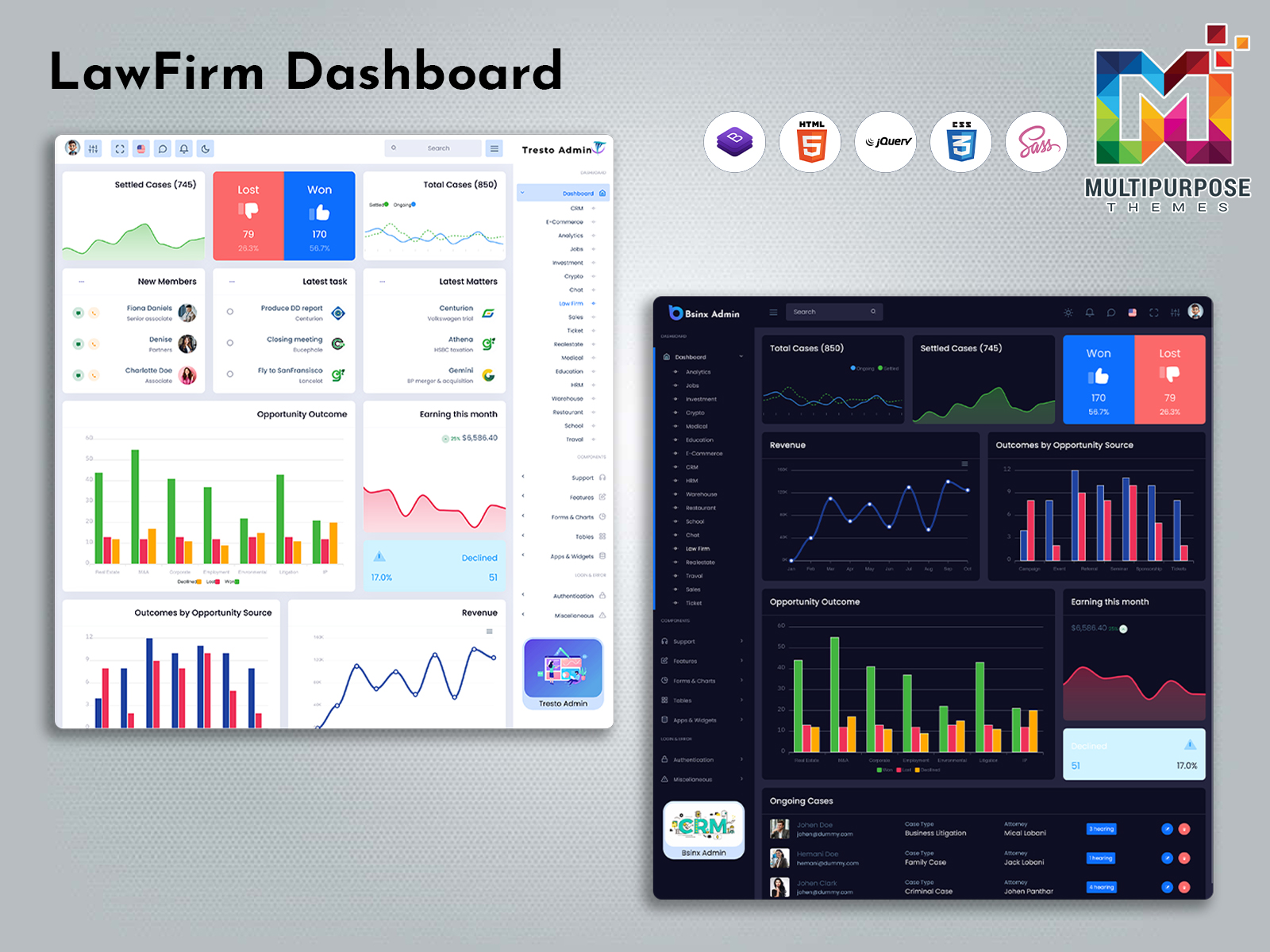
Lawyer Dashboard UI – Features, Benefits & Use Cases
Reading Time: 8 minutes
In a law firm a lot of information is needed to run the business. Client details, case status, appointments and documents all must be kept in order. A lawyer dashboard can bring all of this data into one place.
Modern dashboards give law firms a way to stay organized. Whether the firm has a lawyers or many a well‑structured dashboard keeps everything tidy.
Watch Full Video
This article will look at what a lawyer dashboard offers the benefits it gives and some real‑world examples. It will also explain what to check when picking a good dashboard template.
What is a Lawyer Dashboard UI?
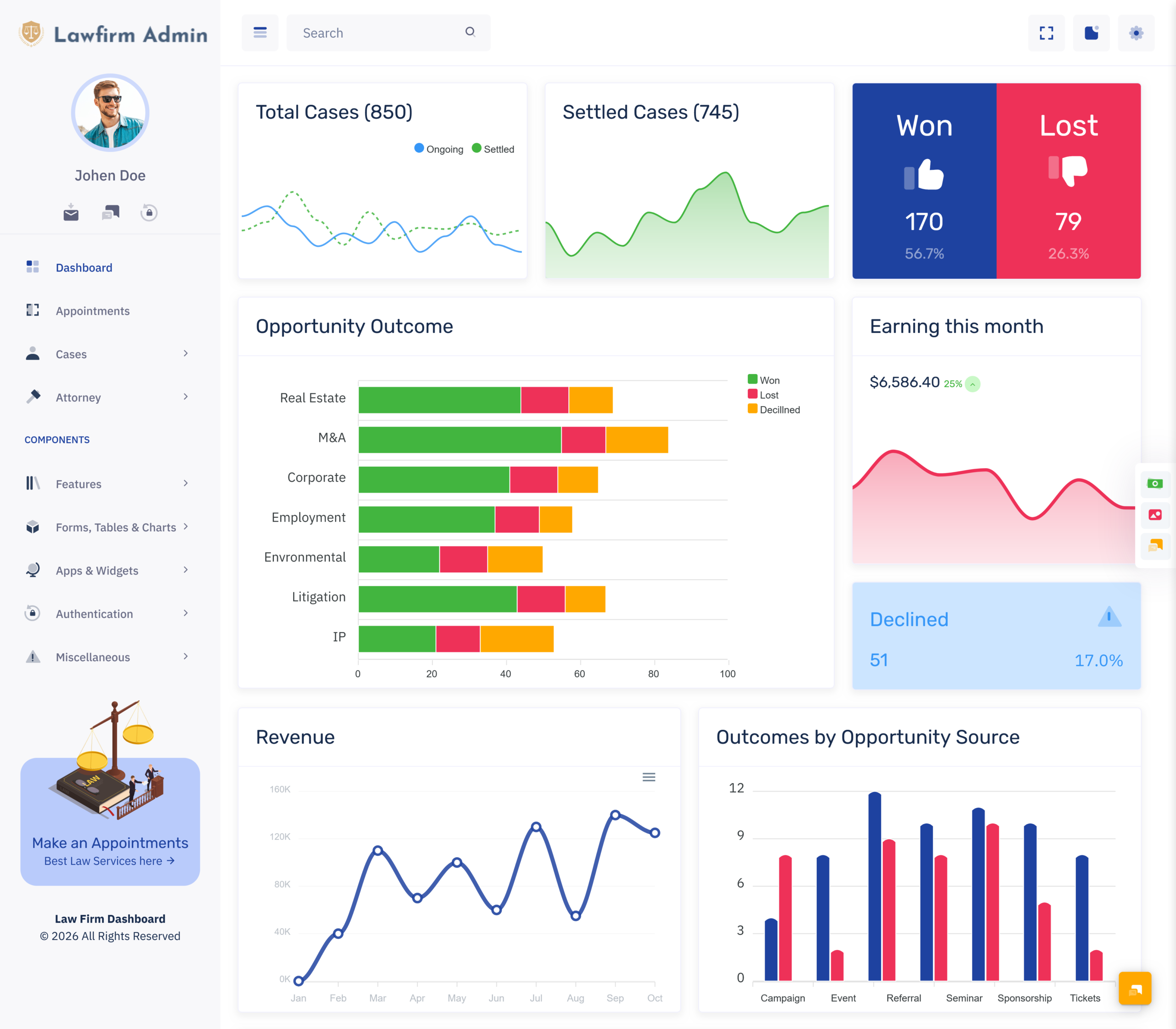
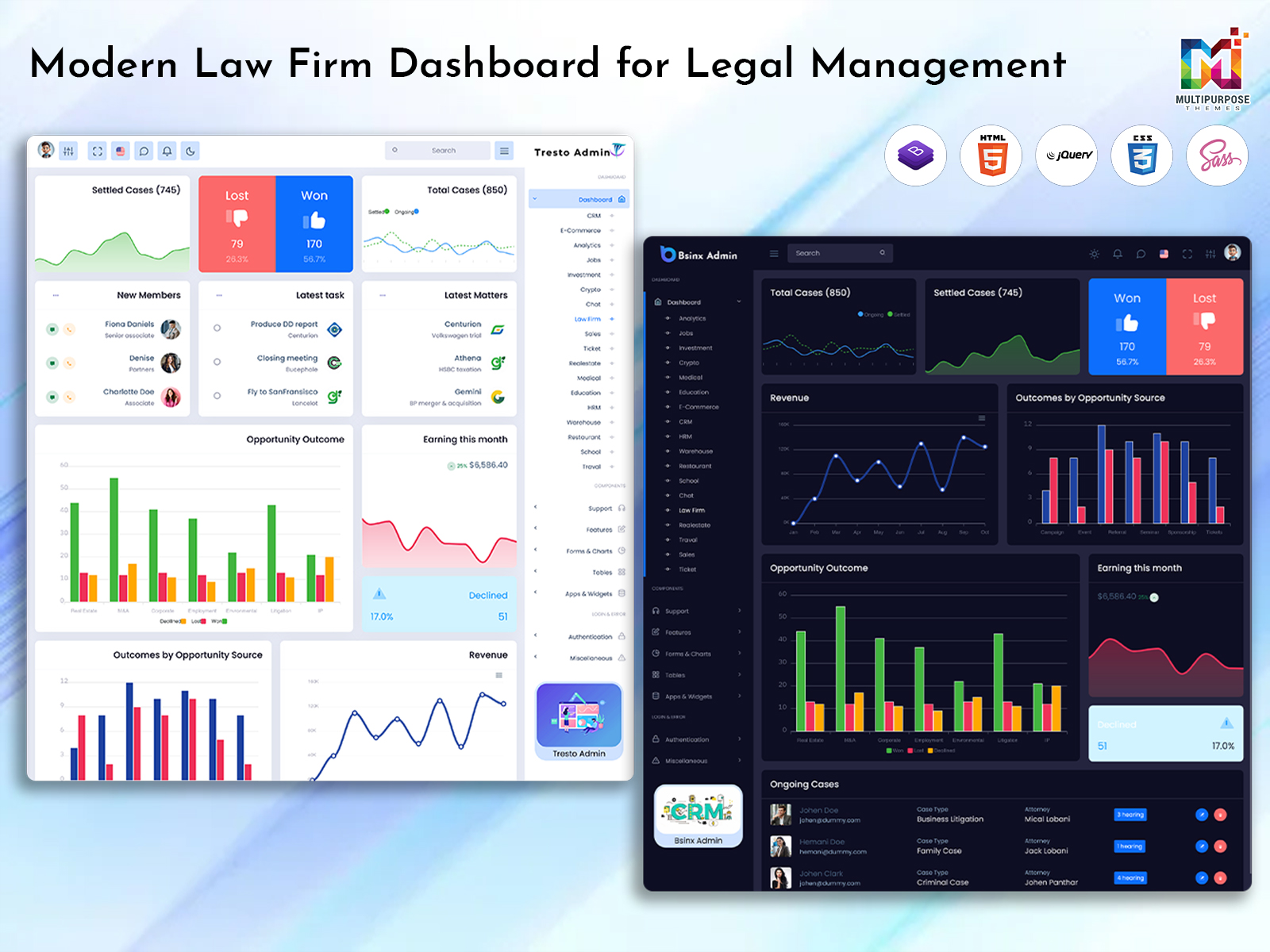
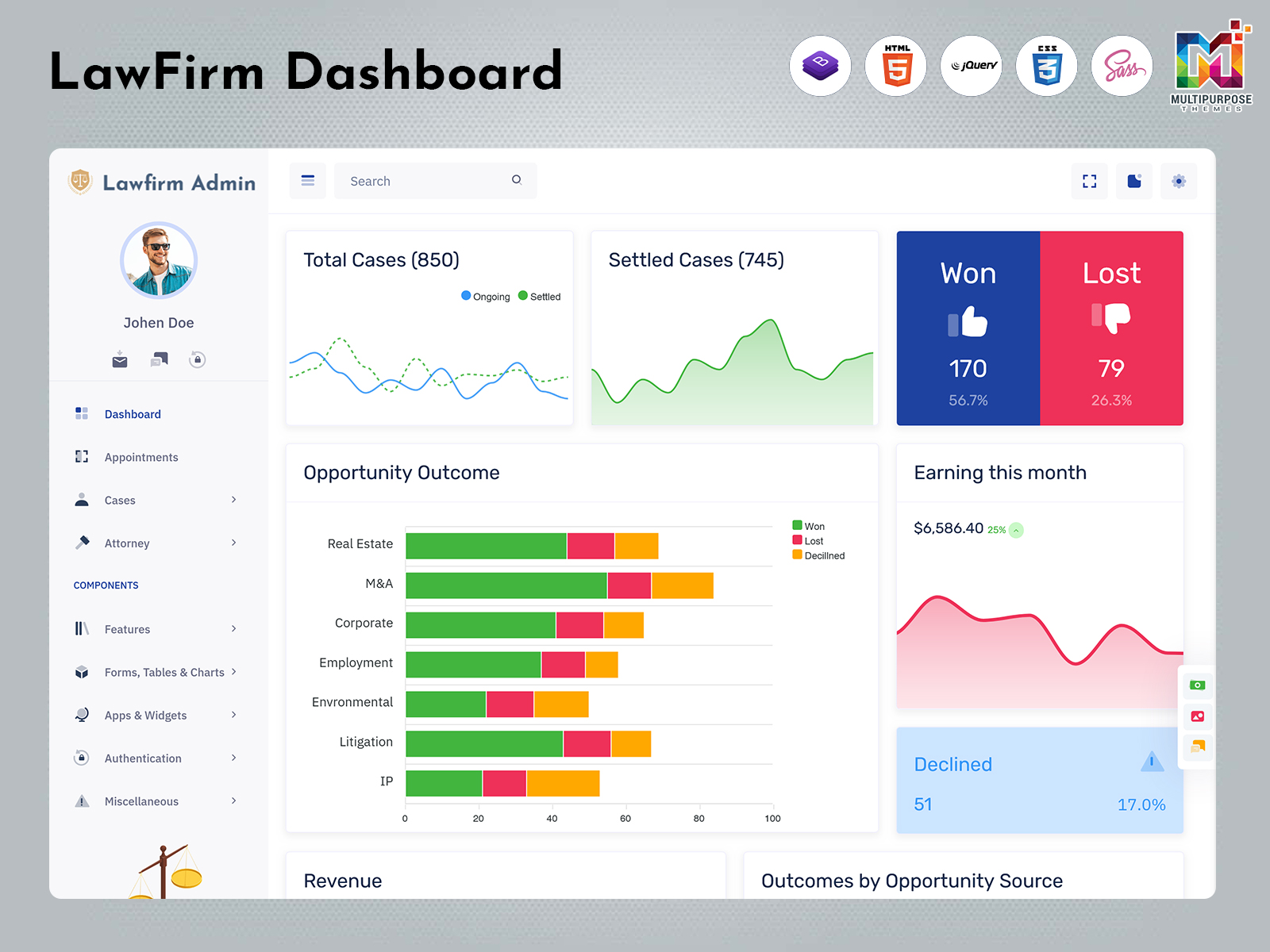
A lawyer dashboard is a screen that helps legal professionals see and manage information fast. The lawyer dashboard is extremely useful because it consolidates everything in one place. The lawyer dashboard can keep track of clients, cases, appointments, documents, tasks and various other aspects of practice.
Of searching through files the lawyer dashboard pulls all the needed data together. Depending on how it’s designed the dashboard may show cards, tables, calendars, charts and activity feeds.
A well‑organized lawyer dashboard helps lawyers handle work.
For example a lawyer can look at the client list see how a case is progressing and notice any pending tasks— from one clear dashboard.
VIEW DEMO BUY NOW
Key Features of a Legal Practice Management Dashboard
A legal practice management dashboard should focus on managing work. Features help lawyers find the information they need easily.
Client Management
Client details are essential for practice. The lawyer dashboard can track client information, contacts, cases and any related activity.
Features might include:
- Client list
- Client contact details
- Link from client to case
- Client status
- Recent follow‑ups
Keeping this information organized lets lawyers find the client details quickly.
Case Management
Handling legal matters can be hard. The lawyer dashboard lets lawyers view and understand the status of their cases.
Details could include:
- Case name & reference
- Case category & assigned lawyer
- Case status
- Key dates & deadlines
- Actions & follow‑up
Having this data helps lawyers see their workload. This is totally dependent upon the design of the dashboard and the nature of company data.
Appointment & Hearing Management
Most legal firms will need to arrange meetings with clients, court sessions, and meetings within their firm. This is shown by the calendar on the lawyer dashboard.
Features could include:
- Appointments
- Hearing dates & meeting times
- Calendar view
- Assigned lawyer or team
- Reminders for events
Seeing all appointments helps teams balance their work.
Document Management
Document management by legal professionals pertains to clients, cases, contracts, and other entities. The lawyer dashboard tracks document information.
Possible features:
- Document list organized by case or client
- Document category
- Upload & access options
- Document status
- Links to case details
There is an evident structure of presentation of the information.
This structure will assist the user in easily accessing information.
Think of the security and accessibility problems in your design of the dashboard.
Task & Deadline Management
Legal work often involves tasks. A task section, on the lawyer dashboard keeps track of pending work and deadlines.
Features might include:
- Pending and completed tasks
- Task priority
- Assigned team member
- Due‑date reminders
- Follow‑up actions
This information shows lawyers and staff what must be done next.
Billing & Payment Overview
Law practices must manage finances and administration. If the lawyer dashboard includes billing it can show invoices, payments and balances.
Features could include:
- Invoice summary
- Payment status
- Outstanding balances
- Billing details
- cards
Authorized users can view financial data. The depth of accounting depends on how the dashboard connects to the firm’s system.
Team & User Management
Many law firms have lawyers, assistants and admin staff working together. The lawyer dashboard can manage user profiles.
Features might be:
- User profile
- Assigned cases or tasks
- Team role
- Work status
- Role‑based access
This helps users find the data they need and keeps restricted information secure.
Activity
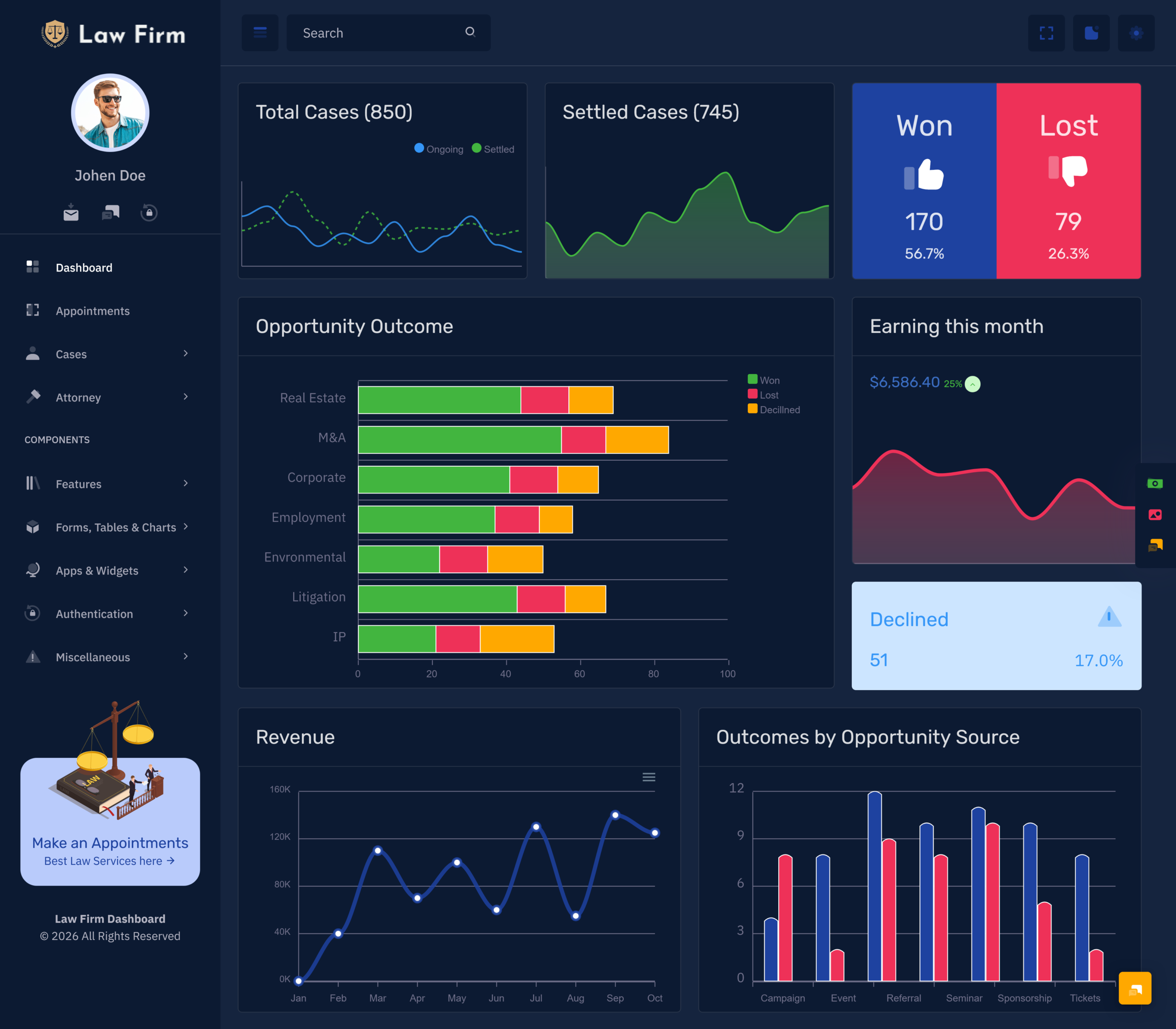
A dashboard can include cards, tables and charts to help users view information about practice activity. This means the dashboard does not require users to look through every piece of information.
Depending on what information’s available the reports could include:
- Active & completed cases
- Upcoming appointments
- Pending tasks
- Client activity
- Billing summary
- Workload per team member
Having reports can help with planning. The reports can also help law firm managers understand how the work is going.
VIEW DEMO BUY NOW
What is an Attorney Management Dashboard?
An attorney management dashboard will assist in managing the attorney information such as the number of cases managed by the attorney.
In a law firm with attorneys the dashboard can be useful to view what cases the attorneys have been assigned, appointments, pending tasks and the attorneys workload. Depending on how the dashboard has been set up the attorney section can include:
- Attorney profile & contact details
- Assigned cases
- Appointment schedule
- Task & deadline tracking
- Workload summary
- Team activity
For example a managing partner may want to know what cases the attorneys have been assigned and any commitments. Having a dashboard can help the firm manage the activities.
The main aim is to make it easier for users to view attorney information.
How a Law Office Management Dashboard Helps with Daily Activities
A Law Office Management Dashboard can help manage administration. Many legal practices will need to manage client communication, cases, appointments, documents and internal work.
Centralised Information
Having information in one place can help users easily find client details, case information and schedules. Having a layout will also help users know where to find different information.
Improved Organisation
Having a task list deadline reminders and calendar can help legal teams plan their activities.
Improved Team Management
Having a view of assigned cases and tasks can help team members understand their role. The dashboard can also help authorised users view how work is progressing.
Improved Administration Overview
Having cards and reports can help managers view information including cases, appointments and pending administration.
Improved User Experience
Having a dashboard with navigation easy to read tables and clear sections can help users manage their activities. This is especially useful if there are lots of team members using the system.
The benefits will depend on how the dashboard has been set up data accuracy and whether the features fit with the workflow of the firm.
Who can use a Lawyer Dashboard?
There are different types of legal professionals and organisations that can benefit from using a lawyer dashboard. This will depend on the size of the practice and what the practice does.
Individual Lawyers
Independent lawyers can use the dashboard interface and Independent lawyers can use the dashboard interface to manage client details, appointments, cases and pending tasks.
Medium Sized Law Firm
Small law firms may need a way to manage multiple cases. The dashboard can help manage the activities.
Large Legal Practice
Large law firms often need views for different teams, attorneys, departments and practice areas. The dashboard can help show information for each user role and activity.
Corporate Legal Department
In house legal teams can use the dashboard interface to manage matters view what responsibilities the teams have and track any deadlines.
Legal Administrator
Administrators can use the sections to manage appointments organise information view task lists and help with daily activities.
Legal Software Developer
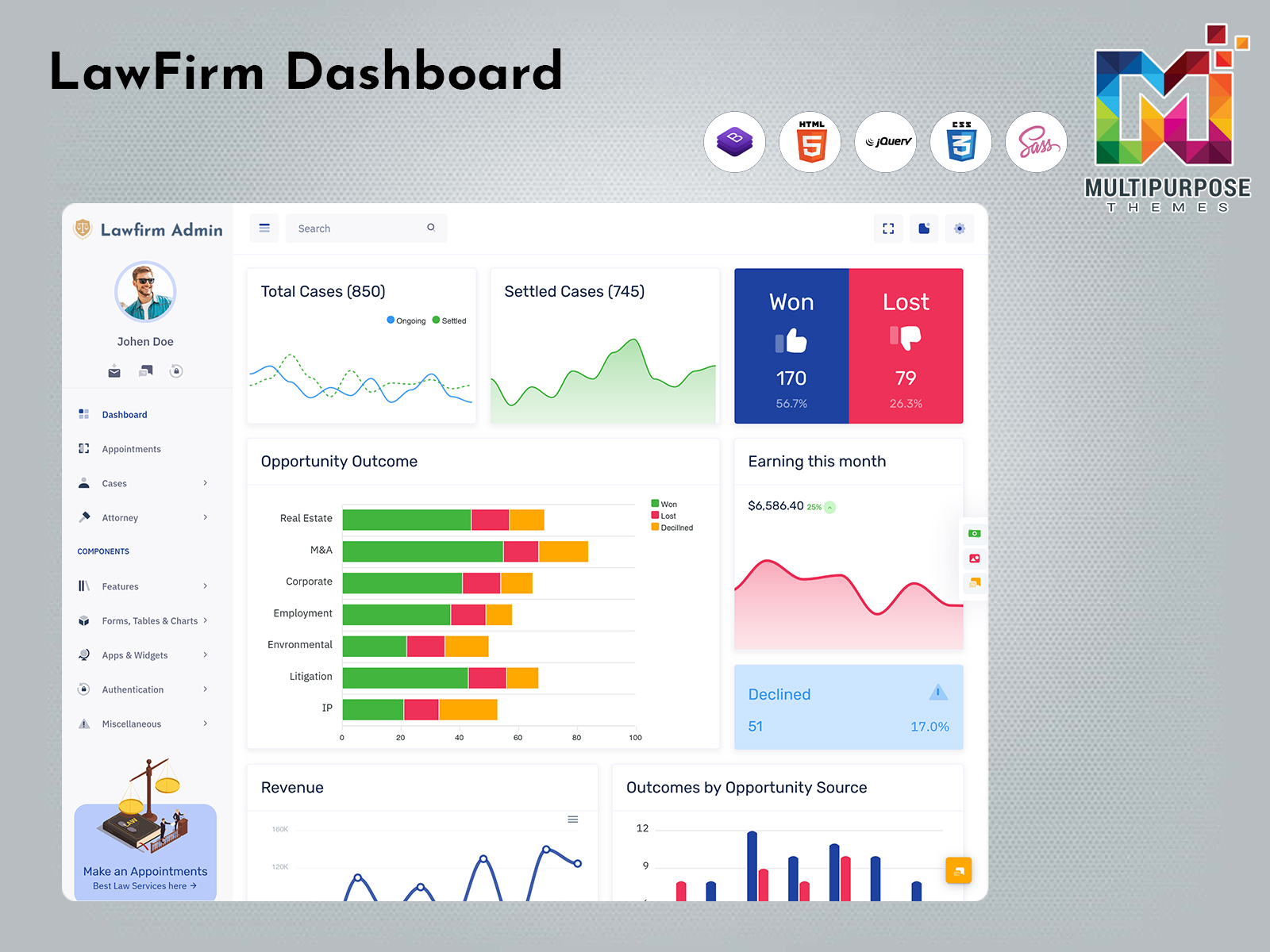
Developers creating management platforms can use a dashboard UI template to create a platform containing client details, case tables, calendars, reports and user management screens.
Key Features of a Good Lawyer Dashboard UI
A dashboard should be easy for legal professionals to view the workload. The dashboard should have a layout.
Navigation
Menus should be used to split the dashboard into sections including clients, cases, appointments, documents, billing and reports. Clear headings will help users easily navigate.
Easy to Read Tables
Clients and cases should have headings, consistent spacing and text that is easy to read. I notice that if there are search and filter options this can help users find the information.
Cards
Having cards can help highlight information for users. This could include cases, upcoming appointments, pending tasks or outstanding invoices. The dashboard should show the relevant information.
Calendar & Timeline
Having a calendar can help users view the appointments and deadlines. Having a timeline or activity can help users follow changes.
Responsive
Having a dashboard can help legal professionals and legal staff view dashboard information, on desktops, tablets and mobile devices.
Secure
Legal records can contain information. A legal dashboard must use authentication, role based access, secure data handling and other security features.
A legal dashboard will not automatically be secure or comply with rules. This depends on the application, how it is built and how the organisation operates.
How to Choose the Right Legal Dashboard UI Template
When choosing a legal dashboard template you should think about how the law firm or legal application will be used. The template should be a starting point for the workflow you want.
Identify your requirements
List the activities the legal dashboard must perform. These might include client management, case tracking, scheduling, document details and a billing overview.
UI Features
Think about the features the template offers. These may include tables, forms, calendars, charts, cards and menus.
Customisable
A customizable legal dashboard can let you alter the layout, colours, headings and features to fit the needs of your application.
Functionality
Think about how the legal dashboard will show information. It should look good on desktop, tablet and mobile devices. Tables, menus and forms should be easy to use.
User Friendly
Check if the legal dashboard has a layout clear text and a logical flow. If the legal dashboard is complicated it can make tasks harder to finish.
Understand what is included
A legal dashboard UI template typically comes with design elements and layout. Features like login live case updates, document storage, billing and notifications might need work.
By looking at these points you can pick a legal dashboard template that matches your project.
Conclusion
A designed Lawyer dashboard UI can help legal professionals handle client details, track cases manage appointments and see daily tasks. Clear information helps legal professionals control their workload.
An Attorney Management dashboard can assign attorneys. Oversee the team. A Legal Practice Management dashboard can run the operations of a practice. A Law Office Management dashboard can give an interface for administration.
As a developer or business building software picking a legal dashboard UI template is an essential first step.
A good layout, solid UI features, responsive design, customisable options and security can help build a dashboard that meets user needs.
Find legal dashboard UI solutions from Multipurpose Themes to start your dashboard project.
VIEW DEMO BUY NOW
FAQs
1. What is a Lawyer Dashboard UI?
A Multipurpose Themes Lawyer Dashboard UI is a screen that helps legal professionals handle client details, case data, appointments, documents and other practice tasks.
2. What is an Attorney Management Dashboard?
An Attorney Management Dashboard helps legal professionals manage attorney profiles, cases that are assigned, schedules and task duties. This depends on the features that’re available.
3. What is a Legal Practice Management Dashboard used for?
A Multipurpose Themes Legal Practice Management Dashboard gives a view of activities, in the practice. It can contain client management, case tracking, appointment scheduling, task control and reports.
4. How can a Law Office Management Dashboard help teams?
A Law Office Management Dashboard lets legal teams handle admin data see appointments track tasks that are pending and manage duties.
5. What features should a legal dashboard have?
Good features might be client details, case tracking, a calendar document list, task control, billing summary, team management, reports and access.
6. Can a lawyer dashboard be customised?
This depends on the Multipurpose Themes template and the application. A customizable legal dashboard template can give the parts and layout for a system. Customisation is key.
7. Is a legal dashboard UI template a software solution?
Not always. A legal dashboard UI template usually gives the screen and parts. Backend functions, database links, authentication secure document storage and other connections may need work. You will need to build those.
8. What should developers consider when choosing a lawyer dashboard template?
Look at the layout the features that are offered the design, the customisable options, how easy it is to use and what extra work will be required. Think about it.

Related Posts


This Post Has 0 Comments