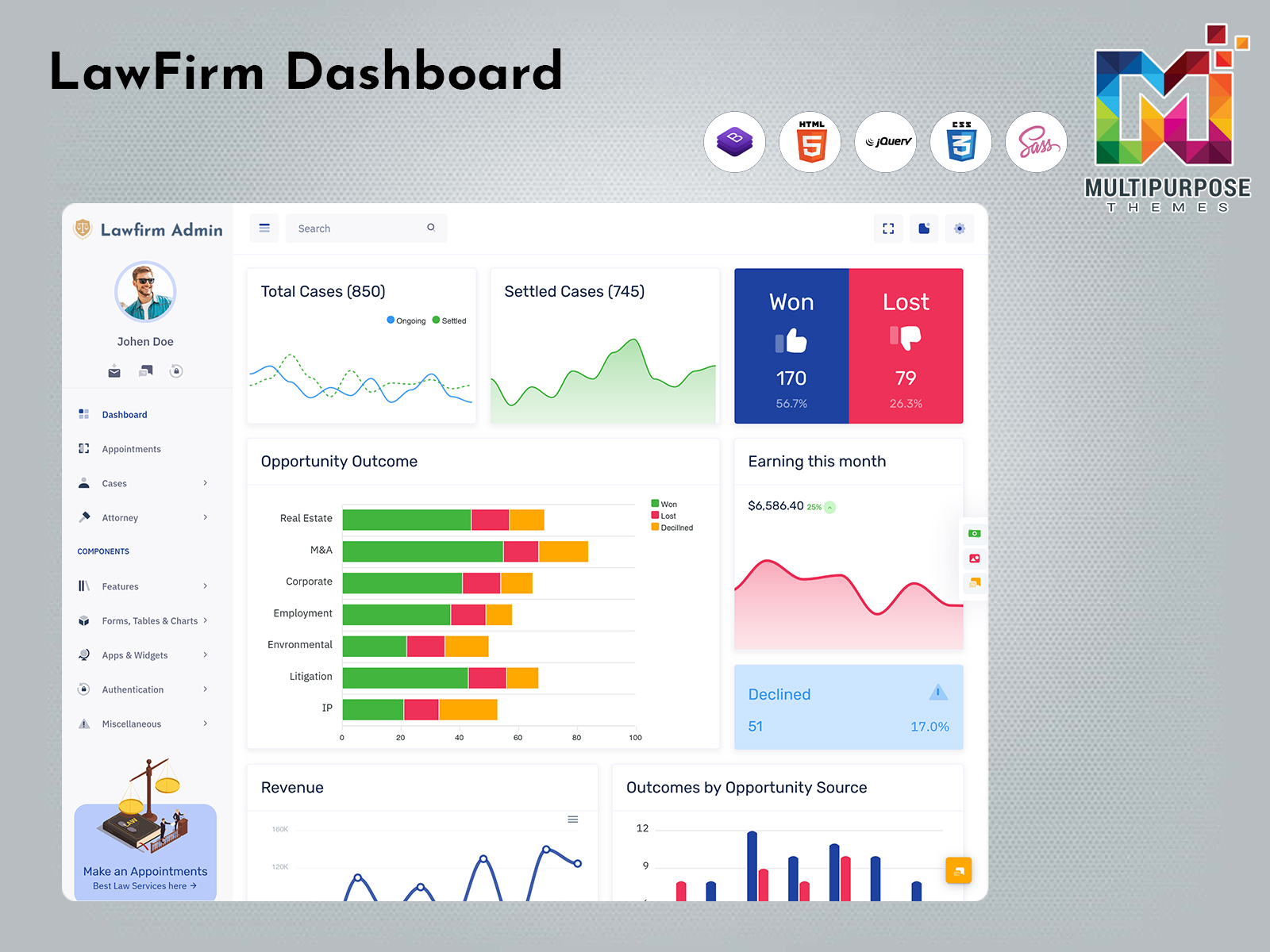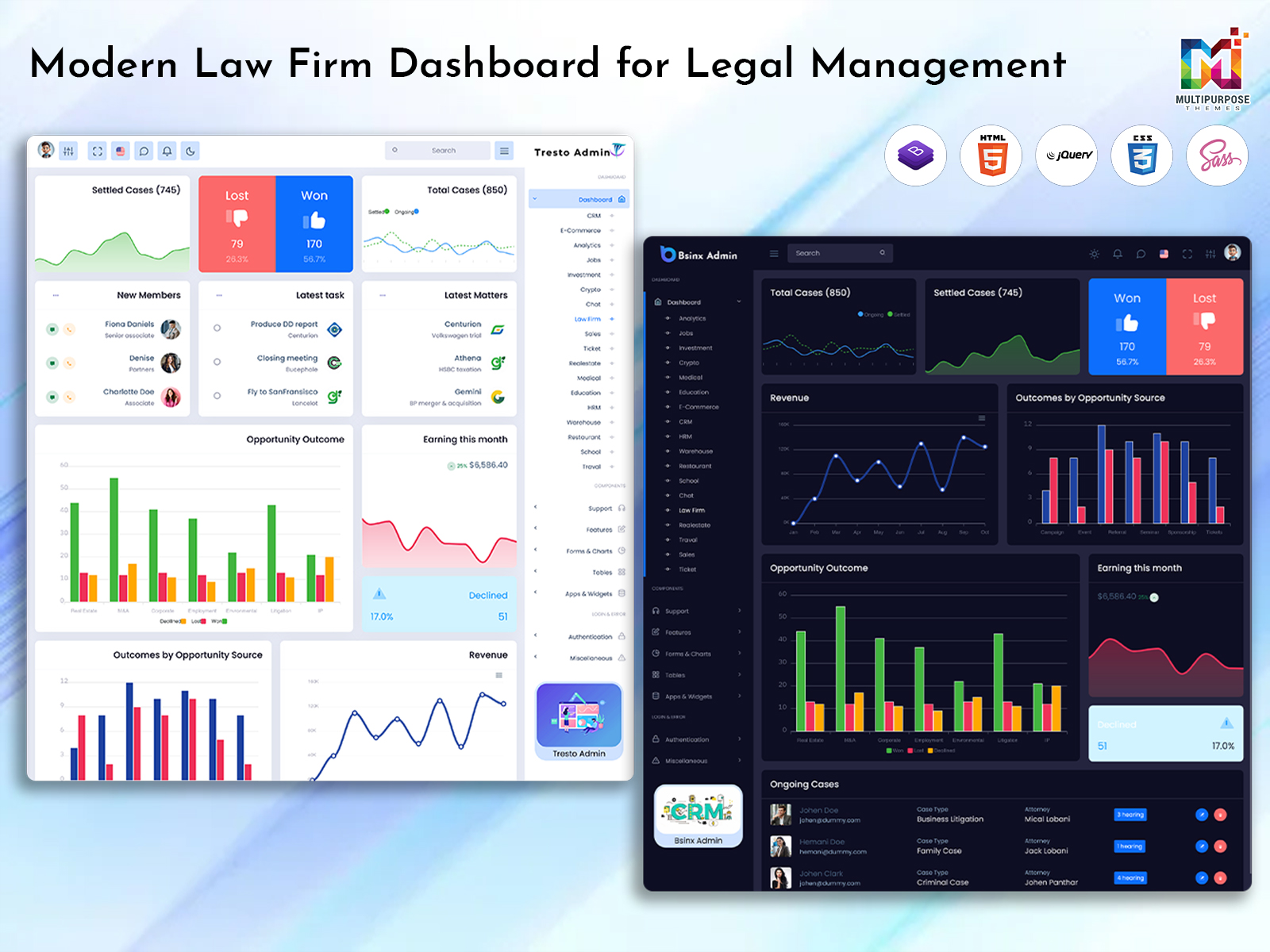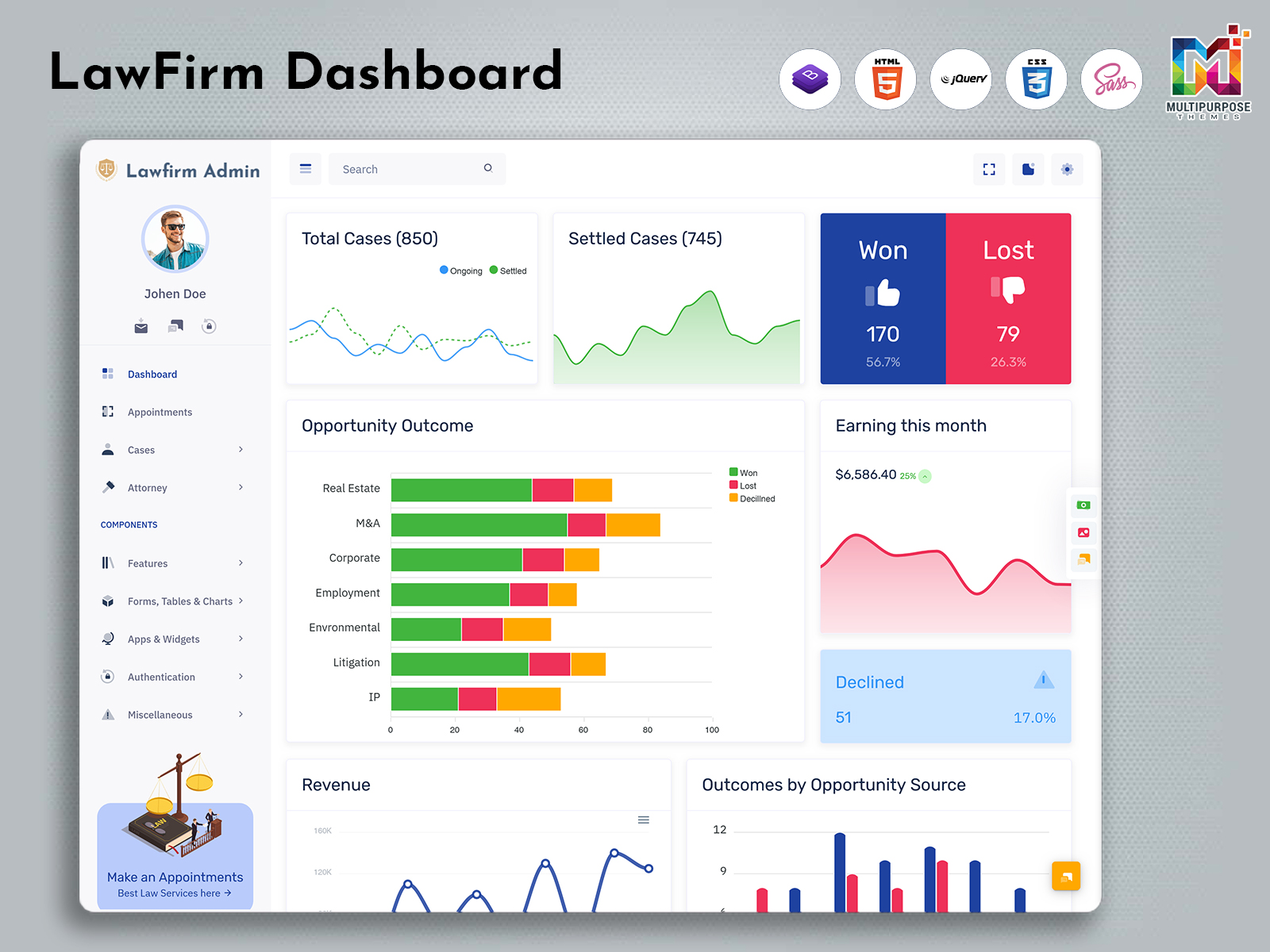
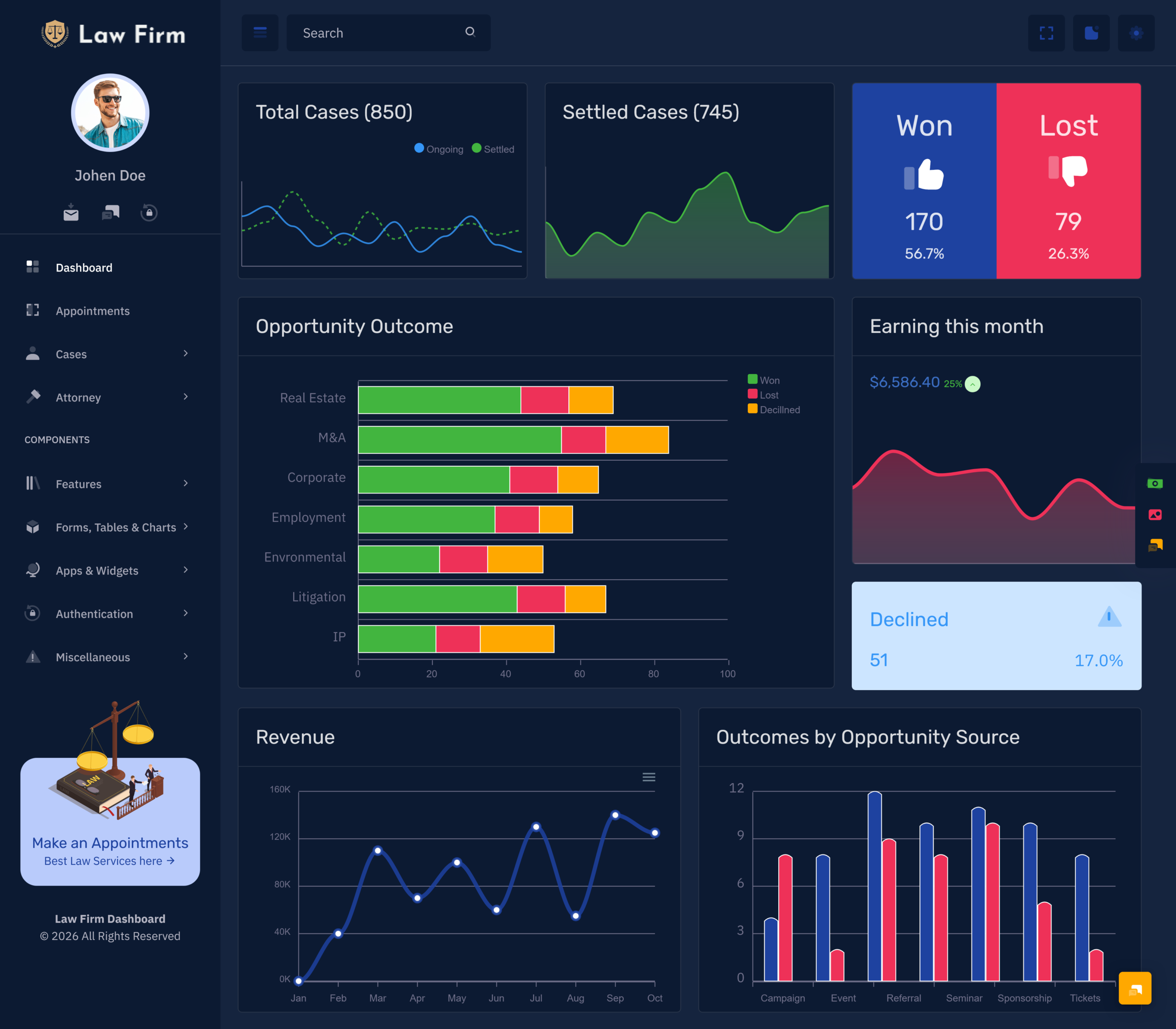
What Is a Law Firm Dashboard? A Law Firm Dashboard is created to make the…
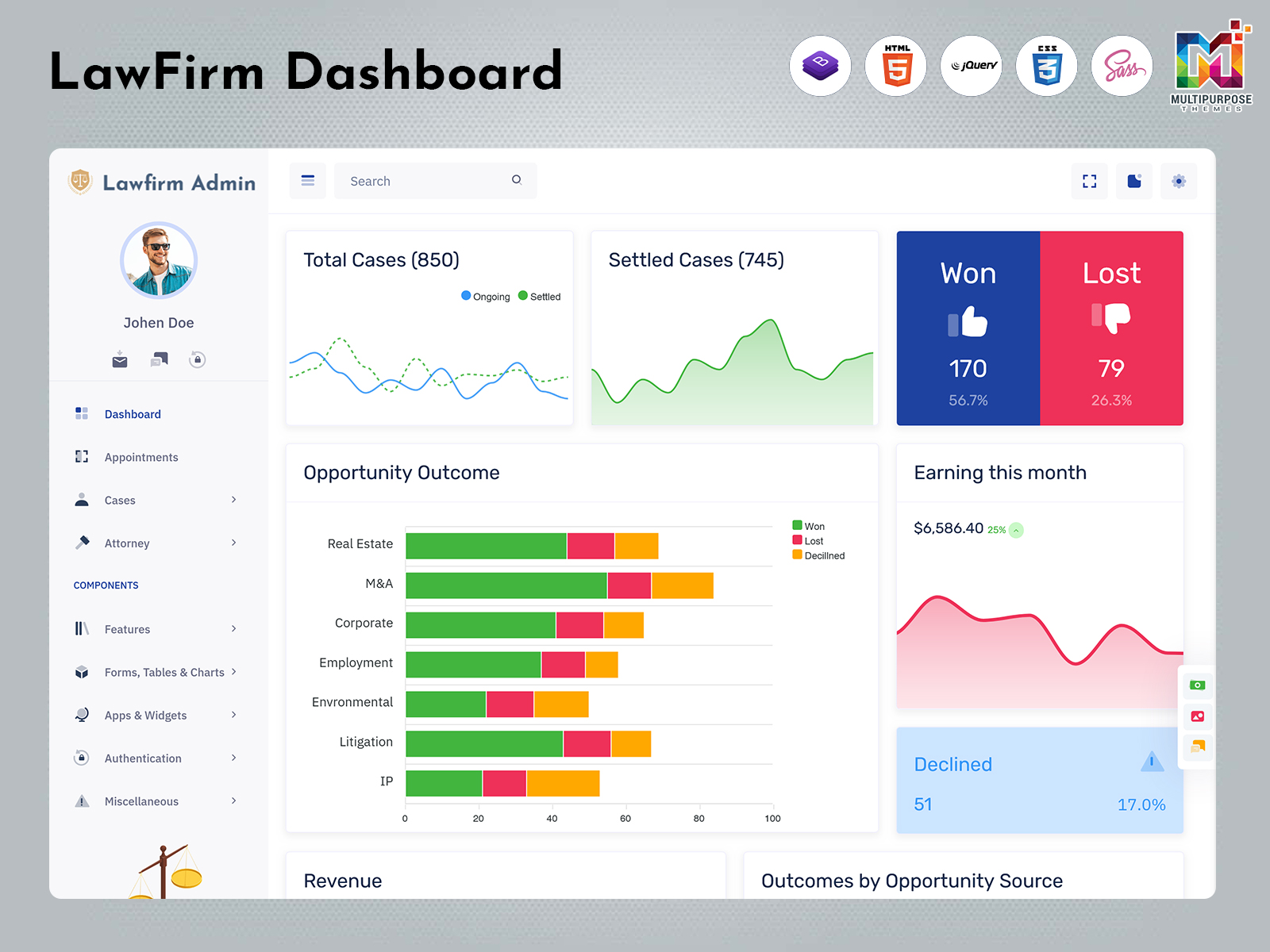
Case Tracking Dashboard: A Centralized Approach to Modern Legal Practice Management
Reading Time: 8 minutes
What is a Law Firm Dashboard?
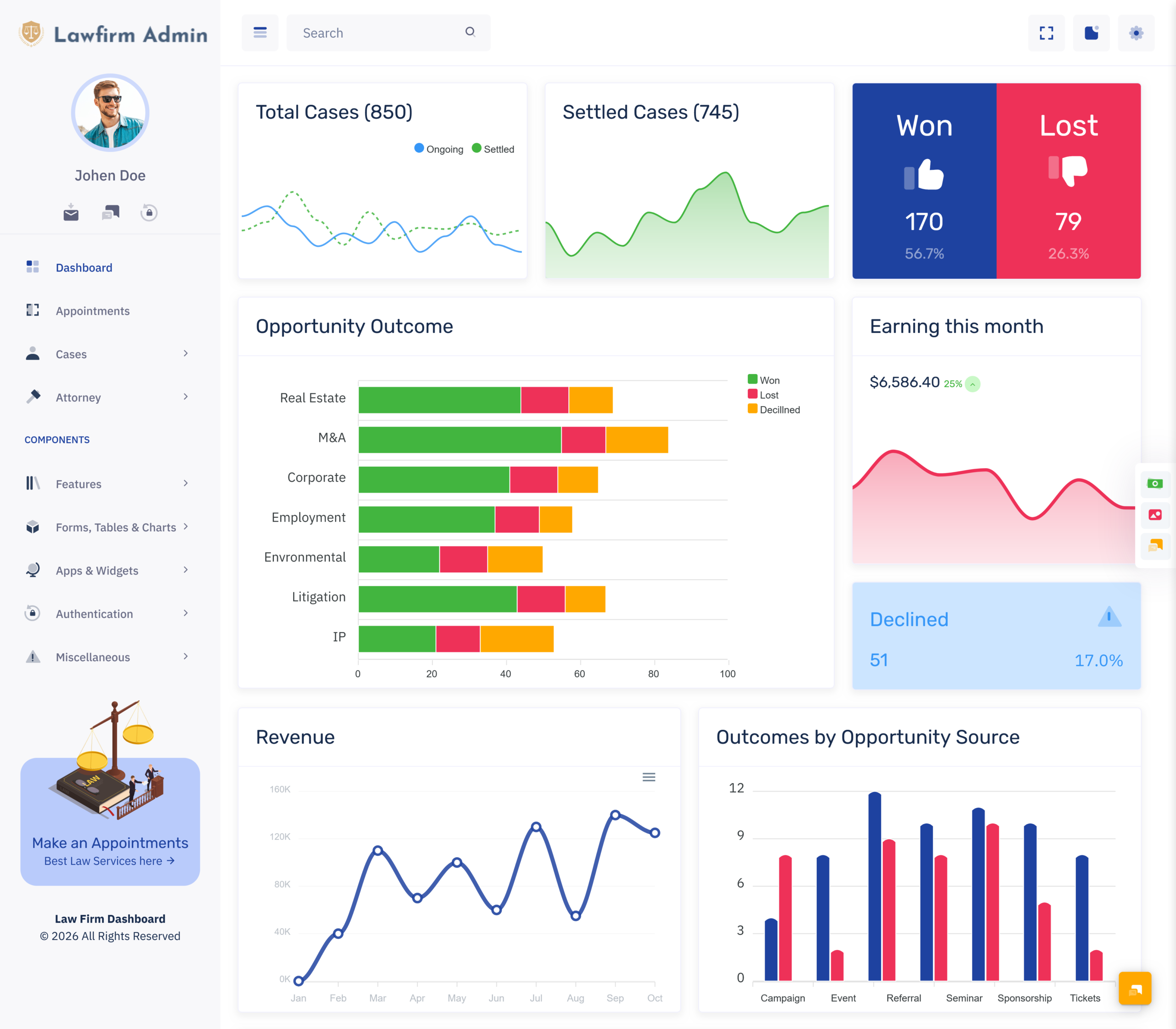
A Law Firm Dashboard is a centralized digital interface designed to help legal professionals organize and review important information related to their firm’s daily operations. Instead of depending on scattered spreadsheets, documents, emails, and separate systems, a dashboard can bring relevant administrative information into one structured workspace.
Watch Full Video
Modern law firms handle many responsibilities at the same time. Lawyers may be working on different matters, communicating with clients, preparing documents, following important dates, and coordinating with other members of the firm. Managing these activities becomes increasingly difficult when information is stored across multiple places.
A dashboard provides a common environment where authorized users can access the information relevant to their responsibilities. The purpose is not simply to place more data on a screen, but to make information easier to understand and work with.
A Law Firm Admin can use such an interface to maintain a clearer view of the firm’s operational activities. Lawyers and support staff may also benefit when information is organized according to their roles and working requirements.
A Law Firm Admin Panel can further provide a dedicated management environment for handling administrative responsibilities. It can be customized according to the size of the firm, the type of legal work, the number of users, and the internal processes followed by the organization.
Why is a Law Firm Dashboard Important?
Legal work often involves a large amount of information that needs to remain organized. A single matter may involve several documents, communications, appointments, deadlines, and people. When this information is managed through unrelated systems, finding the right information at the right time can become difficult.
A Law Firm Dashboard creates a more organized environment for handling this information. It can give legal teams a common workspace where authorized users can review relevant operational details and manage their regular administrative responsibilities.
For a Law Firm Admin, this centralized approach can make it easier to understand what is happening across the firm’s different activities. Rather than manually gathering information from different sources, the administrator can use the dashboard as a common starting point for daily management.
A Law Firm Admin Panel can also help establish consistency within the firm. When team members work through a shared management environment, it becomes easier to create standard processes for handling information and administrative tasks.
VIEW DEMO BUY NOW
How a Law Firm Dashboard Can Improve Information Visibility
Legal professionals often need to understand more than one piece of information before taking action. A document may be connected to a client, a matter may involve several people, and an upcoming event may depend on information stored somewhere else.
A Law Firm Dashboard can bring related information into a more organized environment. This can make it easier for authorized users to understand the broader context of their work instead of reviewing isolated records.
For example, a firm administrator may need to understand which areas require attention during the day. A centralized dashboard can provide a starting point for reviewing current activities and identifying tasks that may need follow-up.
The dashboard can also provide different views for different users. A partner may need a broader organizational perspective, while an individual lawyer may need access to information connected with their assigned work.
Features of Law Firm Dashboard
1. Centralized Legal Workspace
A Law Firm Dashboard provides a common digital workspace where authorized users can access information relevant to firm operations. Bringing information together can reduce the need to move between unrelated administrative systems. This centralized structure can also create a more consistent working environment for lawyers, administrators, and other members of the legal team.
2. Organized Firm Administration
A Law Firm Admin Panel can provide a structured environment for handling the administrative side of legal practice. It allows firms to organize their internal processes through a dedicated interface rather than relying entirely on disconnected tools. The structure can be customized according to the firm’s size, workflow, responsibilities, and management requirements.
3. Role-Based Information Access
Different members of a law firm require different types of information. A well-designed dashboard can support role-based access so users can work with information appropriate to their responsibilities. This approach helps keep the interface focused and can reduce unnecessary exposure to information that a particular employee does not need.
4. Client Information Organization
A Law Firm Dashboard can provide an organized environment for working with client-related information. Keeping relevant client details within a structured system can make administrative work more manageable. Authorized users can work with information according to the firm’s processes while maintaining a consistent approach to organizing client-related activities.
5. Matter Management Environment
Legal professionals may handle several matters at different stages, making organization important for everyday work. A law firm dashboard can create a centralized environment for managing matter-related information. This gives authorized users a consistent place to understand their assigned responsibilities and maintain better awareness of ongoing legal work.
6. Responsive Administrative Interface
A Law Firm Admin Panel should be designed to remain usable across supported devices and screen sizes. A responsive interface gives authorized users greater flexibility when accessing the firm’s administrative environment. This can be useful for legal professionals who may need to review information away from a fixed office workstation.
7. Customizable Management Structure
Every legal practice has its own working methods, so a fixed dashboard may not be suitable for every organization. A Law Firm Dashboard can be customized around the firm’s processes, user roles, branding, and operational requirements. This flexibility allows the system to support the firm’s actual workflow rather than forcing users into an unsuitable structure.
How a Law Firm Dashboard Supports Better Workflow
Legal work involves many connected activities, and inefficient administration can create unnecessary pressure. A lawyer may need to switch between communication, documents, appointments, and other information before completing a routine responsibility.
A Law Firm Dashboard can help create a more structured workflow by giving users a central environment for accessing relevant information. Instead of repeatedly searching through unrelated systems, users can begin their work from a common interface.
This does not mean every task needs to be automated. Some legal activities require professional judgment and personal attention. The dashboard’s role is to make the supporting information easier to manage.
For a Law Firm Admin, this can be particularly useful because administrative responsibilities often involve coordination between multiple people. A shared environment can make it easier to maintain consistency and understand what different parts of the firm are working on.
VIEW DEMO BUY NOW
Supporting a More Organized Client Experience
Clients expect professional communication and organized service from their legal representatives. While a dashboard cannot determine the quality of legal advice, it can support the administrative processes surrounding client service.
A Law Firm Dashboard can help create a more organized environment for handling client-related information. When authorized users can access relevant information through a common system, it can become easier to maintain consistency across different administrative interactions.
A Law Firm Admin may use the system to coordinate information internally so that the legal team can work with better context. This can help reduce unnecessary delays caused by searching for information across multiple sources.
Benefits of Law Firm Dashboard
1. Improves Information Organization
A Law Firm Dashboard creates a centralized environment for organizing important firm information. This can reduce dependence on scattered files, separate systems, and manually maintained records. When information is arranged logically, authorized users can spend less time searching and more time focusing on the professional or administrative responsibilities that require their attention.
2. Saves Administrative Time
A Law Firm Admin Panel can reduce unnecessary movement between different management tools. By providing a common workspace, it can make frequently required information easier to access. This can help administrators complete routine responsibilities more efficiently and dedicate more time to coordination, communication, and other important firm activities.
3. Supports Better Team Coordination
Legal teams often involve several people working on connected responsibilities. A centralized dashboard can provide a common reference point for authorized users, helping create a more consistent internal workflow. Better organization can reduce confusion between team members and make it easier to coordinate administrative activities across the firm.
4. Creates Role-Focused Workspaces
A law firm dashboard can be structured around the responsibilities of different users. Lawyers, administrators, partners, and support staff may each require different information. Role-focused access can help keep their workspace relevant and manageable while reducing unnecessary information that may distract users from their primary responsibilities.
5. Supports Firm Growth
As a law firm expands, the number of clients, employees, matters, and administrative responsibilities can increase. A flexible Law Firm Dashboard can provide a structured foundation that grows with the organization. This allows businesses to adapt their management environment as requirements change without immediately replacing the entire administrative approach.
6. Makes Daily Management More Consistent
A Law Firm Admin can benefit from having a predictable environment for handling recurring administrative activities. A centralized dashboard can support consistent processes across the firm, reducing dependence on individual methods of organizing information. This can make daily management easier to coordinate and simpler to monitor.
7. Supports Better Operational Visibility
A Law Firm Admin Panel can give authorized managers a broader view of internal operations. This can help them understand what is happening across different areas of the firm and determine where attention may be required. Greater visibility can support more organized planning without replacing professional judgment or decision-making.
Conclusion
A Law Firm Dashboard can provide legal organizations with a centralized environment for organizing information and supporting everyday administrative work. By bringing relevant activities into a structured interface, it can make information easier to access and help teams maintain a more consistent workflow.
A Law Firm Admin Panel can provide administrators with a dedicated management environment, while role-based access can help different users work with information relevant to their responsibilities.
The dashboard should not attempt to replace legal expertise or professional judgment. Its purpose is to support the administrative side of legal practice by improving organization, visibility, and coordination.
Customization is also important because every law firm has its own structure and working methods. A flexible dashboard can adapt to these differences and continue supporting the organization as it grows.
When designed around real user requirements, a law firm dashboard can become a practical digital workspace that helps legal teams spend less time managing scattered information and more time focusing on the work that matters.
Frequently Asked Questions
1. What is a Law Firm Dashboard used for?
A Multi purpose themes Law Firm Dashboard is used to organize and manage information related to a firm’s daily administrative and operational activities. It provides authorized users with a centralized workspace where they can access relevant information, coordinate internal processes, and maintain a more organized approach to managing the firm’s work.
2. Who can use a Law Firm Admin Panel?
A Multi purpose themes Law Firm Admin Panel can be used by authorized administrators, partners, lawyers, and support staff, depending on how the system is configured. User access should be based on responsibilities so that each person can work with the information and functions required for their role.
3. Can a Law Firm Dashboard be customized?
Yes. A Multi purpose themes Law Firm Dashboard can be customized according to the firm’s workflow, branding, size, user roles, and operational requirements. Customization allows developers to remove unnecessary elements and focus the interface on activities that are genuinely useful to the firm’s legal and administrative teams.
4. Is a law firm dashboard suitable for small legal practices?
Yes. A small law firm can use a dashboard to create a more organized administrative environment even if it has only a few employees. The system can be kept simple at the beginning and expanded later as the firm’s number of clients, matters, employees, and operational responsibilities increases.
5. What should a firm consider before developing a dashboard?
A firm should consider its user roles, workflow, information requirements, access controls, security needs, scalability, responsiveness, and ease of use. It is important to understand how lawyers and administrators actually work before deciding what should appear on the dashboard. This helps avoid building an unnecessarily complicated interface.
6. Can different employees have different access levels?
Yes. A Multi purpose themes law firm dashboard can be designed with role-based access so that different employees receive appropriate permissions. This is particularly important for organizations handling confidential legal information. Access should be planned carefully according to job responsibilities and the firm’s internal security policies.
7. Can MultiPurpose Themes help with Law Firm Dashboard development?
Yes Multi purpose themes can be used as a starting point for developing an administrative dashboard for a law firm. Developers can customize the interface according to the firm’s branding, workflow, user roles, and functionality requirements. The final dashboard should always be adapted to the firm’s specific operational and security needs.

Related Posts