What is a Restaurant Dashboard? A Restaurant Dashboard is a digital interface that brings important…
Restaurant Dashboard: Connecting Daily Restaurant Activities
Reading Time: 9 minutes
What is a Restaurant Dashboard?
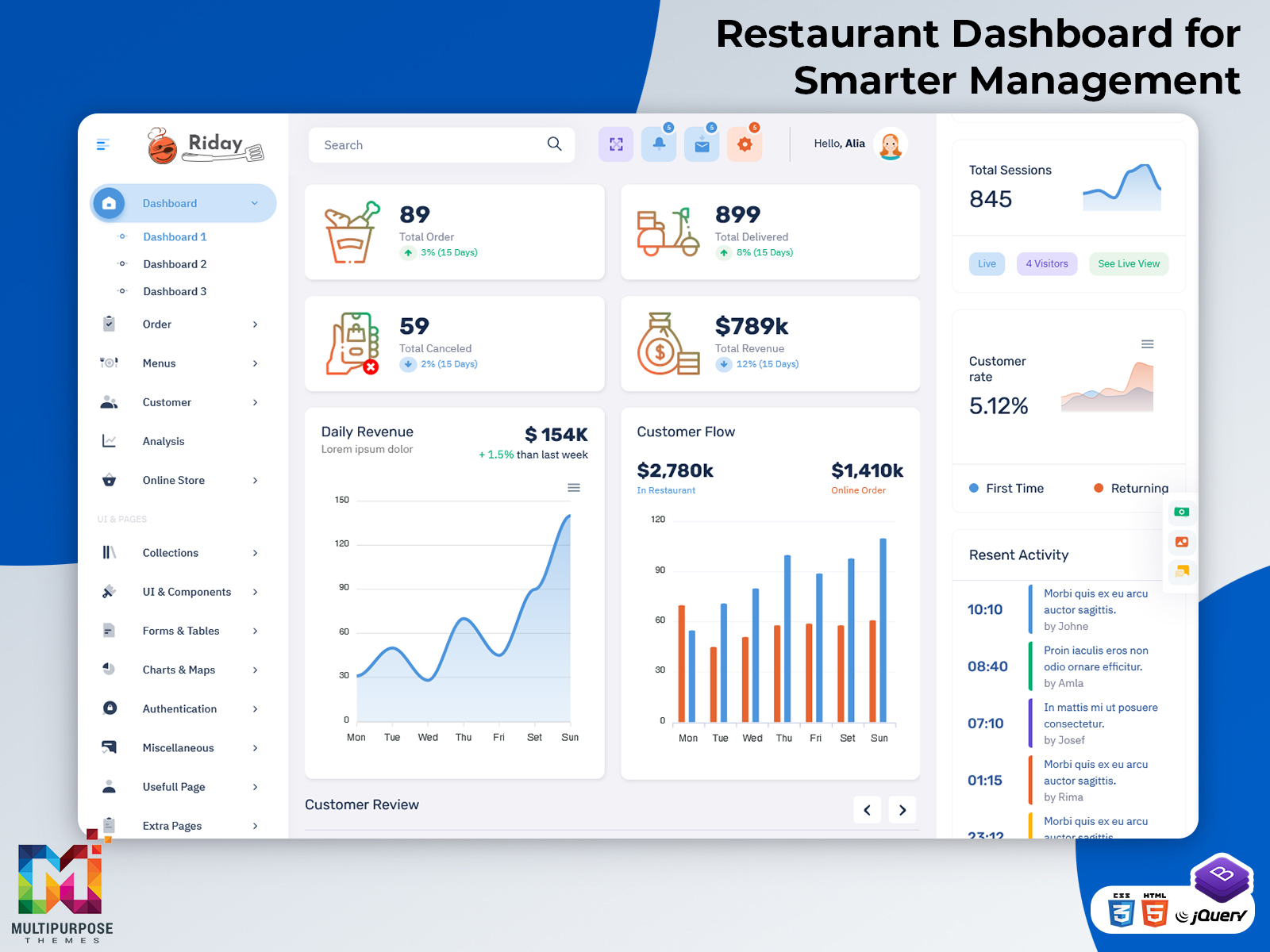
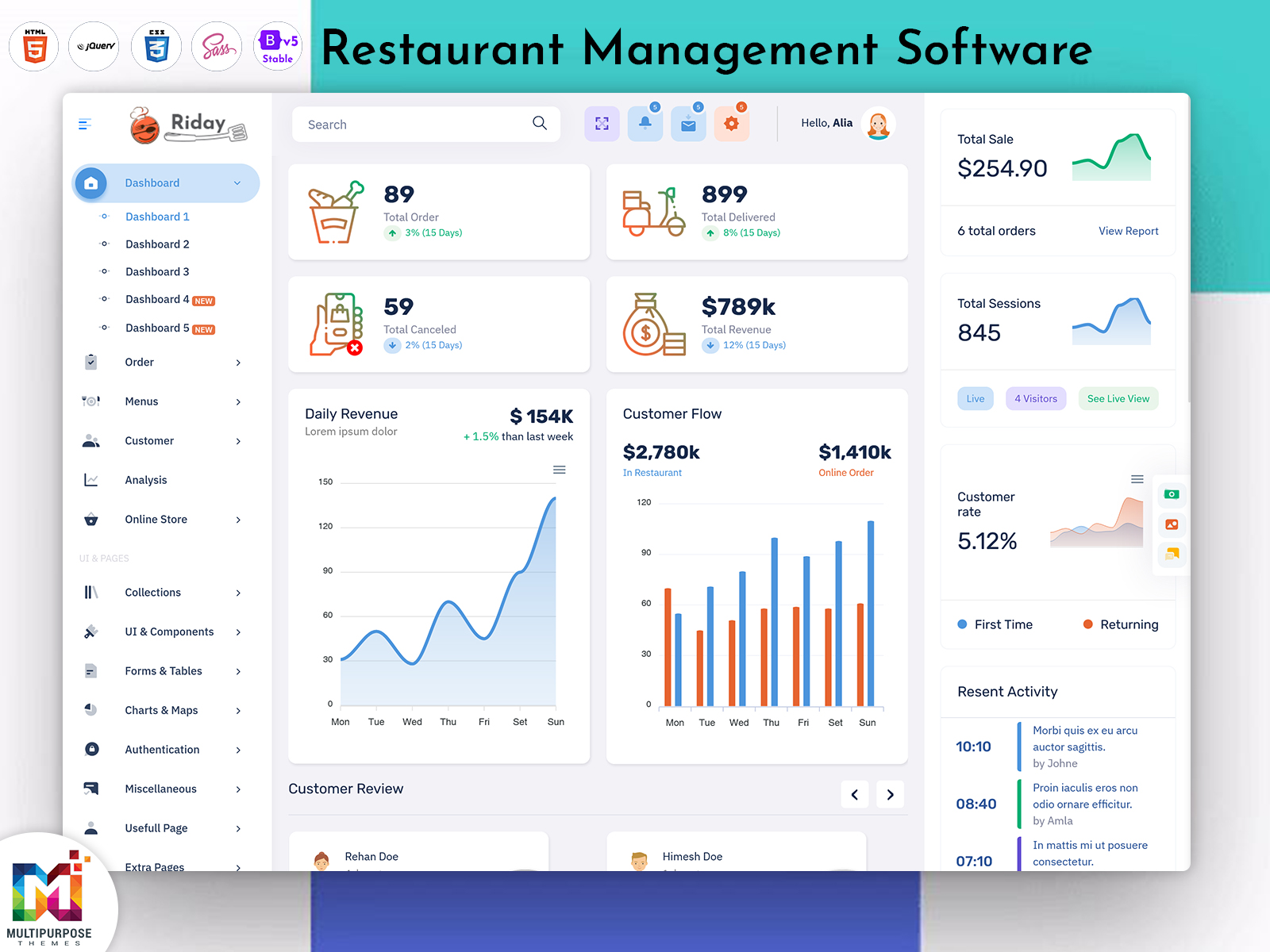
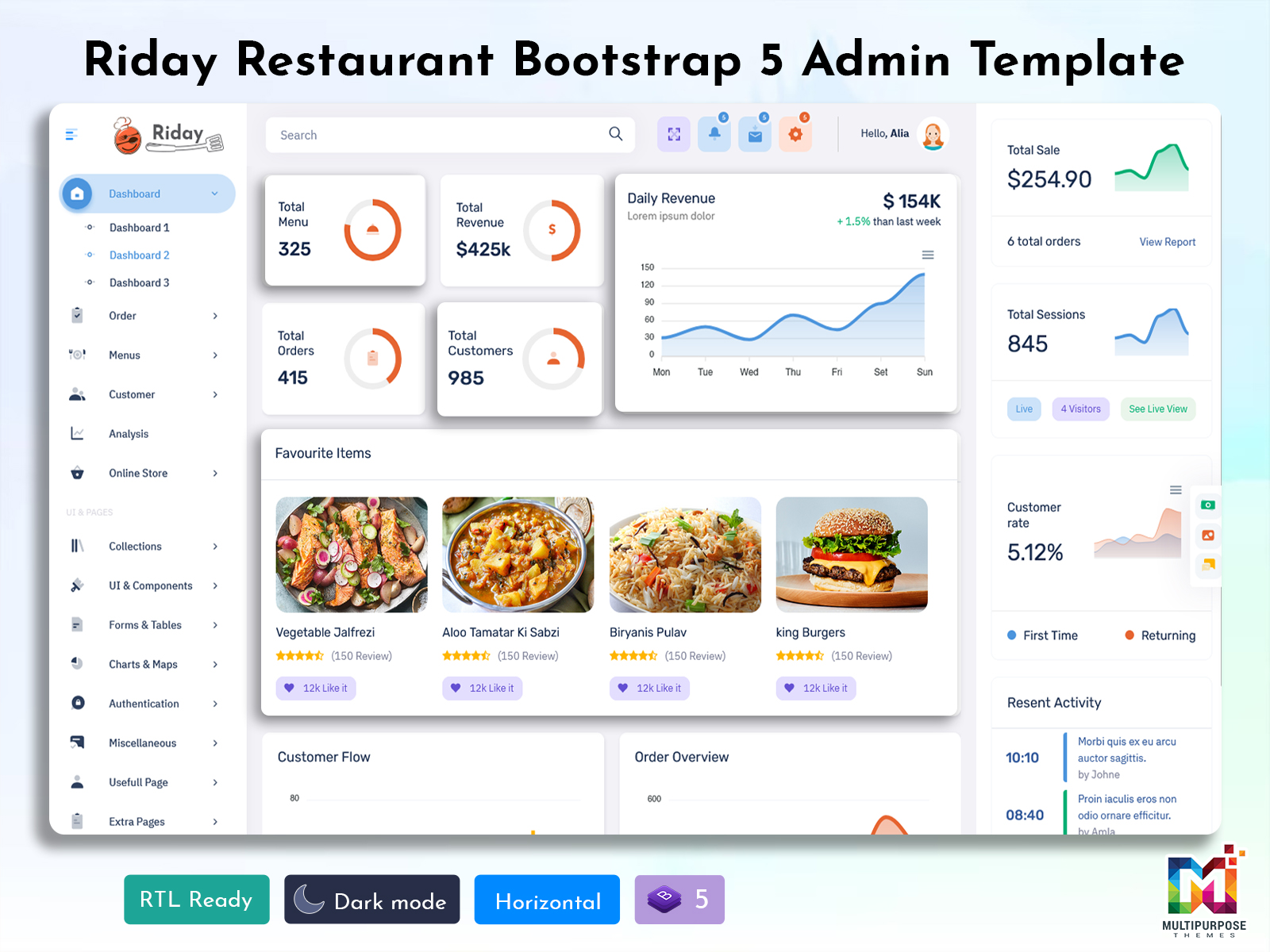
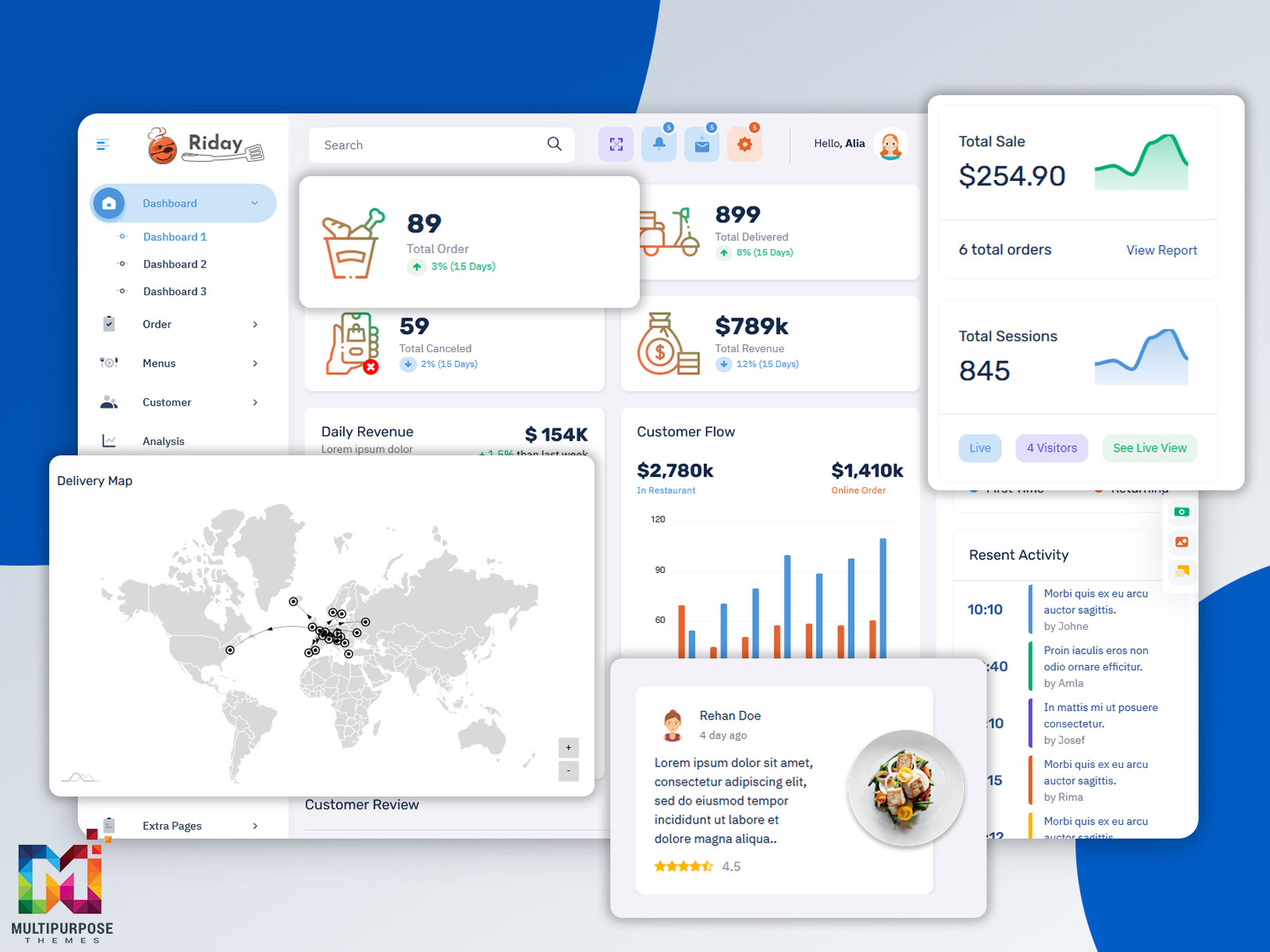
The Restaurant Dashboard is the center. The Restaurant Dashboard holds everything needed to run a restaurant. It holds details, about orders, bills, menu items, inventory and staff tasks. It helps keep track of what’s happening every day. You can see what’s been ordered how much is owed what’s on the menu what supplies are left and who is working. It’s like a place to manage the whole restaurant. Having all this in one spot makes things easier and faster. You don’t need to check places. Everything is clear and easy to find. This helps the team work better together.
Watch Full Video
The restaurant industry is one that is constantly moving and requires parties to be involved. Orders are made, food is prepared and counted by staff, cashiers take payments, ingredients are used, dishes are sold. There is a connection between all of these operations. Each is handled by a different party.
A Restaurant Dashboard can act as the hub for these types of operations. Managers or other authorized personnel can switch between elements of the operation without relying on documents and communication.
The Food Ordering System is the interface that is related to customer interaction whereas the dashboard is for the management. The order must be processed, prepared, monitored, billed and completed.
Restaurant Billing Software can manage another element of the process. Bills can be adjusted for payment options, discounts, taxes, cancellations or other elements depending on the restaurant’s requirements. Embedding billing related information within a system can make the appropriate records easier to find.
Restaurant Inventory Management also has a connection to the operation of a restaurant. Ingredients are used as a result of dishes being prepared and dishes can deplete stock faster than expected. A dashboard can enable the connection between what’s sold and the information that is required for purchasing and planning stock.
The purpose of a Restaurant Dashboard is not to monitor sales but can also act as a space that connects different elements of a restaurant’s operation and provide a better experience for all staff involved.
How a Restaurant Dashboard Connects the Service Process
A restaurant’s service process begins long before the food is on a customer’s table. Menu information must be updated, ingredients must be available, orders must be taken, the kitchen must have the appropriate information and payments must be recorded correctly.
If these elements are managed in isolation then workers may have to duplicate information within systems which can be a challenge when time is of the essence.
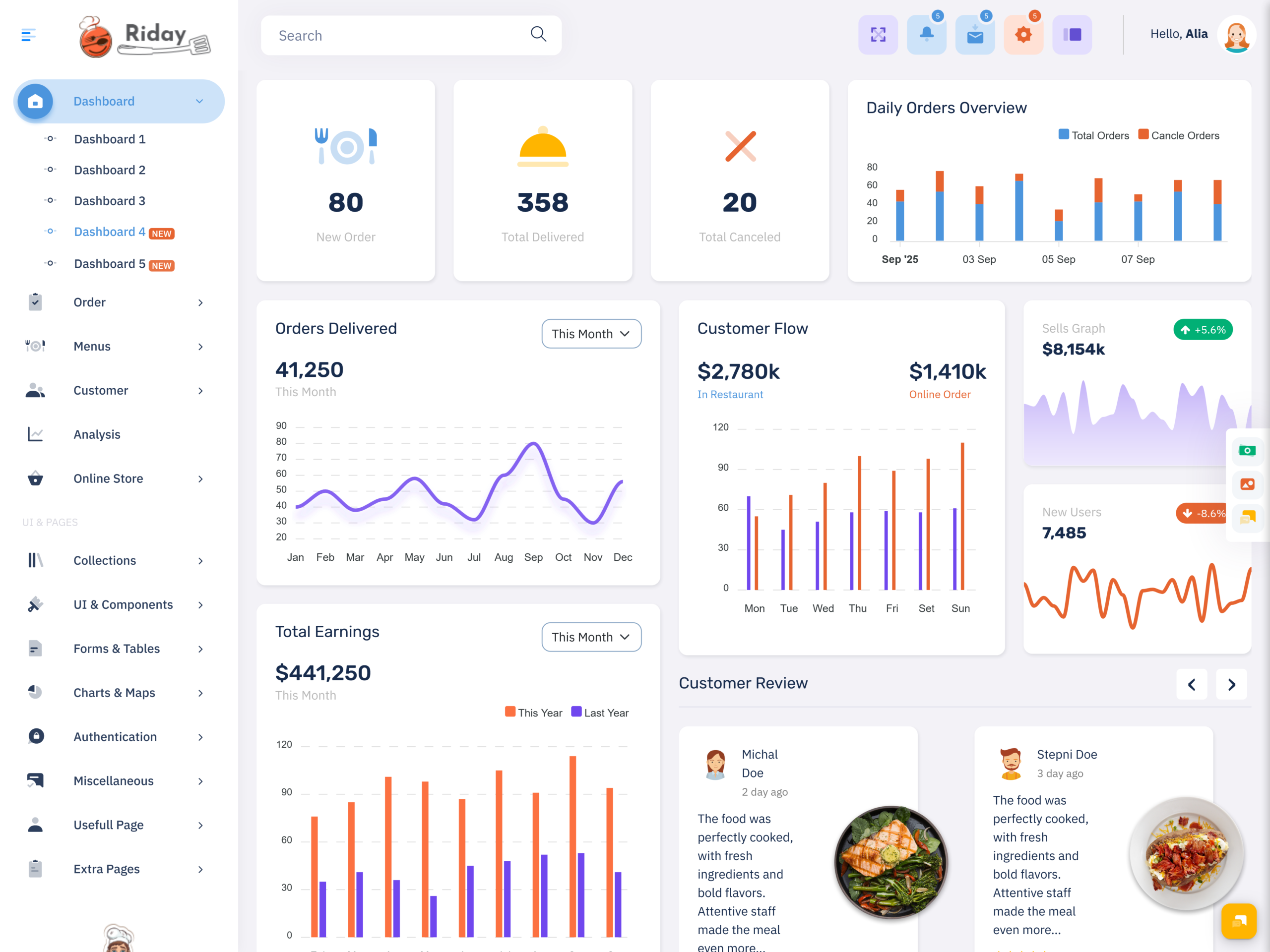
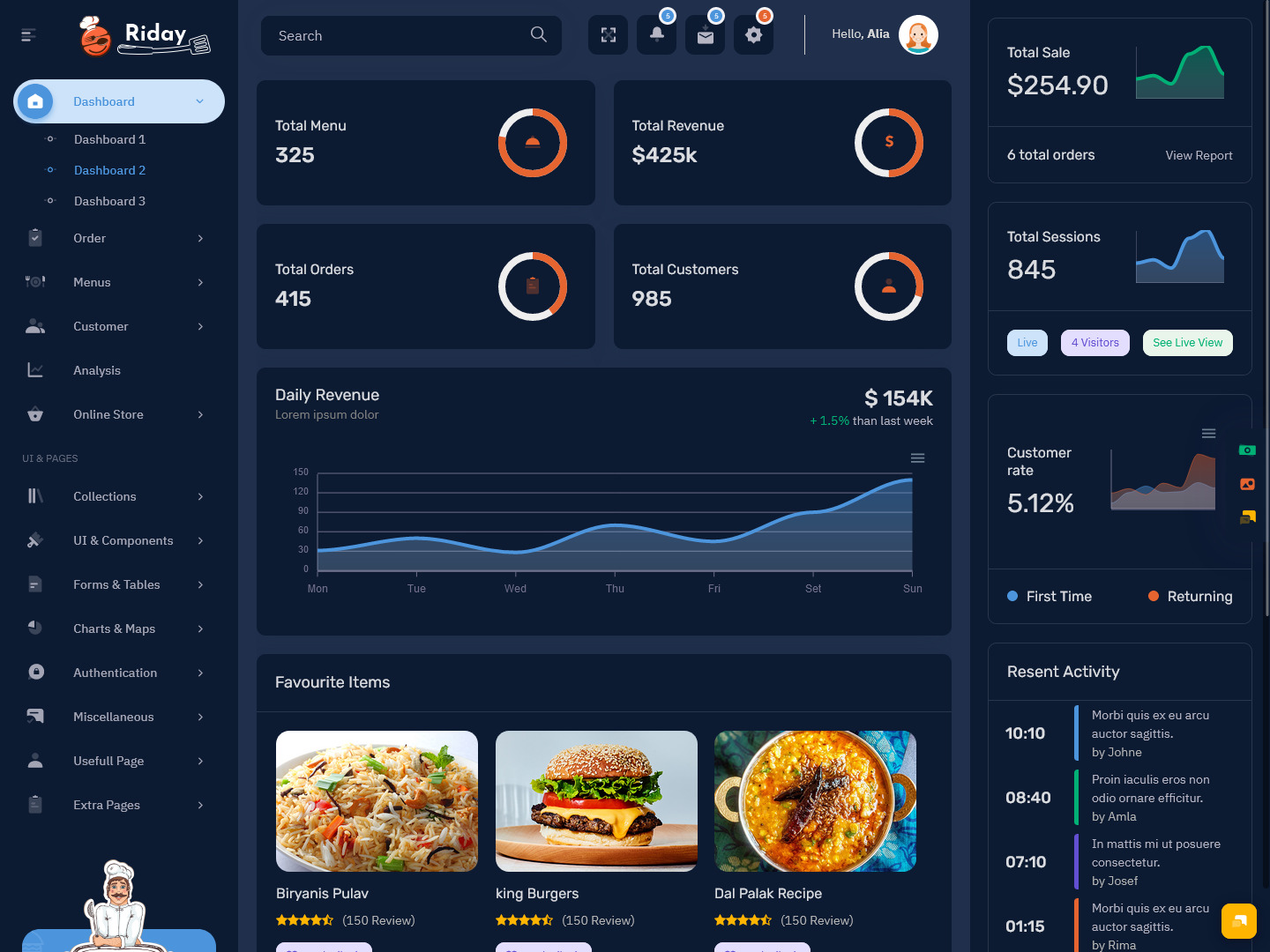
A Restaurant Dashboard can provide an overview of the steps. For example an order can be viewed through the stages that it goes through from being received to being completed. The dashboard does not have to show all of the information on one board. Instead users can navigate to the element that’s relevant to them while the information remains connected.
Menu management is another area where this type of connection’s useful. A restaurant may make price changes, introduce dishes, remove unavailable items or make alterations to the meal options for specific groups. These changes can affect elements such as what people order and how they pay. The management portion of the system should make it easy to ensure that information is up to date.
The same idea works for ingredients too. If a particular dish is repeatedly ordered by the customer, then it means that the kitchen has all the necessary ingredients available to prepare that particular dish. The inventory management of the restaurant will provide information on what needs to be checked and when to purchase those ingredients.
This establishes a connection between the menu and the stock.
Billing is another element of the process that must be connected to the rest of the operation. If an order is changed before completion then the bill may have to be altered well. A Restaurant Billing Software can help authorized personnel review the information without going through documentation.
The dashboard can also assist managers in highlighting issues or areas for attention. A slow order, a dish that’s not available, a strange change on a bill or a stock issue may need to be addressed. Then providing a screen full of unnecessary information a dashboard can make it easy for teams to find what they need to take action.
This way the dashboard acts as a tool for work. It provides a shared system for restaurant staff while individual users have access to the information that they require.
VIEW DEMO BUY NOW
Features of a Restaurant Dashboard
1. Menu Management
Restaurant menus often change dishes, prices, descriptions, groups or availability. A dedicated menu management section can help with these updates. It also helps keep information consistent across the restaurant online ordering system.
2. Billing Control
Restaurant Billing Software can provide a place to view all bills, money, changes and related transactions. The exact features depend on the system. How the restaurant accepts payments.
3. Ingredient & Stock Visibility
Restaurant Inventory Management can link ingredient data to what the restaurant needs. People who have access can review stock records, see which items need attention and know when purchasing decisions should be made.
4. User Roles
Not every person in the restaurant needs access to the part of the system. Role‑based access ensures that everyone gets the parts they need.
5. Food Ordering Connection
A Food Ordering System can be linked to the management dashboard so that orders enter the restaurant’s workflow. This cuts the need to re‑enter information into another system.
6. Activity & Status Tracking
Status indicators help people see where things stand in their process. Clear labels and record‑keeping let people track an order, a payment, a menu change or other tasks through the steps they go through.
7. Search & Filter
Restaurants can receive orders and records over time. Search and filter options let people find the orders, items, payments or records they need without scrolling through lists.
VIEW DEMO BUY NOW
Making Restaurant Work Connected
One benefit of a well‑developed Restaurant Dashboard is that it can link different parts of the restaurant without forcing everyone to use the same view.
A cashier may mainly work with orders and money, a kitchen worker may need information about what’s coming in and a manager may need a view that links service with stock, billing and the restaurant’s overall performance.
People can work in sections of the dashboard while using the same underlying system.
This type of role‑based functionality is very helpful at times. Employees should not have to hunt for the information they need when they need it. Such a system saves time. Let people reach the things they use most often.
Menu and stock connection is another point. The menu is not a list of dishes. Each dish connects to its ingredients how it’s made how much it costs and whether it’s available now. This way you can see everything about a dish, in one place. It helps you understand what goes into each meal. If it’s ready to order. It makes things clearer and easier to follow.
Billing is another part of the process. A customer might change their order, ask for an addition or removal or change a payment. The system must show these changes. Restaurant Billing Software can handle the side while the main dashboard can give authorized users access to the order details.
The Food Ordering System must also fit in. Whether orders come from a website, a phone app, a QR code or other ways the restaurant needs a way to collect and manage orders.
The dashboard can be the place where all these methods meet.
One of the parts of the dashboard is visibility. Visibility lets you see what is happening. Managers do not have to watch every transaction. Managers need ways to spot things that need attention. A dashboard can highlight issues, tasks, unusual changes and other events.
This makes the dashboard more valuable to users of asking managers to understand a huge amount of data all at once.
Benefits of Restaurant Dashboard
1. Better Work Collaboration
A Restaurant Dashboard links restaurant activities, in a clear space. This helps managers and workers understand their situation regarding orders, billing, menu information and other functions without relying on tools.
2. Smoother Order Handling
A Food Ordering System can bring order information into the restaurant process quickly. Clear order statuses and organized steps help employees know what must be produced, completed and reviewed.
3. Easier Billing Control
Restaurant Billing Software can keep payment details tidy. Make it simpler to locate billing tasks. When billing is connected with order details workers can see the sections without switching between tools.
4. Better Stock Planning
Restaurant Inventory Management can give teams a view of ingredients and supplies. Linking stock details with menu and ordering activities helps businesses see how operations affect purchasing needs.
5. Less Confusion in Management
A single space can reduce the problem of having information in different systems. Staff can work inside a space they know and use the parts they need for their job.
6. Better Work for Different Jobs
Different people can see dashboard views that match the jobs they hold. This keeps the screen focused and lets staff find the tools they need without distractions.
7. Help, for Restaurant Growth
When a restaurant adds dishes, more customers, more staff, new ordering methods or more locations the workload grows. A clear dashboard gives a base that can grow step by step.
How Multipurpose Themes Help Restaurant Dashboard Projects
Multipurpose Themes offers ready‑made admin dashboards and web application templates for restaurant and food projects. The current restaurant collection includes things like administration, online food ordering, delivery, menus, billing, inventory and other restaurant tasks. Templates give developers a starting point. They come with UI layouts and components that can be changed for a restaurant app. This saves time. By building each screen from scratch developers can use the templates and adjust them as needed. It’s easier and faster. The final app still requires a backend database, business rules, connections, with services, permissions and the logic needed based on what the project needs. MPT also offers restaurant‑focused dashboards for businesses that work with orders, food delivery and restaurant administration.
Conclusion
A Restaurant Dashboard can serve as the link between the activities that keep a restaurant running. Orders, menu details, billing, ingredients and employee duties may come from places but they affect each other during the service cycle.
Restaurant Management Software can help you set up. Restaurant Management Software can help you run the tasks in a restaurant. A Food Ordering System takes care of all the orders like those placed online or through apps. Restaurant Billing Software manages the payment side making sure bills are accurate and payments go through smoothly. Restaurant Inventory Management keeps track of ingredients. Links what’s available, with what the kitchen needs. This helps keep us from running out of supplies. It ensures that costs don’t escalate too much.
The best dashboard is not the one that has charts or little tools.
The most preferred dashboard should be that one that ensures the employees are aware of the tasks assigned to them for the day.
I think the best dashboard would help managers see clearly where support is needed.
When businesses pick a restaurant dashboard template they should think carefully about the interface structure that comes with the restaurant dashboard template. They should also look at the customization options. The responsive behavior is important too—how well the template works on devices. They need to check what user roles the template supports. Integrations with tools matter as well.. Finally they should see how closely the template matches the intended application. A strong base can help keep development organized while still allowing space, for restaurant- workflows.
VIEW DEMO BUY NOW
Frequently Asked Questions
1. What is the main purpose of a Restaurant Dashboard?
Multipurpose Themes Restaurant Dashboard creates a space where you can handle all the day‑to‑day work of a restaurant. Restaurant Dashboard ties together orders, menu items, bills, stock levels, employee tasks and many other daily chores. The exact modules depend on the restaurant’s business model. The features built into the complete software system.
2. Can Restaurant Management Software handle both dine‑in and online orders?
Restaurant Management Software can be built to handle order channels such, as dine‑in, takeaway, delivery and online orders. The important thing to consider is the setup of the system. The company needs to determine if the Restaurant Management Software will be able to integrate with its chosen ordering sources.
3. How can a Food Ordering System work with a Restaurant Dashboard?
A Multipurpose Themes Food Ordering System can send order information into the restaurant’s administrative environment. Authorized staff can process the order, update its status, coordinate preparation and complete the transaction. Integration details depend on the software architecture. The ordering channels used.
4. Why does a restaurant need Restaurant Billing Software?
Restaurant Billing Software can organize the customer transaction side of a restaurant. It can support functions such as bill creation, payment recording, adjustments and other transaction workflows depending on the system. Linking billing with order information makes it easier for staff to manage changes accurately.
5. How can Restaurant Inventory Management support daily restaurant operations?
Restaurant Inventory Management can keep track of ingredient levels, forecast usage and trigger reordering. By seeing how stock ties to menu items and orders staff can avoid shortages and waste.
I think Restaurant Inventory Management can help businesses keep track of ingredients and supplies. When it is linked to menu and ordering data it shows how restaurant operations change stock levels. This information can help with purchasing and availability decisions that fit the restaurant processes.
6. Can a Restaurant Dashboard be customized for a restaurant business?
Yes a Multipurpose Themes Restaurant Dashboard can be customized according to the restaurant menu structure order channels, employee roles, branding, billing requirements, inventory process and other operational needs. A ready dashboard template can give the interface foundation and developers can add the business‑specific features.
7. What should I check before choosing a Restaurant Dashboard template?
Before choosing a template look at its layout, design, restaurant‑related pages, reusable components, customization options, documentation and how well it works with your development environment. I suggest you also think about whether its structure can support your ordering, billing, menu, inventory and staff workflows without any changes.

Related Posts